About game
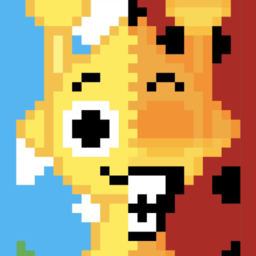
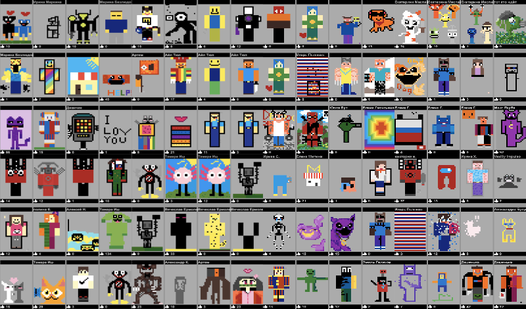
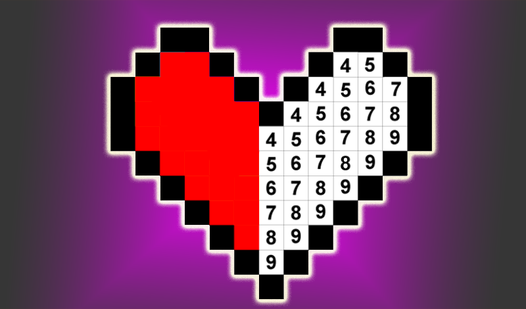
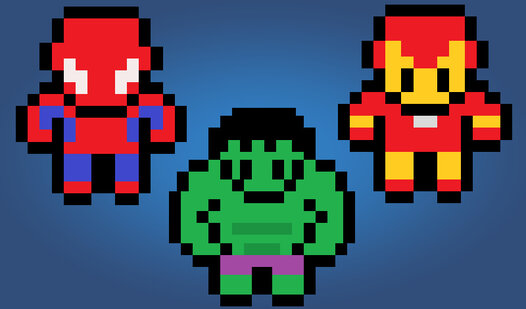
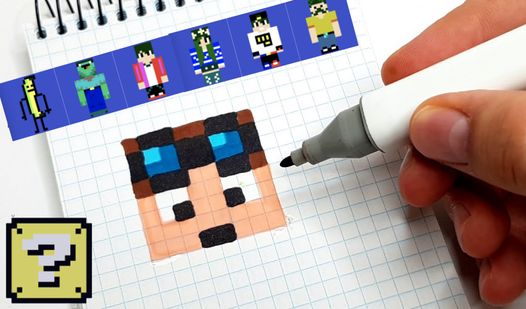
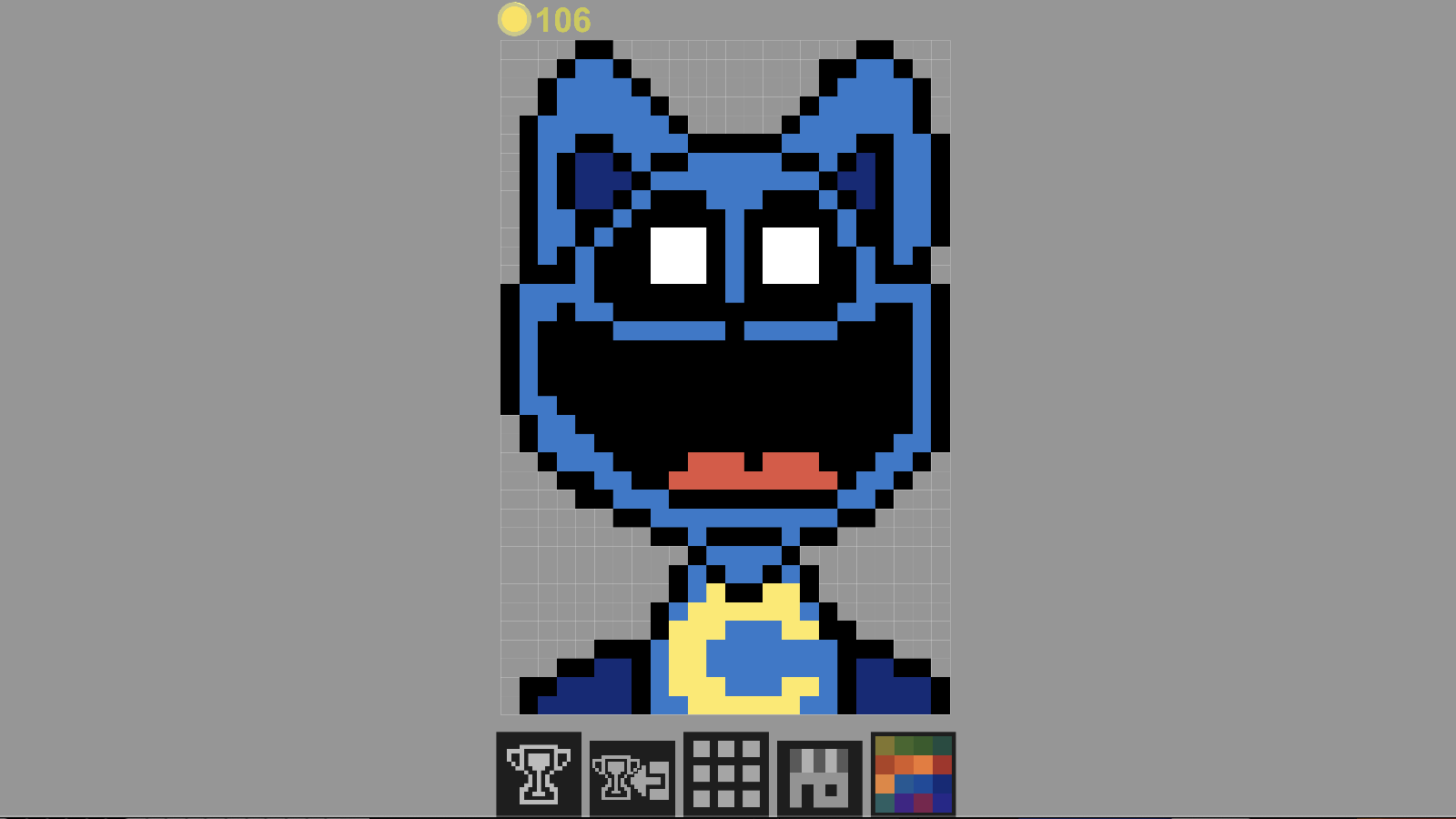
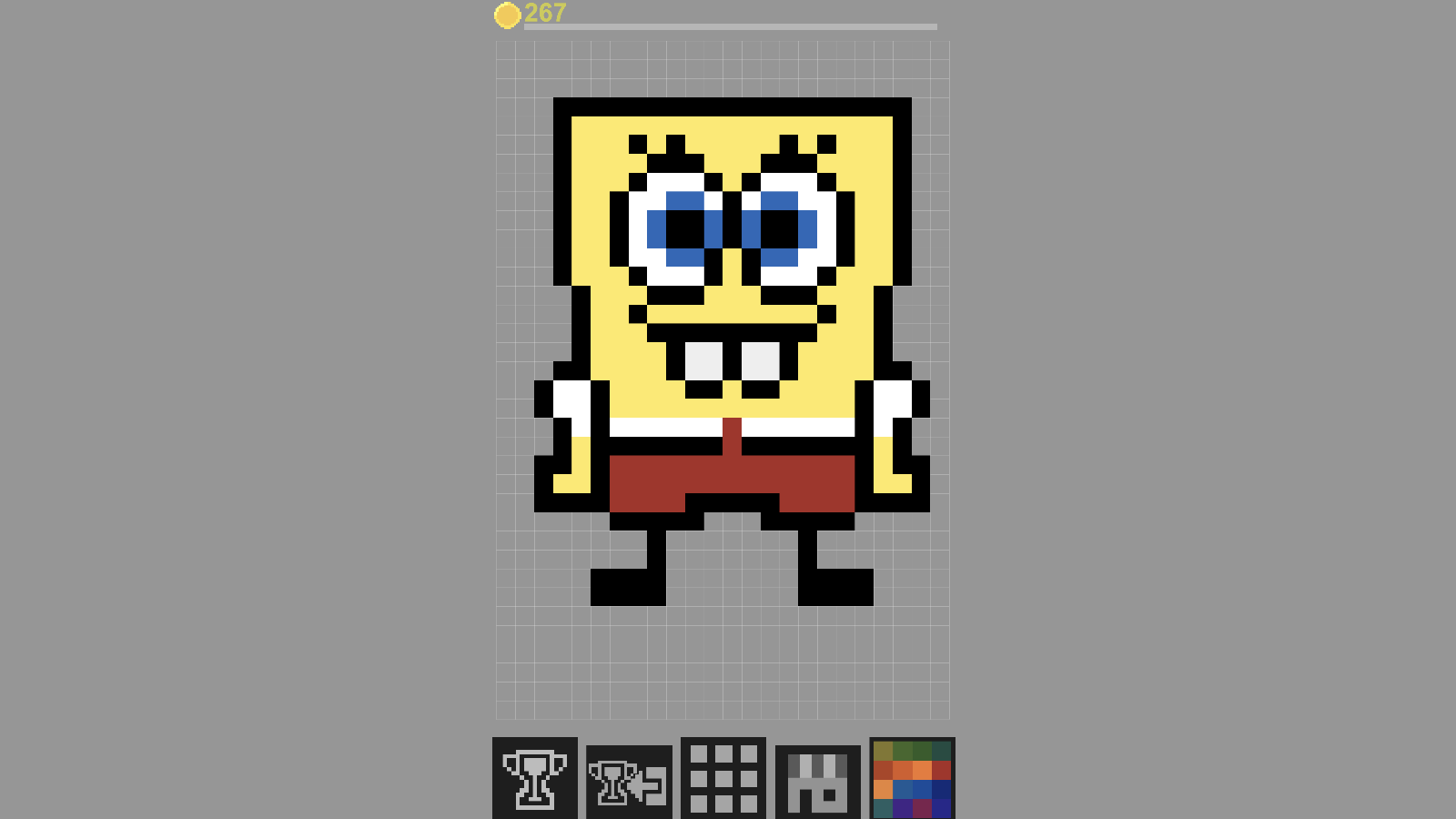
Unleash your inner artist by crafting stunning pixel art masterpieces right within your browser. Notepad lets you manipulate colors on a grid to bring your creative vision to life one block at a time. Simply pick a canvas slot, select your palette, and start filling in the squares to design your unique creation. This digital раскраска experience offers a relaxing creative outlet that feels just as satisfying as building in майнкрафт. Once your masterpiece is complete, share it with the world to compete for the top spot on the global leaderboard. Players across the globe can view your work and cast votes for their favorite designs. The ranking system keeps the community engaged as everyone vies for the title of the best creator. Check the leaderboard regularly to see how your art stacks up against the competition. Head over to FreeJoy.games to start your masterpiece now with no download or registration required.
How to play
To play, use the mouse on your computer or your finger on your phone/tablet.
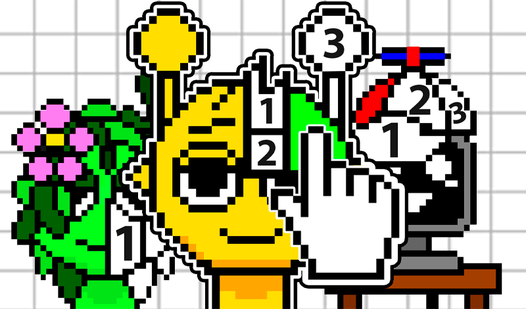
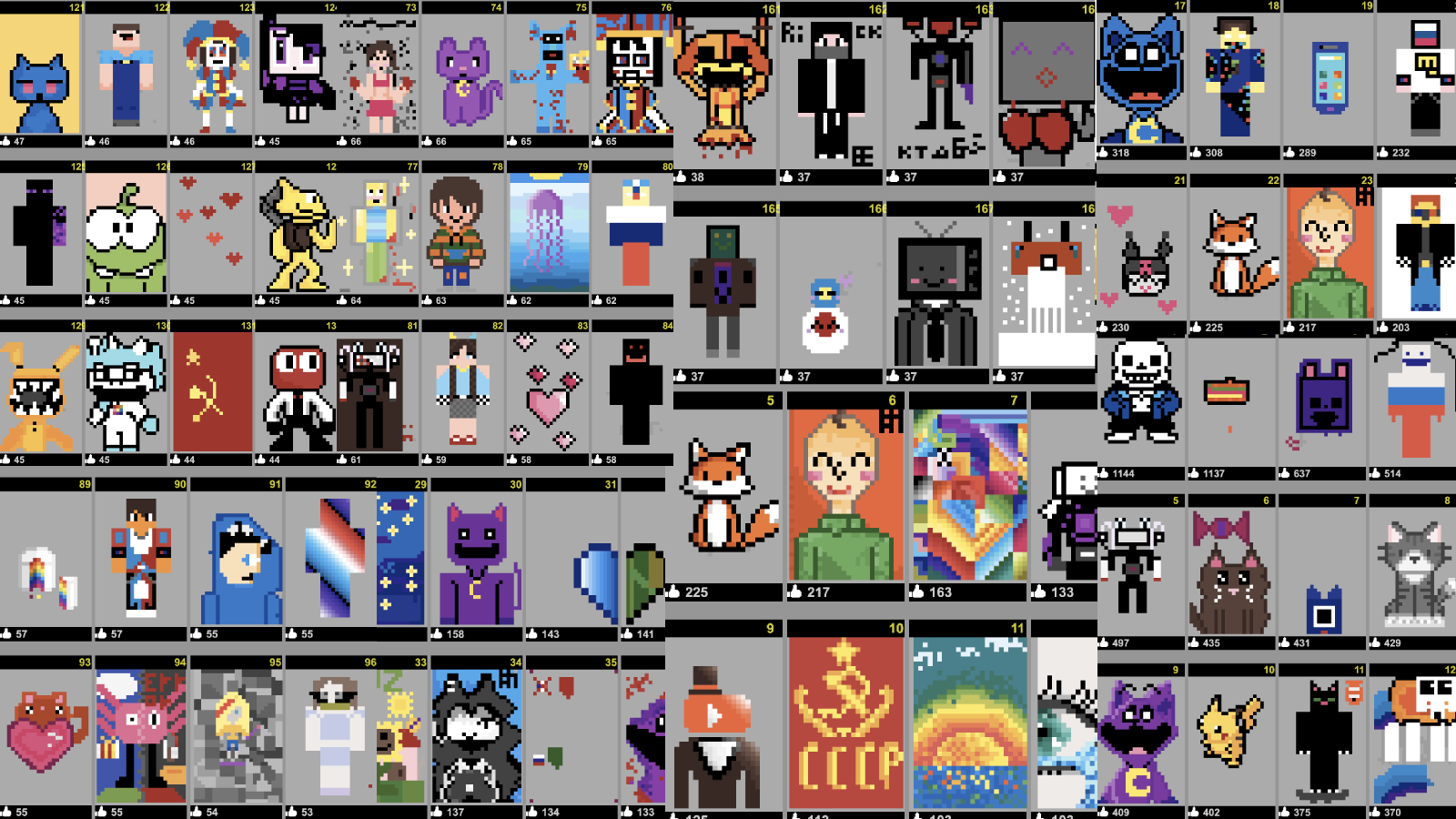
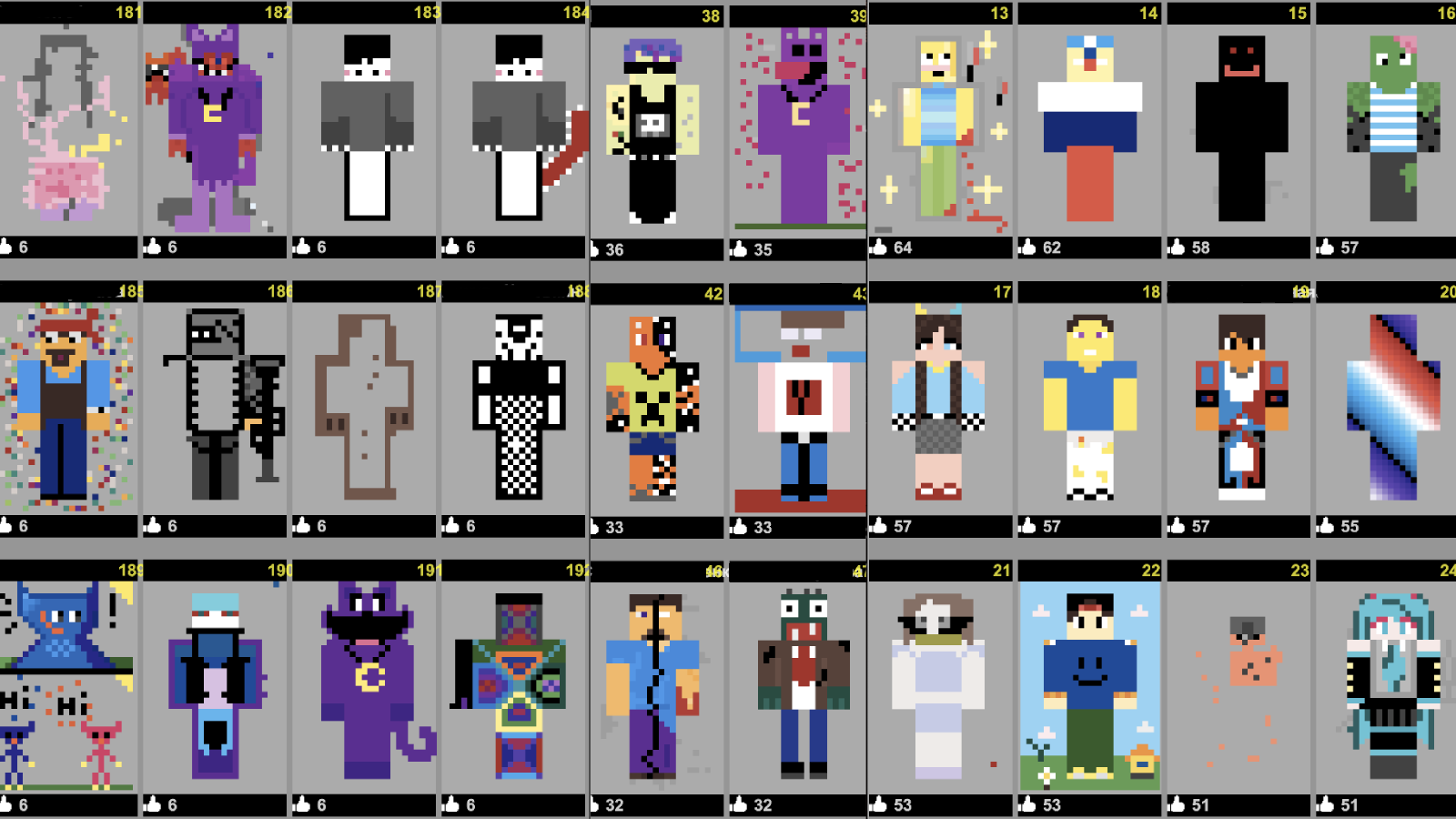
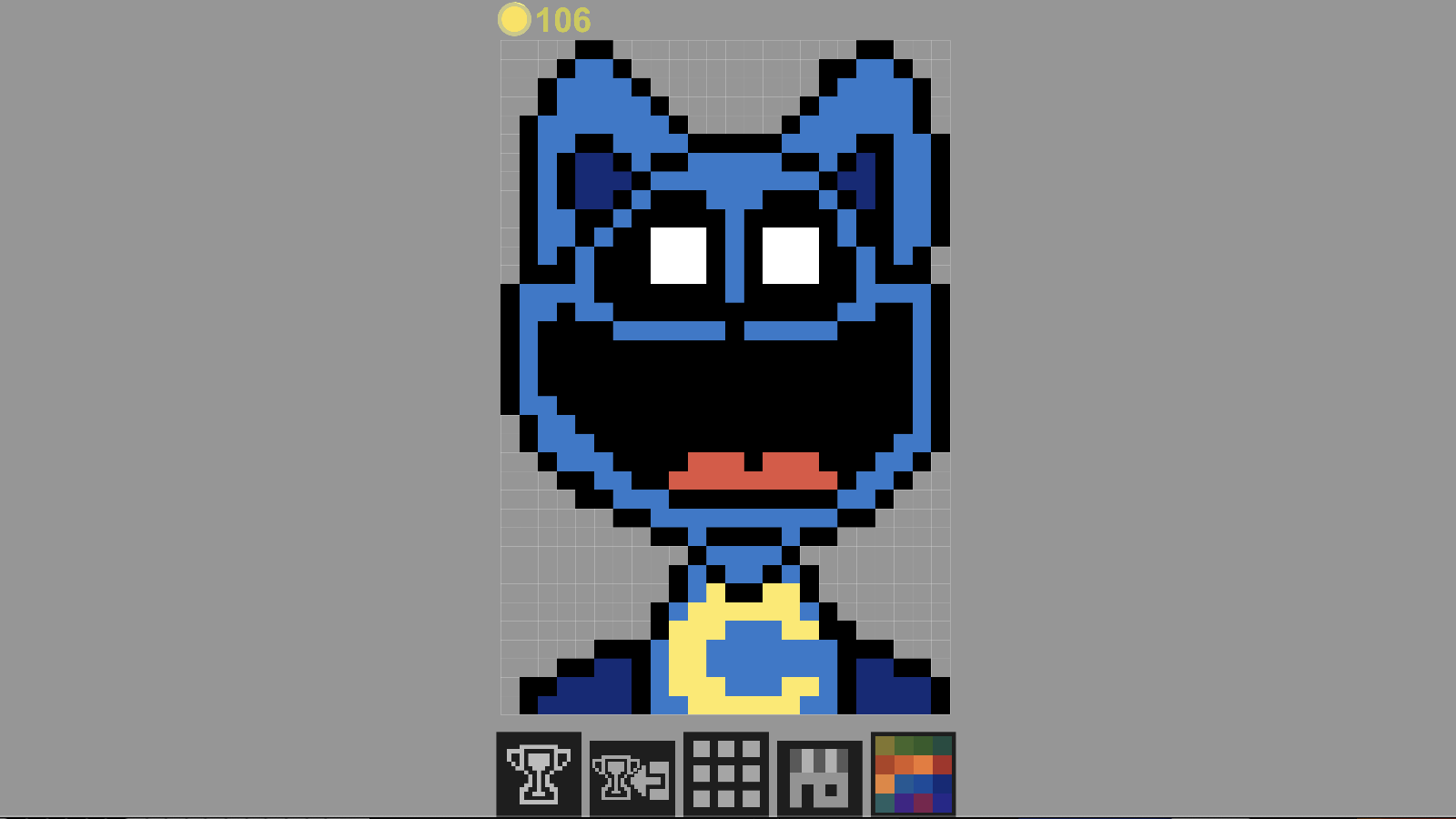
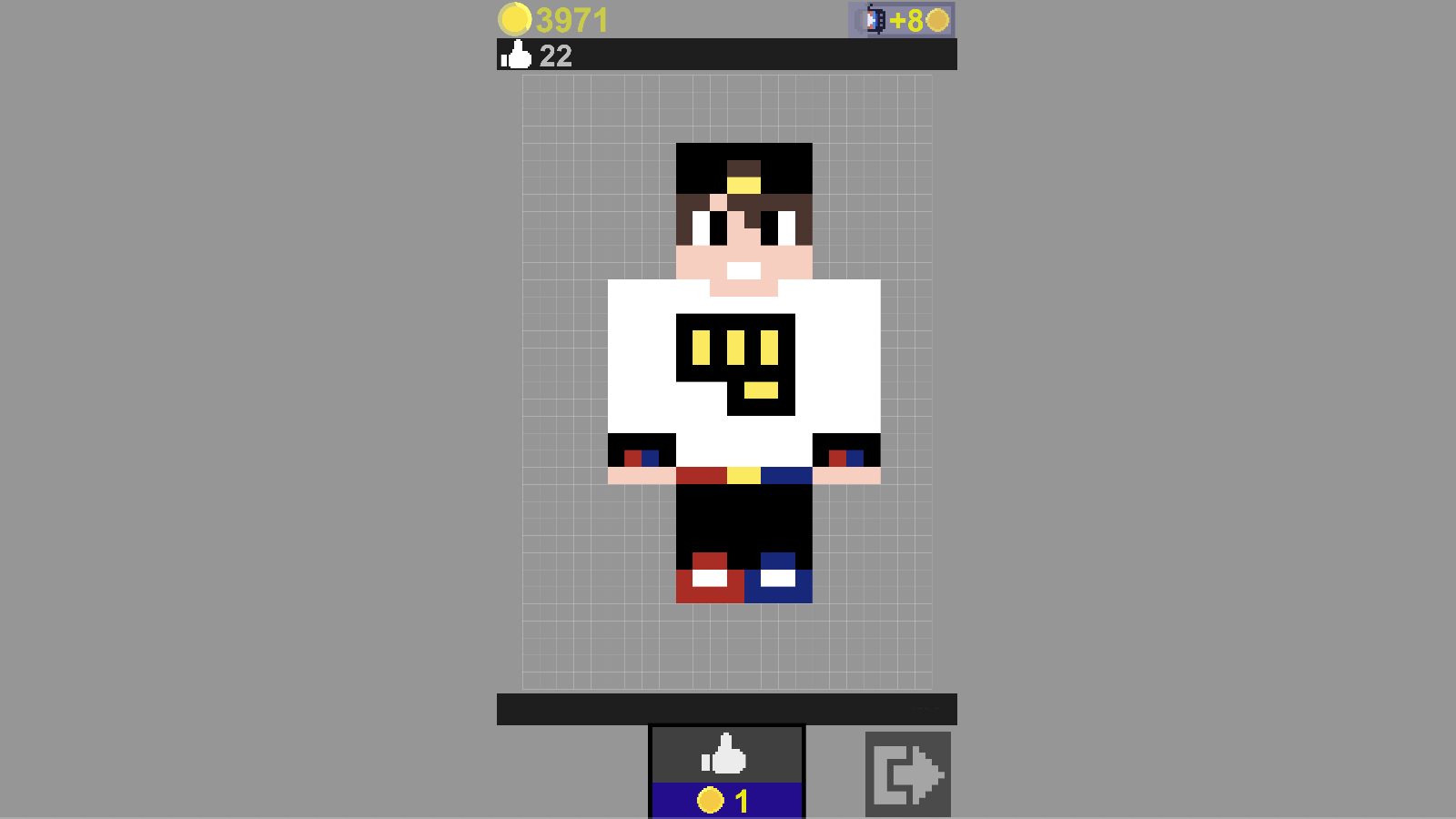
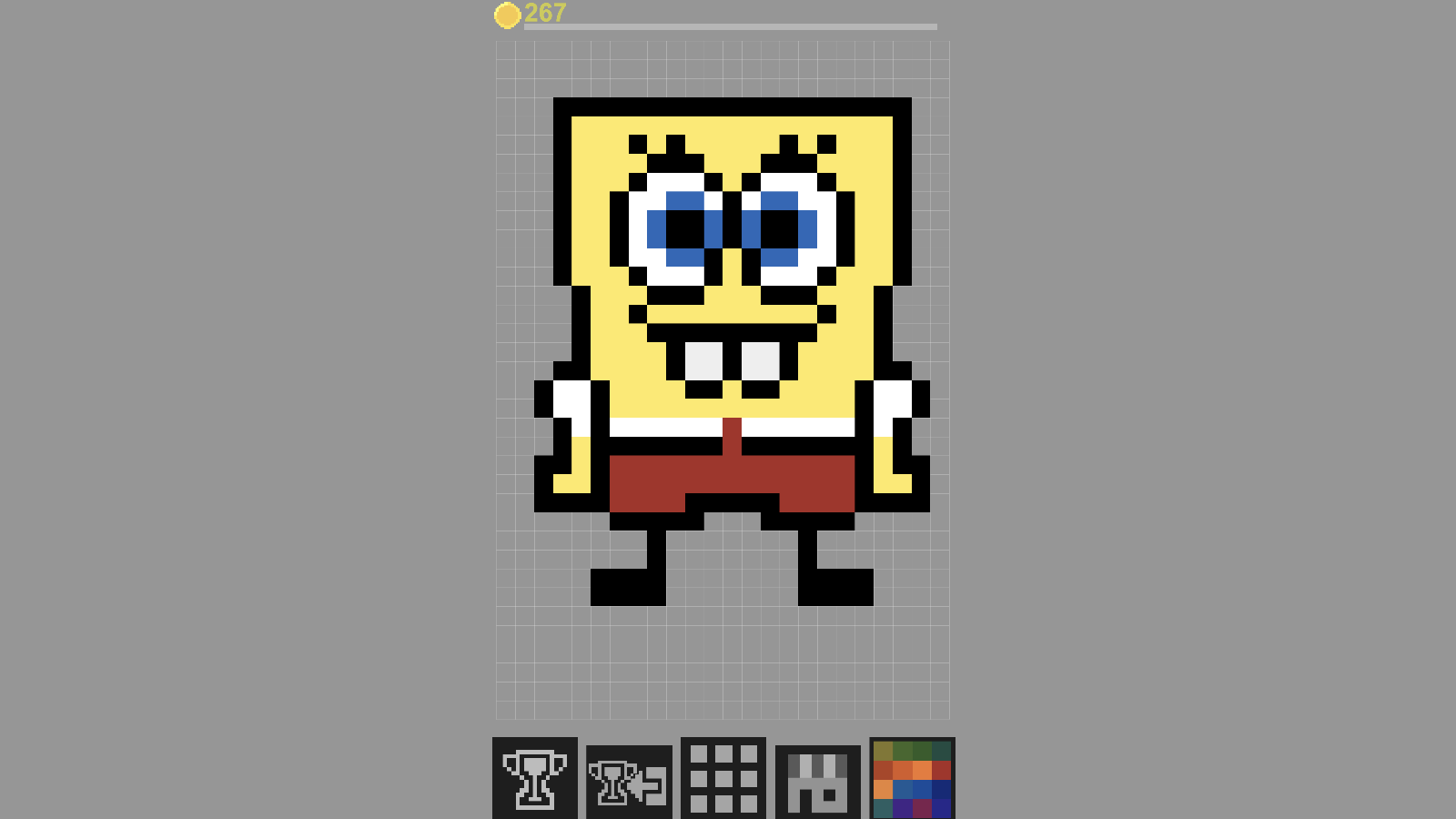
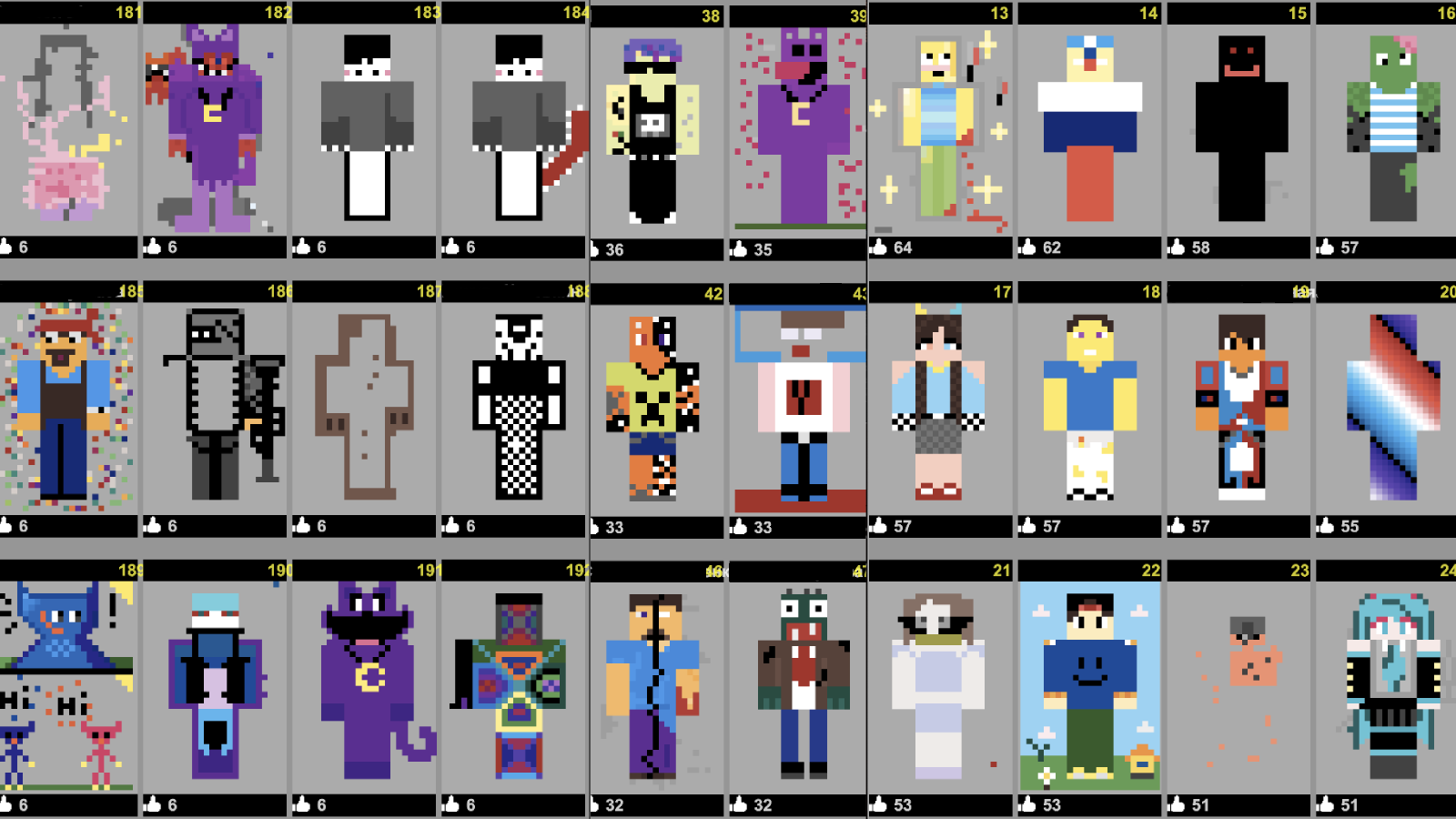
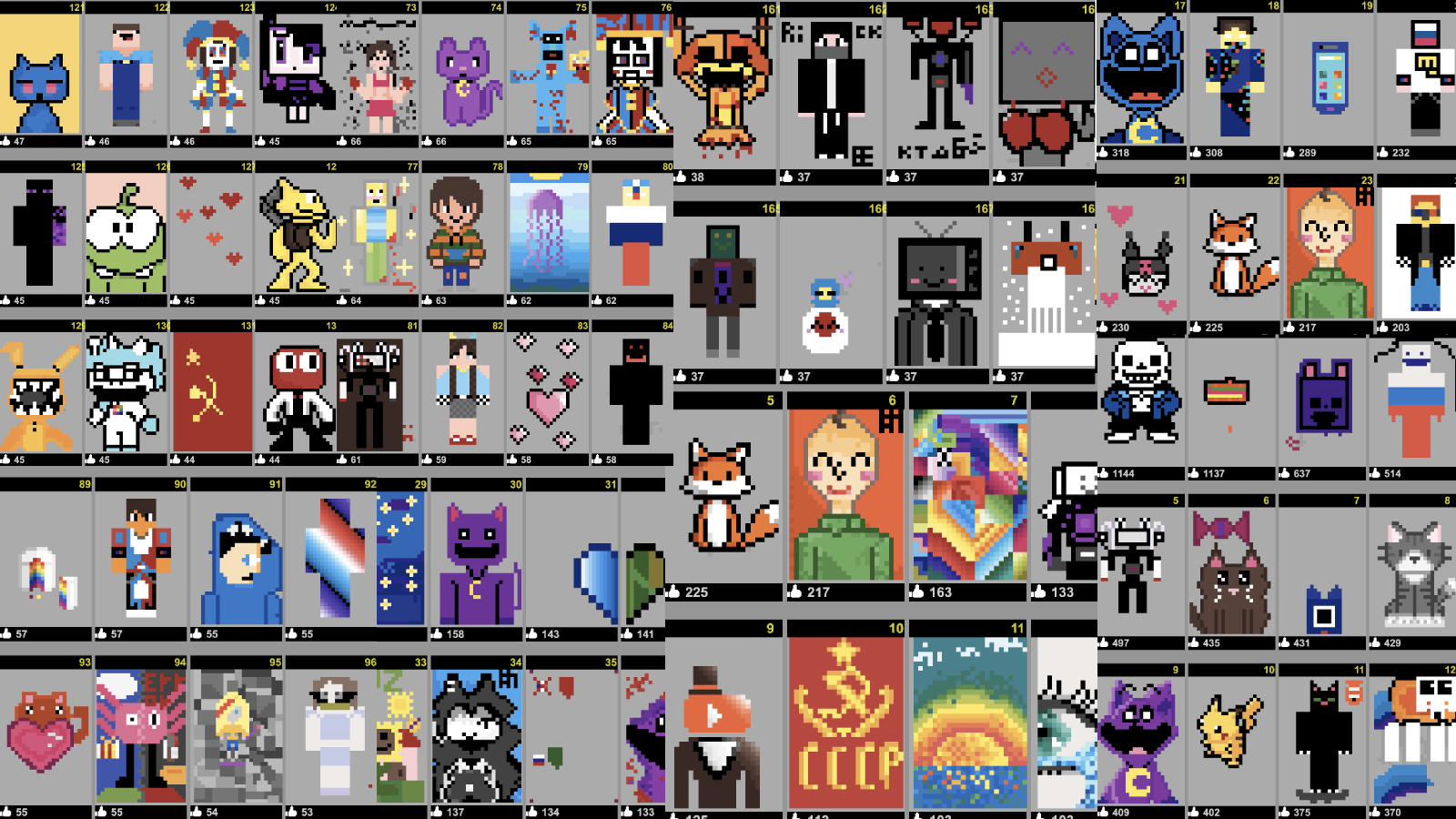
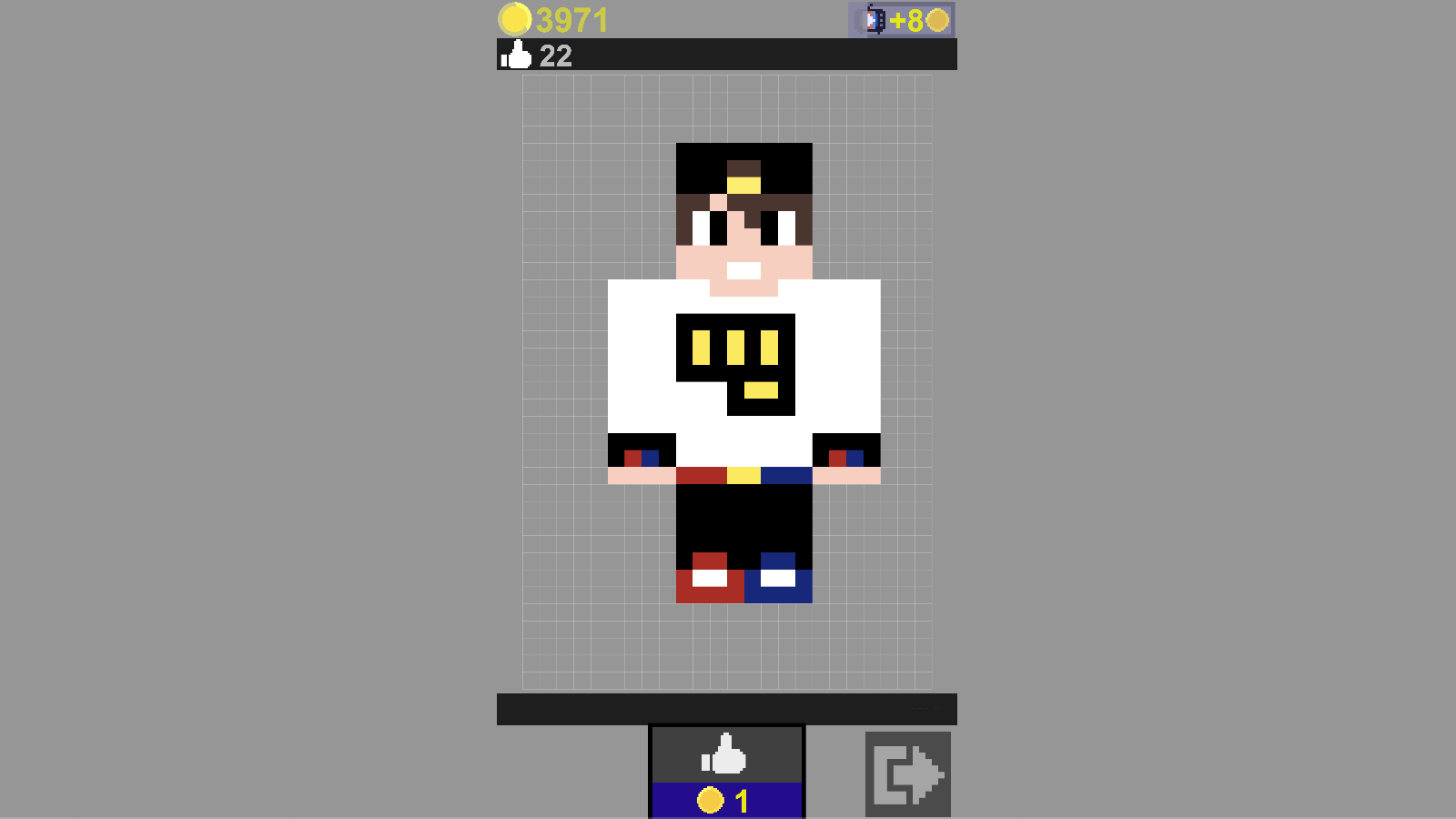
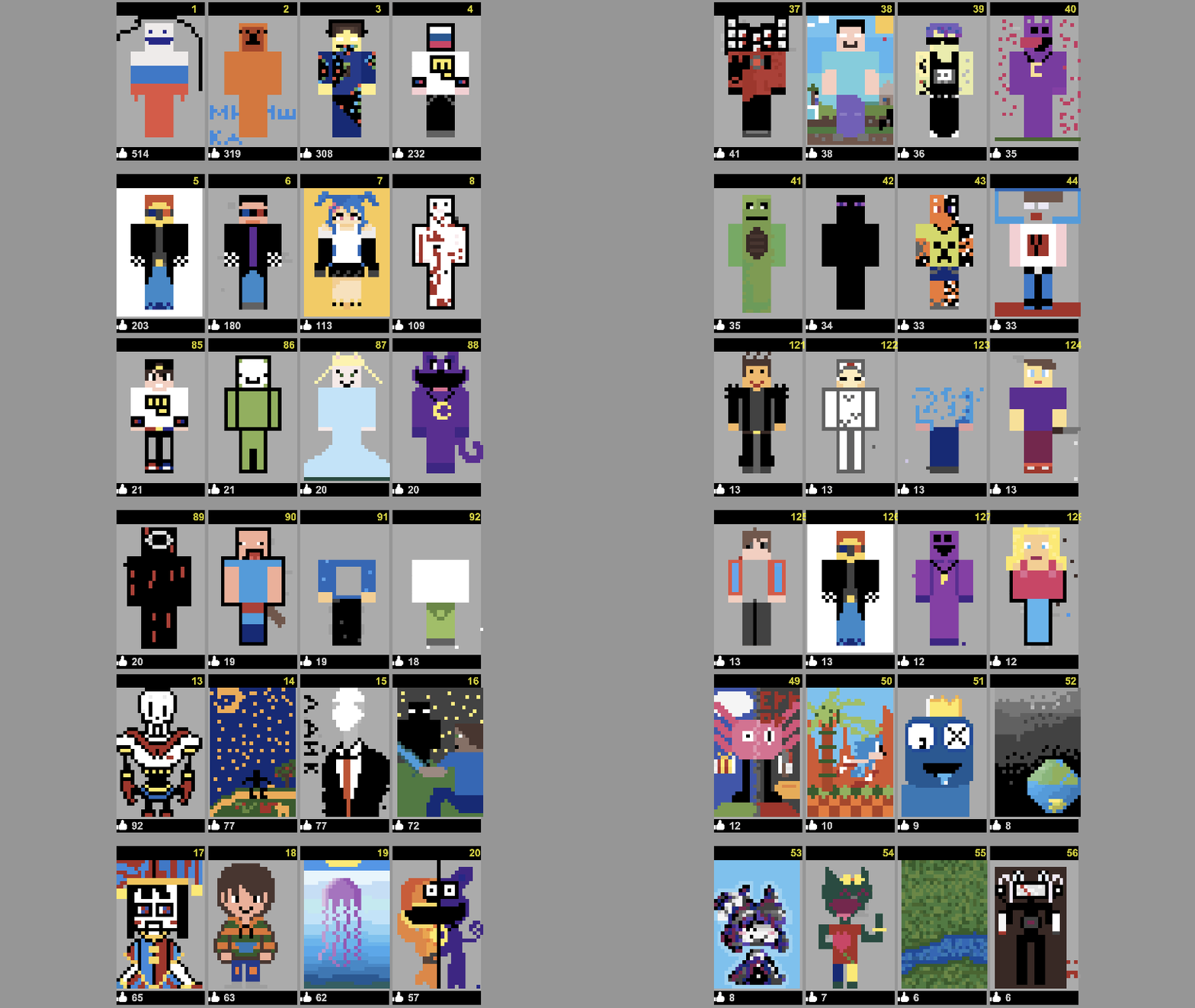
Select a slot to create a drawing, then select a color in the lower right corner and click on the block you want to paint over. After creating the drawing, you can show it to everyone, to do this, click on the cup icon with an arrow at the bottom. To see who is the leader among the players, click on the cup in the lower left corner of the main screen, then by selecting a picture you can vote for it.
Features
- Global Leaderboard: Submit your finished art to let players worldwide view and vote on your work.
- Color Palette System: Select from a wide array of vibrant colors to add detail and depth to your pixel art.
- Canvas Slots: Manage multiple ongoing projects by saving your progress across different canvas slots.
- Voting Mechanic: Support your favorite artists by browsing the top list and casting your vote for the best submissions.
- Intuitive Grid Interface: Precise block-by-block painting allows for easy navigation even on smaller touch screens.
Who is it for
Creative minds who enjoy artistic expression and relaxing casual games. Fans of pixel art design and sandbox-style building tools will find this platform perfect for quick sessions. It is also an excellent choice for kids or anyone looking for a stress-free digital outlet to practice their drawing skills anywhere.
Controls
Select color
Click or tap on the desired color in the bottom right corner
Paint block
Click with mouse or tap the screen on the specific grid square
Share art
Click the cup icon with an arrow to publish your creation
View rankings
Tap the cup icon in the bottom left to open the leaderboard
FAQ
How can I share my creations in Notepad?
›
After you finish your artwork, simply click the cup icon with an arrow at the bottom of the screen to submit it to the global gallery.
Is Notepad free to play on mobile devices?
›
Yes, Notepad is fully optimized for mobile browsers so you can create and vote on drawings using your smartphone or tablet without any downloads.
Can I edit an existing drawing in Notepad?
›
Absolutely, you can select your saved slots to return to your work and continue editing your designs whenever you like.