About game
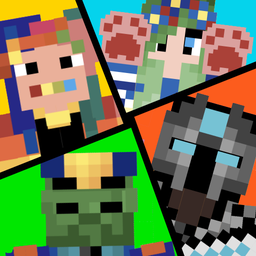
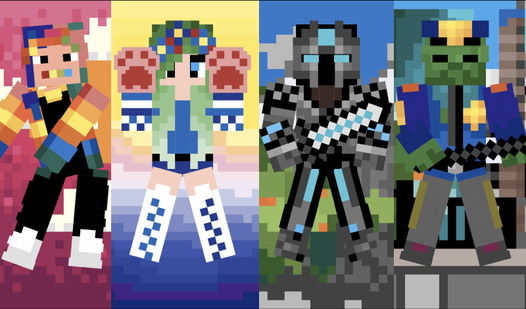
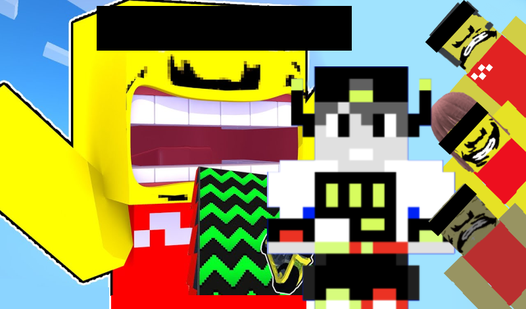
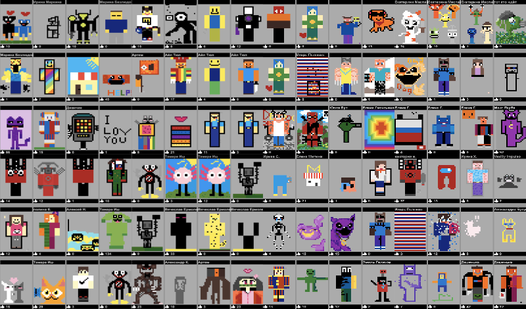
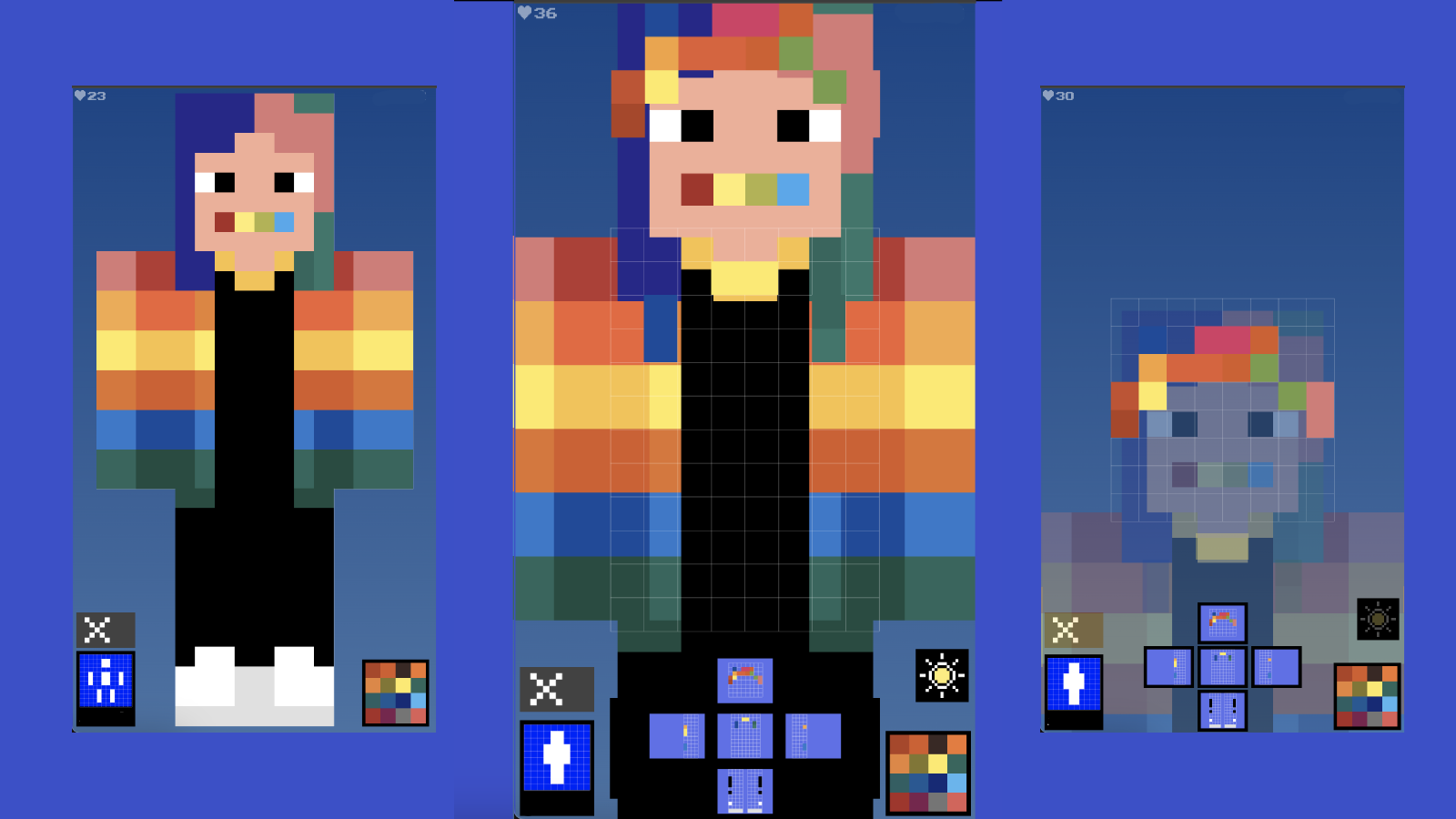
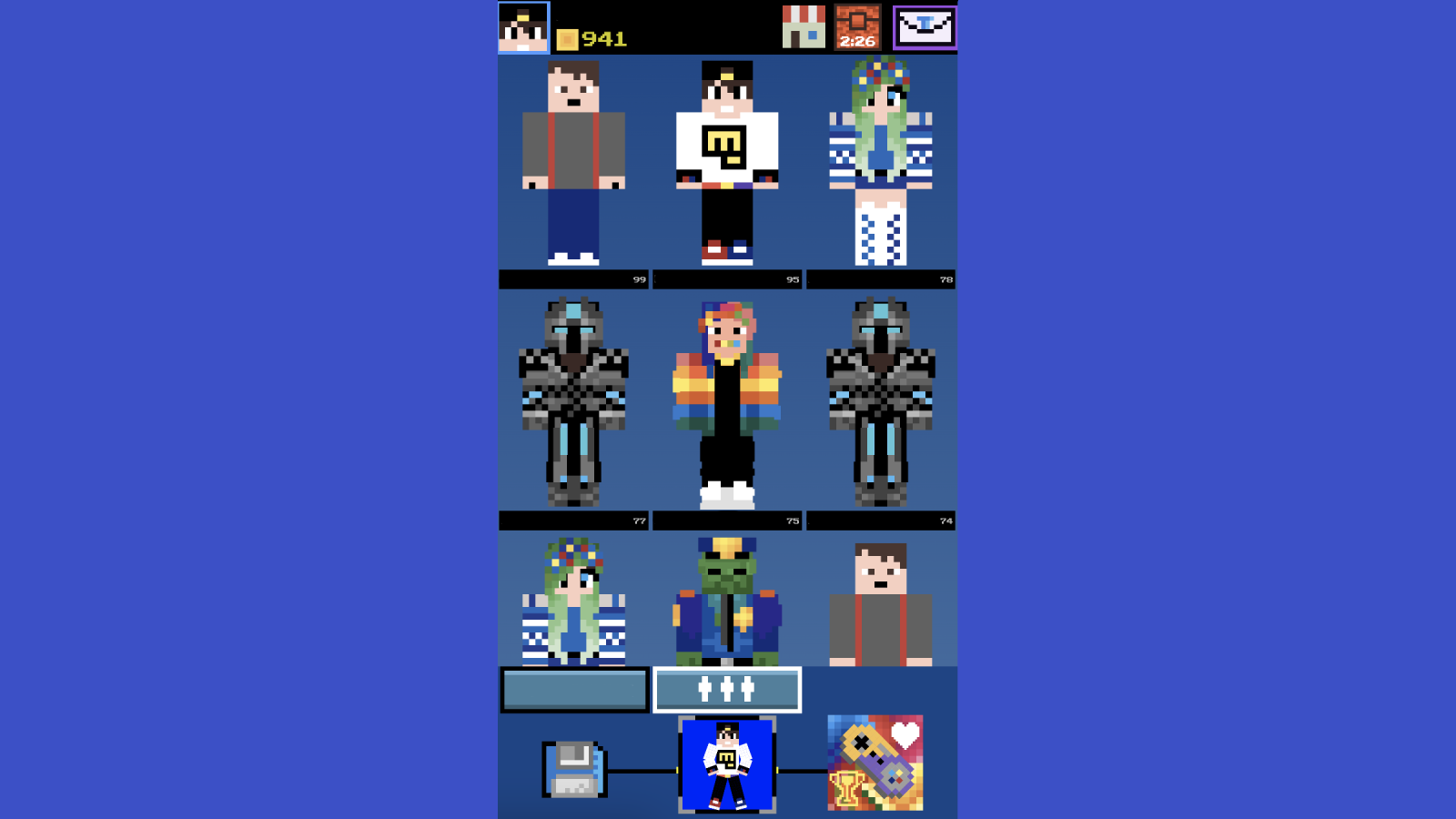
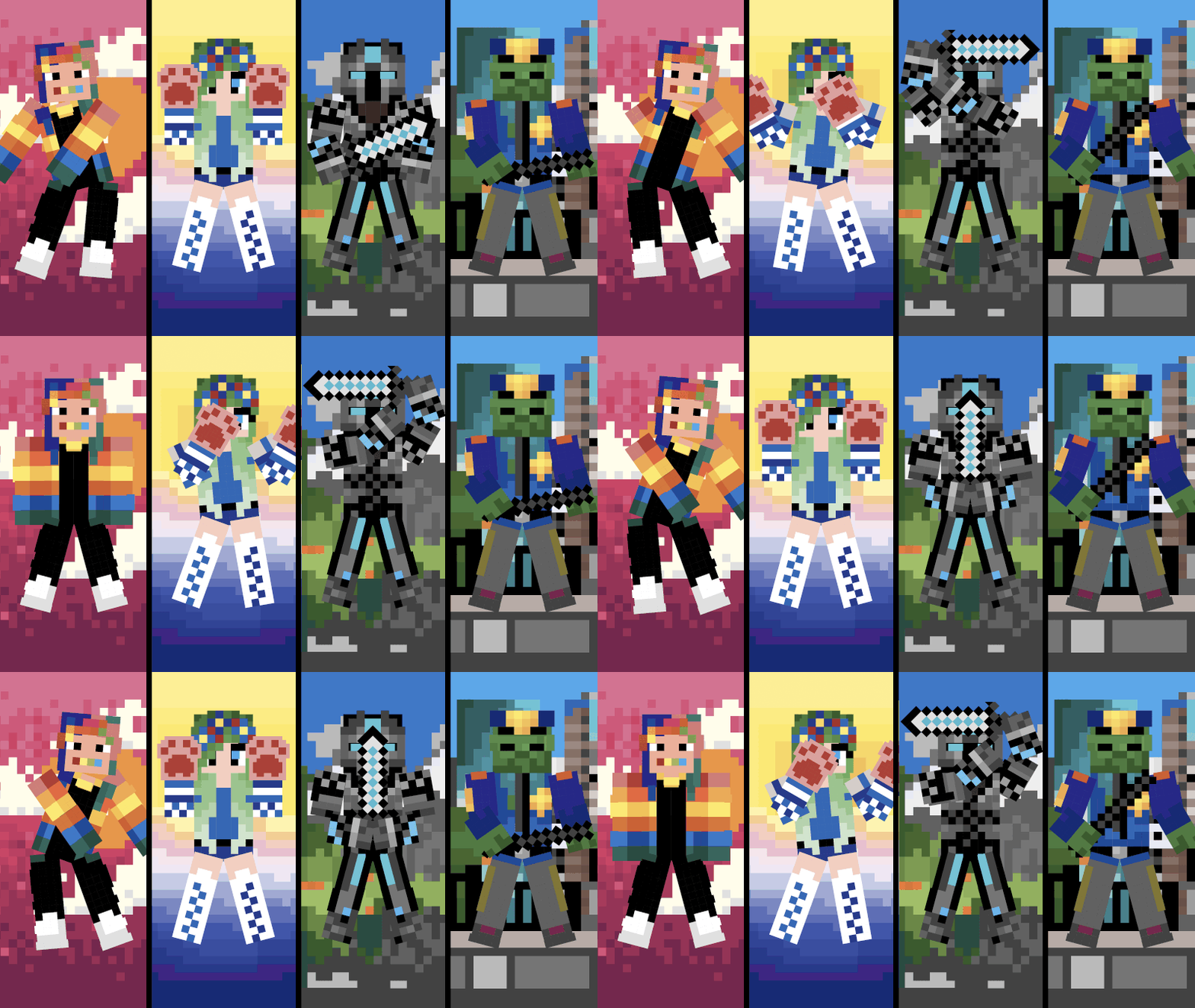
Design your own custom character looks by hand or modify existing presets in Skin master. Unleash your creative potential as you pick colors and paint individual pixels to create a stylish masterpiece. You can easily скин делать by selecting a slot, picking your favorite colors, and clicking blocks to bring your vision to life. Once your creation is finished, apply dynamic animations to watch your character move and pose in unique ways. This platform lets you show off your style to the world and climb the ranks on the global leaderboard to see if you are a true скин мастер. Compare your designs with friends or see what the top players are building to find new inspiration for your next project. It serves as an excellent creative outlet for any fan of block-based character aesthetics who wants to express their personality. Experience the freedom of character customization right in your web browser with no download required.
How to play
To play, use the mouse on your computer or your finger on your phone/tablet.
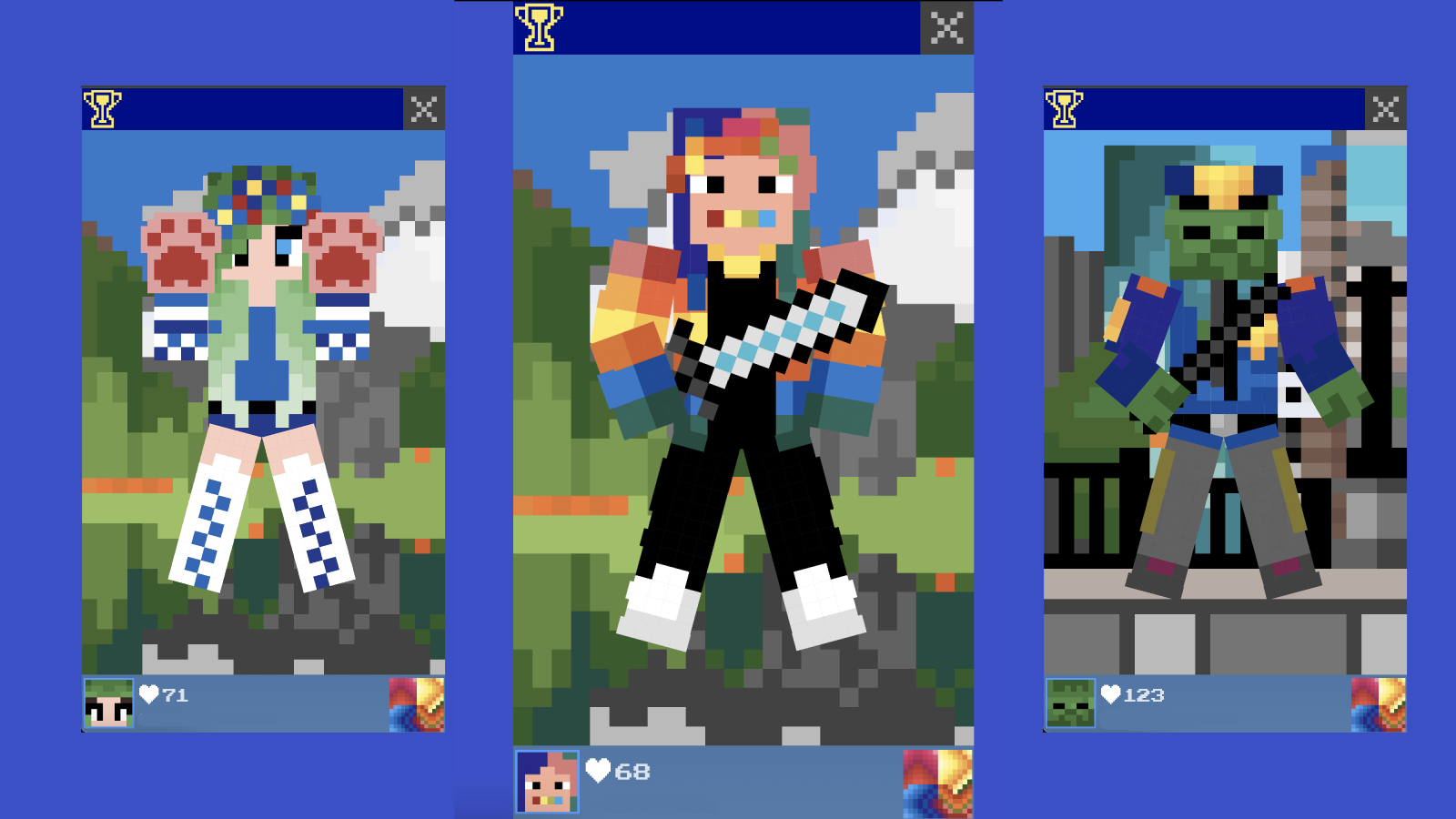
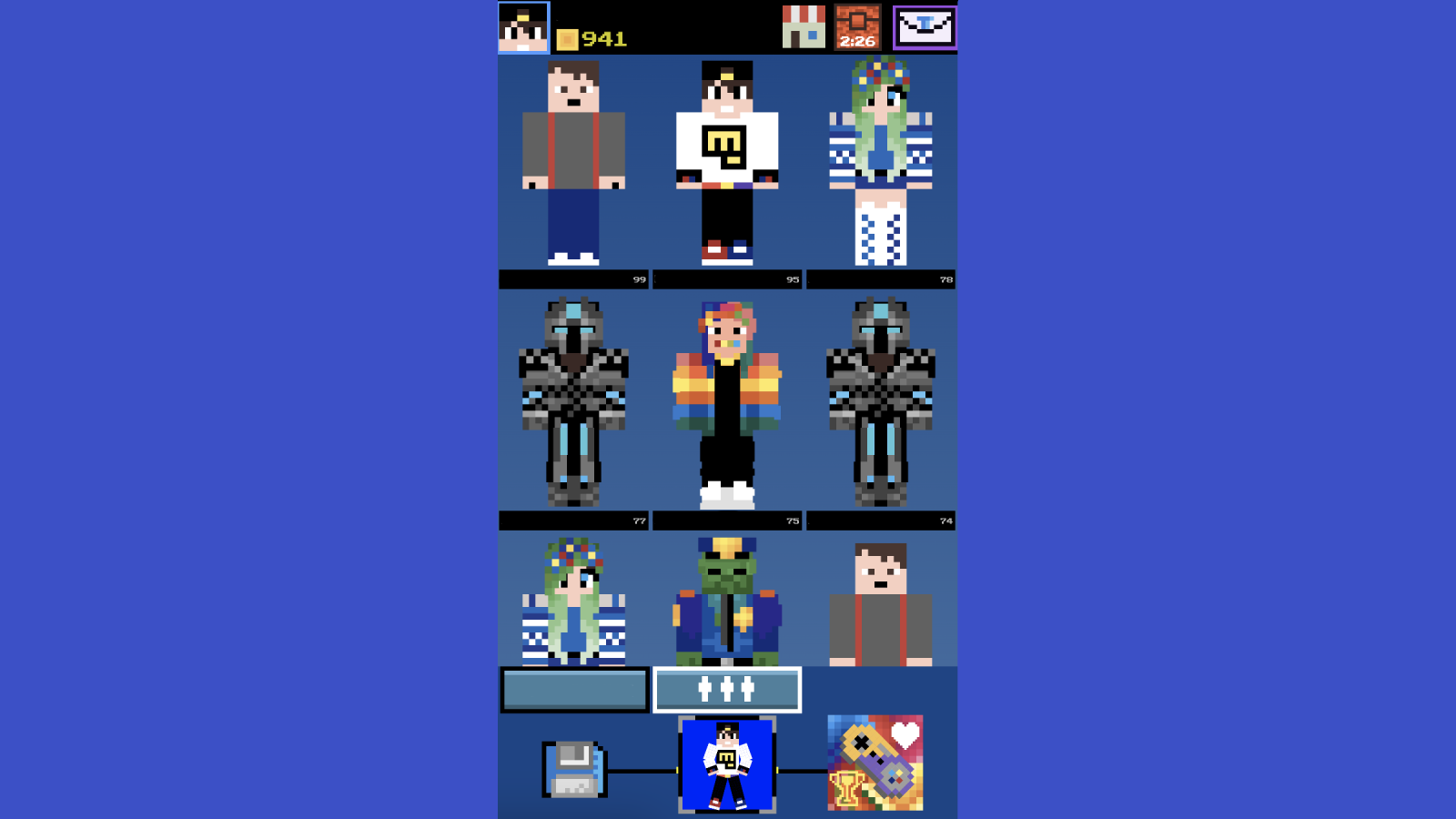
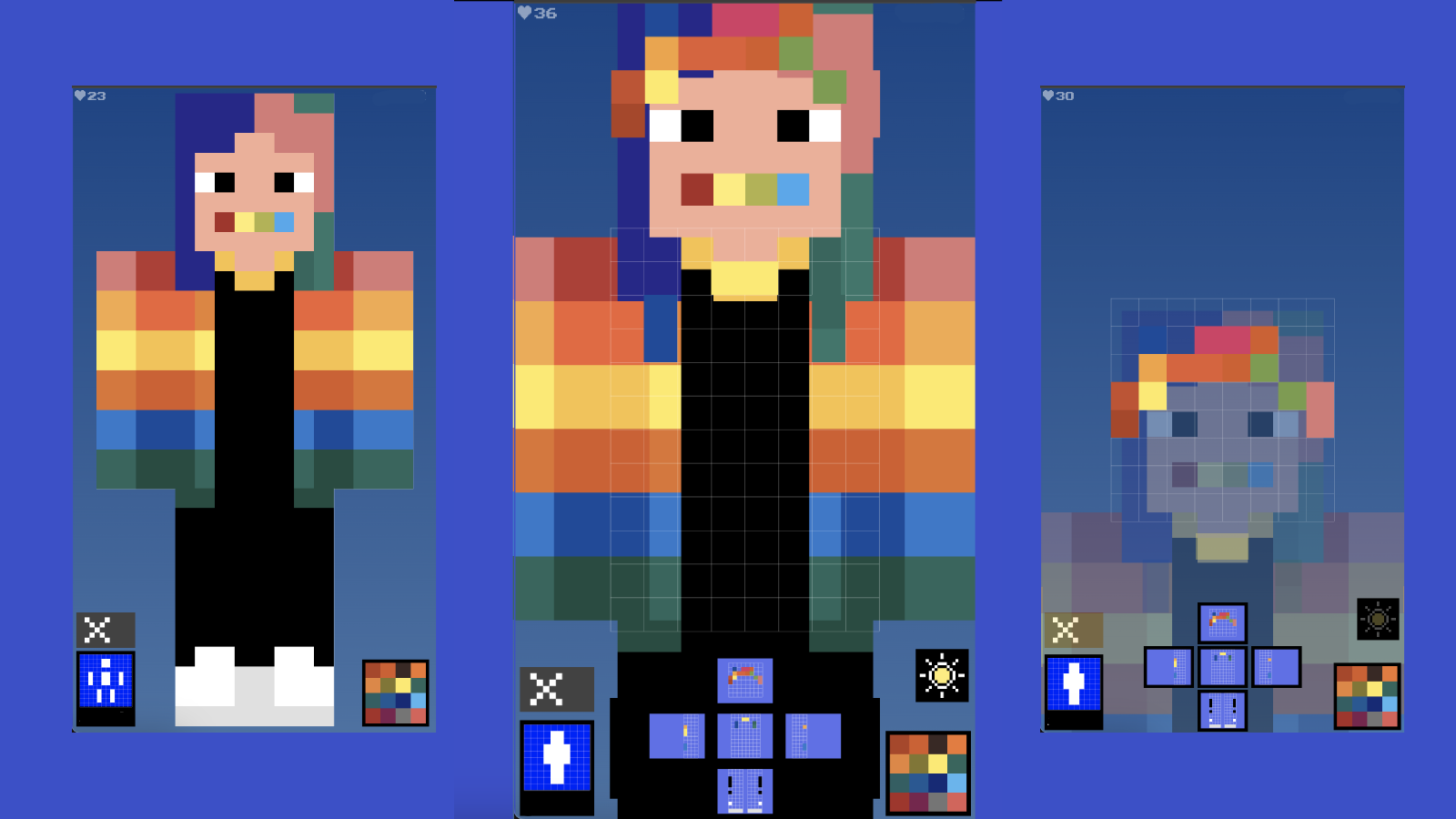
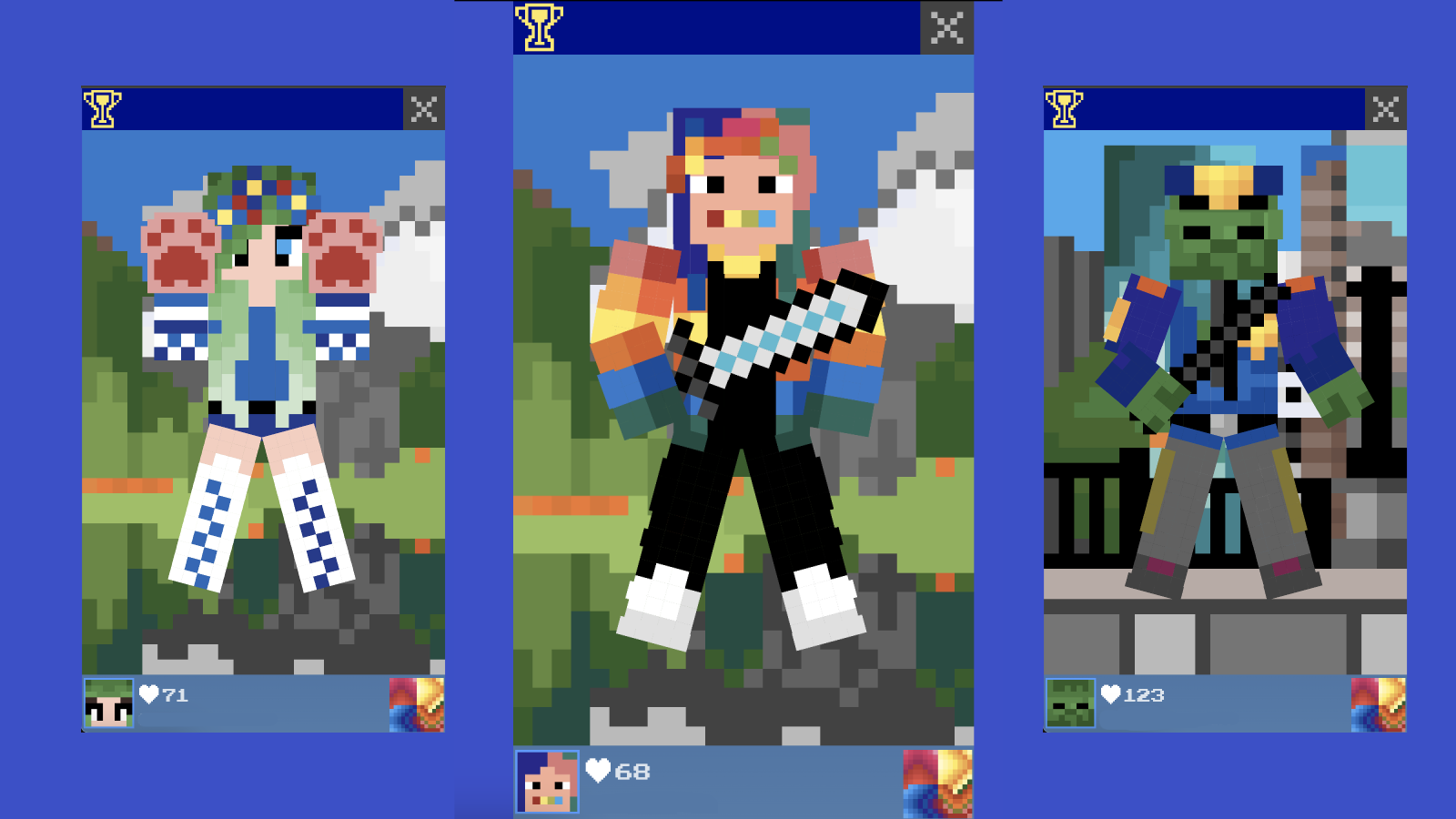
Select a slot to create a skin, then select a color in the lower right corner and click on the block you want to paint over. To see who is the leader among the players, click on the cup in the upper left corner in the game mode. After creating the skin, you can animate it by clicking on the gamepad icon in the lower right corner.
Features
- Custom animation gallery: Choose from a variety of unique movement presets to make your character stand out in the community.
- Global leaderboard: Check your ranking against other talented creators by clicking the trophy icon in the main menu.
- Intuitive painting tools: Use the color picker in the bottom right corner to fill specific blocks with precision.
- Multiple save slots: Save several different character designs at once so you can switch between them whenever you want.
- Interactive preview mode: See exactly how your skin looks in motion before finalizing your work for the leaderboard.
Who is it for
Creative players and fans of blocky aesthetic design who enjoy expressing their personality through character customization. Younger gamers and teens who follow Minecraft trends will love creating unique looks for their avatars. Anyone wanting a relaxing, artistic experience that offers endless possibilities for colorful, personalized character creation.
Controls
Paint block
Click the mouse or tap the screen on the specific block you wish to color.
Change color
Select your desired color from the palette menu located in the bottom right corner.
Animate skin
Click the gamepad icon located in the bottom right corner of the screen.
Check rankings
Tap or click the cup icon in the upper left corner of the menu.
FAQ
How do I start creating my own character in Skin master?
›
Simply select an empty slot from the menu, choose your colors, and use your mouse or finger to fill in the blocks on the character model.
Can I animate my creation after I finish it in Skin master?
›
Yes, once you have finished painting, click the gamepad icon in the bottom right corner to open the animation menu and select your favorite movement.
Is it possible to see other players' designs in Skin master?
›
You can tap the cup icon in the upper left corner of the game to view the leaderboard and see which designs are currently the most popular.