About game
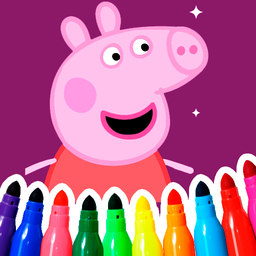
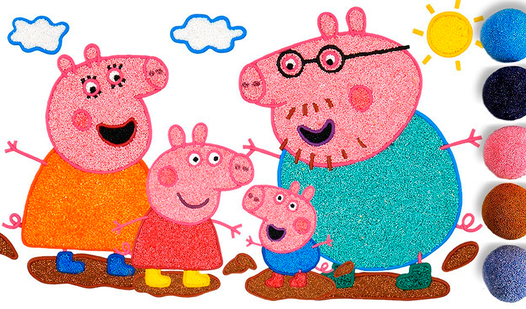
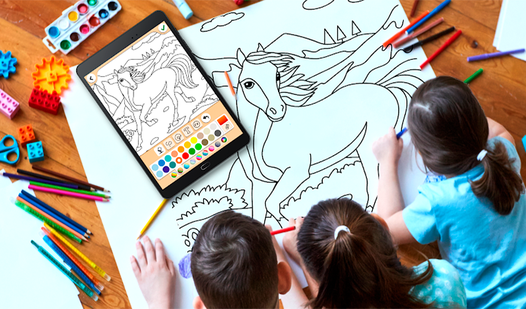
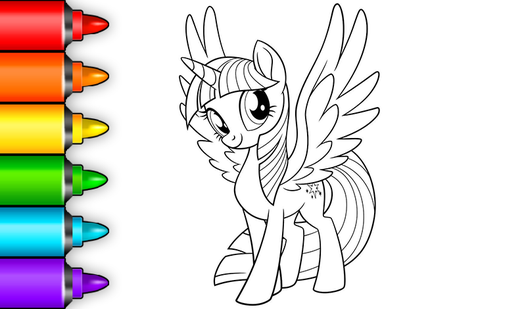
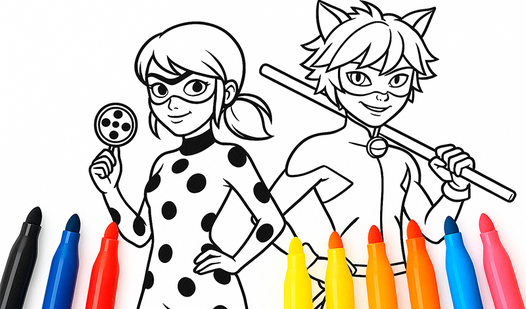
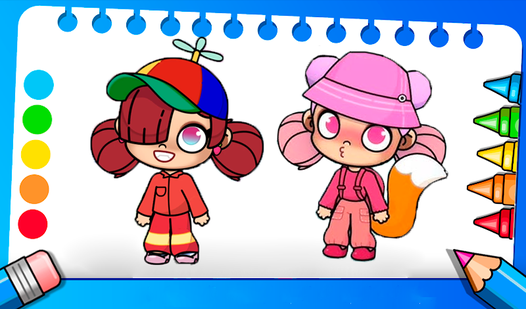
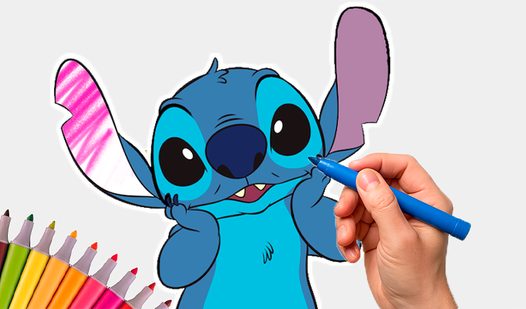
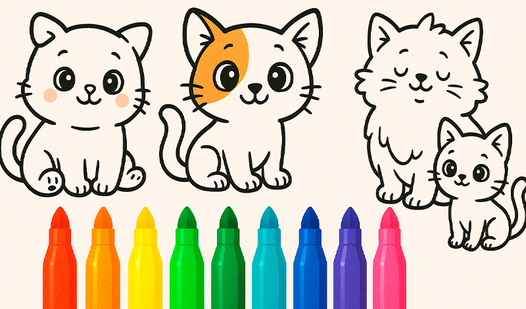
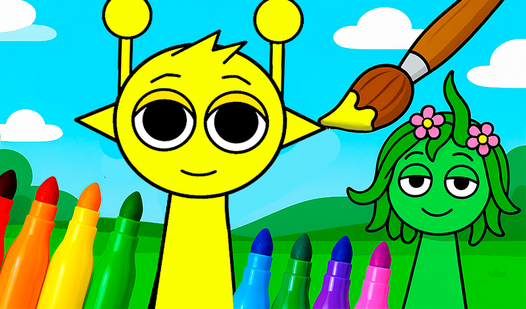
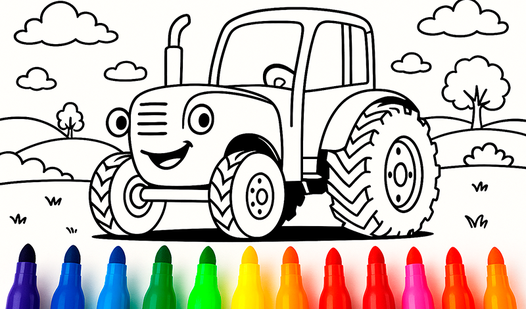
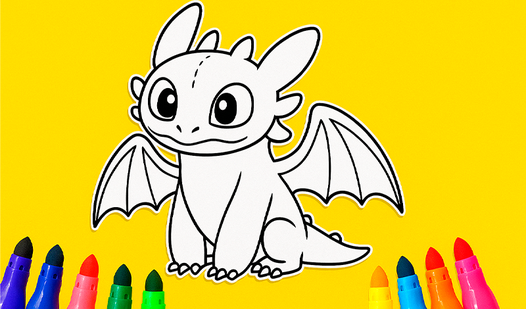
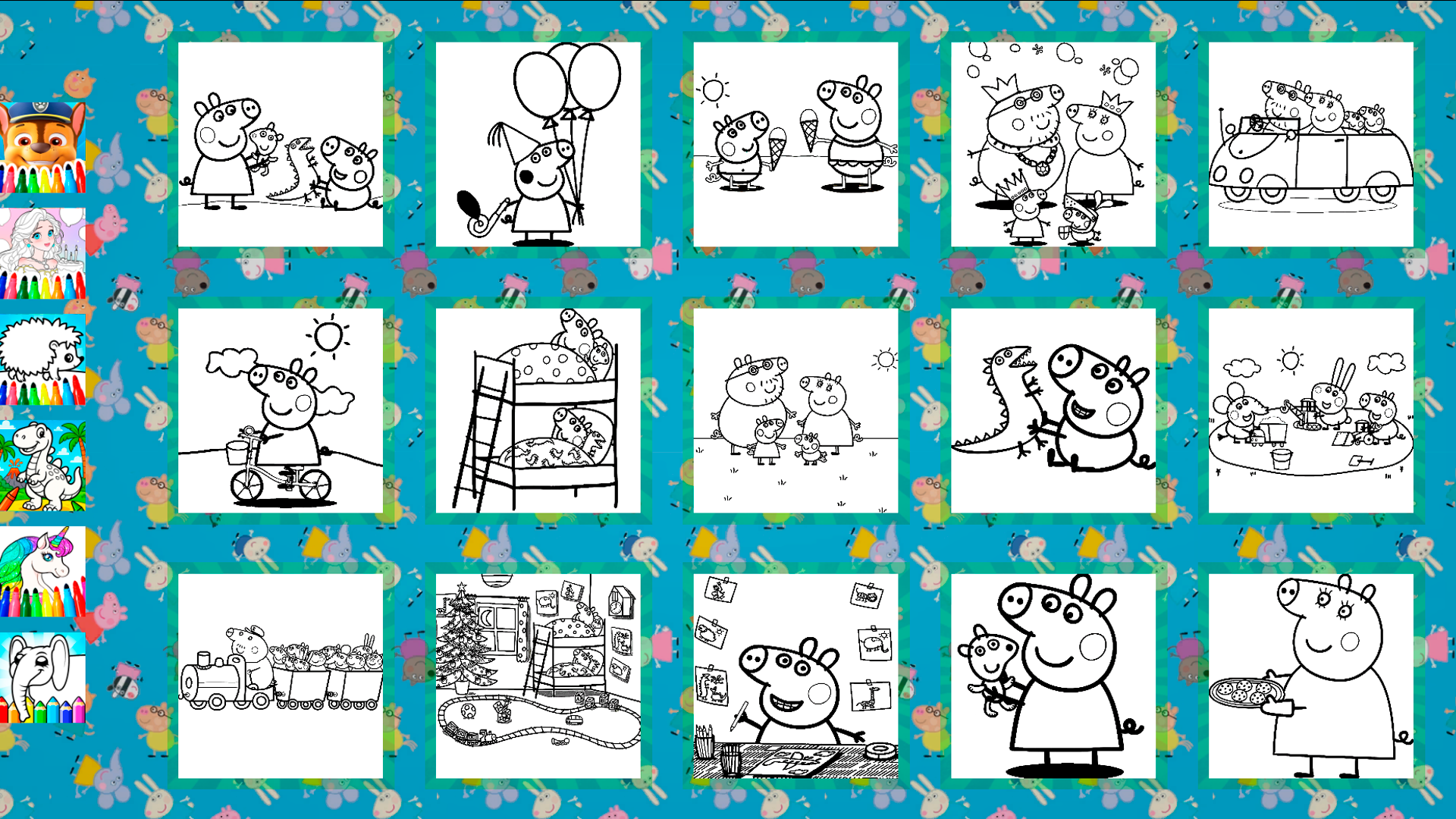
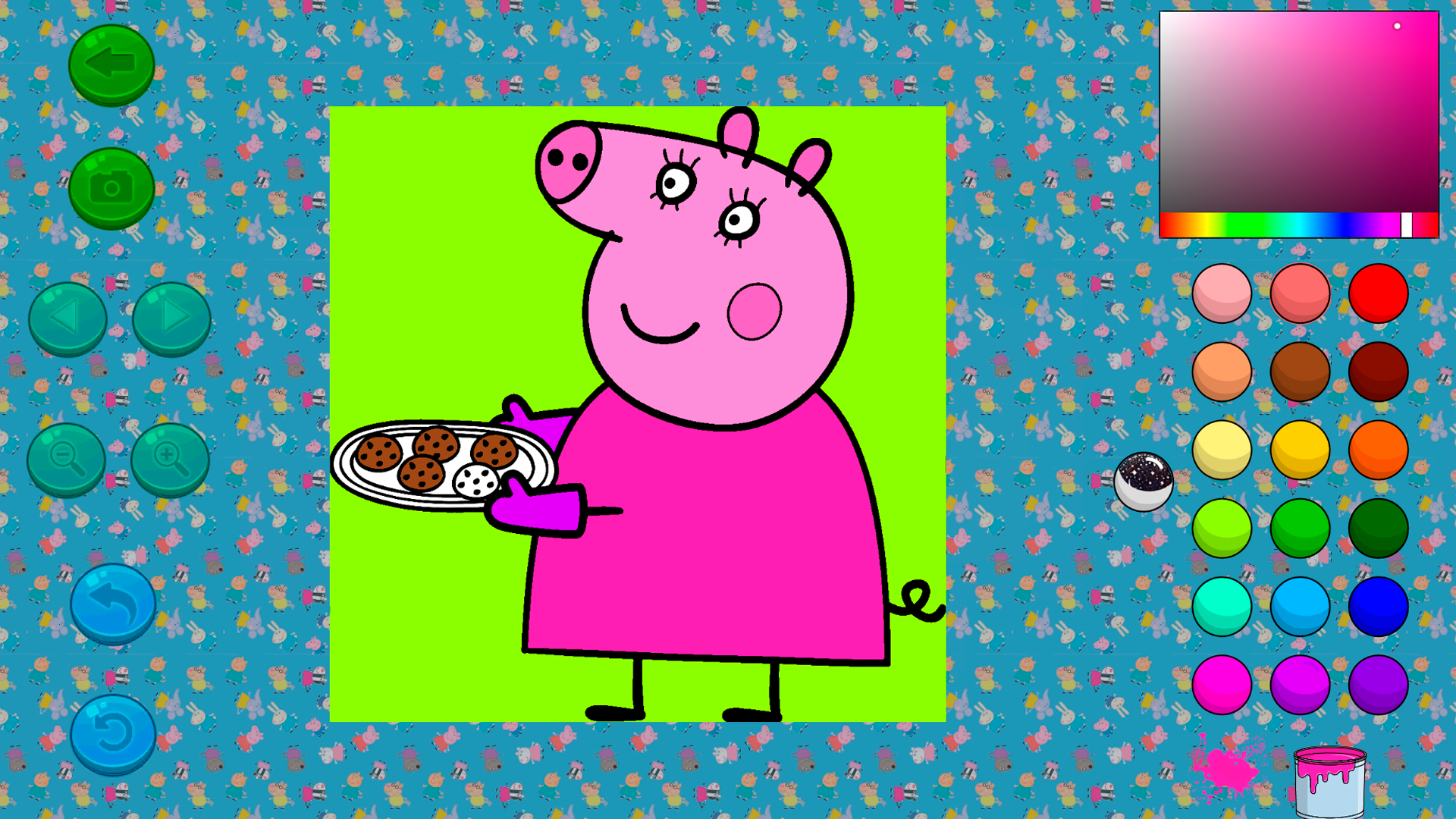
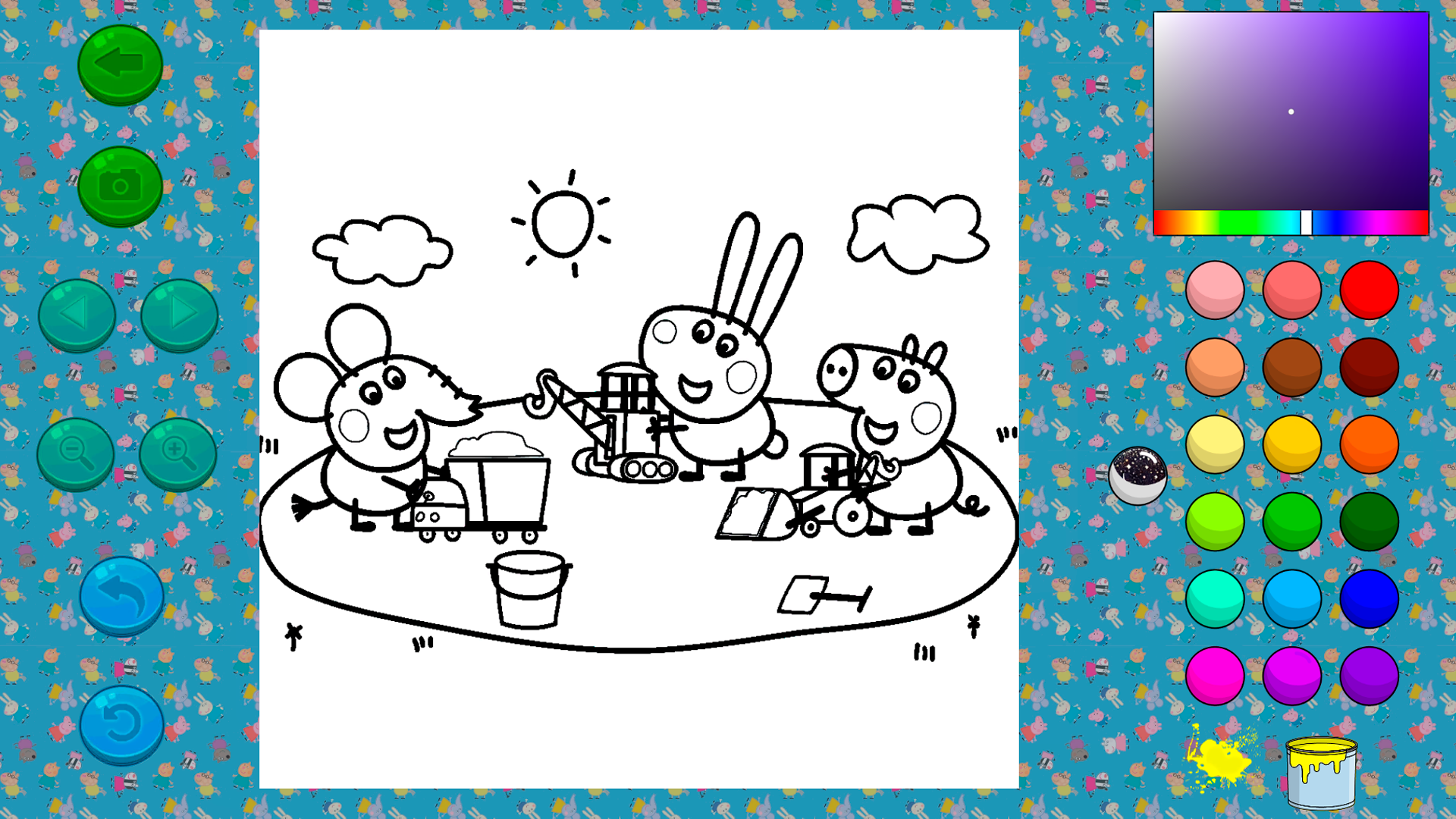
Select your favorite colors to bring the world of Kids Coloring Book: Peppa Pig to life with a simple tap. You can transform black and white sketches of the famous family into vibrant masterpieces using an intuitive digital palette. Simply pick a hue from the sidebar and fill in the character outlines to practice your artistic skills. The gameplay relies on easy touch interactions, allowing you to flood sections with paint or experiment with the mysterious paint can for surprise effects. Creative kids will love the freedom to customize every scene from the popular cartoon series. This interactive раскраска для детей provides a relaxing environment where you can undo mistakes or reset the page to try a brand new style. Every completed drawing becomes a unique creation that highlights your personal flair and imagination. Parents looking for meaningful рисование для детей will find this title offers endless hours of entertainment without any mess. You can play this digital adventure for free directly in your browser with no download required.
How to play
1. Open the coloring page 🎨
2. Choose a color 🔵
3. Color everything you see! 🌉
Control buttons:
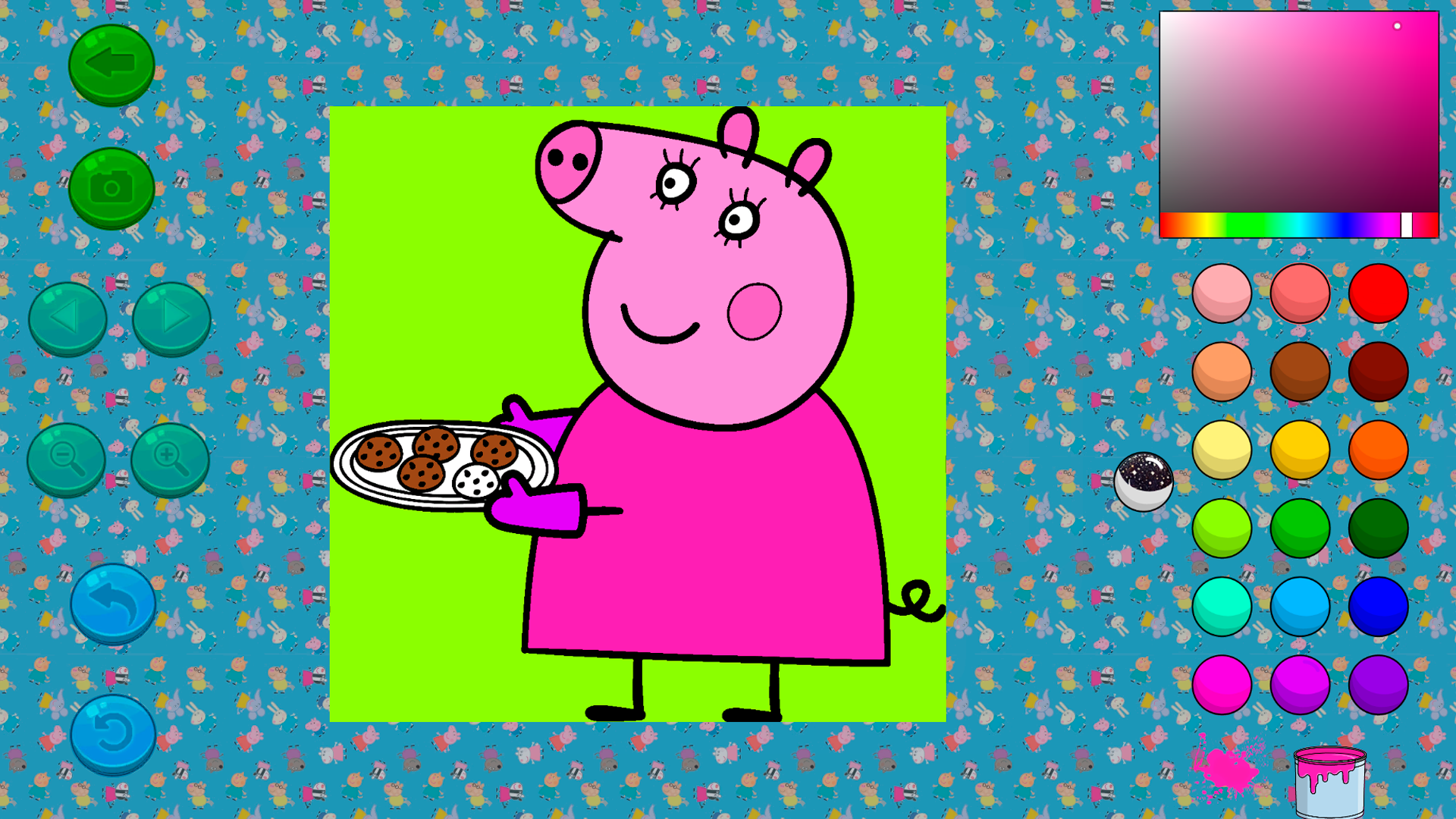
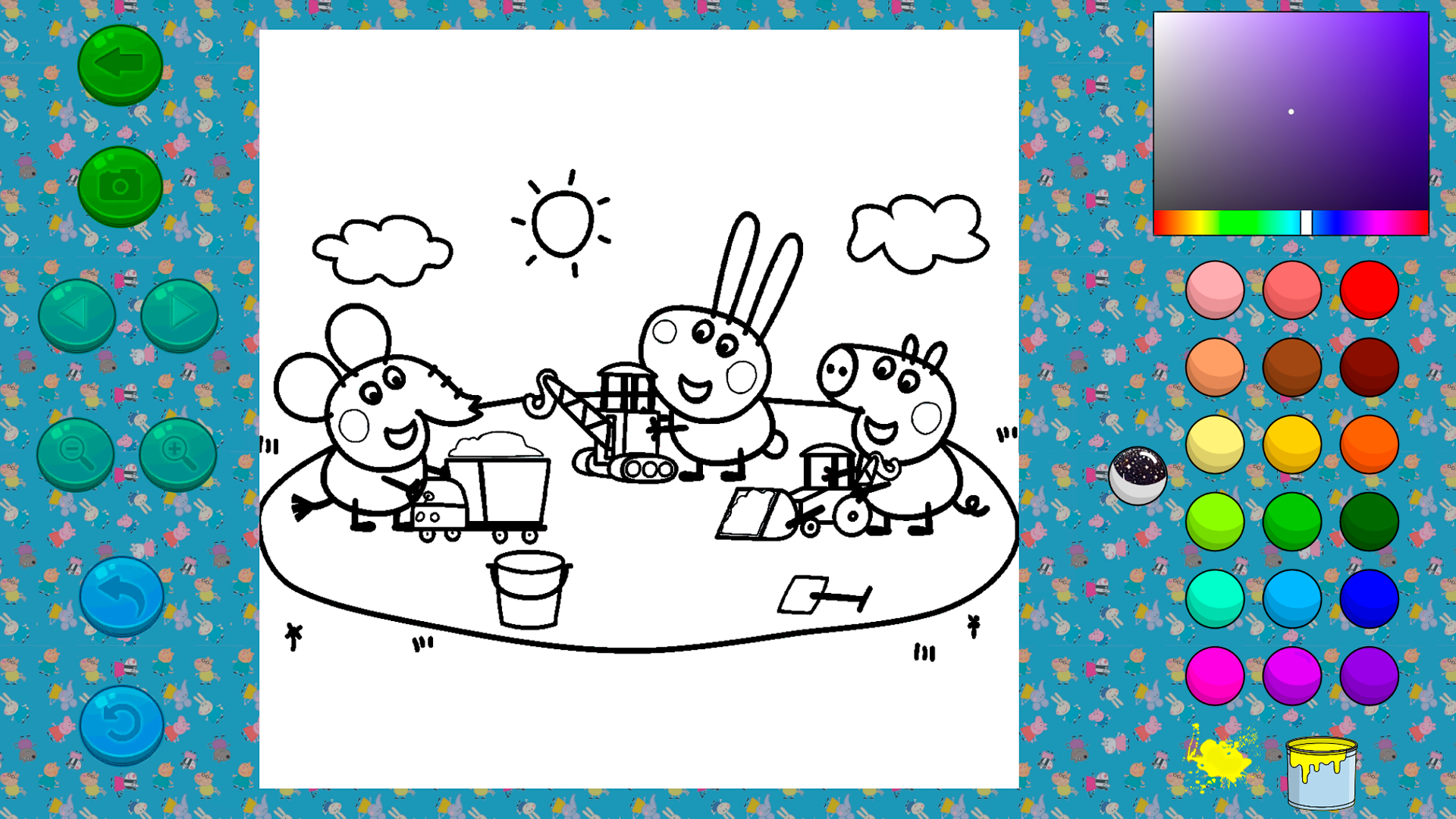
Green arrow ⬅️ - Go back to all drawings
Camera 📷 - Save your drawing
Left/right arrows ⏪⏩ - Go to the next/previous drawing
Blue arrow ↩️ - Undo the last action
Circular arrow 🔄 - Restore the drawing to its initial state
Colors:
By clicking on any color on the right, you choose it and can color the drawing.
❤️💛💚💙💜🖤
Paint can:
When you press the can, a puddle of paint appears nearby.
You might get lucky, and an interesting and unusual color will spill out of the can
🎉
Features
- Surprise Paint Can: Activating the paint can feature triggers a random color splash that adds unexpected shades to your artwork.
- Creative Undo Tool: Use the dedicated button to instantly reverse your last brush stroke if you decide to change your color choice.
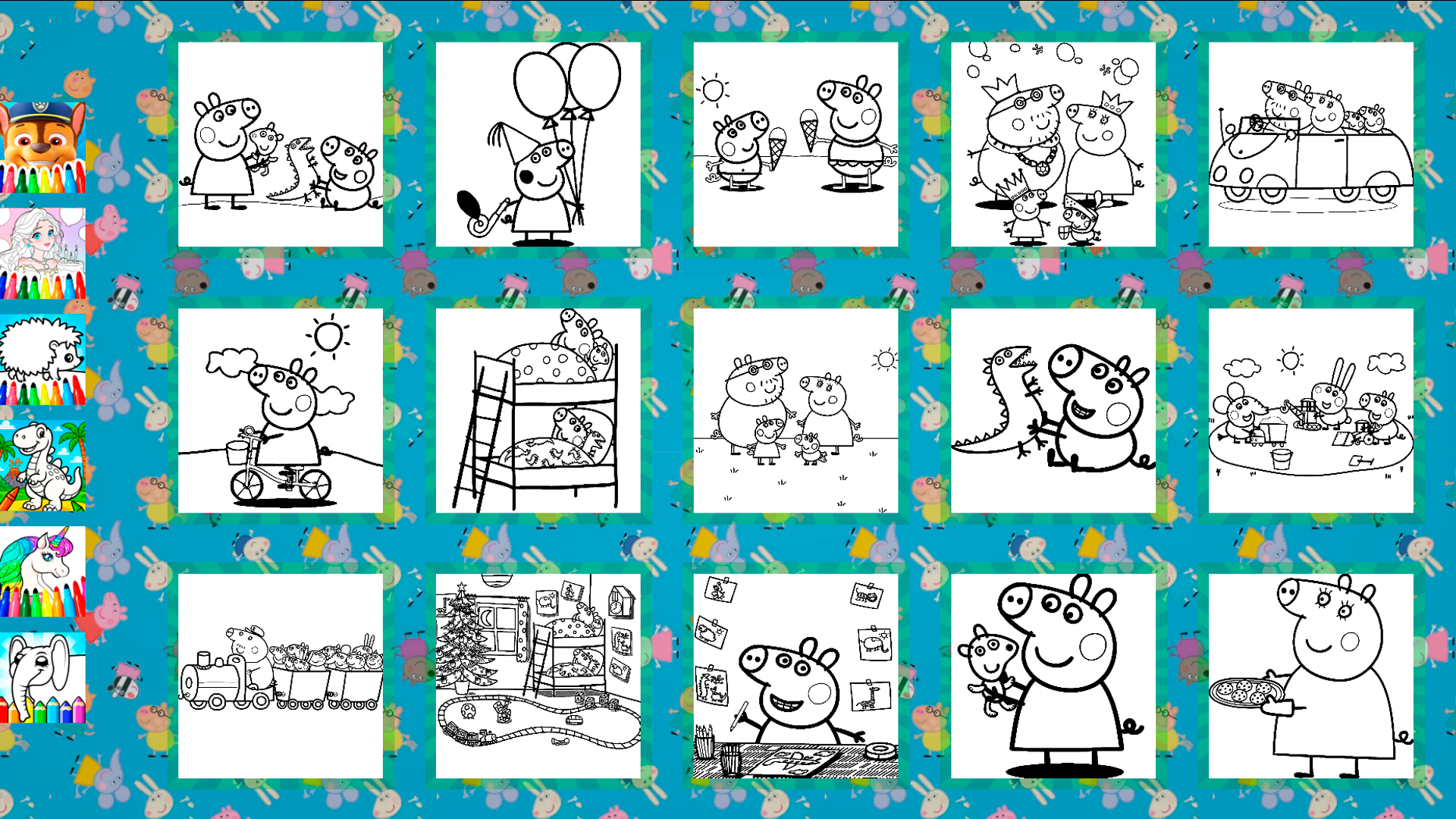
- Full Gallery Access: Browse through a collection of iconic scenes featuring the whole family using simple navigation arrows.
- Instant Save: Capture your finished work with the camera button to keep a digital record of your childs latest artistic achievement.
- Reset Function: Use the circular arrow button to clear the canvas completely and start a fresh coloring session from scratch.
Who is it for
Toddlers and preschoolers aged 2 to 6 who enjoy interactive art activities. Fans of the animated series seeking a creative outlet for digital play. Parents wanting safe and educational screen time that encourages fine motor development and color recognition for their little ones in a fun environment.
Controls
Select Color
Tap on the desired color swatch located on the right side of the screen.
Apply Paint
Tap on any part of the character or background to fill the area with your selected color.
Navigate Pages
Use the left and right arrows to cycle through available illustrations.
Undo Action
Tap the blue arrow button to revert the most recent stroke.
Reset Drawing
Tap the circular arrow icon to clear all colors and return the image to its original state.
FAQ
Is Kids Coloring Book: Peppa Pig safe for young children?
›
Yes, the game is designed specifically for children aged 2 to 6 with a simple interface and no external links or complex menus.
Can I play Kids Coloring Book: Peppa Pig on my tablet?
›
Absolutely, the game is fully optimized for mobile devices and tablets, allowing you to color using simple touch controls.
Does Kids Coloring Book: Peppa Pig require an account to save progress?
›
No registration is needed to enjoy the full experience, as you can save your finished drawings directly through your browser or device.