How to Play Coloring Games: Rules & Strategies
Coloring games have been a beloved pastime for generations — and knowing how to play Coloring properly makes all the difference between a frustrating experience and a genuinely relaxing, creative session. Whether you're sitting down for the first time with a blank canvas or looking to sharpen your technique, this guide breaks down everything: the rules, the strategies, and the best free online coloring games you can start playing right now without spending a cent.
From simple fill-bucket mechanics to layered shading techniques, the world of coloring games online is far richer than it looks at first glance. Let's get into it.
What Is Coloring and Why Is It So Popular?
At its core, a coloring game gives you an outlined image — a character, vehicle, animal, scene — and your job is to fill it with color. Simple concept, huge variety in execution.
The appeal is universal. Kids love the immediate visual reward of watching a grey outline transform into something vibrant. Adults find it genuinely calming — there's real research suggesting that focused coloring activities reduce anxiety and activate the same mental state as meditation. And for creative people of any age, the question of which colors to choose becomes an unexpectedly absorbing puzzle.
Online coloring games have exploded in variety over the past decade. You'll find:
- Classic paint-bucket style — click a region, it fills with your chosen color
- Pixel coloring — color individual cells to build up a larger image, almost like a mosaic
- 3D coloring — rotate a model and paint its surfaces from different angles
- Realistic digital painting tools — brushes, gradients, opacity controls, layer blending
Each type plays differently and rewards different skills. The paint-bucket style is instantly accessible to young children. The 3D and digital painting variants offer genuine depth for older players who want to develop an eye for color theory.
One of the most popular entry points for younger players is Lilo & Stitch: Coloring Book for Kids — a beautifully illustrated game that captures the look of the original cartoon perfectly. The outlines are clean, the color palette is generous, and the images of Lilo, Stitch, and the rest of the gang are immediately recognizable to any fan of the film.

Lilo & Stitch: Coloring Book for Kids
Unleash your inner artist with Lilo & Stitch: Coloring Book for Kids, a delightful browser game where you bring your favorite Disney characters to lif...
▶ Play FreeHow to Play Coloring: The Basic Rules
The rules of coloring games are deliberately simple — that's a feature, not a limitation. Here's the standard structure you'll find across most online coloring titles:
1. Choose your image. Most games offer a gallery or level selection screen. Pick the image you want to color. Beginners should start with images that have large, clearly defined regions — complex images with lots of small details can be overwhelming at first.
2. Select a color. Every coloring game provides a color palette. This might be a simple row of preset swatches, a color wheel, or a full HSL picker. Tap or click the color you want.
3. Apply color to the image. In fill-bucket mode, click anywhere inside a region and it floods with your chosen color instantly. In brush mode, you click and drag to paint manually.
4. Keep going until the image is complete. There's no timer (in most cases), no lives, no game-over screen. The only goal is finishing the image.
5. Save or share. Most browser-based coloring games let you save your finished image as a download or share it directly.
That's genuinely it for the basic rules. The complexity comes from the creative decisions — which colors you pick, how you combine them, and what kind of atmosphere you want to create with your finished piece.
Cartoon coloring book is a great example of the classic format done right. It features instantly recognizable characters — Mickey Mouse, Peppa Pig, Three Cats — with large, well-defined regions that make it easy to work quickly and get satisfying results fast. Perfect for younger players learning the basics.
Understanding How to Play Coloring: Mechanics That Matter
Once you've got the basics down, it's worth understanding some of the mechanics that separate beginner players from those who consistently produce beautiful results.
Color Regions vs. Free Drawing
Most games use one of two core input models:
Region-based (fill-bucket): The image is divided into discrete zones. Click a zone, it fills. You can't paint across zone boundaries. This is the dominant model in kids' coloring games because it keeps things clean and accessible.
Free drawing: You have a brush tool and can paint anywhere on the canvas. Results depend entirely on your own precision and control. This is harder but gives much more expressive freedom.
Some advanced games combine both — you start with fill-bucket for speed, then switch to a brush to add details, highlights, or custom shading on top.
The Color Wheel and Basic Theory
You don't need an art degree to make good color choices, but a few fundamentals help:
- Complementary colors (opposites on the wheel — red/green, blue/orange) create high contrast and visual pop
- Analogous colors (neighbors on the wheel — blue, teal, green) feel harmonious and calm
- Warm vs. cool palettes — warm colors (reds, oranges, yellows) feel energetic; cool colors (blues, greens, purples) feel serene
Applying this to a character's outfit? Use an analogous scheme for a cohesive look. Want the character to stand out from the background? Put complementary colors in play.
Layering and Shading (in Advanced Games)
In games that support brush tools with opacity, you can build up color in layers — lighter first, darker on top — to simulate real shading. The key technique: never go from white to your target color in one step. Build up gradually. This is the single biggest thing that separates flat-looking results from ones that have genuine depth.
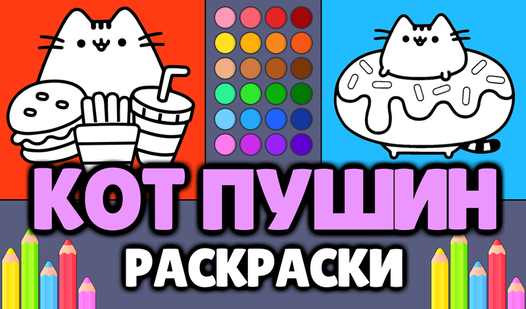
Pushin the Cat - Coloring Pages is a brilliant practice ground for these skills. The Pushkin Cat illustrations are charming and detailed, with enough surface area to experiment with shading on the fur, the background, and the smaller accent elements. You can also print finished pages — handy if you want to compare your digital and traditional coloring instincts.

Pushin the Cat - Coloring Pages
Every artist knows that a simple sketch can transform into a vibrant masterpiece with just a few strokes of digital paint. Pushin the Cat - Coloring P...
▶ Play FreeStrategies and Tips for How to Play Coloring Better
Knowing the rules is step one. Getting genuinely good at coloring games — producing results you're actually proud of — is a different thing. Here are the strategies that matter most.
Start with a Reference Color Scheme
Before you click a single region, decide on your palette. Open a second browser tab and find a reference image — a photo of a real cat for a cat coloring page, a screenshot from the cartoon for a character coloring page. Use those real-world colors as your anchor, then make creative adjustments from there.
This prevents the most common mistake beginners make: filling regions with whatever color seems fine in isolation, only to step back and find the finished piece looks random and disconnected.
Work Background-to-Foreground
Paint in depth order: background regions first, midground next, foreground and characters last. This mirrors how traditional illustrators work and ensures the visual hierarchy of the image stays intact. It also prevents you from obsessing over character colors before you know what they'll be sitting against.
Use a Limited Palette
Beginners tend to use every color available. Experienced colorists do the opposite: pick 4-6 colors and find ways to use variations of those across the entire image. This creates visual cohesion and makes the finished piece feel intentional rather than chaotic.
Don't Be Afraid to Restart
Online coloring games almost always have an undo button or a full reset option. Use them freely. One of the joys of digital coloring vs. physical coloring is that mistakes cost nothing. Try a color scheme, decide it isn't working, and wipe it clean. This experimental mindset produces better results faster than cautious, deliberate choices.
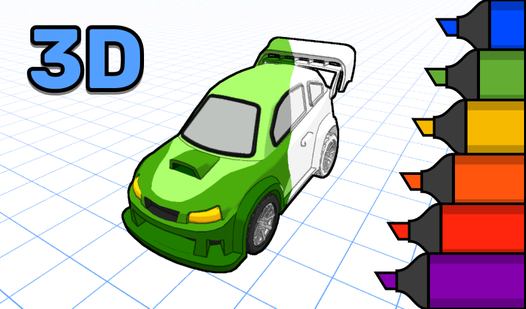
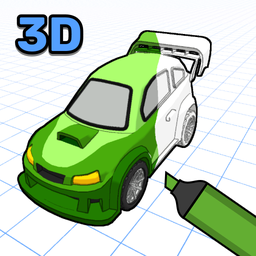
For a genuinely different challenge, 3D Coloring Book: Cars takes everything we've covered and adds a spatial dimension. You're coloring actual 3D car models — which means the same surface looks different from different angles, and you have to think about how your color choices will read when the model rotates. It's a fantastic way to develop color intuition in a context that feels closer to real-world industrial design than traditional coloring.
3D Coloring Book: Cars
Bring stunning vehicles to life by adding vibrant colors to intricate 3d coloring models right in your browser. This creative experience lets you tran...
▶ Play FreeThe Best Free Coloring Games to Play Right Now
You know how to play Coloring. You understand the mechanics and the strategies. Now it's time to actually play. Here are the best free coloring games available online — no download, no registration, just open and start.
Cats Coloring: Cute and Funny
This one works for both kids and adults. The cat illustrations range from simple cartoon cats to more detailed, expressive characters — some funny, some genuinely cute, some both at once. The color palette is generous, the UI is clean, and the whole experience has a warmth to it that makes it easy to spend an hour without noticing the time pass. If you only play one game from this list, start here.
Dragons and Toothless Coloring
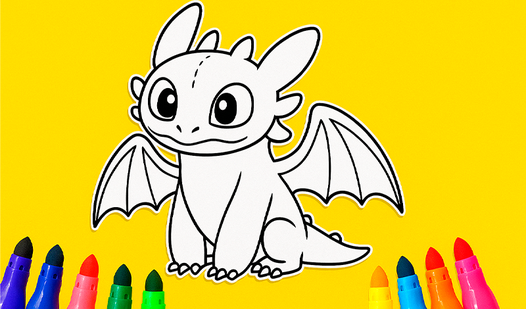
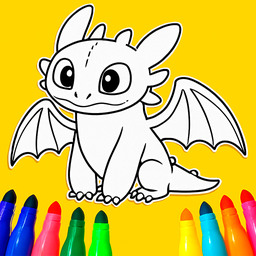
For How to Train Your Dragon fans, this is unmissable. Toothless is notoriously difficult to color well — he's mostly black with subtle iridescent highlights in the film, and the game gives you room to either replicate that faithfully or go completely off-script and make him purple. Both are valid. The dragon imagery is detailed and rewards careful color work.
Dragons and Toothless Coloring
Bring your favorite mythical beasts to life by filling intricate outlines with vibrant shades in Dragons and Toothless Coloring. This relaxing digital...
▶ Play FreePokemon Coloring Pages
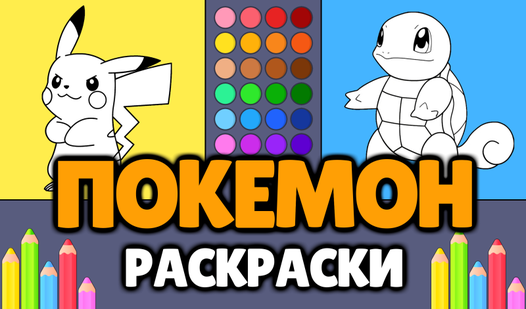
The Pokémon designs are some of the most color-specific in pop culture — Pikachu's exact shade of yellow, Bulbasaur's blue-green, Charizard's orange-red. This game gives you the option to match canon colors or experiment freely. It's a great tool for developing color memory and testing whether you can reproduce specific hues from reference without looking.

Pokemon Coloring Pages
Staring at the clock waiting for your next break to start can feel like an eternity when you need a creative escape. Pokemon Coloring Pages offers the...
▶ Play FreeAmong Us Coloring For Kids
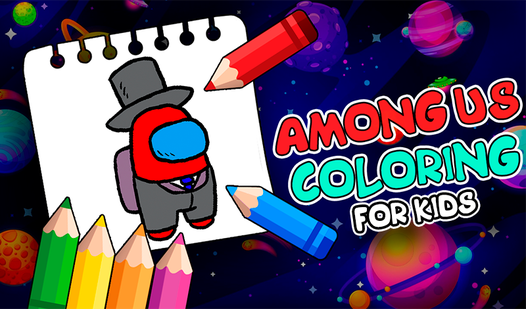
Among Us crewmates are simple enough in shape that even very young children can handle the coloring without frustration. But the color customization that made Among Us itself so popular translates perfectly here — mixing and matching suits, visors, and pets creates a lot of expressive range in a compact format. Great pick for kids who are already fans of the game.
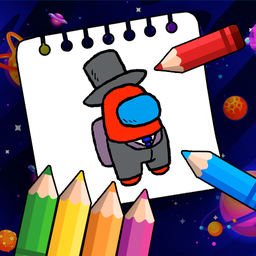
Among Us Coloring For Kids
Young fans of the impostor craze will adore spending time with Among Us Coloring For Kids. This creative digital art studio brings your favorite space...
▶ Play FreeBlue Tractor: Coloring Book for Kids
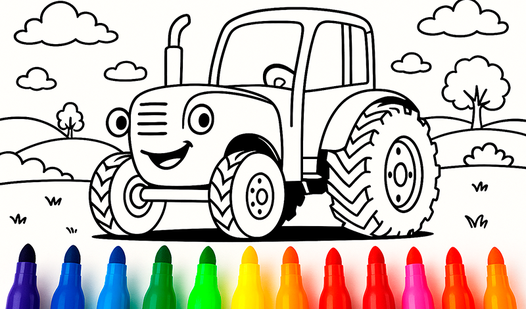
Vehicles, farm scenes, and that specific cheerful palette that young kids respond to immediately. Blue Tractor keeps things simple and high-contrast — thick outlines, large regions, satisfying fill results. It's one of the best options for the youngest players who are just developing mouse or touch control.
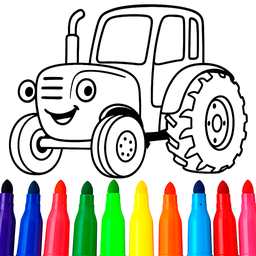
Blue Tractor: Coloring book for kids
Bring your favorite characters to life as you splash vibrant hues across every scene. Blue Tractor: Coloring book for kids offers a digital canvas whe...
▶ Play FreeColoring Book Free Online
If you want maximum variety in a single destination, this is it. A large catalog of images spanning characters, animals, landscapes, and abstract patterns — with a consistent, easy-to-use interface across all of them. Good for players who like to switch between different image types in a single session without hunting across multiple sites.
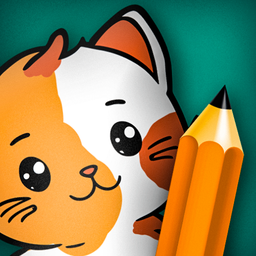
Coloring Book Free Online
Coloring games serve as a fantastic digital escape to clear your mind and unlock your inner artist after a stressful day. Coloring Book Free Online tr...
▶ Play FreeBuilding a Coloring Practice: Getting Better Over Time
Coloring games reward consistent play in ways that aren't immediately obvious. The more you do it, the better your color intuition becomes — you start making choices faster, recognizing which combinations work, and developing a personal style that shows up across different images.
A few habits that accelerate this:
Keep a favorites folder. Screenshot your best work. Looking back at what you've made gives you reference points — you'll notice patterns in what you gravitate toward, and you'll see improvement clearly over time.
Challenge yourself with harder images. Once large-region fill-bucket images feel easy, move to detailed illustrations with lots of small elements. Once those feel manageable, try games with brush tools and free drawing. Each step expands your capability.
Try deliberate constraints. Pick an image and color it using only three colors. Or using only shades of one color (monochromatic). Constraints force creative problem-solving and produce results that often look more sophisticated than unconstrained work.
Study real art. The color sense you develop in coloring games is the same color sense that professional illustrators use. Look at animated films, comic book art, children's book illustration. Notice how limited and deliberate the palettes are. Notice where the artists put their darkest darks and lightest lights. That observation directly improves your coloring game choices.
Coloring Games and Their Benefits Beyond Fun
It would be incomplete to talk about how to play Coloring without mentioning why it's worth playing beyond pure entertainment.
For children, coloring games develop fine motor control (especially in brush-based games), color recognition, and the capacity to make and execute creative decisions. They also build patience — completing a complex coloring page takes sustained attention in a way that many games don't require.
For adults, the benefits lean more psychological. Focused coloring occupies just enough of the conscious mind to quiet anxious or recursive thought patterns, without demanding the kind of problem-solving that other games require. It's genuinely restful in a way that most screen time isn't.
For anyone learning digital art, coloring games are an accessible, low-stakes entry point for developing an eye for color before moving to more complex creative software.