Pixel Coloring Games Online Free: Paint by Numbers
Pixel coloring games online free — that's the search that brings millions of people to their browsers every day, looking for a few peaceful minutes with a palette and a blank canvas. And honestly? The appeal makes total sense. Whether you're 8 or 48, there's something deeply satisfying about filling in a grid, watching a picture take shape one colored square at a time, and ending up with something that looks genuinely cool.
No app store, no credit card, no install wizard demanding you restart your computer. Just open a tab and start painting. That's the promise of browser-based pixel coloring — and modern games deliver on it better than ever.
This guide covers the best free pixel coloring games you can play right now, tips for getting the most out of paint-by-numbers mechanics, and answers to the questions that keep popping up from players of all ages.
What Are Pixel Coloring Games
Pixel coloring games are exactly what they sound like: you're given a grid of cells (pixels), and your job is to fill them with the right colors. Think of it as a digital mosaic or a paint-by-numbers kit — but on your screen, with an undo button and zero mess.
The format comes in a few distinct flavors:
Classic paint-by-numbers. Each cell has a number indicating which color to use. Fill them all in and a hidden image is revealed. These games reward patience and attention — they're almost meditative.
Freeform pixel art. A blank grid, a full palette, and total creative freedom. You decide what to paint. These games lean more toward creative tools than puzzles.
Coloring book style. Pre-drawn outlines (often cartoon characters or patterns) that you fill in with colors of your choice. Less structured than numbered grids, more expressive than strict paint-by-numbers.
3D and interactive variants. Some modern games add extra dimensions — literally. You might be coloring a rotating 3D object, or applying colors to a model that reacts to your choices in real time.
What unites all these types is the core loop: pick a color, apply it to a space, watch the image come together. It's accessible, calming, and oddly compelling. There's a reason pixel coloring has maintained steady popularity even as gaming trends shift every few months.
The browser-based versions are particularly well-suited for casual play. Sessions can last five minutes or two hours — the game doesn't care. You can close the tab mid-picture and come back later. And since these games require almost no processing power, they run smoothly on everything from a gaming PC to a five-year-old Chromebook.
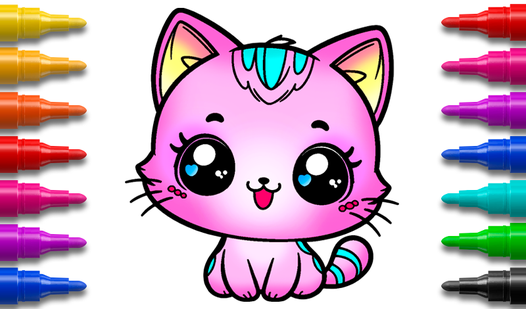
One of the most welcoming entry points for younger players is a straightforward cartoon-themed coloring experience. Cartoon Coloring Book fits that role perfectly — familiar characters, simple fill mechanics, and a clean interface that doesn't overwhelm kids who are just getting started.
Best Free Pixel Coloring Games to Play Online
Let's get into the actual games. These are the ones worth bookmarking — each brings something different to the table.
3D Coloring Book: Cars
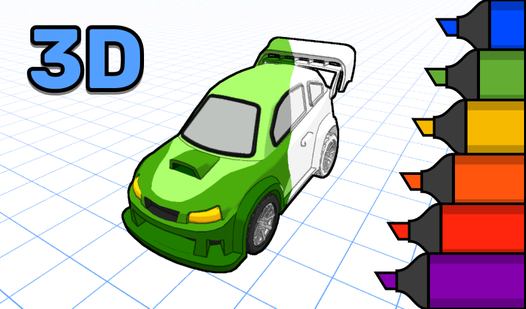
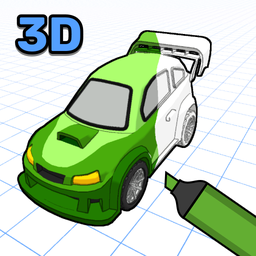
This one stands out immediately from the standard pixel coloring crowd. Instead of a flat grid, you're working with fully rendered 3D car models. Rotate the car, zoom in on a specific panel, and paint it exactly how you want. The 3D Coloring Book: Cars experience feels closer to customizing a toy than filling in a spreadsheet — and that tactile quality makes it memorable.
It's particularly good for anyone who's ever looked at a plain pixel coloring game and thought "I wish I could see what the other side looks like." Here, you can. The result is a coloring game that rewards attention to detail in a way flat grids simply can't.
3D Coloring Book: Cars
Bring stunning vehicles to life by adding vibrant colors to intricate 3d coloring models right in your browser. This creative experience lets you tran...
▶ Play FreePushin the Cat — Coloring Pages
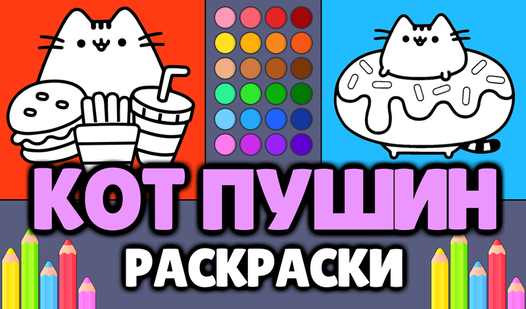
If you've spent any time online, you know Pusheen — the round, soft, perpetually snacking gray cat that became one of the internet's most beloved characters. Pushin the Cat - Coloring Pages brings that energy to browser coloring. You get printable pages featuring Pusheen in various poses, and the coloring tools are simple enough that even the youngest players can use them without frustration.
The charm here is entirely in the subject matter. Pusheen fans will have a great time. But even if you're coming in fresh, the character designs are adorable and the coloring is genuinely relaxing.

Pushin the Cat - Coloring Pages
Every artist knows that a simple sketch can transform into a vibrant masterpiece with just a few strokes of digital paint. Pushin the Cat - Coloring P...
▶ Play FreeCats Coloring: Cute and Funny
Cats Coloring: Cute and Funny is one of those games that works across a surprising age range. The cat illustrations range from simple and cartoonish to more detailed poses, so there's always something appropriate regardless of how much patience you're bringing to the session. The color palette is generous, the interface is intuitive, and the finished results look good enough that you'll probably want to screenshot them.
Pixel Art Logo Coloring
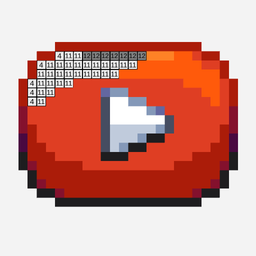
Here's a genuinely clever concept: take logos you already know and love, break them down into pixel grids, and let players color them in. Pixel Art Logo Coloring does exactly that. You'll recognize shapes and brands as you work, which adds a layer of visual puzzle-solving on top of the standard coloring loop.
It's a great option for older players who want something a bit more mentally engaged than pure paint-by-numbers. There's something satisfying about watching a familiar brand mark emerge from a colored pixel grid — especially when you're the one placing each square.
Pixel art Logo Coloring
Stuck in a dull meeting or waiting for your coffee to brew, desperately needing a quick brain break. Pixel Art Logo Coloring is the perfect remedy to ...
▶ Play FreeColoring Book Free Online
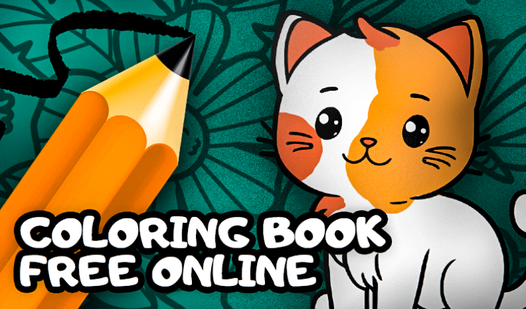
This one does what it says on the label — and does it well. Coloring Book Free Online offers a solid selection of illustrations across different themes and difficulty levels. The interface is clean and responsive, and there are enough options to keep you busy across multiple sessions without feeling like you're doing the same thing twice.
Coloring Book Free Online
Coloring games serve as a fantastic digital escape to clear your mind and unlock your inner artist after a stressful day. Coloring Book Free Online tr...
▶ Play FreePokemon Coloring Pages
For anyone who grew up with Pikachu and friends, Pokemon Coloring Pages is a straightforward nostalgia delivery mechanism. Classic Pokemon designs, a solid set of coloring tools, and the quiet pleasure of giving your favorite starter whatever color scheme you feel like that day. Misty's Staryu in a metallic blue-black? Sure. A bright orange Bulbasaur? Why not.
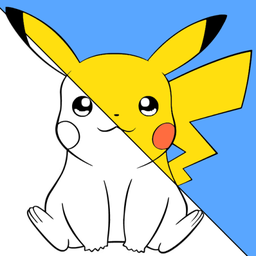
Pokemon Coloring Pages
Staring at the clock waiting for your next break to start can feel like an eternity when you need a creative escape. Pokemon Coloring Pages offers the...
▶ Play FreeMinecraft Coloring Pages
Minecraft's blocky aesthetic is practically pixel art by nature, so it makes complete sense as a coloring game subject. Minecraft - Coloring Pages gives you iconic characters and scenes from the game rendered as coloring templates. If you play Minecraft, there's a specific pleasure in giving Creepers and Endermen whatever color treatment you think they deserve.
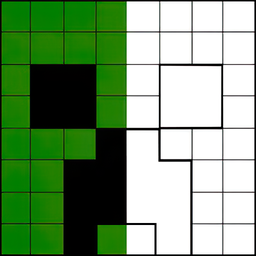
Minecraft - Coloring Pages
Creative souls who love the voxel world will find endless joy bringing their favorite blocks to life in Minecraft - Coloring Pages. This relaxing brow...
▶ Play FreeAntistress Coloring Page
The name tells you exactly what this game is going for. Antistress coloring page is designed to be a slow, deliberate, genuinely relaxing experience. The patterns lean toward abstract and geometric — the kind of thing that lets your mind drift while your hands stay busy. It's a solid choice for unwinding at the end of a long day.
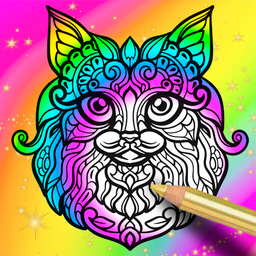
Antistress coloring page
Staring at a blank screen while feeling your stress levels climb is a universal experience that begs for an immediate distraction. Antistress coloring...
▶ Play FreeDragons and Toothless Coloring
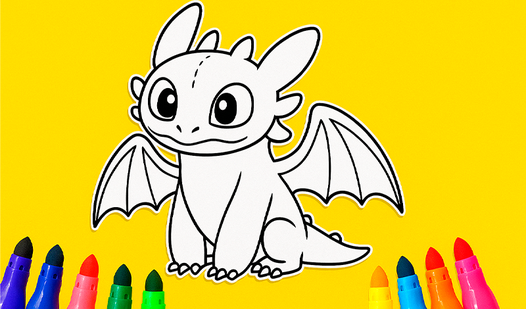
How to Train Your Dragon fans — this one's for you. Dragons and Toothless Coloring features the beloved Night Fury and other dragons from the franchise in coloring book format. The character designs are faithful to the source material, and the range of colors available means you can be accurate or completely reinvent your favorite dragons.
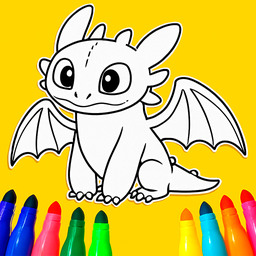
Dragons and Toothless Coloring
Bring your favorite mythical beasts to life by filling intricate outlines with vibrant shades in Dragons and Toothless Coloring. This relaxing digital...
▶ Play FreeCat Coloring Game
Rounding out the list is Cat Coloring Game — a clean, well-made coloring experience with a focus on cat illustrations. The art style is consistent and appealing, and the game handles multiple sessions gracefully. Good for when you want to zone out with something cute and low-stakes.
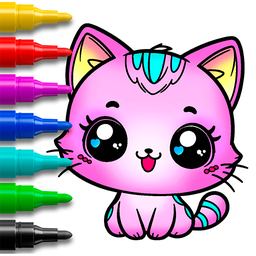
Cat Coloring Game
Coloring activities provide a fantastic way to develop fine motor skills while letting creativity bloom in a relaxing environment. Cat Coloring Game t...
▶ Play FreePixel Coloring Games Unblocked at School
Pixel coloring games unblocked — this is one of the most searched phrases connected to this genre, and for good reason. Schools and offices frequently use network filters that block gaming sites wholesale, which means that even completely benign coloring games get caught in the net along with everything else.
The good news: pixel coloring games are about as low-risk as browser games get, and many platforms that host them are not typically caught by standard content filters.
Why coloring games often slip through filters:
Most school network filters work on category-based blocking. They block domains tagged as "gaming" or "entertainment." Coloring game platforms sometimes fly under that radar because they're also tagged as educational or creative tools — or simply because they're small enough that they haven't been categorized yet.
Practical approaches:
If you're on a restricted network and want to play pixel coloring games unblocked, here are some legitimate options:
- Use the school's own computers for designated free time. If the game is truly educational or creative, it's worth asking the IT admin or a teacher to whitelist specific URLs.
- Bookmark multiple platforms. Since blocking is often domain-based rather than content-based, different sites hosting the same type of game may have different filter status.
- Browser-based platforms on educational domains. Some educational platforms include creative tools like coloring games specifically because they support fine motor skills and focused attention — and these are explicitly whitelisted by most school filters.
A quick note on "unblocked" sites that claim to bypass school filters more aggressively: be cautious. These often involve VPNs or proxy services, which can violate school network policies and sometimes introduce real security risks. The games themselves are harmless; the methods some sites use to deliver them may not be.
The safest approach is always to play on platforms you know and trust, and to check whether your school or institution has any approved options for free time. Many schools are more flexible about creative tools than students assume — especially when the tool in question is pixel coloring rather than a competitive action game.
Tips for Creating Amazing Pixel Art
If you're moving beyond simple paint-by-numbers into more freeform pixel coloring, a few techniques can dramatically improve your results.
Start with reference images. Even experienced pixel artists usually work from some kind of reference. A photo, a sketch, a screenshot — anything that gives you a rough sense of what you're building. You don't need to copy it exactly, but having something to look at as you work helps you make better color choices.
Limit your palette early. One of the most common mistakes in freeform pixel art is using too many colors. Professional pixel artists often work with extremely constrained palettes — sometimes as few as 8 or 16 colors. Fewer colors forces you to make intentional decisions, and the result usually looks more cohesive than a free-for-all approach.
Work from background to foreground. Fill in the background elements first, then add the main subject on top. This prevents you from getting distracted by fine detail early, and it ensures your color choices for the background and subject work together.
Use contrast deliberately. Pixel art relies heavily on strong contrast to communicate form, since you're working at low resolution. Don't be afraid of stark light-dark transitions — they often read better at small sizes than you'd expect.
Anti-aliasing is your friend. In detailed pixel art, placing a few intermediate-color pixels along a diagonal edge softens the staircase effect and makes curves look smoother. It's a small detail that makes a noticeable difference.
Zoom out regularly. When you're working zoomed in at the pixel level, it's easy to lose track of how the overall image looks. Zoom out frequently to check that the big picture is working — individual pixels that seem fine up close sometimes create muddy or confusing shapes when viewed at full size.
Iterate, don't perfect. Pixel art rewards revision. Block in rough shapes first, then refine. Don't try to get each pixel perfect on the first pass — the image will get better as you keep working on it.
If you want to practice these techniques with some creative freedom, Pixel Art Logo Coloring is actually a great training ground. Working from a known shape gives you structure while still leaving room for color experimentation.