About game
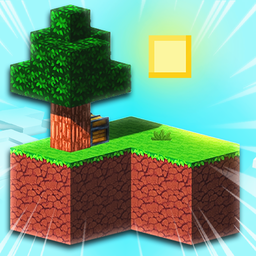
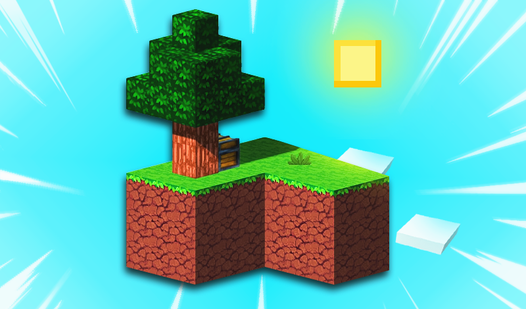
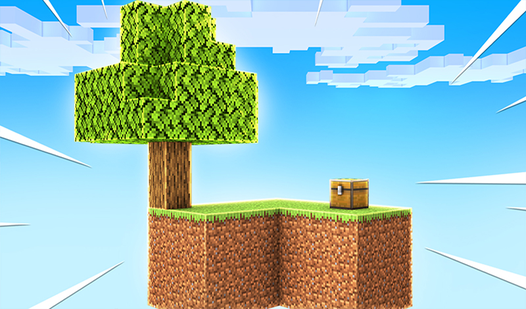
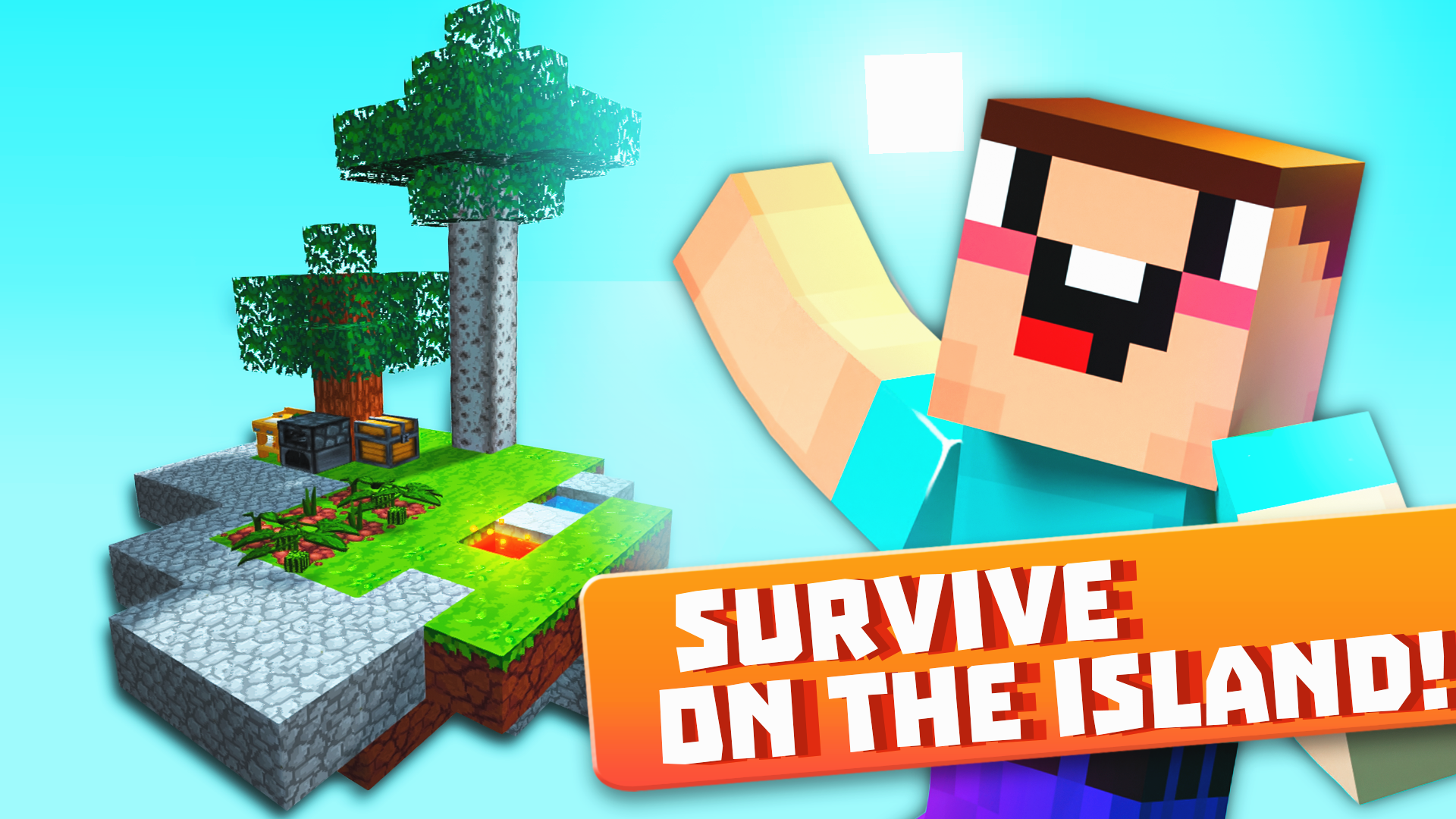
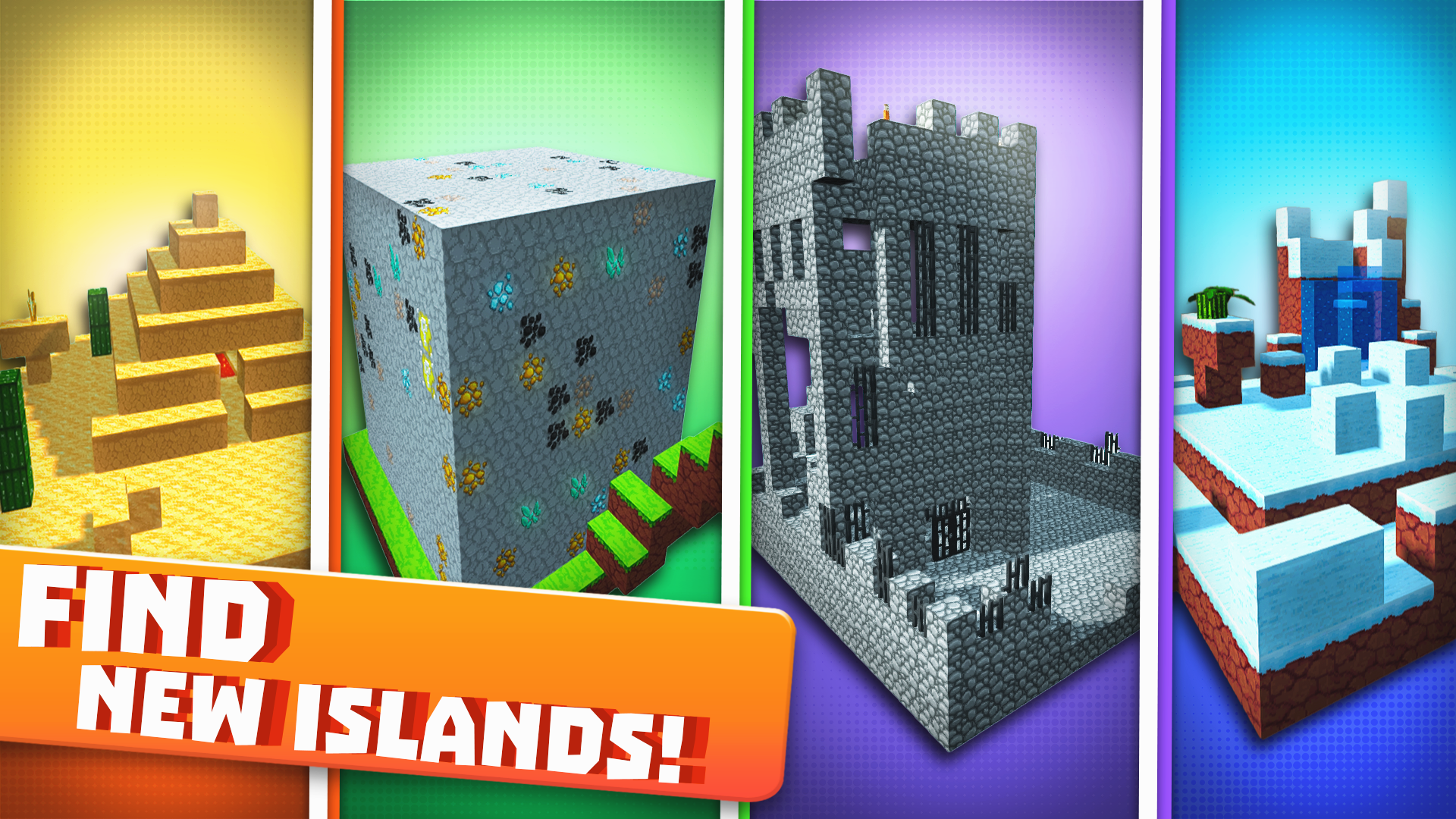
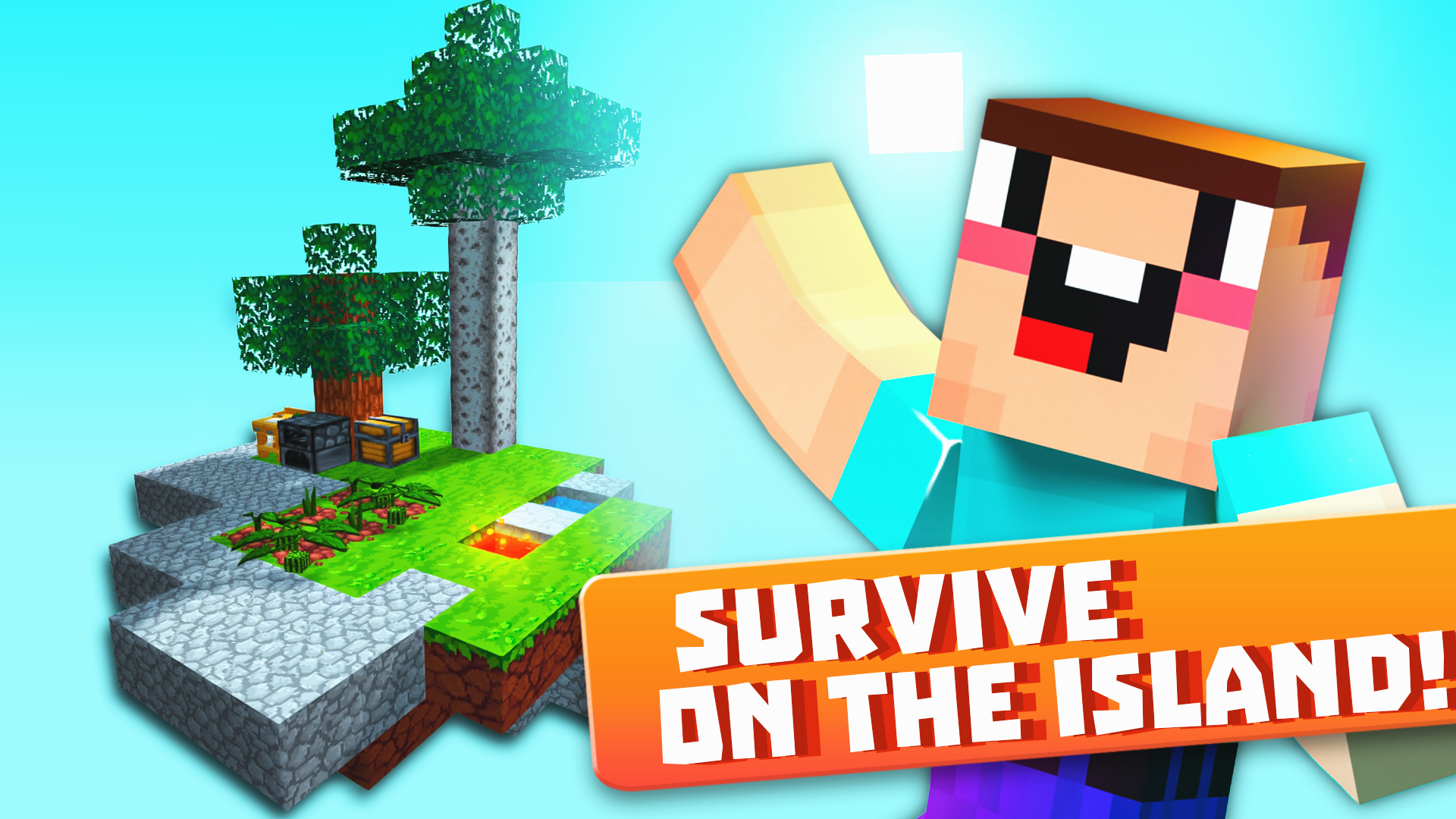
Floating islands suspended in an endless void offer the ultimate test of resourcefulness for any aspiring survivalist. Skyblock 3D: Survival takes the classic blocky challenge and elevates it into a fully realized dimension where every movement counts. You start on a tiny patch of land and must systematically expand your territory by mining essential materials from surrounding floating chunks. Efficient crafting is your lifeline, as turning raw blocks into tools allows you to bridge gaps and build elaborate structures. Combat adds a layer of intensity, forcing you to defend your hard-earned progress against hostile mobs that spawn in the shadows. Beyond simple building, you can establish farms, trade with wandering inhabitants, and master the art of survival in a hostile sky. This Skyblock 3D: Survival adventure keeps you hooked with its high-stakes exploration and constant need for expansion. Jump into your browser right now to play for free with no download required.
How to play
For computer:
- Move: W, A, S, D
- Jump: Spacebar
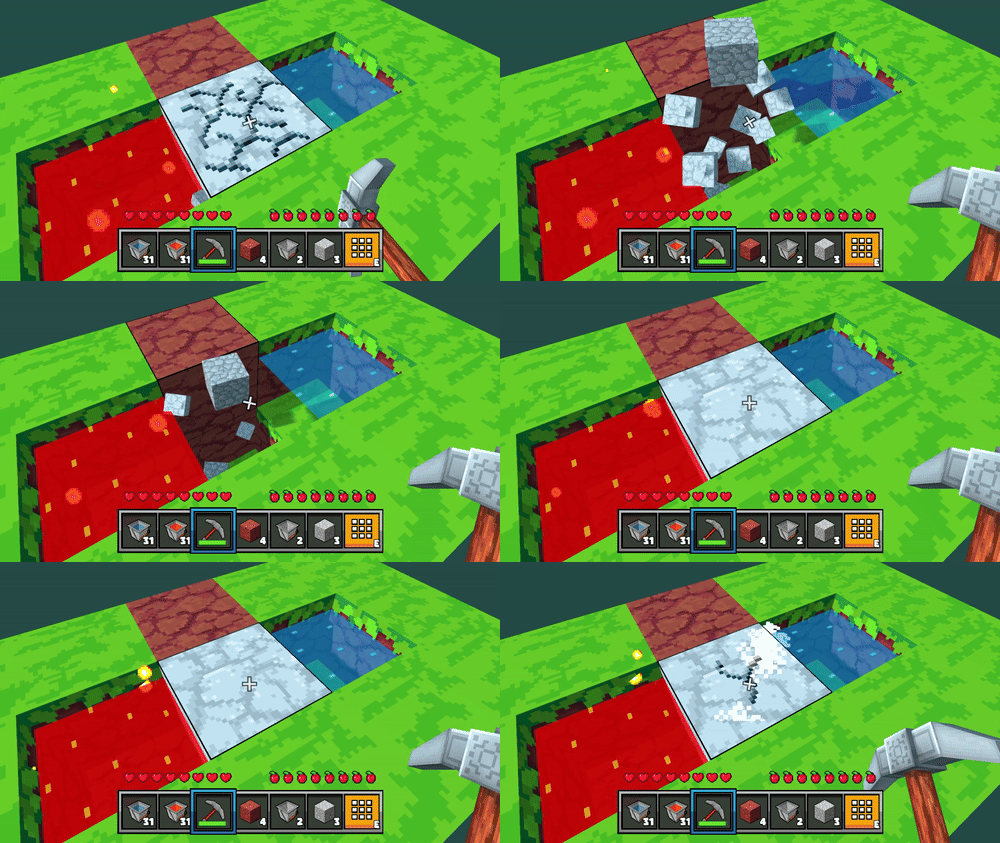
- Break blocks: Hold down LMB
- Place blocks: RMB / F
- Inventory: E
- Pause: Tab
- Help: J
- Drop: Q (Shift+Q Drop full slot)
For mobile devices:
- Move: Left Joystick
- Jump: Arrow icon button
- Break blocks: Hold down the sword icon button.
- Stack blocks: Hold down the cross icon button.
- Inventory: Orange button in the middle of the screen.
- Pause: Purple button in the upper right corner of the screen
Features
- Dynamic Resource Management: Balance your limited supplies carefully to craft necessary tools before you run out of wood or stone.
- Strategic Farming Systems: Cultivate crops and raise livestock on your small island to ensure a steady food source for long-term survival.
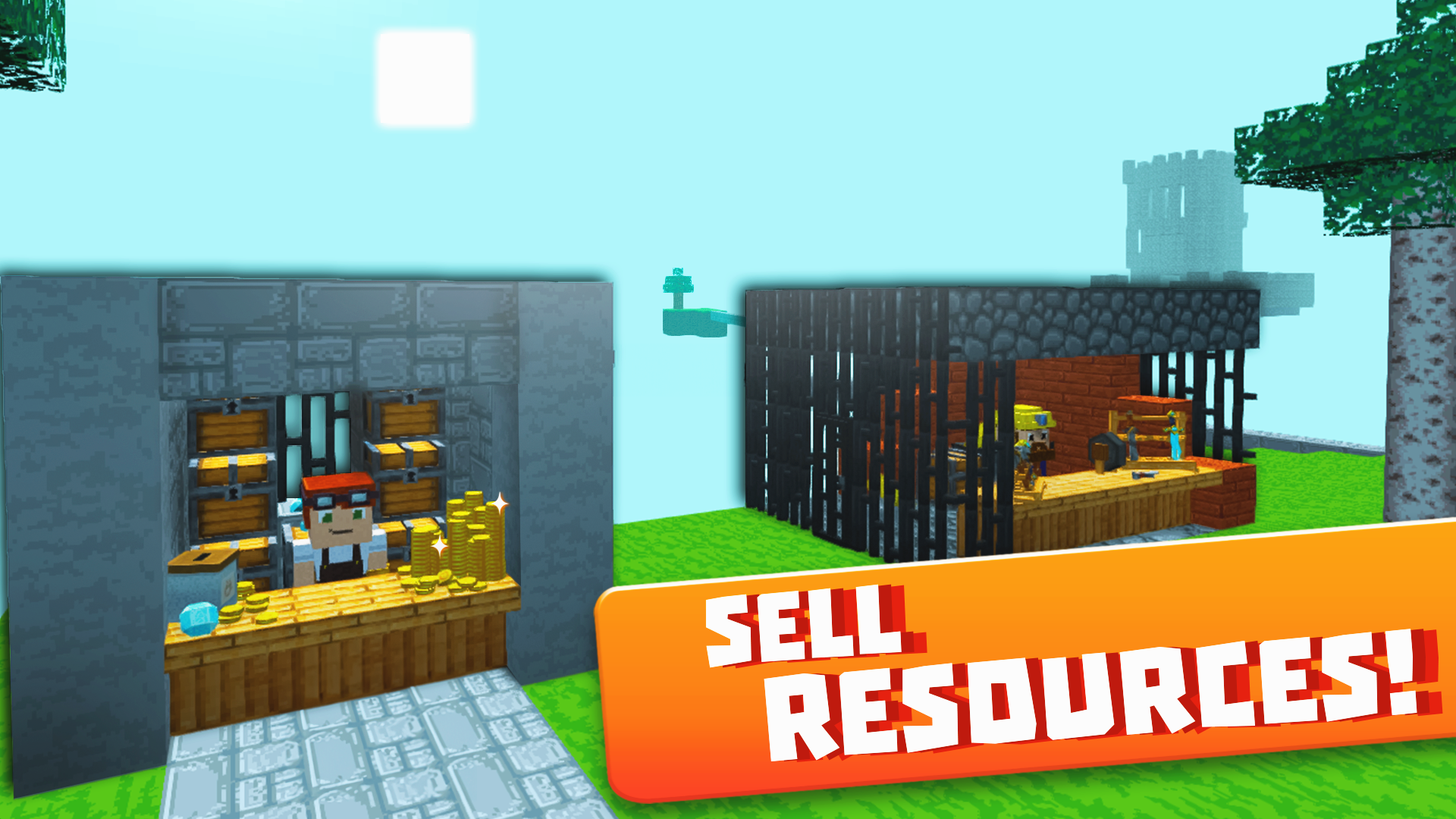
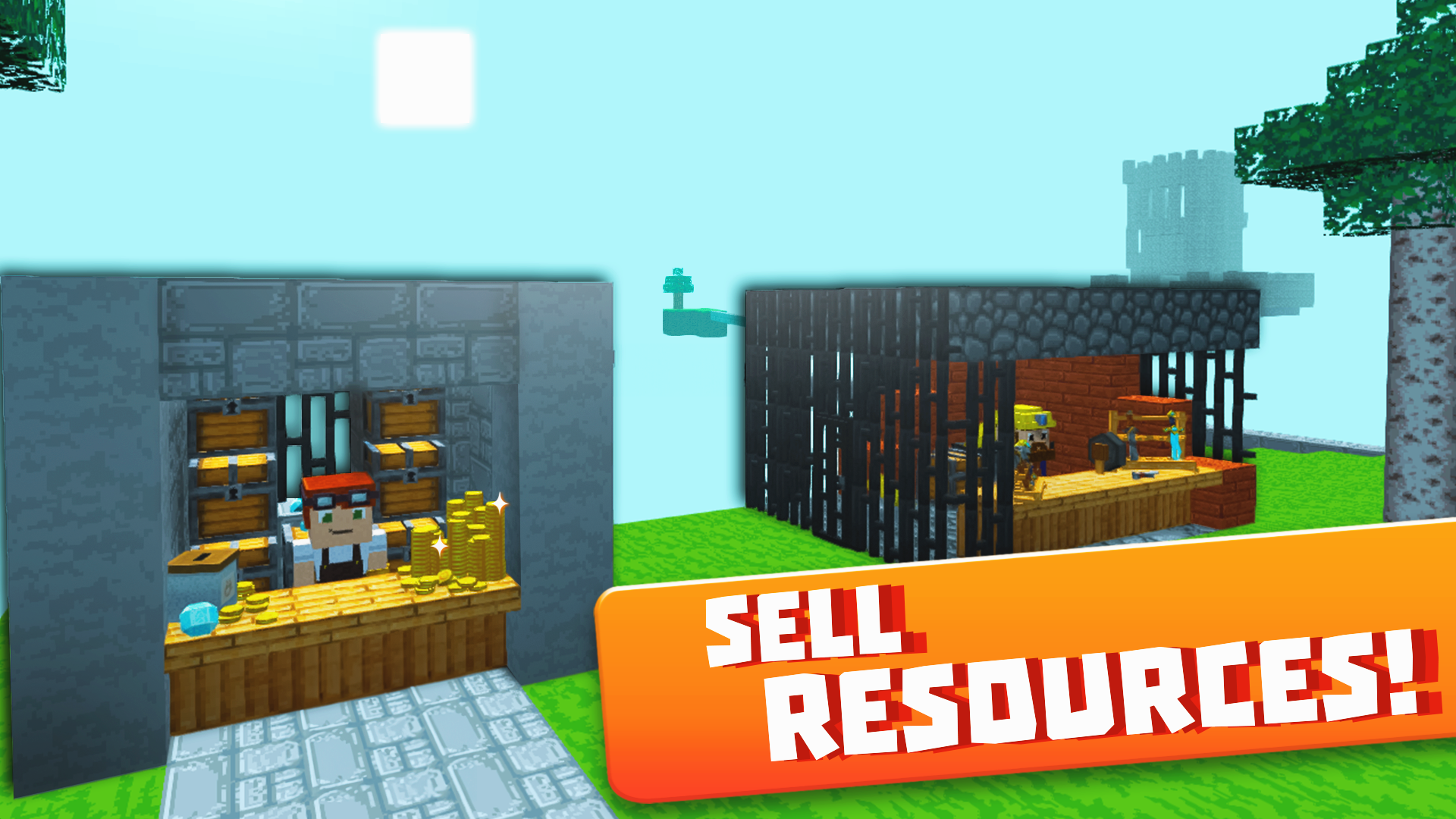
- Merchant Interaction: Locate NPCs on remote islands to trade surplus raw materials for rare items that are otherwise impossible to craft.
- Combat Progression: Upgrade your gear to take on increasingly dangerous monsters that protect the richest resource deposits in the sky.
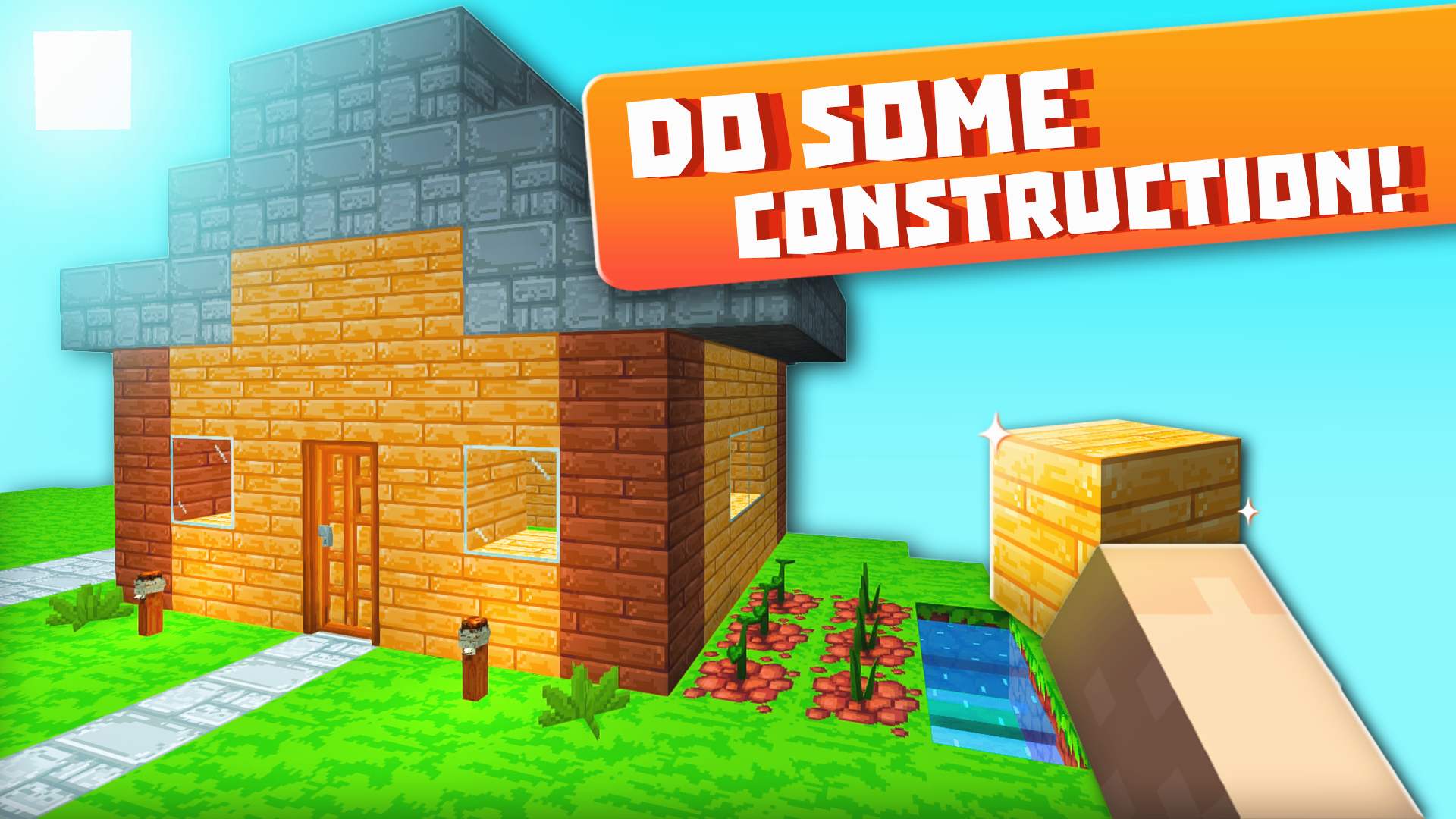
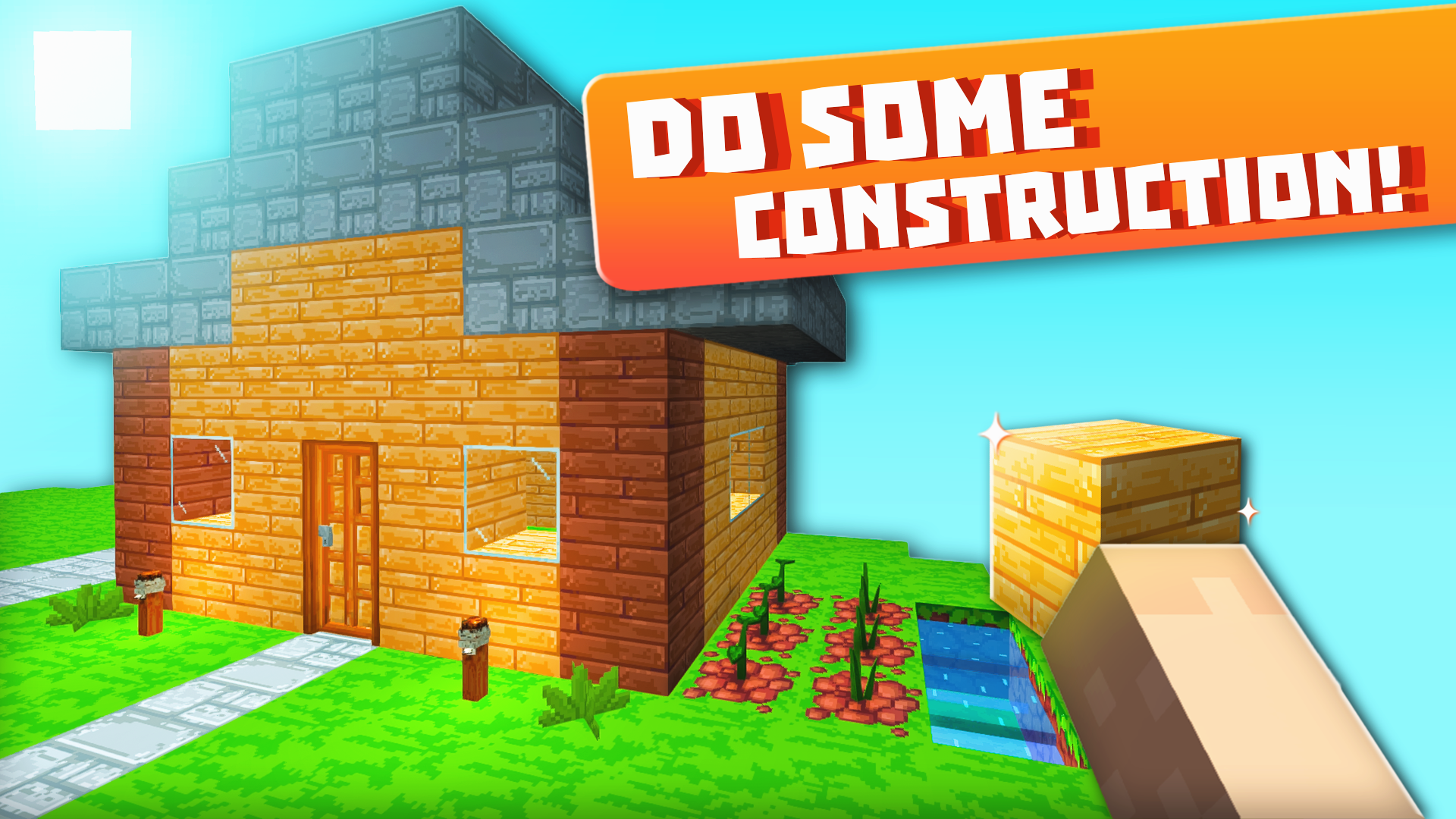
- Island Expansion: Use blocks to craft bridges and platforms, slowly turning your starting plot into a sprawling aerial kingdom.
Who is it for
Survival game enthusiasts who enjoy block-building mechanics and strategic resource management will find this experience deeply rewarding. Casual players looking for a relaxing yet challenging 3D adventure will love the freedom of sky exploration, while fans of classic crafting games will appreciate the unique aerial twist on familiar gameplay.
Controls
Movement
Use WASD on PC or the left joystick on mobile devices.
Mining
Hold the left mouse button on PC or hold the sword icon on mobile.
Building
Use the right mouse button or F key on PC, or hold the cross icon on mobile.
Inventory
Press E on your keyboard or tap the orange middle button on mobile.
Jumping
Use the Spacebar on PC or the arrow icon button on mobile.
FAQ
How do I expand my territory in Skyblock 3D: Survival?
›
You must mine resources from your current island and use them to place blocks, creating bridges to reach neighboring islands.
Can I play Skyblock 3D: Survival on my tablet?
›
Yes, Skyblock 3D: Survival is fully optimized for mobile browsers, allowing you to play directly without any app downloads.
Is there a way to get food in Skyblock 3D: Survival?
›
You can establish farms and raise animals on your islands to produce food, which is essential for maintaining your health during long gameplay sessions.