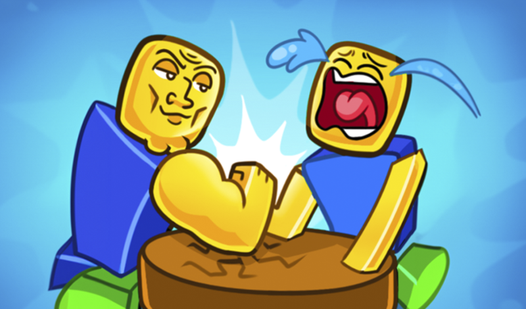
Noob Miner 3D: Build a Village

Noob Miner 3D: Build a Village

⭐ 3.7

About game

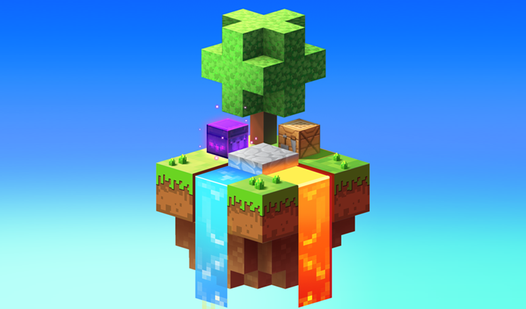
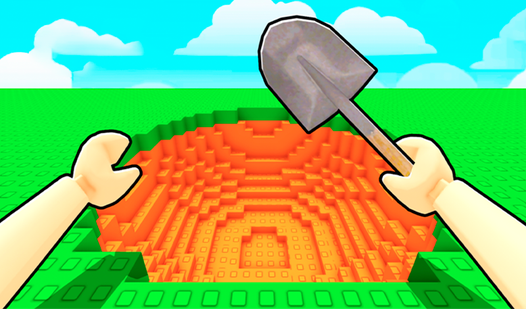
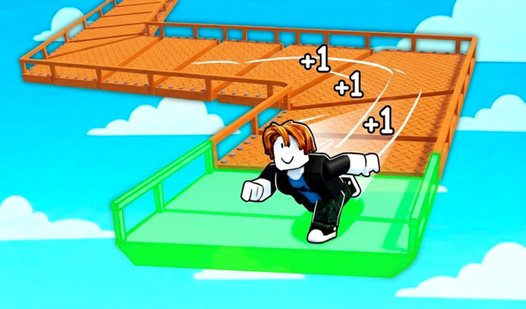
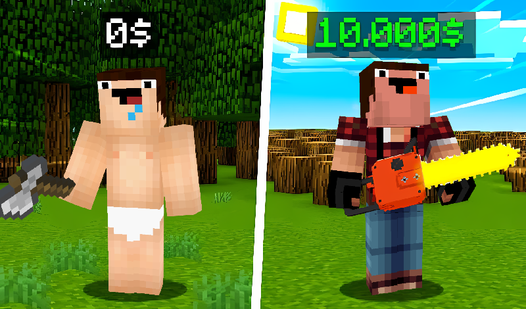
Fans of creative block-building worlds will feel right at home as they take control of a quirky character starting from scratch. Noob Miner 3D: Build a Village tasks you with transforming a humble plot of land into a thriving, bustling settlement through strategic resource management. You start your journey in a deep mine, hacking away at stone and ore to gather the raw materials needed for expansion. As you progress, you will branch out into diverse activities like fishing, forestry, and farming to keep your village economy growing. Every block you collect helps you unlock new buildings and special mechanics that push your development further. Investing your hard-earned cash into character upgrades allows you to mine faster and work more efficiently across the map. This immersive noob miner experience balances relaxing gathering tasks with the satisfaction of watching your village reach one hundred percent completion. Jump into the action right now for free directly in your browser with no download required.

How to play

Your main goal is to build a village 100%!
Get resources and upgrade buildings to earn more money.

PC Controls:
WASD - Character movement.
LMB - Destroy the block.
RMB - Put the block.
N - game menu.
B - Fast movement out of the mine.
V - auto strike.

Mobile control:
Left joystick - Moving.
The right area of the screen is the View control.

Features

  • Resource Diversity: Master various industries including timber harvesting, animal husbandry, and deep-sea fishing to diversify your income streams.
  • Economic Progression: Sell your gathered goods to earn currency which can be reinvested into powerful character upgrades and essential building materials.
  • Village Expansion: Unlock new structures and specialized zones as you clear terrain and gather rare blocks to hit your completion goals.
  • Strategic Automation: Utilize tools like auto-strike to optimize your mining efficiency and reduce the grind during long play sessions.
  • Rapid Traversal: Use fast movement shortcuts to zip out of the mines and back to your base without wasting precious time.

Who is this game for

Casual players who enjoy relaxing simulation games and sandbox building experiences will love this title. Fans of mining-focused tycoon games and block-based adventures will appreciate the straightforward progression loop. It is a great choice for those seeking a chill, browser-based experience that offers endless hours of constructive gameplay.

Controls

Movement: WASD keys on PC or the left on-screen joystick on mobile.
Interaction: Use LMB to destroy blocks and RMB to place them, or simply tap on mobile devices.
Camera Control: Move your mouse on PC or use the right area of the touchscreen on mobile.
Special Actions: Press N for the menu, B to exit mines quickly, and V to toggle auto-strike mode.

FAQ

How do I build the village in Noob Miner 3D: Build a Village?

You must gather resources like wood, stone, and food to unlock new buildings and upgrade existing structures until you reach 100 percent completion.

Can I play Noob Miner 3D: Build a Village on my mobile phone?

Yes, the game is fully optimized for mobile browsers, allowing you to use the on-screen joystick and touch controls to manage your mine.

Is it possible to save my progress in Noob Miner 3D: Build a Village?

The game is designed for quick browser sessions, so focus on completing your village upgrades and selling your resources to maximize your progress while you play.

Screenshots

Noob Miner 3D: Build a Village — screenshot 1Noob Miner 3D: Build a Village — screenshot 2Noob Miner 3D: Build a Village — screenshot 3Noob Miner 3D: Build a Village — screenshot 4Noob Miner 3D: Build a Village — screenshot 5Noob Miner 3D: Build a Village — screenshot 6Noob Miner 3D: Build a Village — screenshot 7Noob Miner 3D: Build a Village — screenshot 8

Popular games