About game
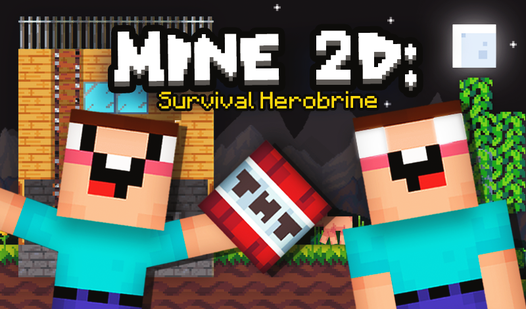
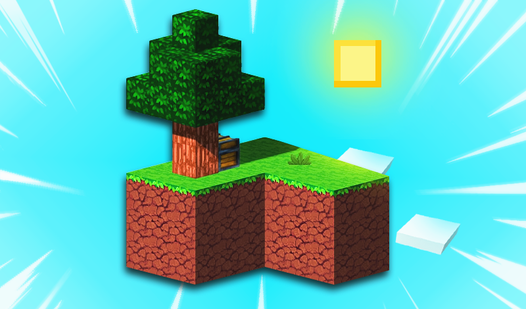
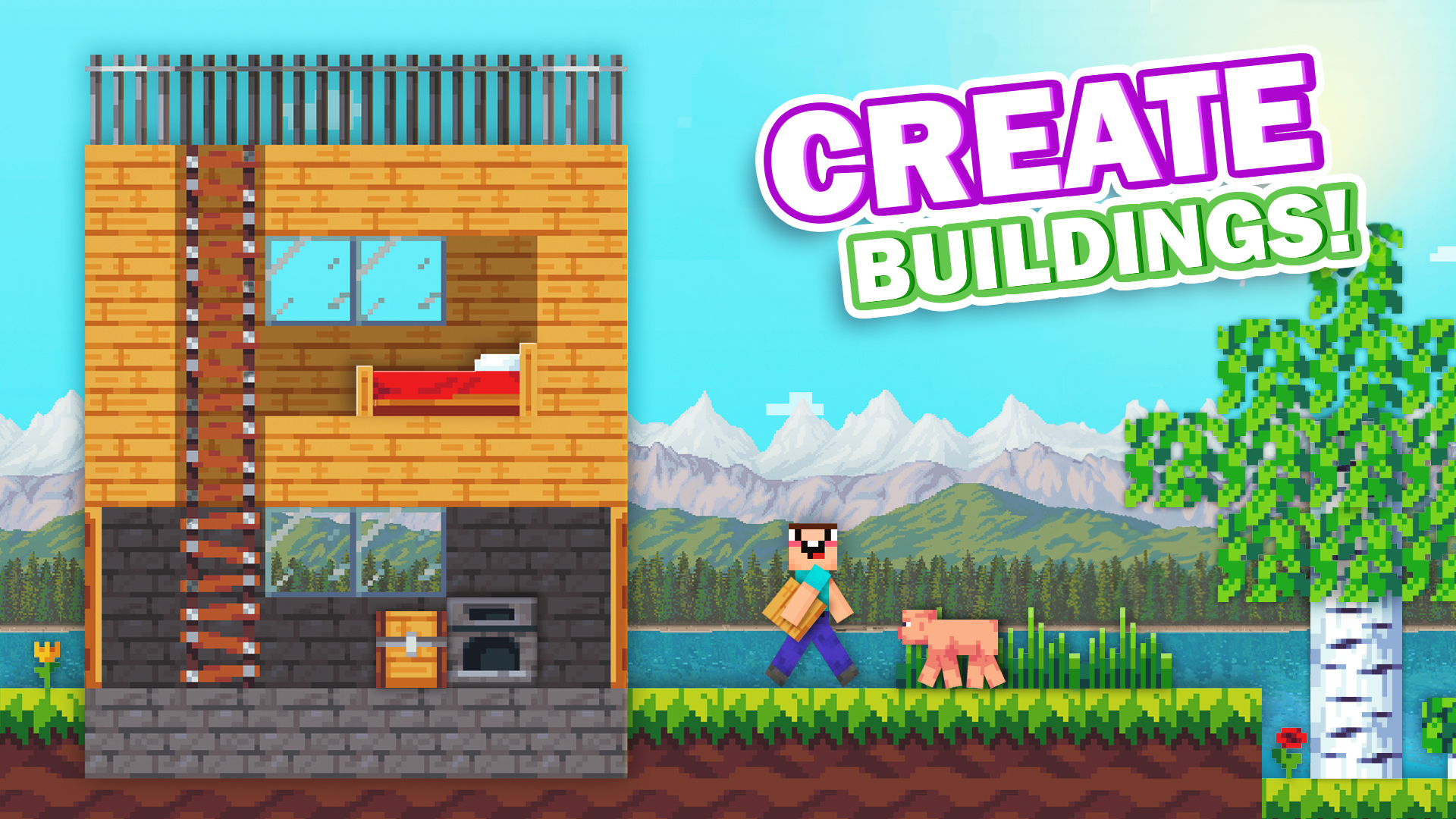
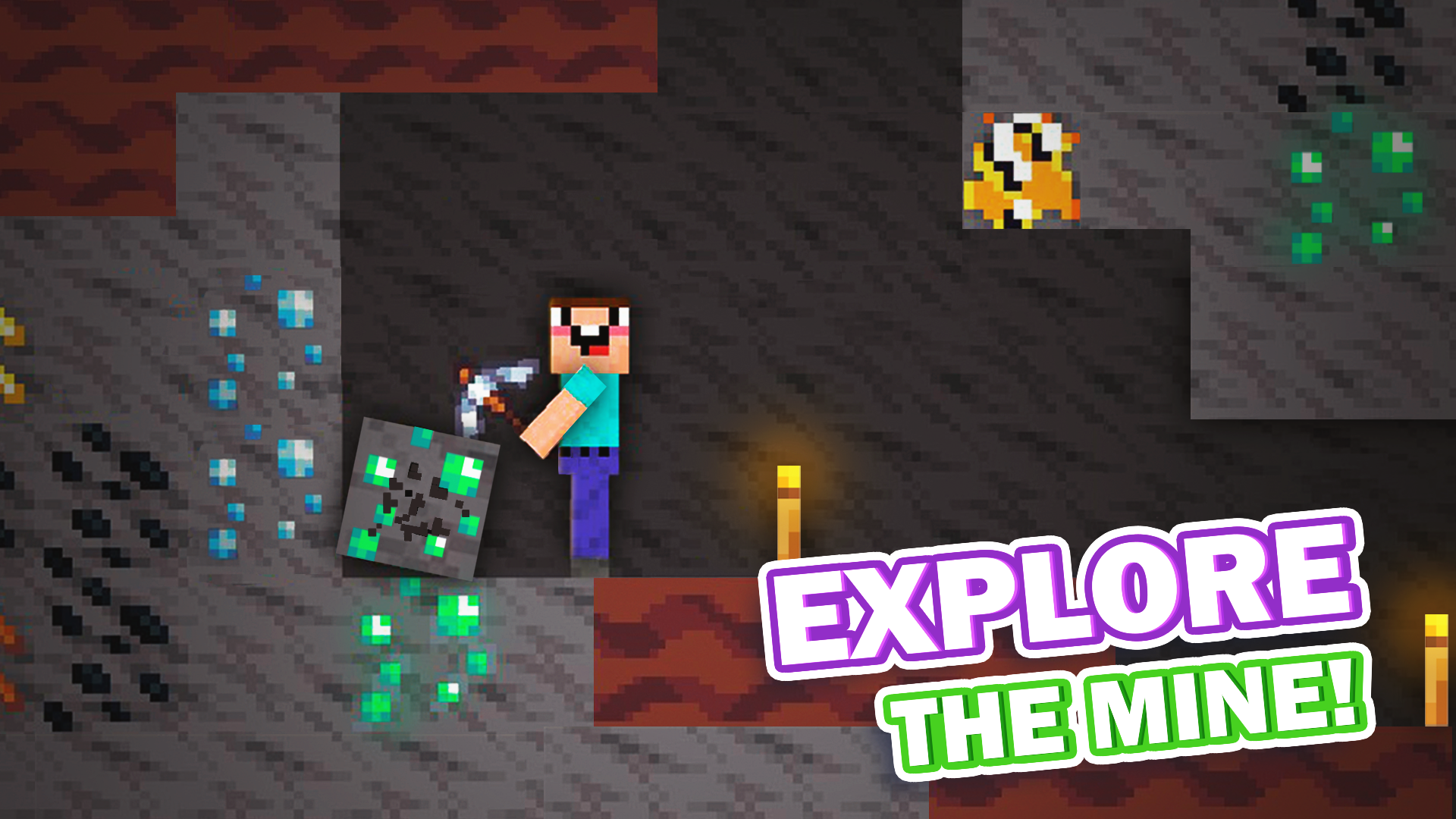
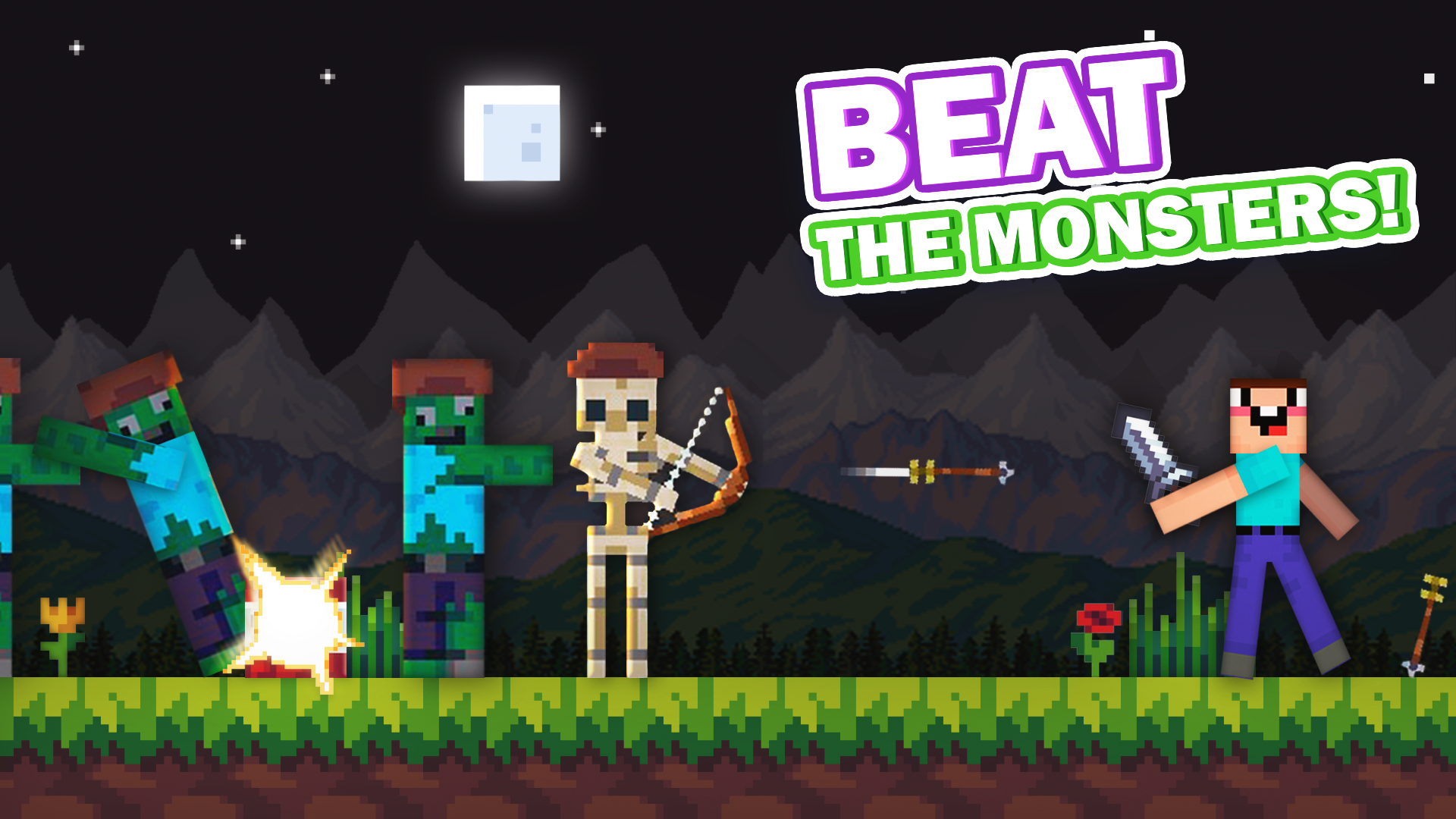
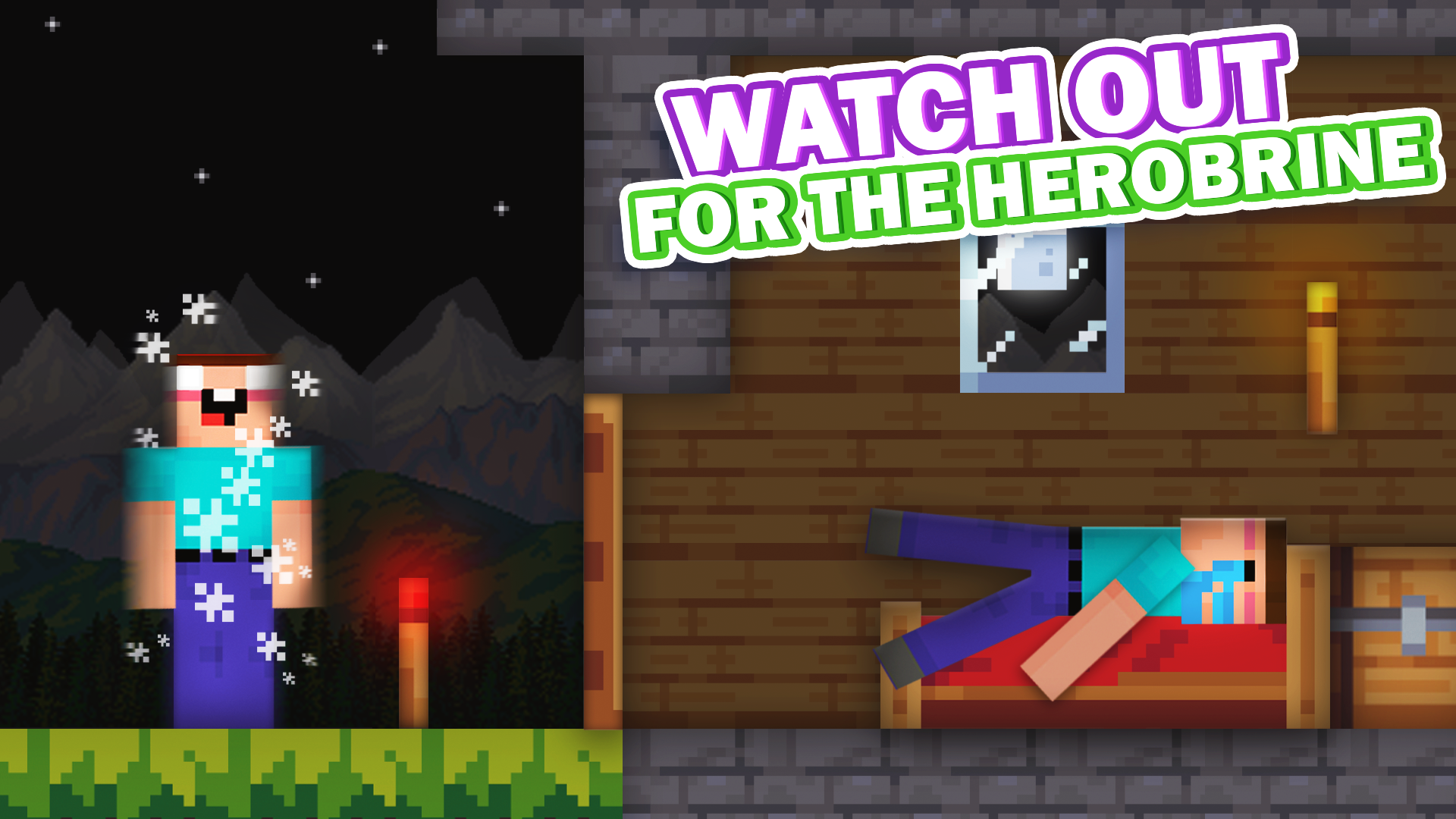
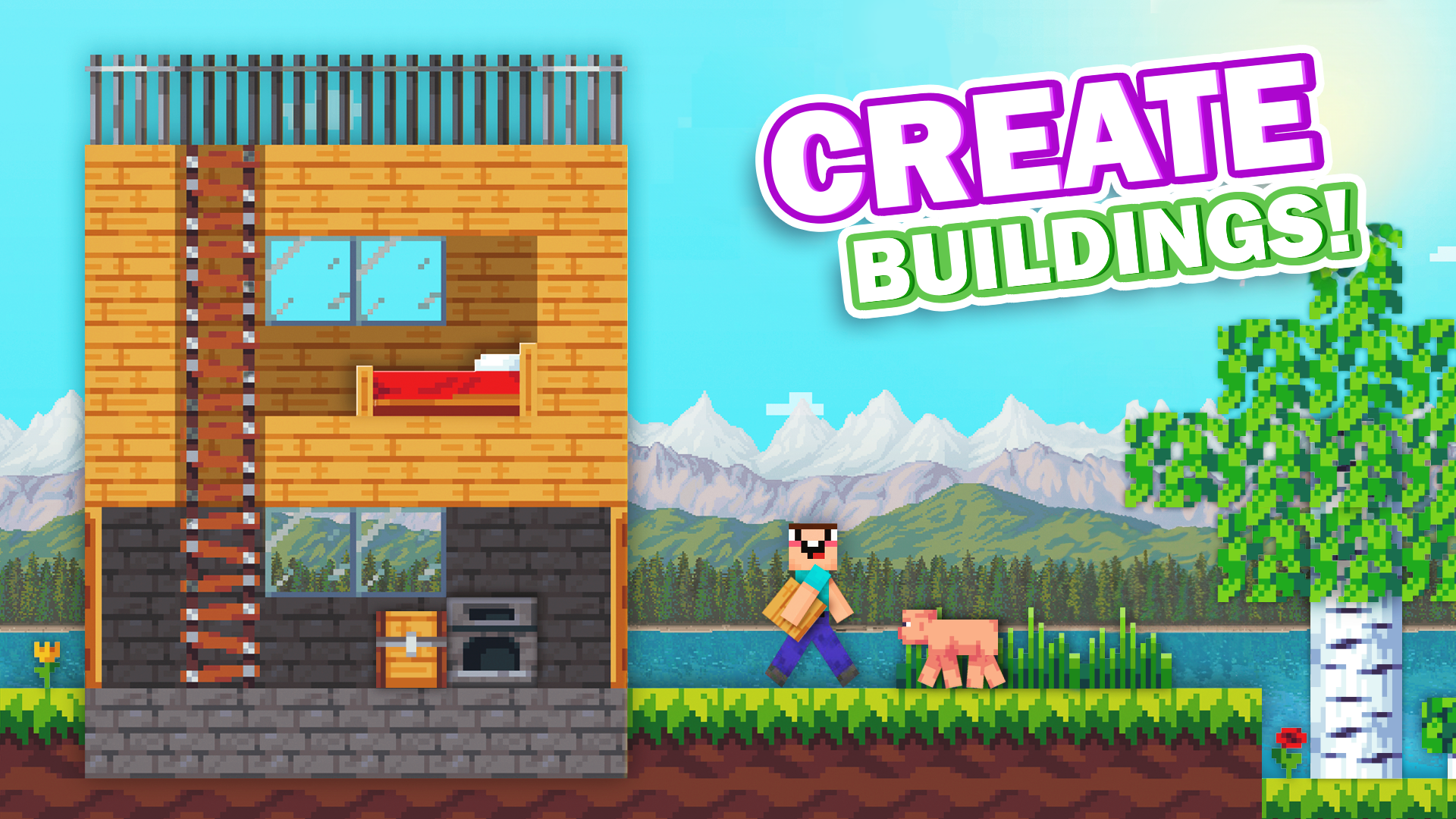
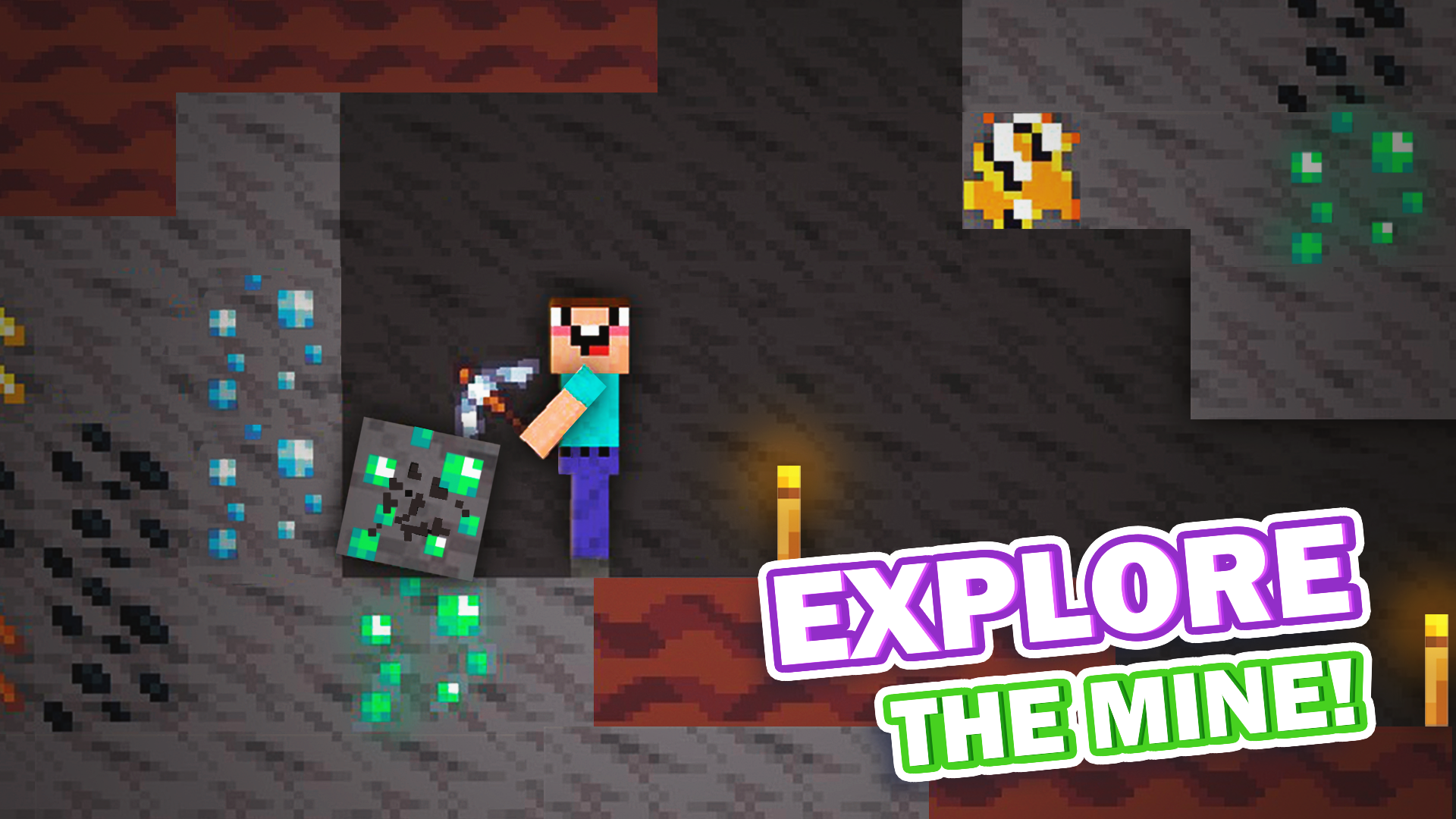
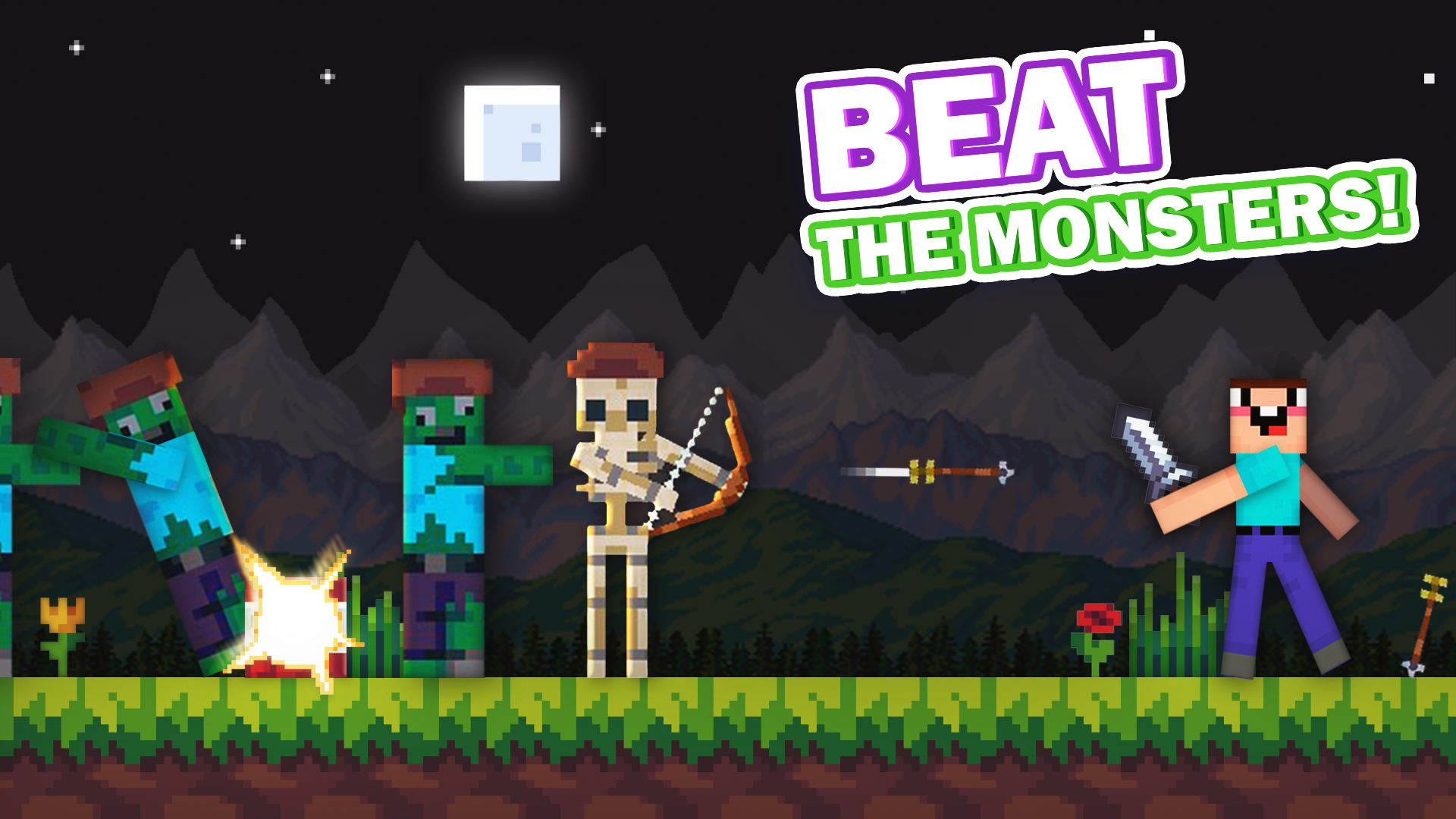
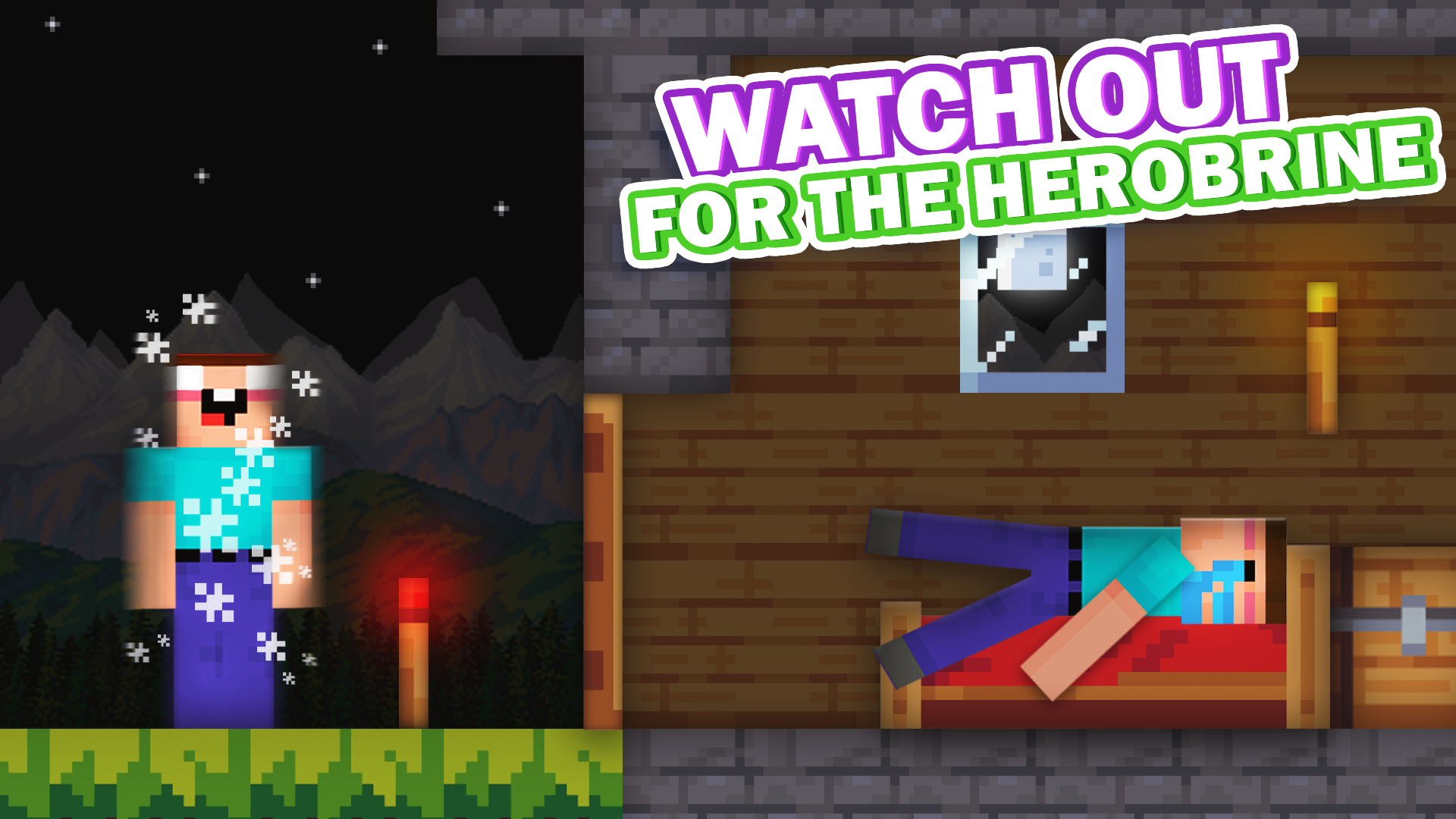
Mine 2D: Survival Herobrine tasks you with carving out a home in a vast blocky wilderness while dodging relentless foes. You will gather raw materials, refine your tools, and assemble impressive structures to secure your safety before darkness falls. The core loop revolves around efficient resource management and tactical combat against waves of zombies and skeletons. Every session feels unique thanks to fully generated biomes that shift with every new playthrough. You must remain vigilant because the mysterious Herobrine lurks in the shadows, waiting to disrupt your progress with supernatural pranks and sudden structural changes. Mastering the art of survival requires quick reflexes and a clever strategy to outsmart the haunting presence of Herobrine. This addictive experience blends creative building with the high-stakes tension of classic survival gameplay. You can start your journey right now for free directly in your browser without any annoying downloads.
How to play
Controls
For mobile:
Left Joystick - Move
Right Joystick - Destroy Blocks
Tap on the screen in an empty space - Set a block
For PC:
WASD/ Arrow keys - Move
LBM - Destroy blocks
RBM - Set Block
With Shift pressed - Work with the back layer
E - Inventory or open the store
Q - Drop item
ESC - Pause
Features
- Dynamic Biomes: Explore two distinct, randomly generated environments that ensure no two survival sessions are ever exactly the same.
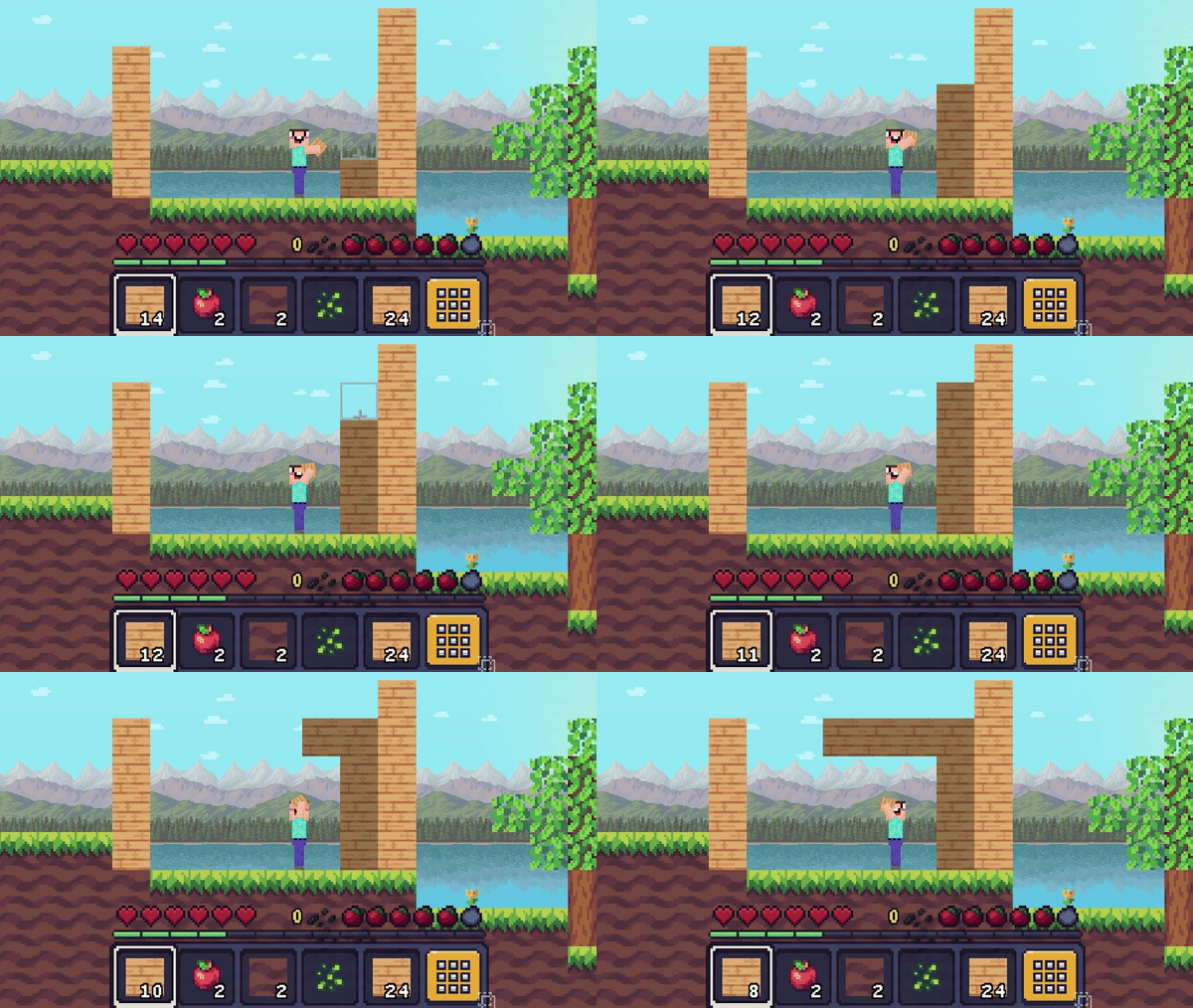
- Back Layer Mechanics: Utilize the keyboard shift key to interact with background blocks for more complex and layered structural designs.
- Intuitive Crafting: Access a comprehensive inventory system to trade, store items, and prepare for encounters with hostile mobs.
- Structured Tutorial: Learn the essentials of resource collection and base defense through a detailed guide designed for new players.
- Supernatural Threats: Experience unpredictable gameplay events triggered by the antagonist, ranging from levitation effects to sudden block manipulation.
Who is it for
Survival fans who enjoy block-building mechanics and sandbox adventures will find this title highly engaging. Casual players seeking a quick mobile-friendly challenge or desktop enthusiasts looking for a classic crafting atmosphere will appreciate the simple, accessible controls and the eerie, unpredictable presence of the legendary forest ghost.
Controls
Movement
Use WASD or arrow keys on PC; use the left on-screen joystick on mobile.
Destroy Blocks
Click the left mouse button on PC; use the right on-screen joystick on mobile.
Place Blocks
Click the right mouse button on PC; tap any empty space on the mobile screen.
Manage Inventory
Press the E key on your keyboard to open the store and inventory menu.
FAQ
Is Mine 2D: Survival Herobrine free to play?
›
Yes, you can enjoy Mine 2D: Survival Herobrine completely for free directly in your web browser with no registration or downloads required.
How do I defend myself against monsters in Mine 2D: Survival Herobrine?
›
You must mine resources to craft better tools and build secure structures; stay alert to the environment to prepare for attacks from zombies and the elusive Herobrine.
Can I play Mine 2D: Survival Herobrine on a mobile device?
›
Absolutely, Mine 2D: Survival Herobrine is optimized for mobile browser play, allowing you to move, mine, and build using simple touch-screen joystick controls.