About game
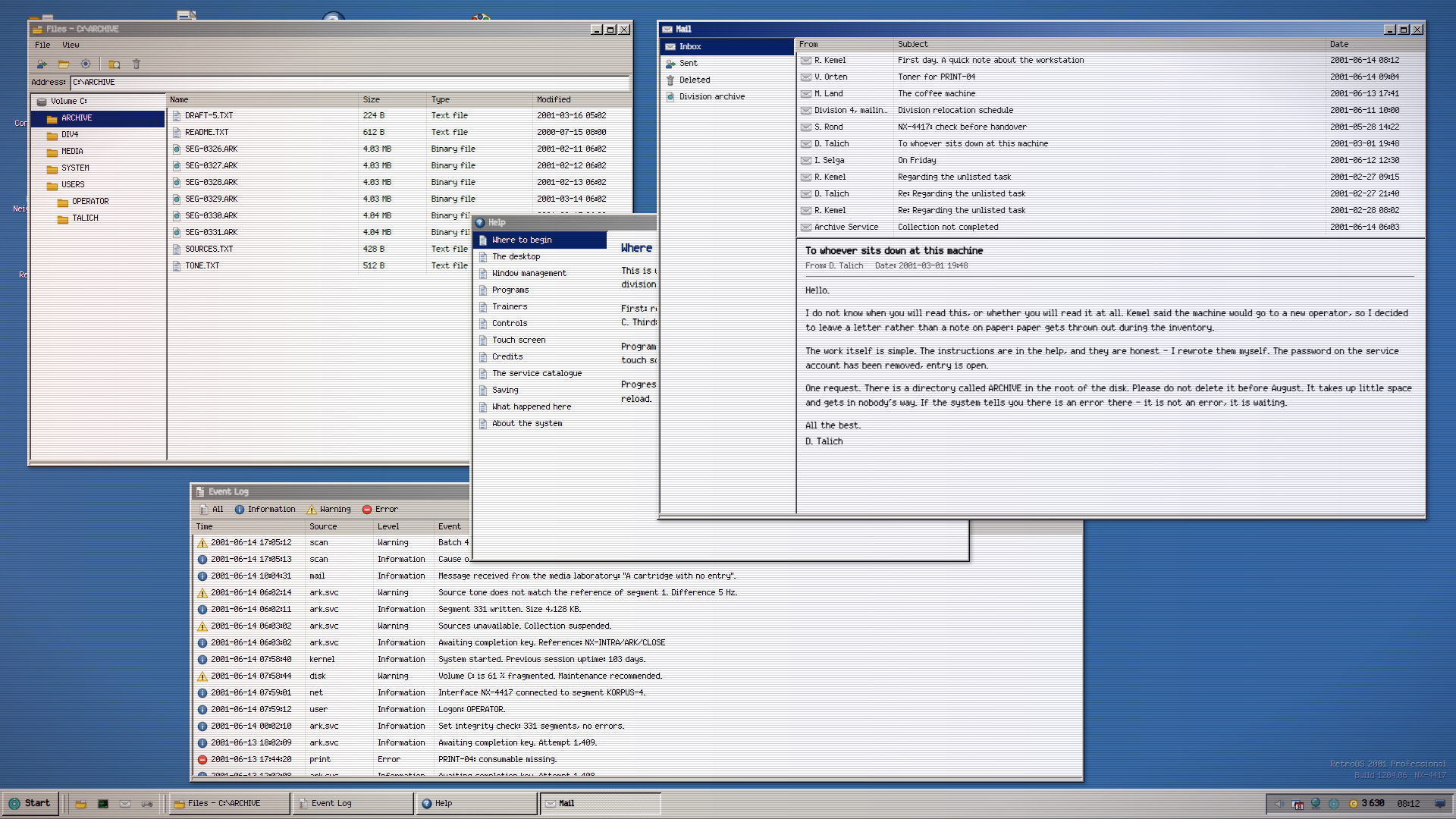
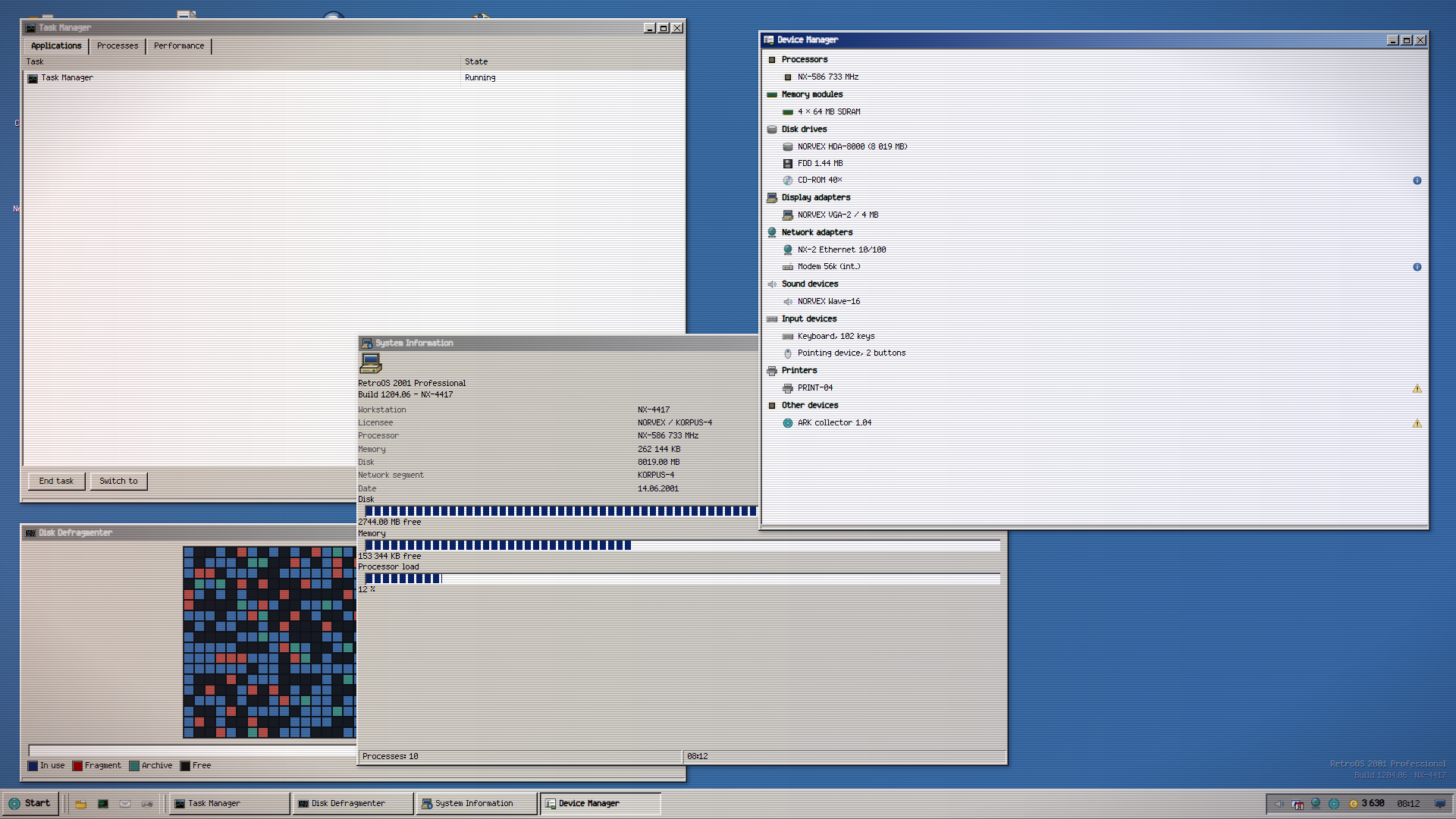
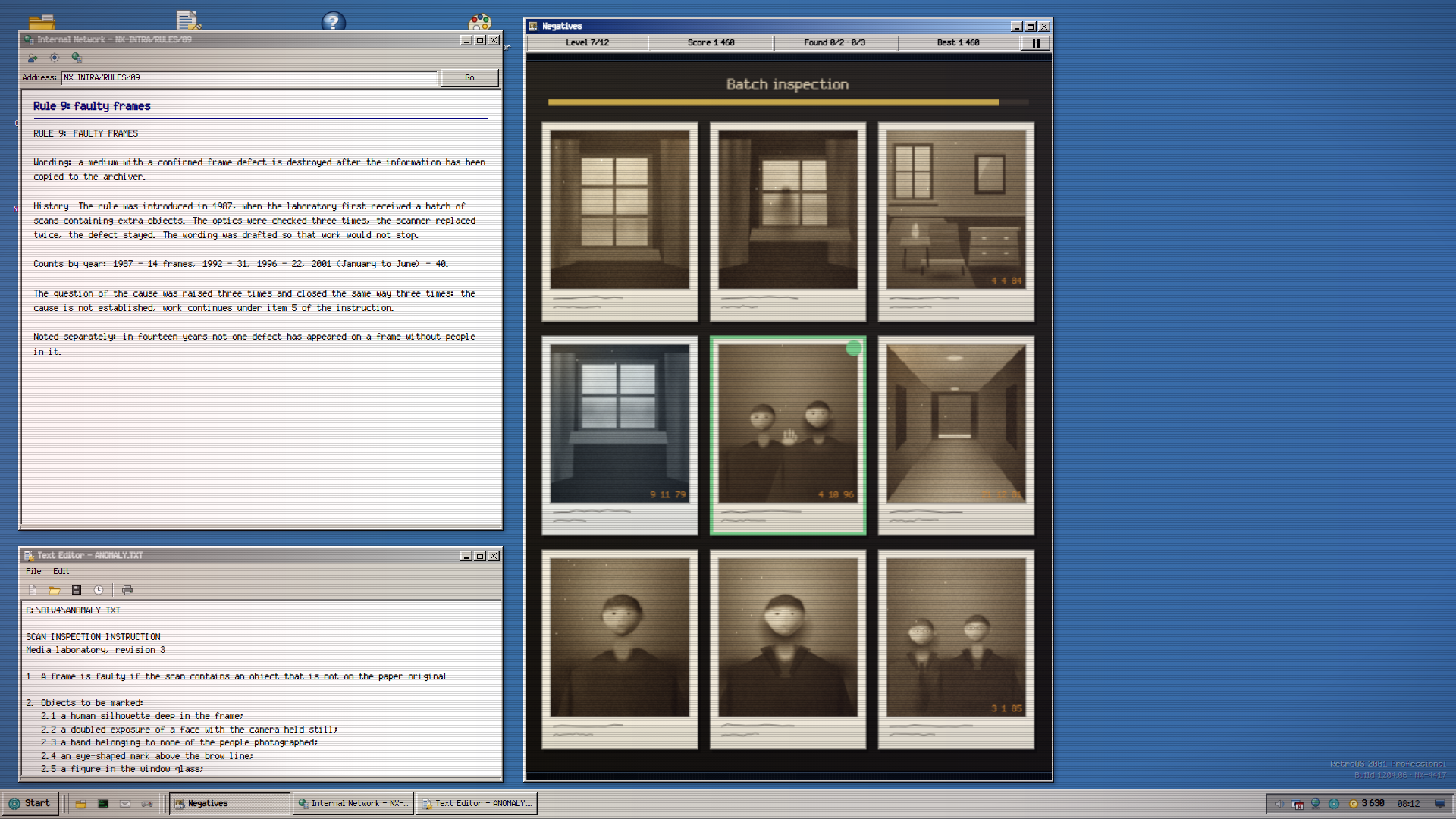
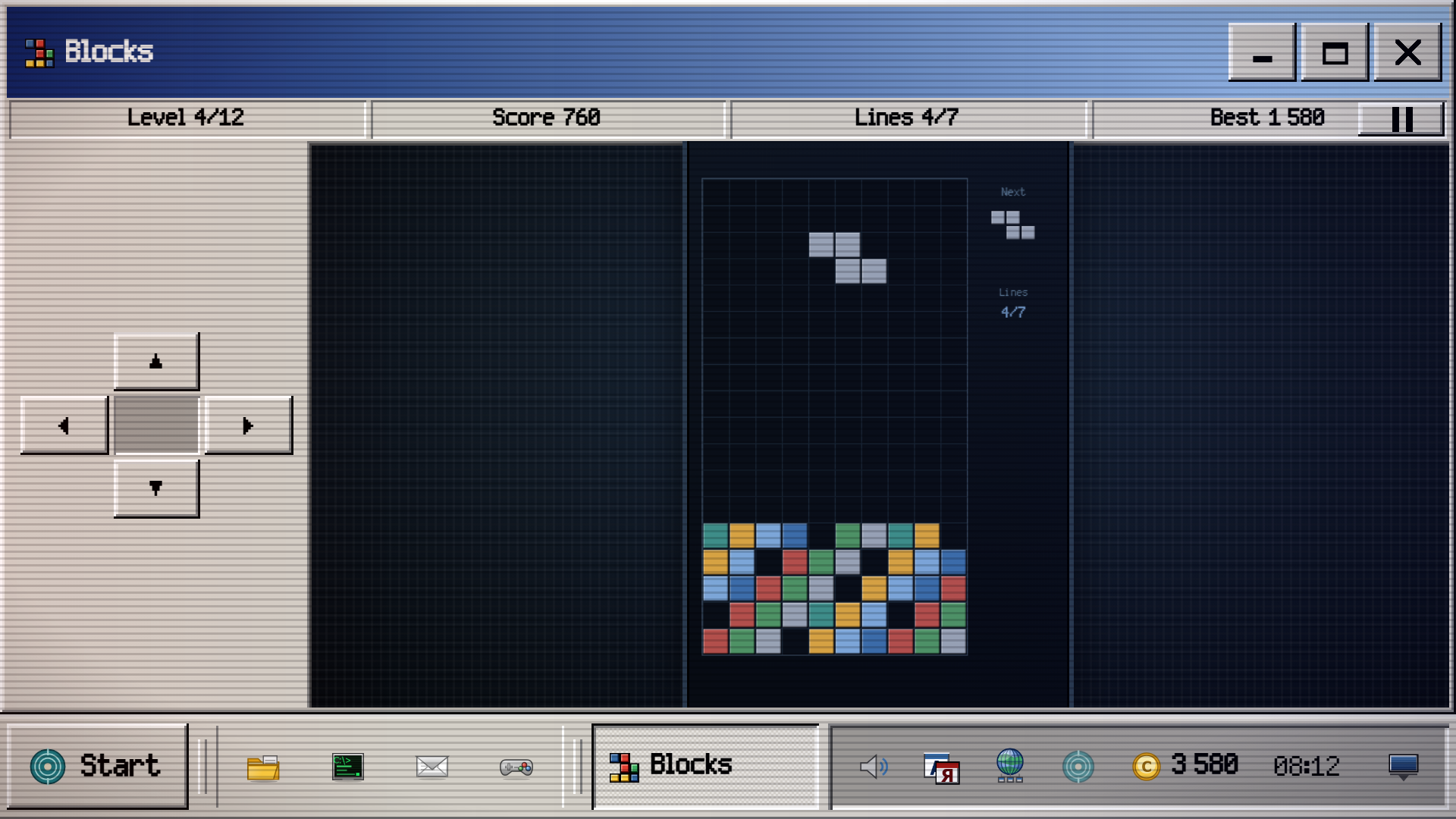
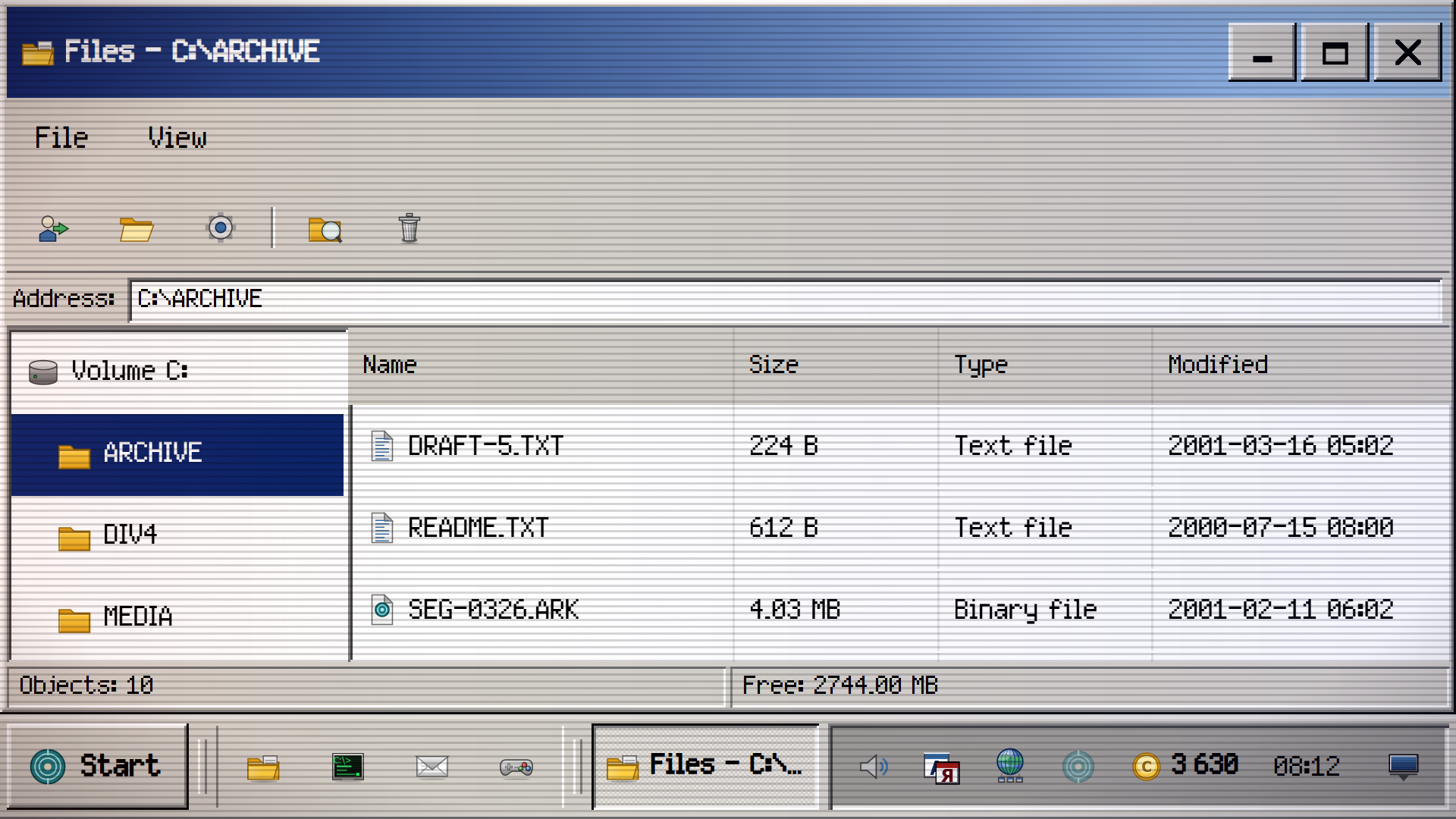
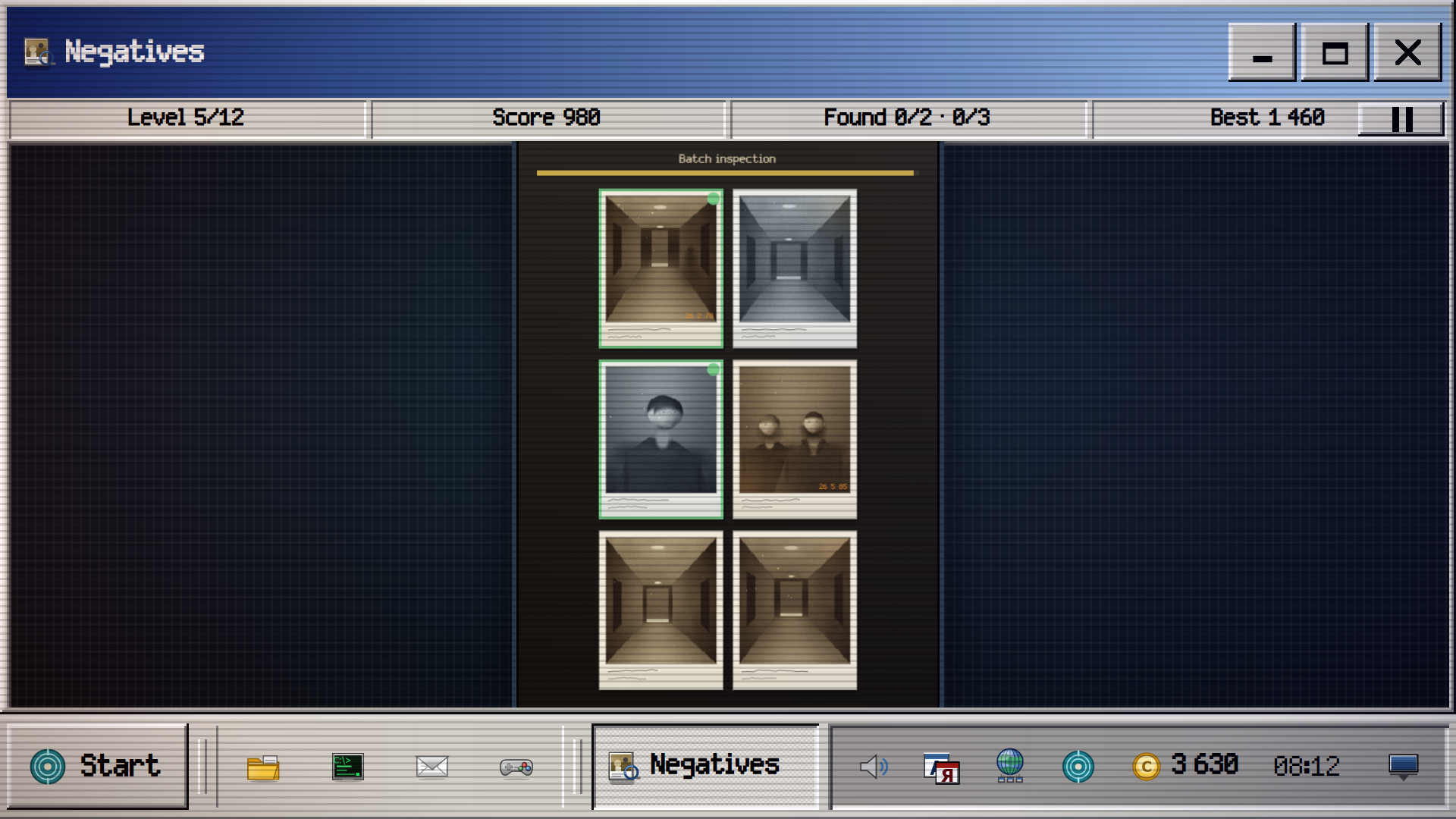
Scrub through corrupted archives at workstation NX-4417 to find hidden anomalies inside scanned family photos. RetroOS 2001 turns your browser into a fully functional vintage operating system where you manage files and investigate eerie discrepancies. You click through 27 distinct programs ranging from a command line interface to a registry editor to keep the system running. Each successful scan helps you piece together a narrative spanning decades of deleted documents. You earn credits for every quota met, which you spend on desktop customizations or productivity boosters. Mastering this симулятор requires sharp eyes to spot distorted faces or extra limbs hiding in the negatives. Every window behaves just like a real retro operating system with drag-and-drop resizing and taskbar management. RetroOS 2001 captures the feeling of 2000-е technology while challenging you with complex logic puzzles. You can jump into this browser-based ретро experience right now without any downloads.
How to play
MOUSE. A single click on an icon starts a program, the right button opens the context menu. A window moves by its title bar and resizes from any of its eight edges. Double-clicking the title bar maximises it; dragging to the top edge fills the screen, to a side edge takes half.
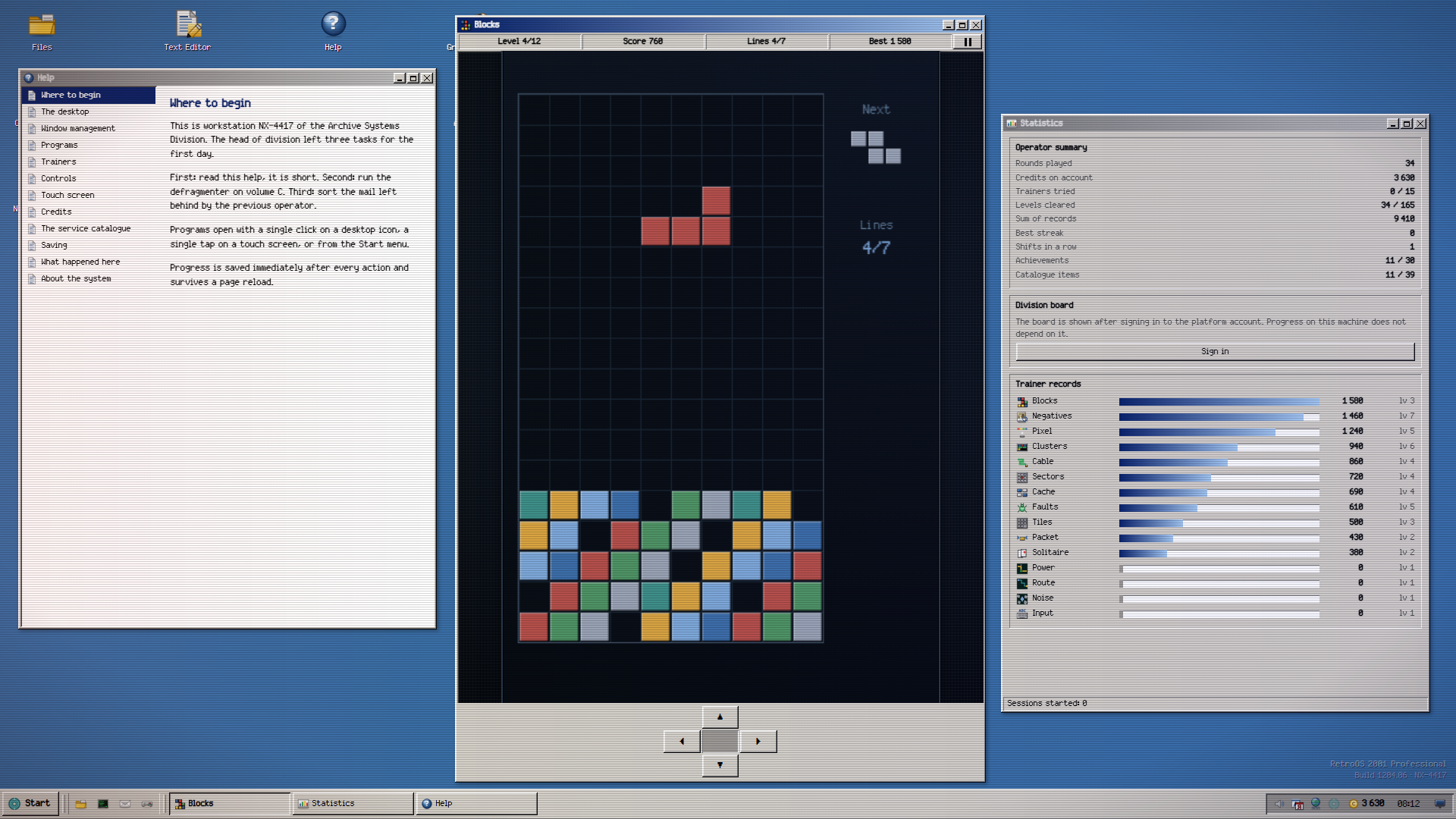
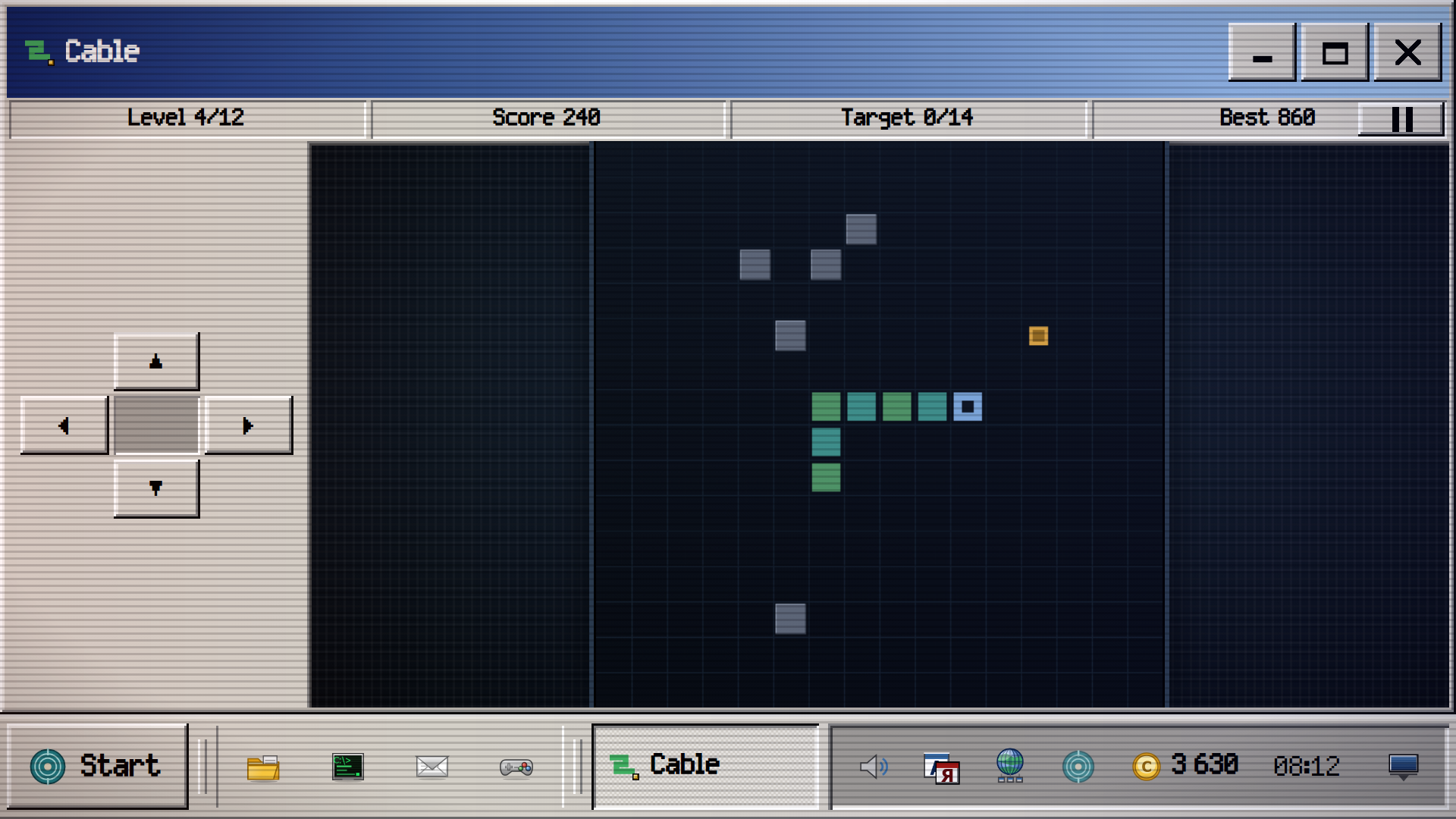
TOUCH SCREEN. One tap starts a program and presses buttons, a long press replaces the right button. Trainers that need a direction show a D-pad below or beside the field, and it never covers the field; the two-bar button on the bar pauses the shift. The rest are played by tapping the field directly.
KEYBOARD. Arrows and WASD set direction, Space acts, Escape pauses a trainer and cancels a dialog. In the text editor: Ctrl+Enter saves, Ctrl+1 inserts the time, Ctrl+2 a divider, Tab indents. The layout does not matter.
GOAL. Meet the quotas, earn credits and recover what is left of the previous operator.
Features
- Dynamic Window Management: Resize any application from eight different edges or snap them to screen sides for efficient multitasking.
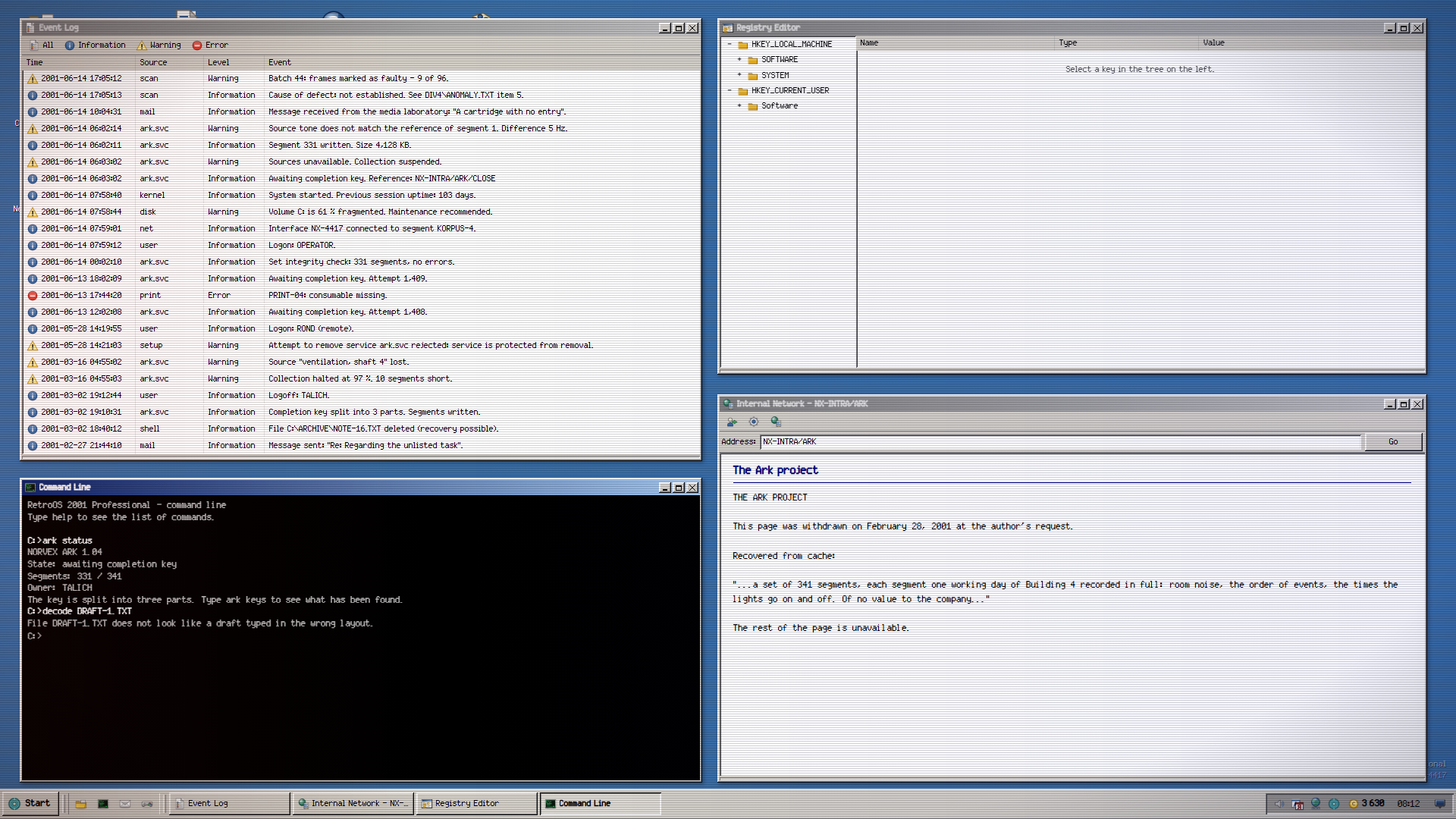
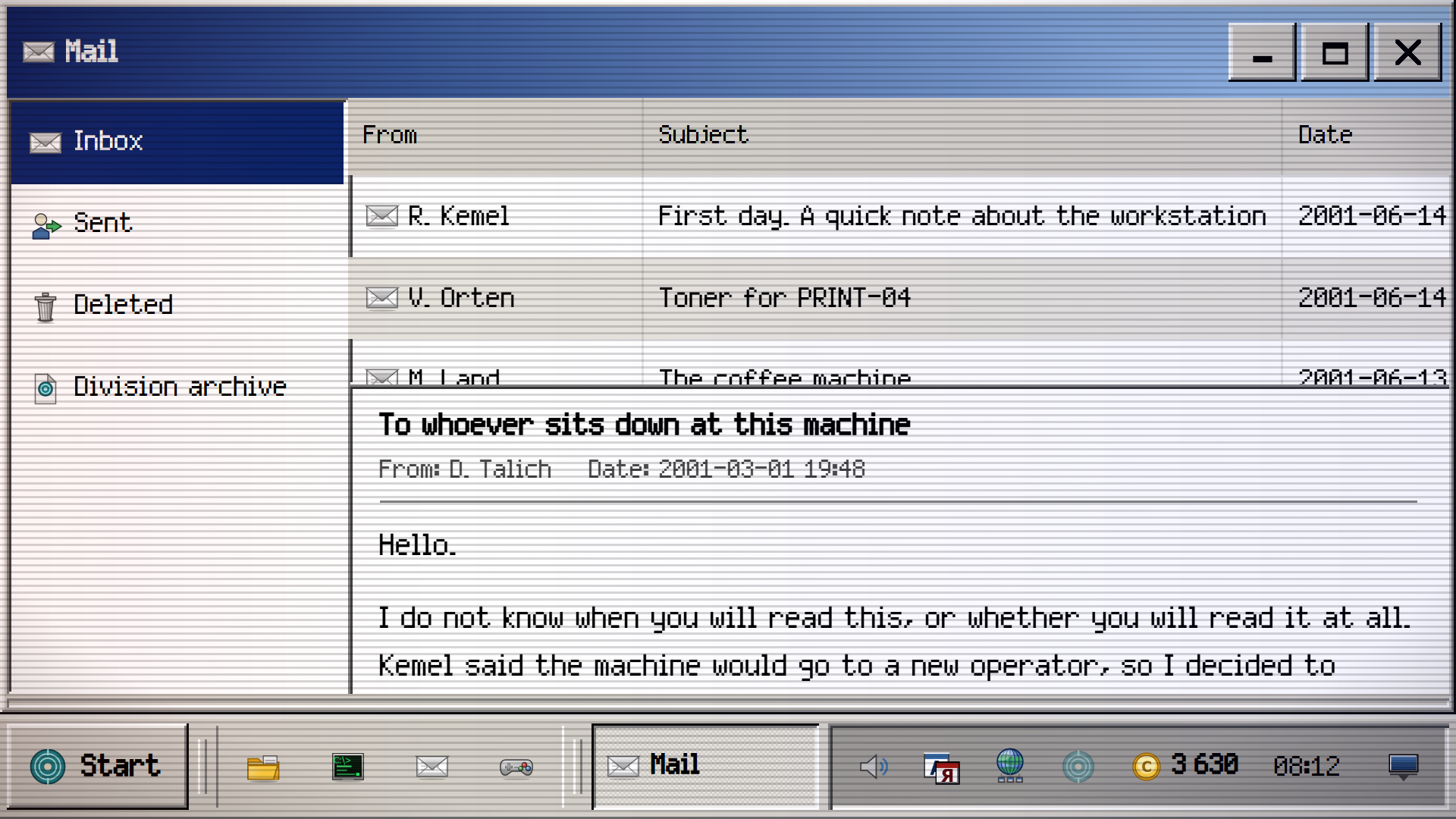
- Deep Archive Lore: Uncover a fifty-year timeline of secrets hidden within deleted emails and salvaged system documents.
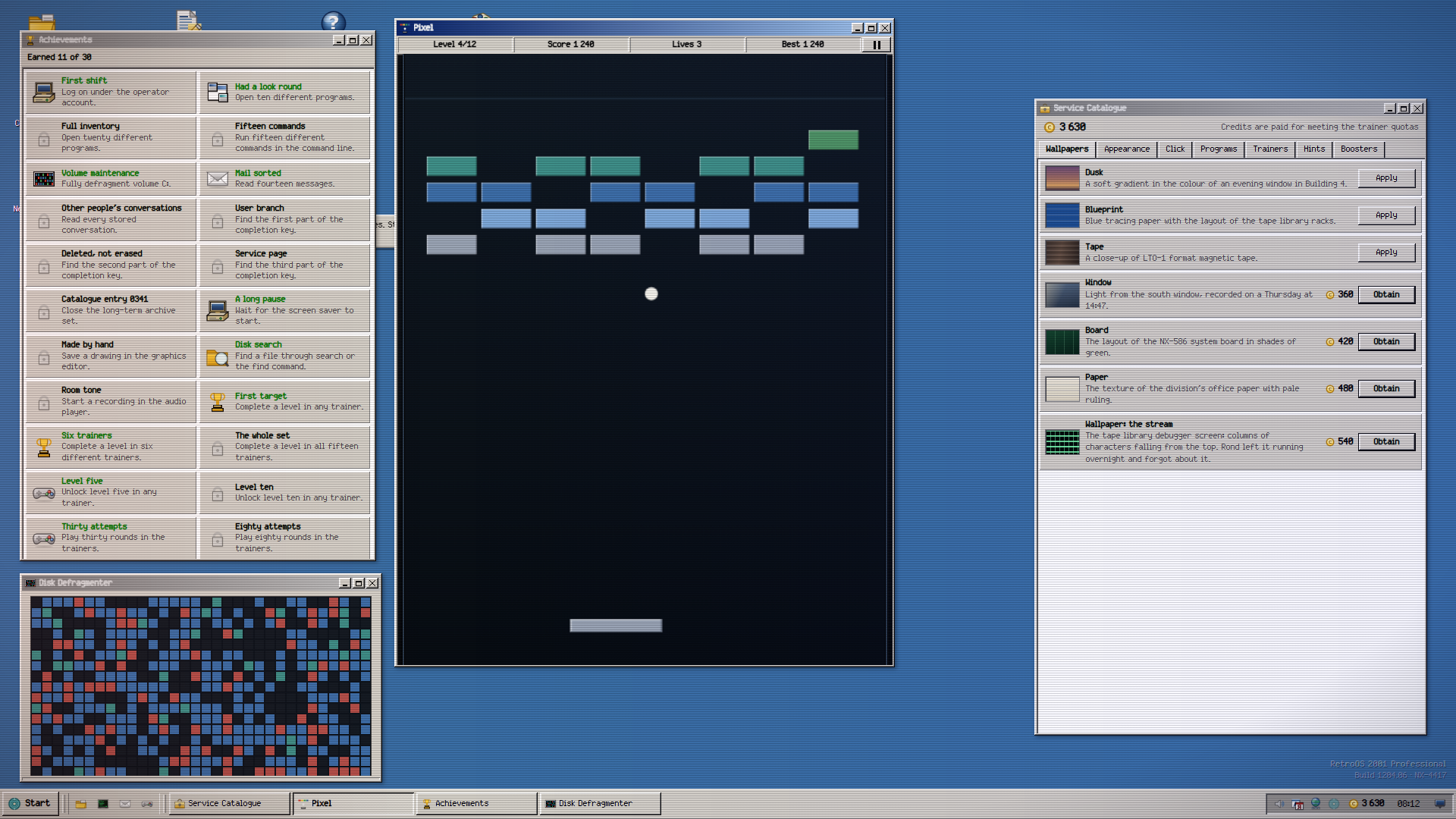
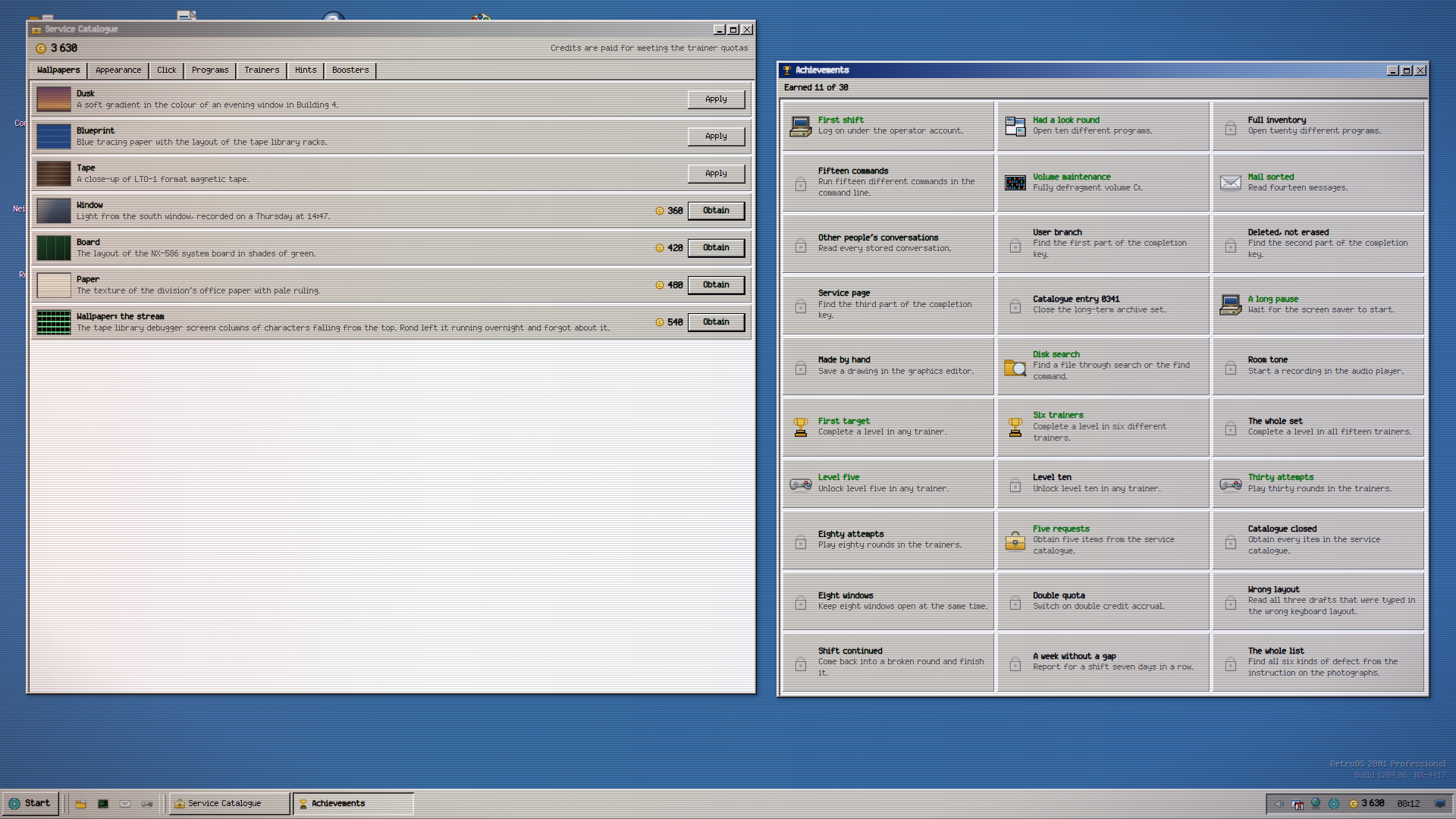
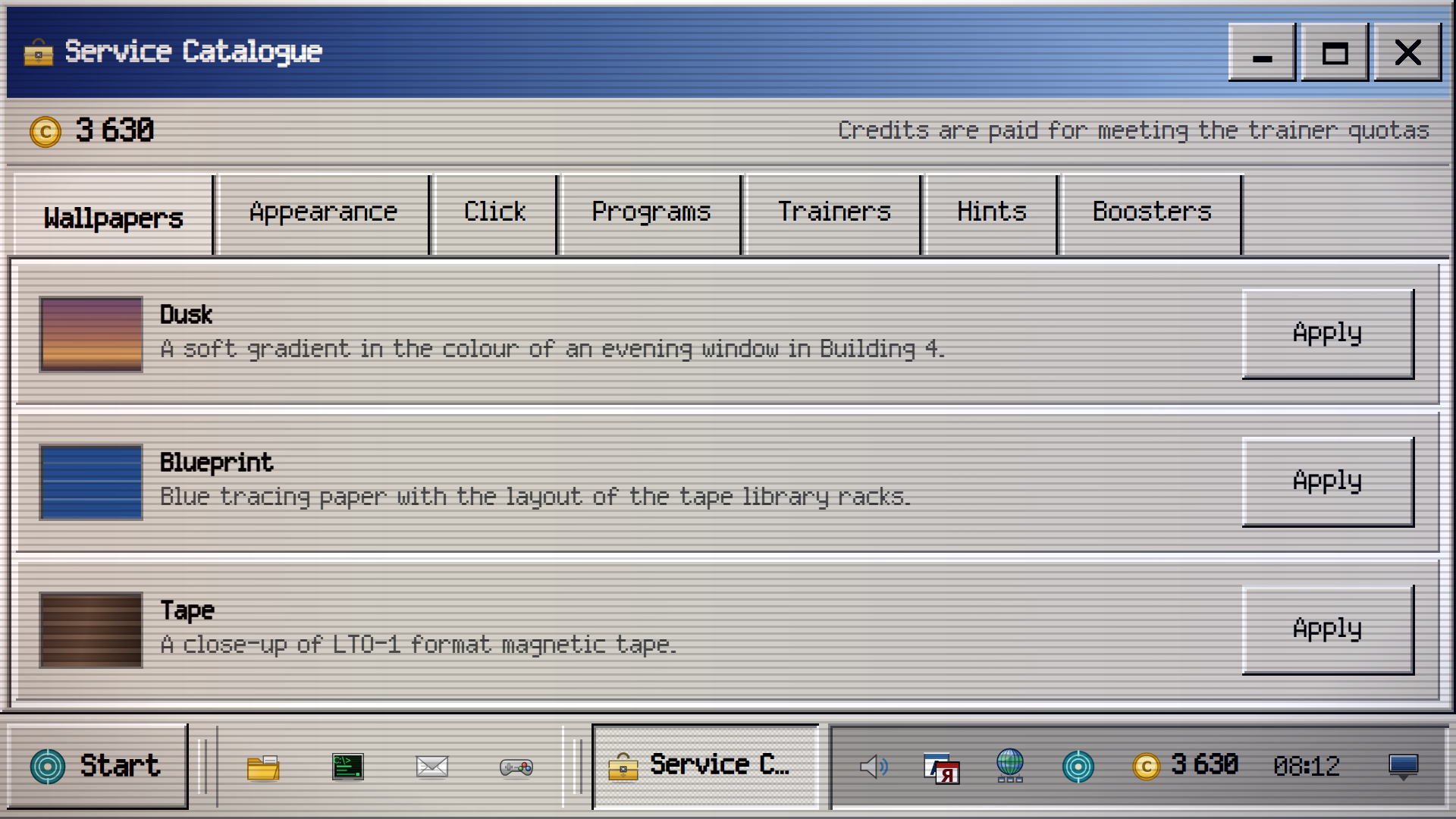
- Customization Store: Spend earned credits on unique wallpapers and window styles to personalize your virtual workstation.
- Command Line Mastery: Execute 35 unique terminal commands to bypass security protocols and recover corrupted data files.
- Achievement System: Unlock 30 distinct milestones by completing complex training levels and uncovering rare paranormal evidence.
Who is it for
Puzzle lovers who enjoy investigative narratives and hardware enthusiasts will appreciate the authentic interface. Fans of 2000-е tech aesthetics who want a challenging brain training session will find plenty to do here. Casual players who prefer slow-paced, atmospheric desktop simulations over fast-action games will feel right at home.
Controls
Mouse interaction
Left click icons to launch, right click for menus, and drag title bars to move or snap windows.
Touch navigation
Single tap for clicks, long press for right-click functions, and use the on-screen D-pad for training movement.
Keyboard shortcuts
Use WASD or arrows for movement, Space for actions, and Ctrl shortcuts for advanced text editor functions.
FAQ
How do I progress in RetroOS 2001?
›
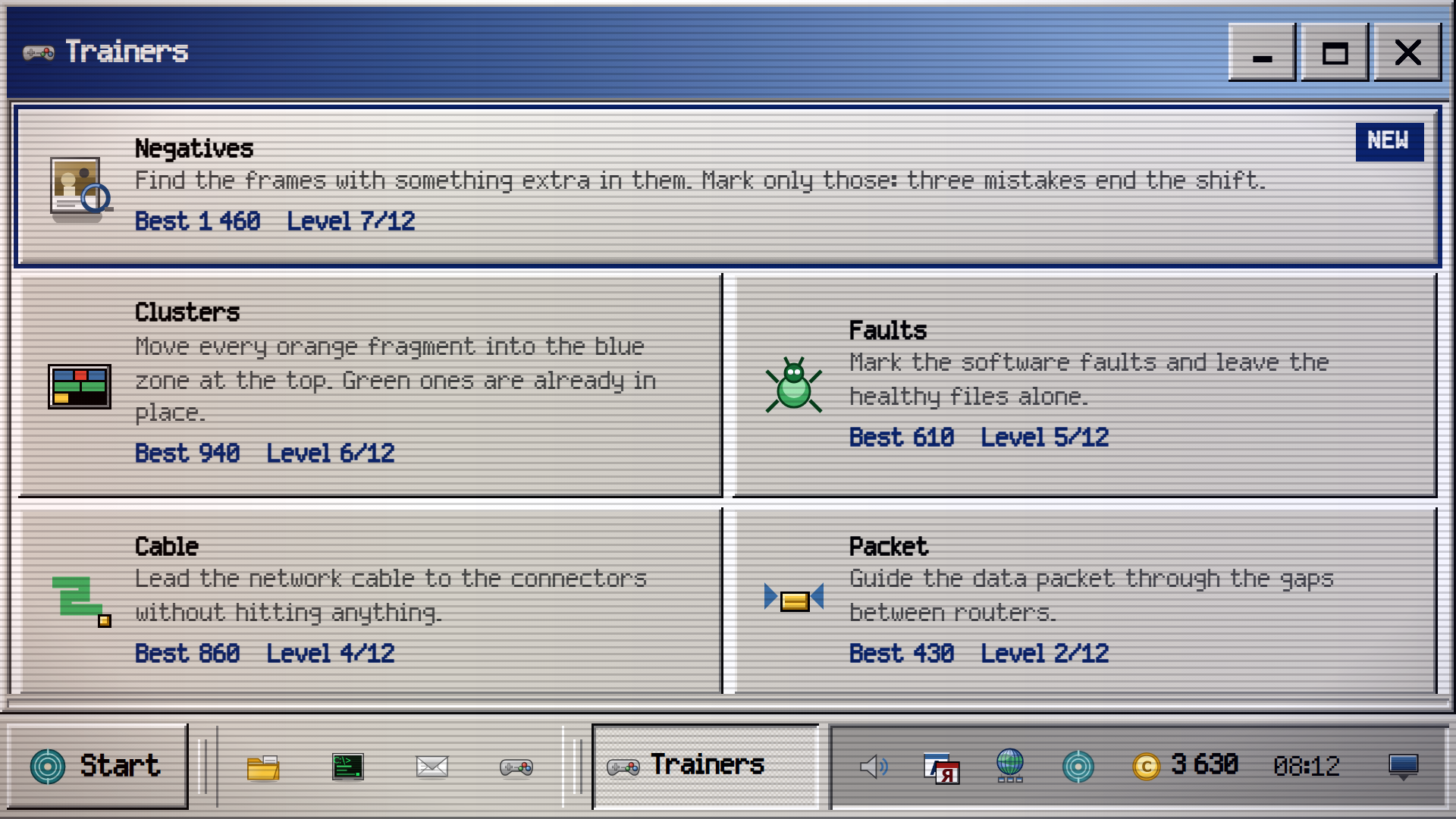
You must complete the 15 training modules to meet your daily quotas. Earning these credits allows you to unlock new tools and continue the story of the previous operator.
Can I save my work in RetroOS 2001?
›
The game saves your progress automatically as you complete tasks and earn achievements. You can return to your desktop state whenever you reopen the browser.
Does RetroOS 2001 require any software installation?
›
No, you play directly in your web browser. There is no need to download files or register an account to enjoy the full experience.