About game
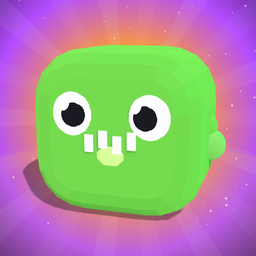
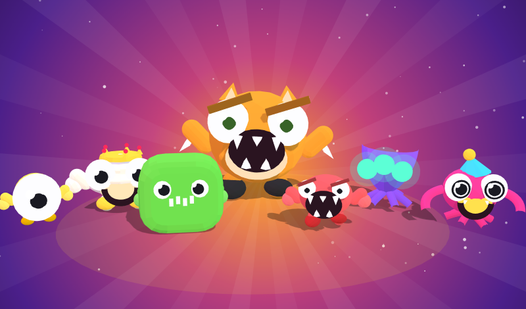
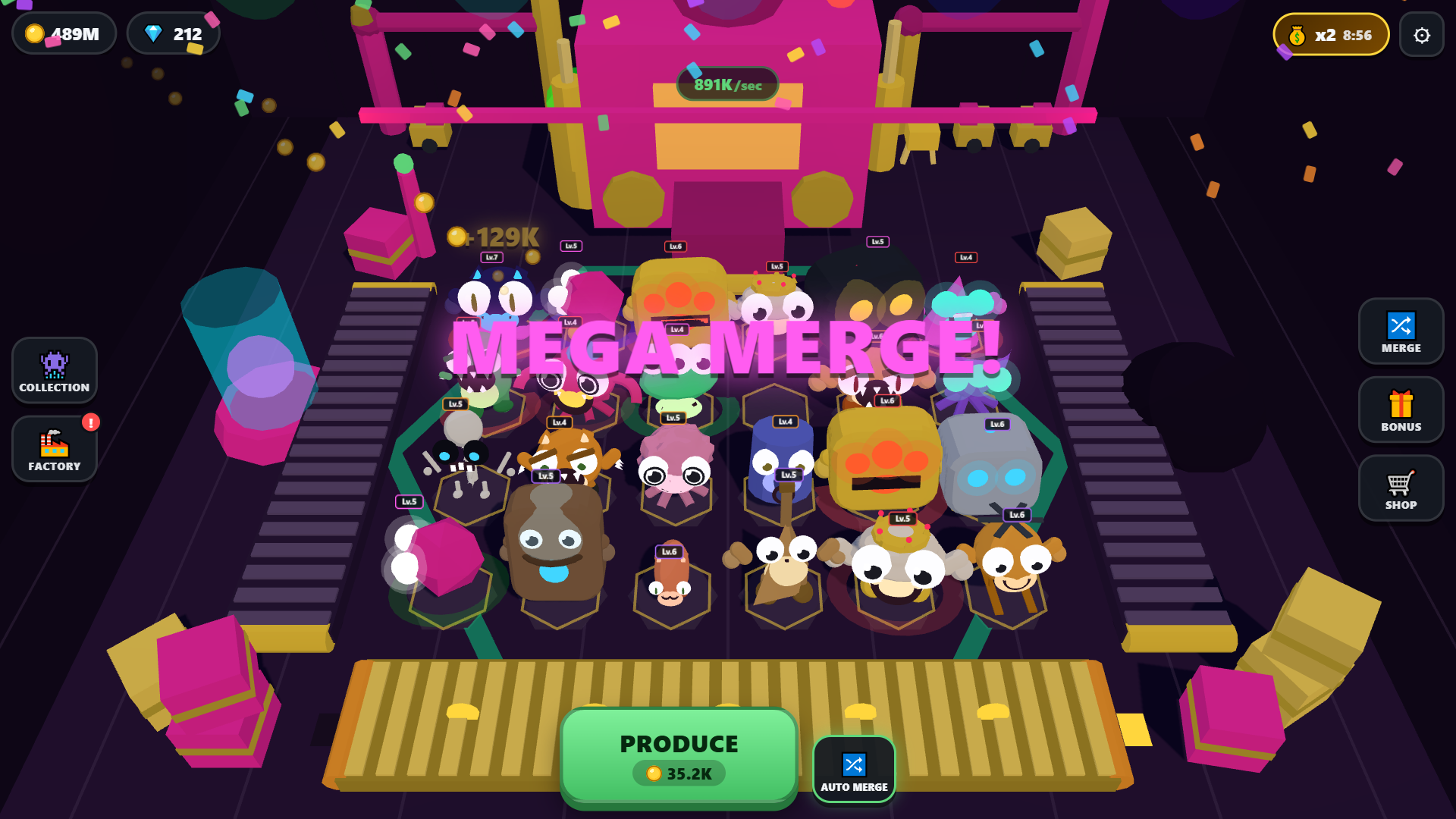
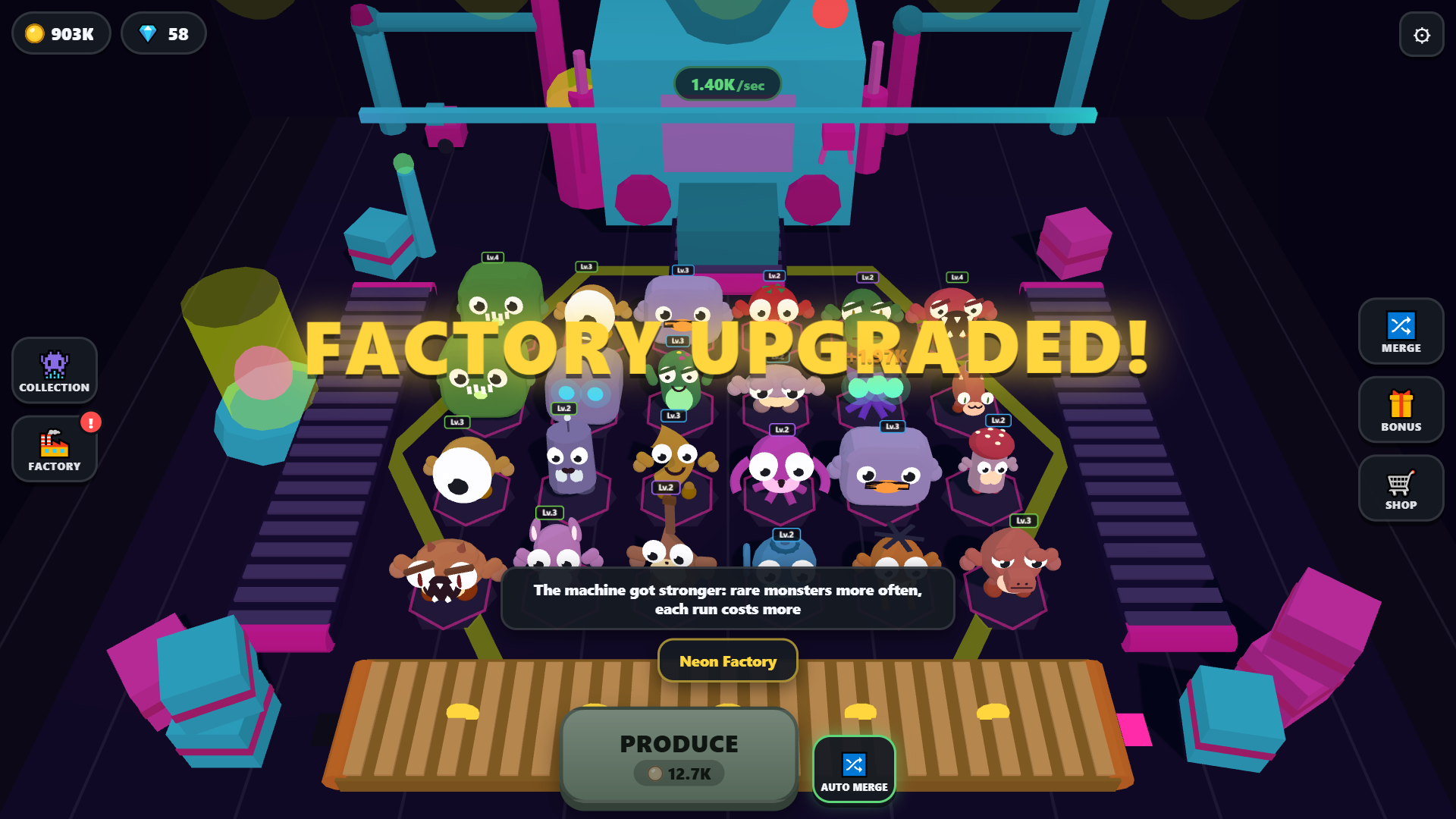
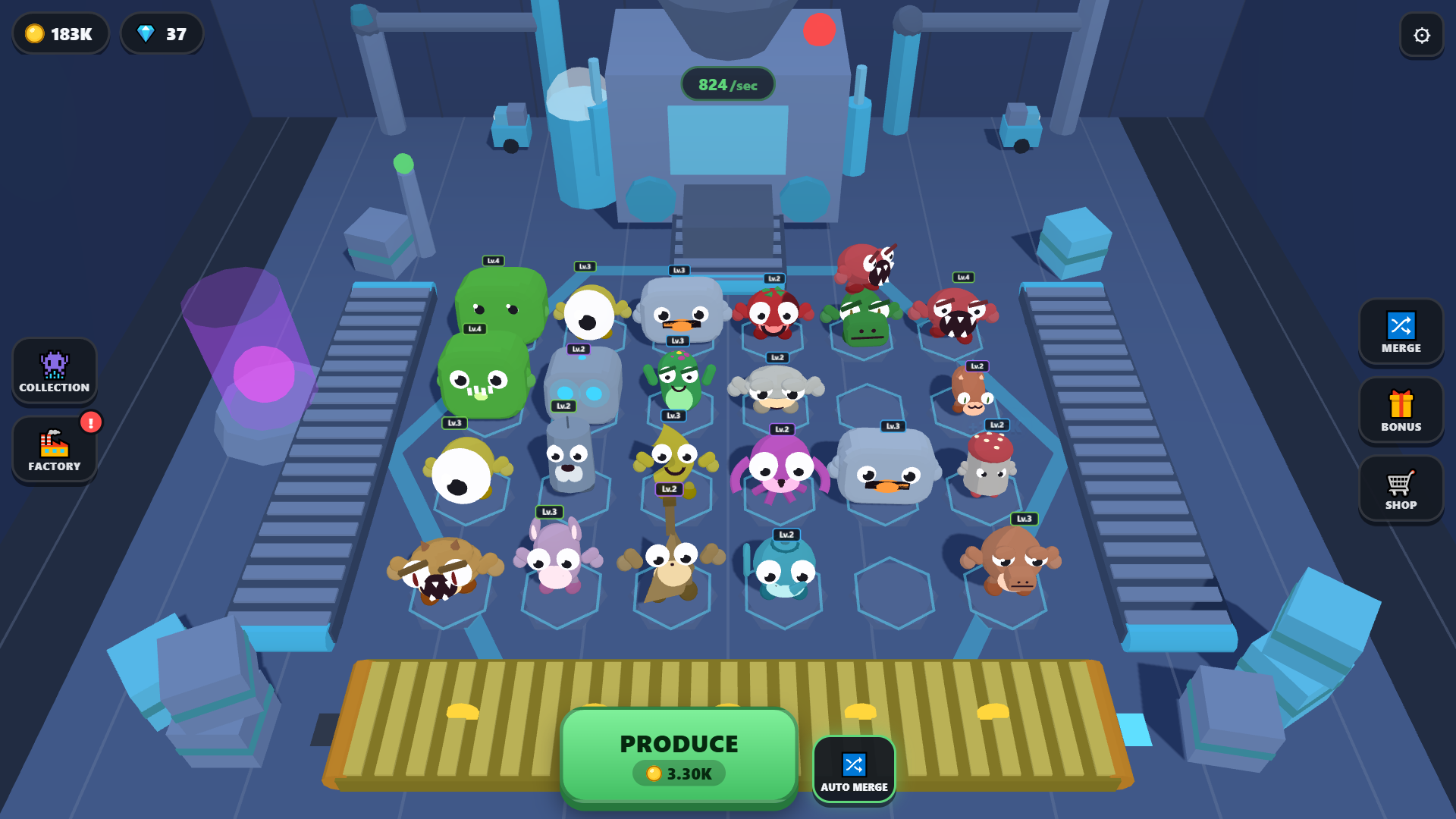
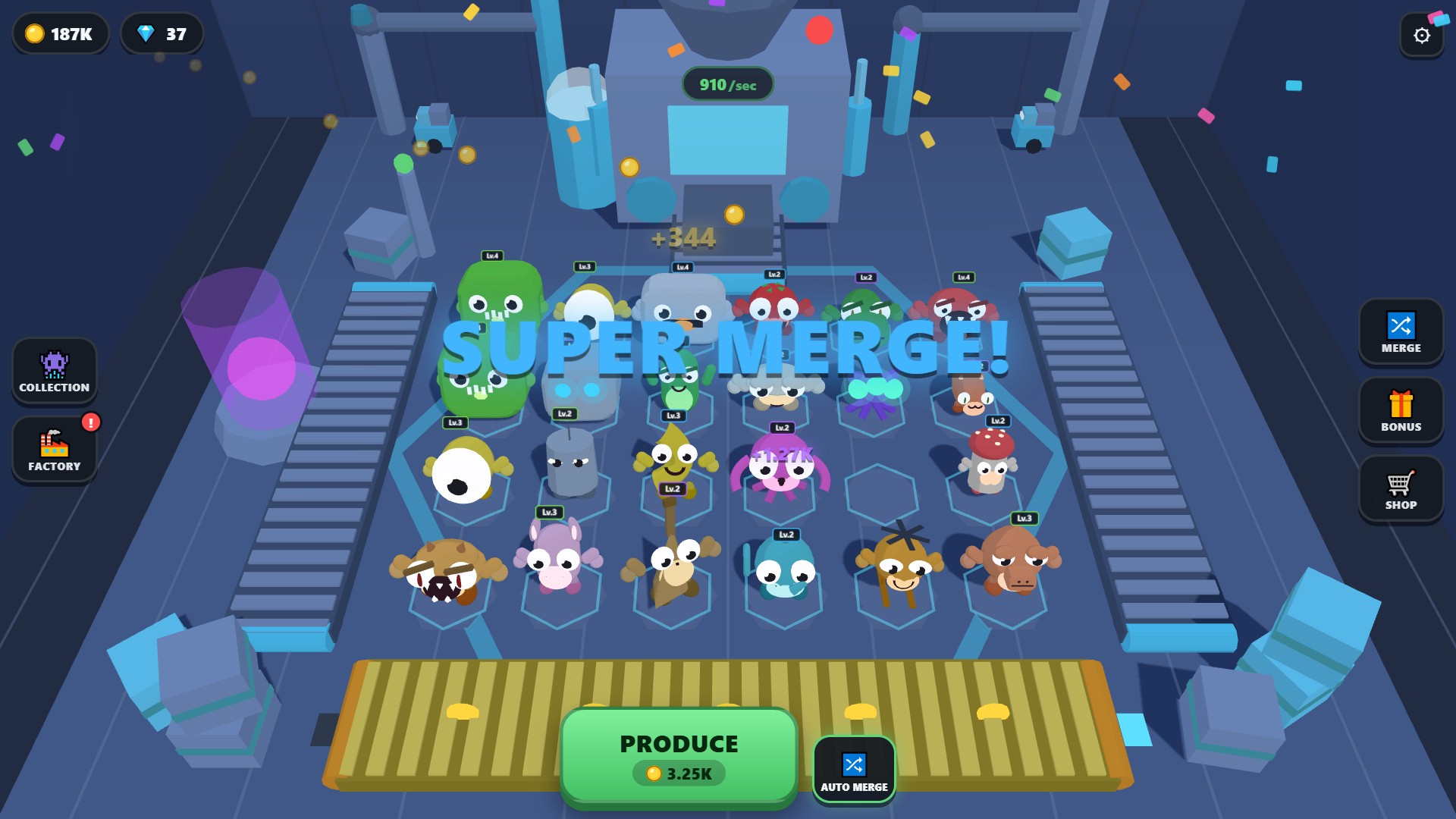
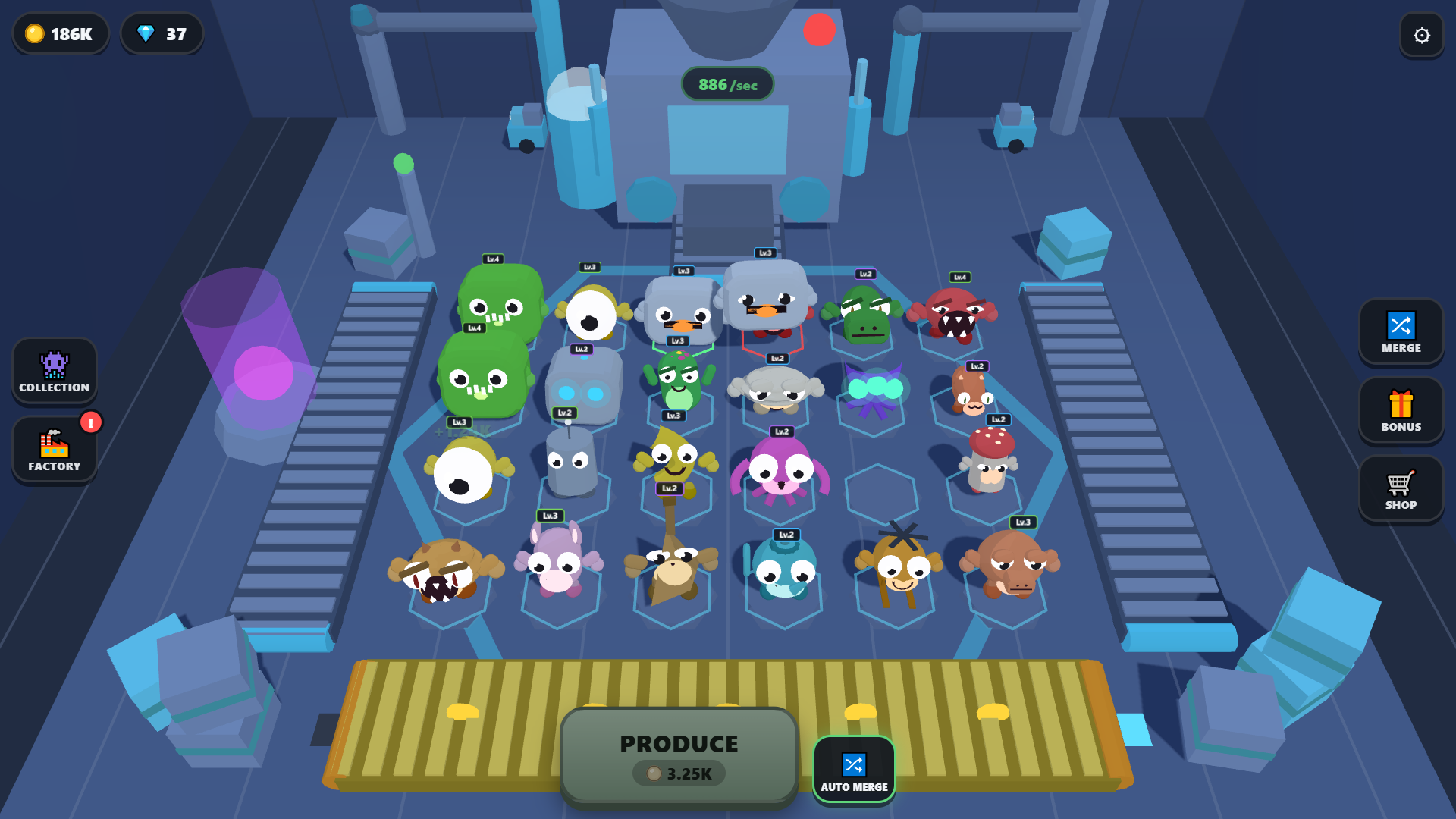
Staring at a blank screen during a coffee break feels like a waste of time. Brainrot: Monster Factory turns that downtime into a wild session of digital chaos and monster creation. You trigger the machine to spit out bizarre creatures like toasters with eyes and then drag identical ones together to evolve them. Each merge creates a higher level monster that generates more coins for your growing empire. Watching these weird creations pile up creates a satisfying loop of progress without requiring constant attention. Your garage eventually transforms into a high-tech facility as you unlock mutations and rare types. Making profit becomes addictive because the coins keep rolling in while you step away to finish your real-world tasks. Play Brainrot: Monster Factory for free in your browser right now with no download required.
How to play
Your goal is to grow the factory and collect all 44 monsters.
1. Press PRODUCE: the machine drops a random monster onto the floor.
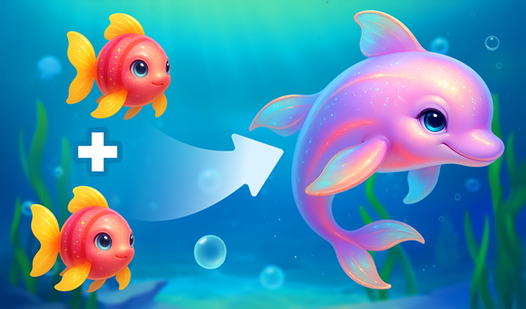
2. Drag a monster onto an identical monster of the same level — they merge into one stronger monster.
3. Monsters earn coins every second. Spend them on new monsters, upgrades, new zones and factory levels.
4. If the floor is full and nothing can merge, sell the spares: tap a monster or use the Sell button.
Controls:
• Mouse — drag a monster onto an identical one; click a monster to see its card.
• Touch — slide from a monster to an identical one.
• Keyboard — Space: produce; arrows: pick a pad; Enter: pick up and place a monster; A: auto merge; H: help; Esc: pause.
• TV remote — arrows: move; OK: select; Back: pause and exit.
Full help is in the game: Settings → How to play.
Features
- Evolution mechanics: Reach ten levels for every creature and witness unique mutations during the merge process.
- Factory progression: Advance through eight distinct production environments ranging from a gritty garage to a neon space station.
- Secret discovery: Unlock seven hidden monsters that only appear when you meet specific conditions on the production floor.
- Resource management: Balance your coin spending between buying new spawns, upgrading production zones, and activating temporary boosters.
- Quest system: Complete daily challenges and achievements to earn extra rewards that accelerate your rise to the top.
Who is it for
Casual players who enjoy idle tycoon games and satisfying merge mechanics. Fans of quirky creature collection will love the strange designs. People needing a quick, relaxing break during the workday will find the automated coin generation and simple drag-and-drop gameplay perfectly suited for short, frequent gaming sessions.
Controls
Produce monster
Click the button or press Space on your keyboard.
Merge monsters
Drag or swipe one monster onto an identical one to evolve it.
Navigate factory
Use arrow keys or touch to move between production pads.
Sell monster
Tap a monster and select the sell option when you need space.
FAQ
How do I unlock all 44 monsters in Brainrot: Monster Factory?
›
You unlock the standard monsters by merging them, but keep an eye out for special conditions to trigger the 7 secret ones.
Does Brainrot: Monster Factory save my progress if I close the tab?
›
Yes, the game saves your progress automatically in the cloud so you can return to your factory later.
Can I play Brainrot: Monster Factory on my mobile phone?
›
Absolutely, the game supports touch controls allowing you to swipe and drag your monsters directly on your mobile screen.