About game
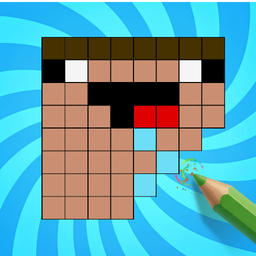
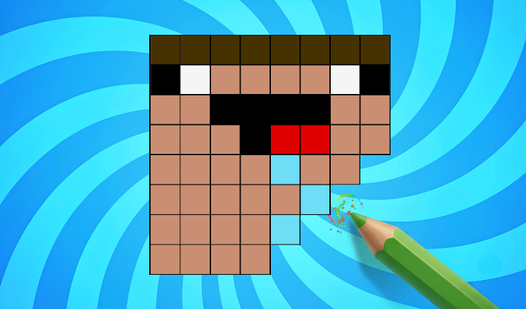
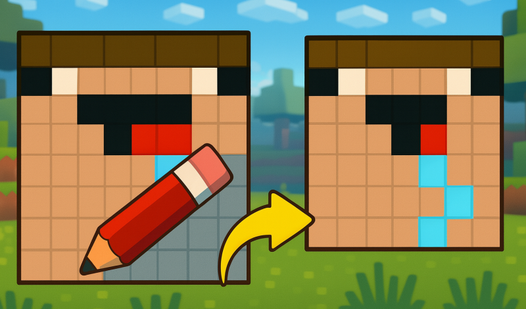
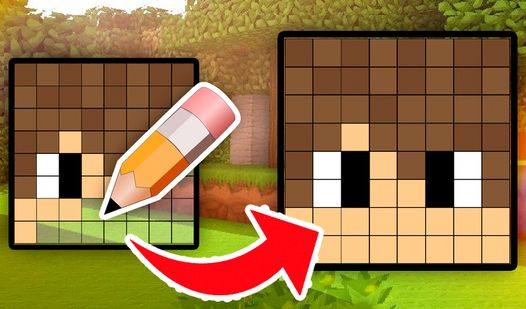
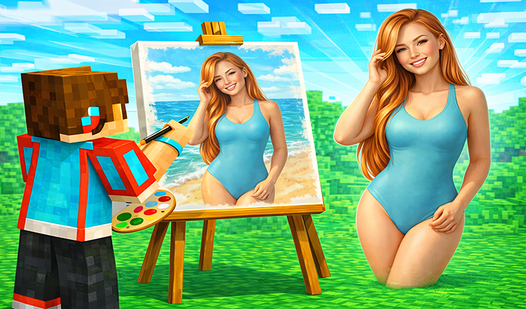
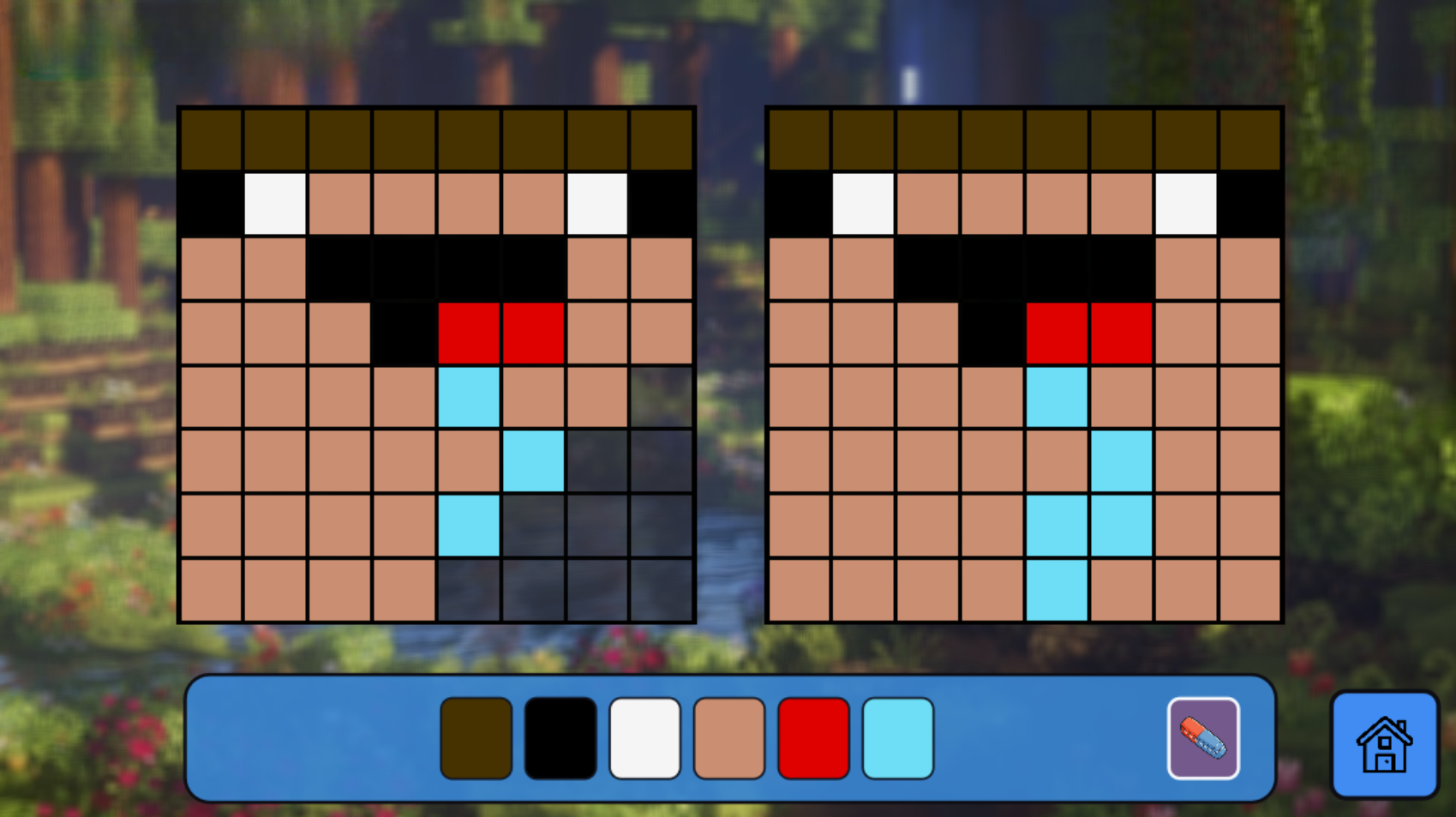
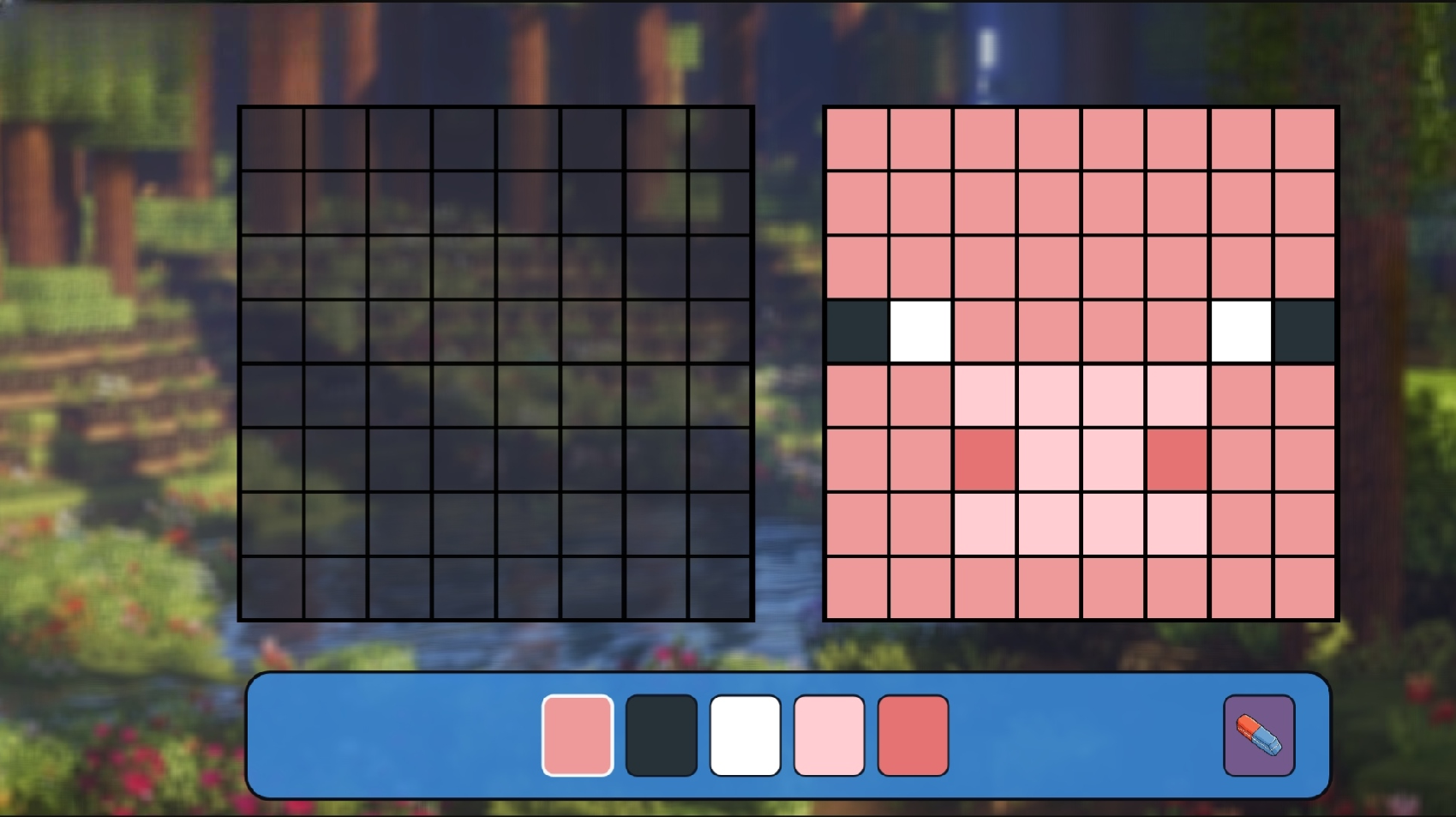
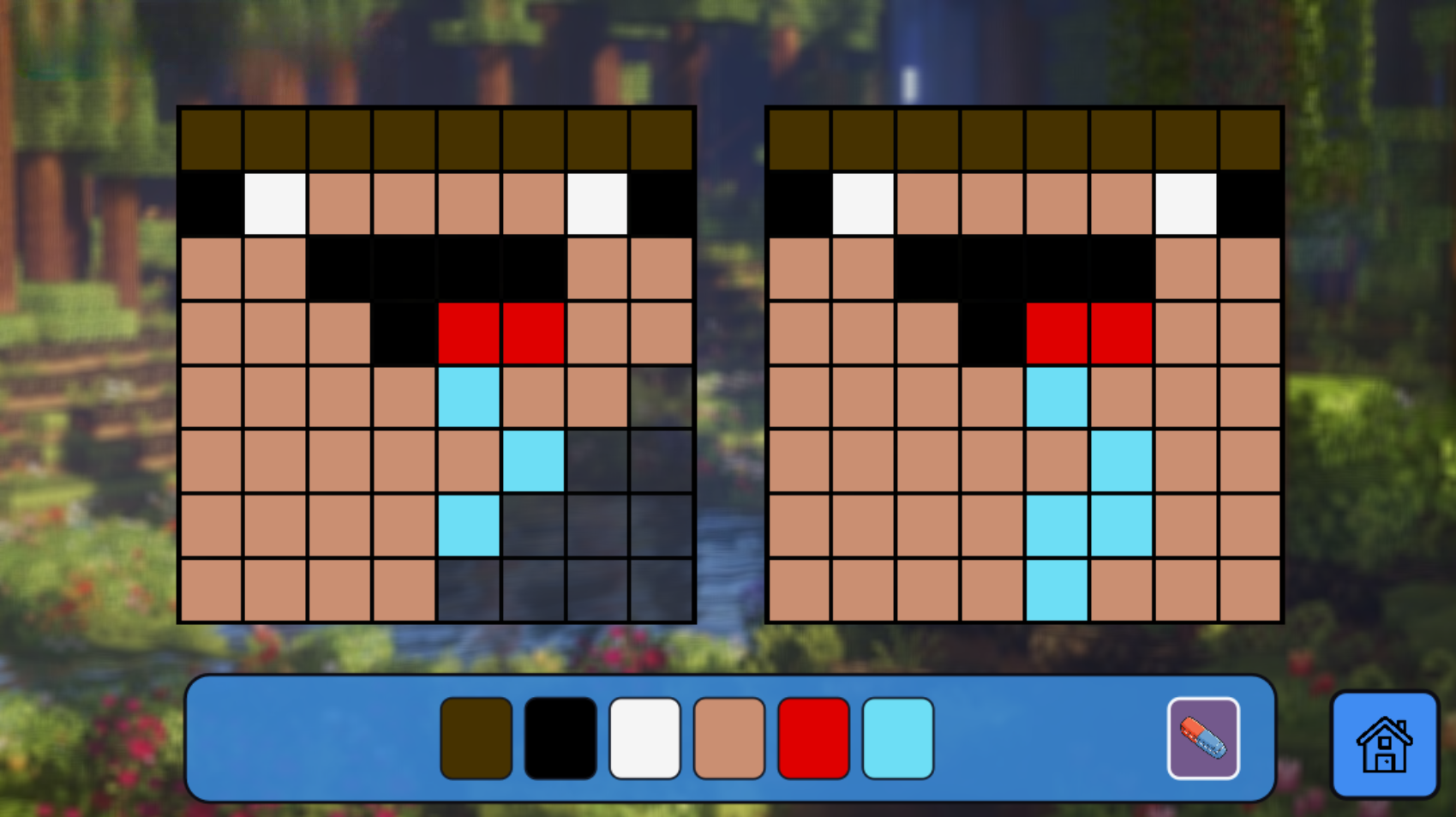
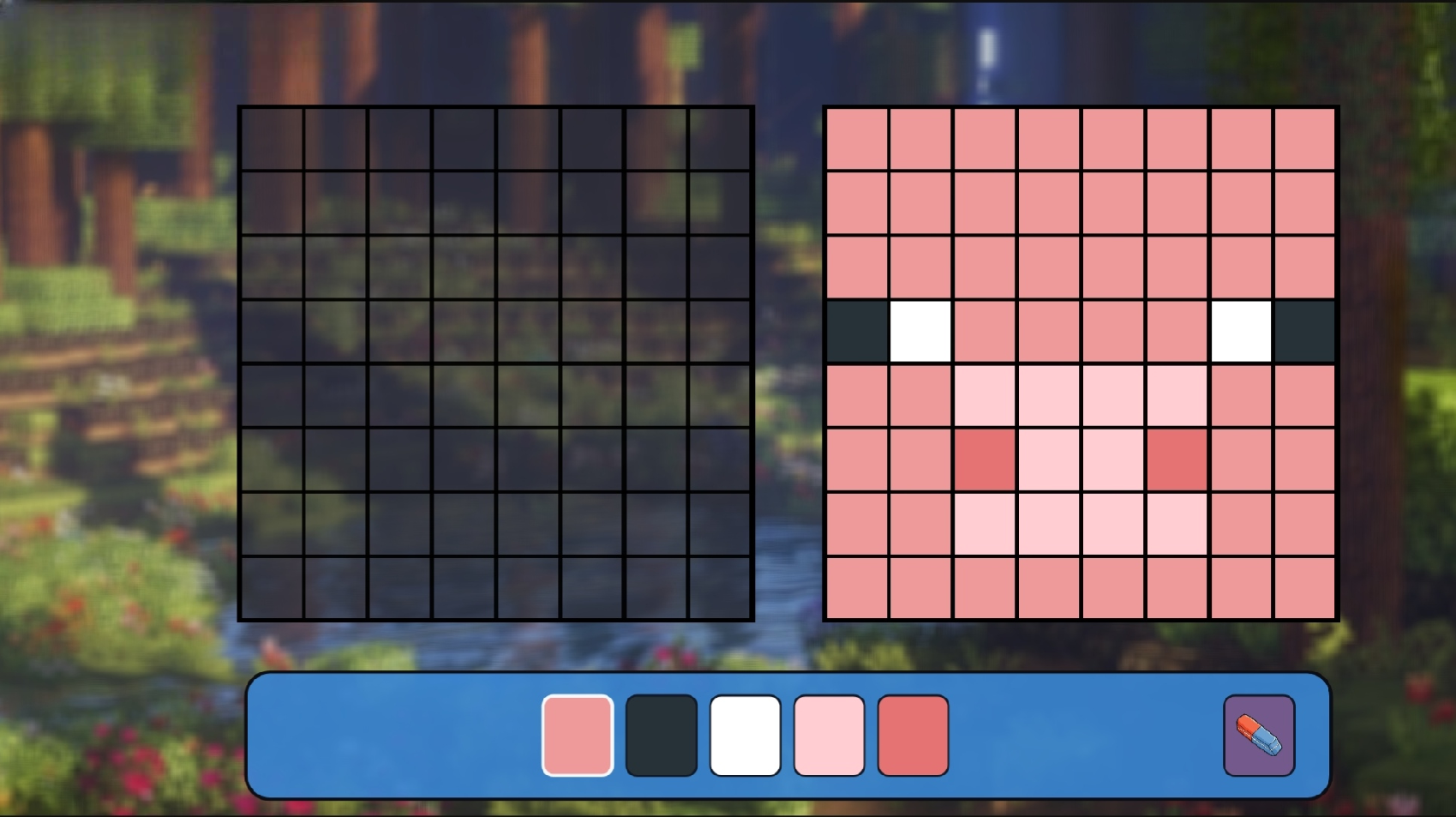
Staring at a blank wall while your coffee cools down is a classic sign that your brain needs a quick spark of creativity. Coloring: Copy Noob's Drawing Mine turns those idle moments into a satisfying test of precision and patience. You observe the target image displayed on the right side of your screen and recreate it block by block on the empty grid. Selecting the right shade from your toolbar is essential to match the original minecraft design perfectly. If your brush slips, simply grab the eraser tool to clean up any stray pixels before moving to the next segment. This pixel art challenge keeps your eyes sharp as you navigate through increasingly complex patterns. Completing each grid brings a sense of accomplishment that simple idle games rarely deliver. You can jump into Coloring: Copy Noob's Drawing Mine right now in your browser without any downloads or registration standing in your way.
How to play
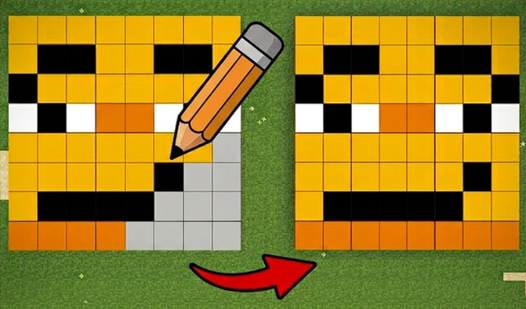
The goal of the game is to replicate the picture on the right!
1. Look closely at the picture on the right.
2. Select the desired color from the toolbar at the bottom.
3. Click on the cells in the left panel to fill them in.
4. Made a mistake? Use the eraser to remove the extra color!
Controls:
• PC: Left mouse button — select a color and fill in the squares.
• Phones and tablets: Tap the screen with your finger.
Features
- Grid Precision: Practice your attention to detail by aligning colors perfectly within the designated pixel boundaries.
- Color Palette: Select from a wide array of blocks to match the exact aesthetic of the provided reference image.
- Correction Tools: Utilize the eraser function to fix mistakes instantly without restarting your progress.
- Progressive Difficulty: Face harder patterns as you advance through the levels to test your focus.
Who is it for
Puzzle lovers who enjoy relaxing creative tasks will find this pixel art challenge highly engaging. Fans of blocky aesthetics looking to pass the time during short breaks will appreciate the simplicity. Kids and casual gamers wanting to practice color matching skills will enjoy the straightforward loop of this activity.
Controls
Select color
Left mouse click on the color palette or tap it with your finger.
Fill pixel
Click or tap on the grid square to apply the chosen color.
Erase mistake
Use the eraser tool and tap or click the incorrect square to clear it.
FAQ
Is Coloring: Copy Noob's Drawing Mine free to play?
›
Yes, you can play Coloring: Copy Noob's Drawing Mine directly in your web browser without paying any fees.
Do I need to install Coloring: Copy Noob's Drawing Mine?
›
No installation is required because Coloring: Copy Noob's Drawing Mine runs entirely in your browser window.
Can I play Coloring: Copy Noob's Drawing Mine on my phone?
›
Absolutely, Coloring: Copy Noob's Drawing Mine is fully compatible with mobile touchscreens for easy pixel placement.