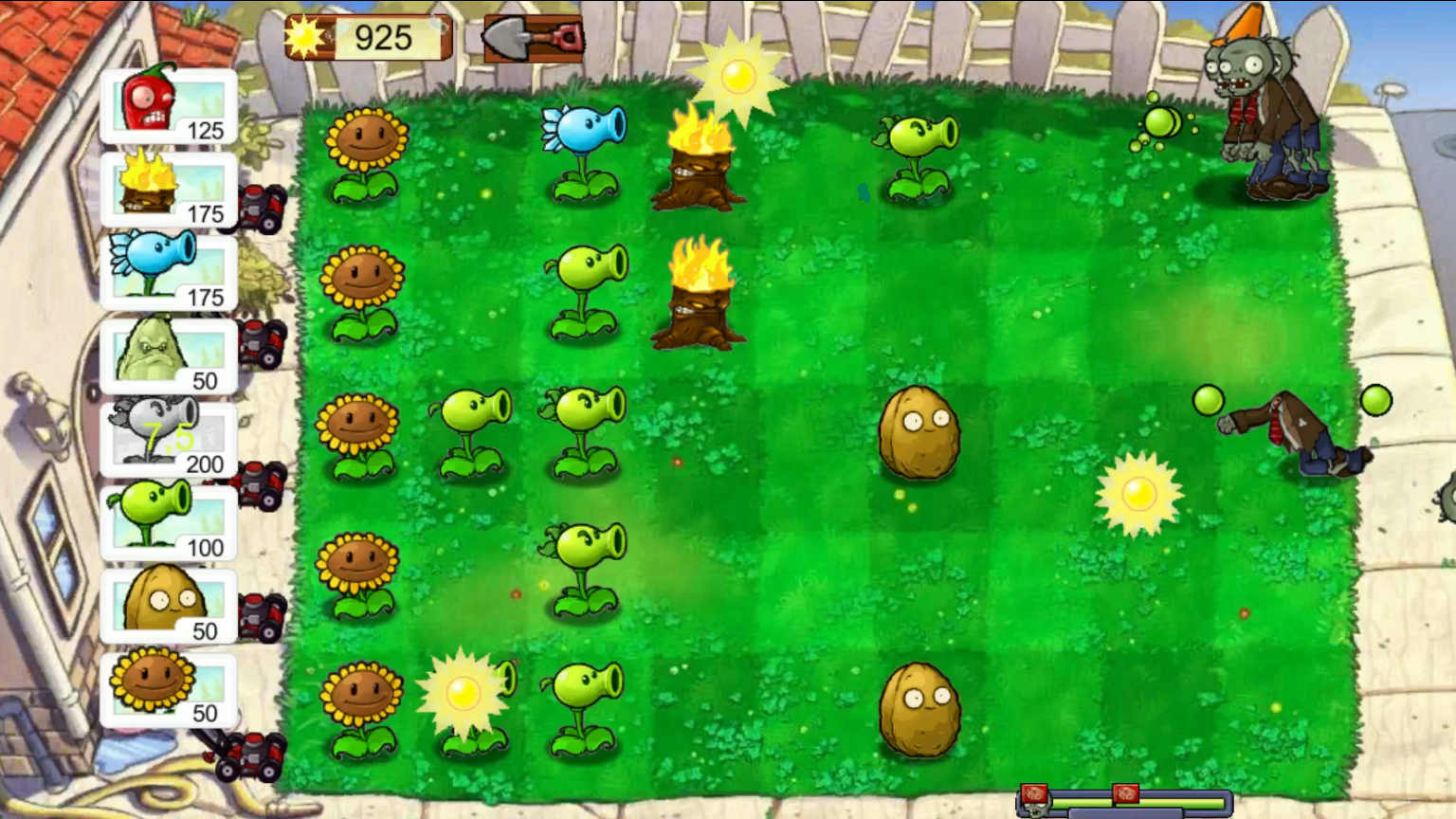
About game
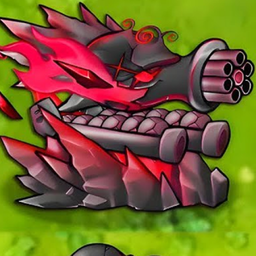
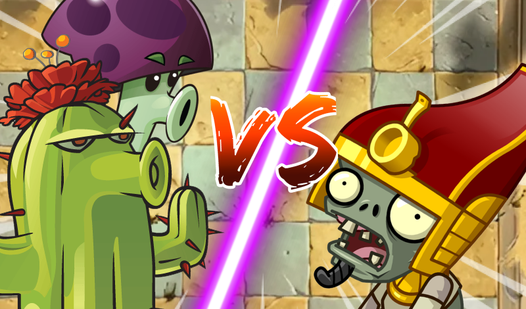
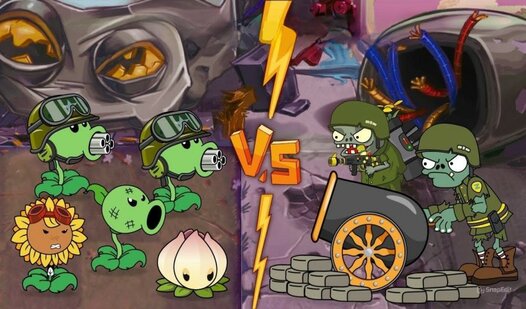
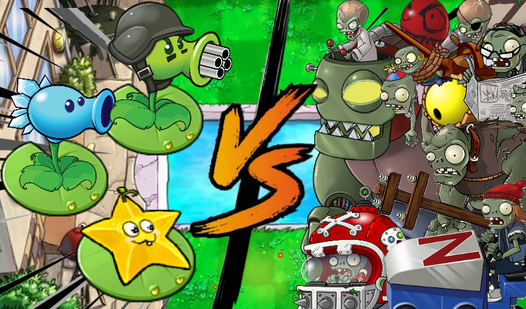
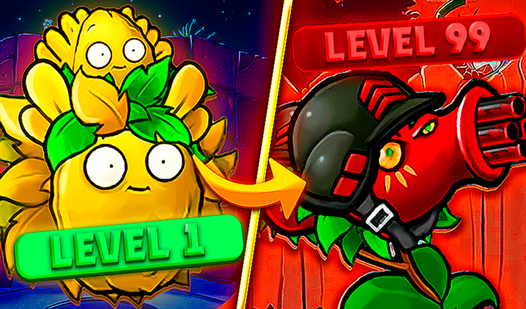
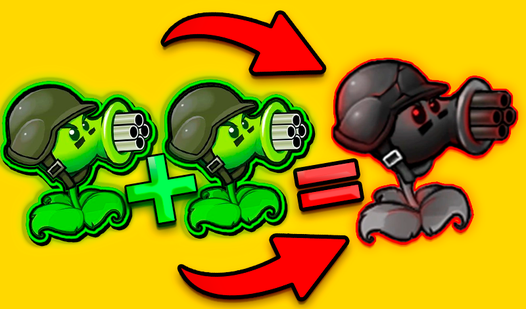
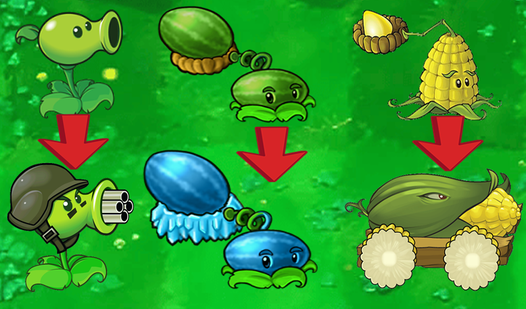
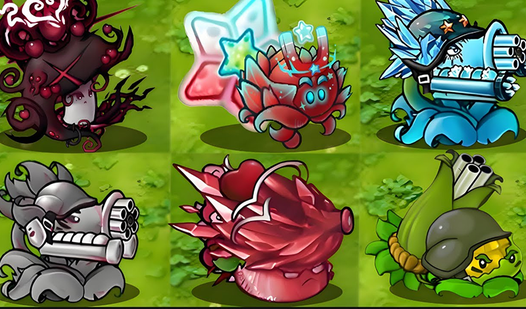
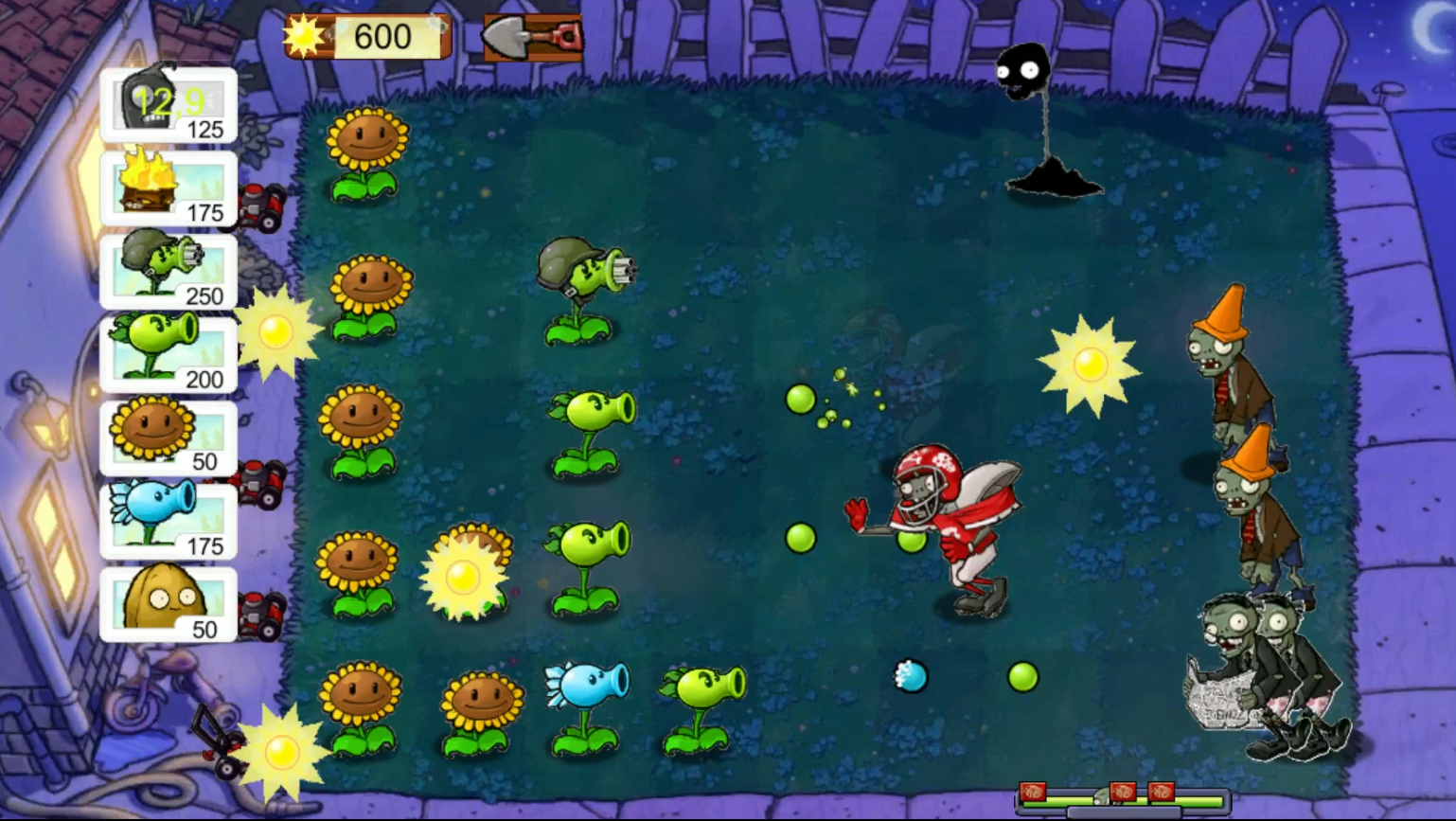
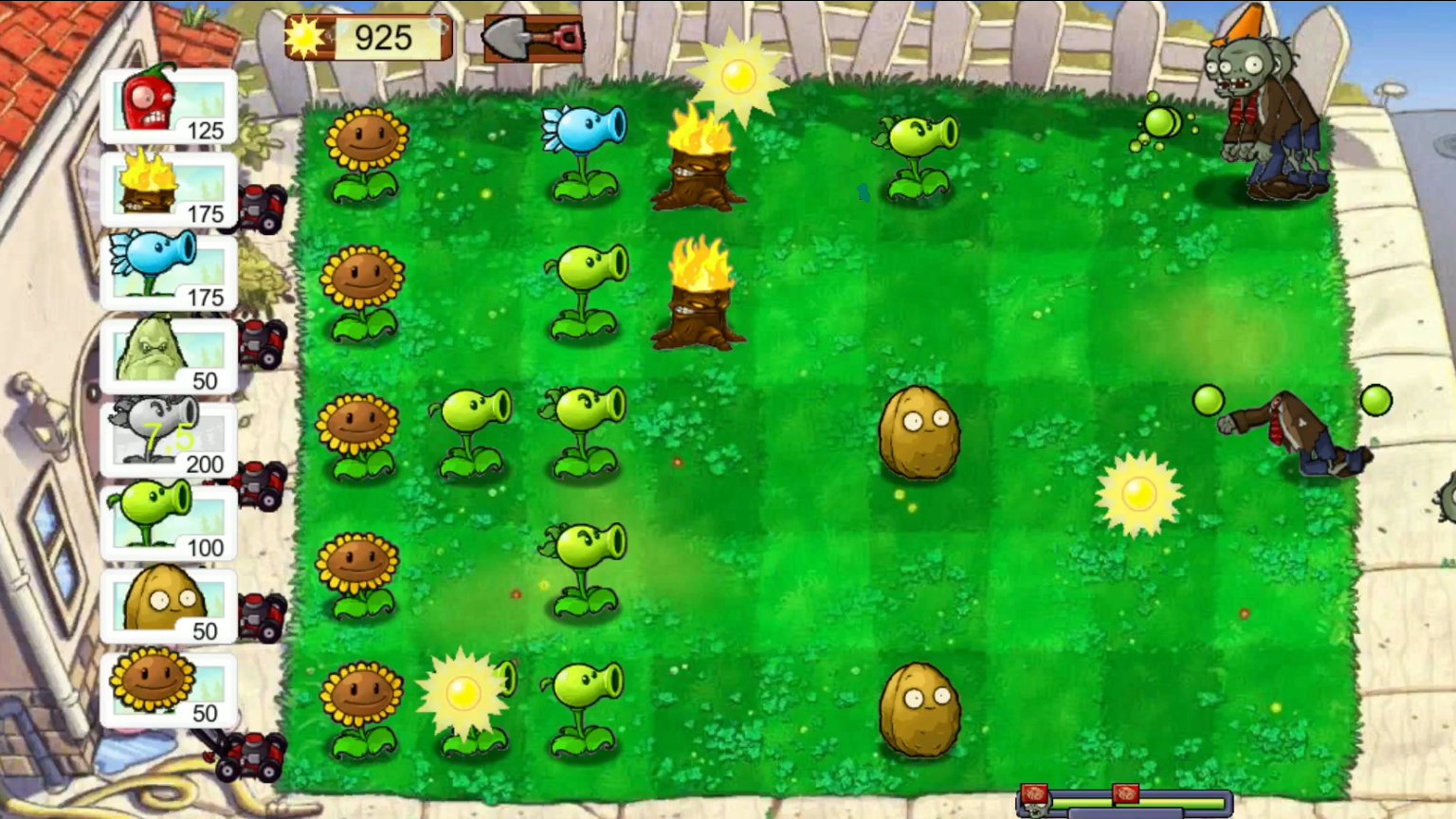
Defending your garden against waves of relentless invaders is the ultimate test of your strategic reflexes in Plants vs Zombies: Defense. You must carefully place botanical warriors to intercept approaching threats before they breach your front door. Each stage requires you to harvest sunlight and deploy specific flora to counter different enemy types effectively. Mastering the art of plant placement allows you to manage resources while building an impenetrable green barrier across your lawn. The game features diverse layouts where every tactical decision impacts your chances of long-term survival. As you progress, the intensity increases and requires smarter positioning of your defensive units. You will find that balancing cost and power is the secret to clearing the toughest levels without losing your home. Experience all the frantic fun of Plants vs Zombies: Defense directly in your browser without any downloads required.
How to play
Before starting the game, select the most suitable plants.
To protect your home, plant plants with a paintbrush or with your finger.
Use a shovel to remove an unnecessary plant and plant a new one in its place.
Features
- Sunlight Collection: Strategically manage your resource gathering to afford more expensive and powerful defensive units.
- Tactical Shovel: Utilize the shovel tool to quickly remove misplaced plants and reorganize your defenses on the fly.
- Dynamic Difficulty: Experience scaling challenges where enemy waves become faster and more resilient as you advance through the game.
- Plant Abilities: Experiment with unique botanical powers, each designed to slow, damage, or block specific undead intruders.
- Infinite Strategy: Adapt your defensive layout to various garden maps that require completely different approaches to win.
Who is it for
Strategy enthusiasts and casual gamers who enjoy tower defense challenges will thrive here. Fans of fast-paced tactical planning who love protecting their territory from waves of enemies will find this experience deeply rewarding. It is a fantastic choice for anyone seeking quick, high-quality sessions during a busy day.
Controls
Place plants
Click with mouse or tap on the desired garden tile after selecting your plant unit.
Remove plants
Select the shovel icon and click or tap the plant you wish to clear from the grid.
Select units
Click or tap on the plant cards in the menu bar to prepare them for deployment.
FAQ
How can I win at Plants vs Zombies: Defense?
›
Focus on creating a strong line of sunflowers early to generate the sunlight needed to deploy powerful offensive plants.
Does Plants vs Zombies: Defense work on my mobile phone?
›
Yes, Plants vs Zombies: Defense is fully optimized for touchscreens, allowing you to play directly in your mobile browser with simple taps.
Is Plants vs Zombies: Defense free to play?
›
Absolutely, you can enjoy the full experience of Plants vs Zombies: Defense for free at FreeJoy.games without any registration or software downloads.