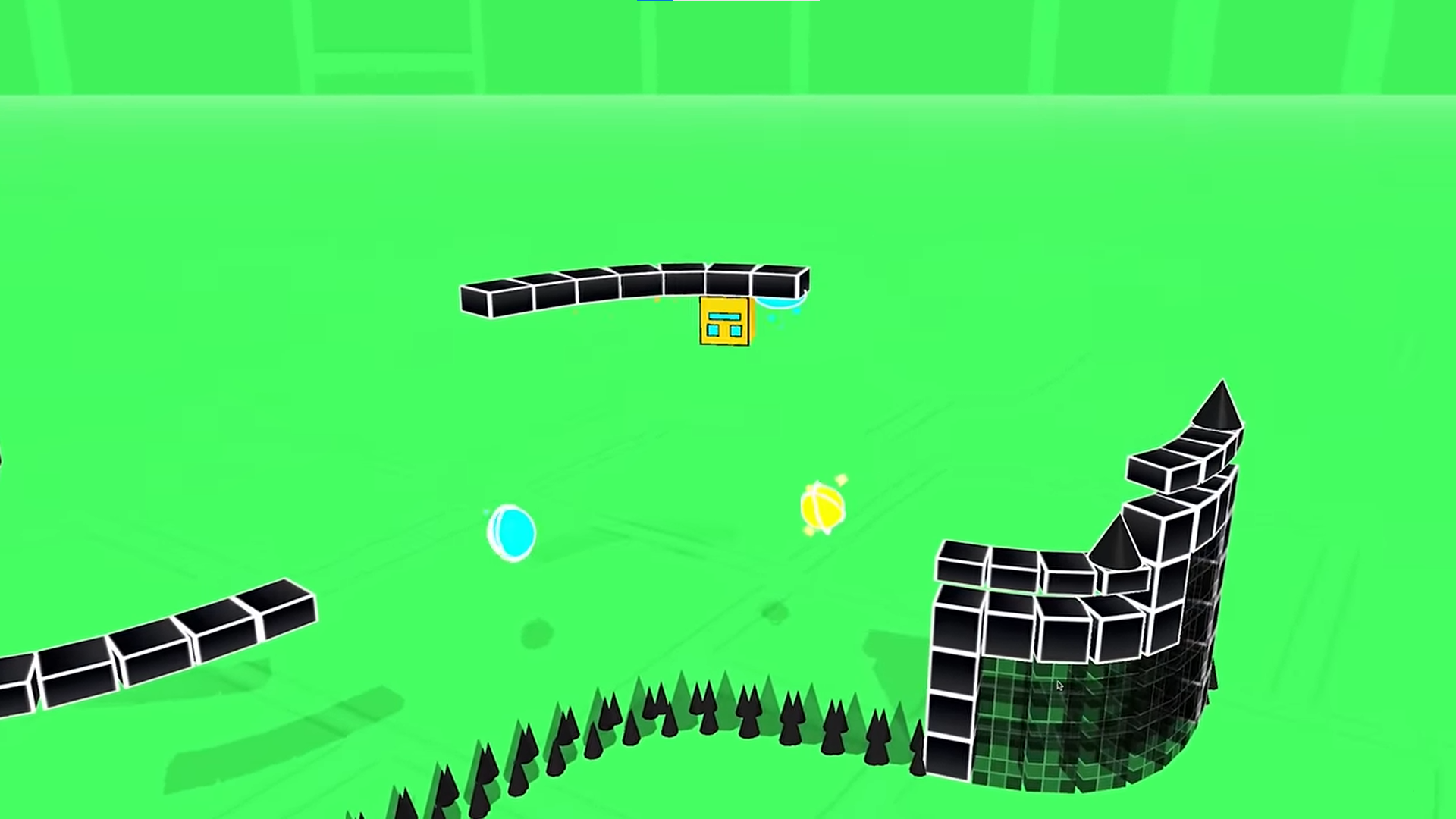
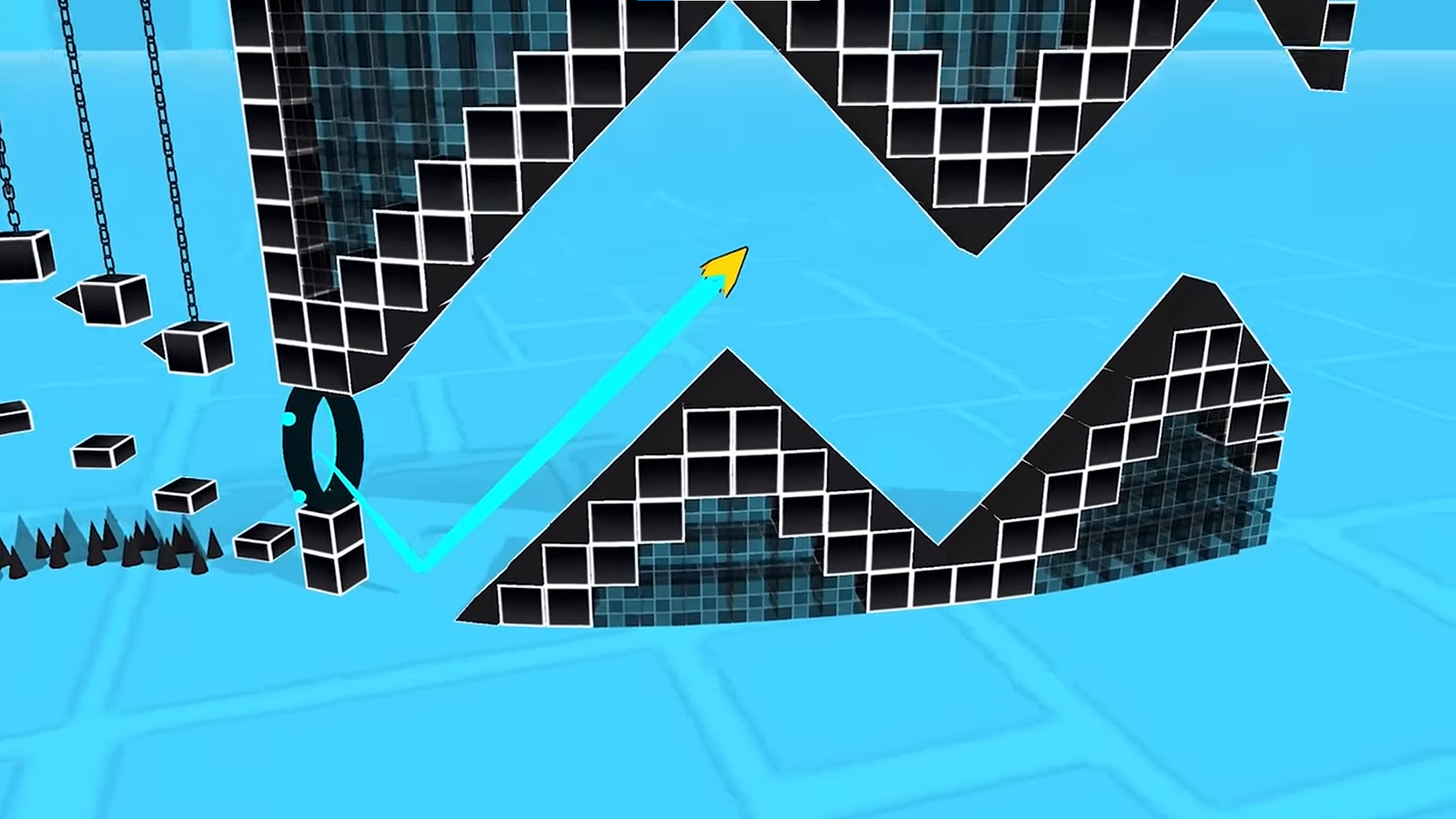
About game
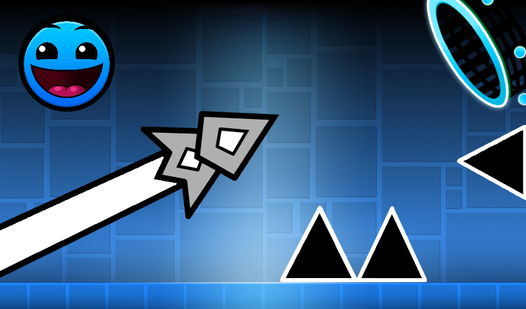
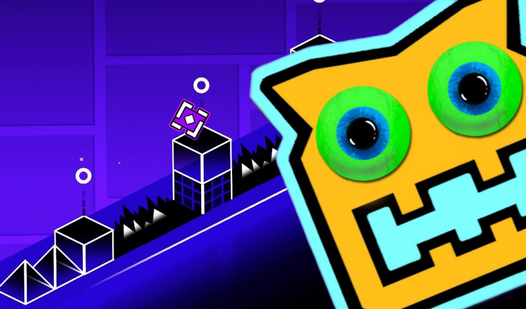
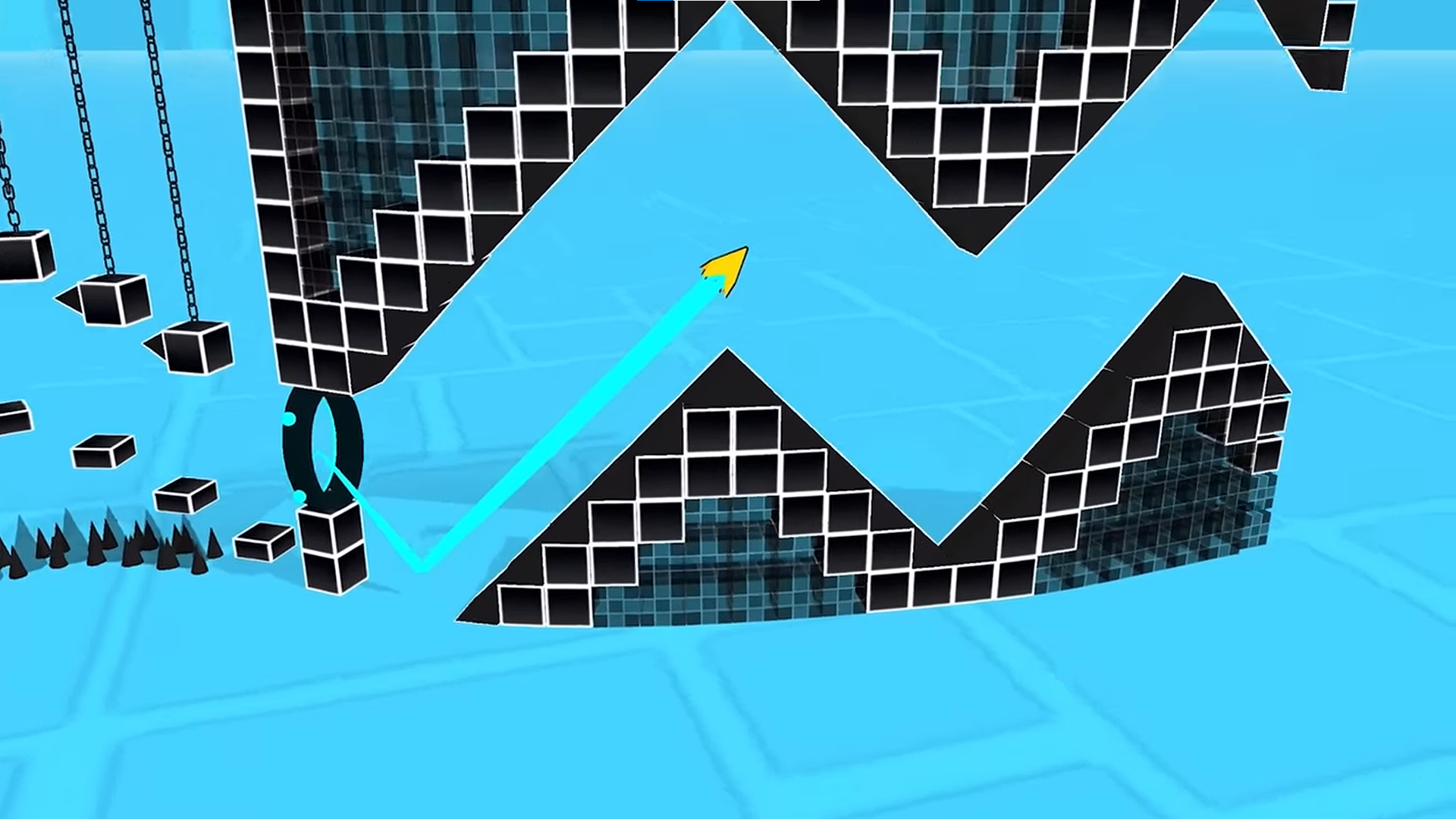
Staring at the clock and waiting for your next meeting to start is the ultimate productivity killer. 3Dash: Building Levels is the perfect remedy for those moments when you need a high-energy distraction to sharpen your reflexes. This fast-paced experience forces you to time every jump perfectly to avoid deadly obstacles while racing toward the finish. Choosing your challenge is easy because the difficulty of each stage is clearly marked by the emoji on the button. If you find yourself hitting a wall, the practice mode lets you master tricky sections with checkpoints. Fans of the classic geometry dash style will feel right at home with these rhythm-based mechanics. Mastering these levels requires intense attention and quick fingers as the speed begins to ramp up. Experience 3Dash: Building Levels directly in your browser with no download or registration required.
How to play
Select a level and start the game. The difficulty of the level depends on the emoji drawn on the button.
Tap on the screen to jump.
If you encounter difficulties, enter practice mode from the pause menu to complete the levels with checkpoints.
Good luck!
Features
- Emoji Difficulty Rating: Each level button features a unique icon to signal how tough the track will be before you commit.
- Practice Mode: Enable this feature mid-game to place checkpoints, allowing you to master complex segments without resetting from the start.
- Rhythm-Based Movement: Success depends on your ability to time every jump in sync with the visual cues and environmental obstacles.
- Responsive Controls: The jumping mechanic is tuned for ultra-low latency, ensuring your character reacts the instant you tap.
- Progressive Challenge: Stages start simple to help you find your groove before introducing faster speeds and more intricate hazards.
Who is it for
Platformer enthusiasts and fans of twitch-reflex games will find hours of entertainment here. Casual players seeking a quick, challenging burst of gameplay will appreciate the short, punchy rounds. Anyone who enjoys testing their limits and improving their reaction time through repeated attempts will love conquering these difficult tracks.
Controls
Jump
Tap the screen on mobile devices or click the left mouse button on desktop.
Open Menu
Tap or click the pause icon in the corner to toggle practice mode.
FAQ
How can I make 3Dash: Building Levels easier to complete?
›
You should use the practice mode found in the pause menu to set checkpoints throughout the level.
Does 3Dash: Building Levels require an installation?
›
No, you can play this game directly in your web browser without any downloads or registration.
What do the icons on the buttons mean in 3Dash: Building Levels?
›
The emoji on each level button indicates the relative difficulty of that specific stage.