About game
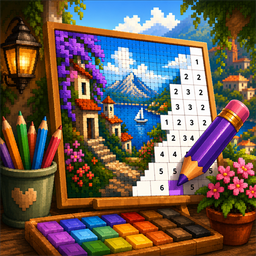
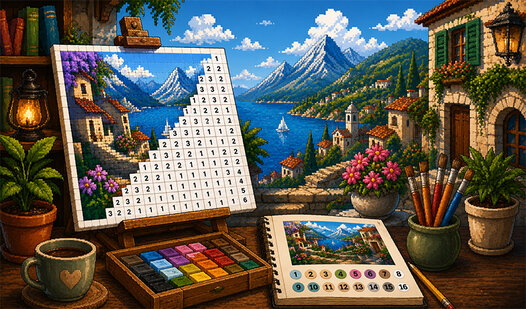
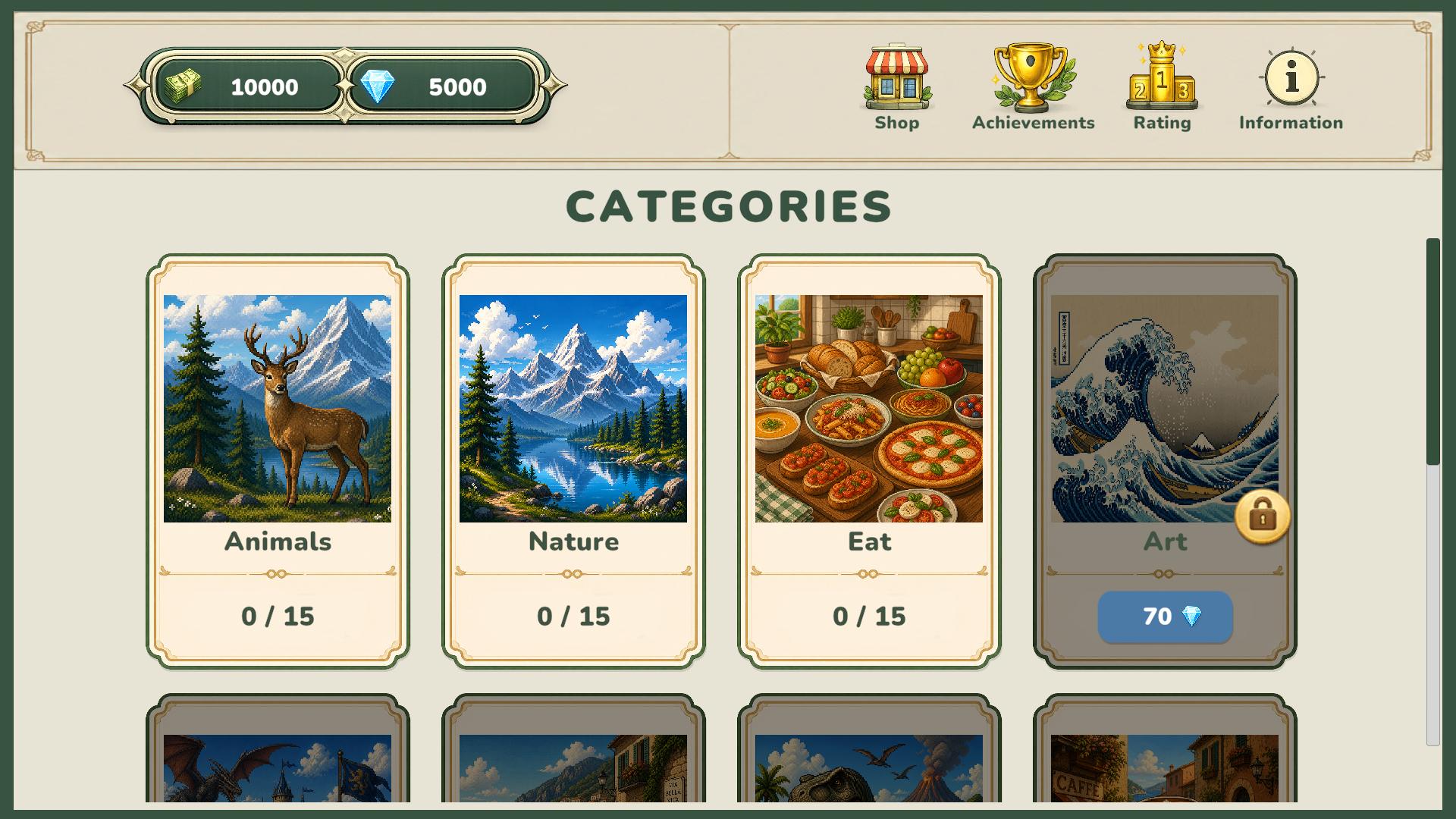
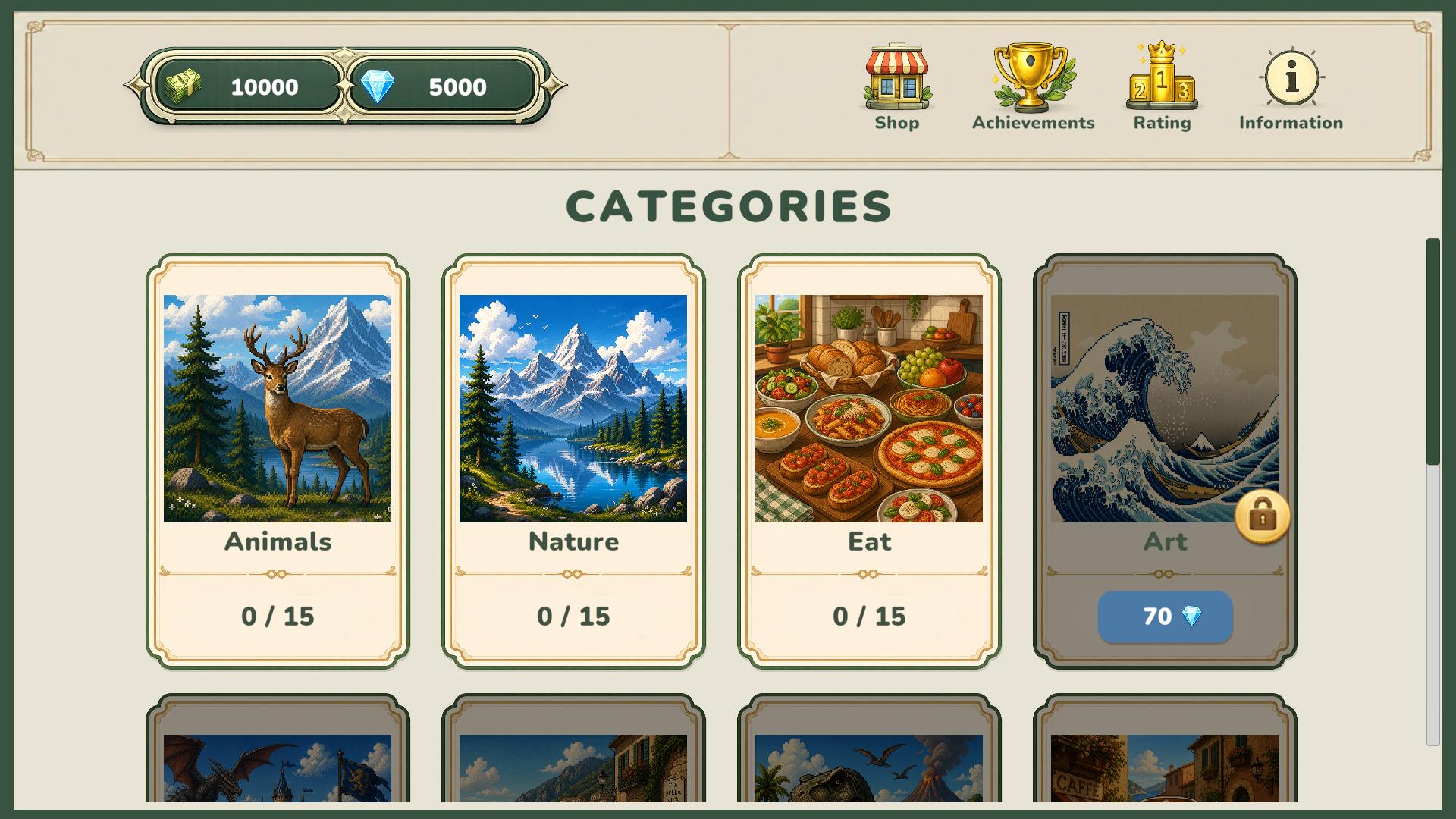
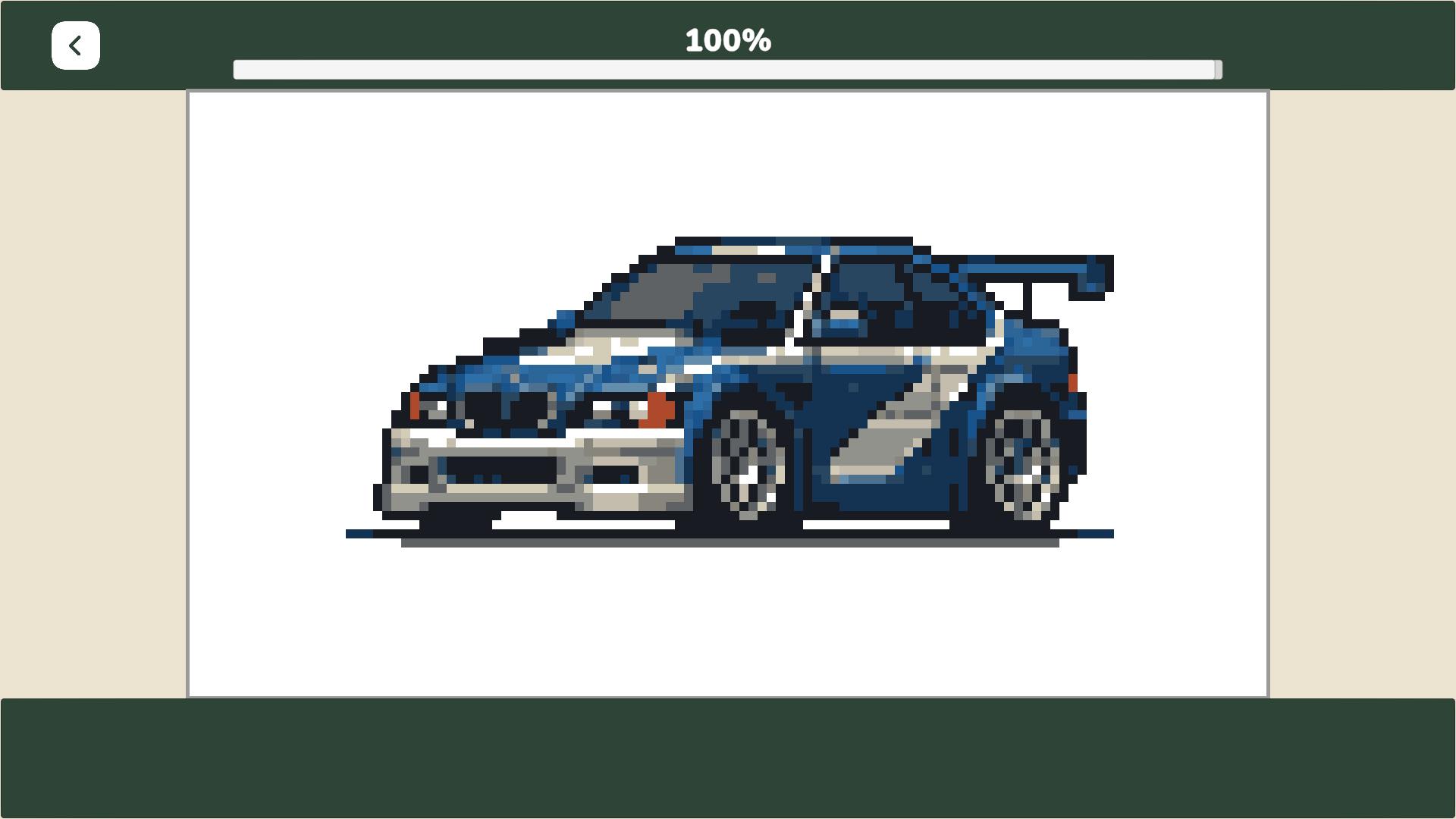
Digital coloring books turn screen time into a zen experience that clears your mind after a long day. PixelArt: Color the Pixels transforms simple grids into vibrant masterpieces through the classic color by number mechanic. You pick a category from food to animals and spend your hard-earned currency to start a new project. Filling in each square requires focus as you match numbered palettes to the corresponding grid spots. Every finished piece fills your bank with diamonds and currency for future purchases. Climbing the global leaderboard motivates you to finish complex designs quickly while collecting achievements along the way. Frequent updates mean you never run out of canvases to paint. Play PixelArt: Color the Pixels for free directly in your browser without any downloads required.
How to play
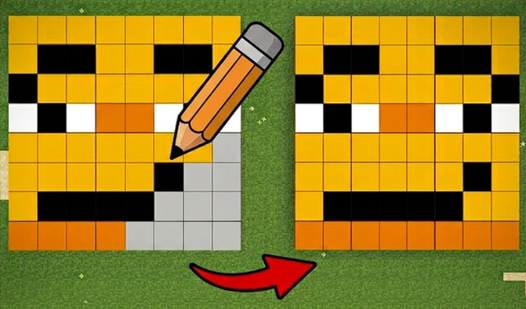
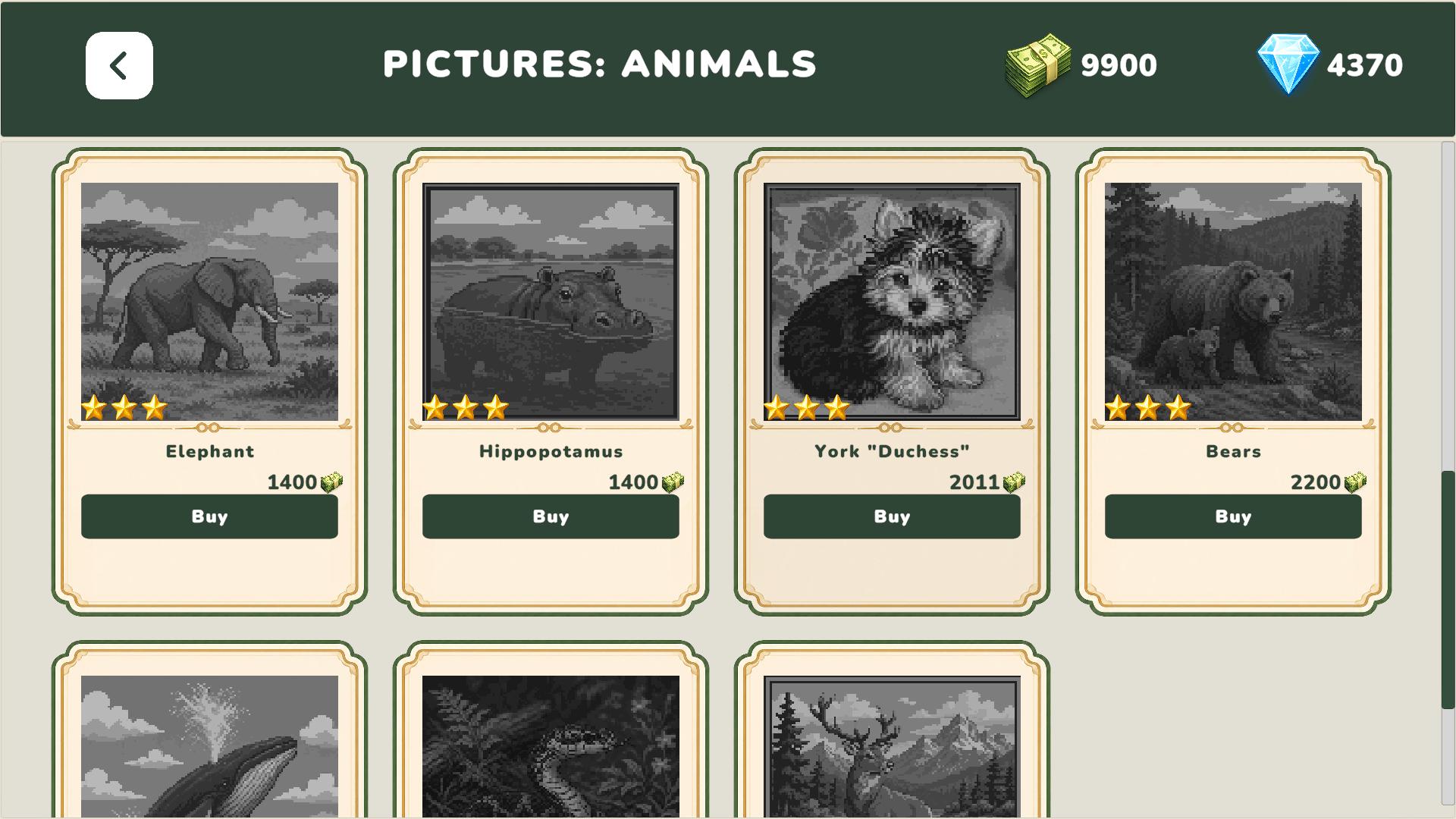
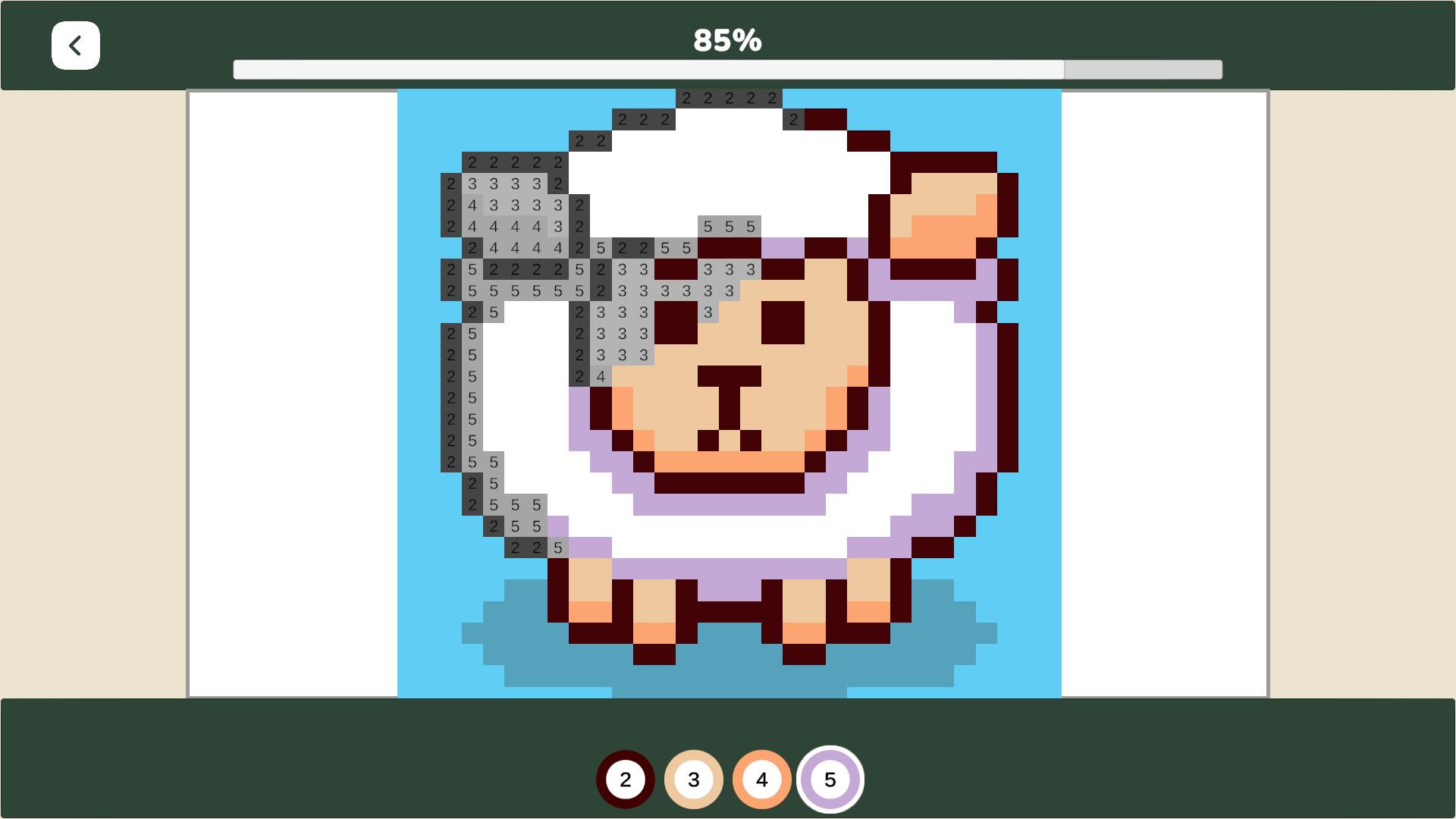
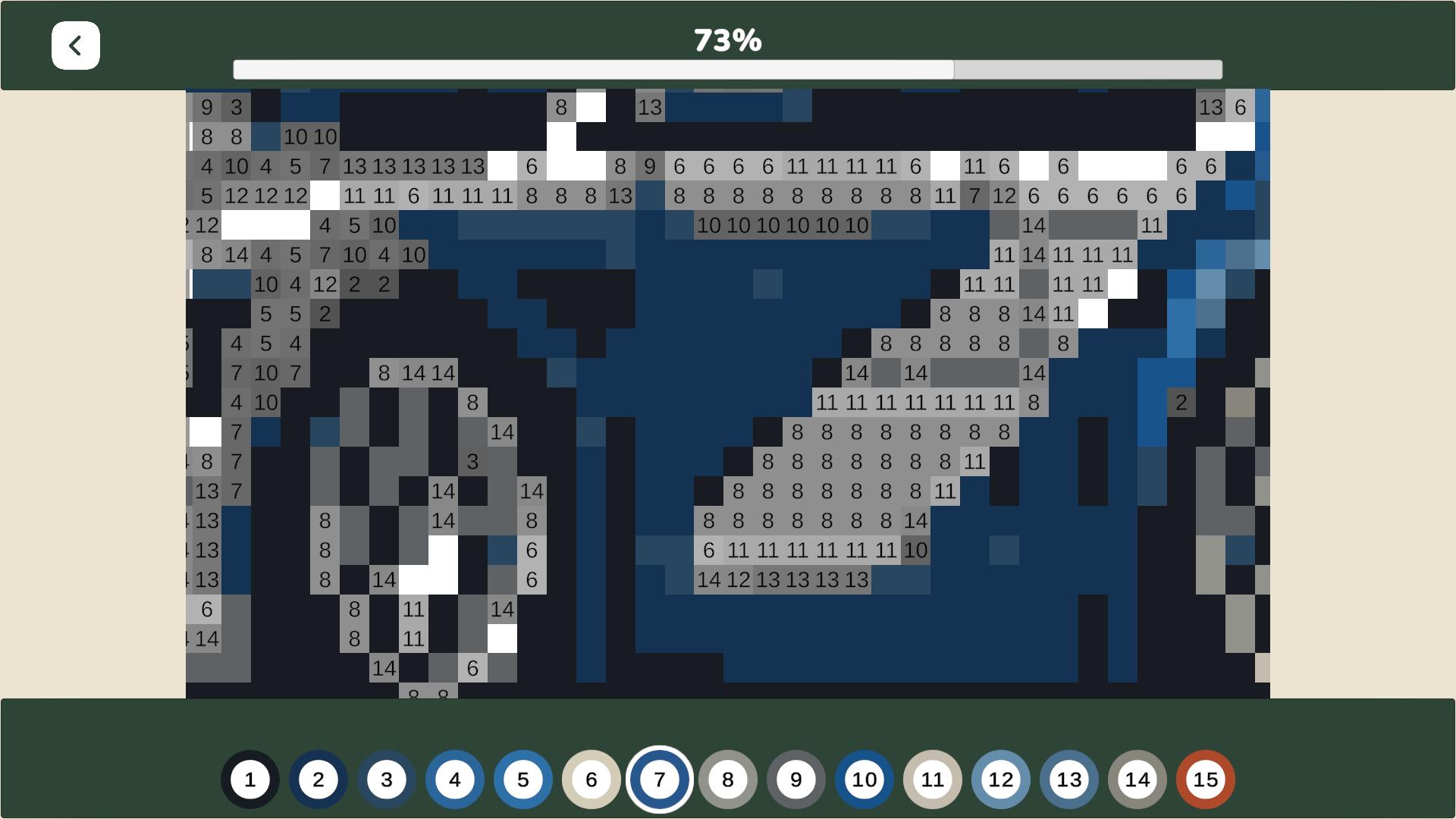
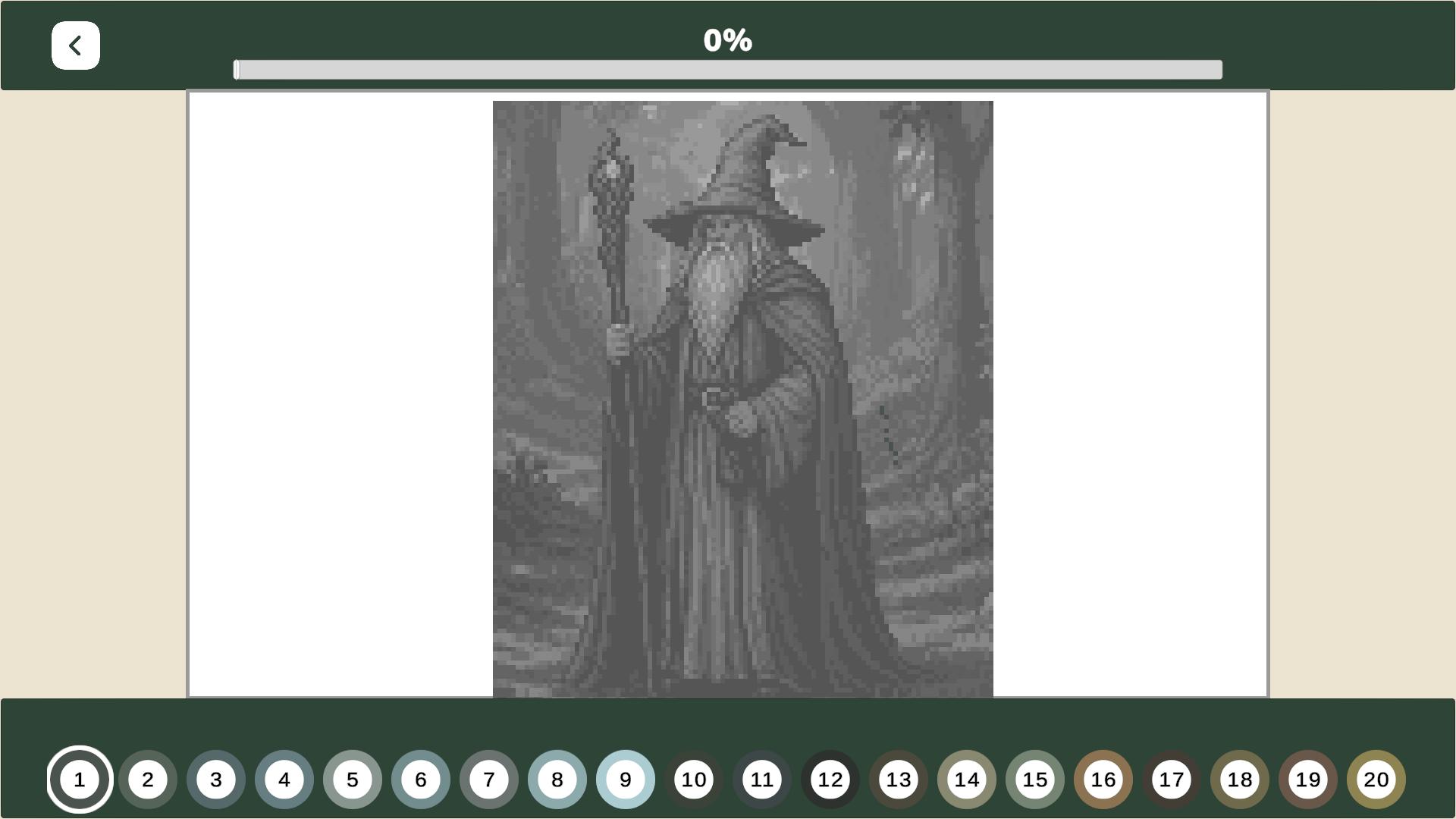
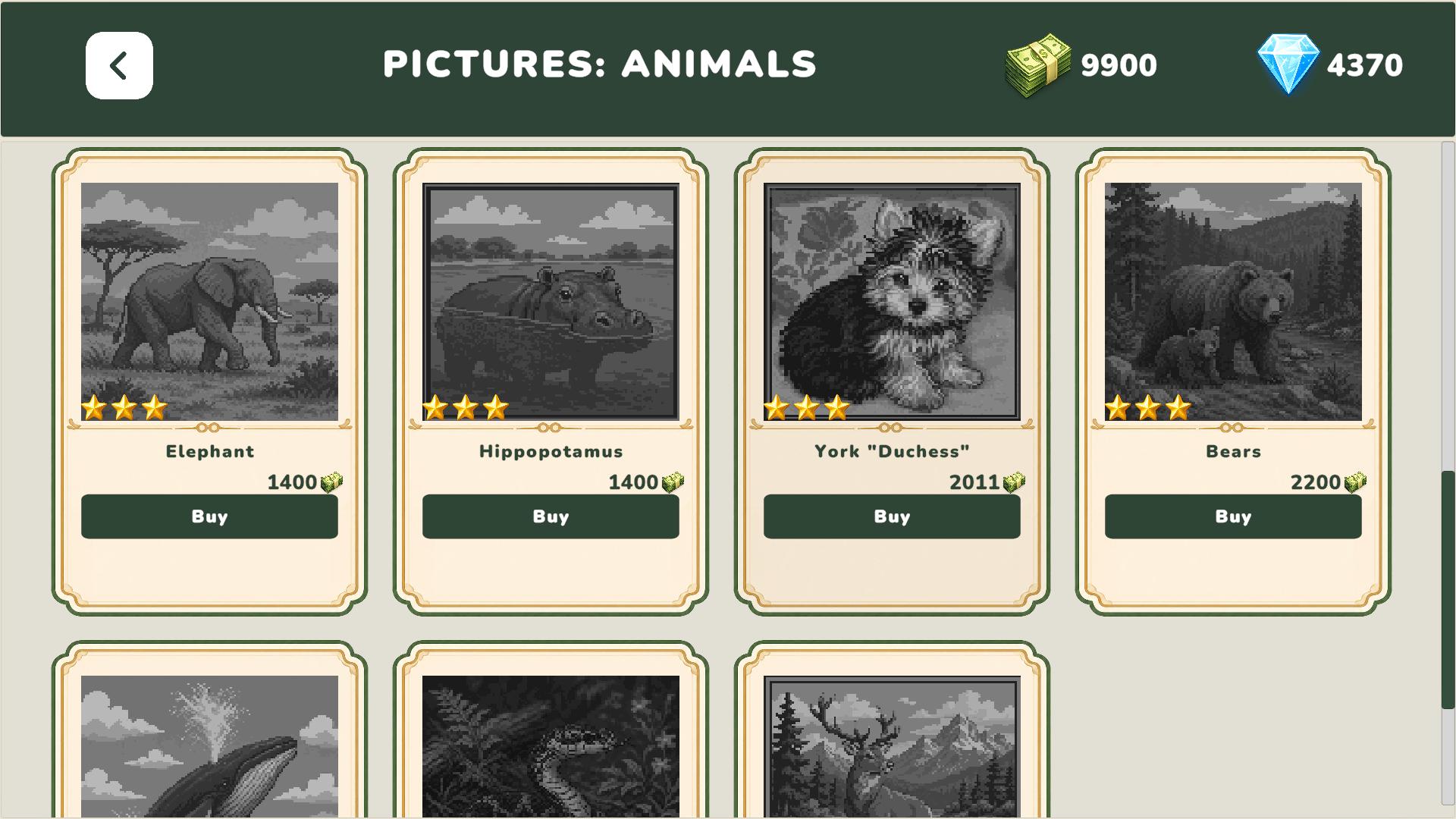
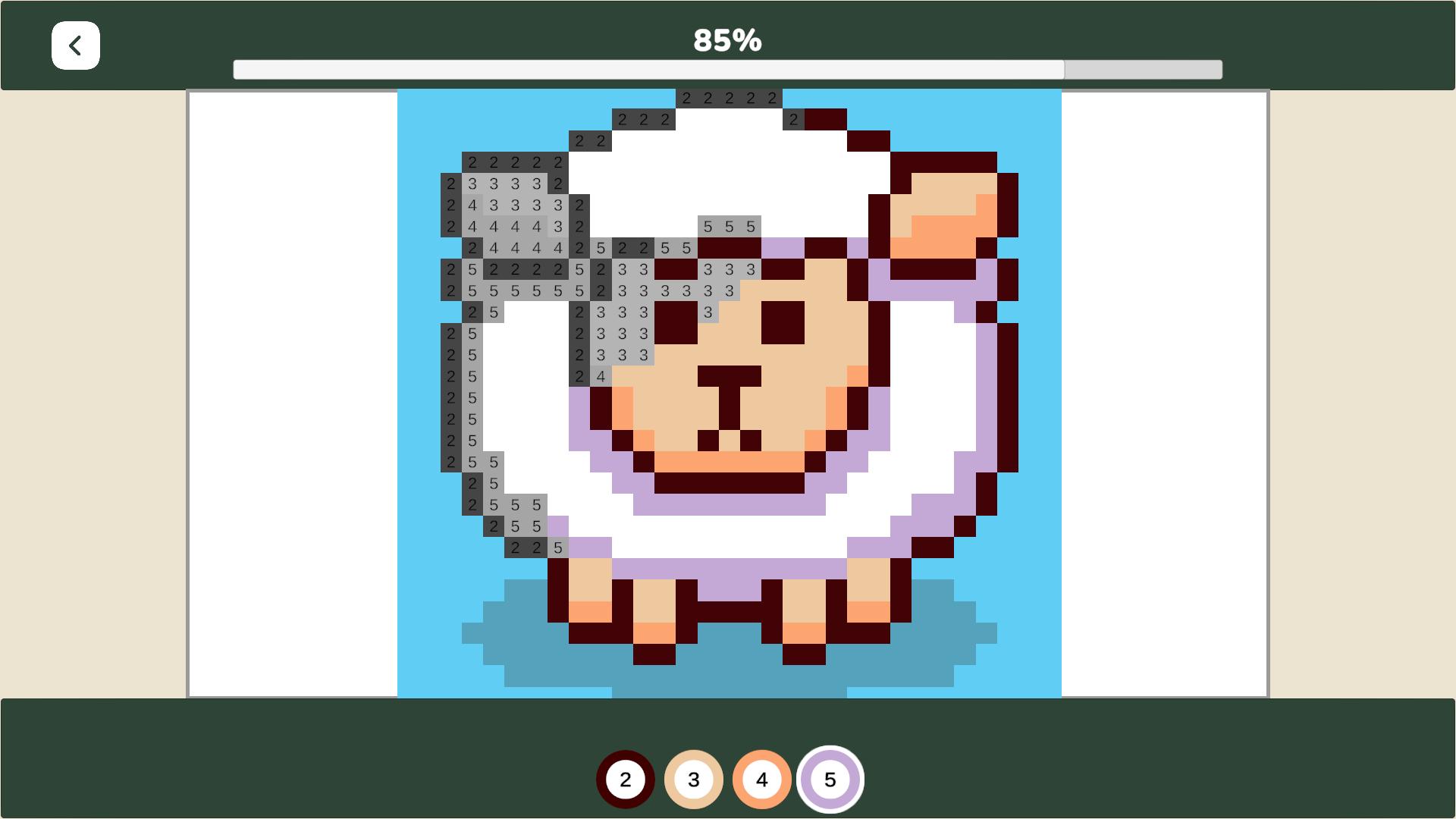
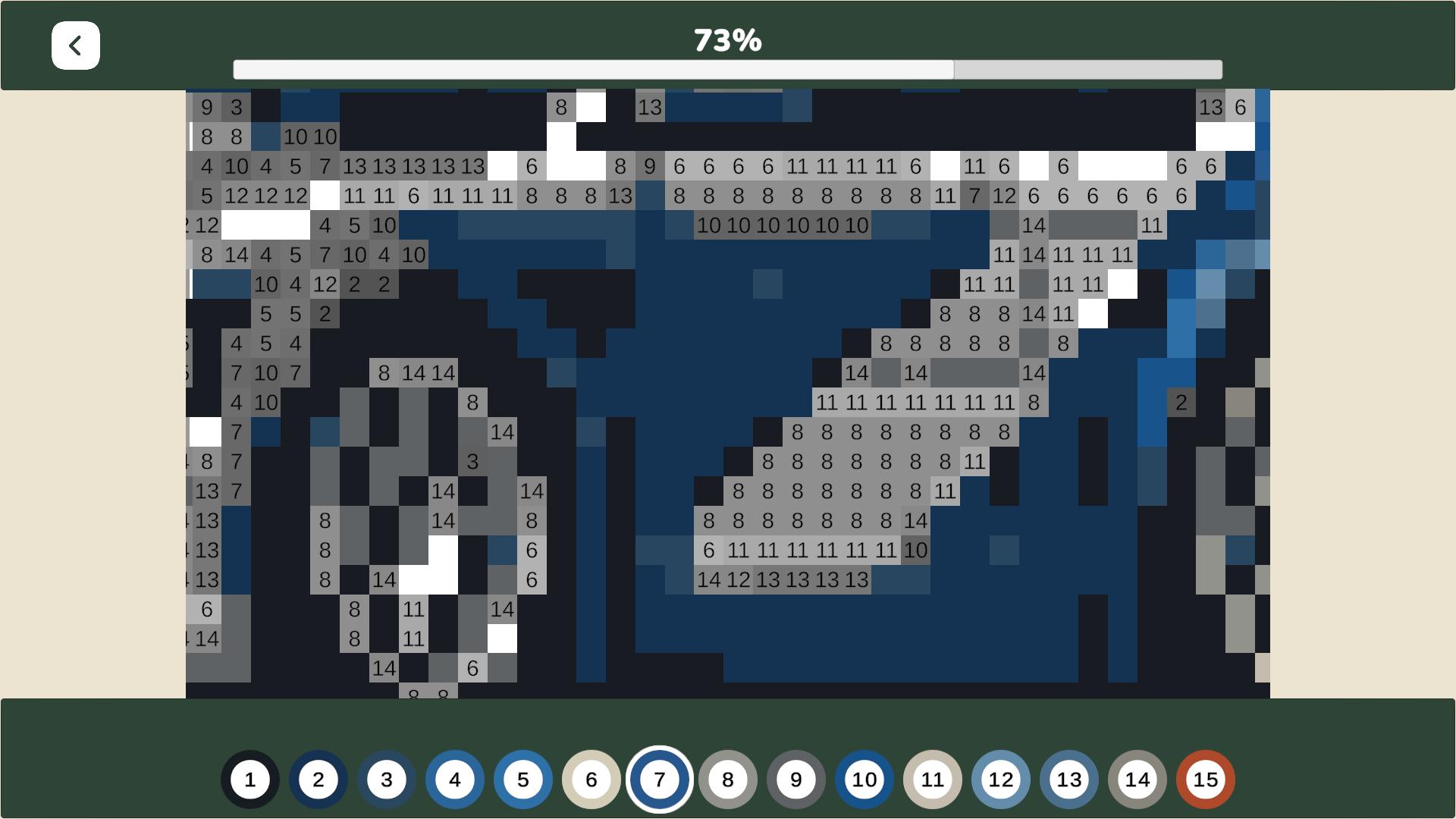
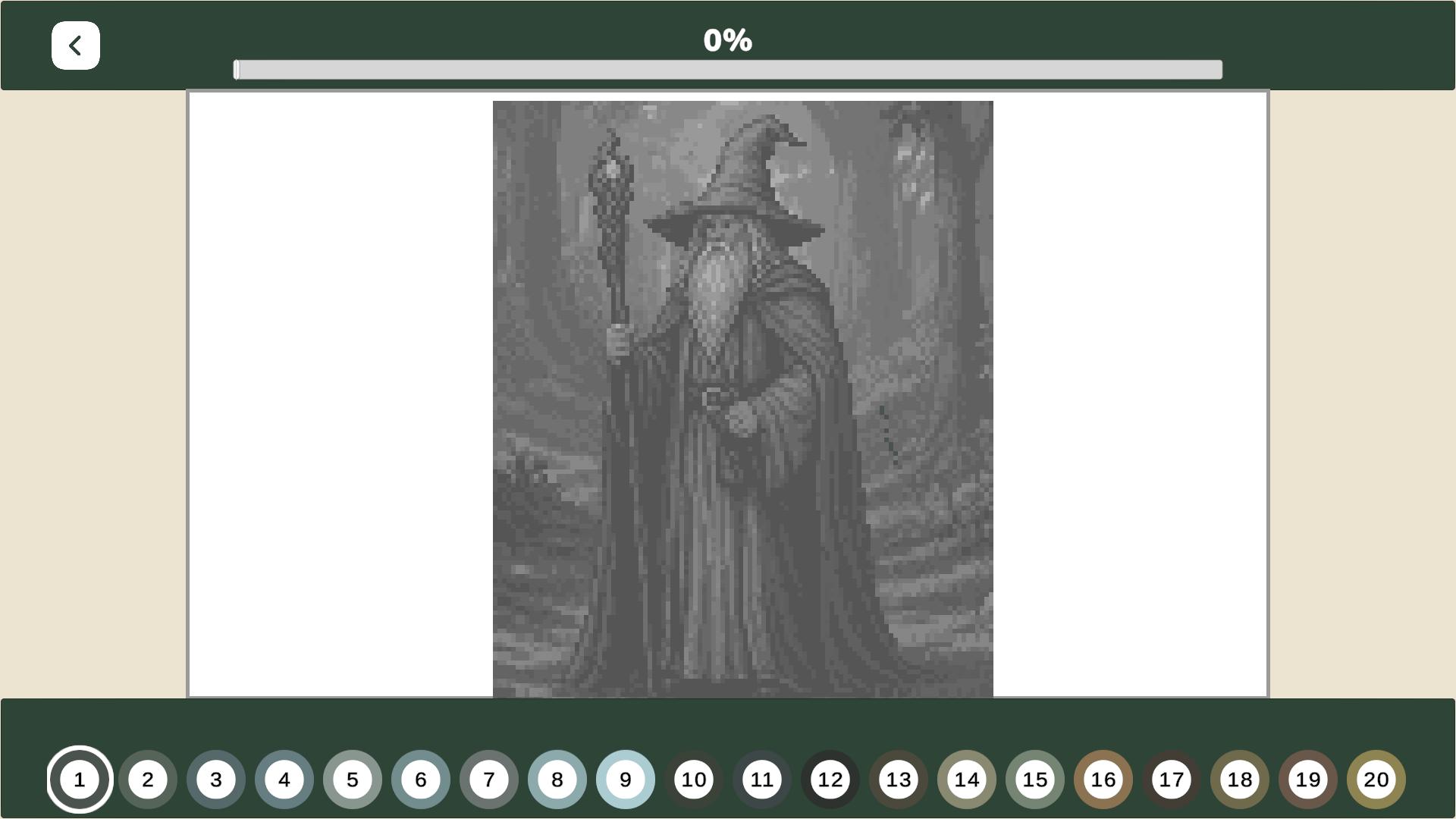
Select a category and a picture that appeals to you. If the picture hasn't been purchased yet, buy it using in-game currency. Then, color in the squares by selecting the correct color based on the number.
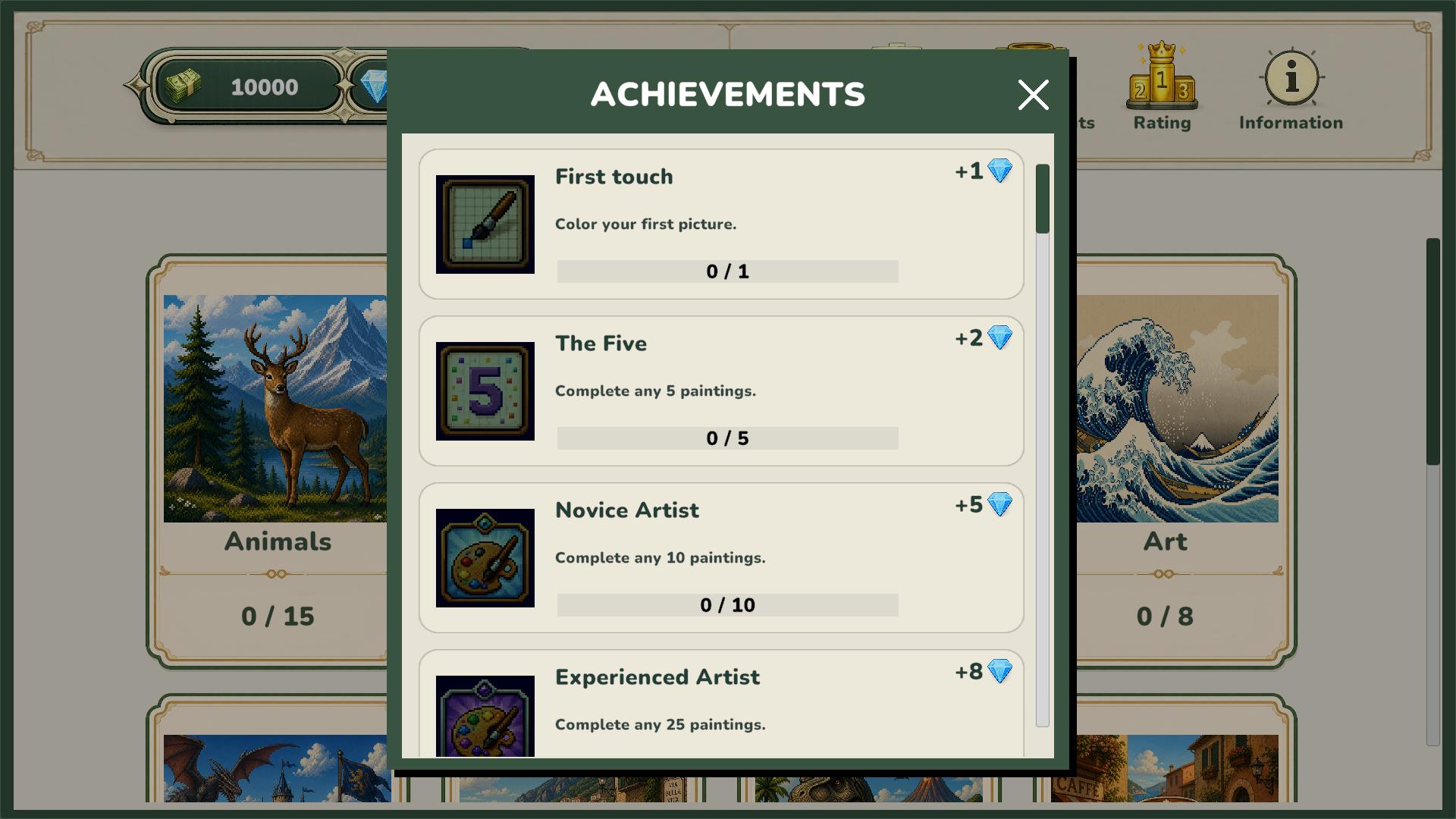
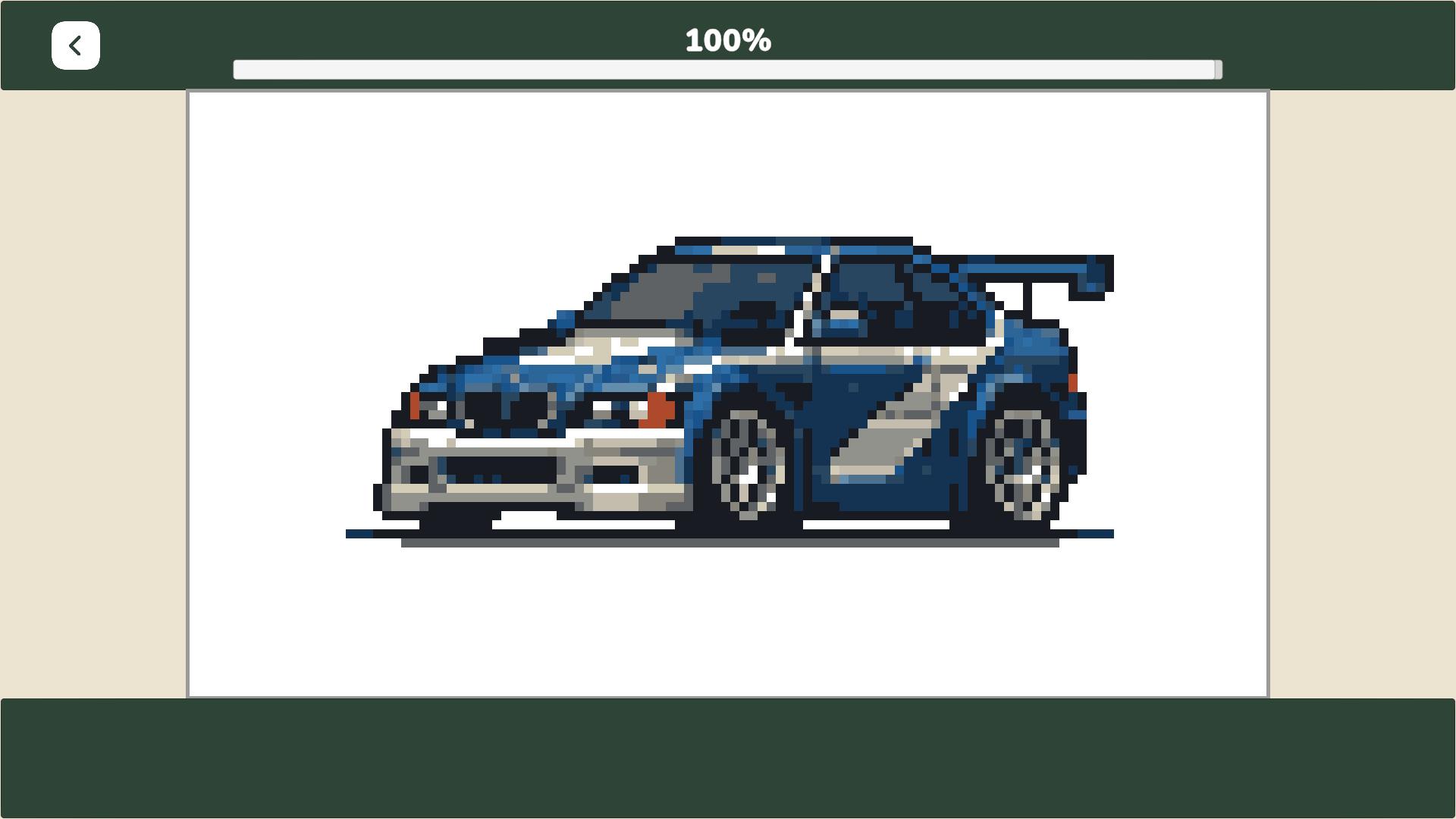
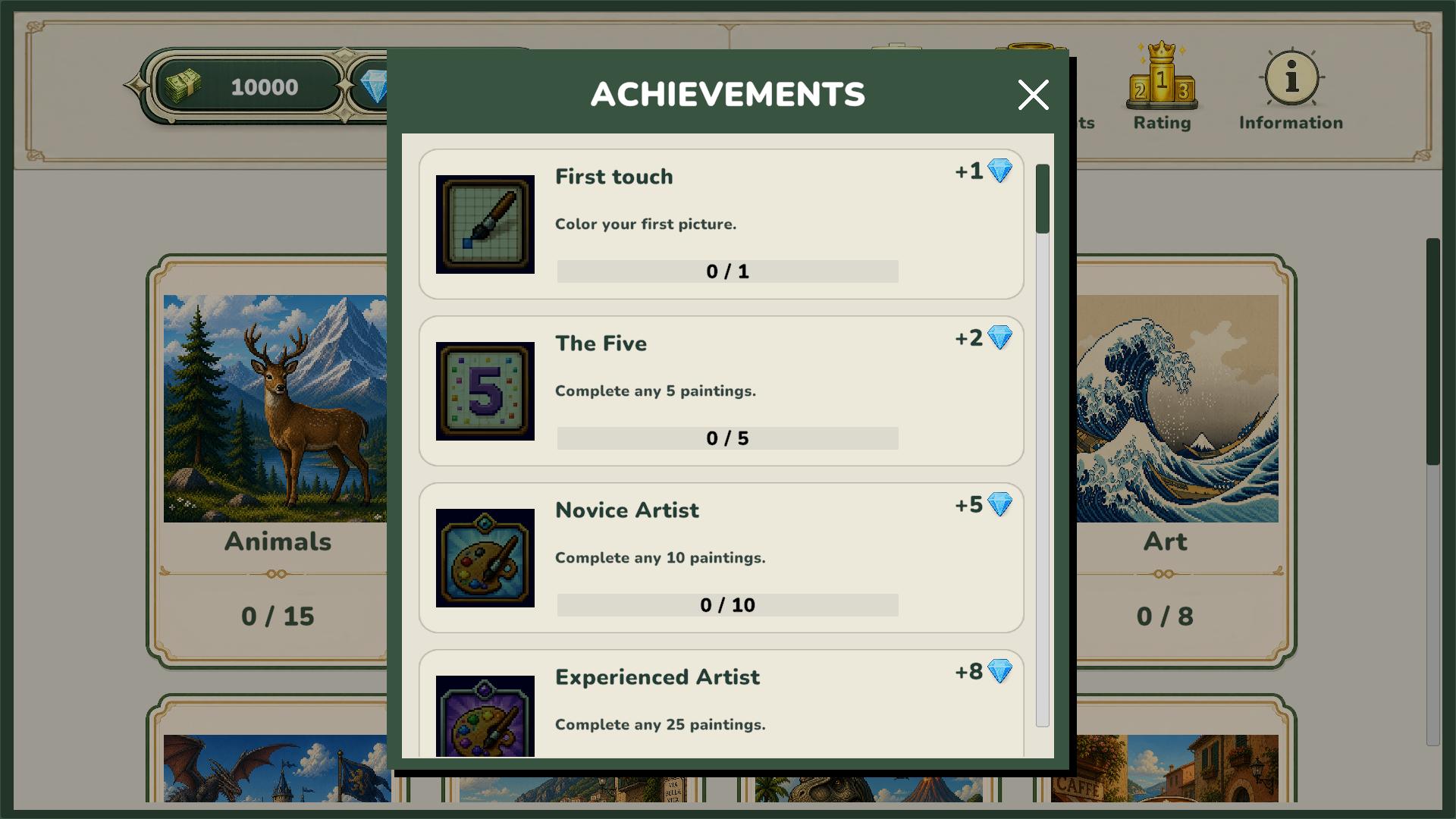
You will receive a reward upon completing a picture. Earn in-game currency, unlock new categories, complete achievements, and climb the leaderboard.
PC Controls:
• Left-click — color cells.
• Right-click — move the canvas.
• Hold mouse wheel — move the canvas.
• Scroll mouse wheel — zoom in and out.
Mobile Controls:
• One finger — color cells.
• Two fingers — move the canvas.
• Spread two fingers — zoom in.
• Pinch two fingers — zoom out.
Features
- Currency System: Earn diamonds and coins for every completed project to fund your growing collection of art.
- Achievement Tracker: Monitor your progress through various milestones that reward consistent coloring habits.
- Dynamic Categories: Access thematic galleries that range from cute animals to delicious snacks and complex patterns.
- Global Rankings: Compare your artistic speed and completion volume against other fans of the genre.
Who is it for
Casual gamers who enjoy relaxing creative tasks and puzzle enthusiasts looking for a low-stress hobby. Fans of pixel aesthetic and digital art will find the progression system rewarding. This title suits anyone wanting a quick mental break or a long session of focused coloring on mobile or desktop.
Controls
Select and Color
Left-click with your mouse or tap the screen once to fill a pixel with the chosen color.
Navigate Canvas
Right-click and drag on PC or use two fingers to pan across the screen on mobile devices.
Zoom View
Use the mouse scroll wheel or a pinch gesture on your screen to inspect fine details.
FAQ
Is PixelArt: Color the Pixels free to play?
›
Yes, PixelArt: Color the Pixels is completely free to play in your web browser with no download or installation necessary.
How do I unlock new images in PixelArt: Color the Pixels?
›
You unlock new images in PixelArt: Color the Pixels by spending in-game currency earned from completing previous puzzles and earning achievements.
Can I play PixelArt: Color the Pixels on my phone?
›
PixelArt: Color the Pixels supports touch controls, making it fully compatible with mobile browsers for coloring on the go.