About game
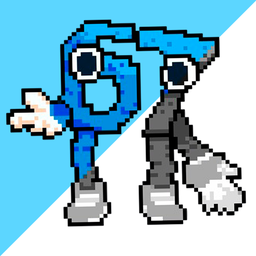
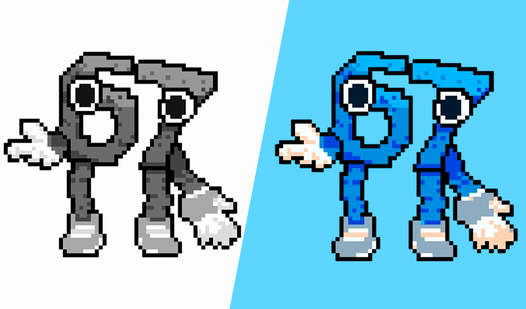
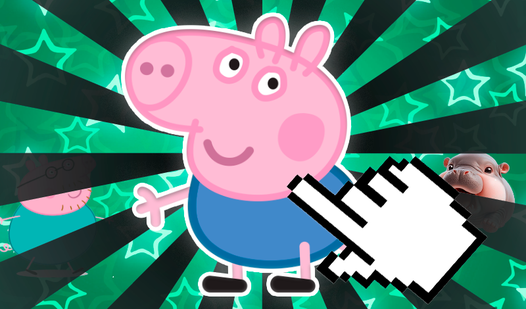
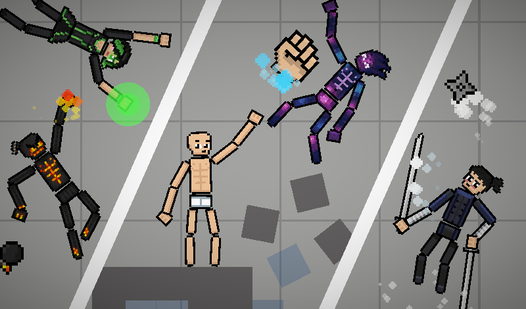
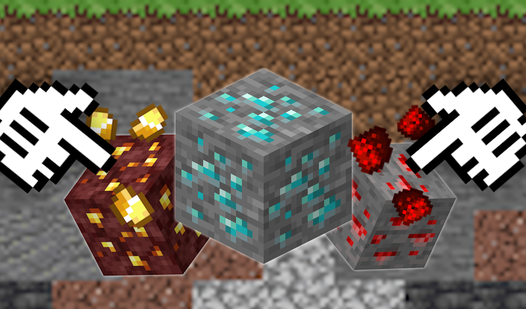
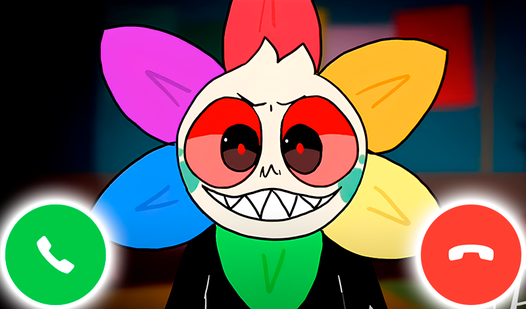
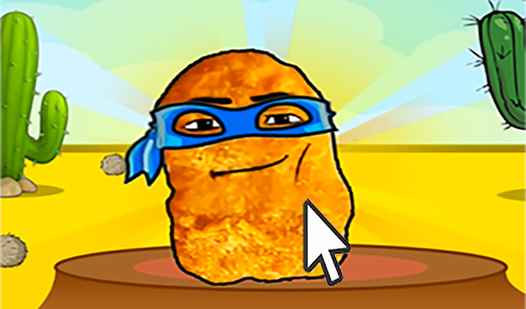
Matching numbers to vibrant colors transforms a blank grid into detailed pixel art portraits. You tap specific cells to reveal hidden characters, turning chaotic grids into clean masterpieces during your downtime. Color by Numbers: Brainrot, Fnaf, Sprunki, PvZ lets you paint without the stress of timers or ticking clocks. Each level brings fresh pixel art themes featuring internet culture icons and beloved gaming entities. Focusing on one digit at a time helps you clear the screen efficiently while unwinding after a long day. You unlock new artistic challenges constantly, keeping your brain engaged with every tap. Progression feels satisfying as you watch blank spaces vanish under your digital brushstrokes. Color by Numbers: Brainrot, Fnaf, Sprunki, PvZ is available to play instantly in your favorite browser without any downloads or registration.
How to play
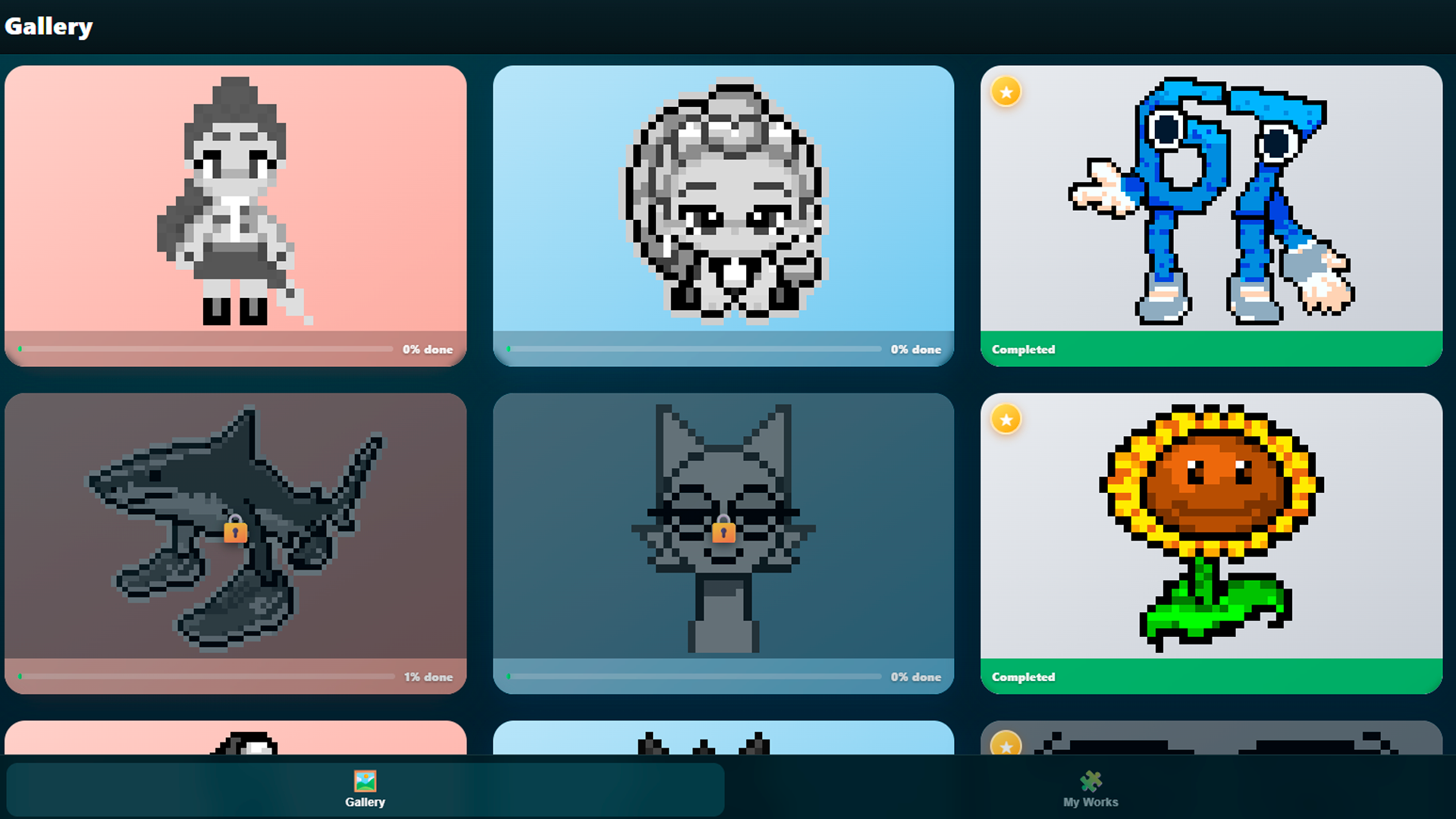
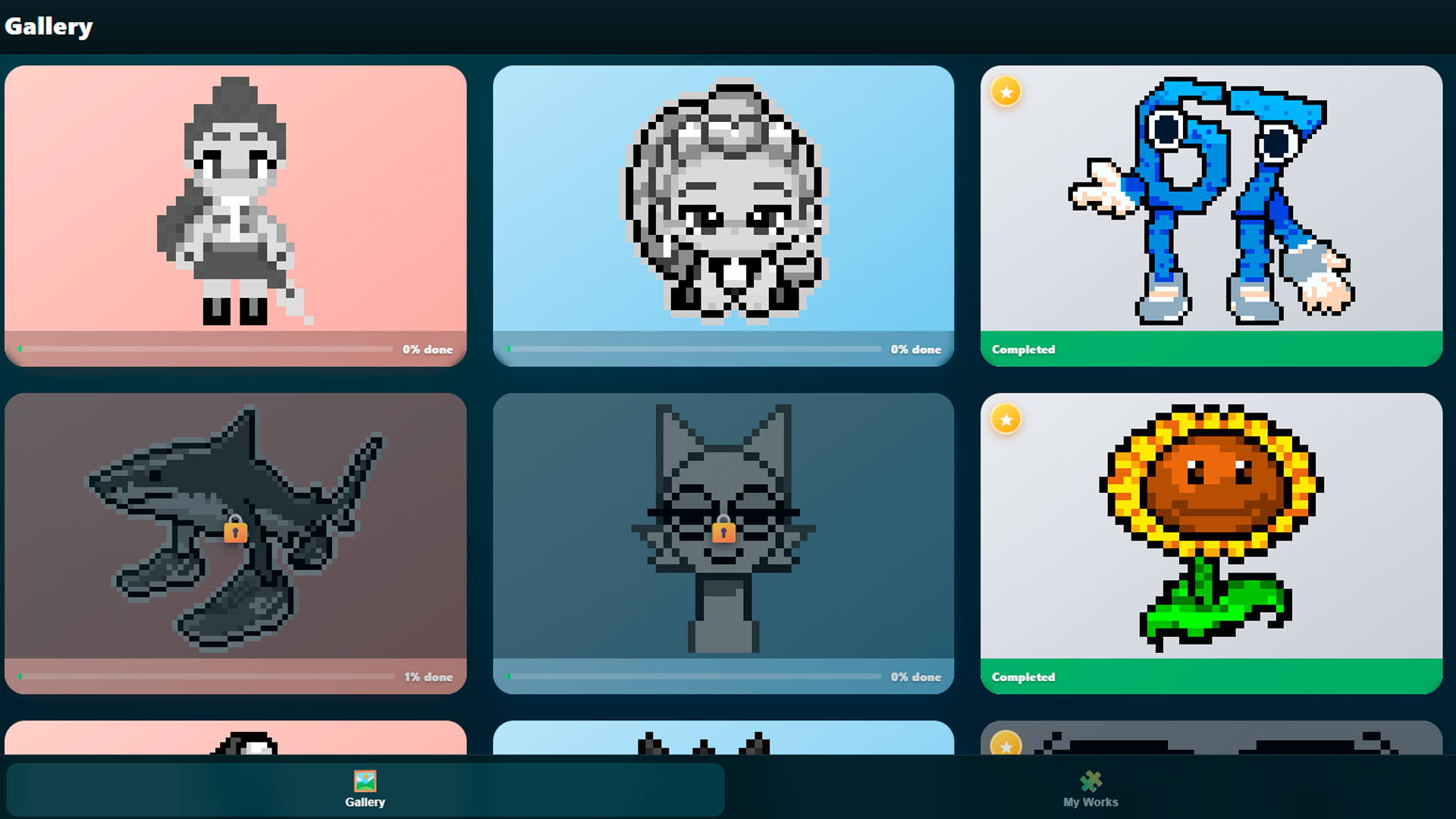
1. Select a level from the gallery and click “Play.”
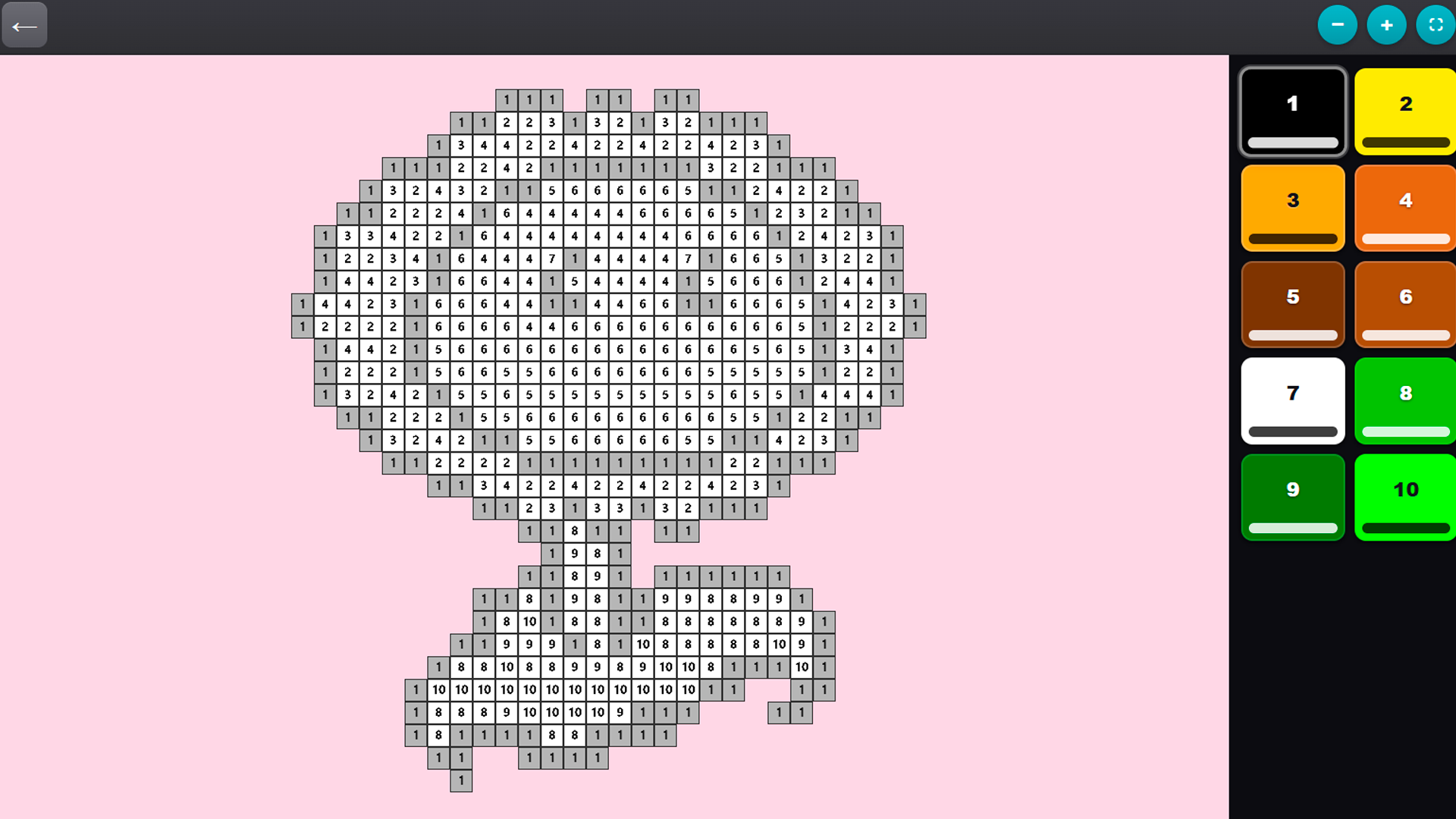
2. All the colors for the level will appear on the panel on the right—choose any one.
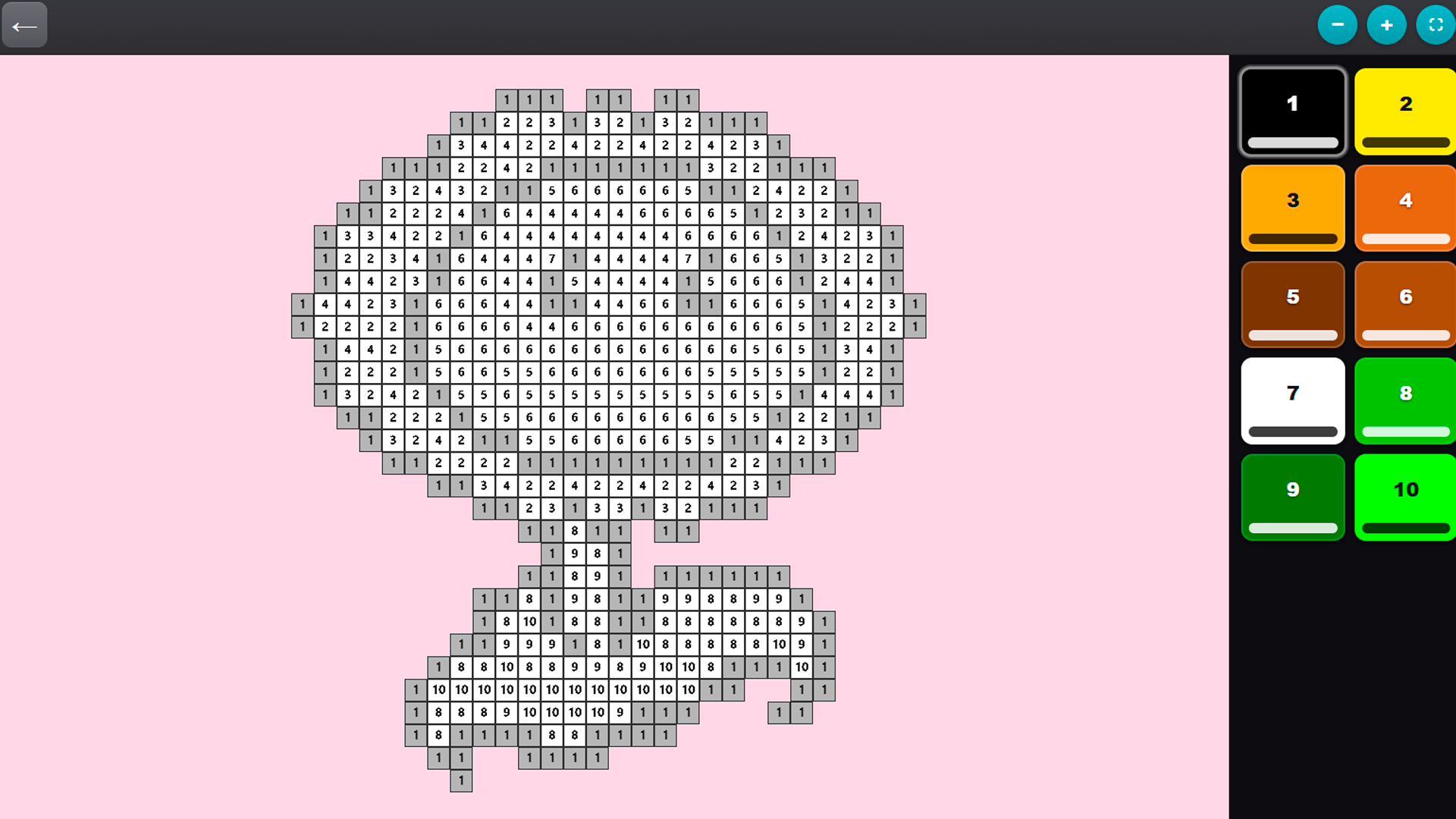
3. Click on the cells with the corresponding number to fill them in.
4. Use a pinch gesture or the mouse wheel to zoom in and out of the grid.
5. Move the grid with one finger (or by holding down the mouse button) to easily reach any area.
6. Fill in all the cells—and the picture will be fully revealed!
Tip: It’s helpful to fill in all the cells of one color at once before moving on to the next.
Features
- Palette sorting: Colors highlight automatically when you select a number to keep your workflow fast.
- Smart zoom: Pinch or scroll to inspect tiny pixel details for precise coloring work.
- Content library: Access collections ranging from current gaming memes to classic character designs.
- Progress tracking: Watch your completion percentage climb as every single cell finds its proper hue.
Who is it for
Fans of casual coloring games who enjoy digital art creation will love this. People seeking a low-stress activity to occupy their hands during breaks or commutes find this rhythm soothing. If you follow internet subcultures or enjoy methodical pixel-based tasks, this collection provides the perfect creative outlet.
Controls
Fill color
Tap a cell or click with the left mouse button.
Navigate grid
Drag with one finger or hold the mouse button to pan.
Zoom view
Pinch with two fingers on mobile or use the scroll wheel on desktop.
FAQ
How do I start playing Color by Numbers: Brainrot, Fnaf, Sprunki, PvZ?
›
Simply pick an image from the main gallery to begin filling in numbered cells immediately.
Can I play Color by Numbers: Brainrot, Fnaf, Sprunki, PvZ on my phone?
›
Yes, the game is fully optimized for mobile browsers using intuitive touch and pinch gestures.
Does Color by Numbers: Brainrot, Fnaf, Sprunki, PvZ require saves?
›
The game automatically tracks your progress, letting you pick up exactly where you left off.