About game
Staring at a blank screen during a midday slump is the worst, especially when you need a creative outlet to clear your mind. Painter serves as the perfect digital canvas to combat boredom, letting you sketch or design without any complex software. You can easily select your favorite tool from the sidebar to start your next pixel art masterpiece from scratch. Whether you want to draw precise geometric shapes or fill enclosed spaces with vibrant hues, the intuitive interface keeps your workflow smooth. Advanced users can even dive into RGB settings to craft custom shades that fit their specific vision. The app supports both light and dark themes, ensuring your eyes stay comfortable during long creative sessions. Once your work is finished, saving your creation as a high-quality PNG file takes only a single click. Experience this simple yet powerful way to paint and express your artistic side directly in your browser without any downloads.
How to play
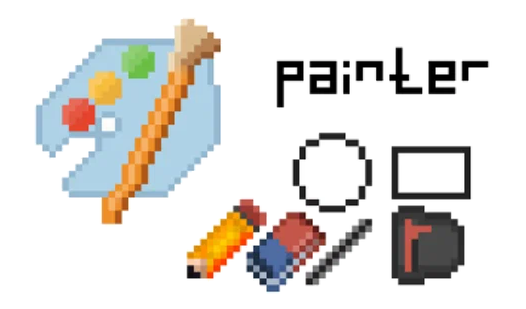
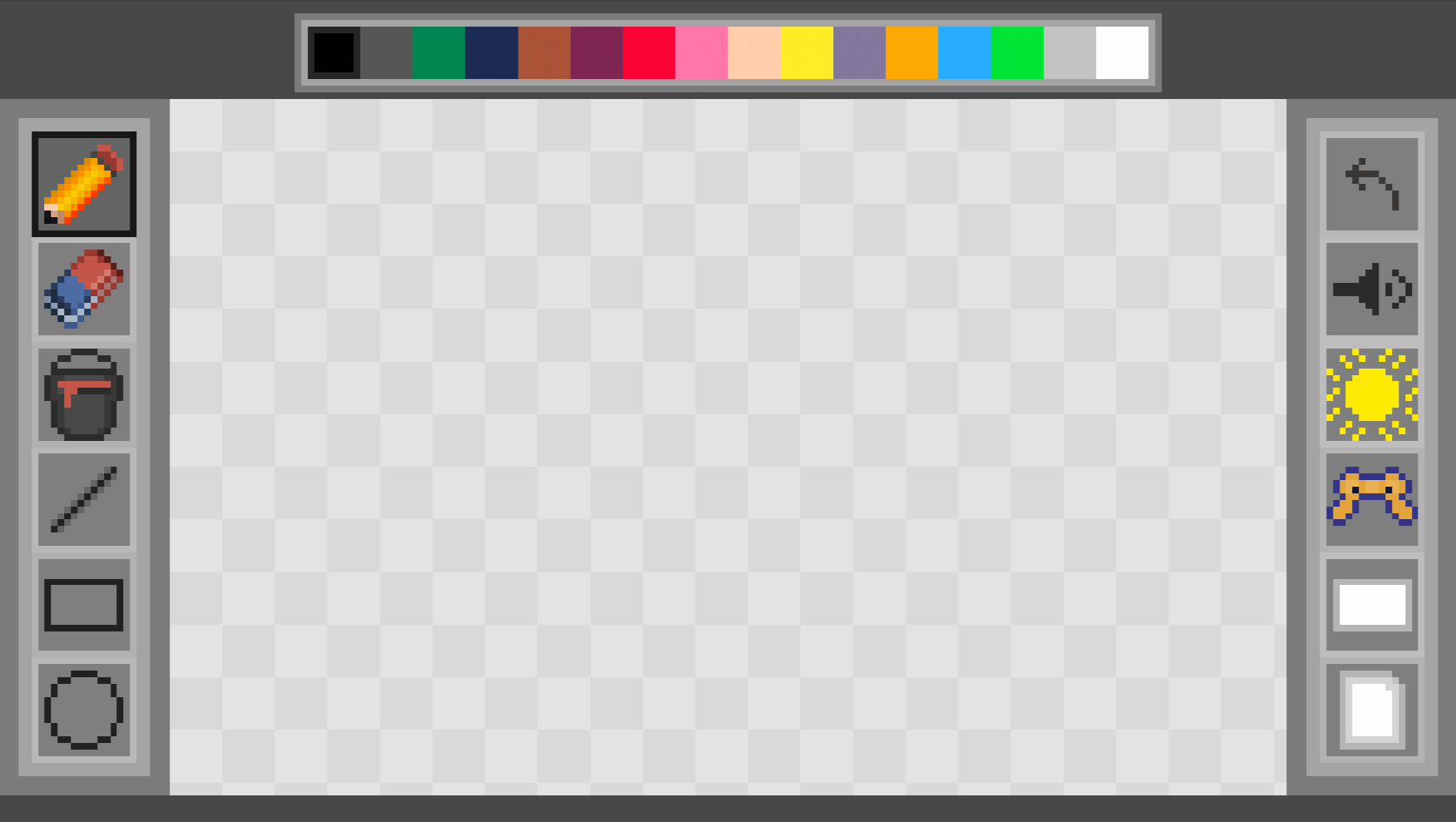
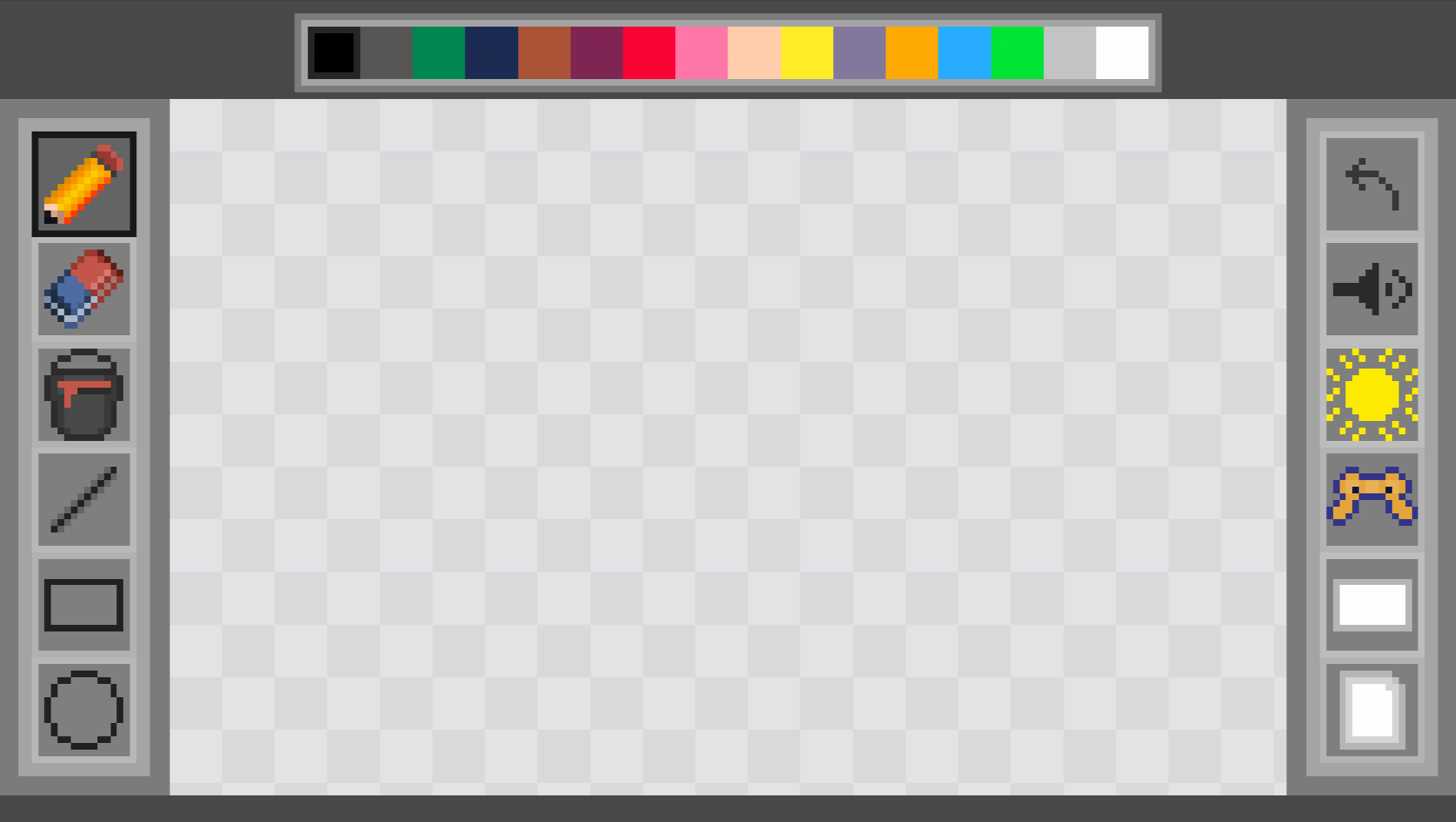
On the left are tools for creating a variety of pixel images (pencil, eraser, line, rectangle, circle and fill). There are different colors at the top. There is a reset button on the right, clicking on which will clear the sheet. And below, after clicking on the button, you can download the image.
Features
- Geometric shapes: Access a wide array of ready-to-use polygon tools including triangles, pentagons, and hexagons for structured layouts.
- Dynamic cursor: The active cursor dynamically displays your chosen color, providing instant visual feedback before you touch the canvas.
- RGB customization: Go beyond the sixteen base colors by using the dedicated RGB input fields to fine-tune your specific color palette.
- One-click export: Save your progress instantly as a PNG image file to share your work or keep it for your personal collection.
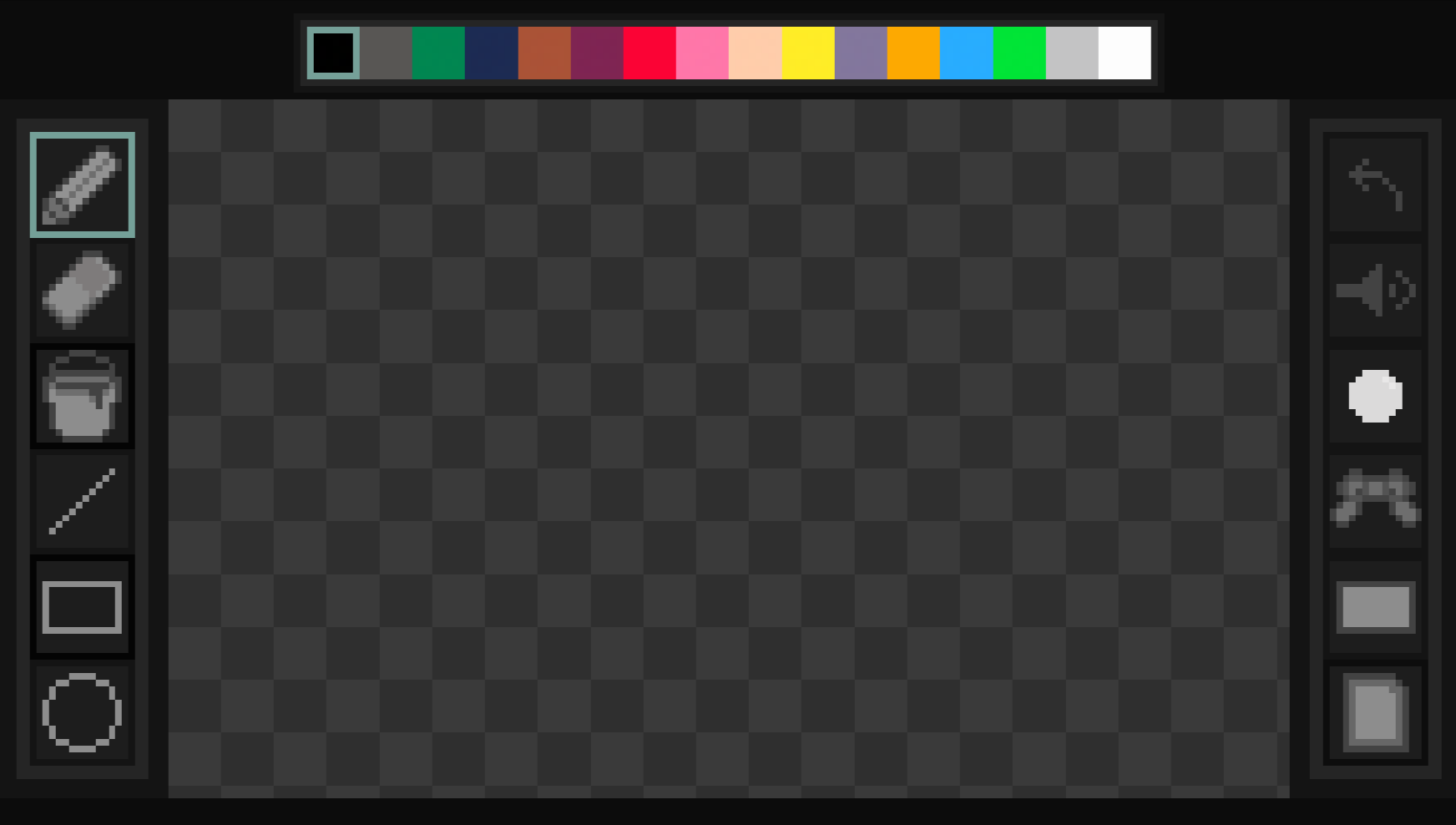
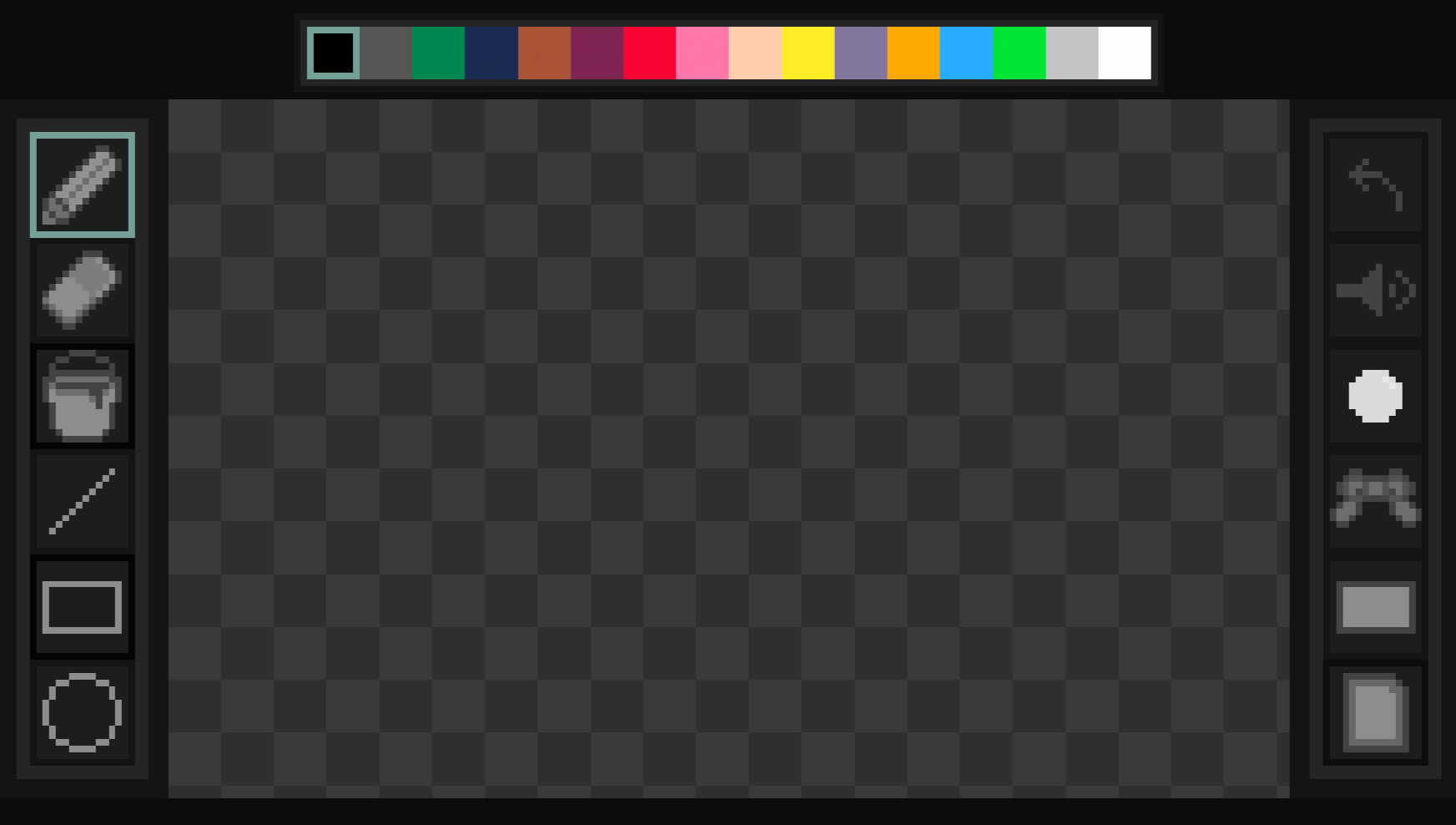
- Visual modes: Toggle between a light or dark interface theme to suit your workspace environment or personal preference.
Who is it for
Casual artists, pixel art enthusiasts, and creative kids looking for a lightweight drawing tool will find this app essential. It serves those who want to sketch quickly, experiment with geometric designs, or simply enjoy a relaxing digital creative session without the burden of complex registration or software installation requirements.
Controls
Select tool
Click or tap on the desired icon in the sidebar
Draw or fill
Click and drag or tap and swipe on the canvas area
Clear canvas
Click or tap the reset button located on the right side
Save image
Click or tap the download button below the canvas
FAQ
Is Painter free to use in my browser?
›
Yes, Painter is completely free and requires no registration or software downloads to start creating.
Can I save my work from Painter?
›
Absolutely, you can export your finished artwork as a PNG file directly to your device with one click.
What kind of art can I create in Painter?
›
Painter is versatile enough for making detailed pixel art, quick sketches, or complex geometric drawings using the built-in shape tools.