About game
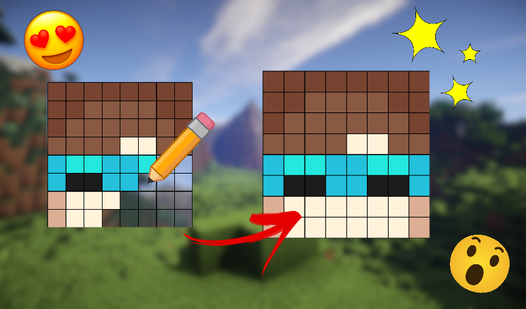
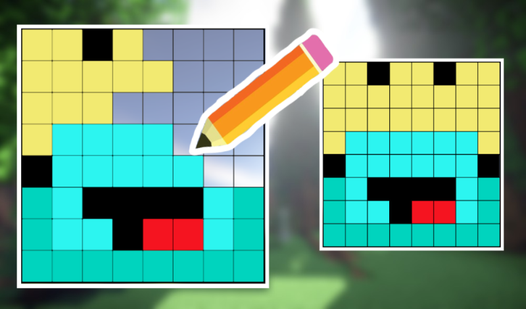
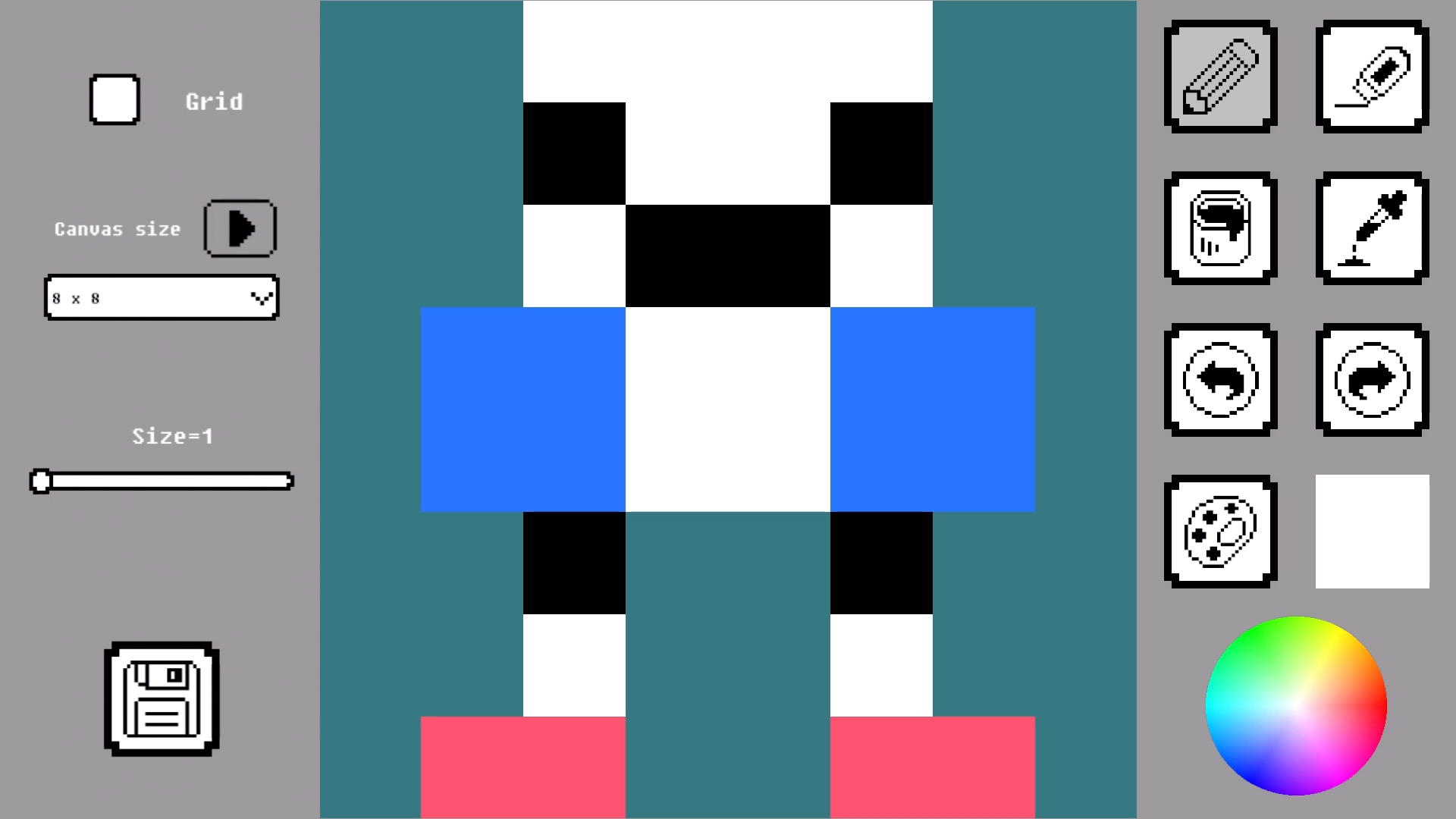
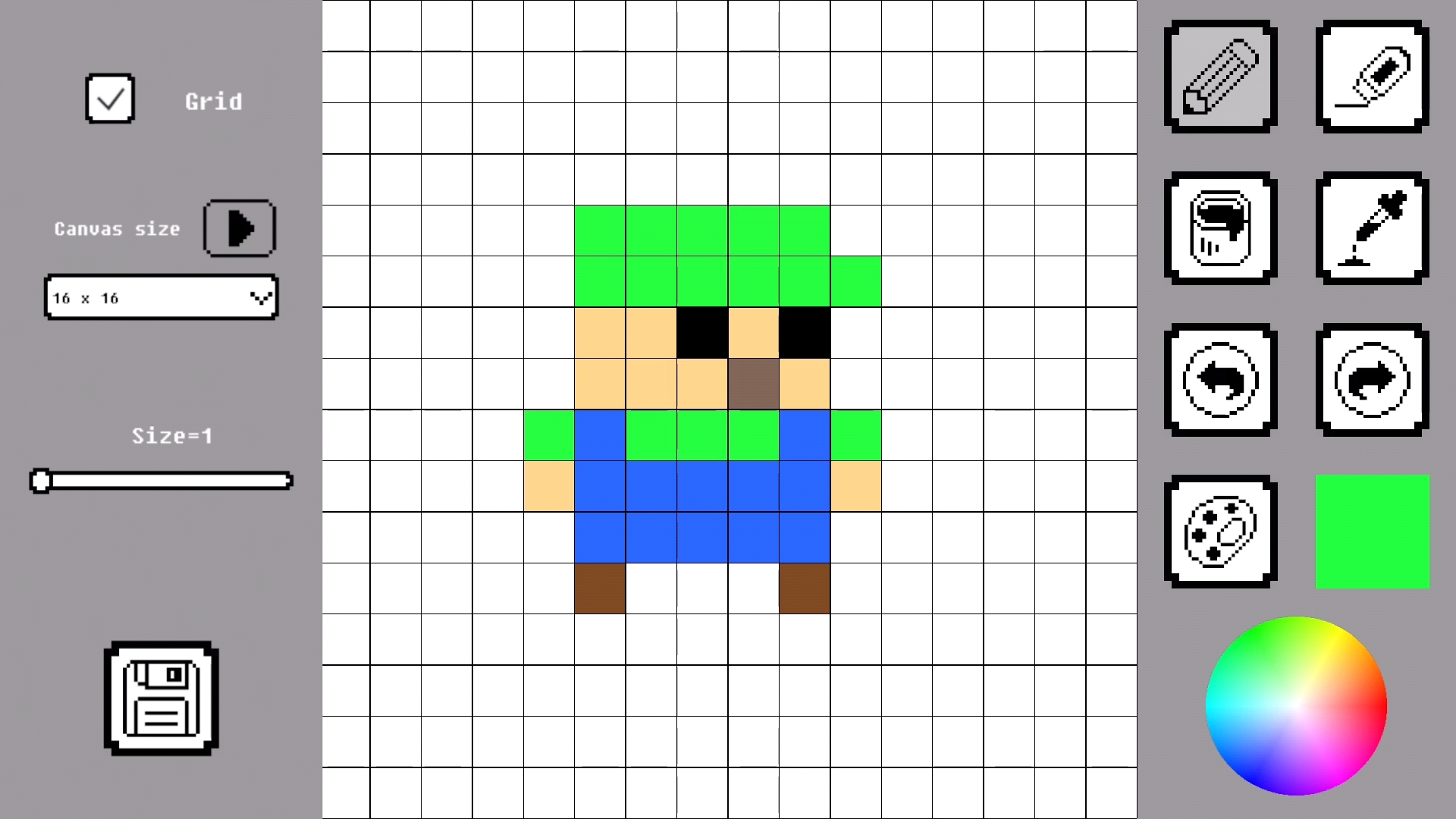
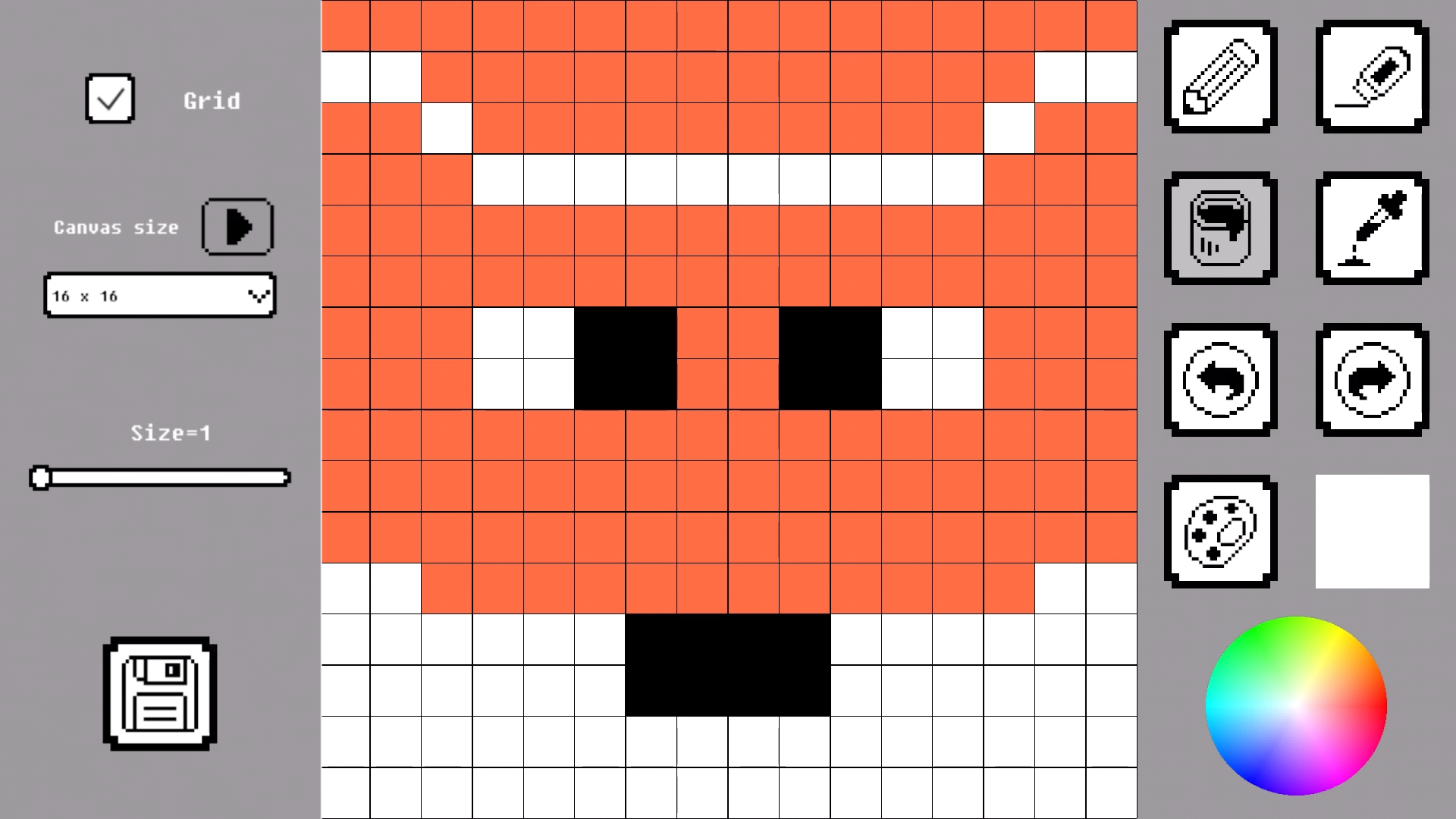
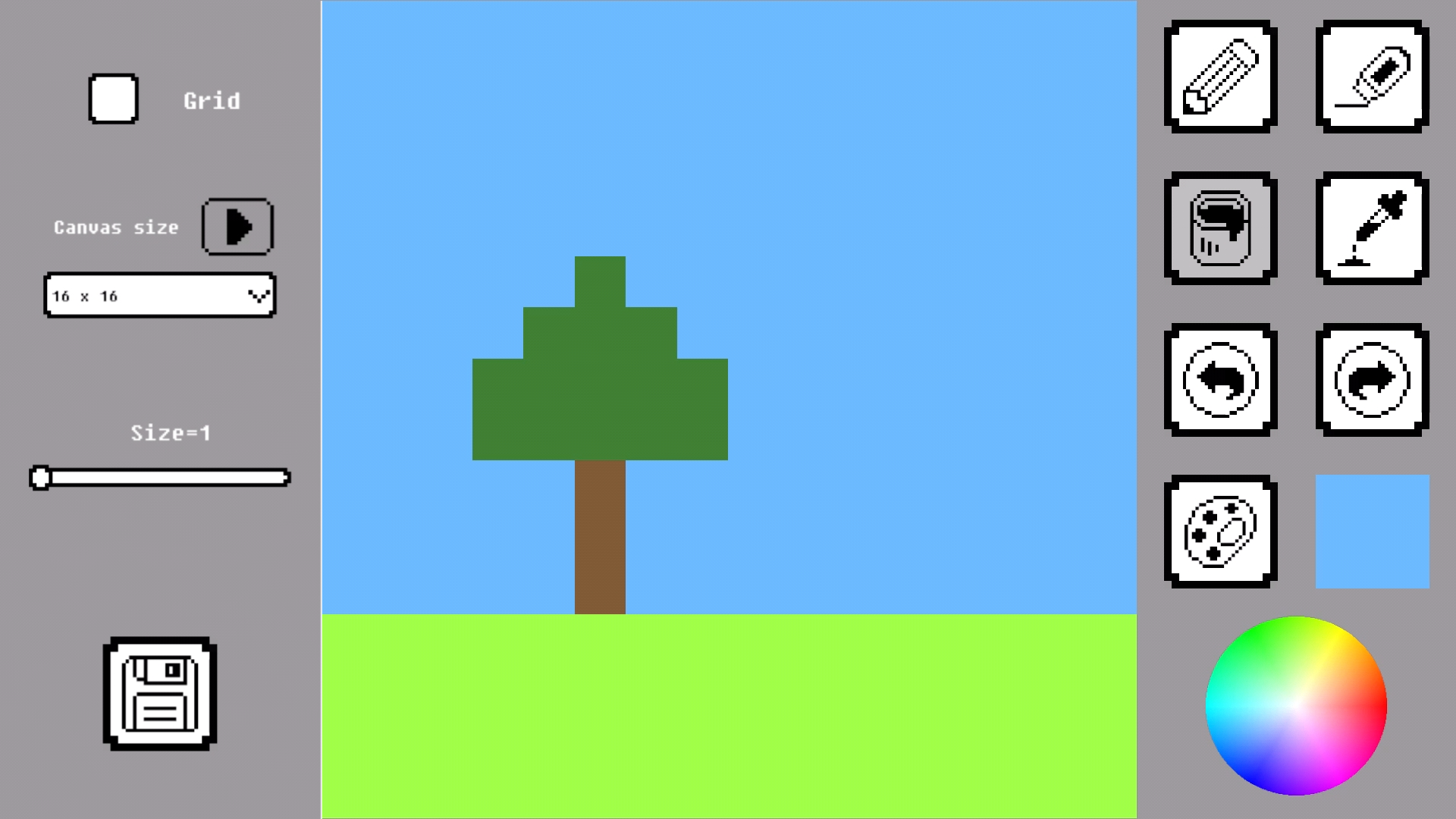
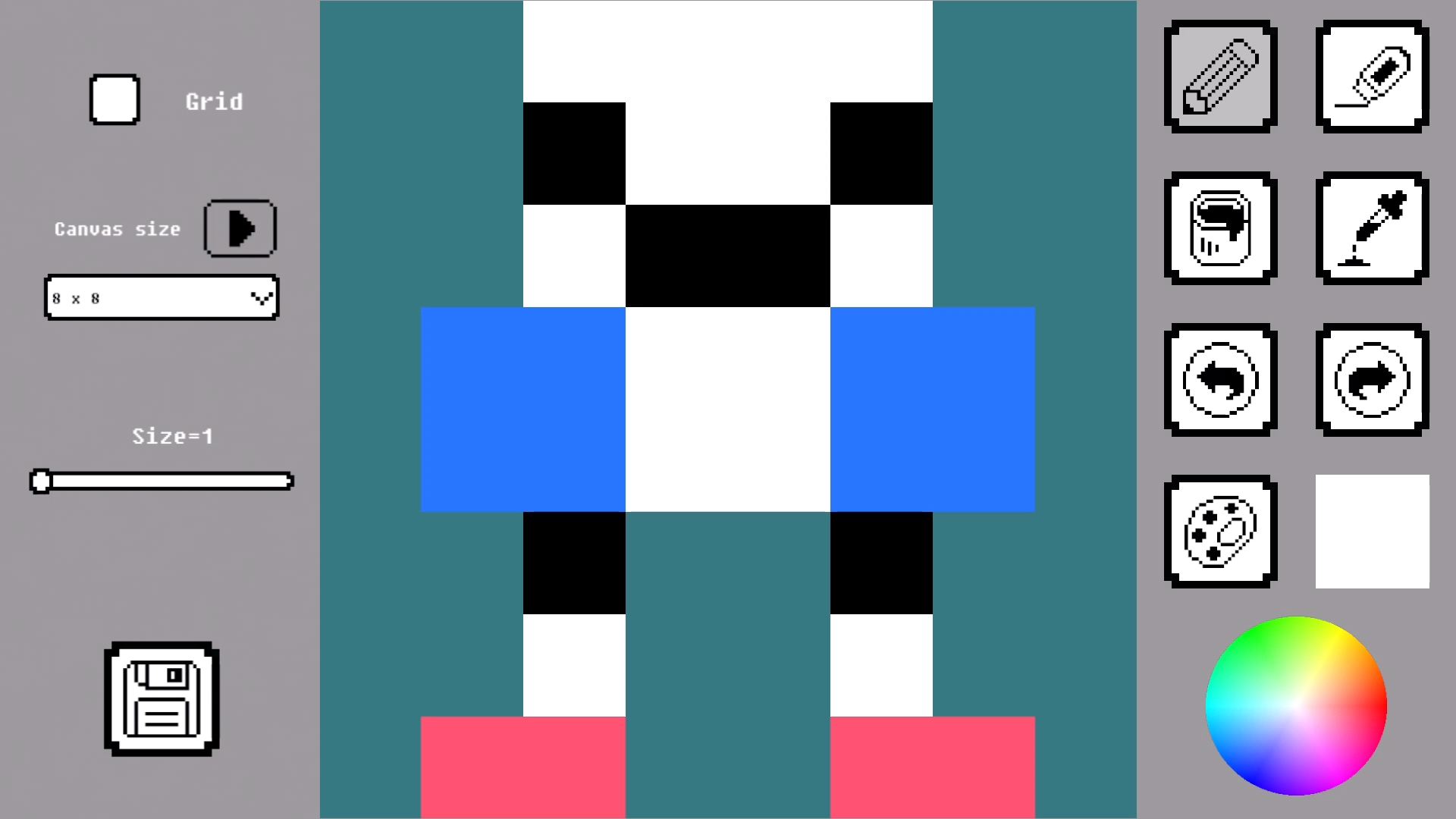
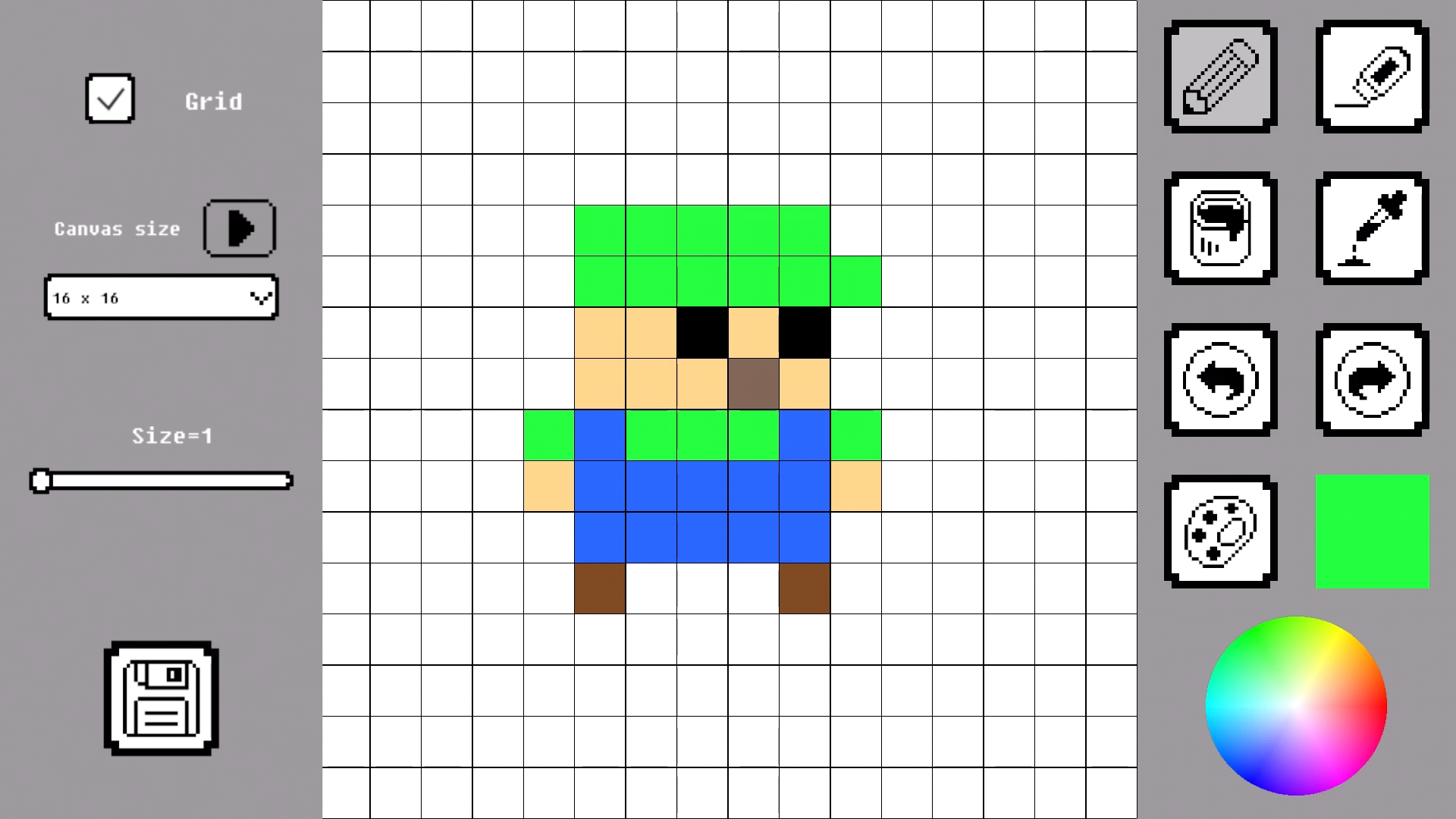
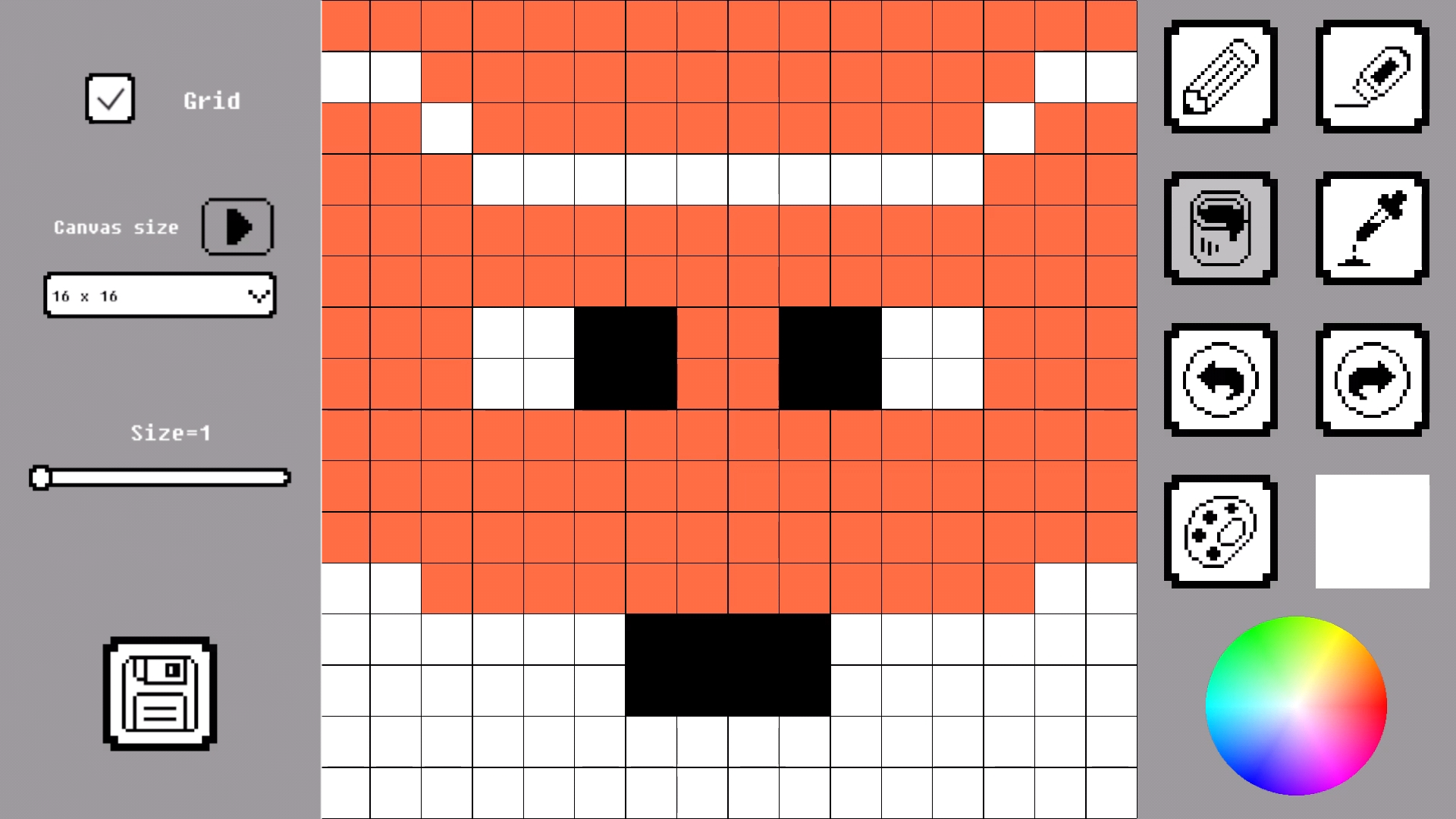
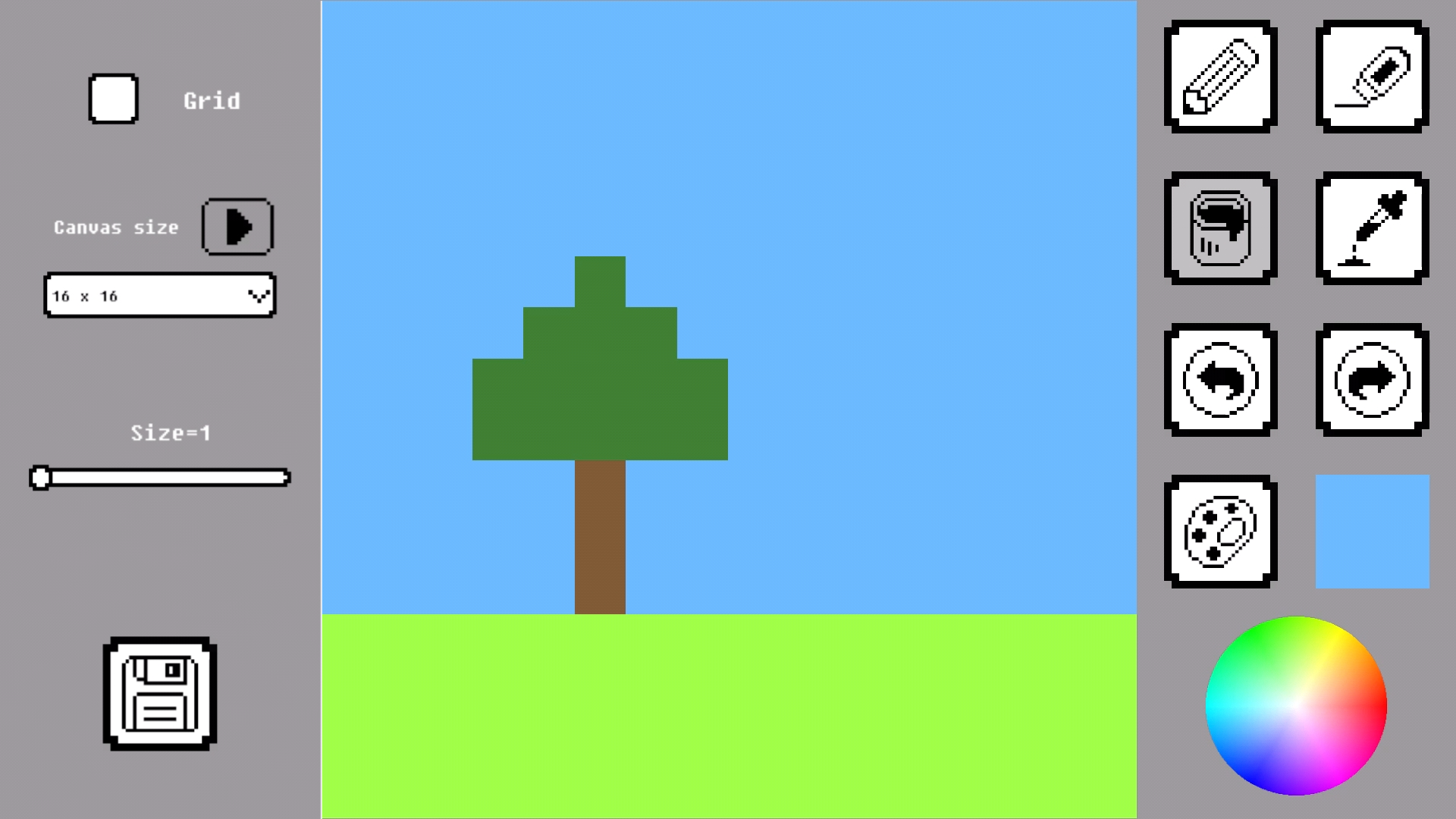
Creative artists and retro gaming fans will love the freedom found in Pixel Draw. This browser-based canvas turns your screen into a digital playground where every square counts. You start by selecting a grid size ranging from a tiny 8x8 layout to a complex 128x128 masterpiece. Use the pencil tool to place individual dots or the fill bucket to splash color across large sections instantly. When a mistake happens, the undo and redo buttons keep your creative flow smooth and stress-free. Precision is easy with the color picker that lets you sample any shade from your existing art. Whether you are crafting a simple sprite or a detailed pixel art scene, this tool handles it all with ease. The interface is optimized to make every stroke feel responsive and satisfying. You can jump into Pixel Draw for free right now in your browser with absolutely no download required.
How to play
Choose a canvas size from 8×8 to 128×128.
Draw with the pencil, erase pixels, fill areas with color, and pick colors using the eyedropper.
Use undo and redo buttons to fix mistakes.
When finished, save and download your pixel artwork.
Features
- Flexible Grid Scaling: Choose between multiple canvas resolutions to match the complexity of your specific project.
- Eyedropper Precision: Quickly select any color currently on your canvas to maintain consistency throughout your artwork.
- Efficient Fill Tool: Instantly color large connected areas to save time when working on backgrounds or large shapes.
- Seamless Export: Easily save your finished creations directly to your device with one click.
- Responsive Design: The interface adjusts perfectly whether you are using a mouse on a desktop or touch controls on a mobile device.
Who is it for
Digital artists who appreciate minimalist tools, retro-gaming fans looking to design their own sprites, and students interested in learning the basics of grid-based design. It is also a fantastic choice for casual hobbyists who want a quick, relaxing way to create colorful art during a short break.
Controls
Draw pixels
Click and drag with mouse or tap and drag on the touchscreen.
Select tools
Tap or click the icons in the sidebar to switch between pencil, eraser, and bucket.
Navigate canvas
Use two-finger pinch to zoom and swipe to pan on mobile devices.
FAQ
Can I use Pixel Draw on my mobile phone?
›
Yes, Pixel Draw is fully optimized for mobile browsers, allowing you to create art on the go using touch controls.
Is there a cost to use Pixel Draw?
›
Pixel Draw is completely free to use, and there are no hidden fees or premium versions to purchase.
How do I save my work from Pixel Draw?
›
Once you finish your project, simply click the save button to download your masterpiece directly to your device.