About game
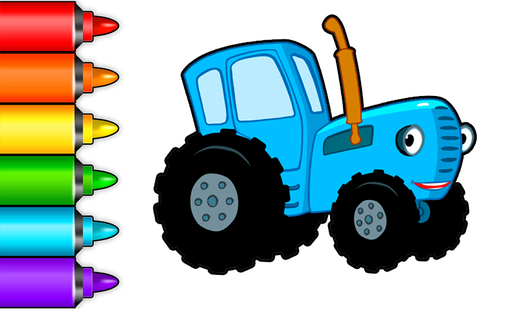
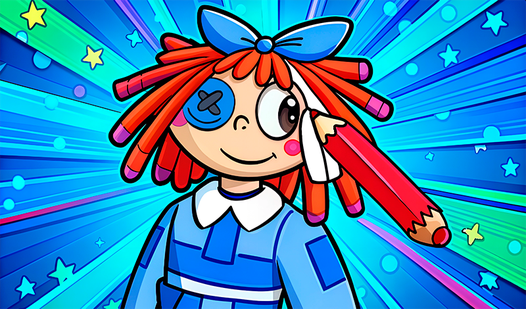
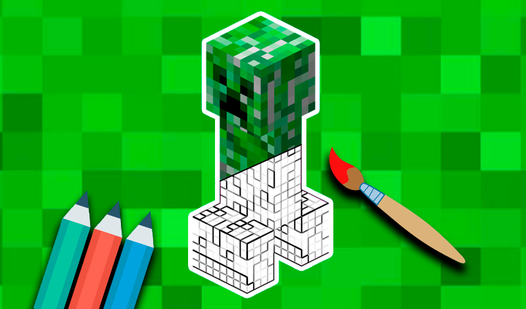
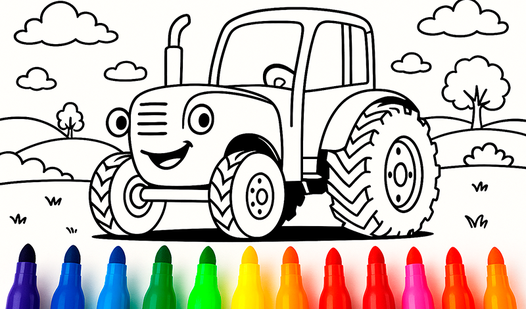
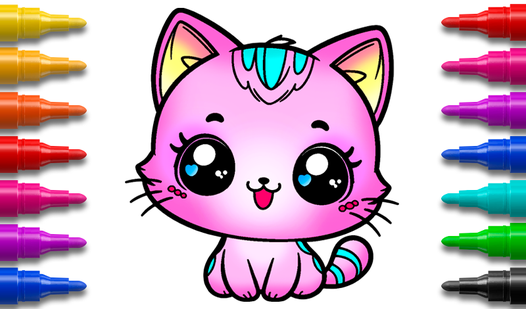
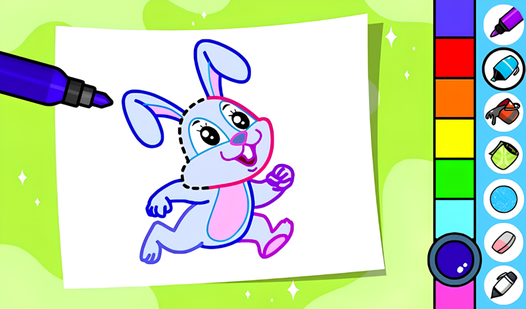
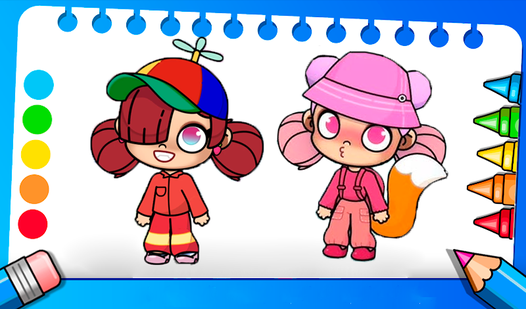
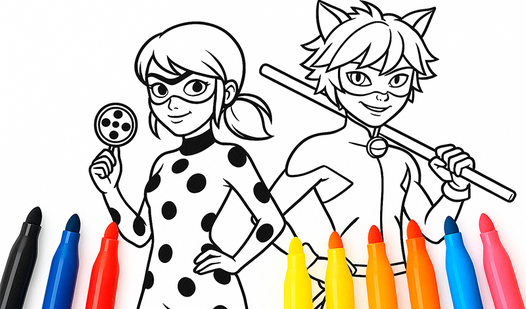
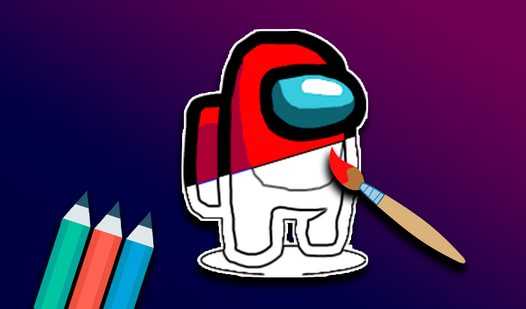
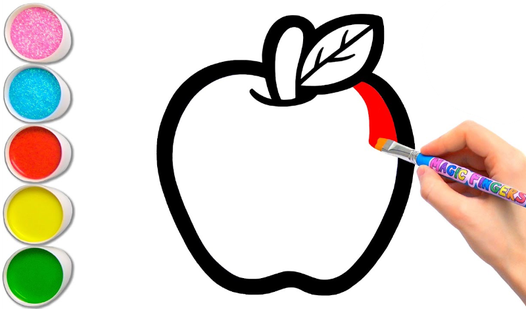
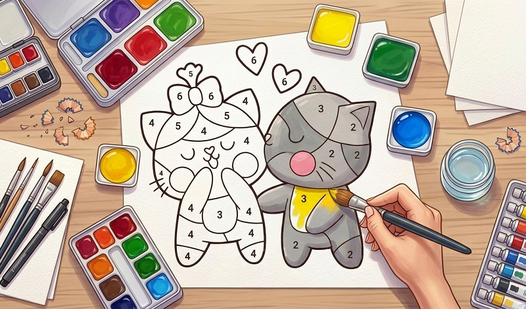
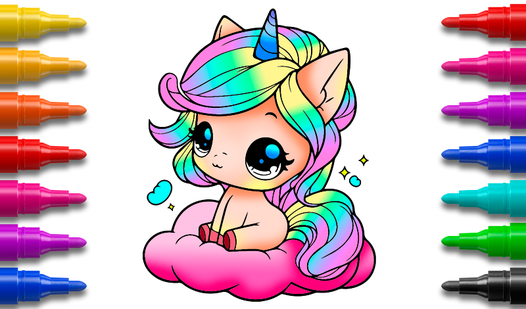
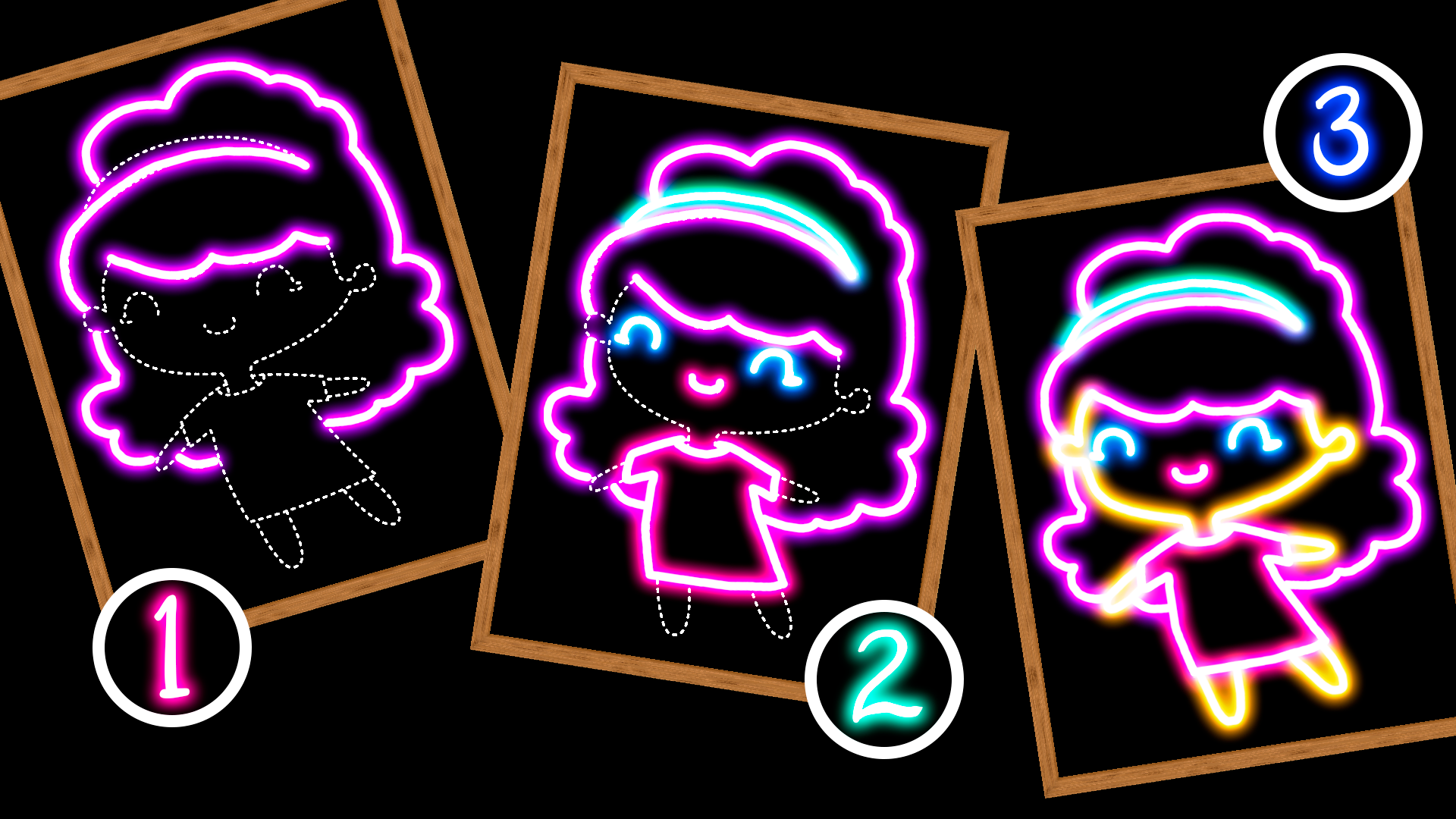
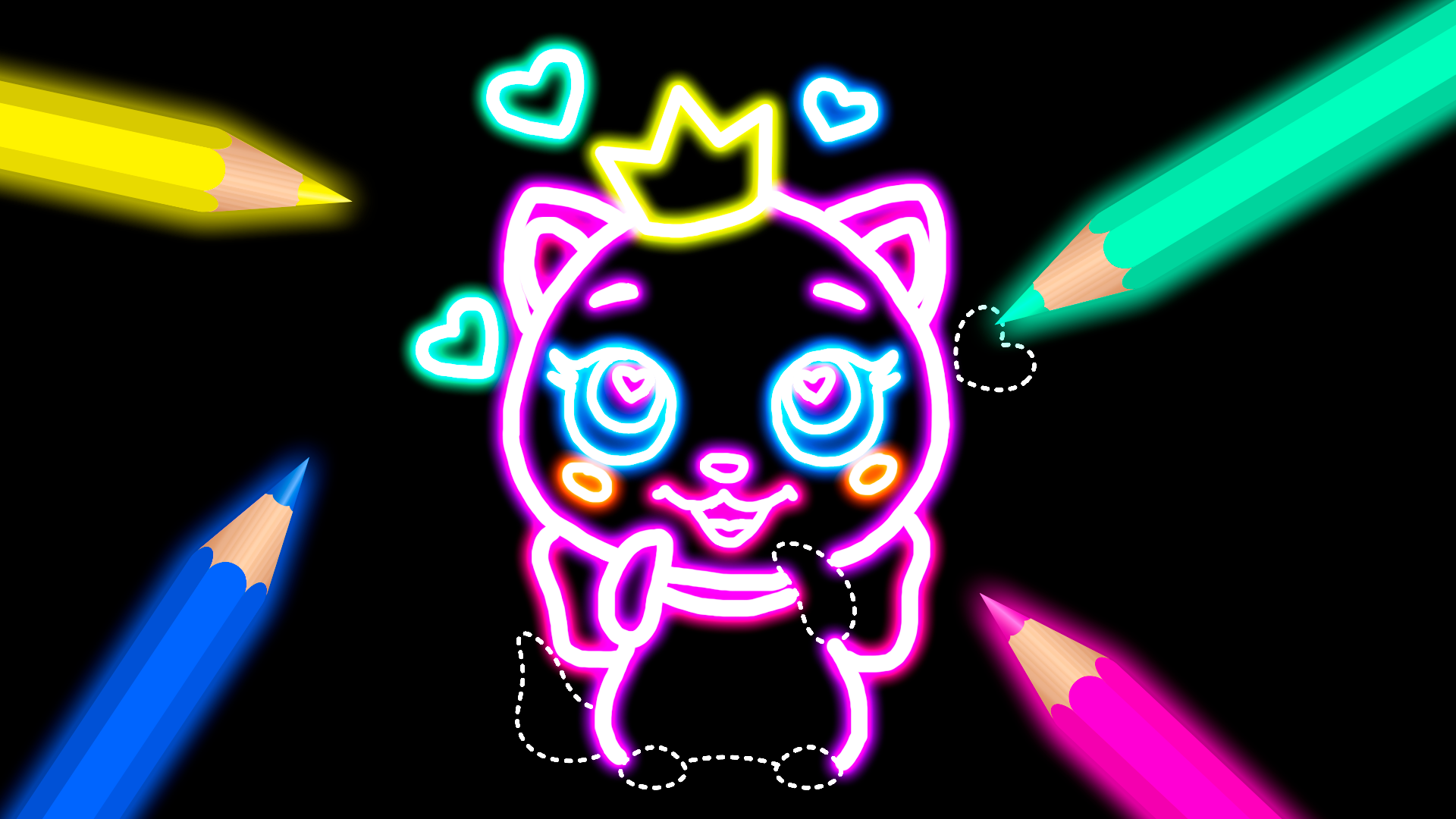
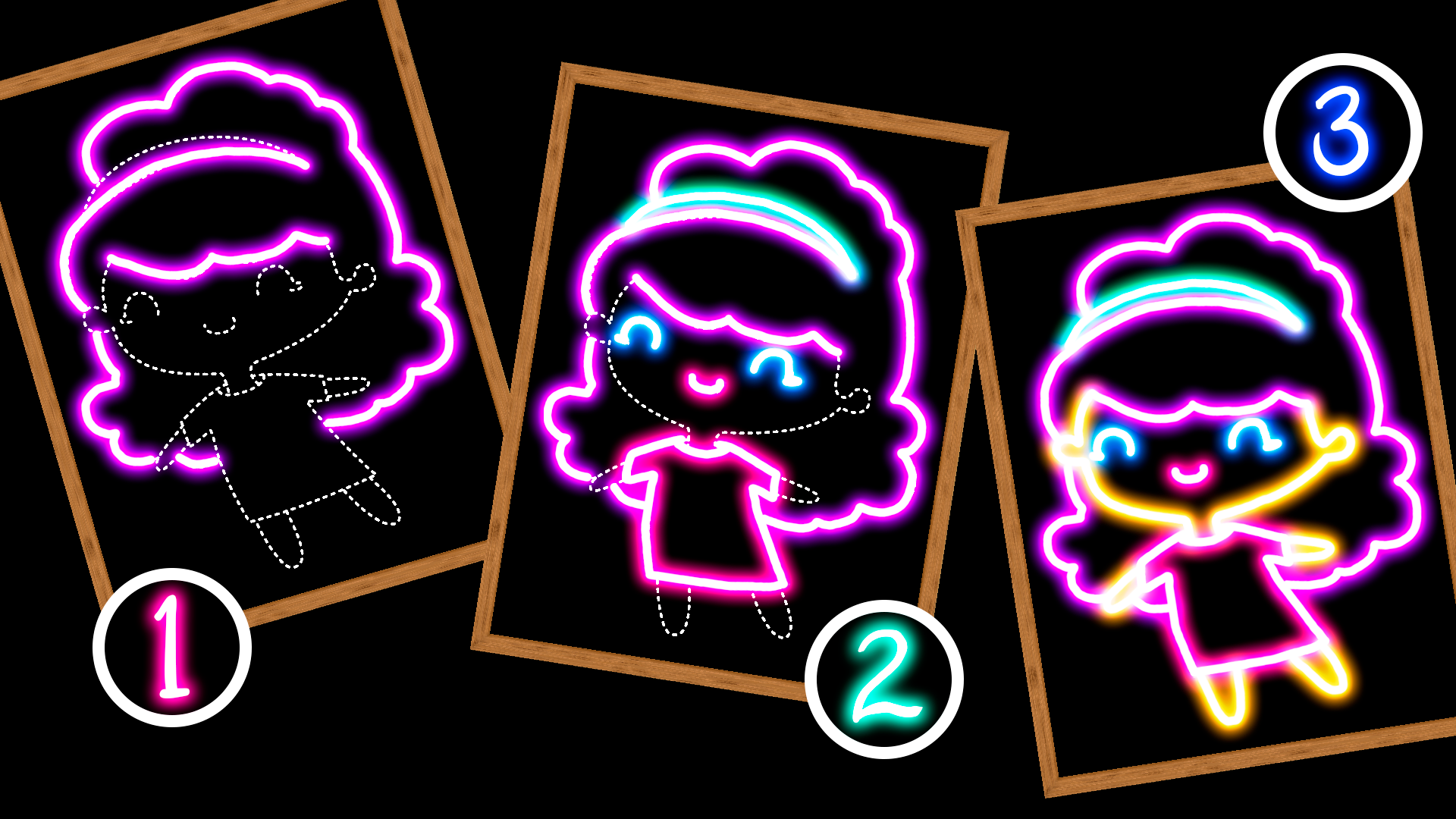
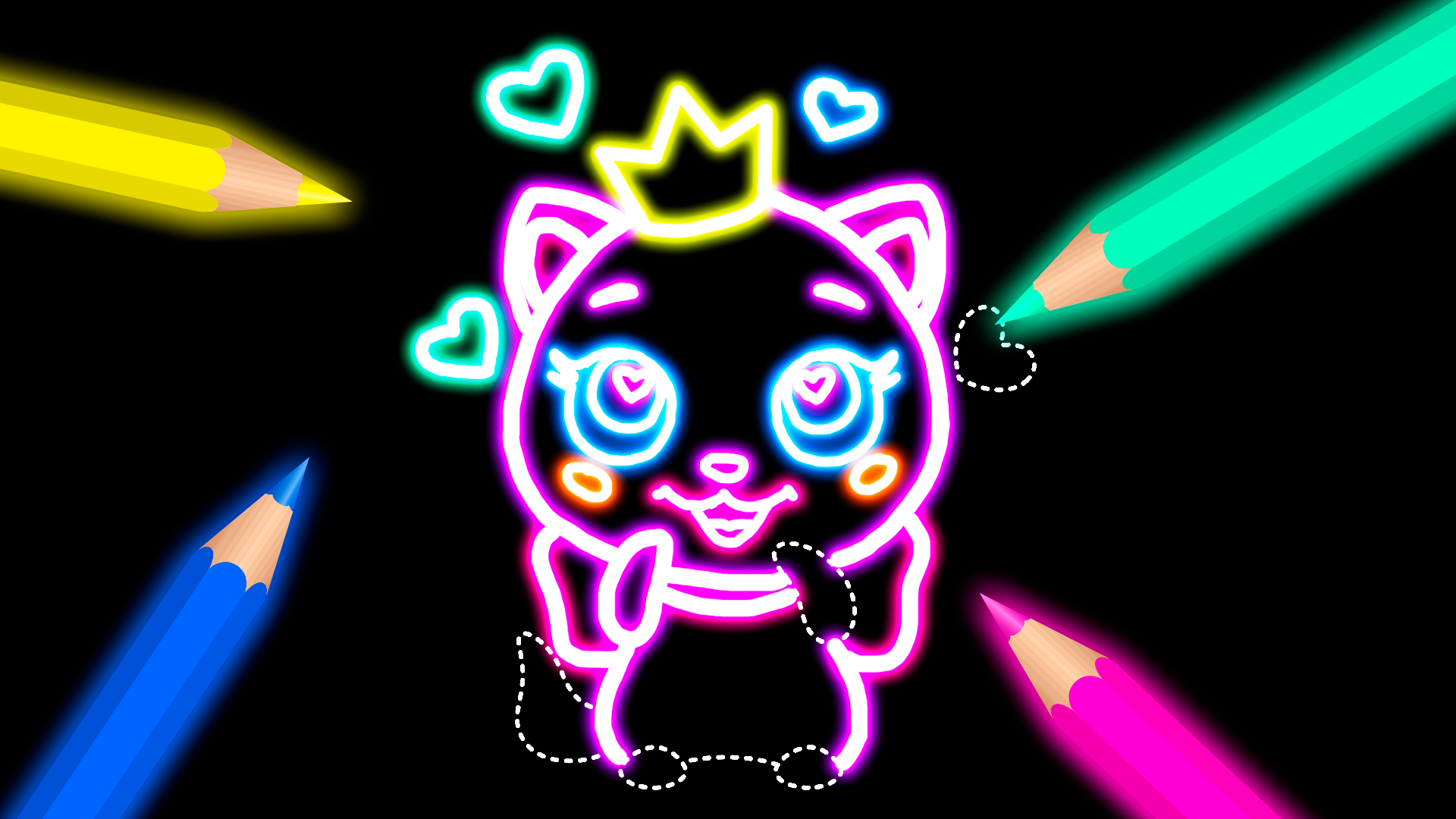
Staring at a blank screen while your brain feels fried is a universal struggle that demands a creative escape. Doodle: Learn to Draw acts as your digital sketchbook, turning idle moments into vibrant art sessions without the mess of real paints. You simply pick a cute kawaii template and trace the lines to build your masterpiece from scratch. Experiment with neon colors, adjust your brush thickness, and add quirky emoticons to give your work a personal touch. If you prefer total creative freedom, the hide template button lets you sketch whatever comes to mind on a blank canvas. This relaxing рисовалка helps sharpen your motor skills while offering a peaceful way to relieve daily stress. Whether you are a budding artist or just need a quick distraction, this app makes it easy to learn how to draw with style. Save your best creations to the gallery or share them with friends to show off your new skills. You can play this engaging browser game for free right now without any downloads.
How to play
Doodle: Learn to Draw is a very simple game for all drawing lovers.
- Draw with the mouse or touch.
- Choose a template.
- Choose line type, thickness, color.
- Add text and emoticons to the picture.
- Save the picture to the gallery.
Share with your friends and leave comments, what other pictures do you want to learn to draw?
Features
- Neon Palette: Select from a wide spectrum of glowing neon shades to make your artwork pop off the screen.
- Custom Text Tools: Integrate personalized messages or labels directly onto your canvas using the built-in text editor.
- Freehand Mode: Toggle the interface to hide guides and practice your own original sketches from memory.
- Save and Share: Export your completed drawings instantly to your device or send them to friends to compare styles.
- Adjustable Brushes: Modify the thickness and style of your lines to achieve different artistic effects during your sessions.
Who is it for
Creative spirits and stress-seekers looking for a calming artistic outlet during short breaks. Parents seeking an educational tool for kids to practice fine motor skills, and adults who enjoy meditative drawing exercises. Anyone who wants to master basic shapes and improve their digital illustration skills through simple tracing.
Controls
Draw lines
Click and hold the mouse button or tap and drag your finger on the screen.
Select tools
Tap on the color palette, brush menu, or template icons to activate them.
Save creation
Tap the save icon located in the menu bar to store your work.
FAQ
Is Doodle: Learn to Draw safe for young children to use?
›
Yes, Doodle: Learn to Draw features a simple, intuitive interface that is perfect for kids developing their drawing skills.
Can I play Doodle: Learn to Draw on my mobile browser?
›
Absolutely, Doodle: Learn to Draw is fully optimized for mobile browsers so you can draw anywhere without needing an app store download.
Does Doodle: Learn to Draw save my progress automatically?
›
You can manually save any of your finished pieces to your device gallery at any time while playing Doodle: Learn to Draw.