About game
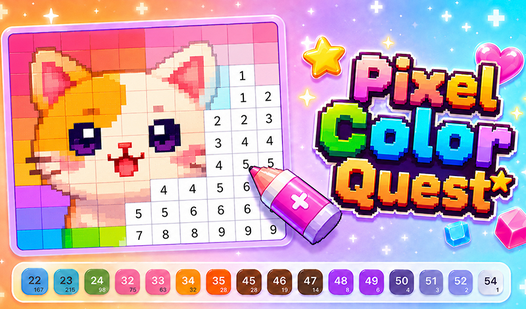
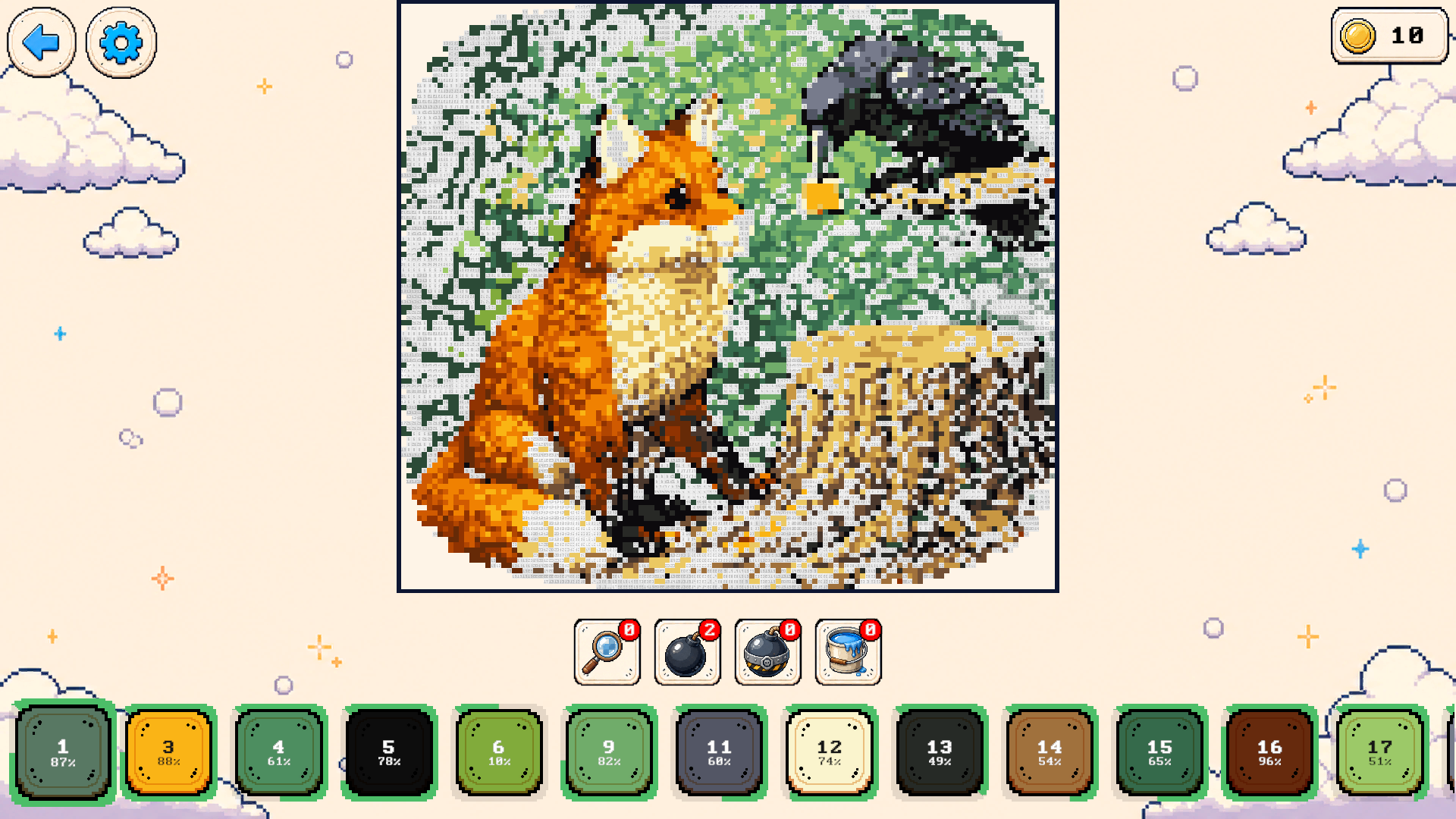
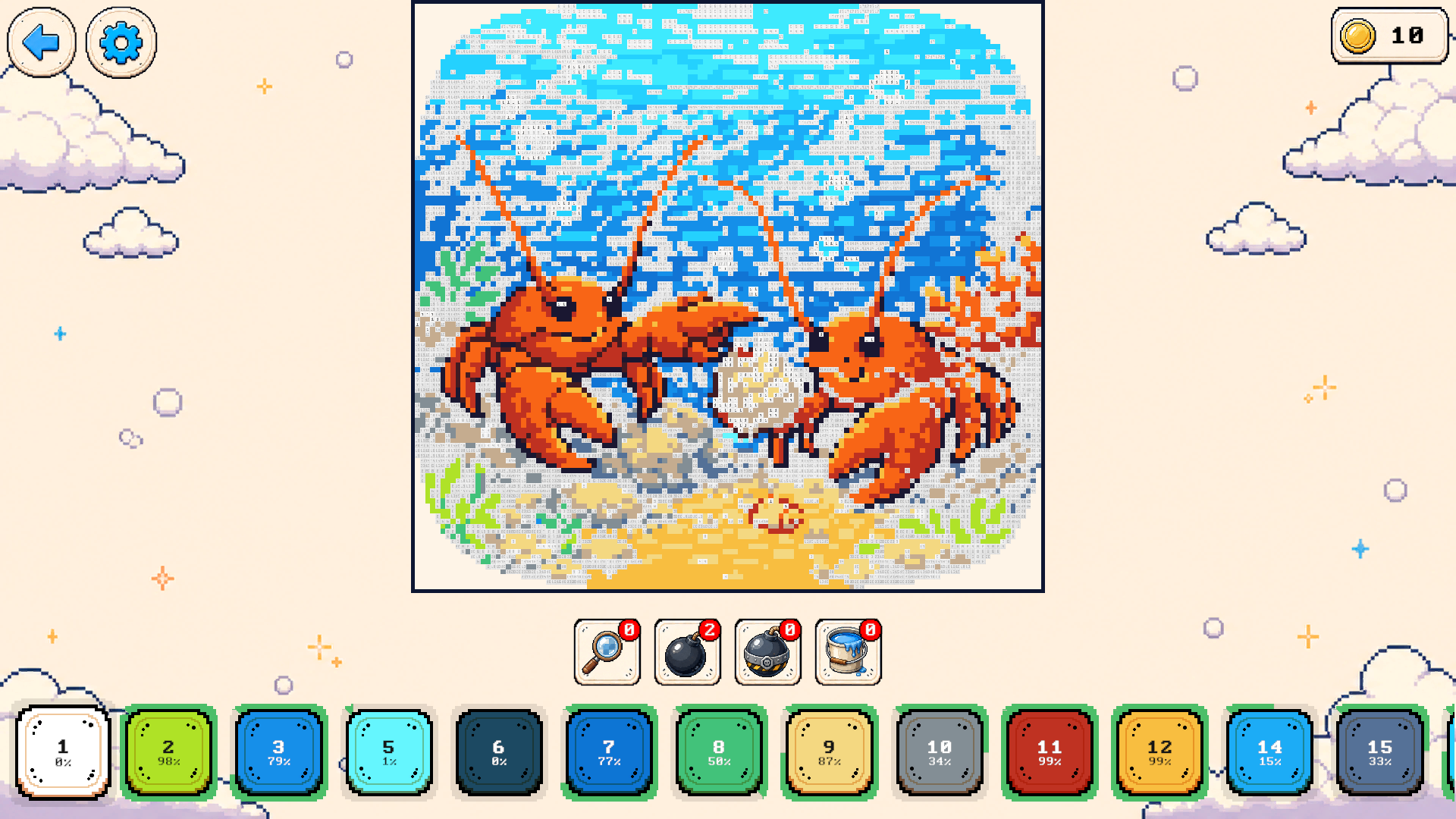
Staring at a blank screen during your coffee break often feels like a chore when you just need a mental reset. Pixel Coloring: Cozy Collection turns that downtime into a creative escape where every tap fills your screen with life. You select a canvas from a massive library of pixel art designs ranging from cute animals to detailed characters. Selecting a numbered color from the palette allows you to fill individual squares until the entire image reveals itself in full color. Complex designs let you slow down and focus, while smaller pieces work great when you only have a few minutes to spare. Earning coins as you finish projects helps you unlock fresh themes for your gallery. Keep track of your progress in the dedicated works folder so you never lose your spot on a tricky piece. Using helpful power-ups like paint buckets speeds up the process when you want to cover large areas quickly. Play this color by number experience right in your browser without any annoying downloads.
How to play
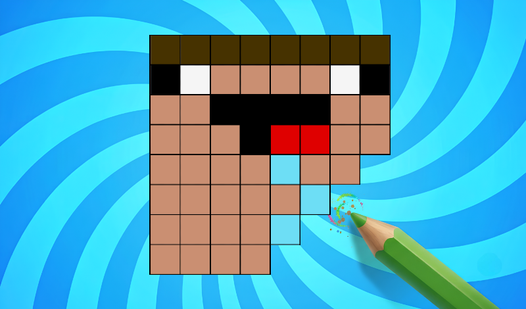
Choose a picture and a numbered color from the palette. Fill every pixel with its matching color to complete the picture.
Desktop:
Left-click to color, or hold the left mouse button and drag across matching pixels. Scroll the mouse wheel to zoom. Hold the right mouse button and drag to move the picture, or hold Space and drag with the left mouse button.
Mobile:
Tap to color, or drag across matching pixels. To move the picture, drag with one finger, starting on an already colored pixel or a pixel with a different number. Pinch with two fingers to zoom.
To use a tool, select it and then click or tap a pixel.
Features
- Collection Tracking: Your completed masterpieces and works in progress live in a personal gallery for easy access.
- Strategic Tools: Utilize bombs to clear sections and paint buckets to fill large areas of matching numbers.
- Progression System: Complete designs to earn virtual currency which unlocks new themed categories.
- Hint Assistance: Use the magnifying glass tool to highlight elusive pixels when you get stuck.
- Zoom Precision: Navigate dense pixel grids using smooth touch or mouse scrolling to ensure every square gets filled.
Who is it for
Puzzle lovers and fans of relaxing art games will enjoy this quiet pastime. Creative individuals looking for a digital sketchbook find this title soothing after a long day. If you enjoy color by number activities or pixel art, this game provides the perfect low-pressure outlet for your creativity.
Controls
Color pixels
Left-click or tap a pixel to fill it with the selected color.
Move canvas
Right-click and drag on desktop or drag with one finger on mobile.
Zoom view
Use the mouse scroll wheel or pinch the screen with two fingers.
FAQ
Can I save my progress in Pixel Coloring: Cozy Collection?
›
Yes, all your unfinished pictures are saved automatically in the My Works section so you can return to them whenever you want.
Is Pixel Coloring: Cozy Collection free to play?
›
You can play the entire game for free directly in your web browser without downloading any files.
How do I use tools in Pixel Coloring: Cozy Collection?
›
Simply select the tool from the menu and then click or tap on the pixel where you wish to apply the effect.