About game
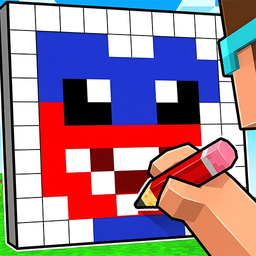
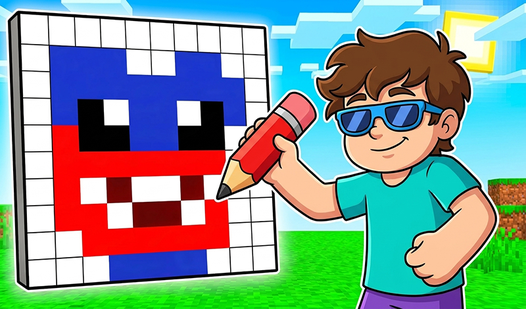
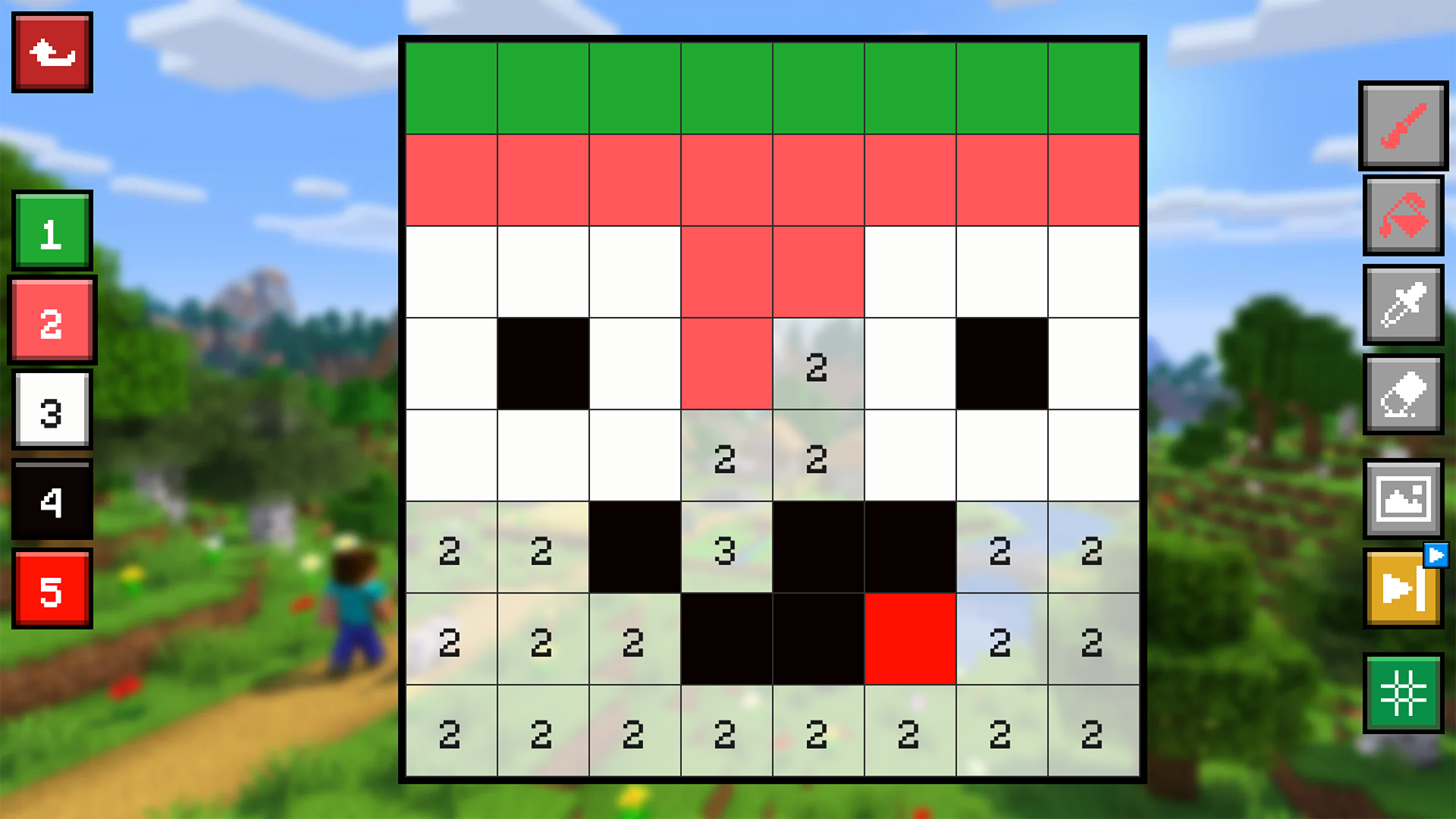
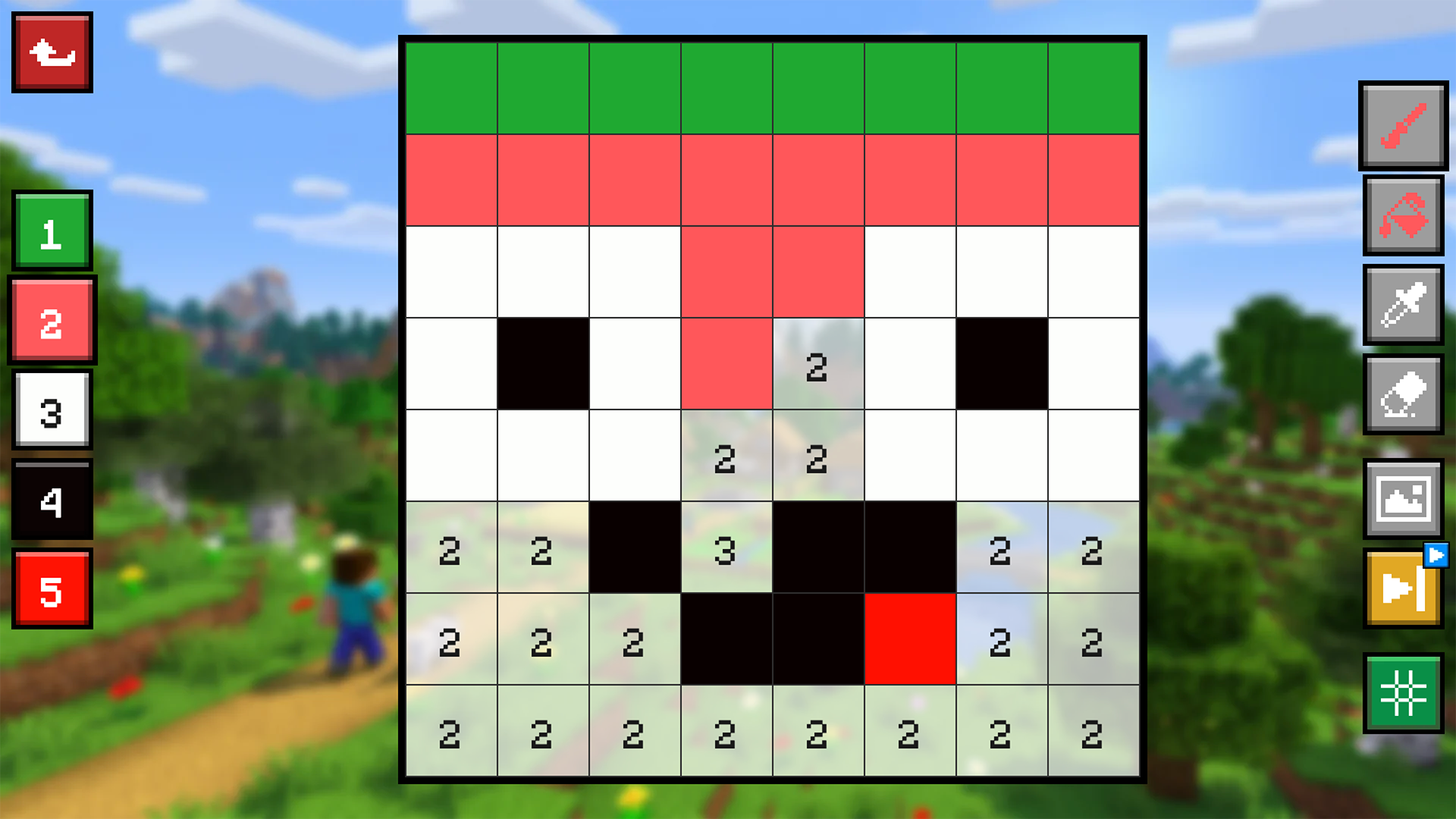
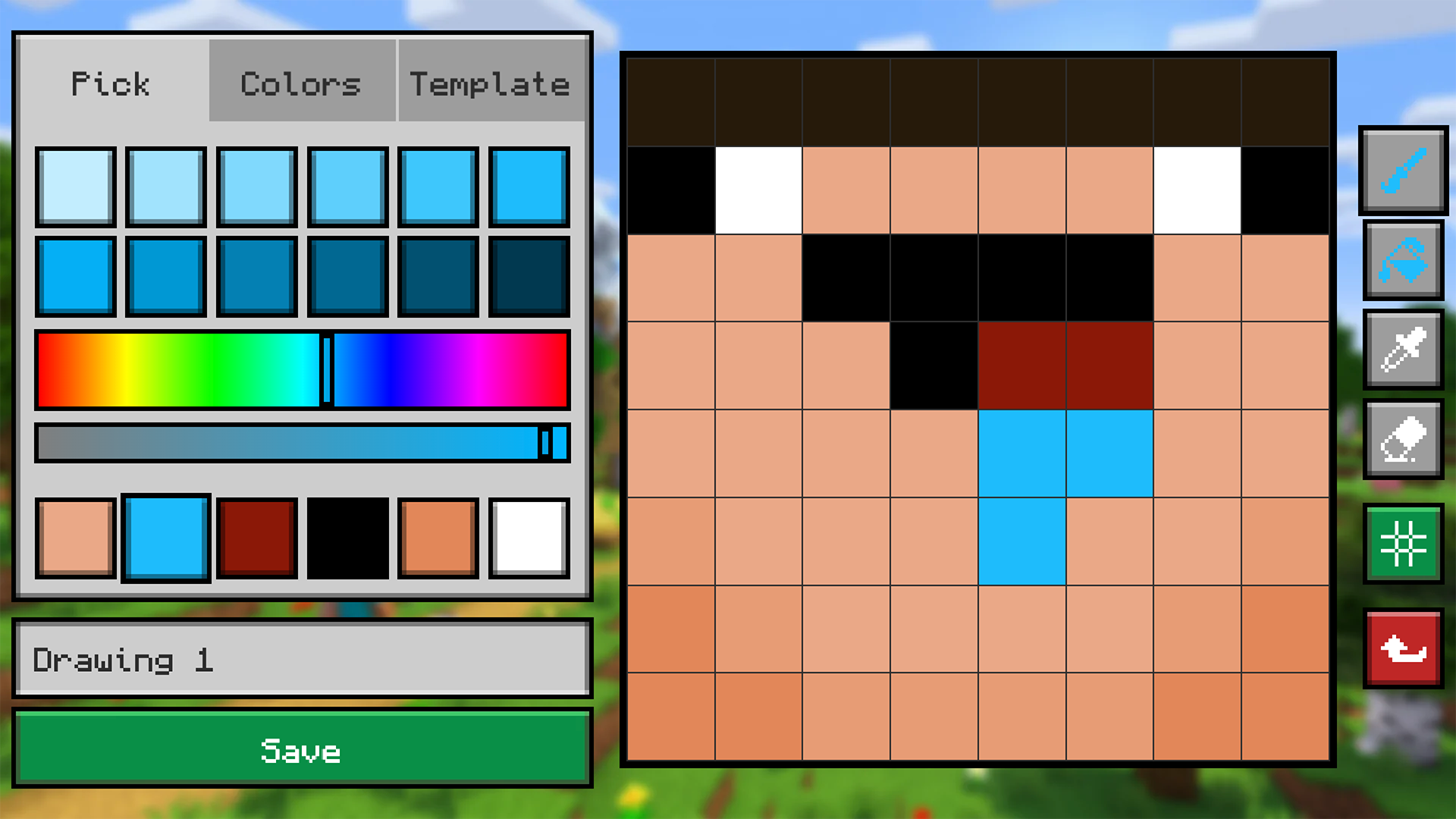
Staring at a blank screen during a lunch break often feels like a missed opportunity to flex your creative muscles. Draw Mine Skins: Color by Number & Cells turns that downtime into a pixelated playground where you bring blocky characters to life. You simply select a color and tap the grid to fill numbered cells, or try replicating a sample design for an extra challenge. Filling in these mine skins feels oddly satisfying as the vibrant artwork emerges from a jumbled mess of pixels. If you ever feel stuck, feel free to skip to a fresh template or start your current piece over. The workshop mode lets you design your own levels from scratch and share them with the community. You can scroll through endless creations from other fans to see how your skills stack up on the global leaderboard. Draw Mine Skins: Color by Number & Cells is ready to play instantly in your browser without any annoying downloads.
How to play
Controls: mouse or screen tap.
1. Pick a level and a mode: Color by Number (fill each cell with the color under the matching digit) or by Cells (copy the sample on the right onto the empty grid on the left).
2. Pick the color you need, then click or tap a cell to fill it. Stuck? Start over or skip the level.
3. Finish the grid to reveal the Mine skin and earn leaderboard points.
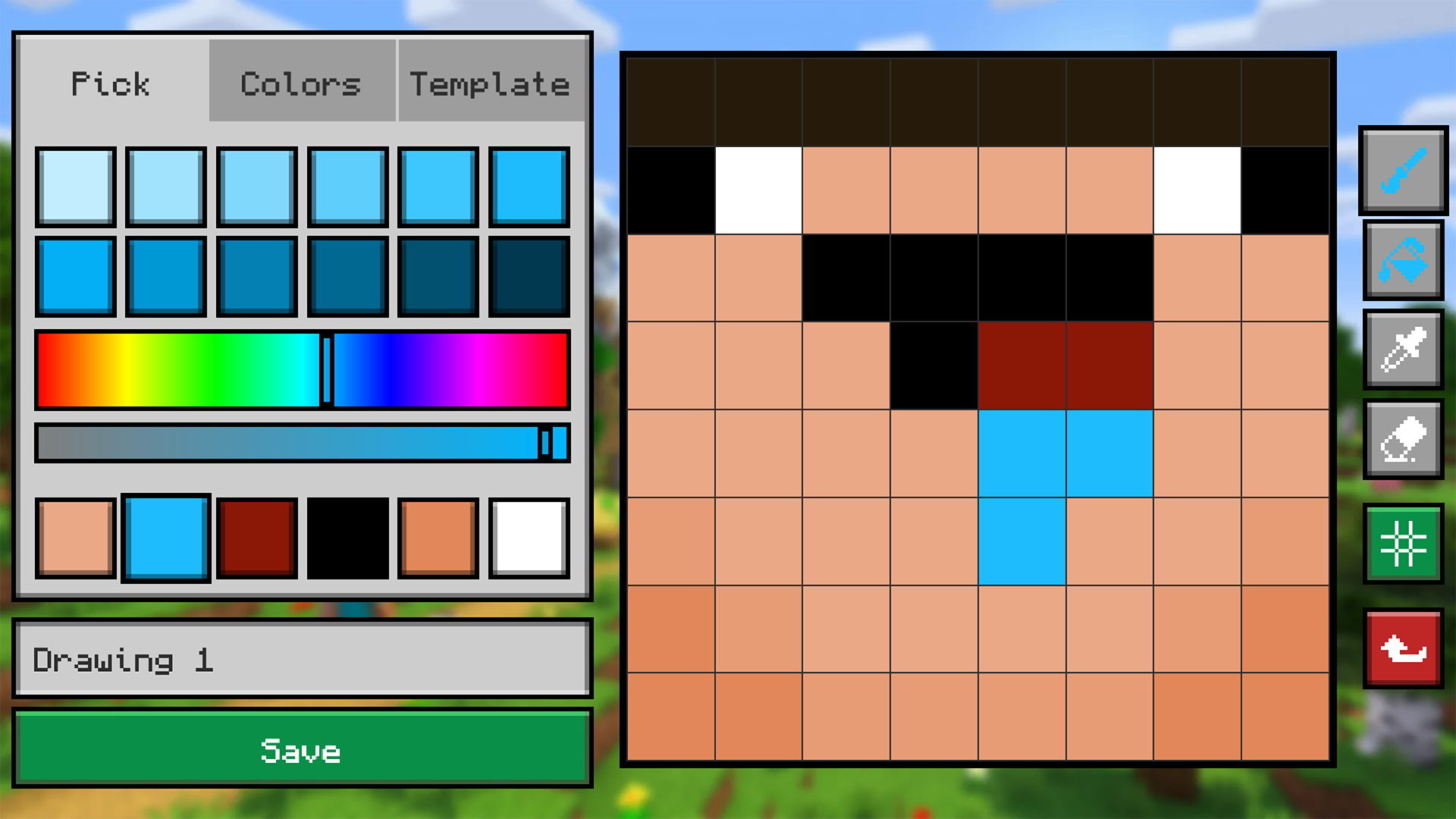
4. Open the Workshop, draw your own skin from scratch and publish it — other players will play and rate it.
5. Browse community levels, filter by New / Popular / Best.
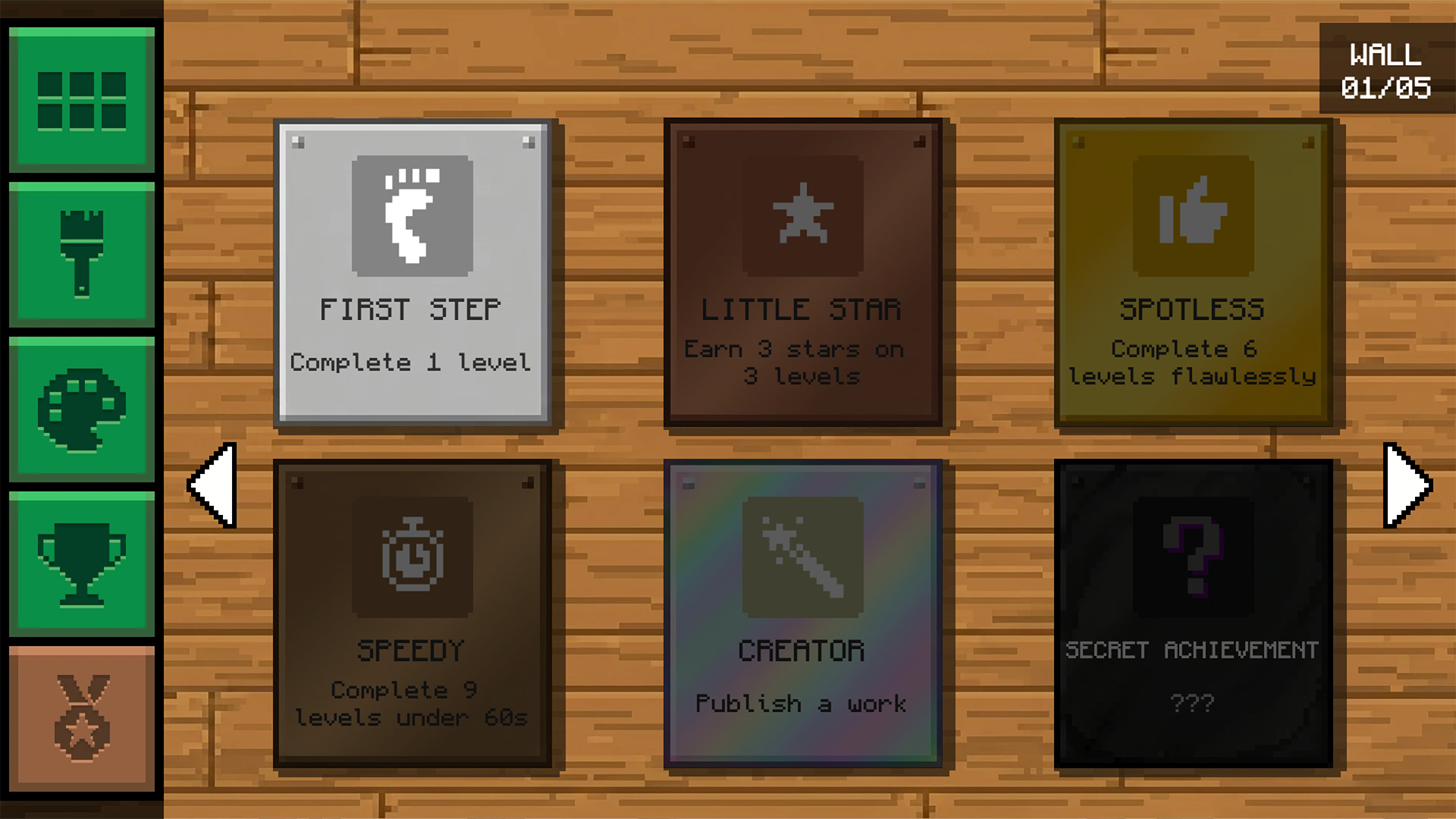
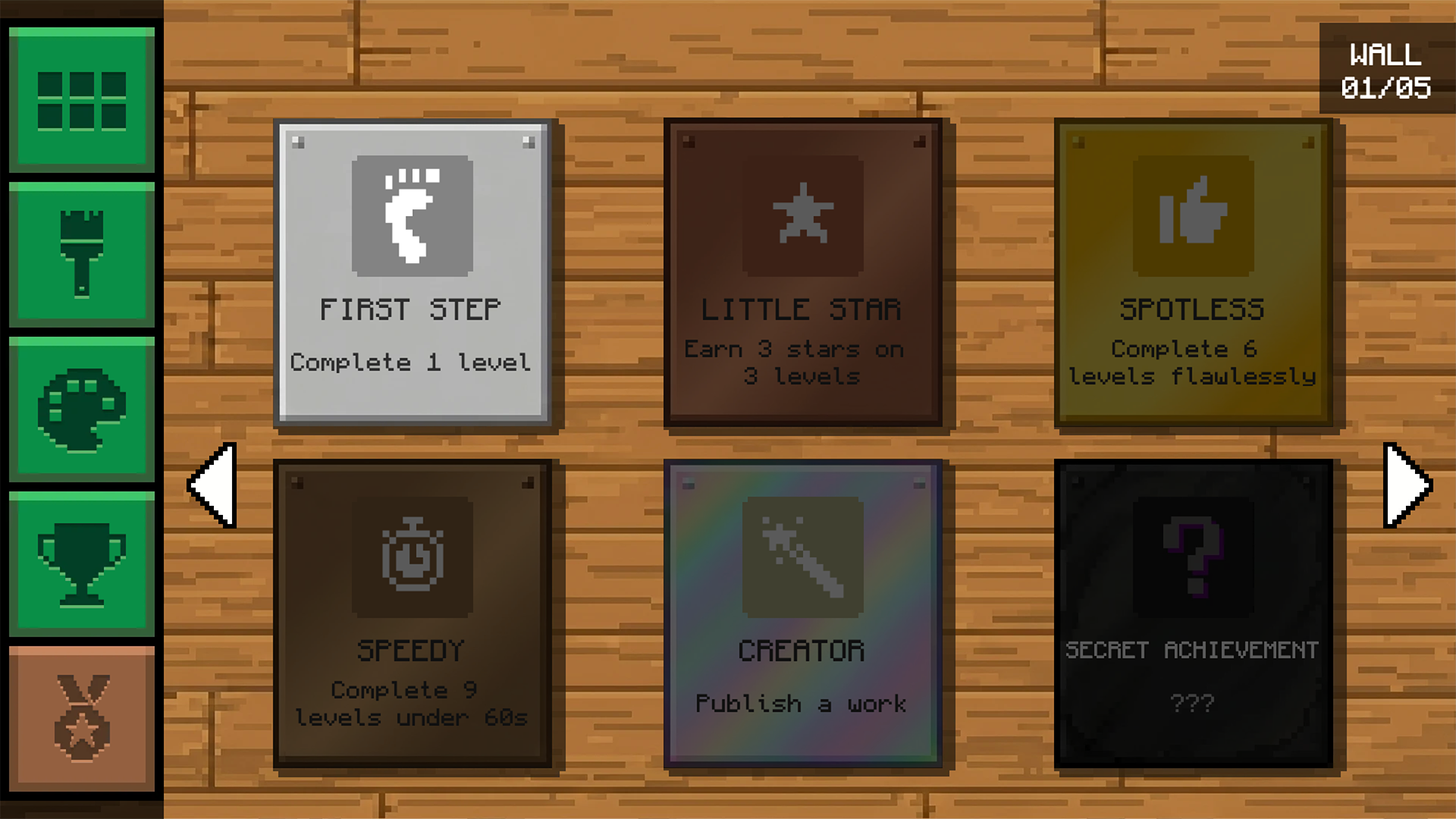
6. Collect achievements and climb to the top of the rankings!
Features
- Numbered Grid System: Match digits to specific color palettes to complete complex artwork efficiently.
- Mirror Mode: Replicate designs from a reference image to test your attention to detail and spatial logic.
- Community Workshop: Design custom pixel art levels and push them to the live server for others to enjoy.
- Global Leaderboard: Earn points for every finished skin and compete for the top ranking against global creators.
- Dynamic Library: Access new user-generated content every single day to ensure your inspiration never runs dry.
Who is it for
Pixel art fans and creative souls who enjoy relaxing puzzle challenges. Strategy-minded kids and teenagers love the blocky aesthetic, while competitive players chase high scores on the leaderboard. If you have a soft spot for retro-style art and building systems, this collection will keep you entertained for hours.
Controls
Select color
Left click or tap on the color palette.
Fill pixel
Left click or tap on an empty grid cell.
Navigate workshop
Swipe or use the scroll wheel to browse level lists.
FAQ
Can I play Draw Mine Skins: Color by Number & Cells on my phone?
›
Yes, Draw Mine Skins: Color by Number & Cells is fully optimized for touch controls on mobile browsers.
Do I need to sign up to save progress in Draw Mine Skins: Color by Number & Cells?
›
No, you can jump straight into the action without creating an account.
How do I share my levels in Draw Mine Skins: Color by Number & Cells?
›
Just open the Workshop menu, use the building tools to draw your design, and hit the publish button.