About game
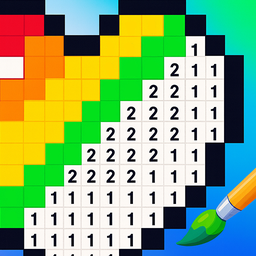
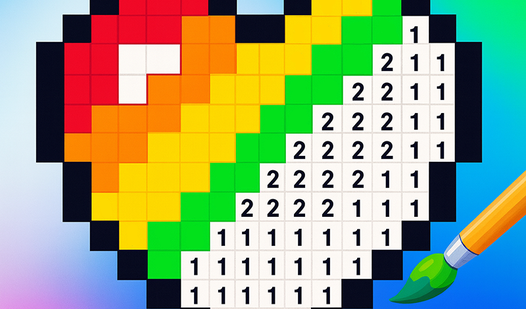
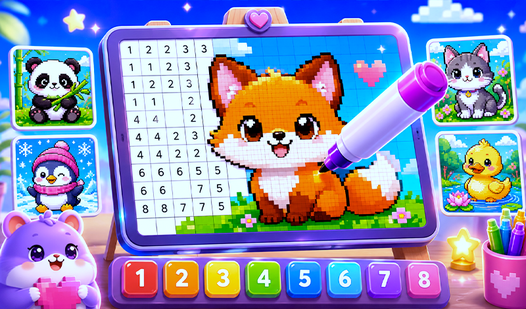
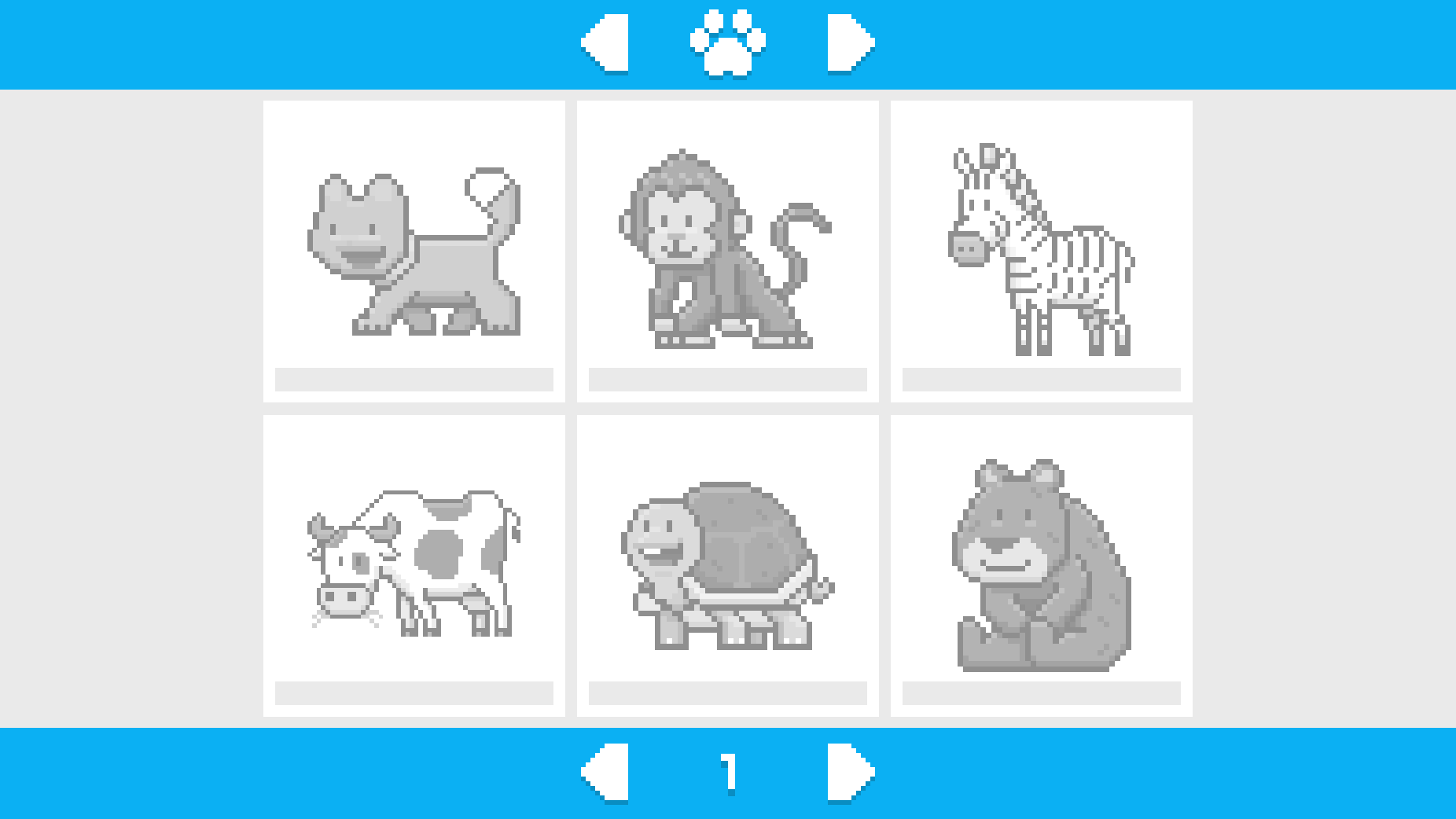
Staring at a blank screen during your lunch break can feel monotonous, but a quick splash of color is exactly what you need to recharge. PixArt transforms those idle minutes into a satisfying creative session where you build vivid masterpieces one cell at a time. This engaging color by number experience removes the stress of choosing palettes, allowing you to focus entirely on the meditative rhythm of matching digits to hues. You navigate through a massive collection of adorable animals and intricate designs, ensuring there is always a fresh challenge waiting for your attention. The mechanics are simple yet deeply rewarding, requiring you to zoom in on complex grids to place every shade perfectly. Precision is key as you fill the board, watching your digital canvas evolve from a scattered grid into a polished piece of art. Whether you are aiming for a quick session or a longer artistic retreat, this pixel coloring journey keeps your brain engaged and your mood lifted. Jump into this pixel art coloring adventure right in your browser today with no downloads or installations required.
How to play
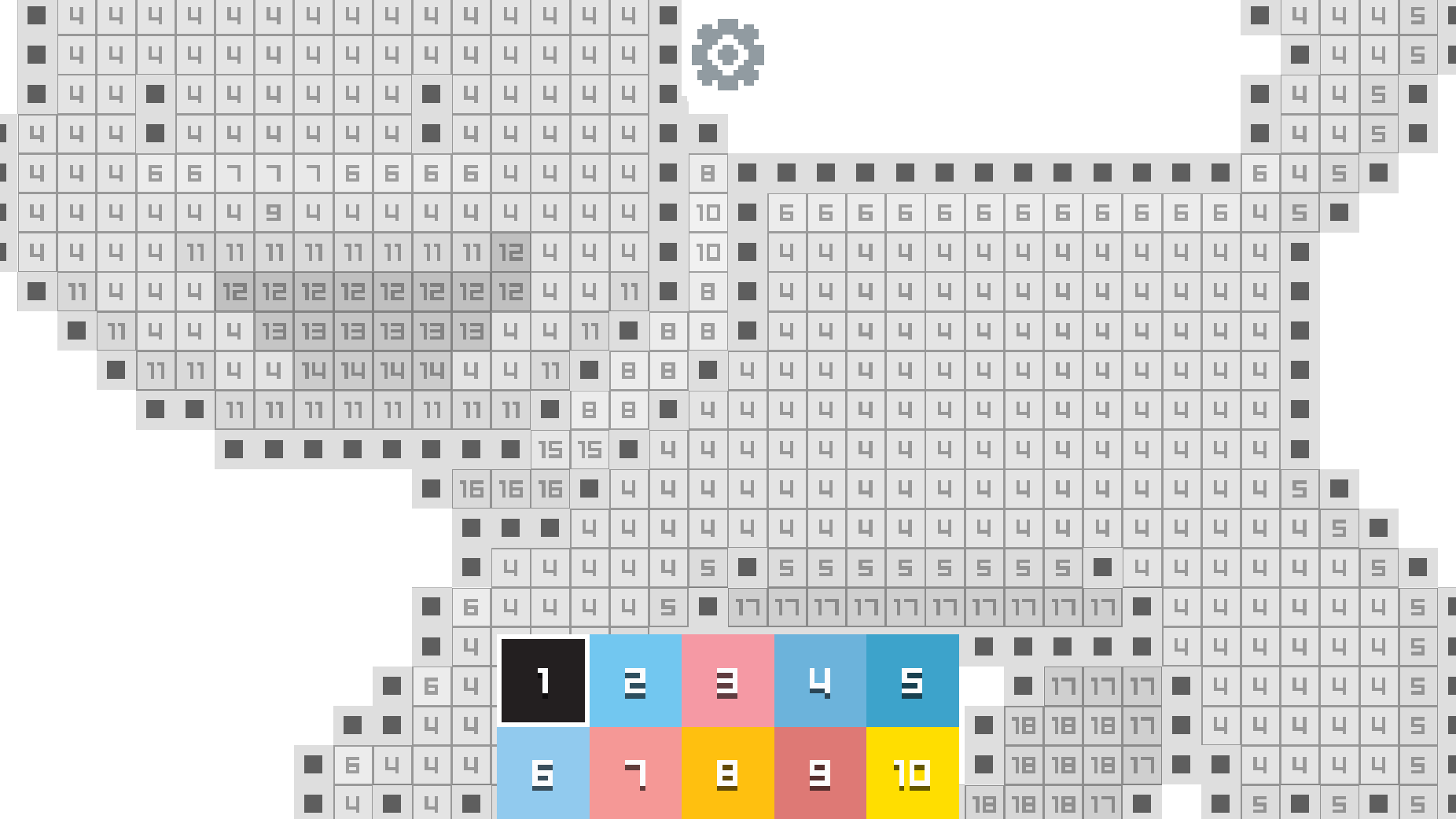
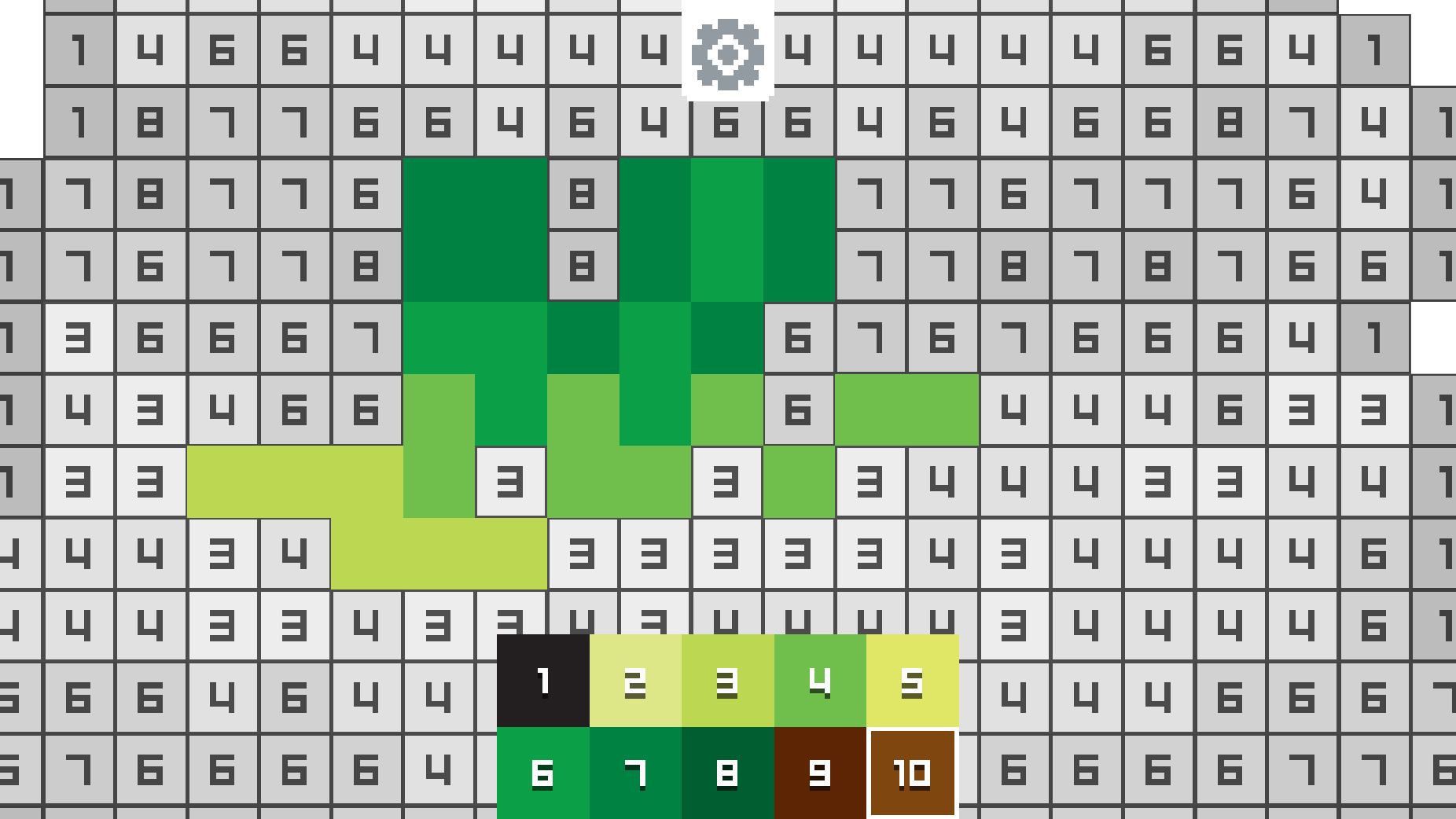
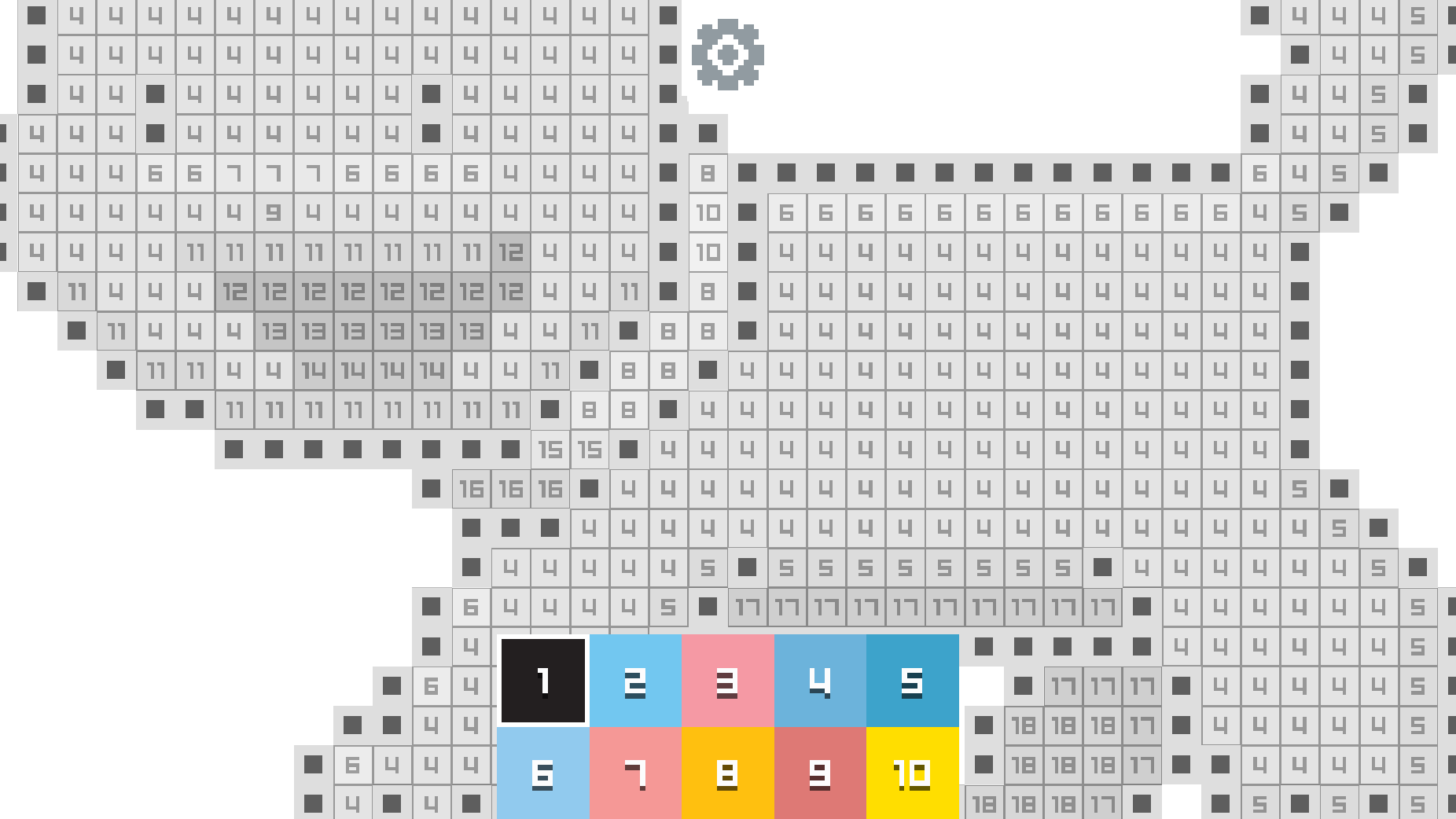
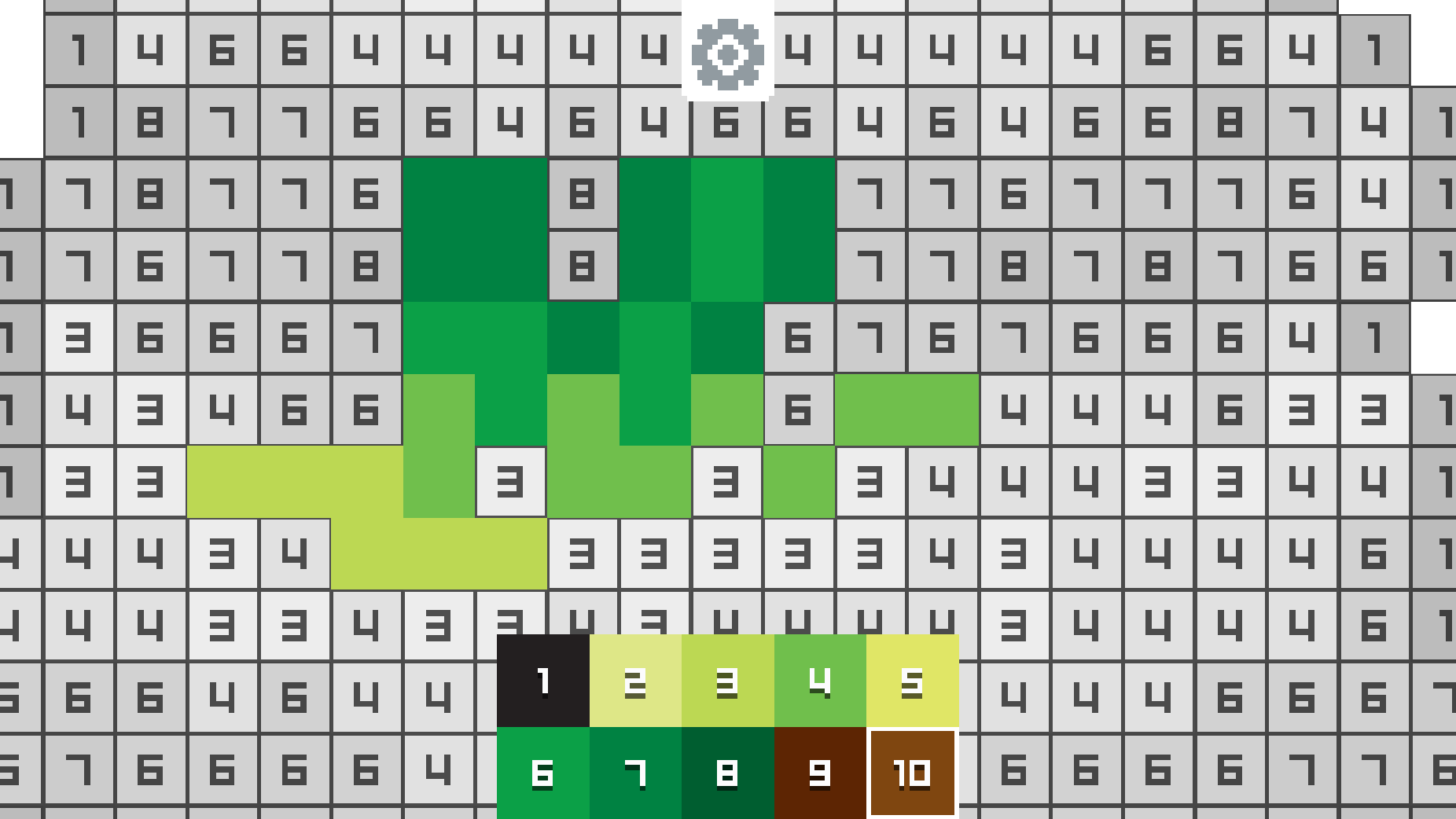
In PixArt, simply select one of 152 unique pixel-art designs and start coloring by number. Swipe the palette to browse all available colors, then match each numbered hue with the corresponding pixel on the image. One tap fills the cell, while an error sound helps you avoid mistakes.
Use zoom to inspect fine details and easily locate small numbers. As you color cell by cell, the artwork slowly reveals itself as a vivid pixel creation. PixArt is suitable for all ages — calming, simple, and a great way to enjoy a relaxing moment through digital creativity.
Features
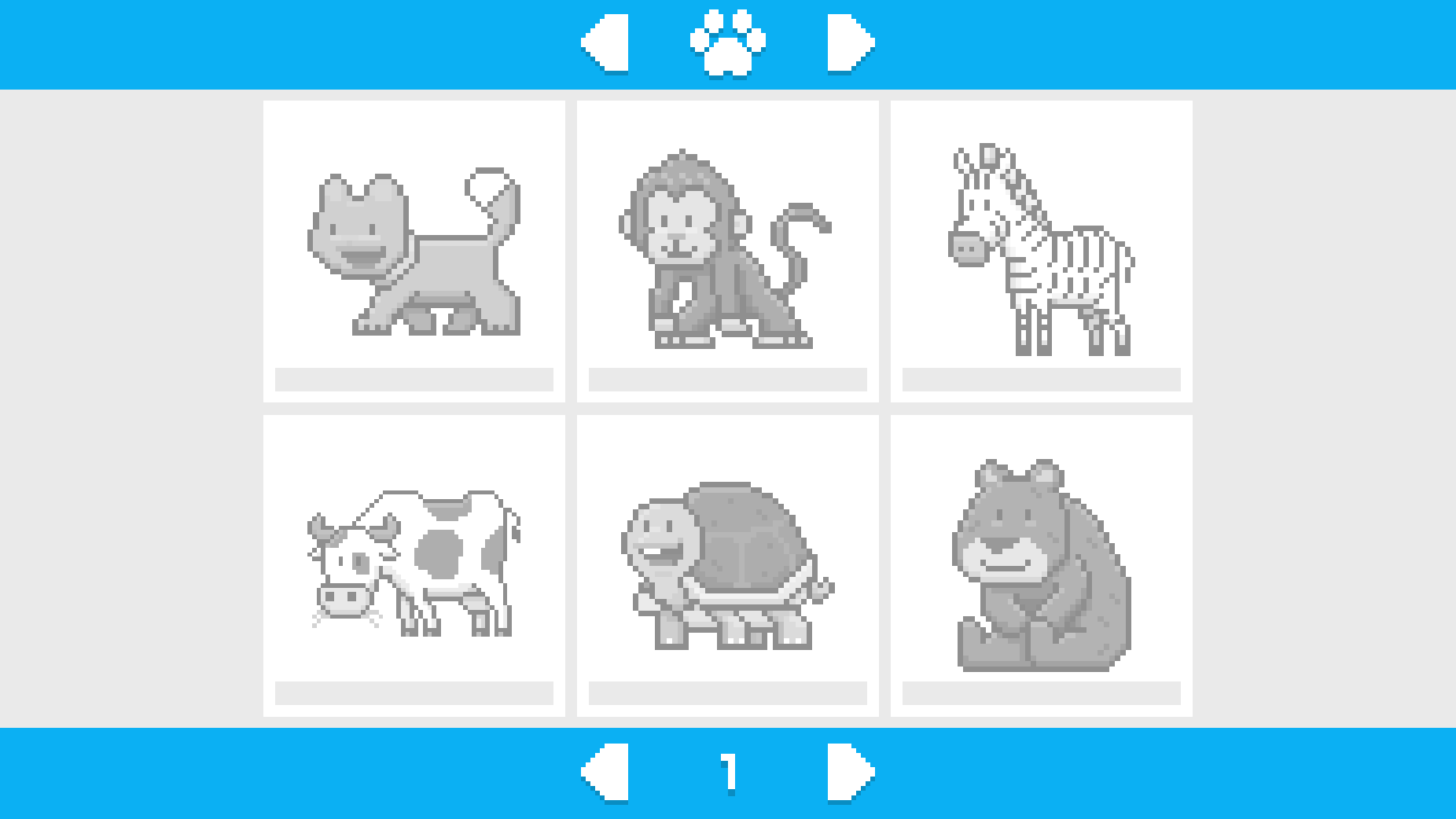
- Diverse gallery: Browse through a catalog of 152 unique designs ranging from cute kittens to exotic parrots.
- Error feedback: Receive instant audio cues if you accidentally tap the wrong color, helping you keep your artwork perfect.
- Intuitive zoom: Use pinch or scroll gestures to inspect tiny details on expansive pixel grids.
- Smooth navigation: Swipe effortlessly through the bottom color palette to find the next hue you need to apply.
- Visual progression: Watch as your initial grayscale grid transforms into a vibrant, high-contrast illustration with every successful tap.
Who is it for
Casual gamers and art enthusiasts who enjoy relaxing, low-stress activities during their downtime. Creative individuals looking for a digital outlet that promotes focus and mindfulness. Parents seeking age-appropriate brain training activities for children, and anyone who appreciates the satisfying precision of classic paint-by-numbers puzzle games.
Controls
Select color
Tap on the desired color in the bottom palette.
Fill pixel
Tap on the corresponding numbered cell on the grid.
Zoom view
Use mouse wheel or pinch gesture on mobile to inspect details.
Pan canvas
Click and drag or swipe across the screen to move around the image.
FAQ
How do I start a new project in PixArt?
›
Simply browse the main gallery menu, tap on any of the 152 available icons, and your canvas will load instantly.
Can I save my progress in PixArt?
›
Yes, the game automatically tracks your progress on each image, allowing you to return and finish your artwork whenever you like.
Is PixArt safe for young children?
›
Absolutely, PixArt features family-friendly content and intuitive controls that make it a great tool for developing fine motor skills and number recognition.