About game
Casual gamers who crave satisfying puzzle loops will find a new favorite in The Flowers: Merge and Sell Bouquets. This vibrant title turns your browser into a serene digital garden where your primary goal is to merge flowers to create rare, high-value blooms. You drag and drop petals into a gameplay area, aiming to collide matching items to trigger an evolution into more complex botanical specimens. Watch closely for incoming customer requests because when you successfully sell bouquets to waiting buyers, you rake in substantial coin rewards. Strategic use of your pruning shears allows you to clear unwanted clutter, keeping your workspace organized for high-scoring merges. The challenge intensifies as the board fills up, forcing you to use logic to keep your garden growing indefinitely. Competing against other players on the global leaderboard adds a layer of addictive intensity to every session. Experience the thrill of this merge flowers sensation completely free in your web browser with no download required.
How to play
1. The entire game takes place in a doorway-shaped play area.
2. A flower appears at the top, which moves with your finger or mouse cursor.
3. Release the mouse button or your finger to make the flower fly down.
4. Make the identical flowers collide and then they will join together to become another flower.
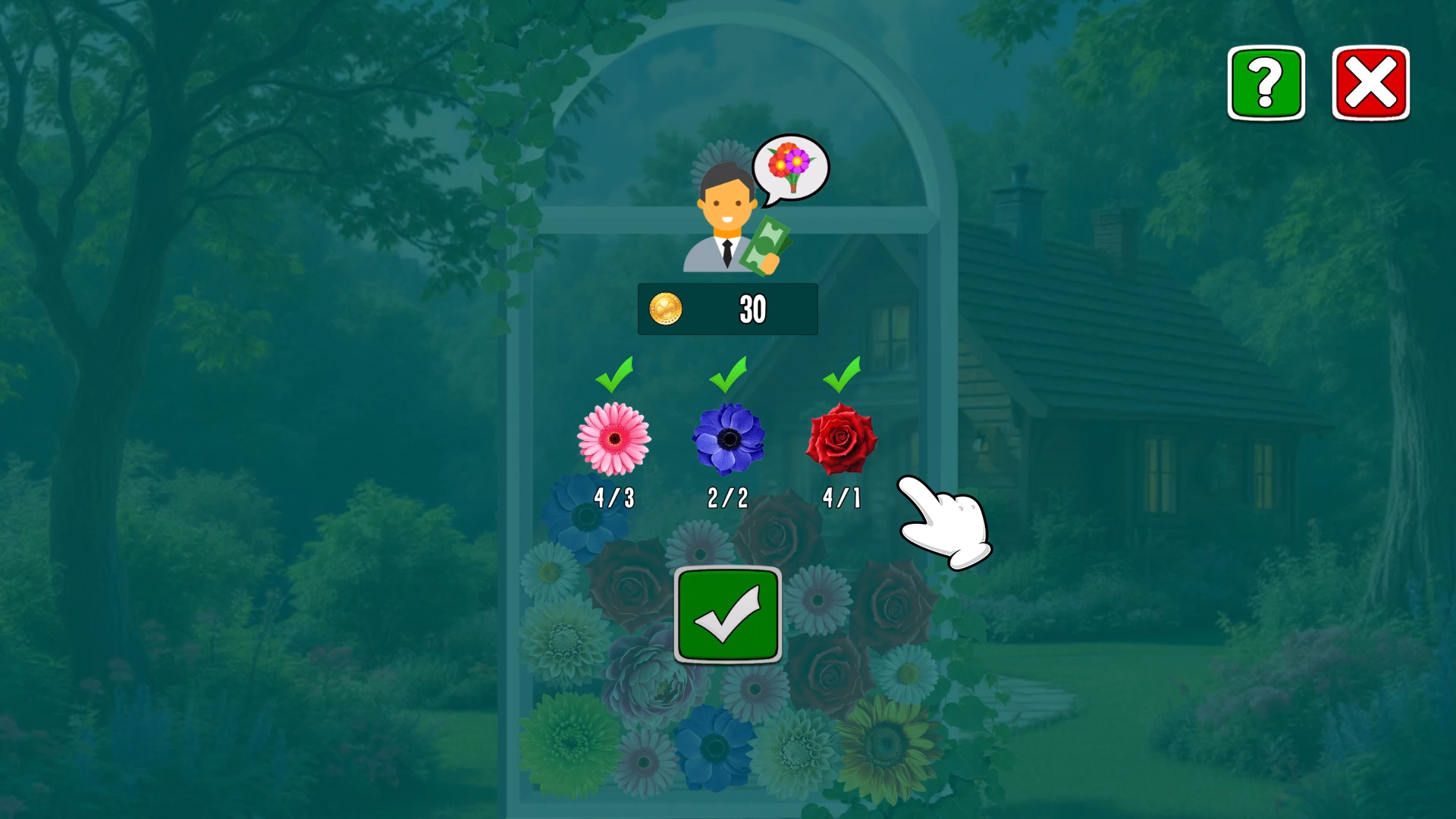
5. When the letter icon appears at the top of the screen, it means you have received an order for a new bouquet.
6. If all the flowers needed for the bouquet are on the screen, then the bouquet can be sold to the buyer for coins.
7. Use the arrow button to replace the flower that is currently inconvenient.
8. Use the secateurs button to destroy any selected flower on the playing field.
9. If the play area becomes full, a final window will appear with a choice of action: start over or use the gardener's secateurs.
10. If you use the gardener's secateurs, it will clear most of the space on the screen and you can continue the game without losing coins!
Features
- Dynamic Order System: Fulfill specific requests for rare arrangements to maximize your gold earnings.
- Strategic Pruning: Use the dedicated secateurs tool to remove inconvenient blossoms and optimize your limited space.
- Swapping Mechanic: Utilize the arrow button to cycle through your current flower supply for better planning.
- Leaderboard Competition: Track your progress against a global community of gardeners to see who can earn the most coins.
- Safety Net Feature: Trigger the gardener's secateurs when the board is full to clear space and continue your run without losing progress.
Who is it for
Puzzle lovers and fans of 2048-style mechanics who enjoy relaxing but challenging logic games. Players looking for a quick brain-training session or a stress-relieving casual activity will appreciate the simple, intuitive flow and the rewarding progression system found in this vibrant, endless garden simulation.
Controls
Position flower
Move your mouse cursor or swipe your finger horizontally.
Drop flower
Release the mouse button or lift your finger from the screen.
Use tools
Tap the arrow button to swap flowers or the secateurs icon to remove specific items.
FAQ
How do I earn coins in The Flowers: Merge and Sell Bouquets?
›
You earn coins by completing customer orders and selling the requested bouquets that you create through merging.
Can I play The Flowers: Merge and Sell Bouquets on my mobile device?
›
Yes, the game is fully optimized for mobile browsers, allowing you to play using simple touch gestures.
What happens if the board gets too full in The Flowers: Merge and Sell Bouquets?
›
If the area fills up, you can use the gardener's secateurs to clear most of the space and continue your game without starting over.