About game
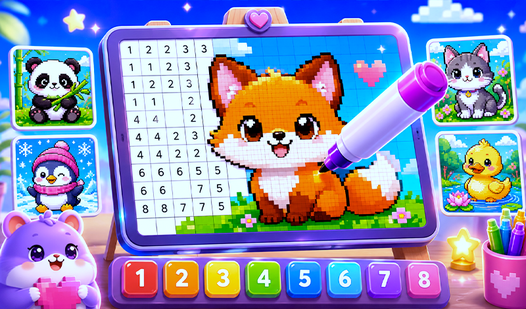
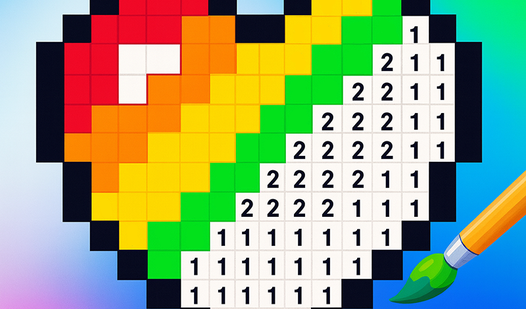
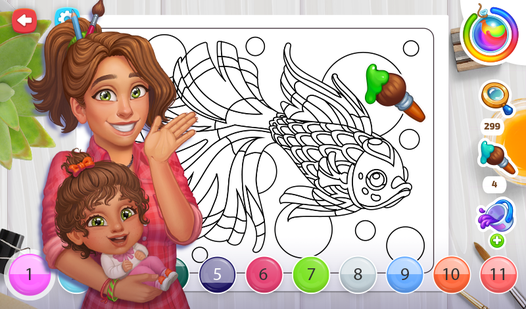
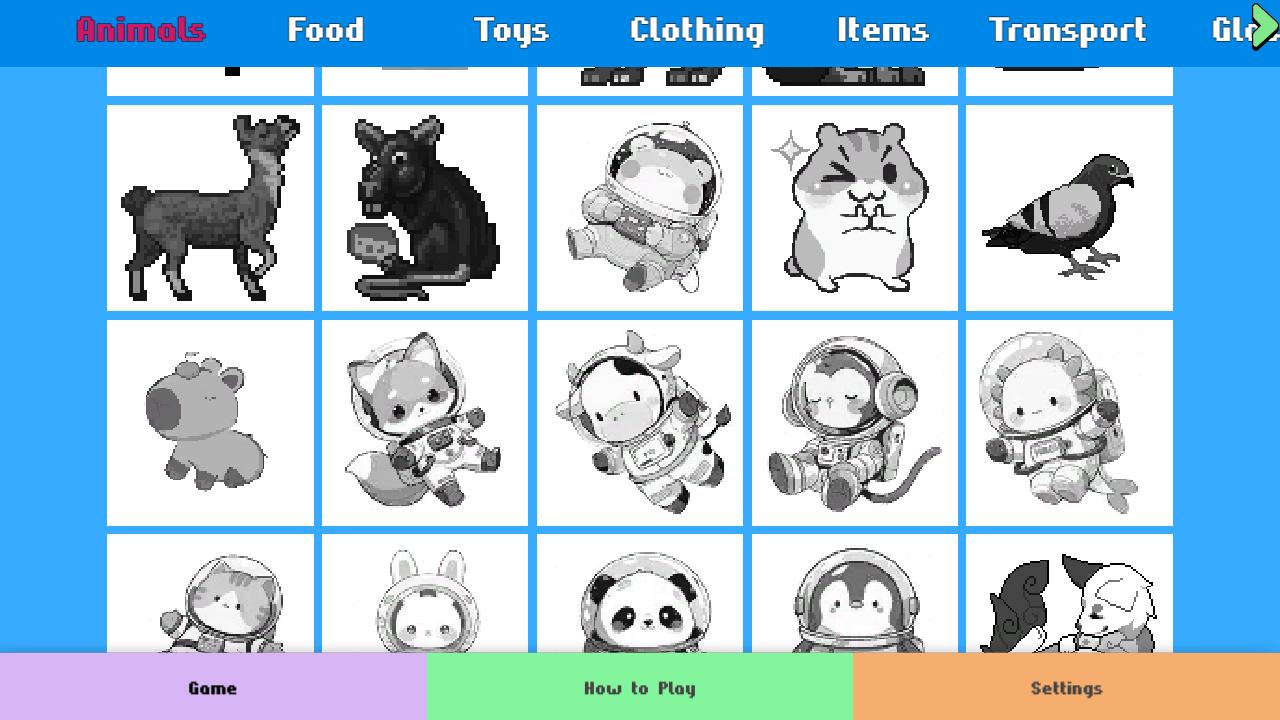
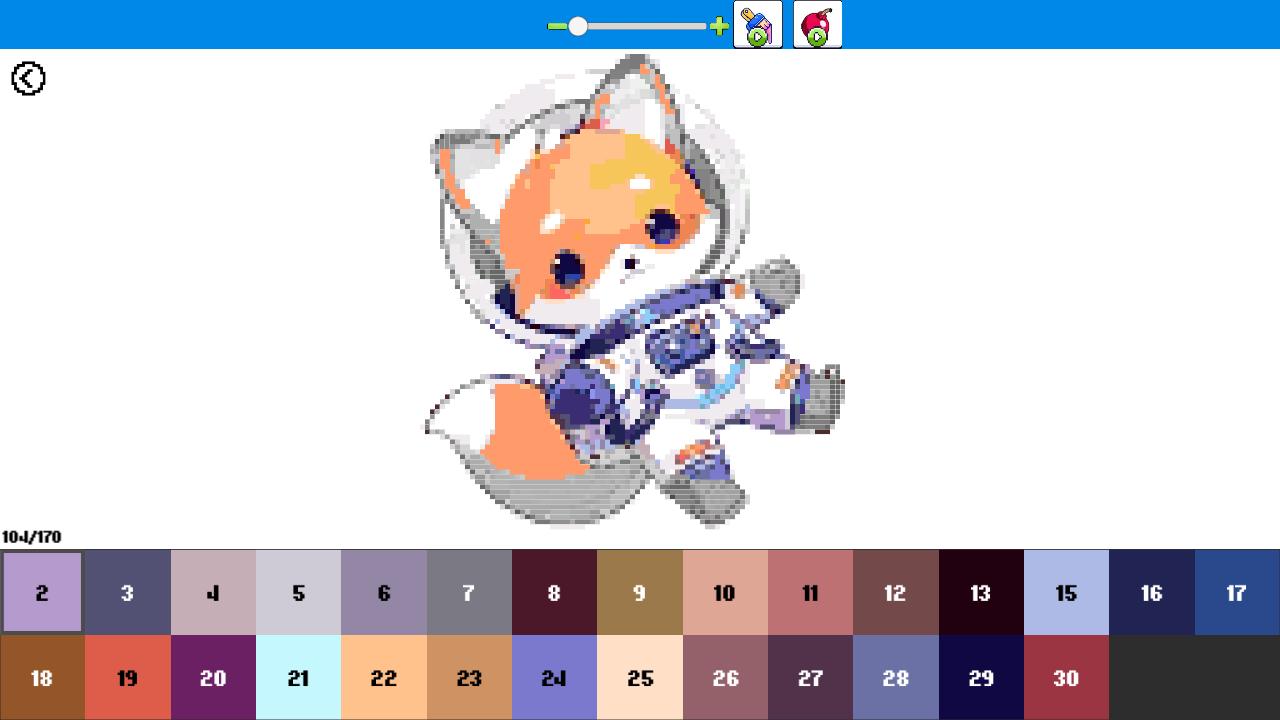
Fill empty outlines with vibrant shades in Color Pixels - Coloring by Numbers to watch gray canvases transform into stunning pixel art. You simply select a numbered cell and match it with the corresponding palette color to build your masterpiece piece by piece. This relaxing experience turns dull grids into detailed images through a satisfying color by numbers flow that keeps your brain engaged. Navigate through diverse themes ranging from adorable animals to intricate anime scenes that suit every artistic mood. Specialized boosters are available to speed up your progress whenever you need a little extra help finishing a complex section. The interface is designed for smooth precision so you can zoom into tiny pixels and find every hidden detail with ease. Atmospheric audio tracks play in the background to ensure you remain in a focused and meditative state while you create. Experience the magic of Color Pixels - Coloring by Numbers directly in your web browser for free without any downloads required.
How to play
Your task is to transform black-and-white images into vibrant works of art by coloring them by numbers. You can play on both computers and touch devices like phones and tablets.
Controls:
1. Select a category from the gallery, then choose a picture to get started.
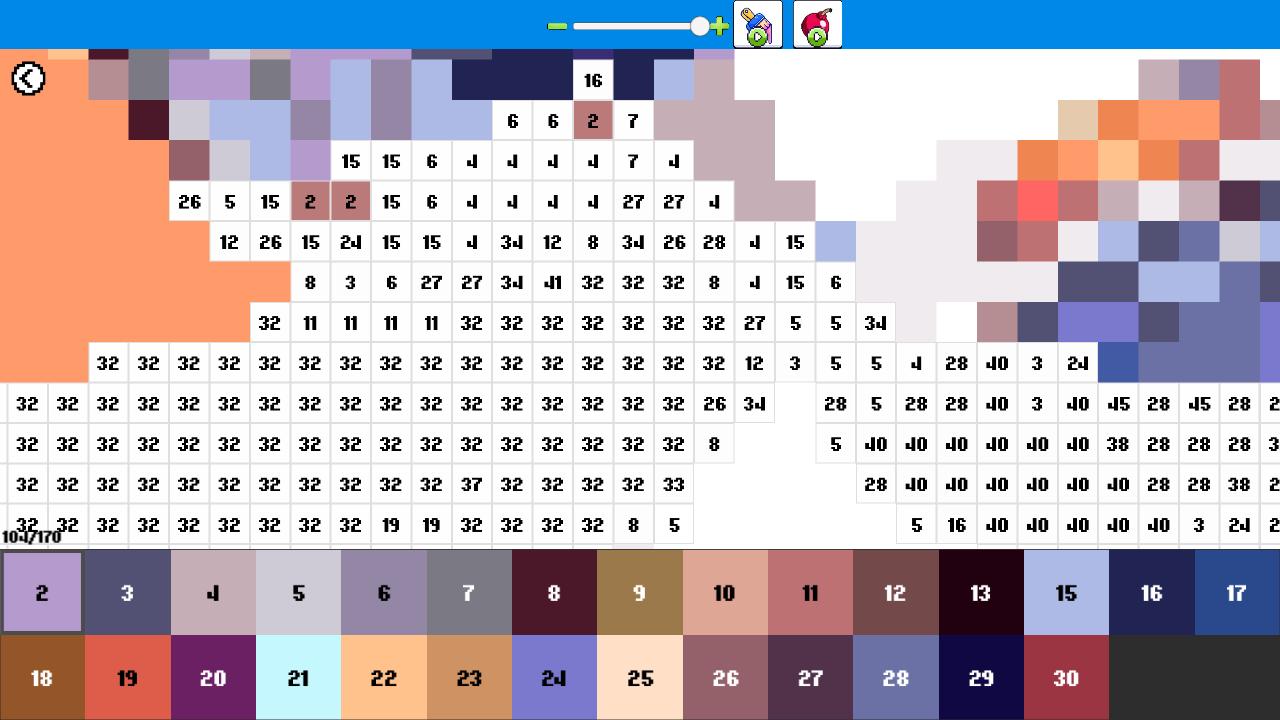
2. Zoom in or out: Use the slider at the top of the screen, pinch gestures, or your mouse wheel to focus on details.
3. Pick a color: Choose the desired color from the palette at the bottom of the screen.
4. Color by numbers: Find the corresponding areas and bring the picture to life with color.
5. Use boosters: Speed up the coloring process with special tools and achieve the best results.
Features
- Dynamic Zoom: Use the slider or pinch gestures to navigate through complex designs and reach the smallest details.
- Progressive Difficulty: Start with simple grids for a quick win or tackle massive, highly detailed portraits for a long-term challenge.
- Booster System: Utilize special power-ups to fill multiple pixels at once and clear tricky areas in seconds.
- Frequent Updates: New thematic collections are added regularly to keep your creative palette fresh and exciting.
- Multi-Device Sync: Your artistic progress remains accessible whether you switch from your desktop at home to your mobile device on the go.
Who is it for
Creative minds and relaxation seekers love this title for its stress-relieving properties. Casual gamers who enjoy puzzle-solving and organization will find the systematic approach deeply satisfying. It is also an excellent choice for those wanting a quick artistic outlet without the mess of traditional paint and paper supplies.
Controls
Select color
Tap a color from the bottom palette or click with your mouse.
Fill pixel
Tap or click on the corresponding numbered area on the grid.
Zoom view
Use pinch-to-zoom on touchscreens or the mouse wheel on desktop devices.
Pan canvas
Drag your finger across the screen or hold the mouse button to move around.
FAQ
Is Color Pixels - Coloring by Numbers completely free to play?
›
Yes, Color Pixels - Coloring by Numbers is entirely free and requires no registration or downloads to start playing in your browser.
Can I play Color Pixels - Coloring by Numbers on my mobile phone?
›
Absolutely, Color Pixels - Coloring by Numbers is fully optimized for touchscreens, allowing you to color comfortably on your phone or tablet.
Does Color Pixels - Coloring by Numbers save my progress?
›
The game is designed to keep your creative sessions saved so you can return to your Color Pixels - Coloring by Numbers projects at any time.