About game
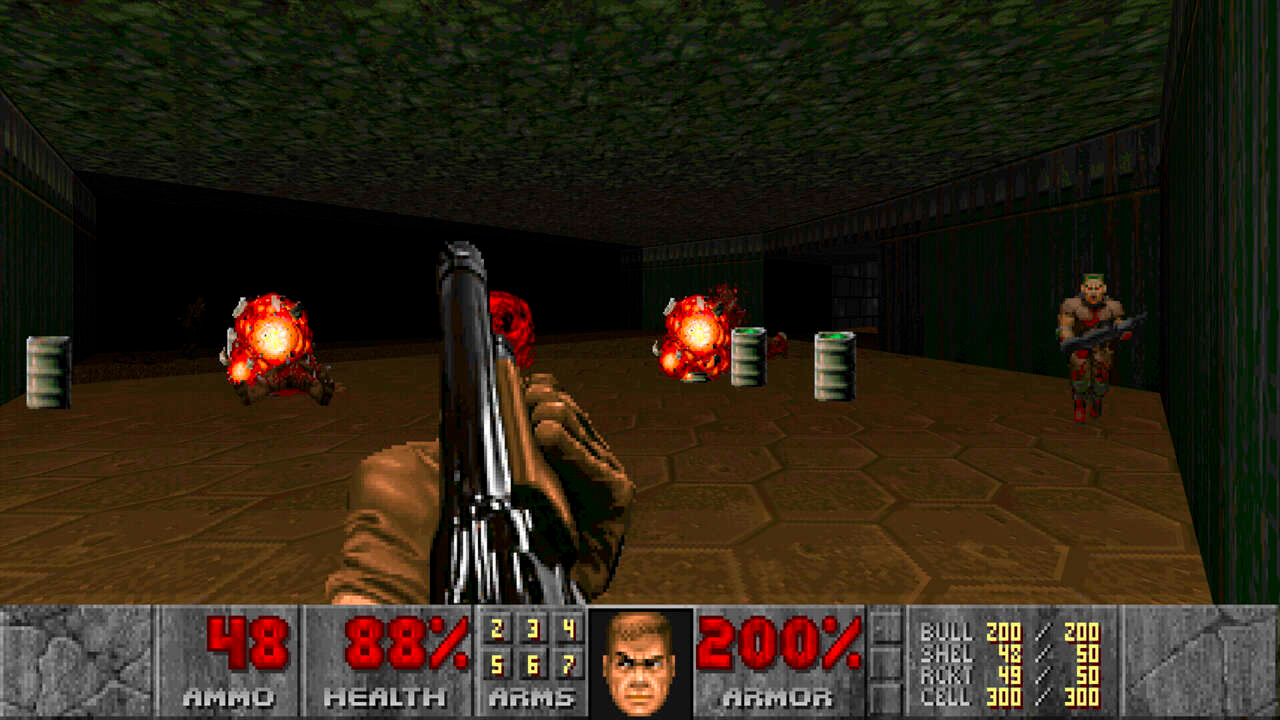
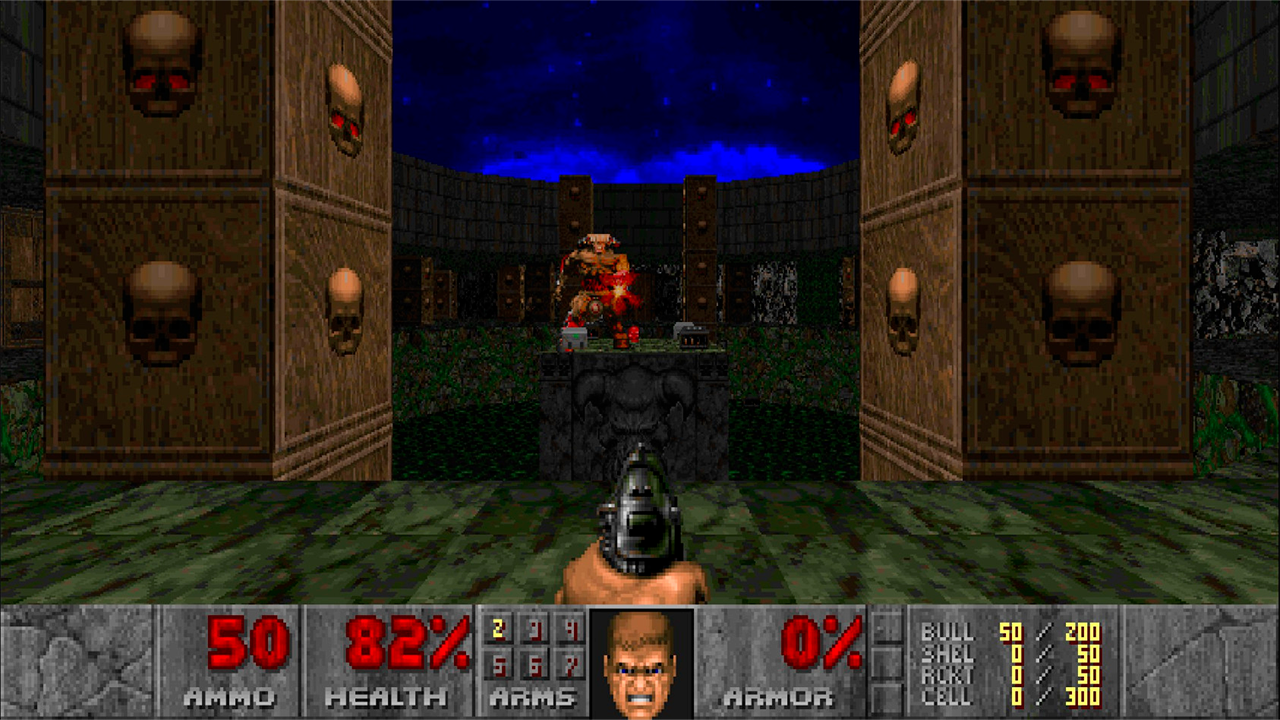
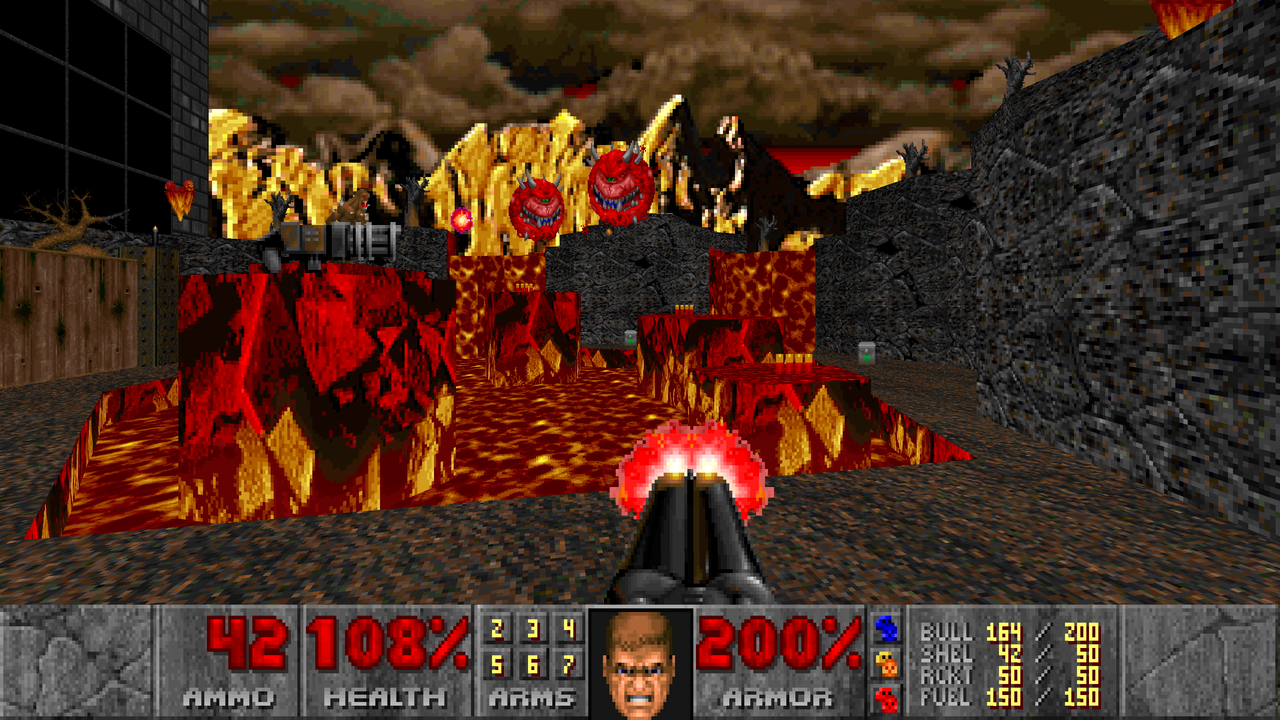
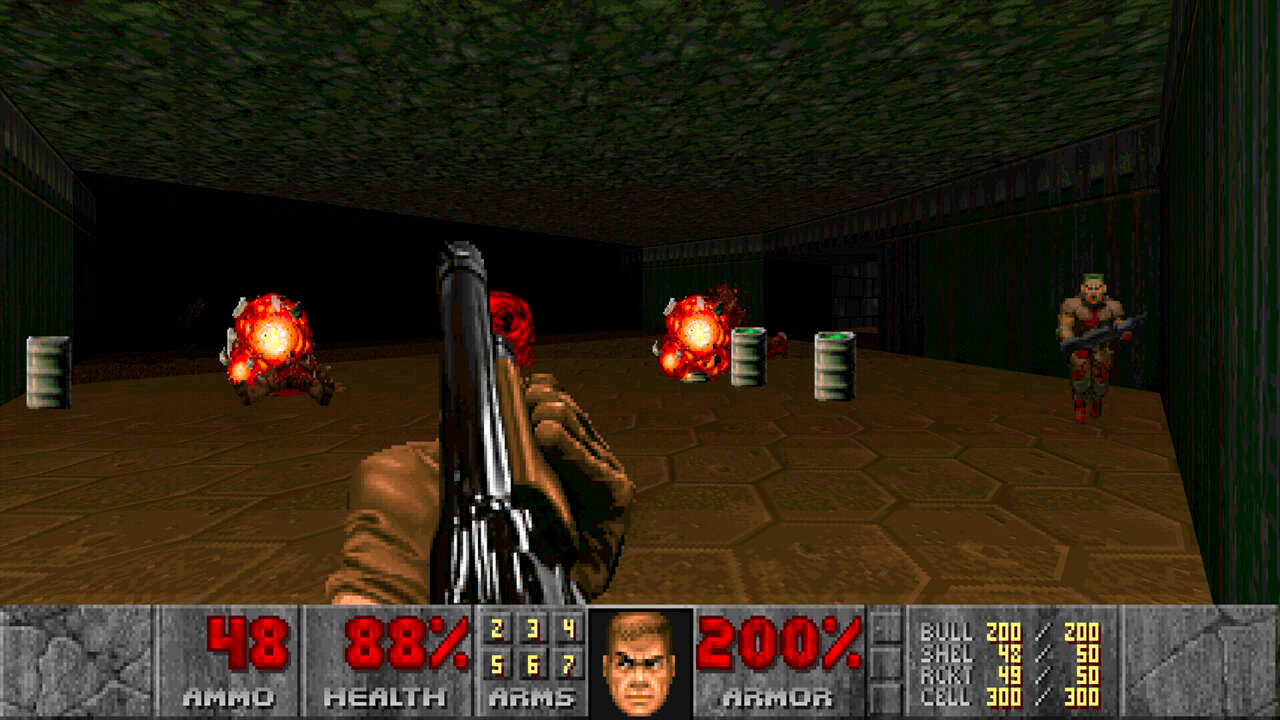
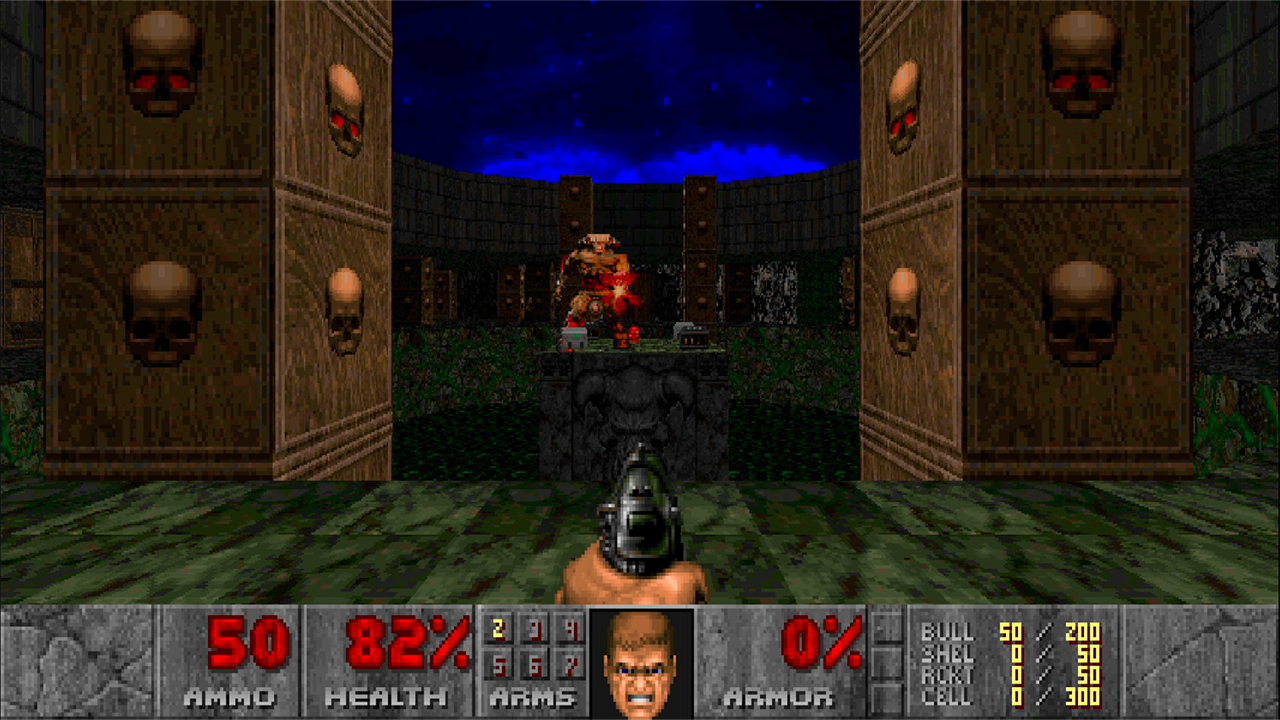
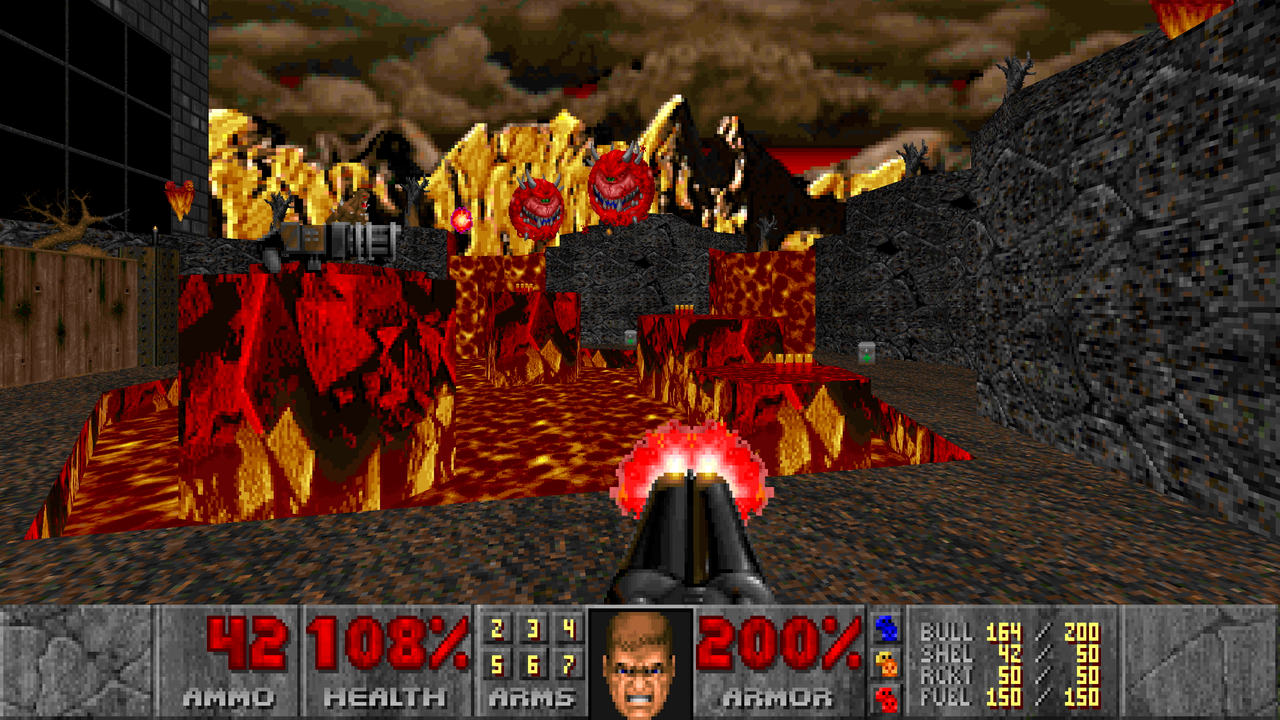
Blast through hordes of relentless demons in Doom forever as you navigate a ruined Earth filled with dangerous threats. Every mission forces you to master fast-paced movement and precise aiming to survive this intense retro adventure. You will scavenge for powerful gear, including an iconic chainsaw, to turn the tide against massive bosses lurking in the shadows. With five distinct difficulty levels to choose from, you can tailor the combat intensity to match your skill level perfectly. The gritty pixel art style creates a haunting atmosphere that keeps you on edge during every frantic firefight. Whether you are hunting for hidden secrets or just want to clear a room of enemies, this fps delivers non-stop action. Performance remains smooth throughout the campaign, allowing you to focus entirely on your survival strategy. Play Doom forever for free directly in your browser without needing any downloads or registration.
How to play
Game Progress Saving:
The game saves your progress locally in the browser's cache. To avoid data loss, do not play in incognito mode. The Russian and English versions of the game use separate save lists.
Controls on PC:
●Move: W, A, S, D
●Turn the character: with the mouse
●Shoot: left mouse click
●Open the door/press the button: Space
●Exit to the menu: Tab
●Open the map: M
Mobile Device Controls:
●In the upper left corner there is a button to call up the keys for controlling the menu and calling it
●In the upper right corner there is a button to call up the keys for switching weapons
● Movement: Virtual joystick on the left.
● Turning the character: Swipe across the screen.
● Shooting (single shot): Tap in one spot
● Shooting (automatic): Virtual button on the right
● Open door/press button: Virtual "O" button at the bottom
● On the left, there is a panel where you can adjust the cursor sensitivity for swiping across the screen, as well as bring up the virtual keyboard
Features
- Weapon variety: Equip yourself with seven unique weapons to handle different demon types effectively.
- Campaign depth: Engage with a multi-level story mode that incorporates environmental puzzles alongside traditional combat.
- Local progression: Your game saves are stored directly in your browser cache to ensure you never lose your progress.
- Customizable sensitivity: Adjust your swipe and aim speed using the dedicated on-screen slider to improve your precision.
- Flexible navigation: Utilize a detailed in-game map to track your location and find essential objectives in complex level layouts.
Who is it for
Action gaming fans who enjoy retro aesthetics and high-intensity combat will find this title highly addictive. It targets players looking for a classic fps experience that runs smoothly in a web browser without the need for complex installations or high-end hardware requirements. Perfect for quick sessions of demon-slaying.
Controls
Movement
Use WASD on PC or the virtual joystick on mobile devices.
Combat
Left mouse click on PC or use the tap-to-shoot and automatic fire buttons on mobile.
Interaction
Press Space on PC or the O button on the mobile interface to activate doors and buttons.
Menu navigation
Use Tab on PC or the dedicated menu button located in the top-left corner of the mobile screen.
FAQ
How do I ensure my progress is saved in Doom forever?
›
Your progress is saved to your browser cache, so avoid playing in incognito mode to keep your data intact.
Can I change the difficulty in Doom forever?
›
Yes, you can select from five different difficulty levels at the start of your game to suit your playstyle.
Is it possible to play Doom forever on a mobile device?
›
Absolutely, the game features a fully optimized touch interface with virtual joysticks and buttons for an intuitive experience.