About game
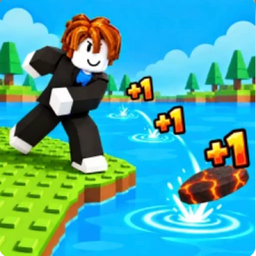
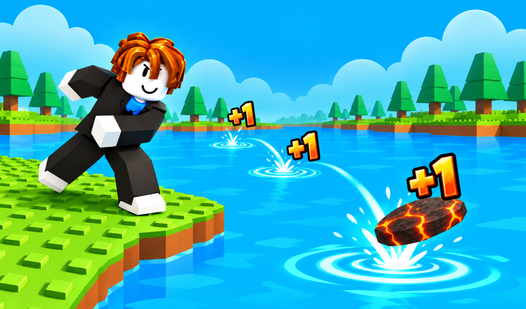
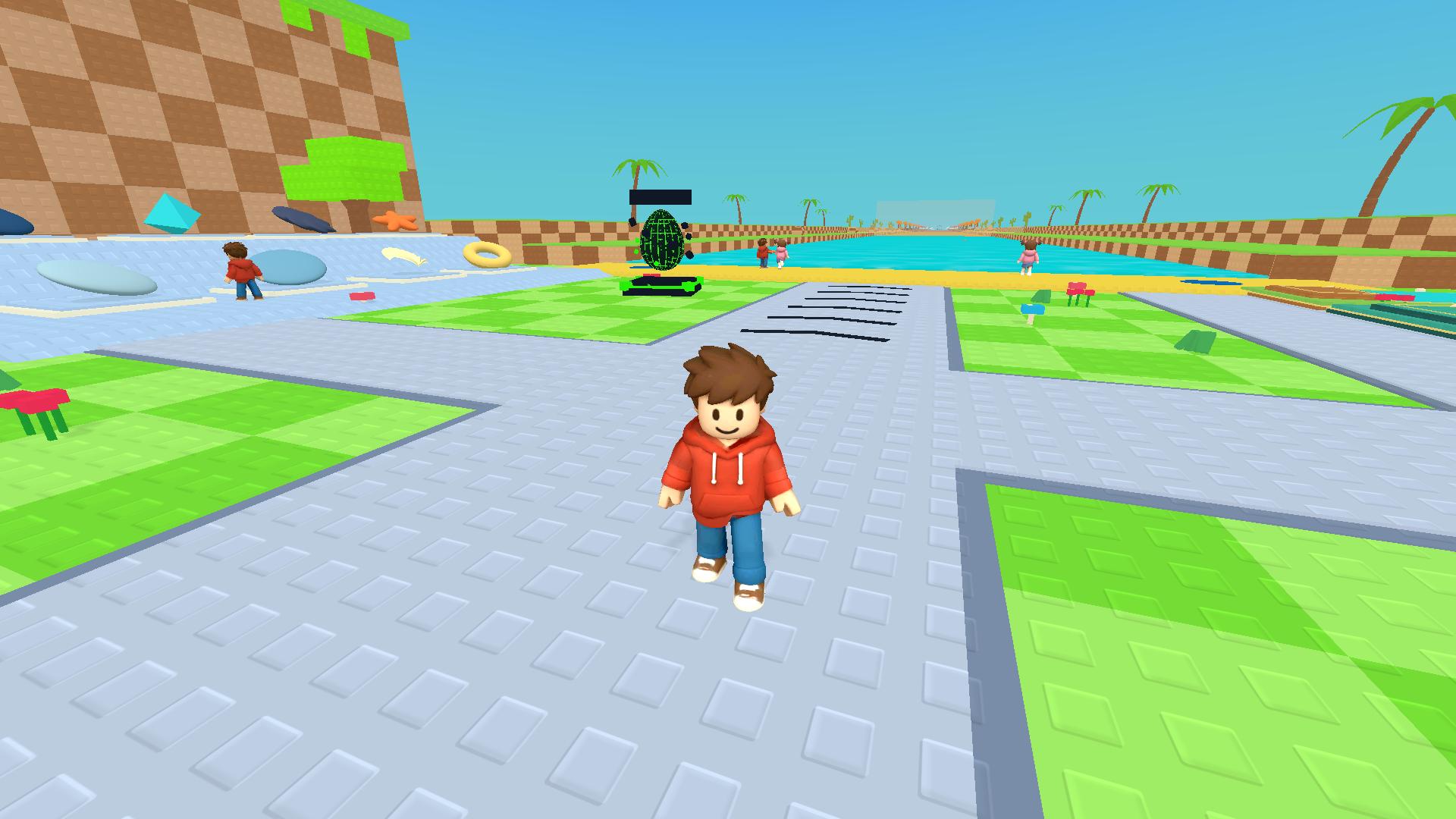
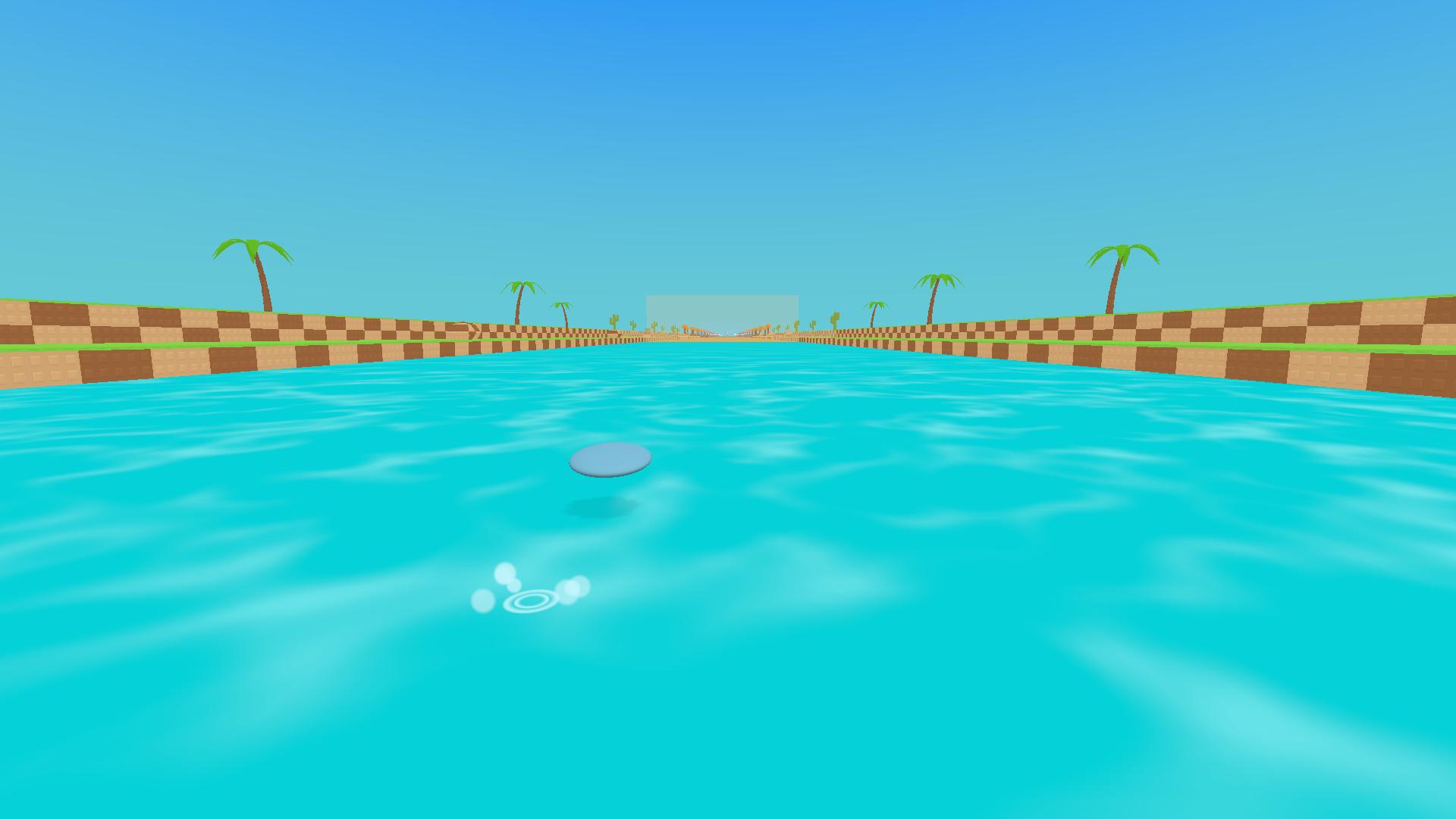
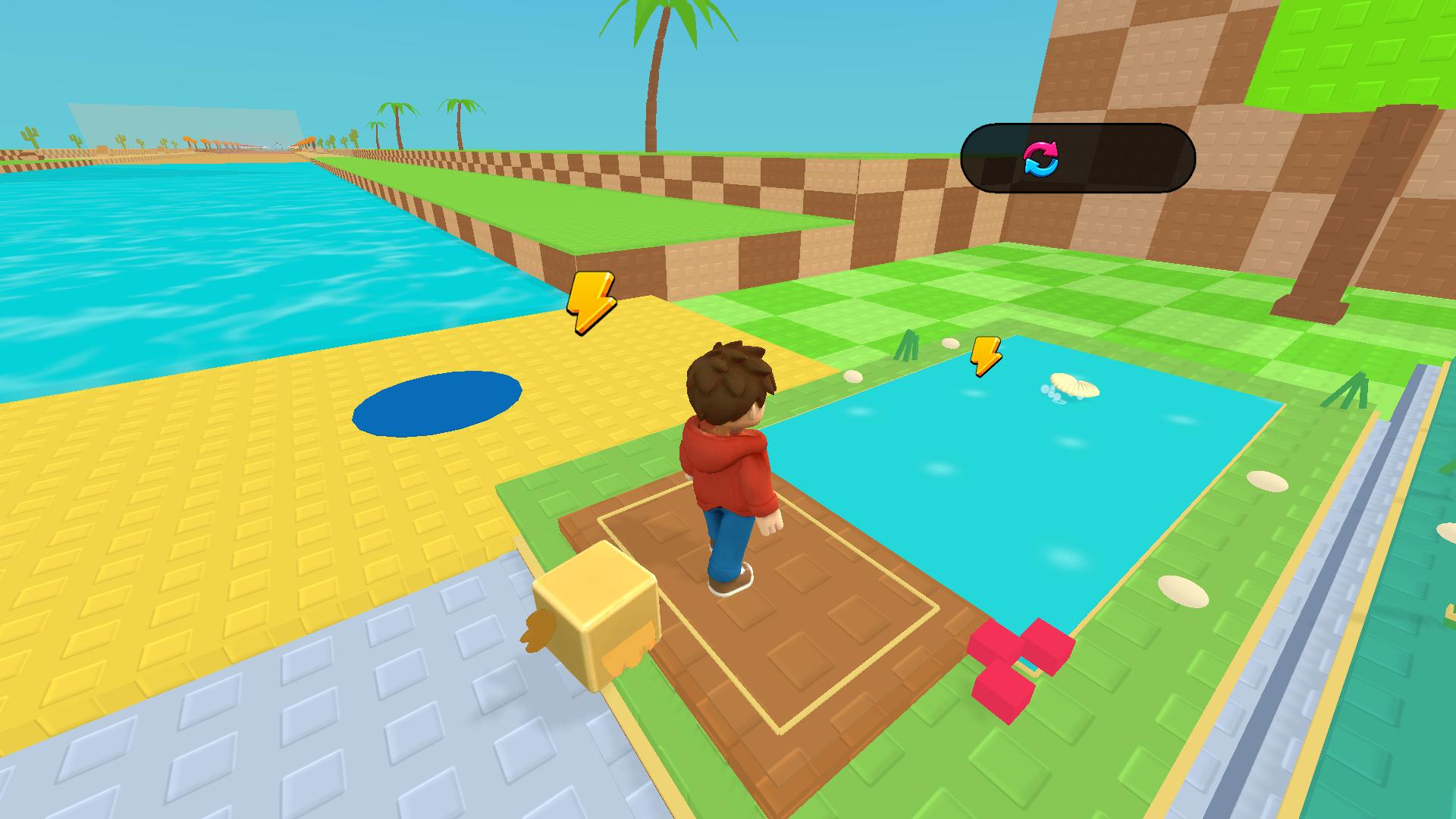
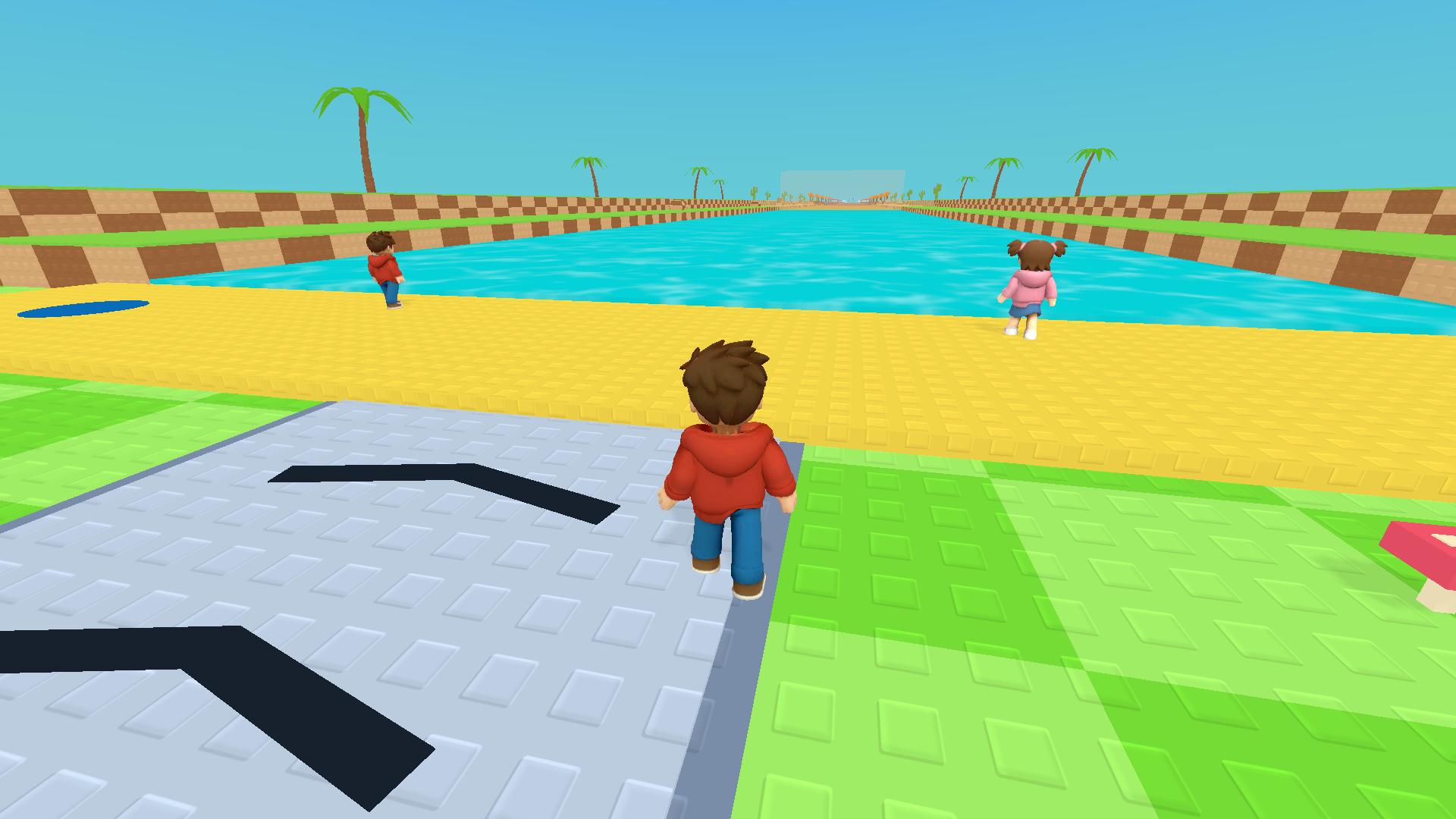
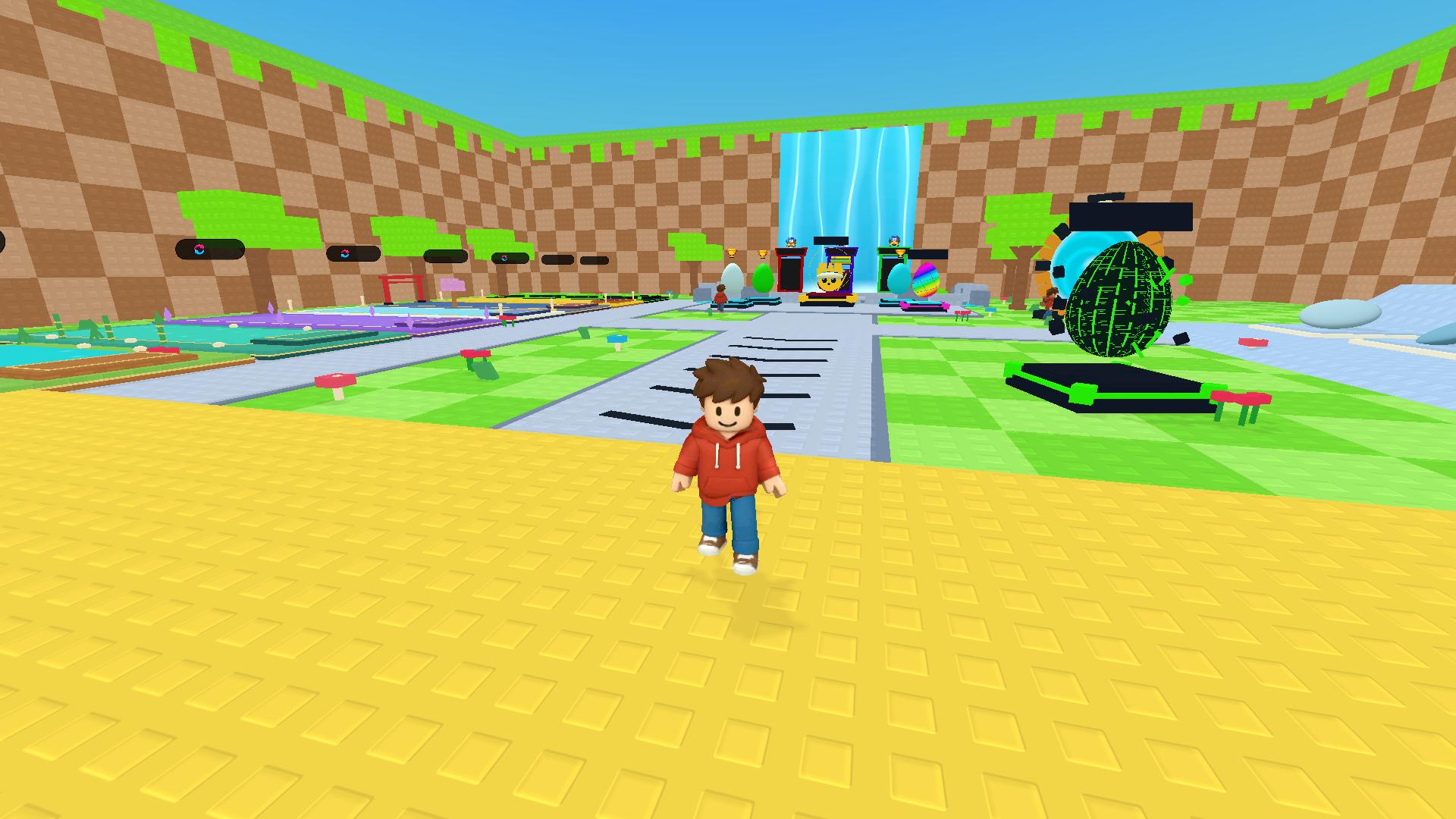
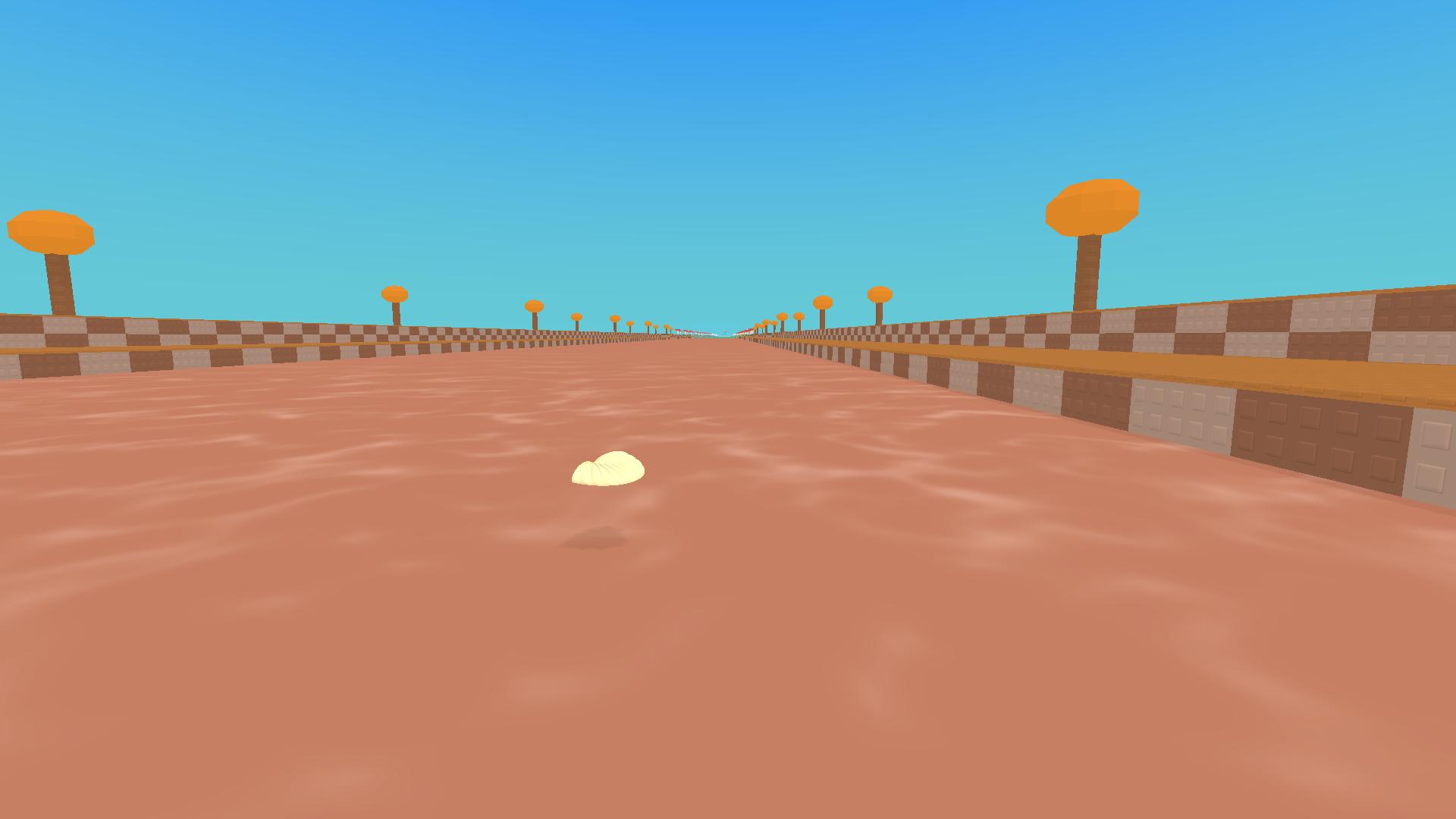
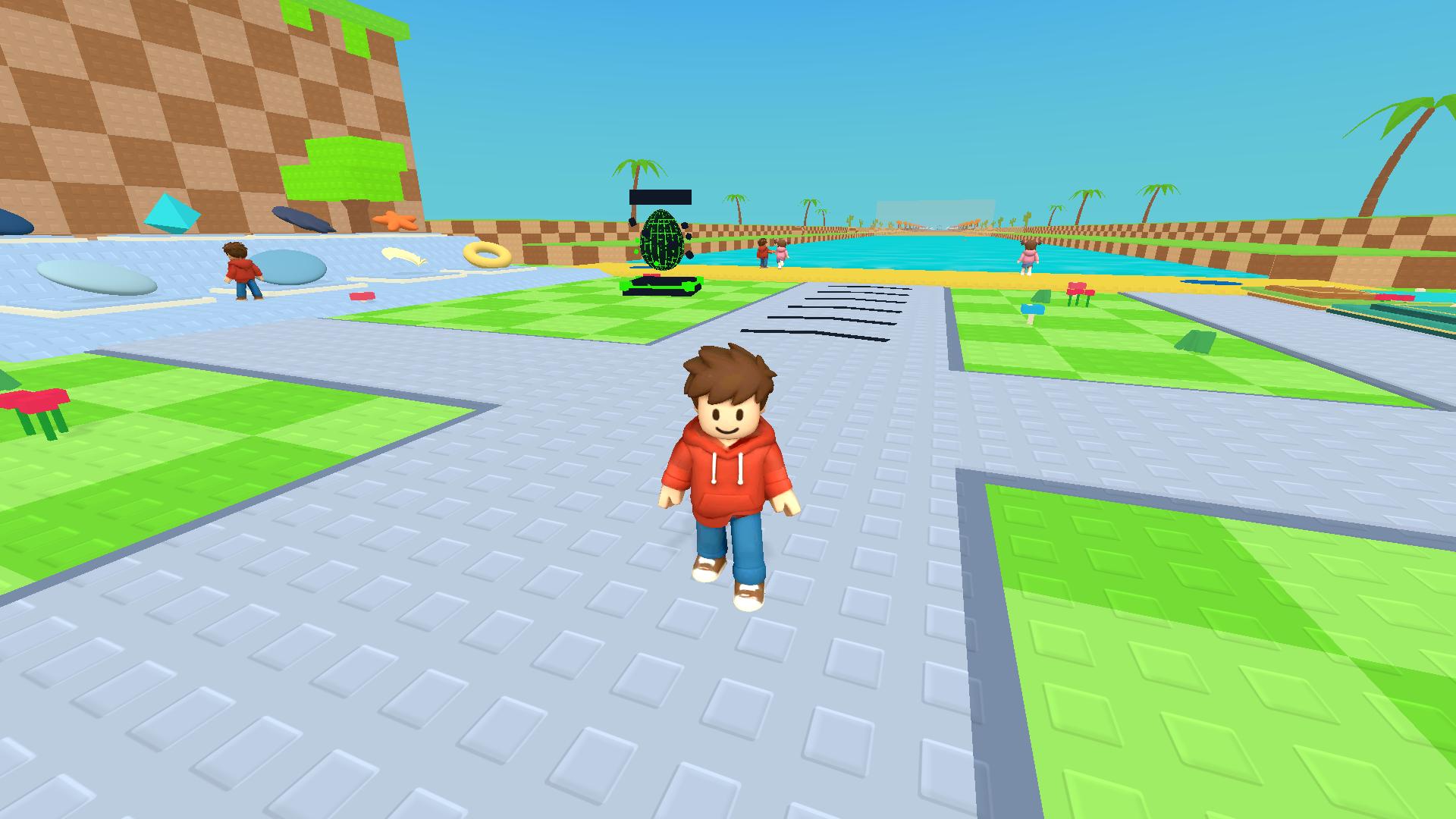
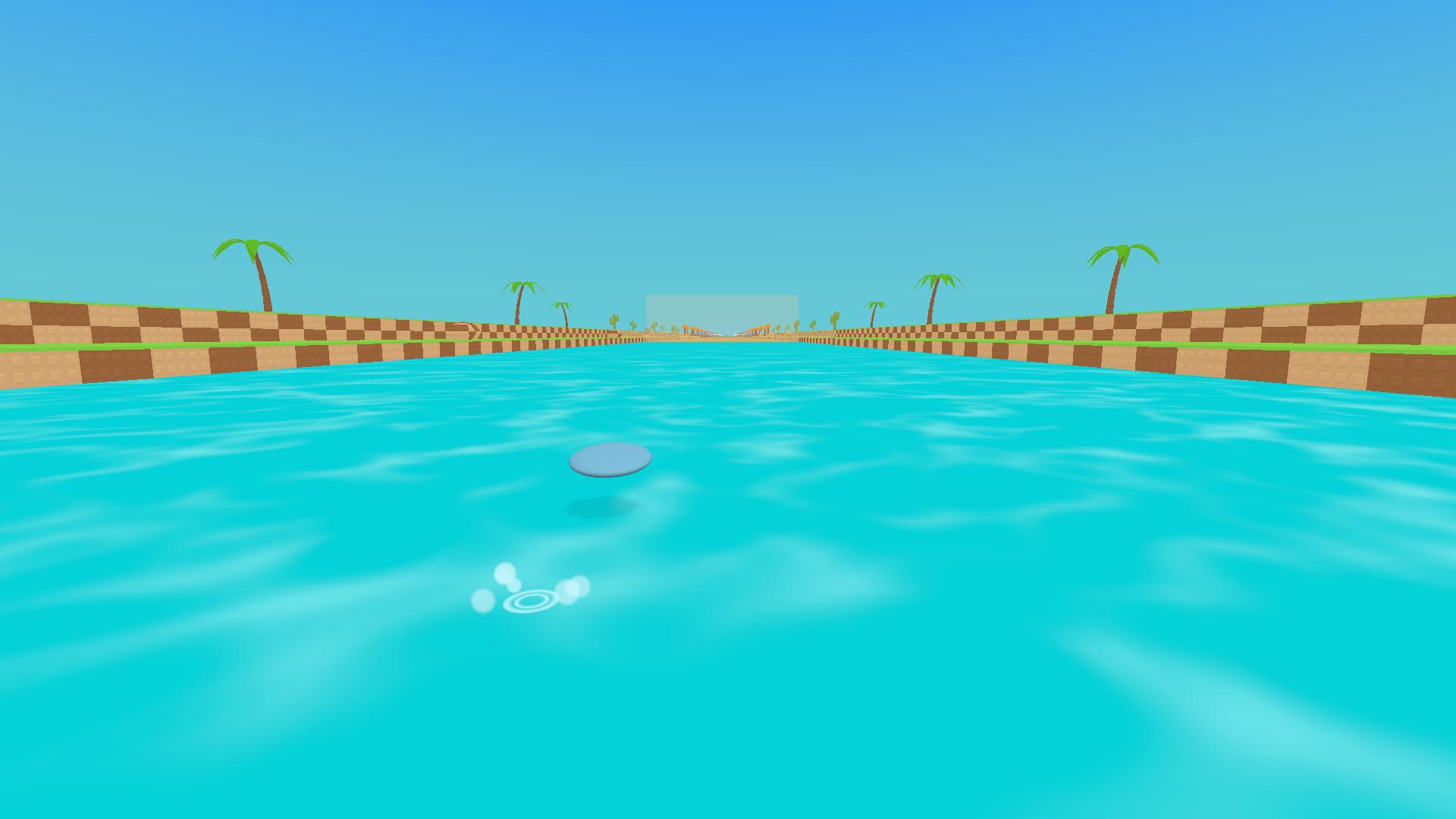
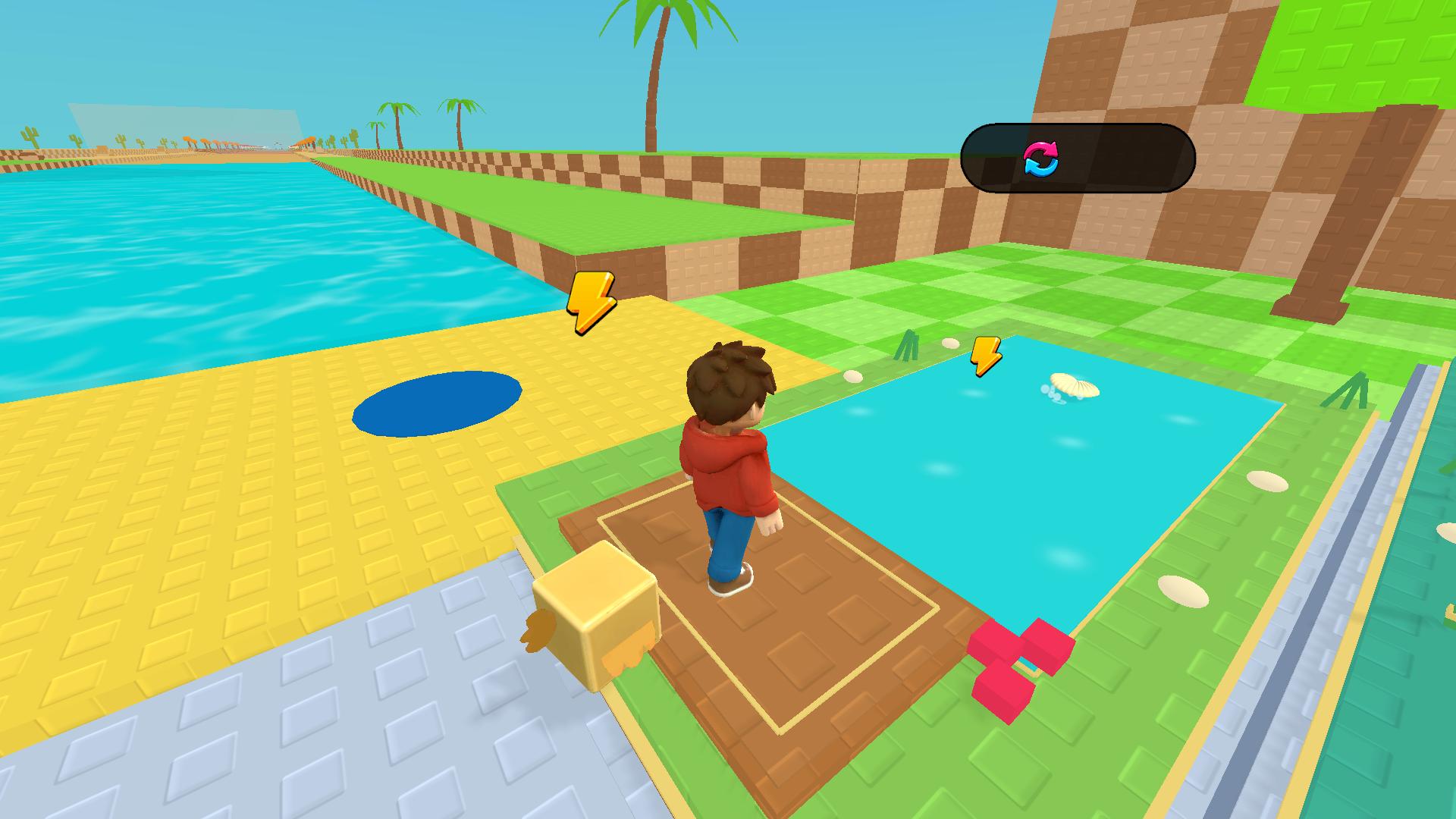
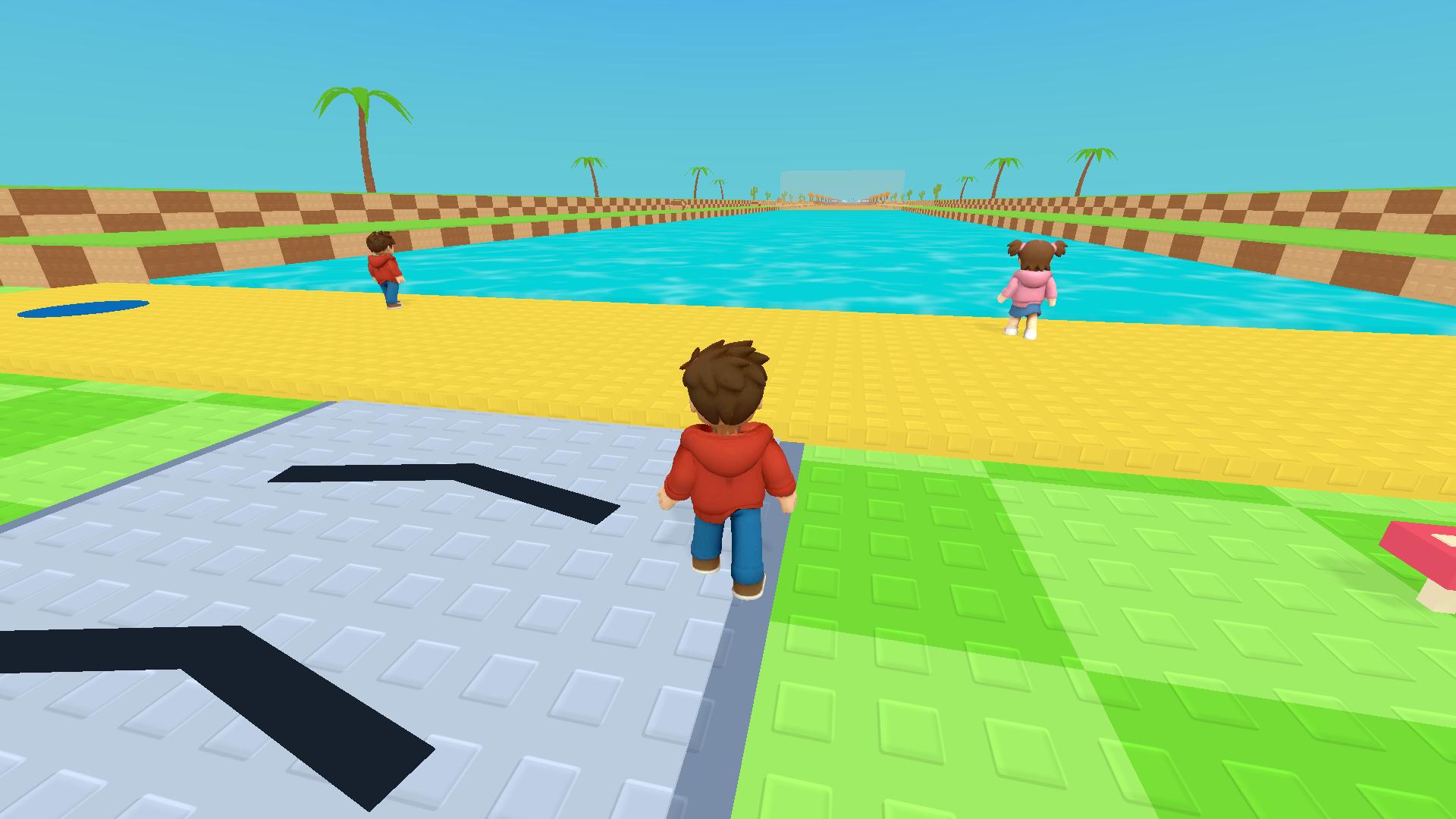
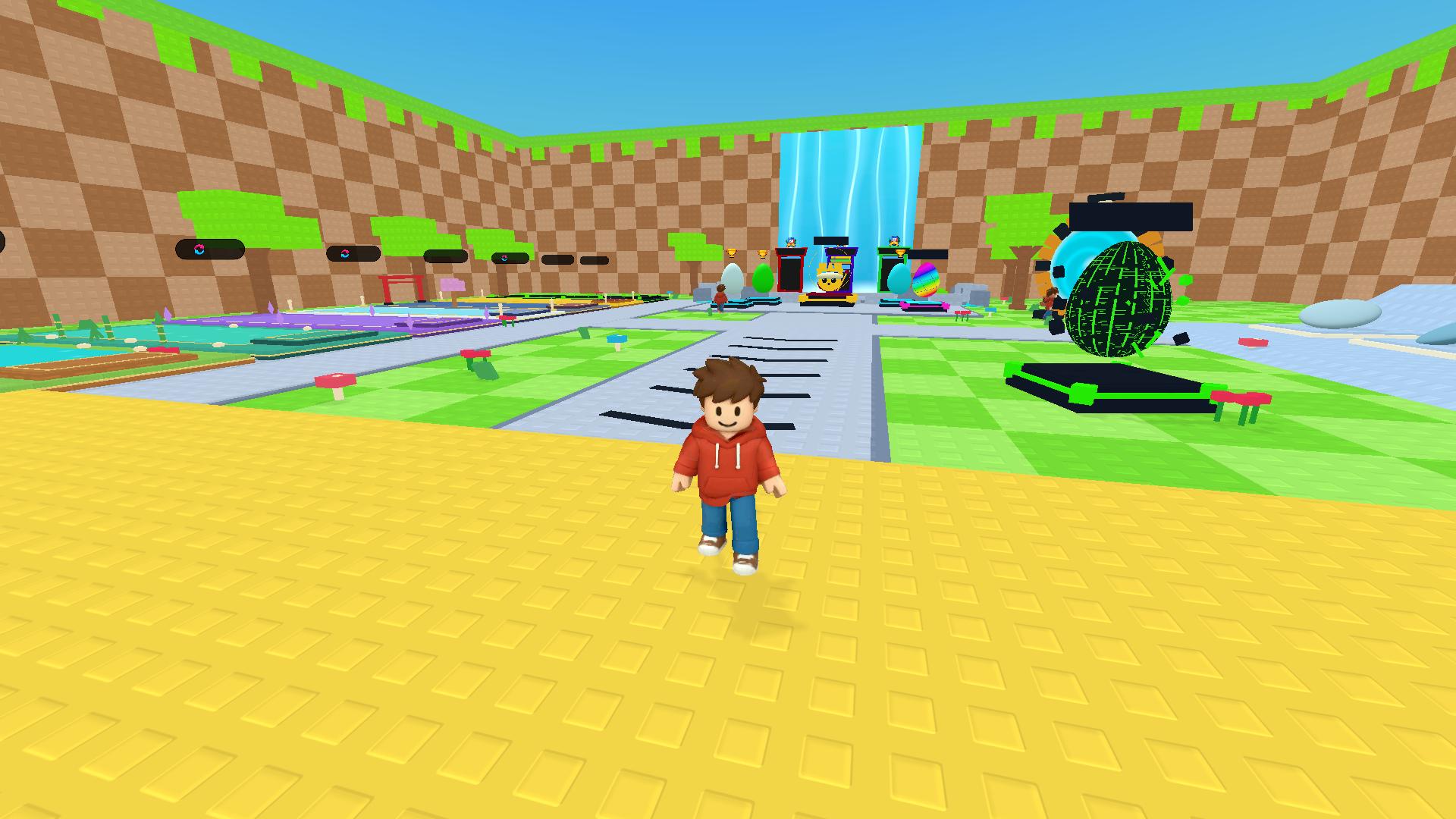
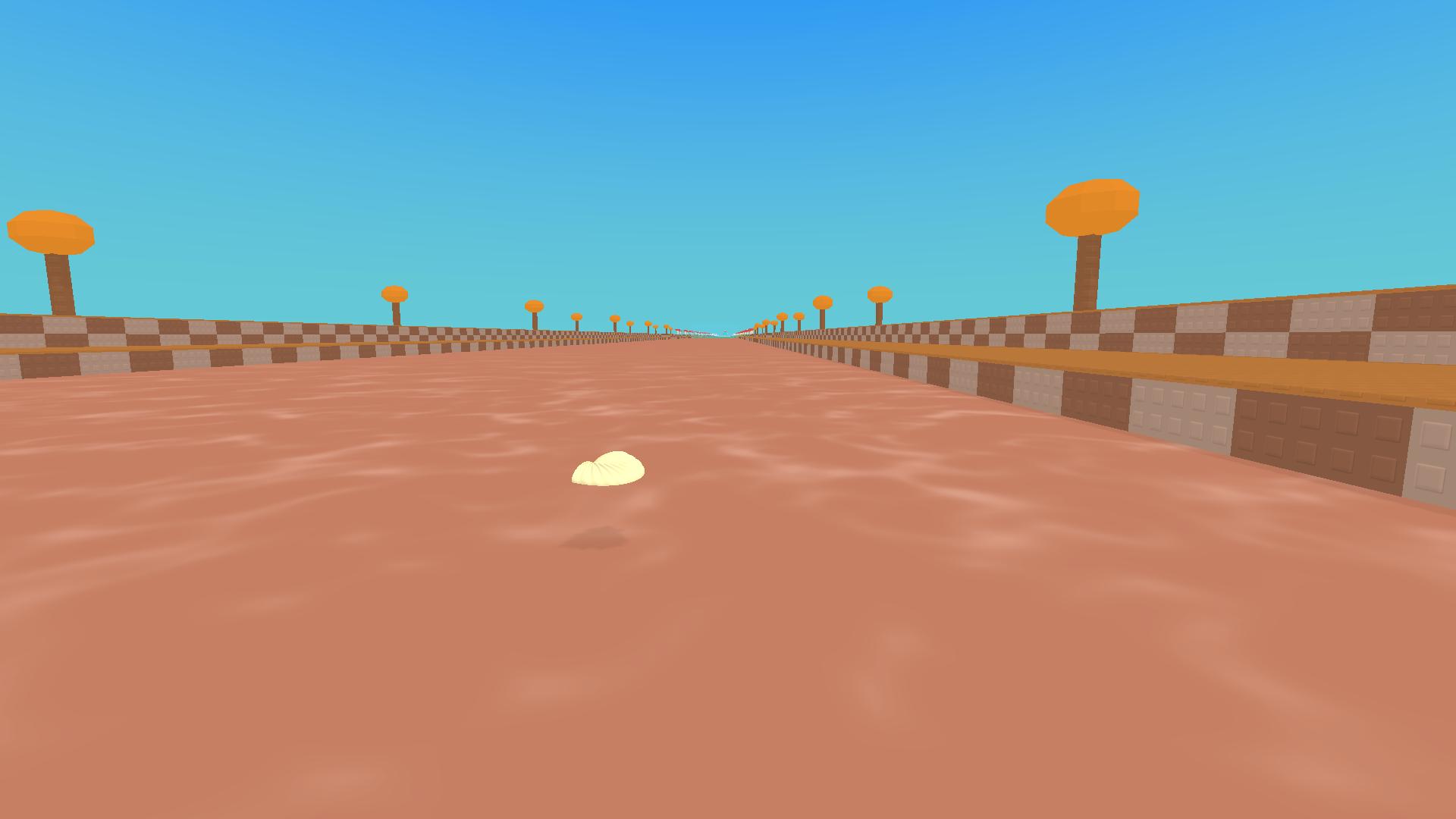
Fans of arcade challenges will find a new obsession with Obby: +1 Stone Skipping. You stand at the water edge aiming to make your projectiles hop as many times as possible across the surface. Each successful jump earns experience points and fills your progress bar for future upgrades. You walk onto the platform and time your throw to launch stones toward the horizon. Collecting pets gives you multipliers that make every attempt count for more. You can visit different ponds to break personal distance records and unlock fresh items. The game loop rewards consistent practice and smart management of your resources. Rebirths allow you to reset your stats for permanent bonuses that push your potential even higher. Head over to FreeJoy.games to play this obby title in your browser without any downloads.
How to play
Your goal is to throw farther. Walk onto the throwing platform and press Throw. Bounces earn experience; distance earns the in-game Wins currency. Upgrade throwing items, equip pets and train in ponds.
PC: WASD — move; hold the right mouse button and move the mouse — rotate camera; mouse wheel — zoom; Space — jump; Shift — run; E or the Throw button — throw from the platform. Tab — lock or release the cursor. Escape — close a window.
Phone/tablet: joystick — move; swipe in the camera area — look around; jump button — jump. Tap the corresponding buttons to throw and interact. Use the X to close windows.
Features
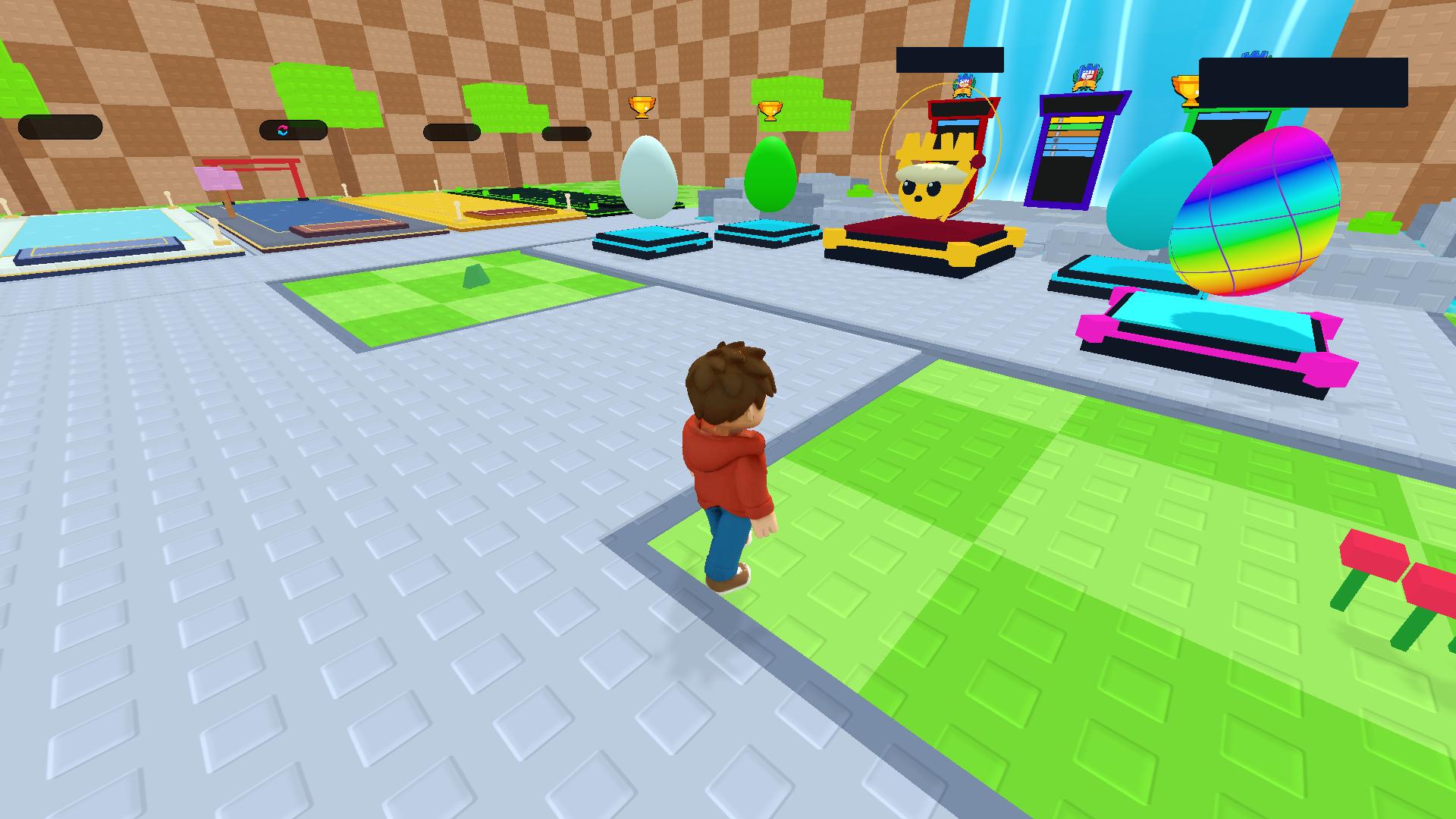
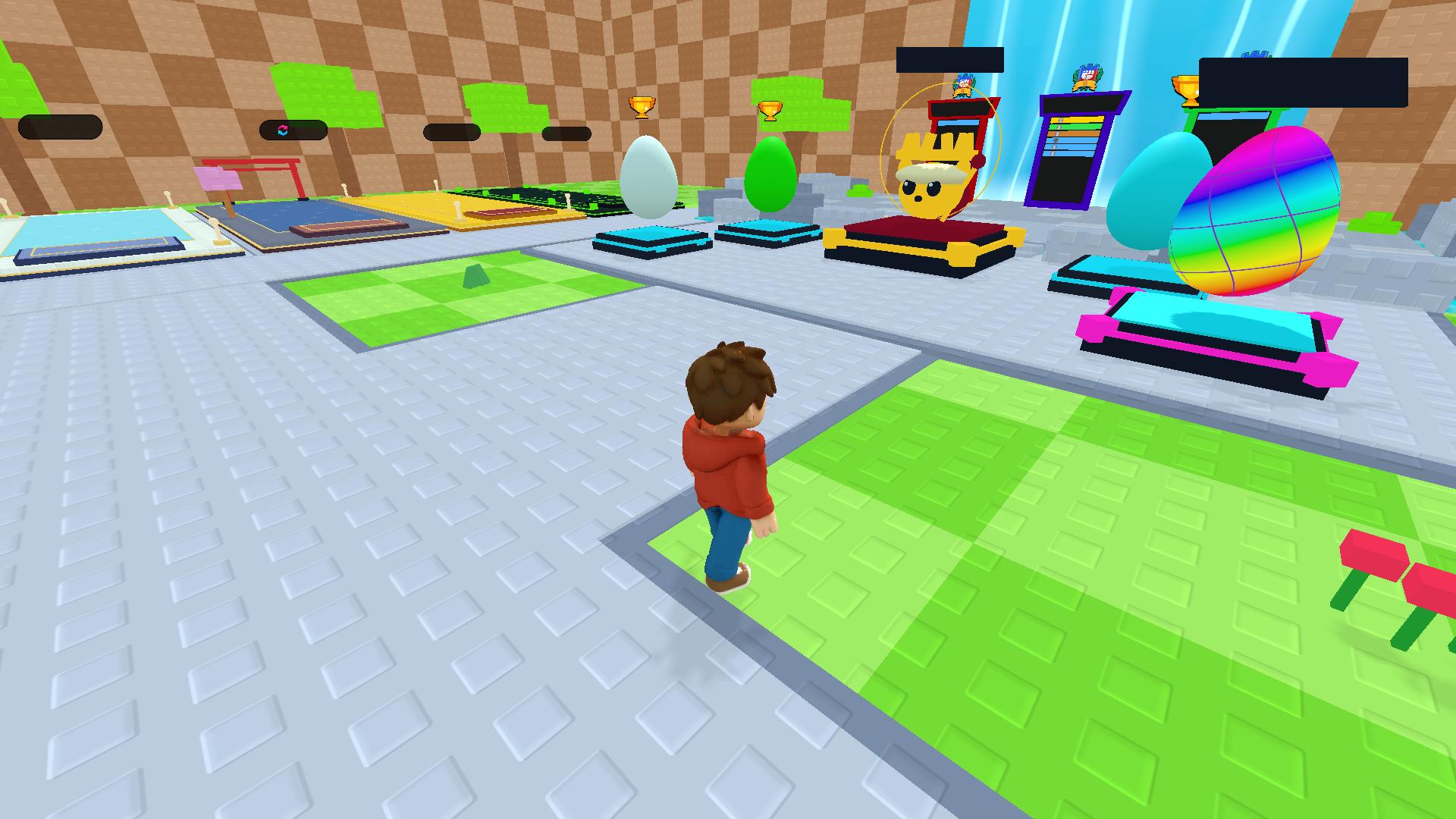
- Pet Collection: Hatch companions that grant passive bonuses to your distance and experience gain.
- Rebirth System: Reset your progress to earn prestige currency for permanent upgrades.
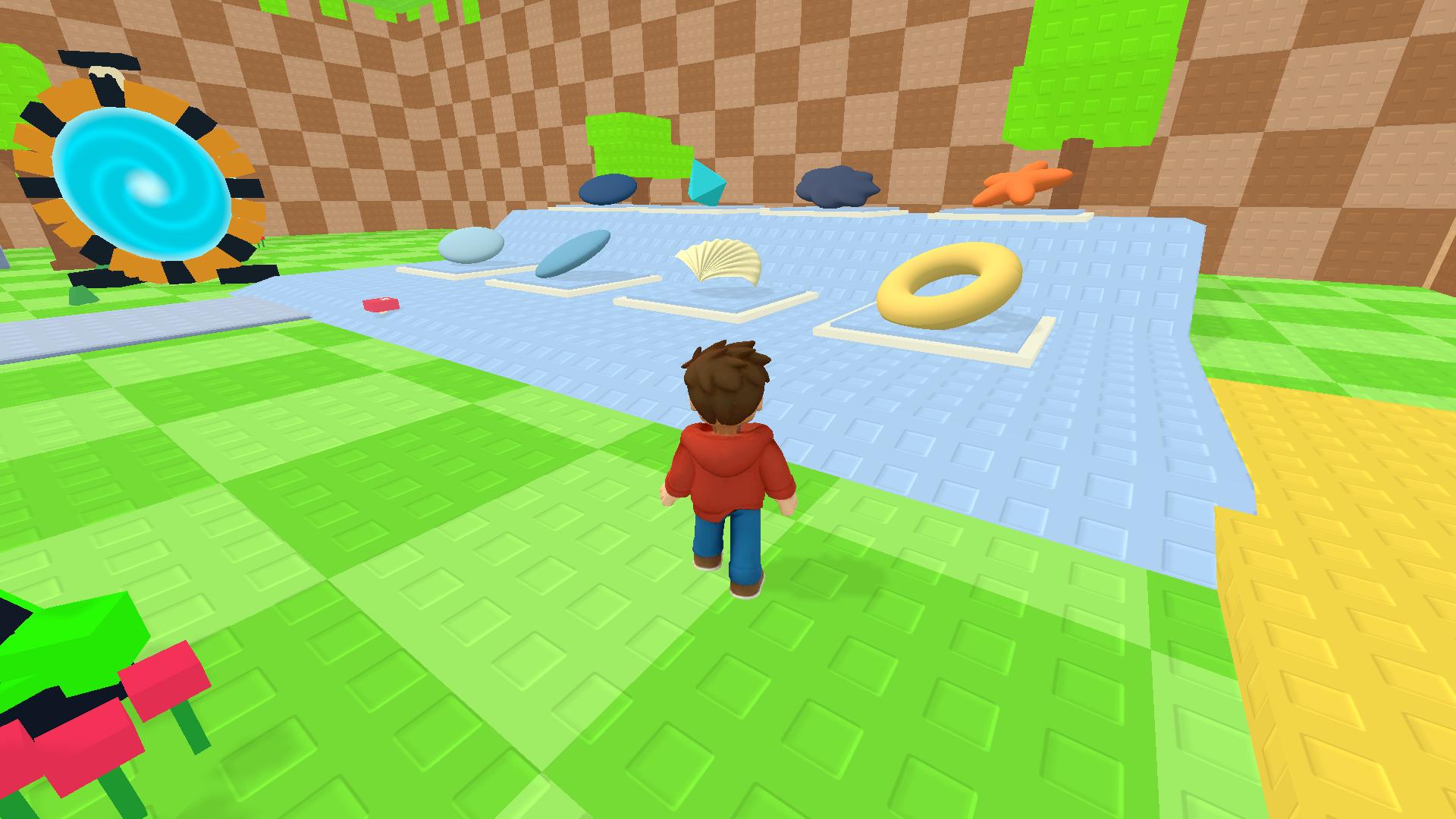
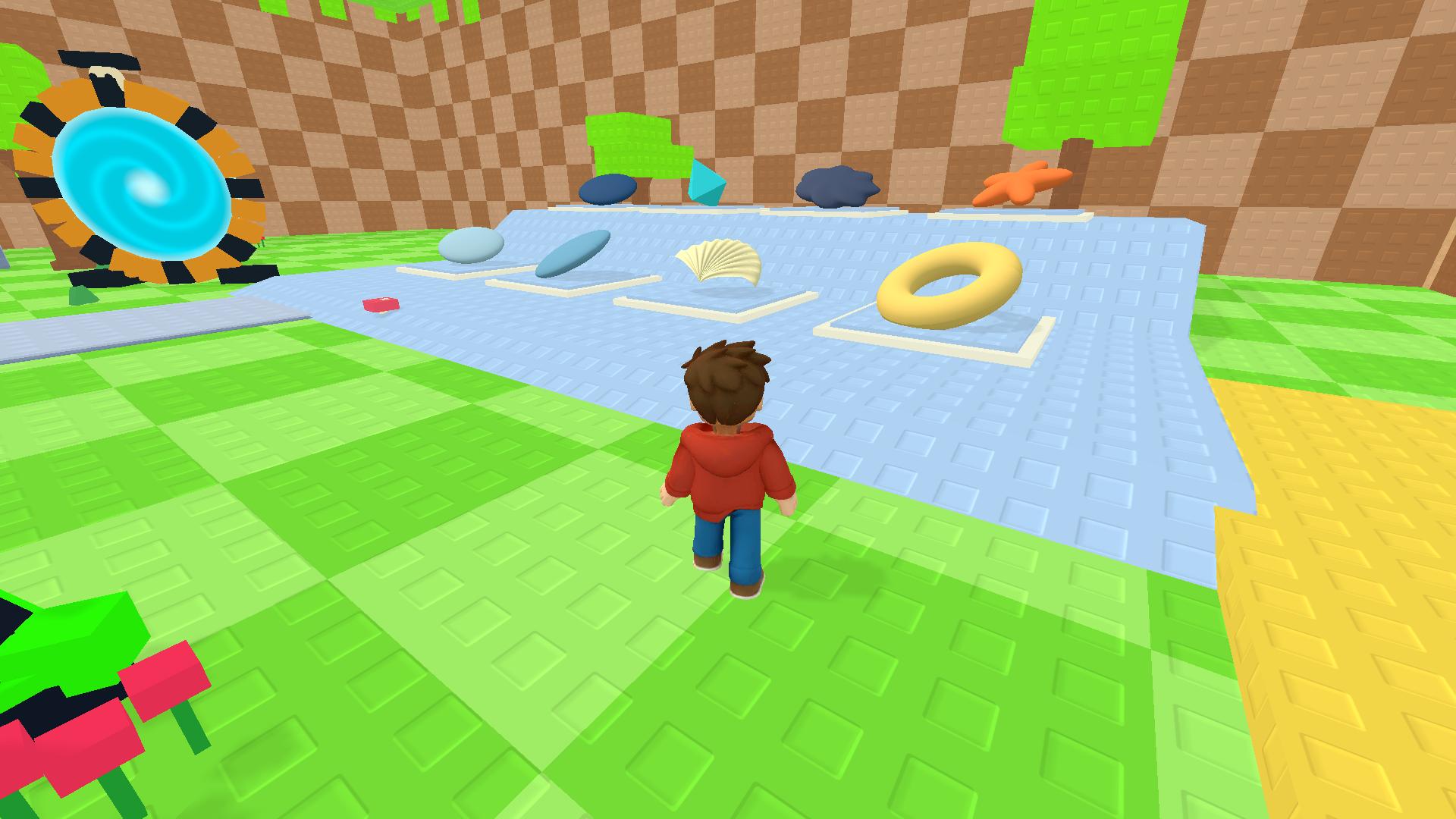
- Upgrade Shop: Spend your earned Wins to improve the weight and aerodynamics of your throwing stones.
- Global Leaderboards: Compare your longest skip records against other people playing across the world.
- Dynamic Environments: Travel between various water locations that change the physics of how your stones bounce.
Who is it for
Casual gaming enthusiasts who enjoy satisfying physics simulations and progression systems will love this title. People looking for a relaxing way to kill time while chasing high scores on a leaderboard will find the simple mechanics and constant upgrades very rewarding for short or long play sessions.
Controls
Throw stone
Press the E key on your keyboard or tap the on-screen throw button.
Movement
Use WASD keys on PC or the virtual joystick on mobile devices.
Camera control
Hold the right mouse button while dragging or swipe across the screen on mobile.
Jump
Press the Space bar on desktop or the jump icon on your tablet.
FAQ
How can I throw farther in Obby: +1 Stone Skipping?
›
You need to upgrade your throwing items in the shop and equip better pets to boost your stats. Training in ponds also helps you gain enough experience to reach distant markers.
Is Obby: +1 Stone Skipping free to play?
›
Yes, you can play the full version of Obby: +1 Stone Skipping for free directly in your web browser. No registration or software downloads are required to start your journey.
Can I play Obby: +1 Stone Skipping on my phone?
›
The game works perfectly on mobile devices using touch controls. Simply use the on-screen joystick to move and tap the buttons to interact with objects.