About game
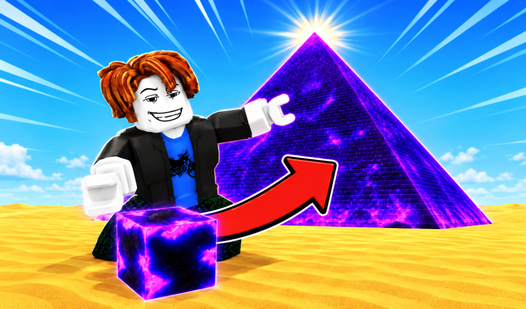
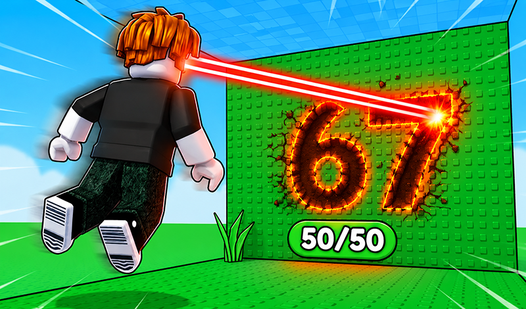
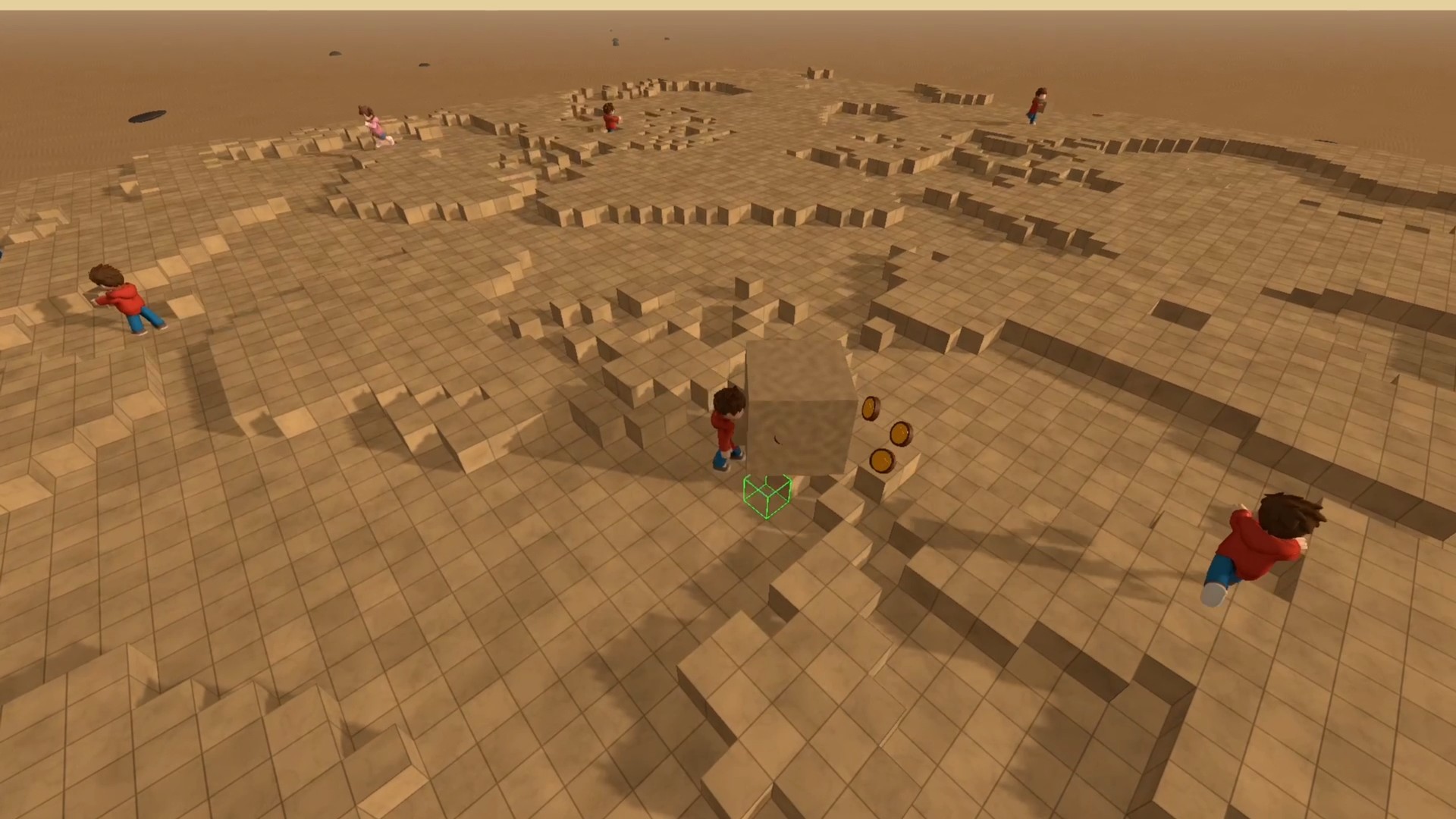
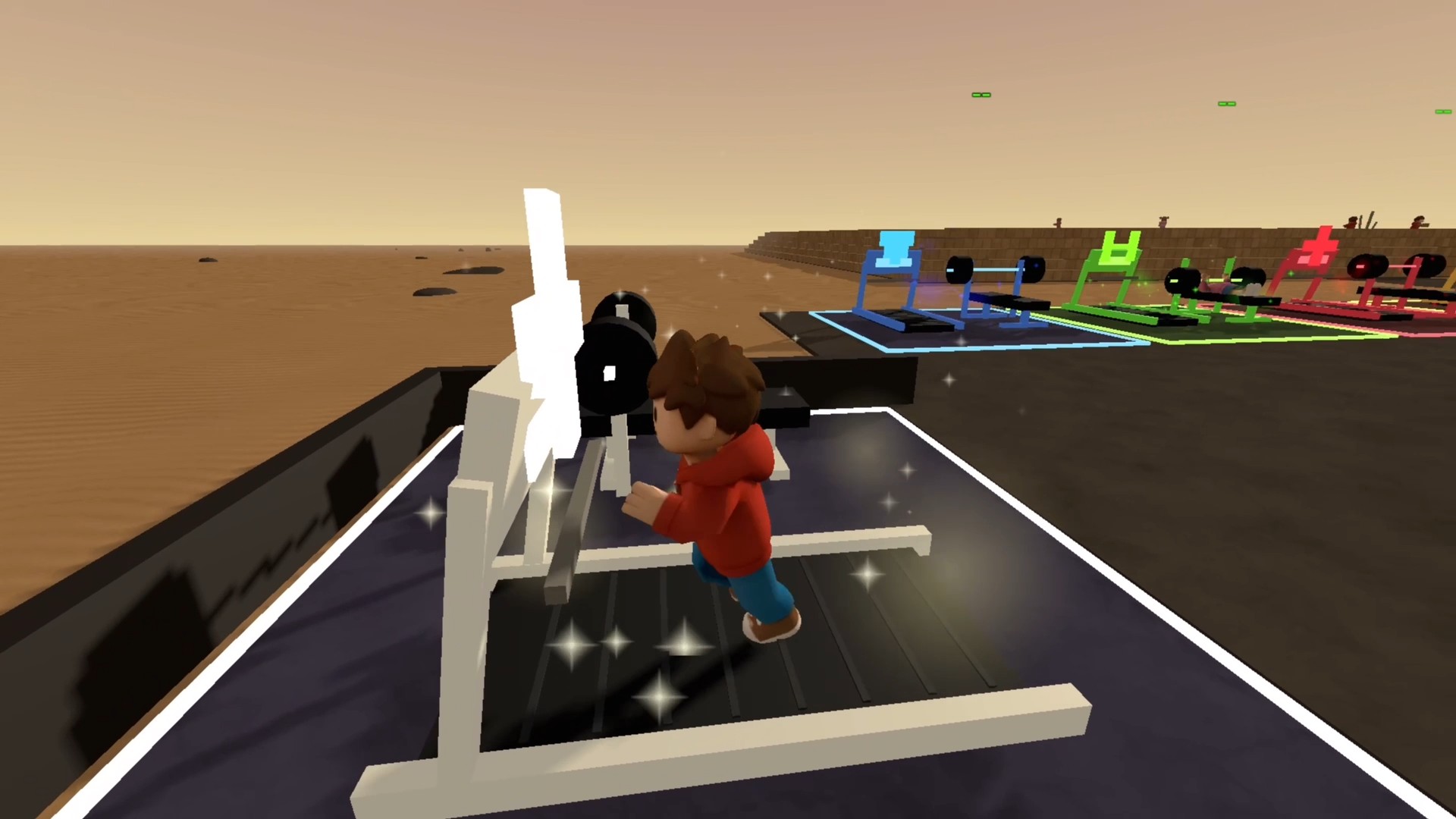
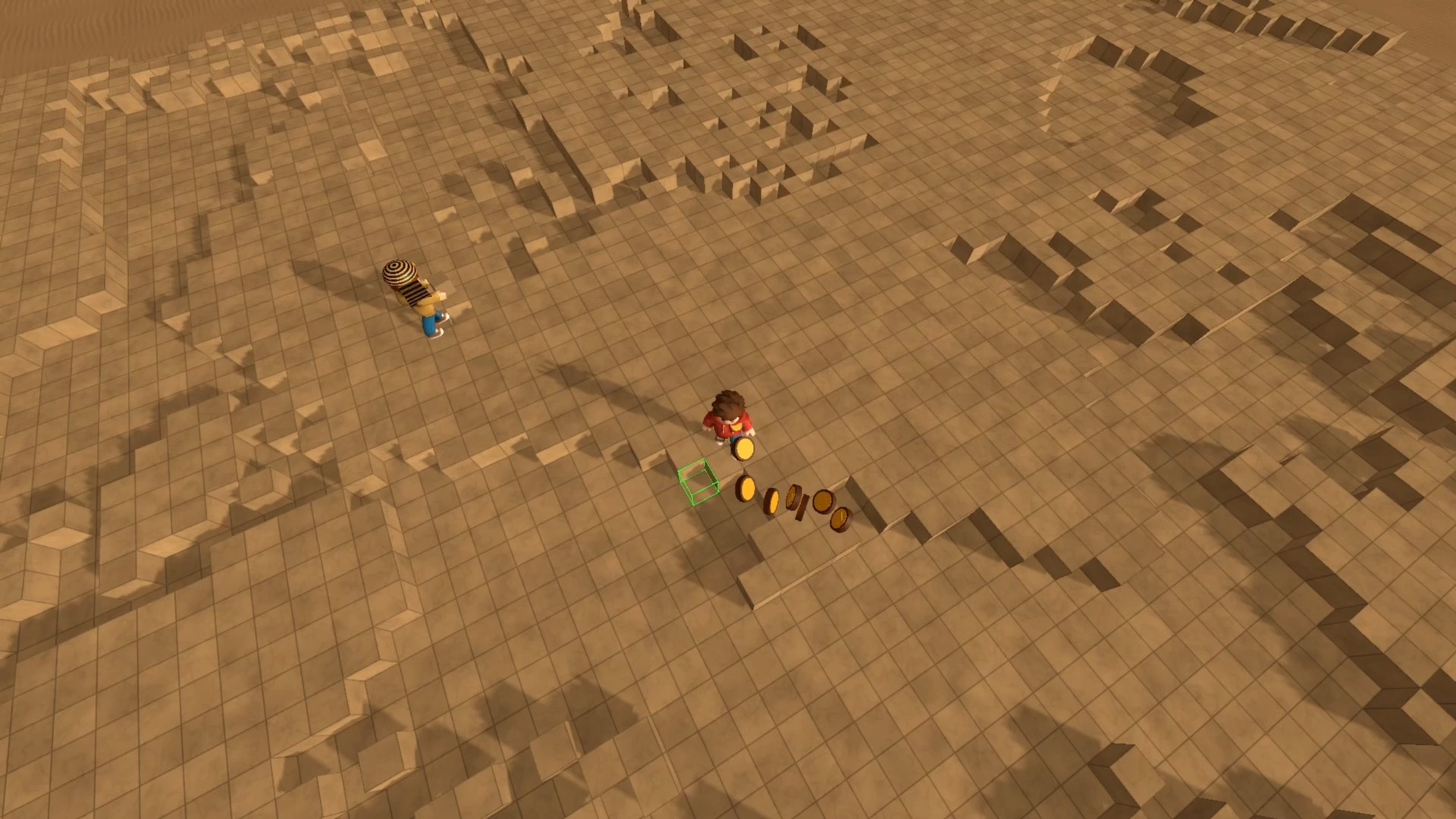
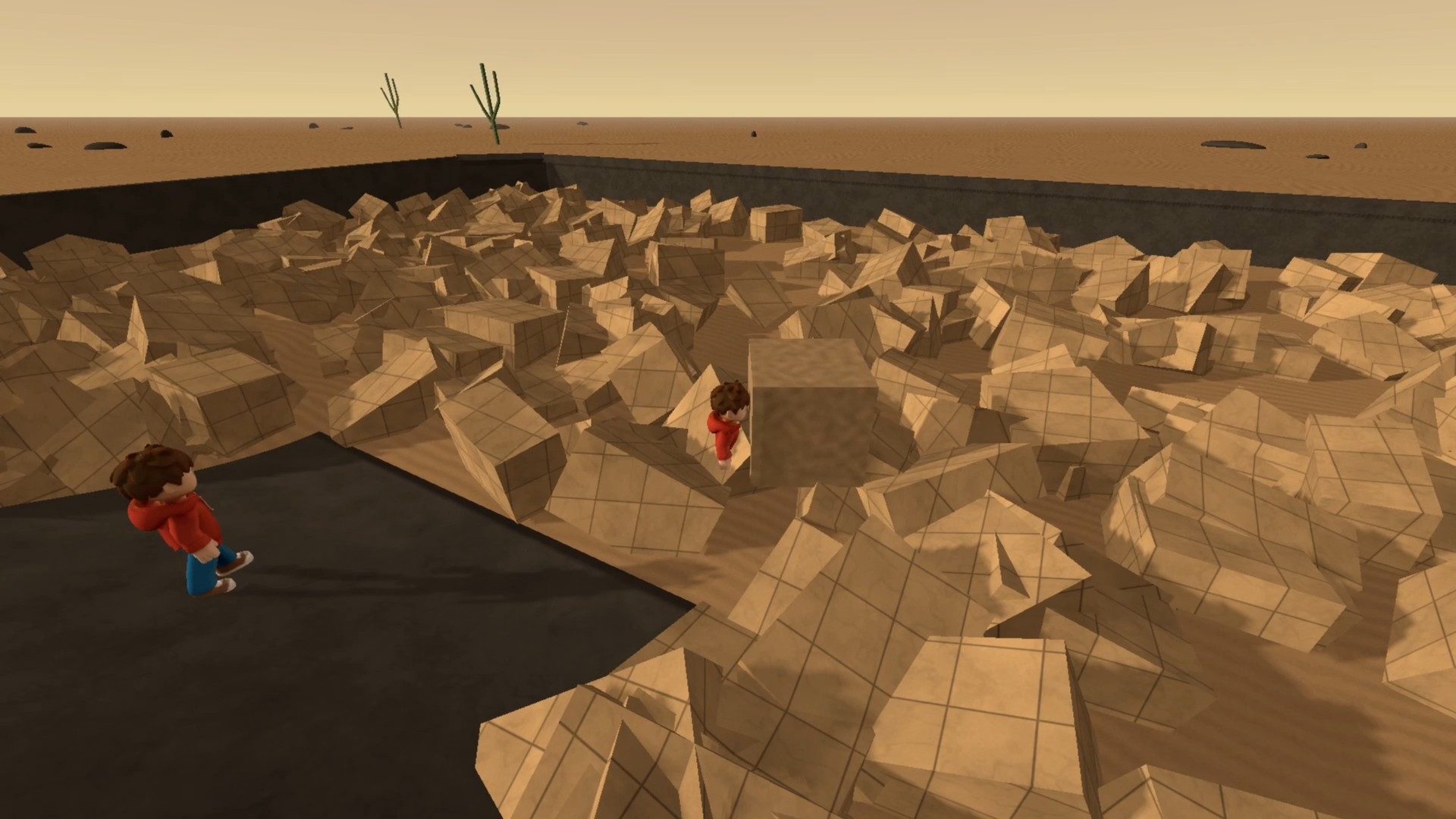
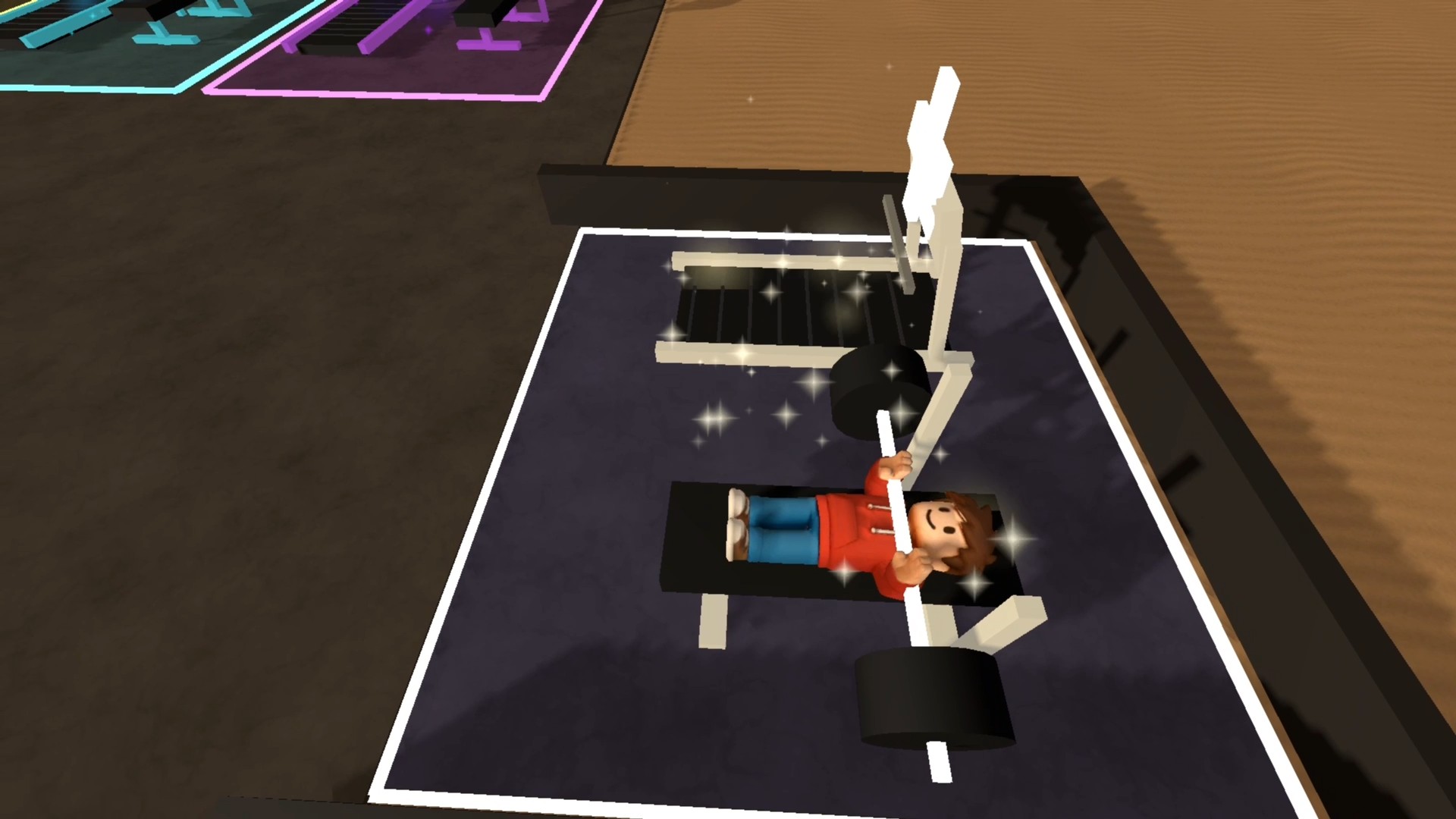
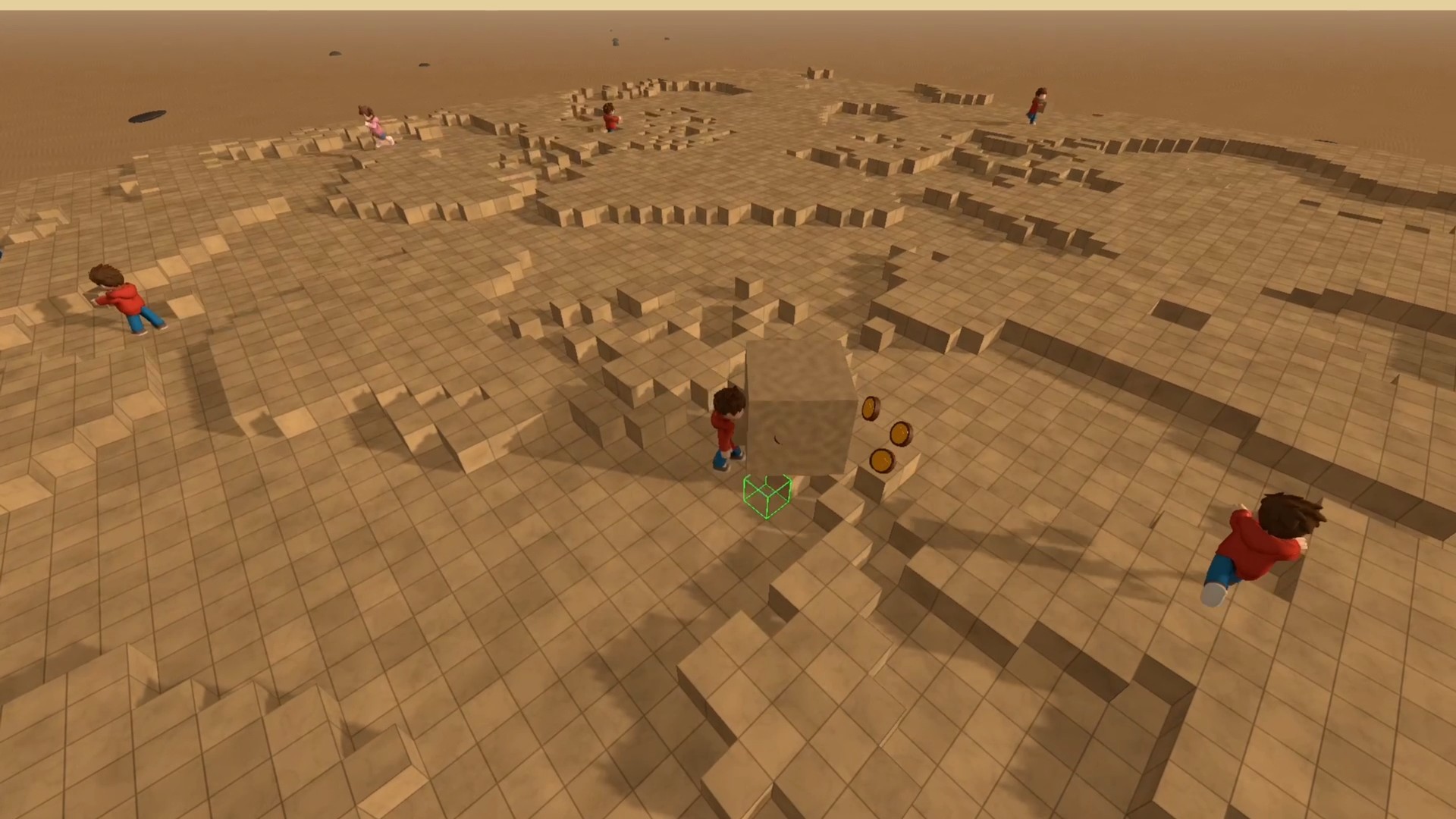
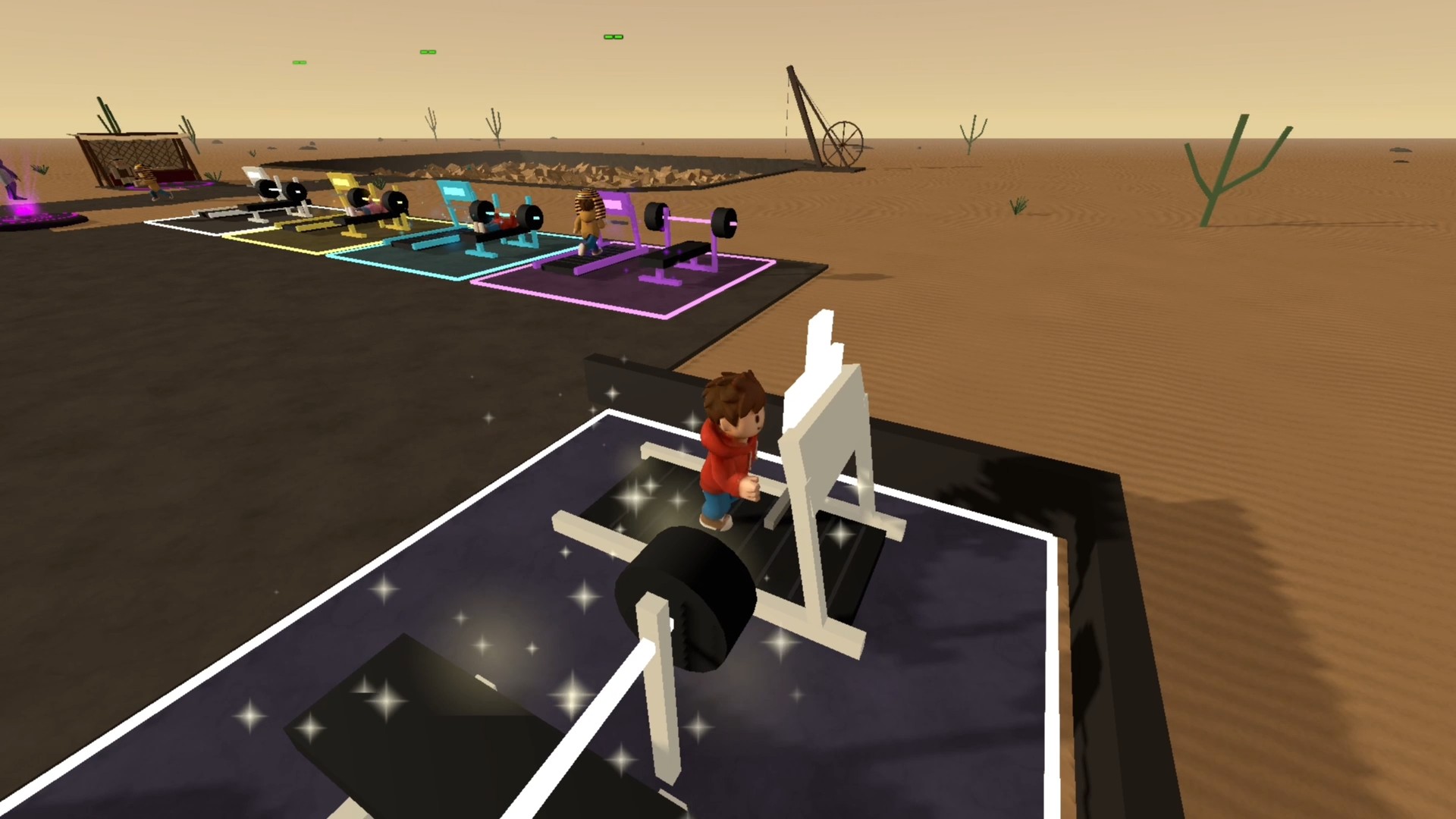
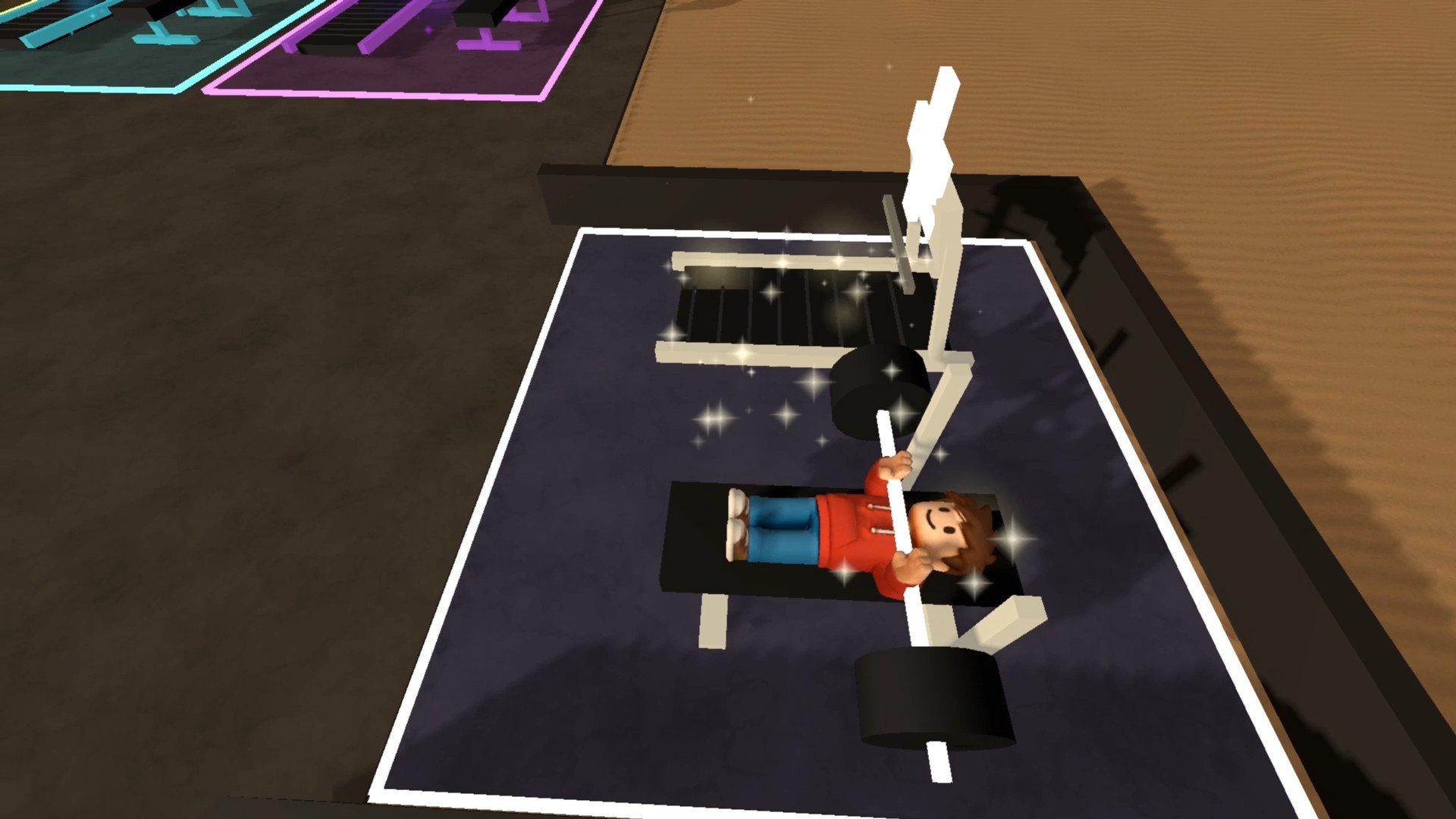
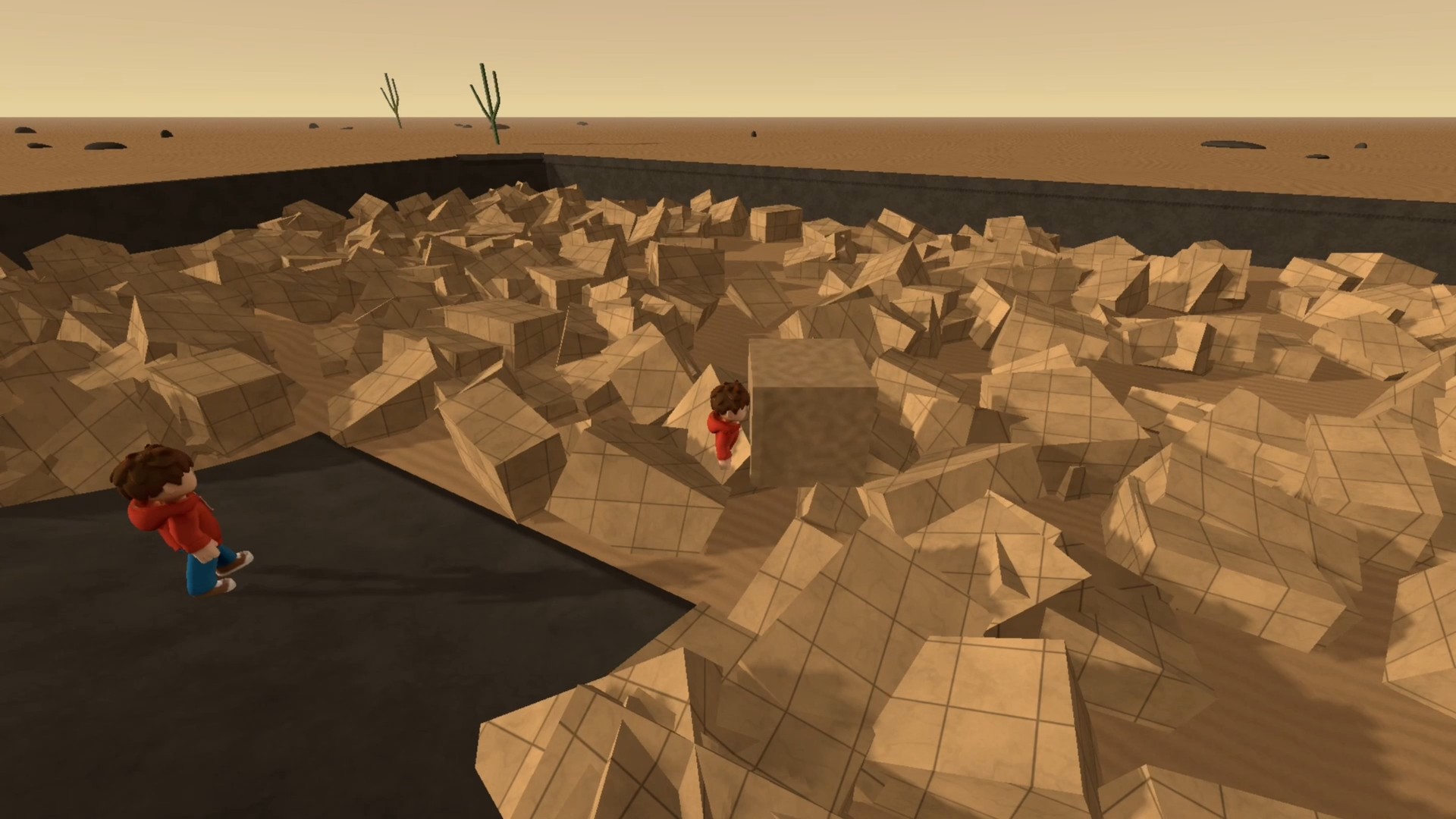
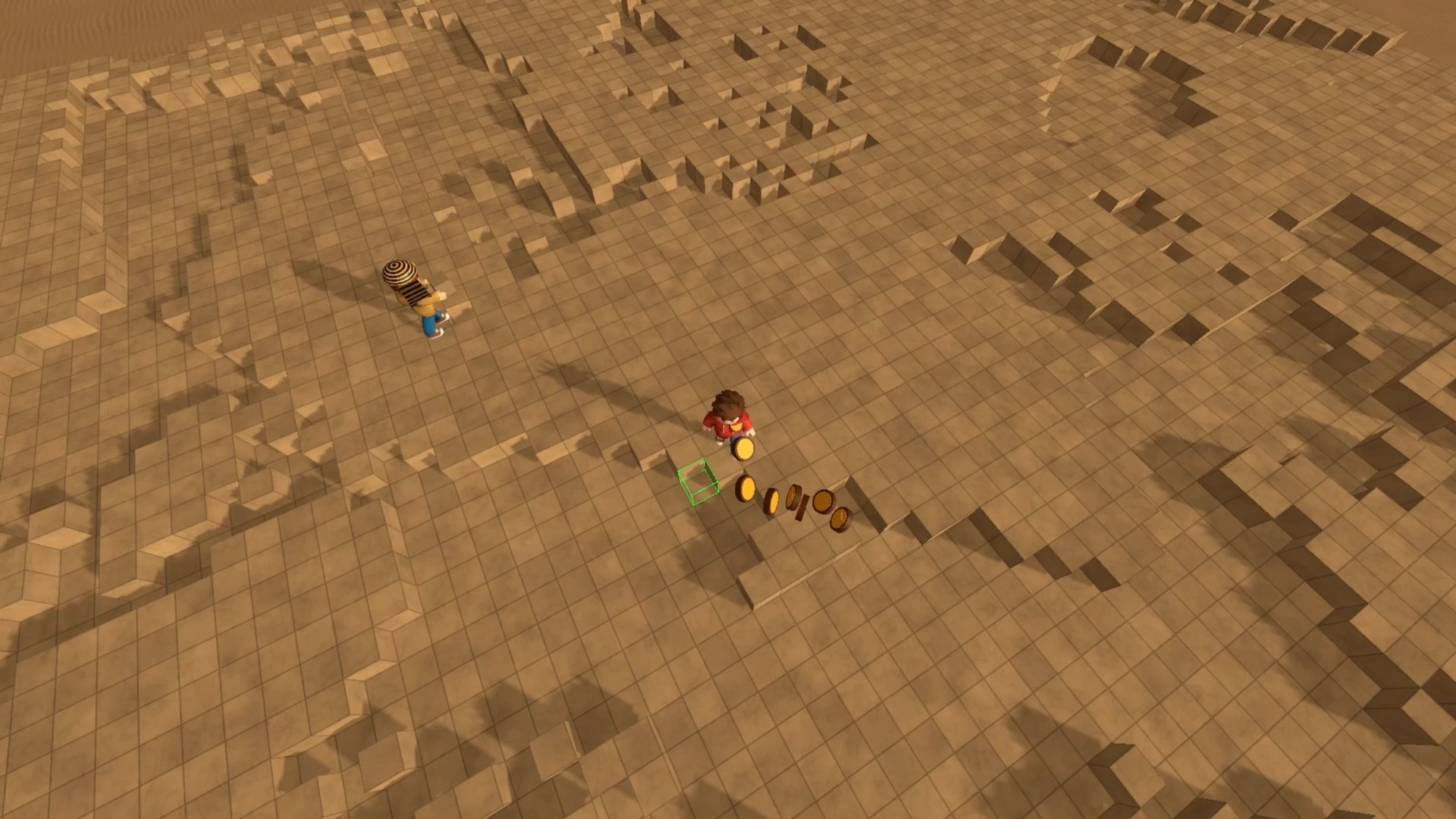
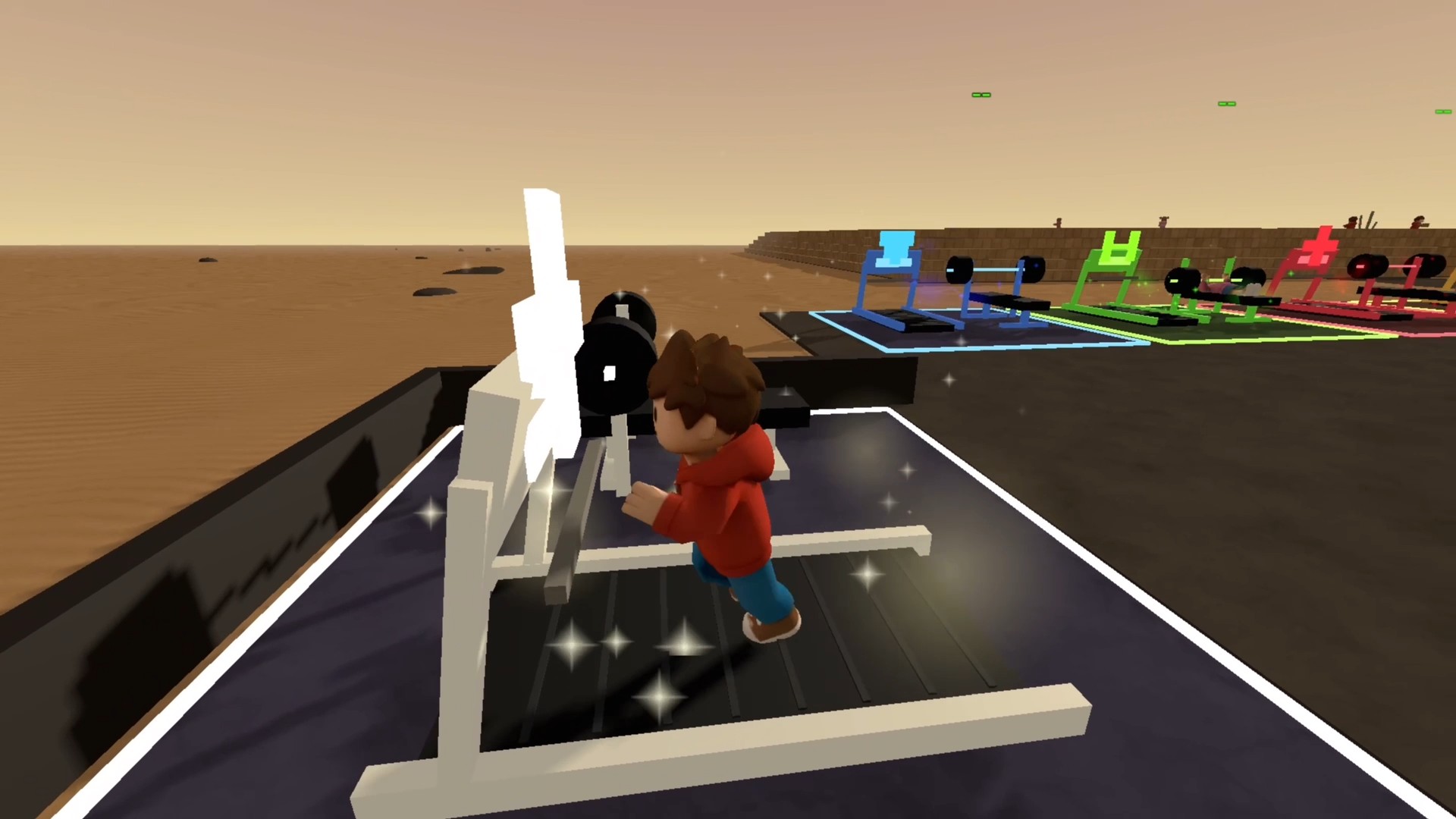
Fans of construction simulators will find Obby: Build a Pyramid a satisfying way to kill time while building massive structures block by block. You start at the quarry gathering materials before running over to the site to stack them into a pyramid. Increasing your speed and strength through gym equipment makes your character much more efficient at carrying heavy loads. Every time you finish a structure, you gain access to a bonus training zone to boost your stats even further. Upgrading your building reach and collection speed helps you conquer taller projects faster than before. You decide how to balance training time with active block placement to optimize your workflow. This cycle of grinding and building keeps you hooked as you watch your desert monument rise toward the sky. Play Obby: Build a Pyramid for free directly in your browser without any downloads required.
How to play
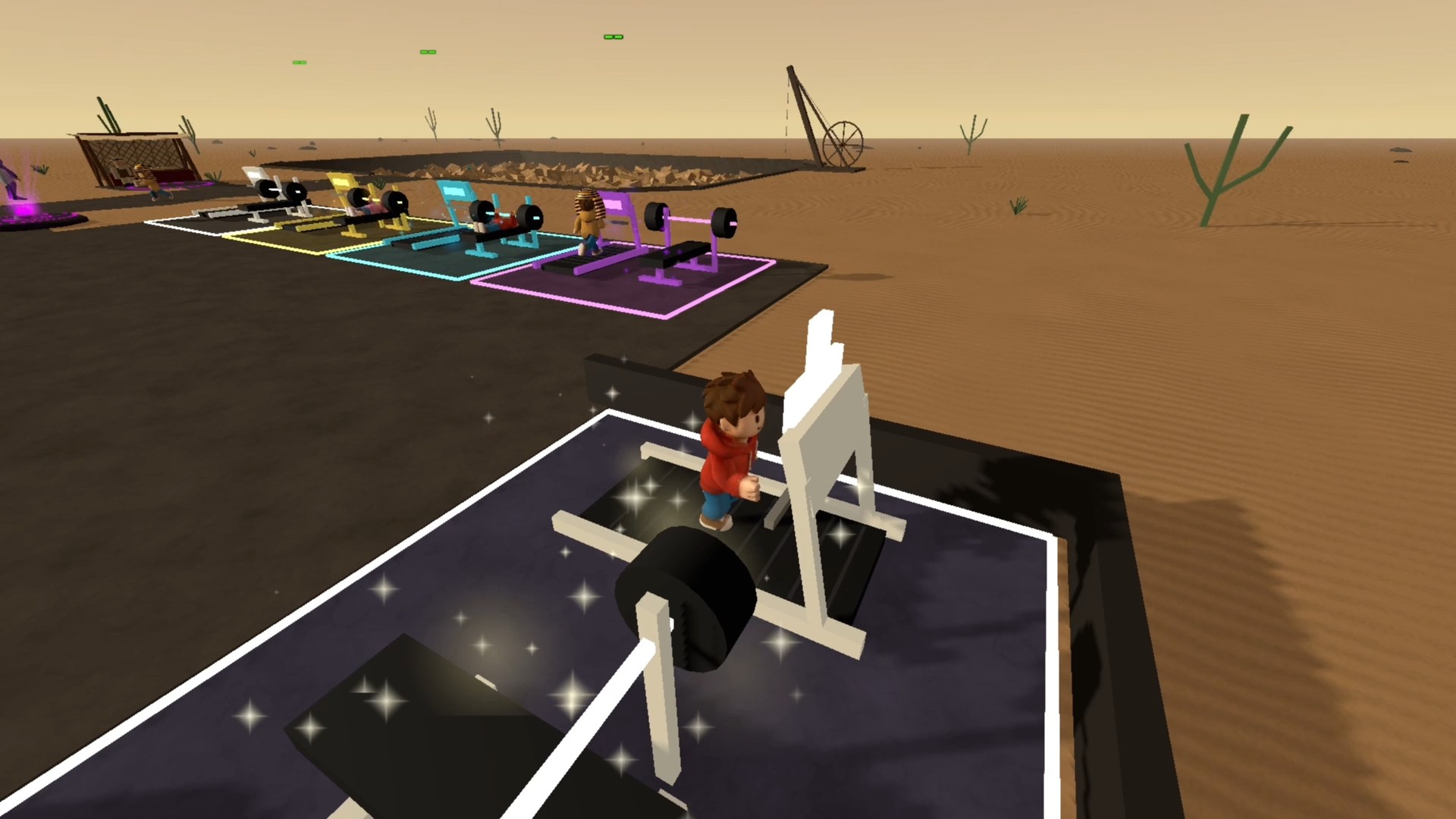
Your goal is to collect blocks at the quarry and finish the pyramid. Blocks are collected automatically at the quarry. Step onto an available treadmill or weight bench to train; move to leave it.
PC:
WASD or arrow keys — move.
Space — jump; left Shift — run.
Hold the right mouse button and move the mouse — rotate the camera; scroll wheel — zoom in or out.
Aim at an empty building space and hold the left mouse button — place blocks.
Tab — toggle cursor lock; Esc — release the cursor.
Phone/tablet:
Joystick — move; swipe in the look area — rotate the camera.
Jump button — jump; + and − buttons — adjust camera distance.
Hold BUILD near empty building spaces to place blocks.
Features
- Stat progression: Use treadmills to increase movement speed and weight benches to boost your carrying capacity for more blocks.
- Project variety: Unlock different pyramid designs as you progress through each completed monument.
- Efficiency upgrades: Spend your hard-earned coins to improve your building range and block collection speed.
- Bonus zones: Access temporary high-reward training areas after successfully finalizing a construction phase.
- Active management: Choose between manual labor at the quarry or focused training to hit your performance targets.
Who is it for
Casual gamers who enjoy satisfying progression loops and simulation mechanics will love this experience. People looking for simple yet rewarding tasks during their breaks will appreciate the clear goals and constant character growth found in these construction cycles. It hits the spot for fans of idle-style incremental games.
Controls
Movement
WASD or arrow keys on PC; virtual joystick on mobile devices.
Building
Hold the left mouse button near empty spaces or use the dedicated BUILD button on your touchscreen.
Camera control
Right-click and drag on PC; swipe the screen area on phones and tablets.
Training
Step onto treadmills or weight benches to start, move off them to stop.
FAQ
How do I upgrade my hero in Obby: Build a Pyramid?
›
You need to use the treadmills and weight benches located around the map to improve your speed and strength. Spend your collected coins to purchase permanent upgrades for your building reach and collection efficiency.
Is Obby: Build a Pyramid playable on mobile browsers?
›
Yes, the game is fully optimized for mobile devices. You can use the on-screen joystick and build buttons to manage your construction projects on the go.
What happens after I finish a structure in Obby: Build a Pyramid?
›
Completing a pyramid unlocks a special bonus training area where you can quickly level up your stats. Once you finish that, you can move on to start a brand new construction project.