About game
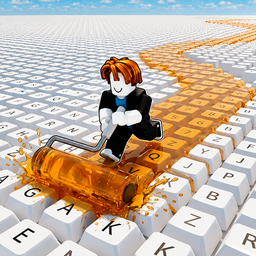
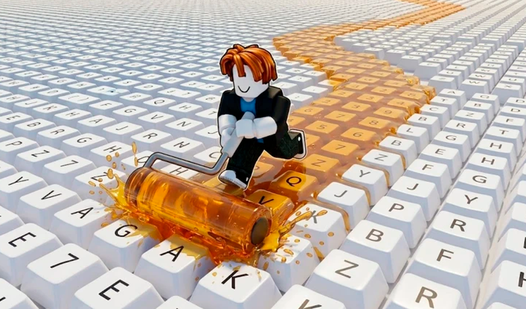
Dash across giant mechanical boards as you coat every button in vivid hues to claim your keyboard fortune. Each stroke turns dull plastic into a cash-generating machine, building your wealth as you expand your massive setup. You manage your painting speed and efficiency upgrades to ensure no key remains colorless for long. Unlocking neon shades keeps the visual grind fresh while you aim for the largest layout imaginable. Obby: Paint My Keyboard turns a simple task into an addictive arcade loop that keeps your fingers busy for hours. You earn coins passively from every section you finish, making your setup grow larger with every session. Watching your keyboard grow from a tiny row to a sprawling masterpiece brings a satisfying sense of progression. Play Obby: Paint My Keyboard for free directly in your browser without any annoying downloads or signups.
How to play
Controls:
WASD keys or arrows — move your character
Mouse — camera control
Gameplay:
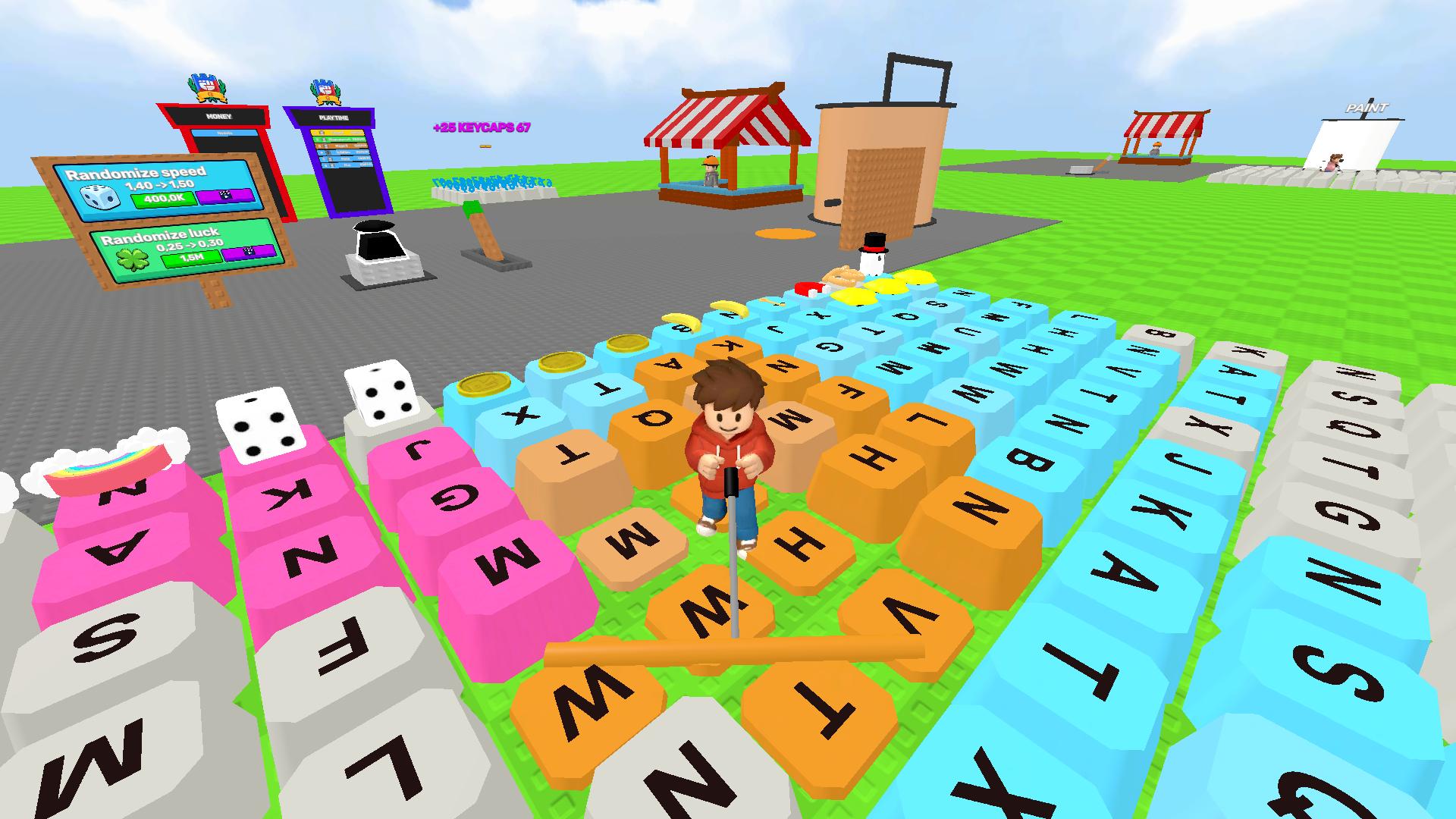
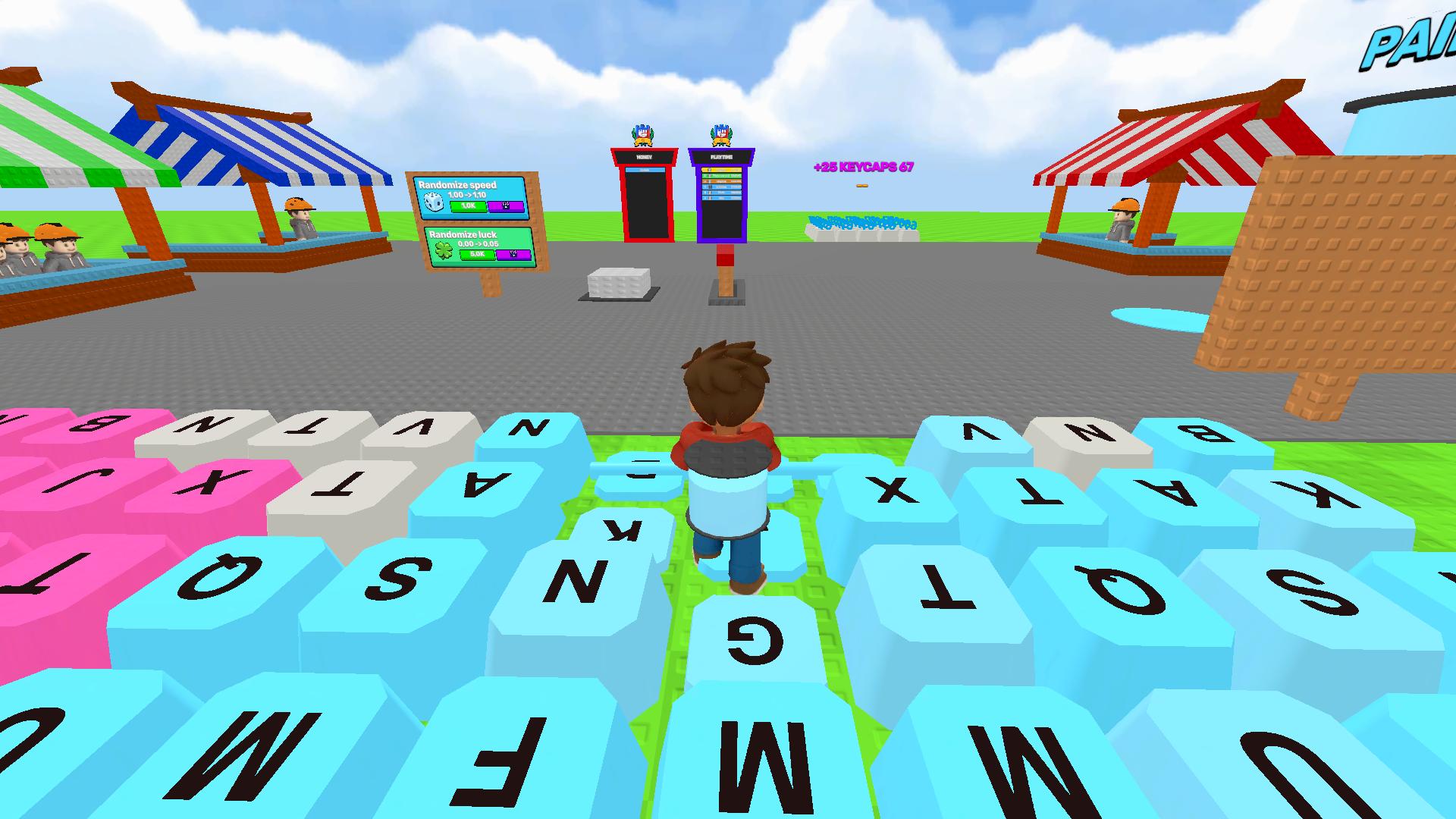
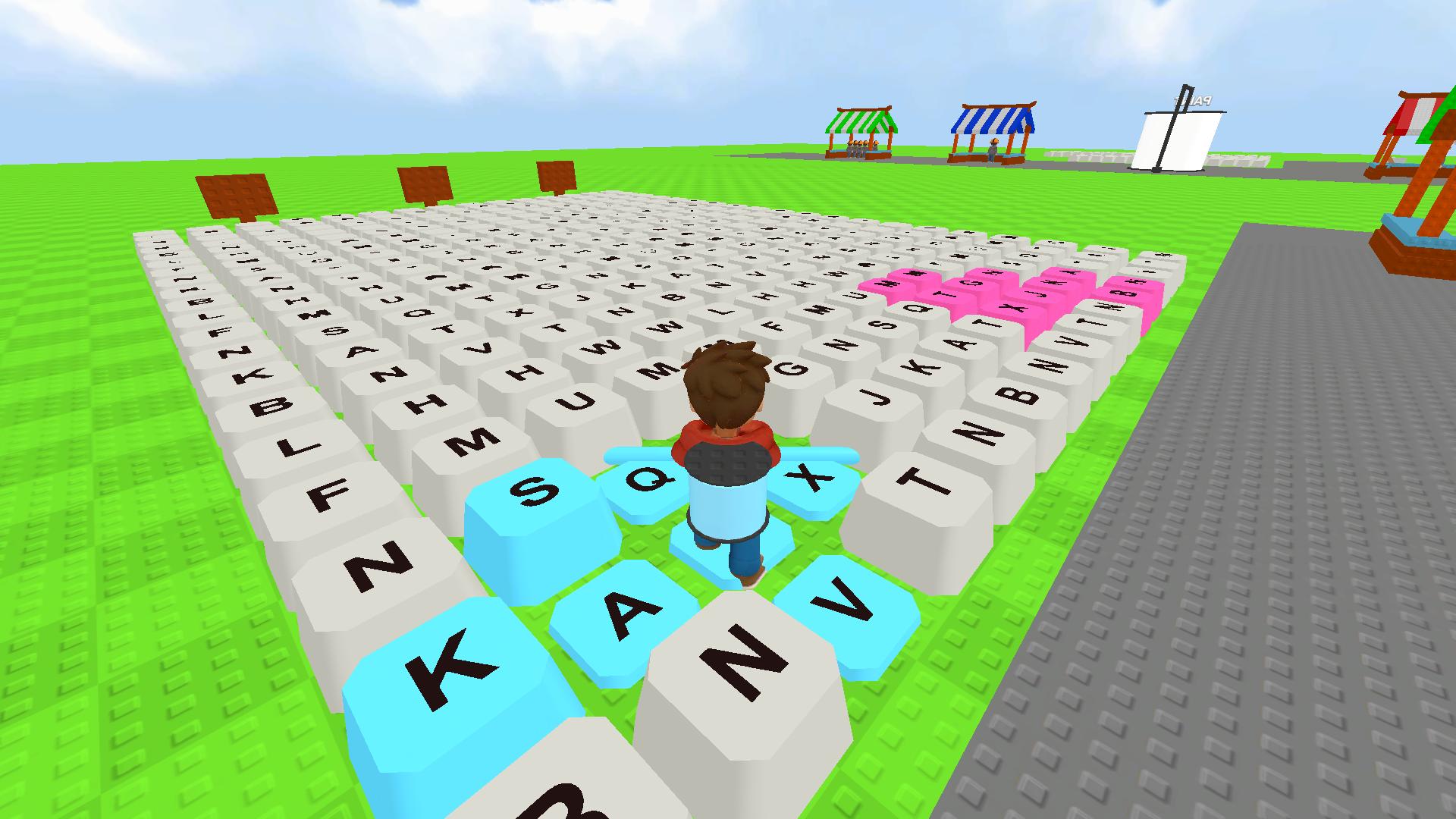
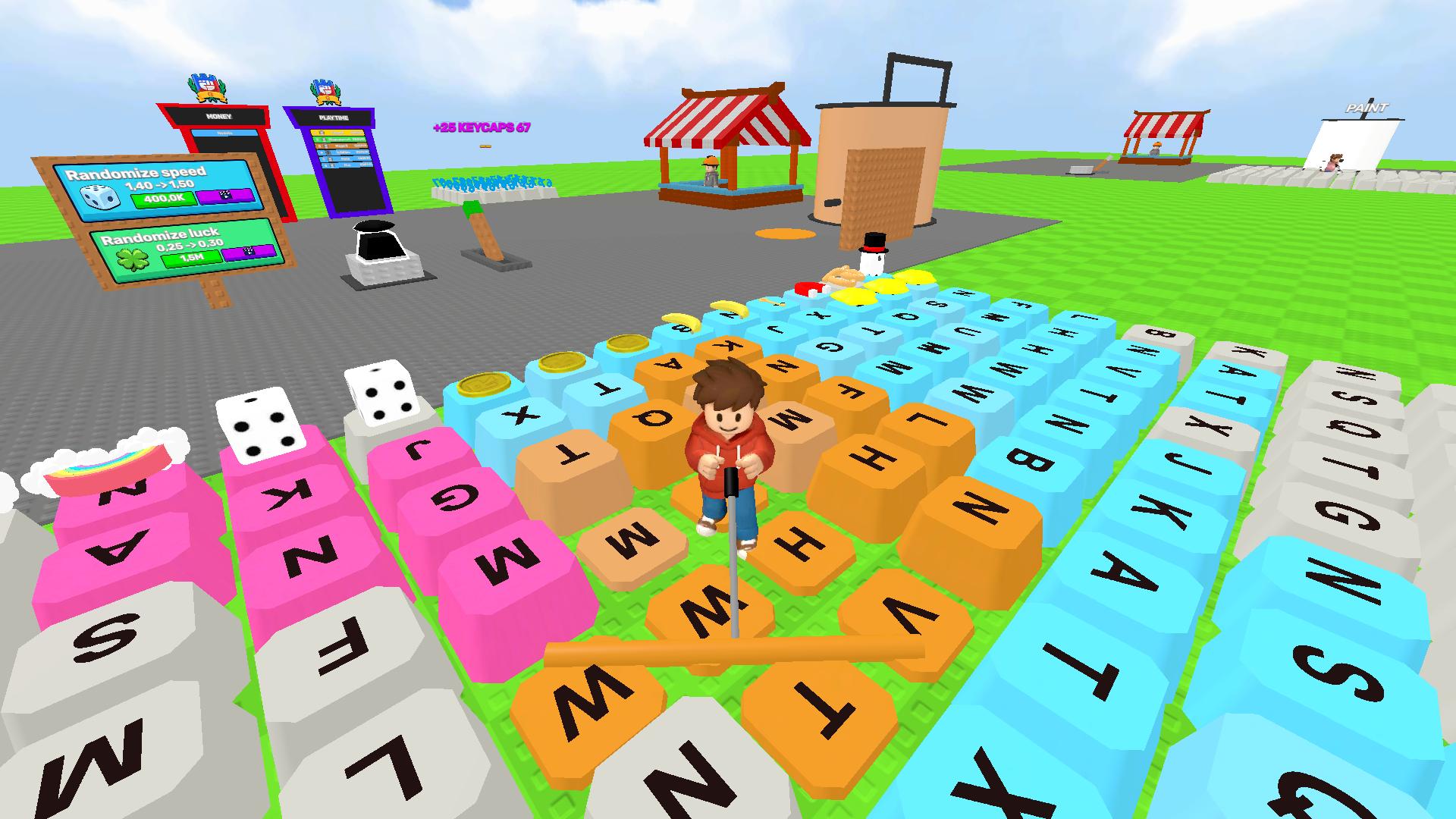
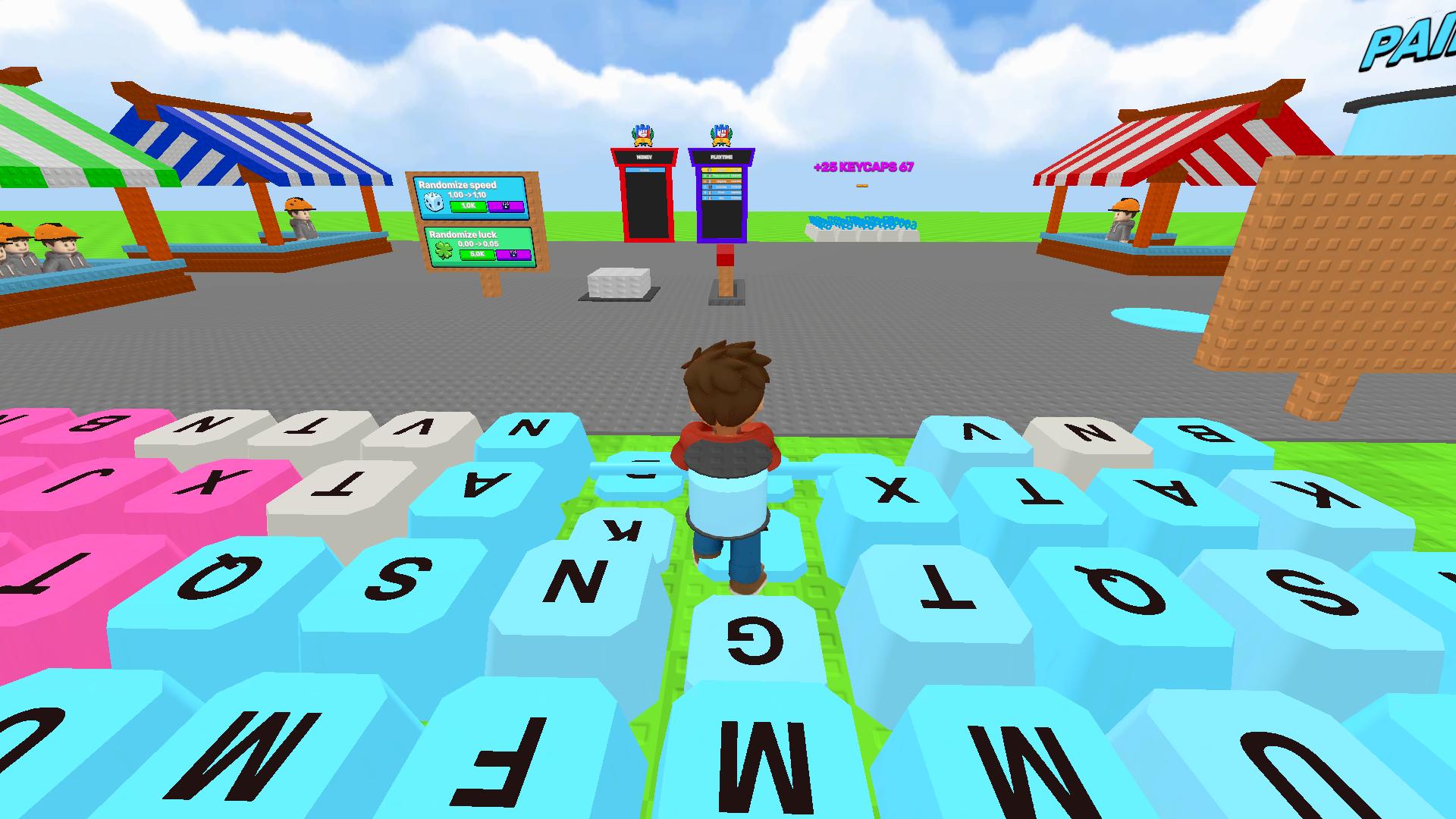
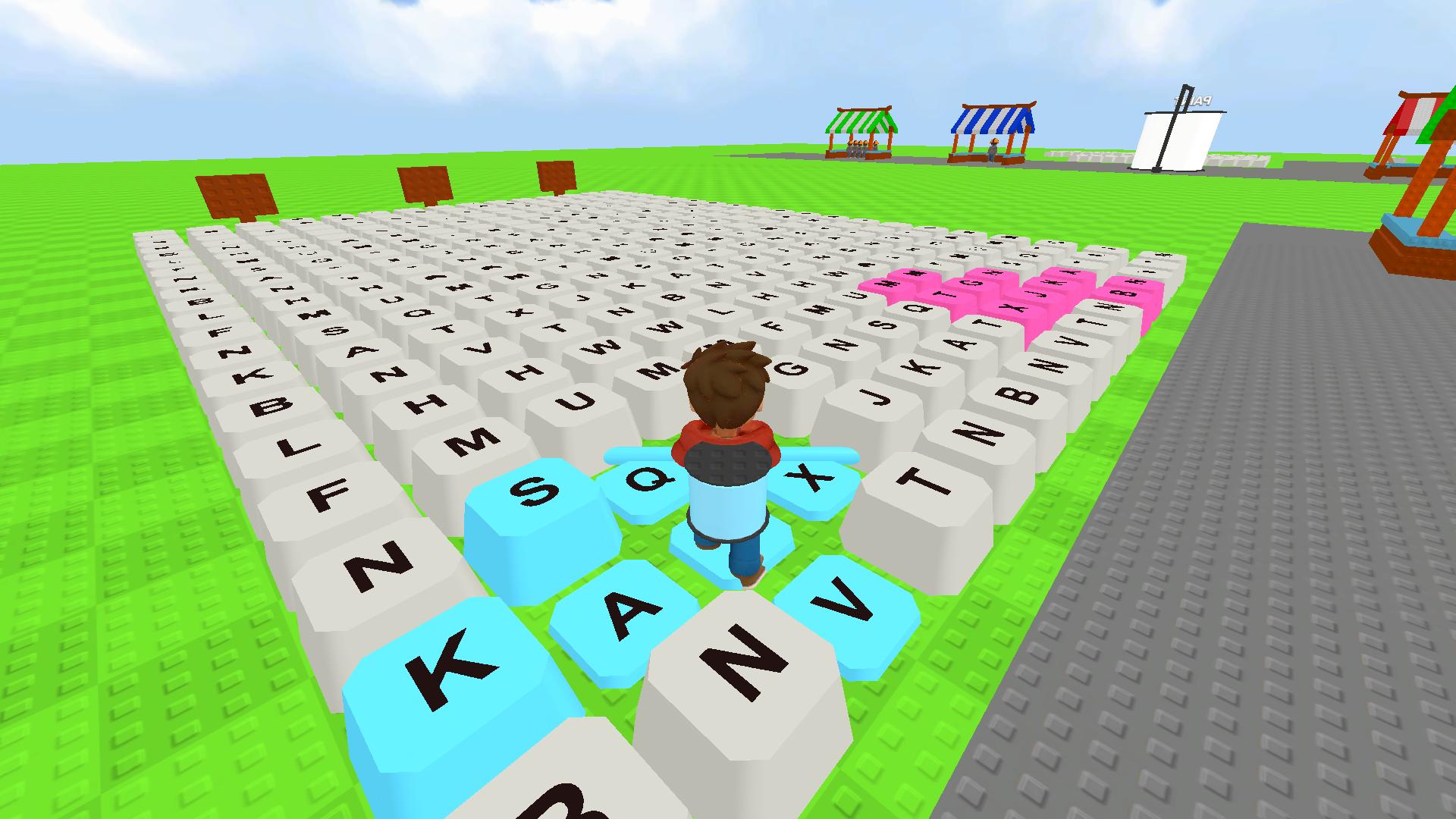
Paint Keys — approach unpainted keyboard keys and start coloring them. Paint each key completely.
Collect Coins — each painted key starts generating coins automatically. Watch your balance at the top of the screen.
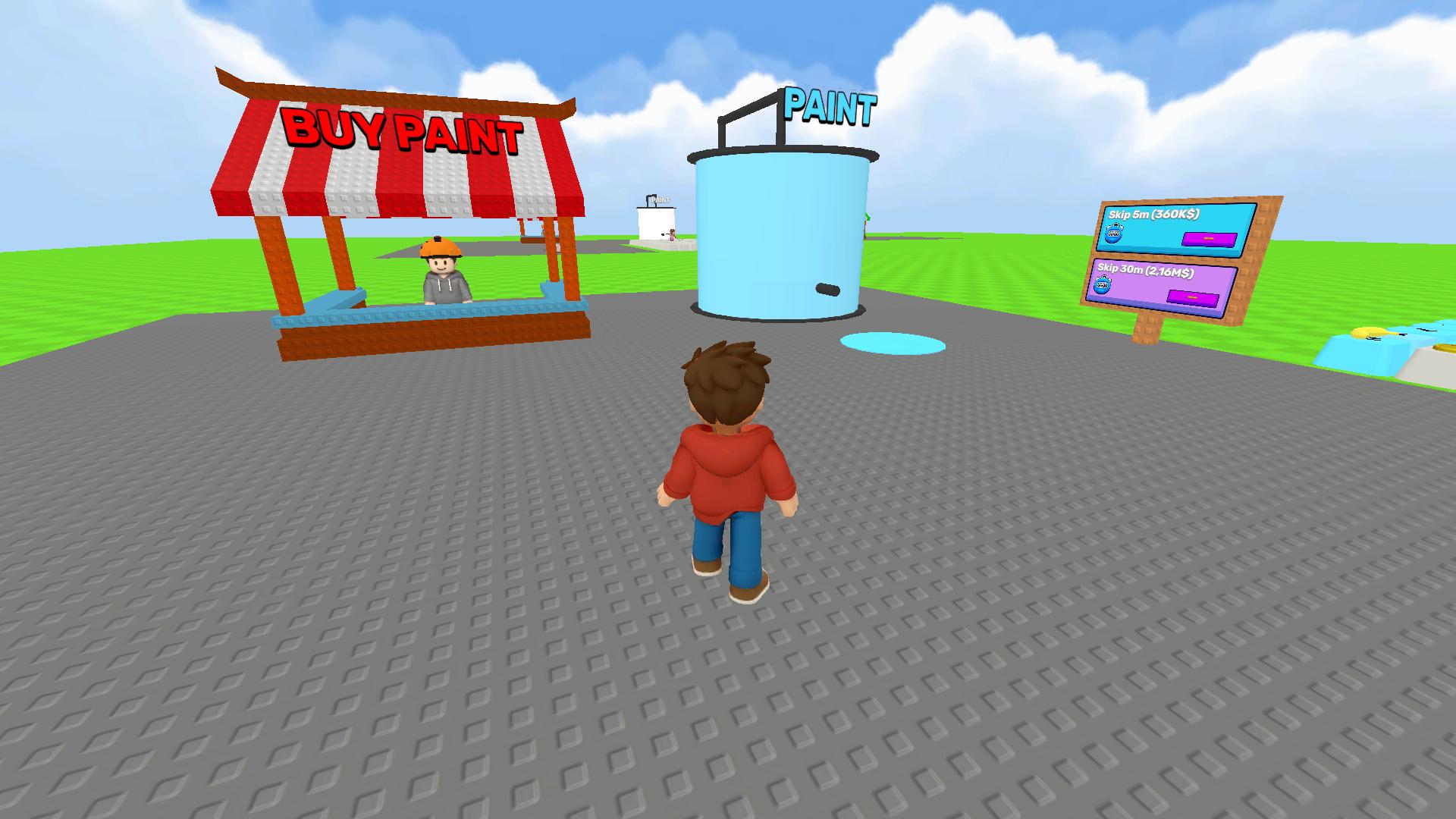
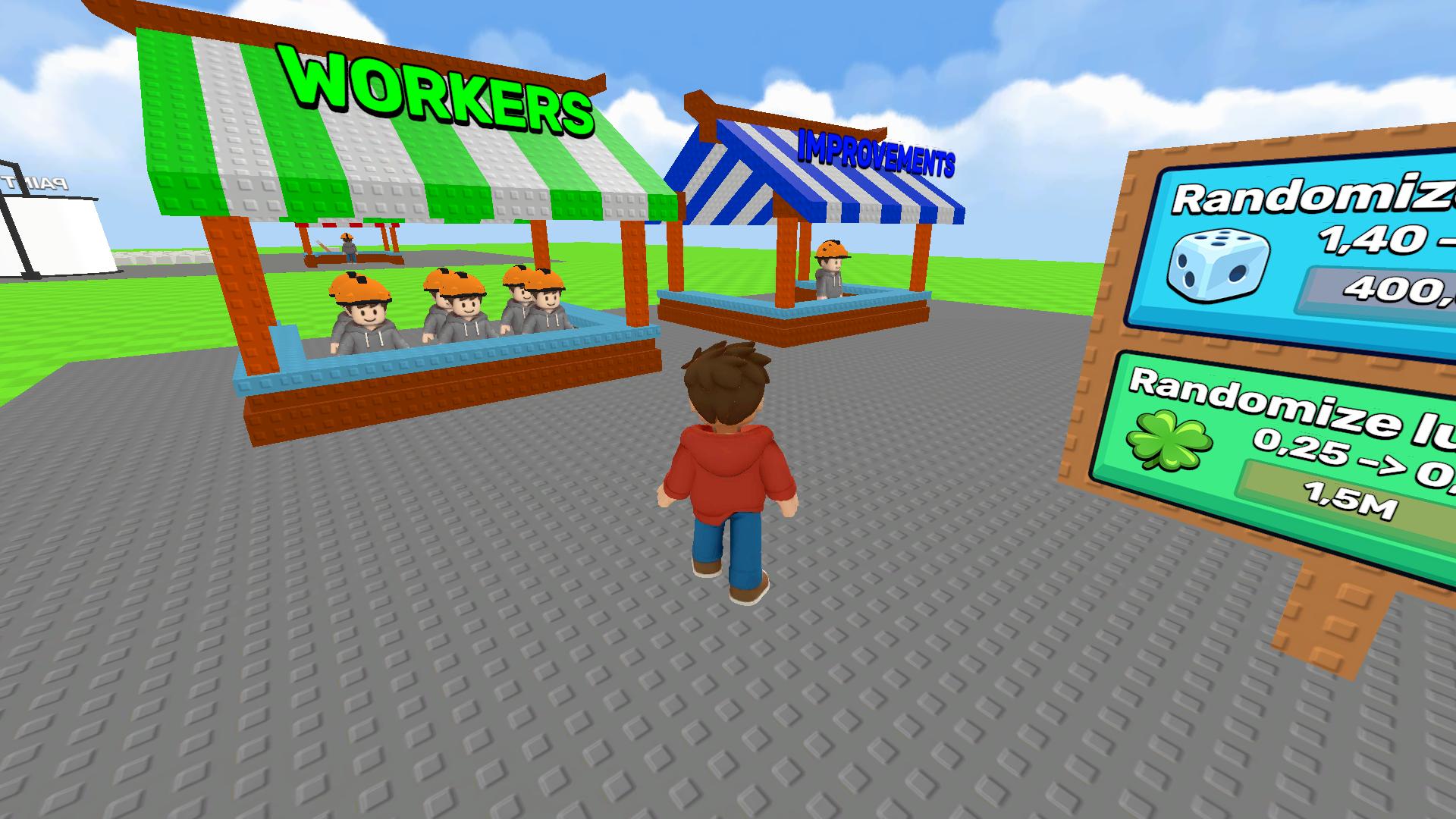
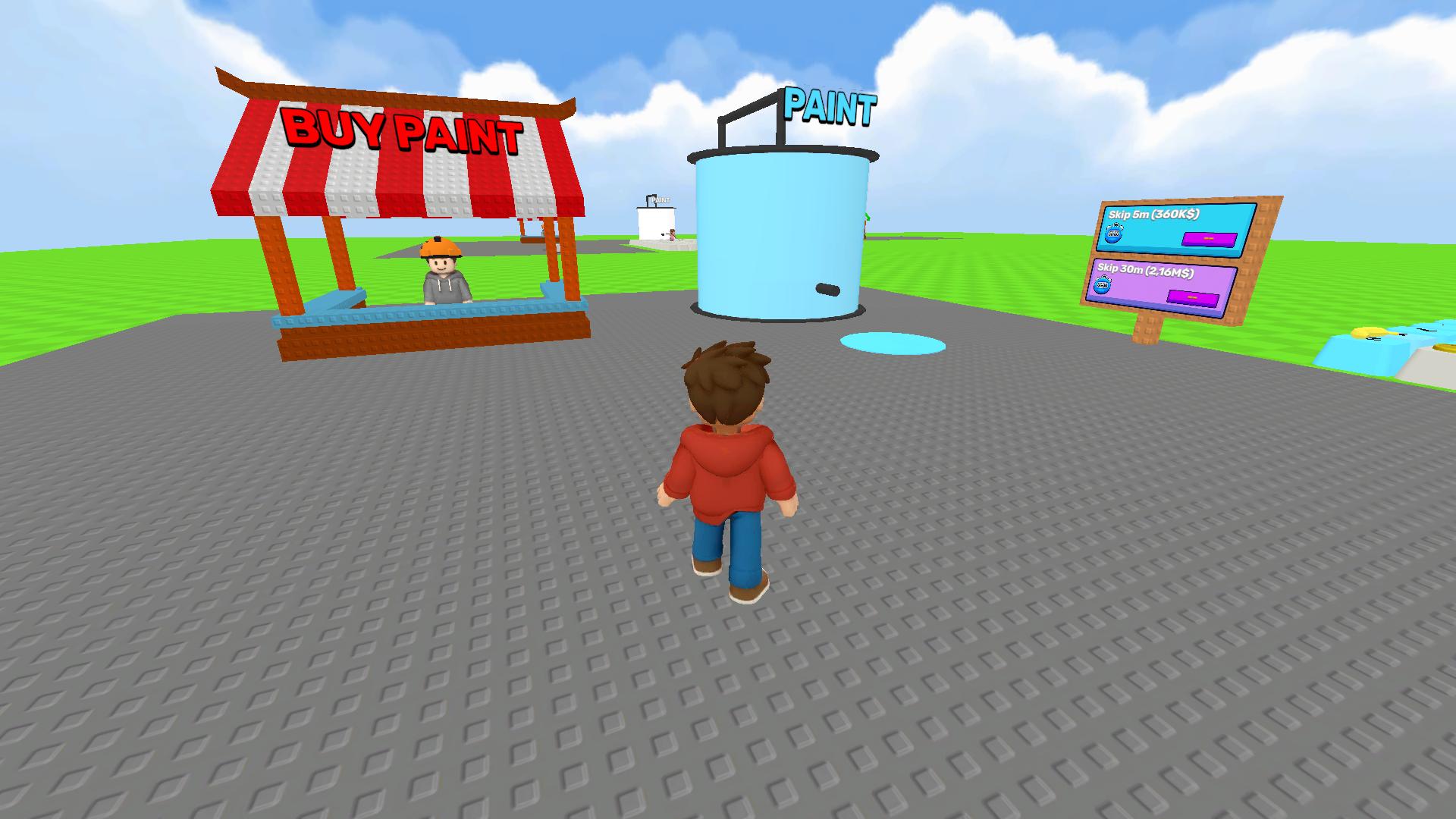
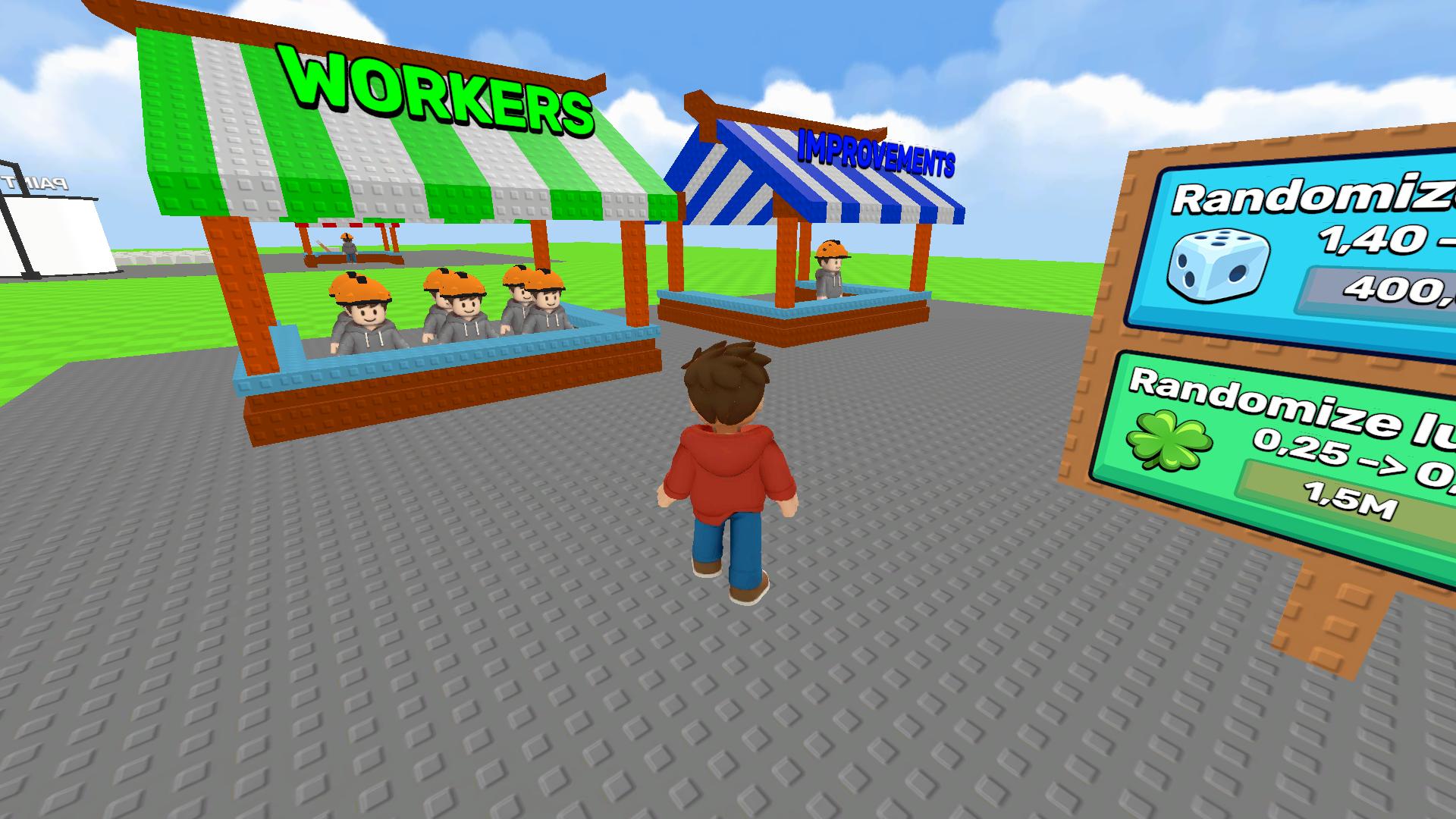
Unlock New Paints — go to the shop and spend your earned coins on new paint colors. More expensive paints bring more profit from each key!
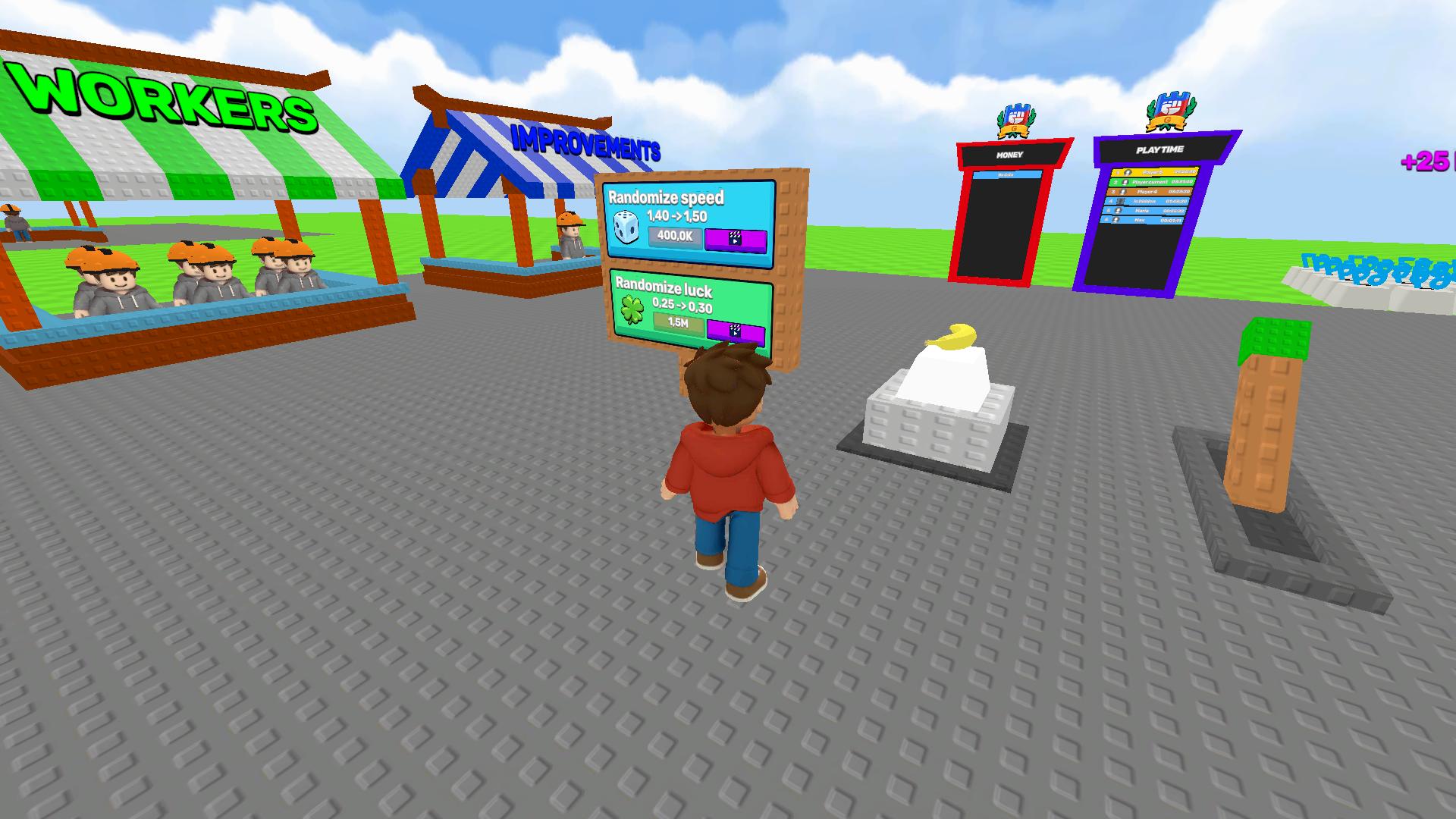
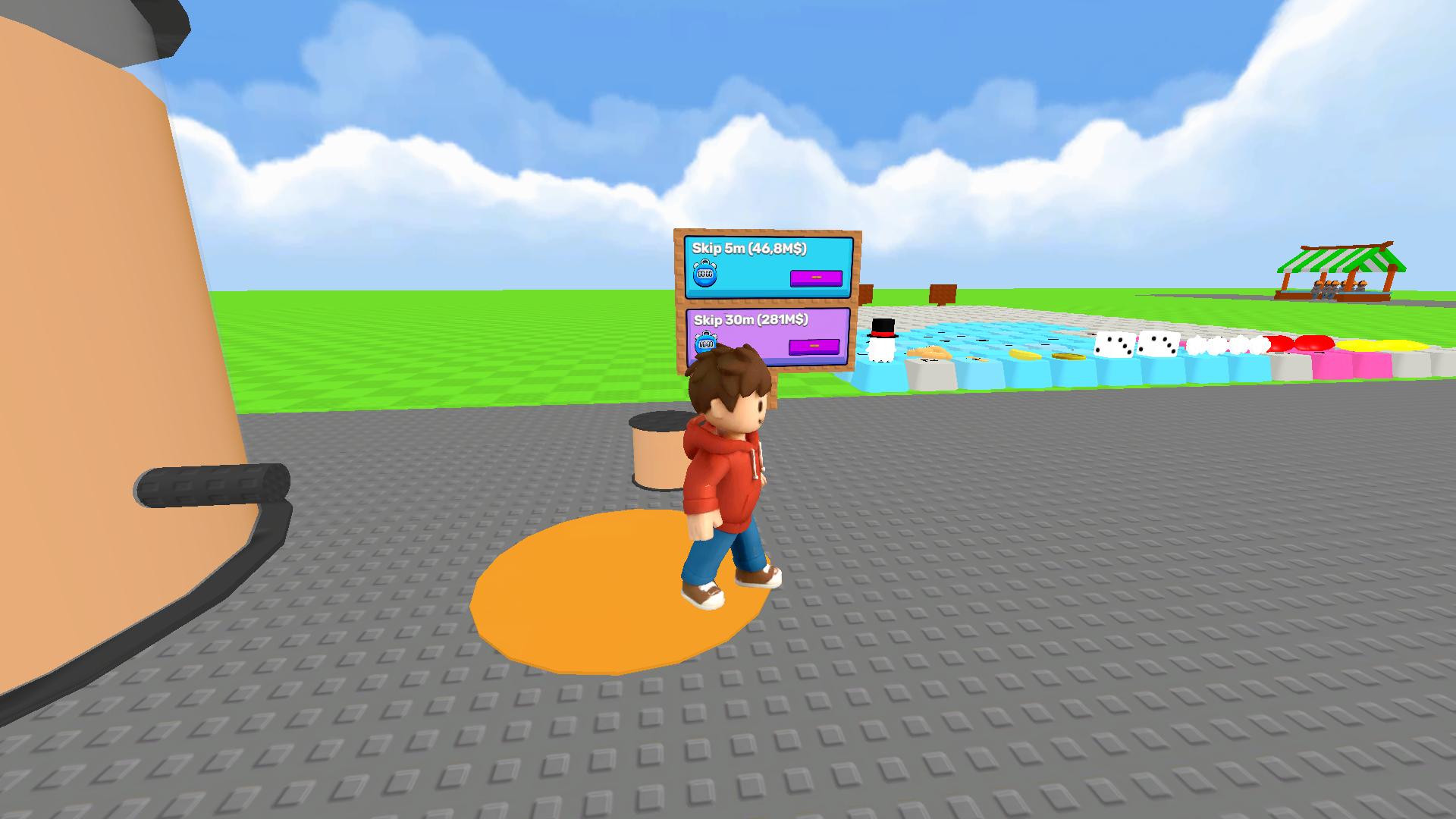
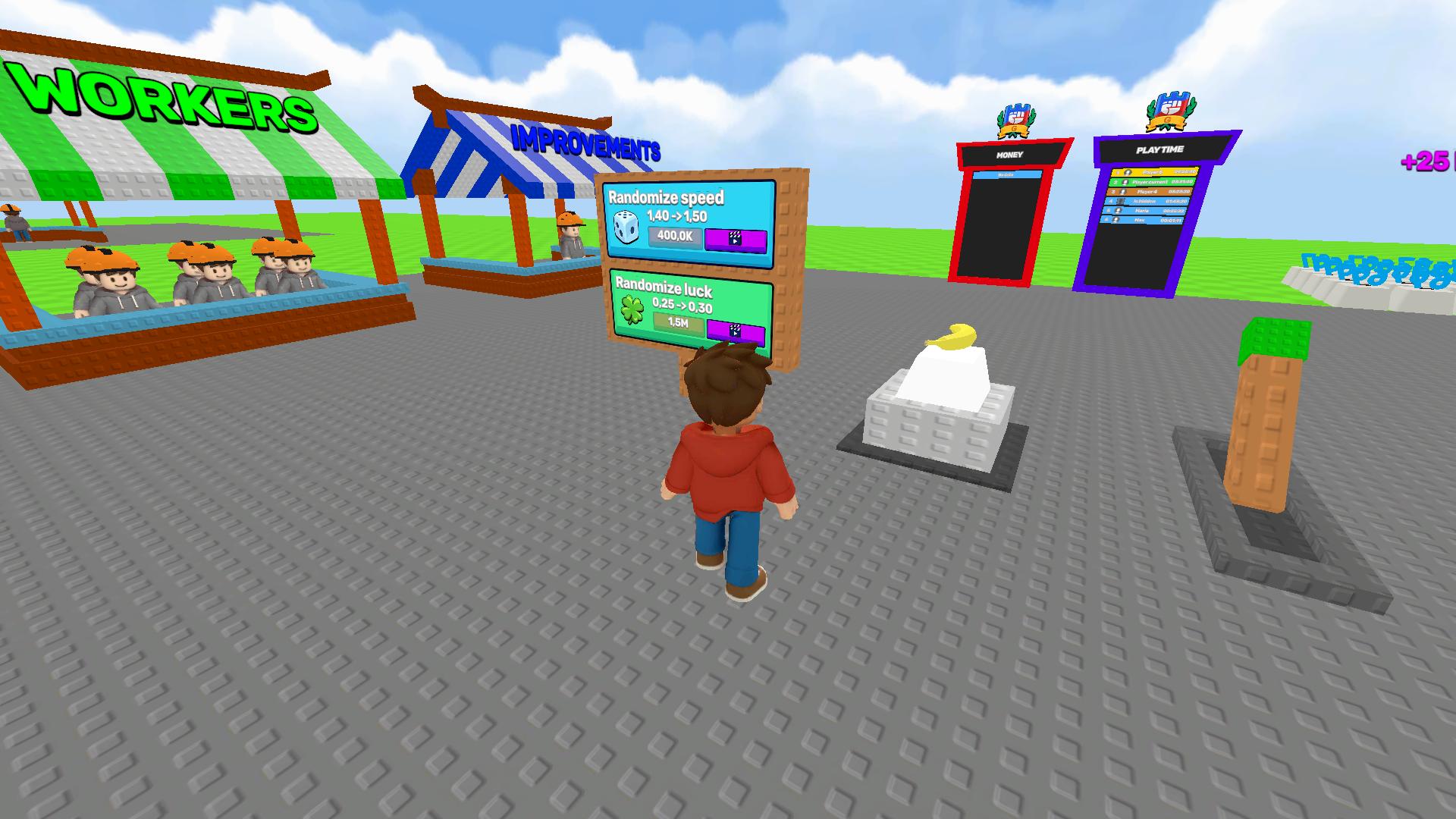
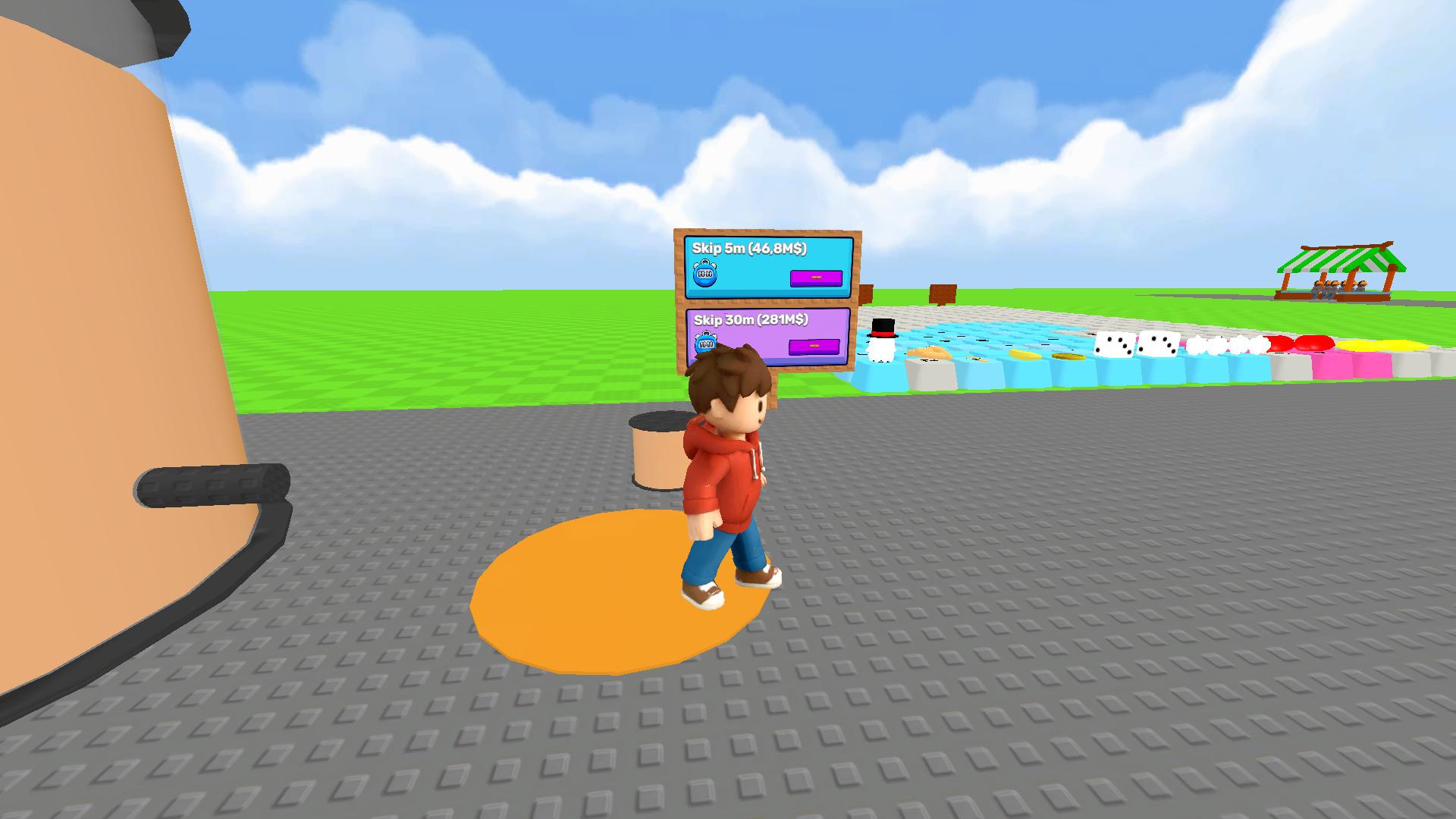
Upgrade Tools — buy upgrades: increase painting speed and work efficiency.
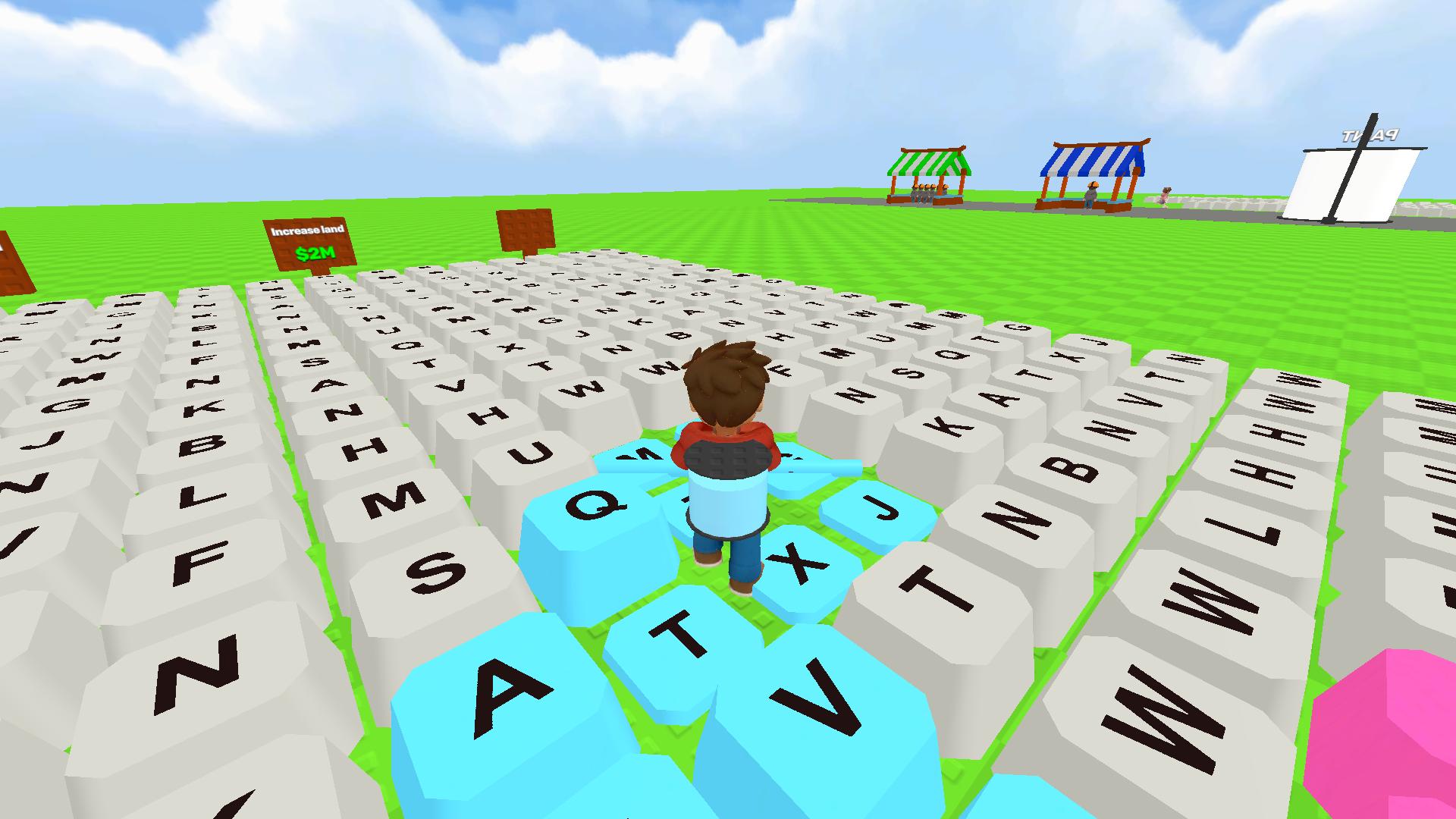
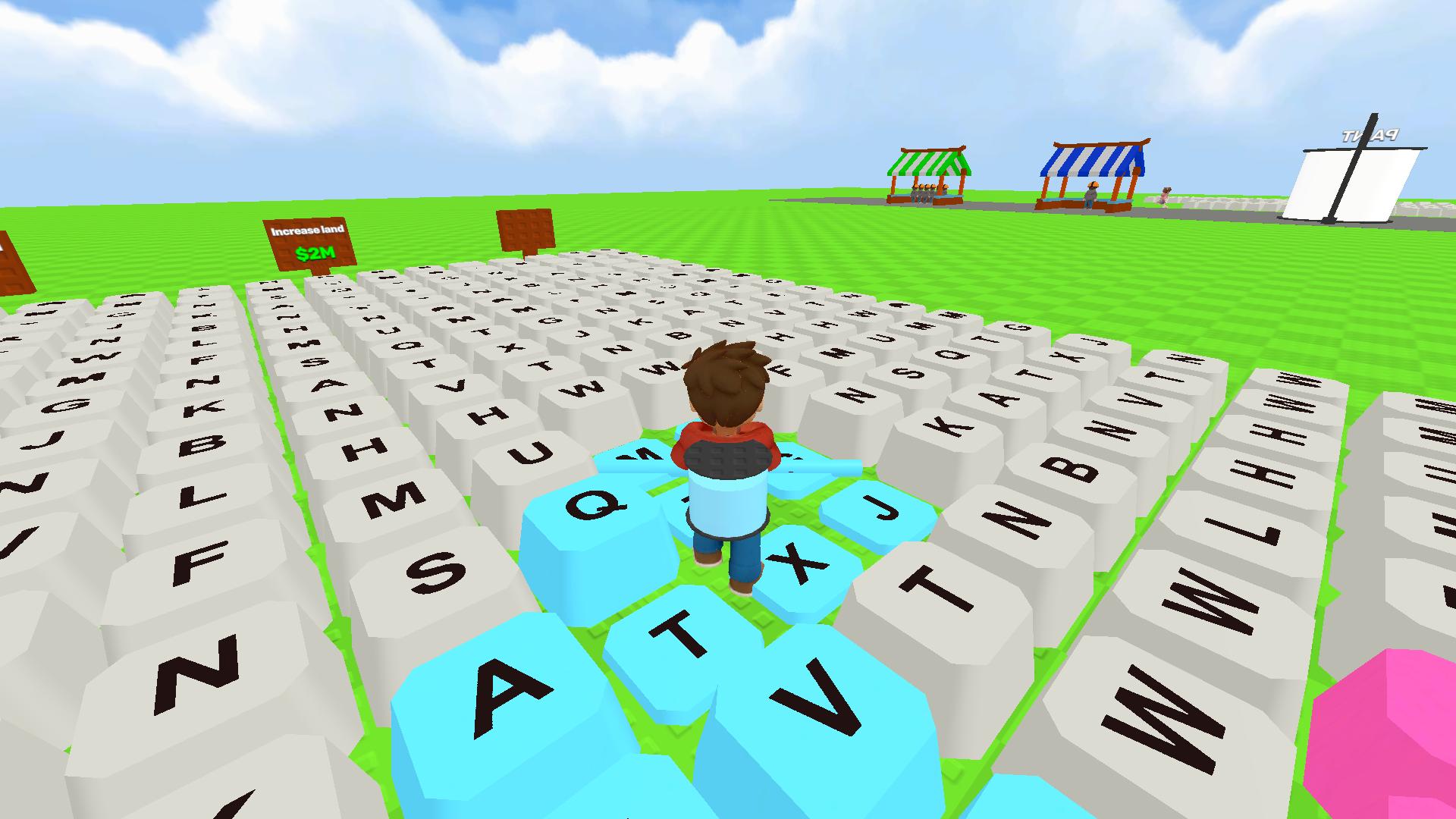
Expand Your Keyboard — when you paint all available keys, buy a keyboard expansion. New rows and sections with more keys to paint will appear!
Features
- Passive Income Generation: Painted keys automatically drip coins into your wallet every second they remain colored.
- Upgrade System: Boost your painting speed and work output by spending earnings at the central shop.
- Chromatic Progression: Unlock neon, metallic, and exclusive color palettes as you reach higher progression tiers.
- Scaleable Workspace: Purchase new rows and sections to constantly increase the surface area you need to cover.
Who is it for
Arcade fans who enjoy satisfying repetitive tasks and visual growth will find this loop highly rewarding. Casual gamers seeking a relaxing way to pass time during breaks appreciate the simple controls and colorful aesthetics. Anyone who loves managing upgrades and watching their digital empire grow quickly should jump in.
Controls
Move character
Use WASD keys, arrow keys, or swipe on mobile screens to navigate the platform.
Camera control
Move the mouse or drag your finger across the mobile screen to look around the keyboard.
Paint keys
Simply walk over the unpainted keys to trigger the automatic coloring action.
FAQ
Is Obby: Paint My Keyboard free to play?
›
Yes, Obby: Paint My Keyboard is completely free and runs directly in your web browser.
Can I play Obby: Paint My Keyboard on mobile?
›
Absolutely, Obby: Paint My Keyboard supports touch controls so you can paint on your phone or tablet.
How do I grow my keyboard in Obby: Paint My Keyboard?
›
You need to paint every available key and then purchase the keyboard expansion option from the store.