Neon Art

Neon Art

⭐ 4.8

About game

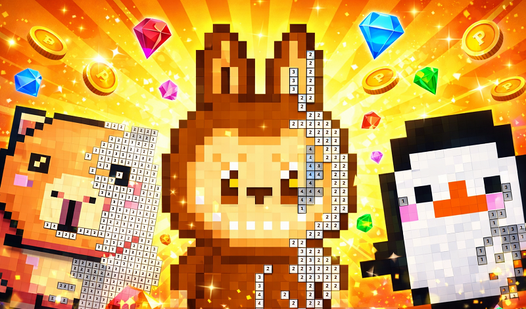
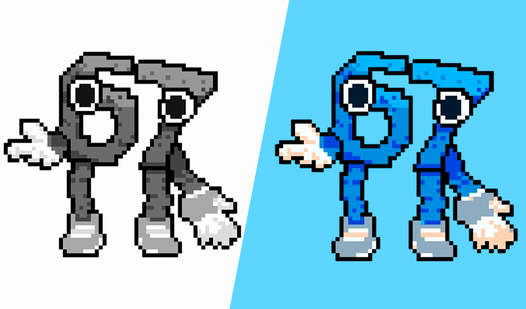
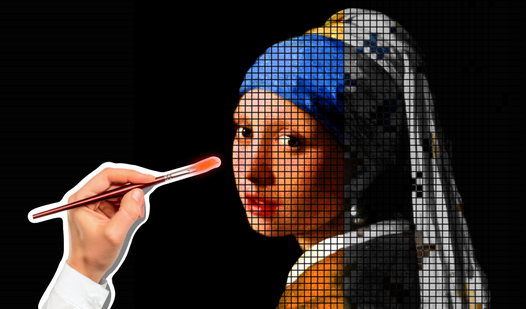
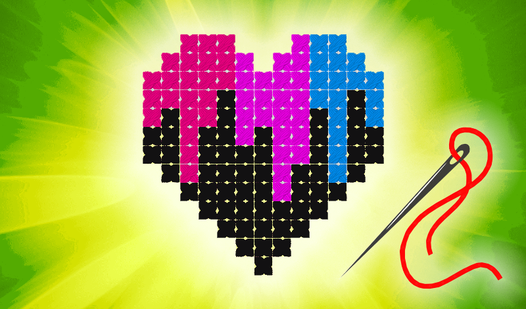
Staring at a blank screen during a midday slump is the worst, but finding a creative outlet can turn your mood around instantly. Neon Art is the perfect digital escape that lets you unwind by filling vibrant canvases with life. This relaxing pixel art game challenges you to match specific colors to numbered squares, revealing a hidden masterpiece with every tap. Precision is the key as you navigate the grid, ensuring every hue lands exactly where it belongs. Beyond the guided coloring tasks, there is a dedicated creative mode for those who want to draw their own designs from scratch. You can easily manage your progress using the gallery tool, which keeps your best work saved and ready for display. Whether you prefer small, quick sketches or complex, large-scale illustrations, the experience remains satisfyingly smooth. Experience the joy of this addictive pixel coloring game for free right in your browser without any downloads required.

How to play

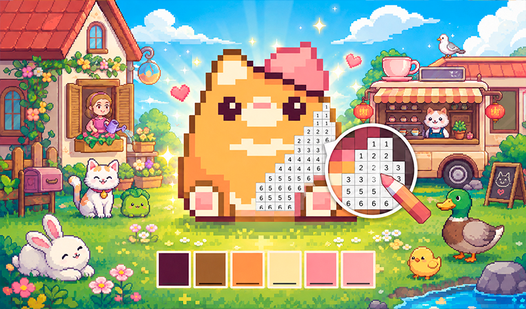
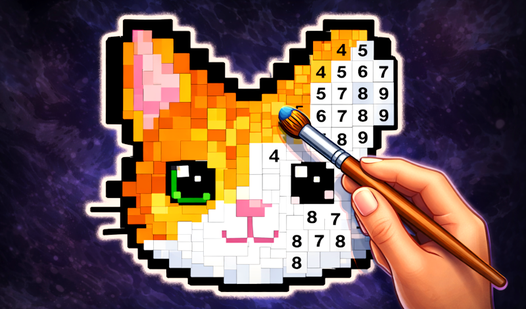
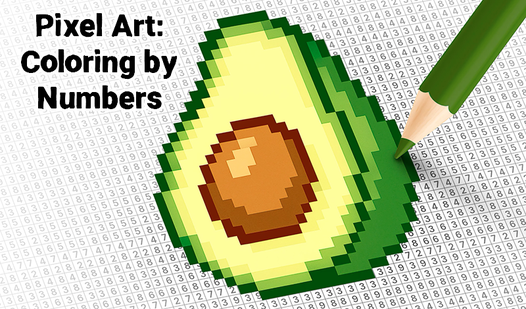
To start playing, you just need to select the picture that you want to paint over, and just fill in the squares with the color that suits. For example: if the color is yellow at number 1, then the squares with number 1 will be yellow, for other numbers — other colors, and so on.

There is also a creative mode where you simply select the desired color and color it in squares.

There is also a Gallery mode where your paintings are saved. There are 3 slots available.

Features

  • Numbered Color Matching: Master the art of precision by aligning specific colors with their designated numerical codes on the grid.
  • Creative Sandbox: Use the free-form drawing mode to design original pixel art masterpieces without being tethered to numerical guides.
  • Gallery Management: Utilize three dedicated save slots to preserve your favorite completed artworks for future viewing.
  • Flexible Canvas Sizes: Choose between different grid formats to suit your available time, ranging from quick mini-projects to detailed full-screen compositions.
  • Therapeutic Gameplay: Enjoy a stress-free environment where the focus remains on color accuracy and artistic satisfaction.

Who is this game for

Relaxation seekers who enjoy meditative puzzles and creative hobbyists will find this interface highly intuitive. Casual gamers looking to de-stress during a quick break or art enthusiasts wanting to experiment with digital pixel art will appreciate the straightforward mechanics and the ability to save their unique progress.

Controls

Select Color: Tap the desired color icon at the bottom of the screen.
Fill Pixel: Tap or swipe over the numbered squares to apply the chosen color.
Navigate Gallery: Tap on the gallery icon to open your saved slots and manage your artwork.

FAQ

How do I save my progress in Neon Art?

Your work is automatically managed within the Gallery mode, where you have three distinct slots to save your progress.

Can I create my own designs in Neon Art?

Yes, the game includes a creative mode that allows you to select your own colors and draw freely on the pixel grid.

Is Neon Art free to play?

Absolutely, you can play Neon Art directly in your browser without needing to download any files.

Video

Neon Art — trailer

Screenshots

Neon Art — screenshot 1Neon Art — screenshot 2Neon Art — screenshot 3Neon Art — screenshot 4

Popular games