About game
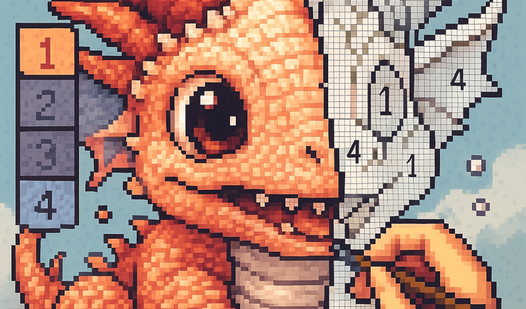
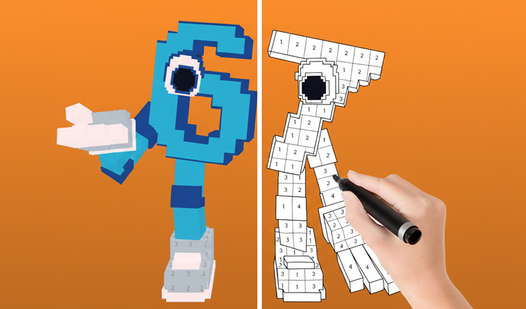
Pixel art transforms simple grids into vibrant masterpieces, turning every spare moment into a soothing artistic retreat. Pixel Assembly: Paint by Numbers offers a seamless way to unwind by matching color codes to hidden segments of a larger image. You simply select a template, identify the numbered palette at the bottom, and fill the canvas with precision. The mechanics allow you to drag your finger across distant cells to color large areas in one fluid motion. Precision is rewarded because incorrect taps simply do not register, ensuring your work remains pristine throughout the process. As you advance, you earn coins to expand your personal gallery of completed works. Whether you are zooming in on intricate details or finishing a quick sketch, the experience remains satisfyingly meditative. Pixel Assembly: Paint by Numbers brings this relaxing hobby directly to your browser for free, with no downloads or installations required.
How to play
Game Objective: Color all the pictures, earn as many coins as possible, and complete your collection.
Coloring:
Select a picture from your gallery.
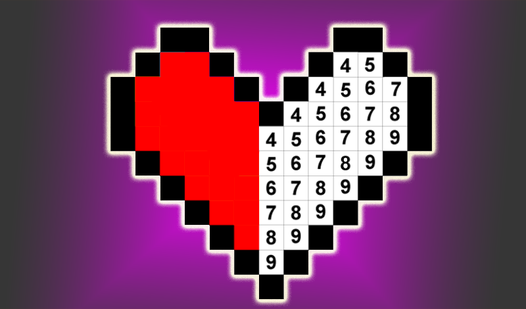
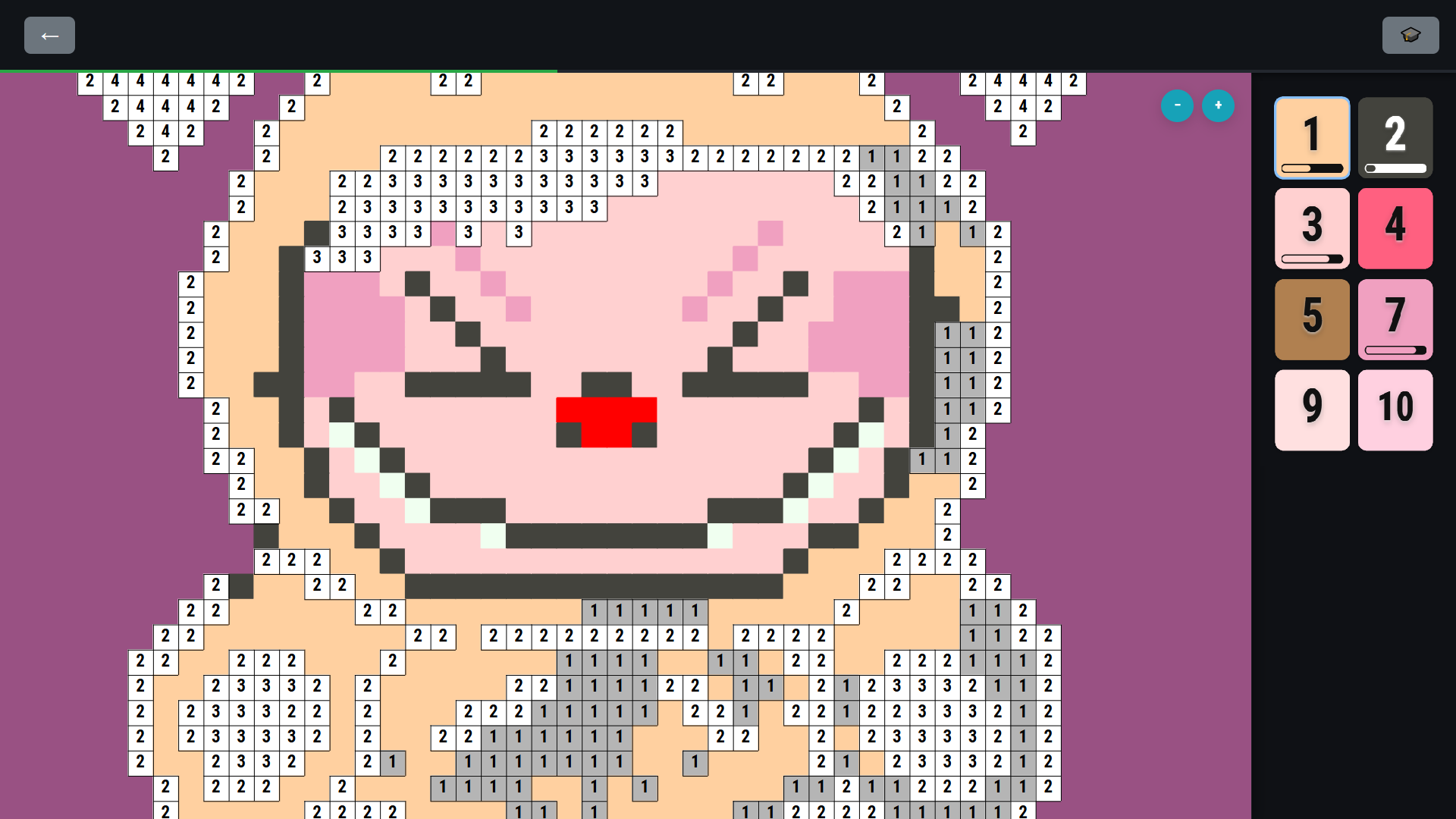
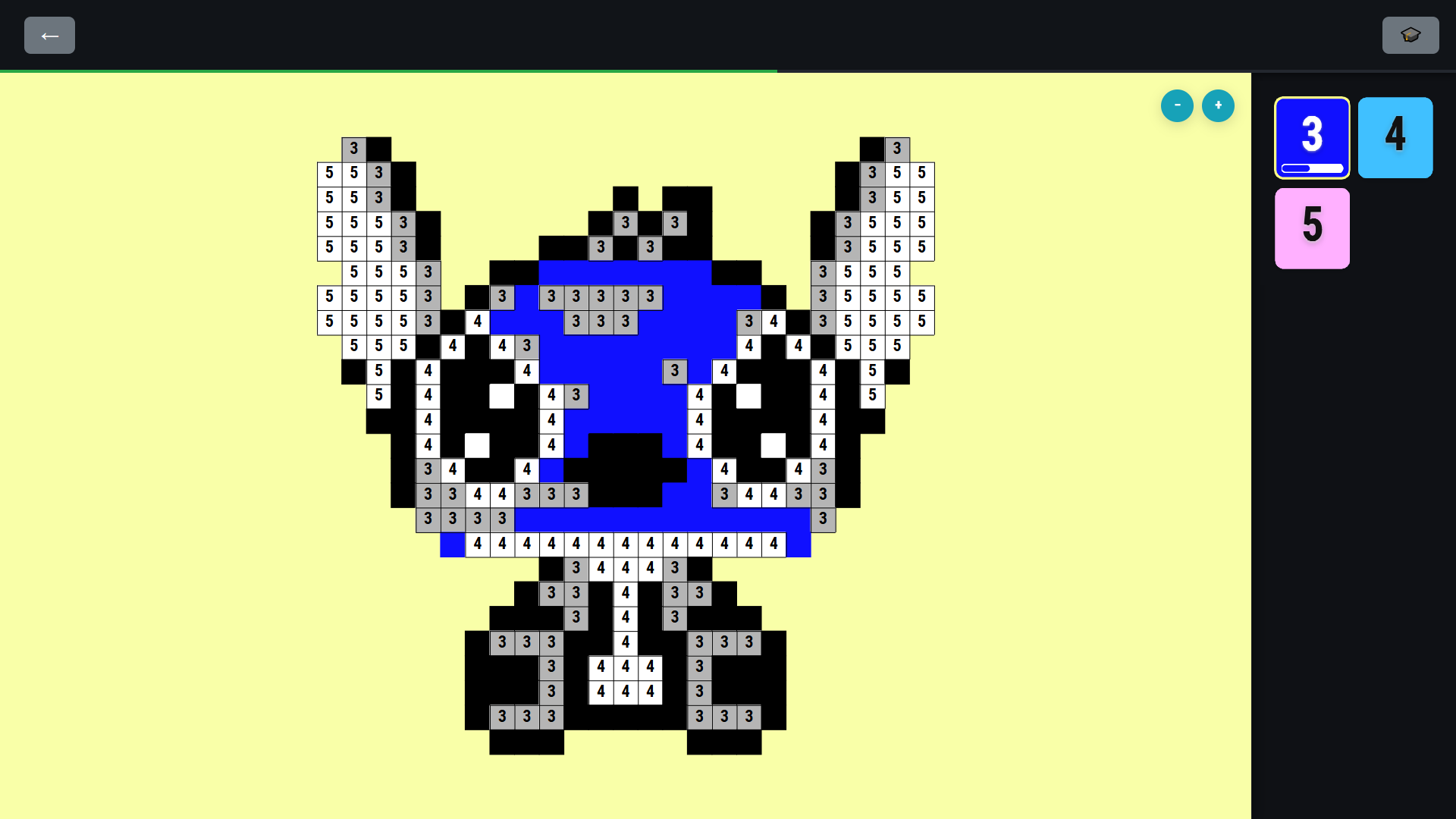
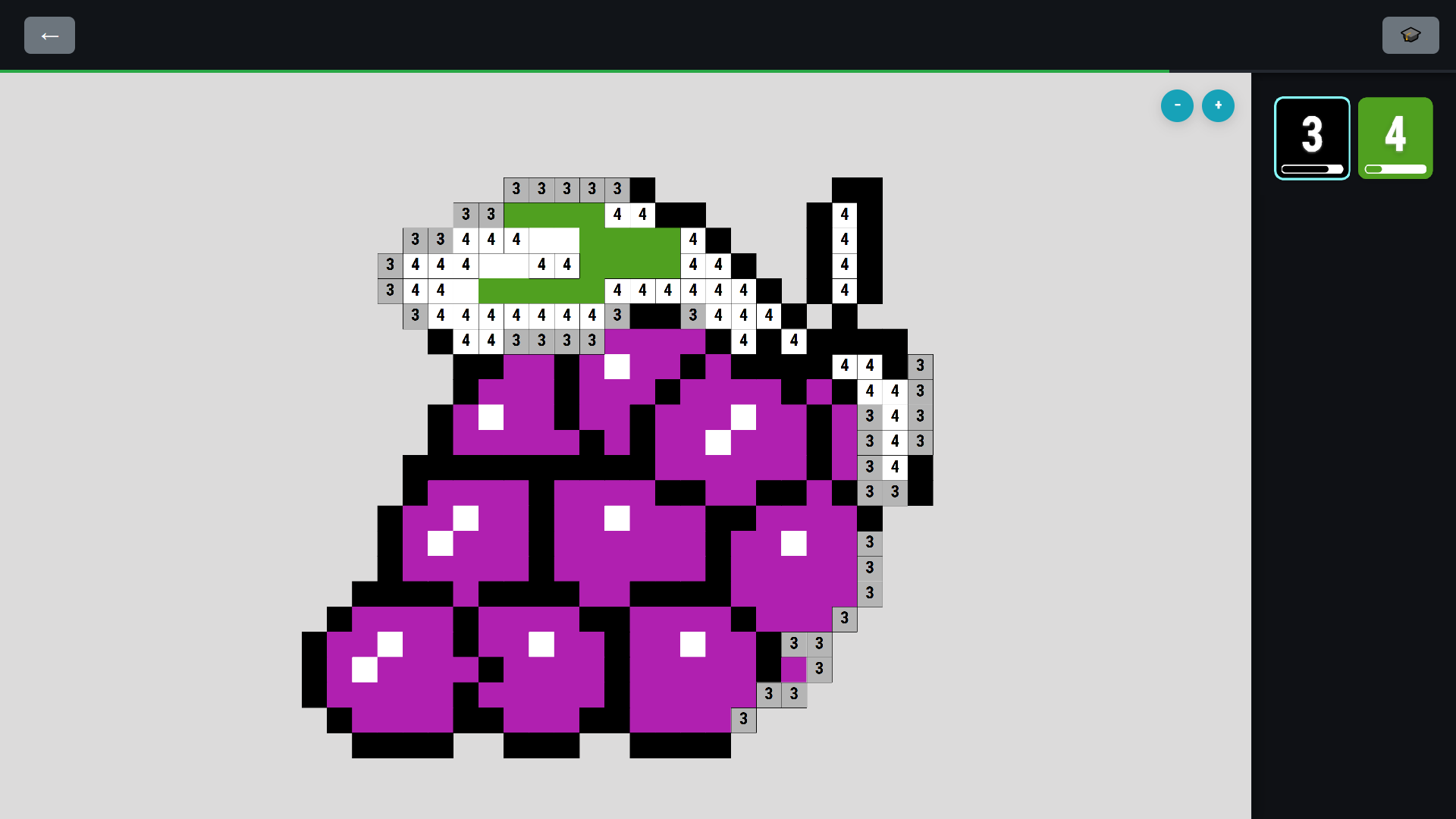
Study the palette. At the bottom of the screen, you'll see colors, each assigned a specific number (e.g., 1, 2, 3).
Find the cells on the canvas with the number corresponding to the selected color.
Start coloring. Select a color from the palette and drag your finger over all cells with the matching number. You can color without lifting your finger from the screen, even if the cells are far apart.
If you make a mistake: If you tap on a cell whose number doesn't match the selected color, coloring won't occur. This also allows you to move the picture by tapping on already colored areas.
Use zoom to better distinguish numbers on small cells.
Enjoy the coloring process and create your own pixel gallery!
Features
- Smart coloring system: Drag your finger across the screen to fill multiple cells at once without needing to lift your touch.
- Interactive zoom: Use pinch gestures to magnify intricate sections of the grid for perfect accuracy on smaller pixel details.
- Coin economy: Complete challenging images to earn currency that unlocks new categories and special artwork themes.
- Error-proof mechanics: The game automatically blocks incorrect placements to keep your progress clean and stress-free.
- Dynamic gallery: Build a comprehensive collection of finished projects that you can revisit and admire at any time.
Who is it for
Casual players and creative enthusiasts who enjoy meditative activities will find their zen here. It is a fantastic choice for anyone seeking a low-pressure way to destress during short breaks, as well as younger players looking for an engaging, colorful way to practice focus and coordination skills.
Controls
Select color
Tap the desired number on the bottom palette.
Fill cells
Drag finger or mouse cursor across numbered cells on the grid.
Zoom in/out
Use mouse scroll wheel or pinch fingers on a touchscreen.
Move canvas
Tap and hold on already colored areas to pan across the screen.
FAQ
Is Pixel Assembly: Paint by Numbers completely free to play?
›
Yes, you can enjoy all the features and artwork in Pixel Assembly: Paint by Numbers directly in your browser without any hidden costs.
Do I need to download Pixel Assembly: Paint by Numbers to my device?
›
No, Pixel Assembly: Paint by Numbers is a web-based game that runs instantly in your browser on both desktop and mobile devices.
How do I save my progress in Pixel Assembly: Paint by Numbers?
›
Your progress is saved automatically within your browser session as you complete each image and earn coins for your gallery.