About game
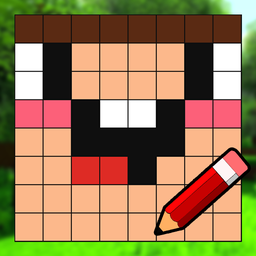
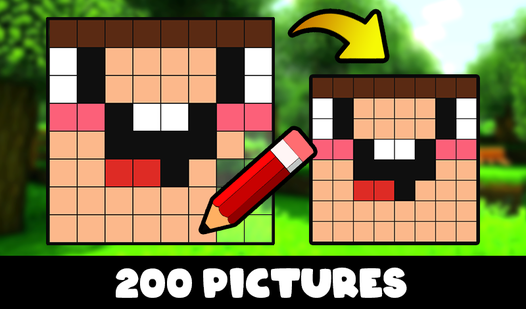
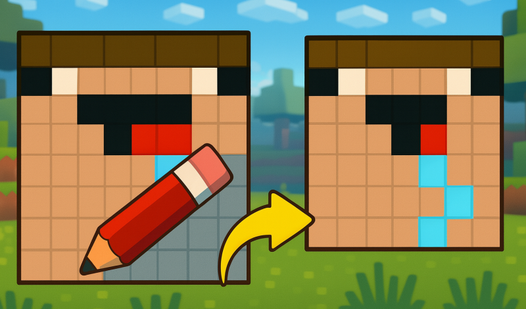
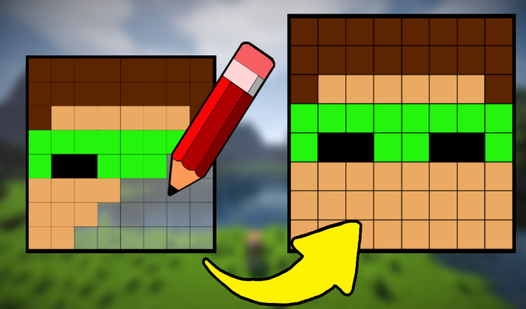
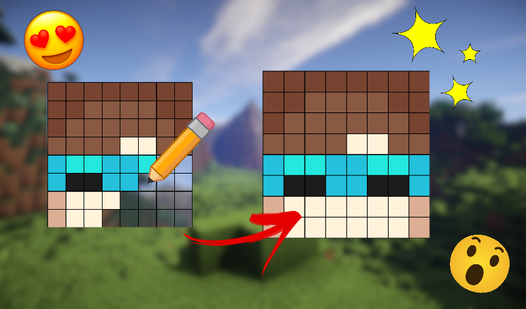
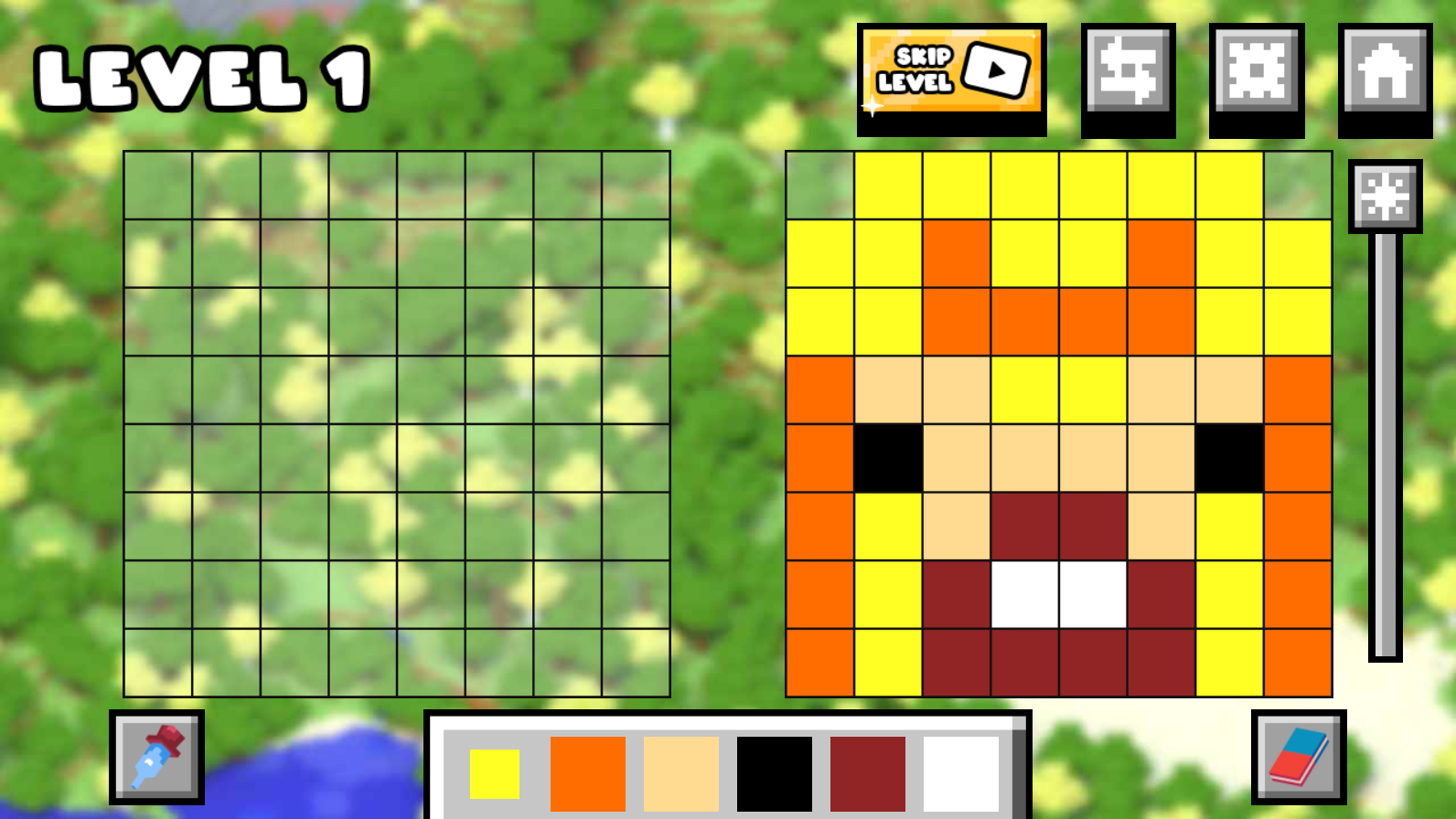
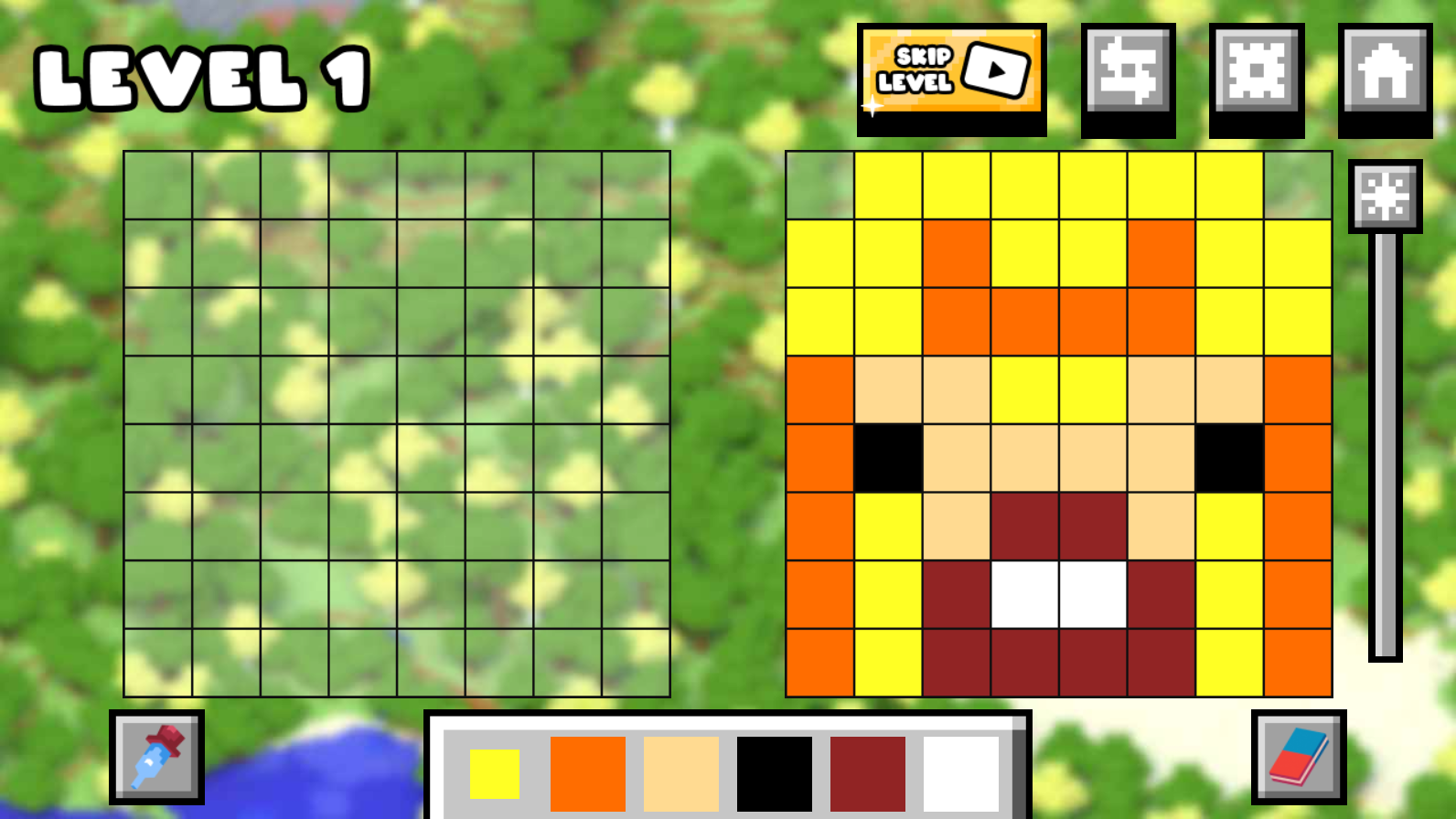
Trace intricate pixel art patterns to master your skills as a pro artist in Draw Nubik: Expansion!. Every level challenges you to replicate colorful designs with precision while earning currency to unlock unique character skins. You start by selecting vibrant colors from the palette to fill in every square of the grid until the image matches the sample perfectly. If you misplace a pixel, simply use the eraser tool to fix your masterpiece before finalizing your work. Beyond the guided drawing tasks, the game offers a creative sandbox mode where you can draw whatever your imagination conjures up. Adjusting background brightness helps you spot subtle color differences, ensuring your art remains pixel-perfect every time. This relaxing draw experience provides endless entertainment for those who enjoy creative puzzles and logical challenges. Experience the fun of this minecraft inspired drawing game directly in your browser with no download required.
How to play
😉 The game controls are intuitive:
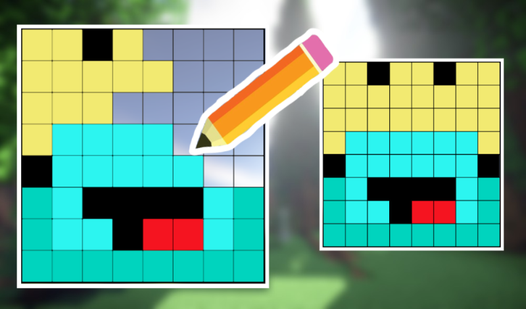
1️⃣ Look at the sample picture 👀
2️⃣ Select the colors of the palette 🎨 below
3️⃣ Draw ✏️ your picture. You need to make sure that your picture completely matches the sample
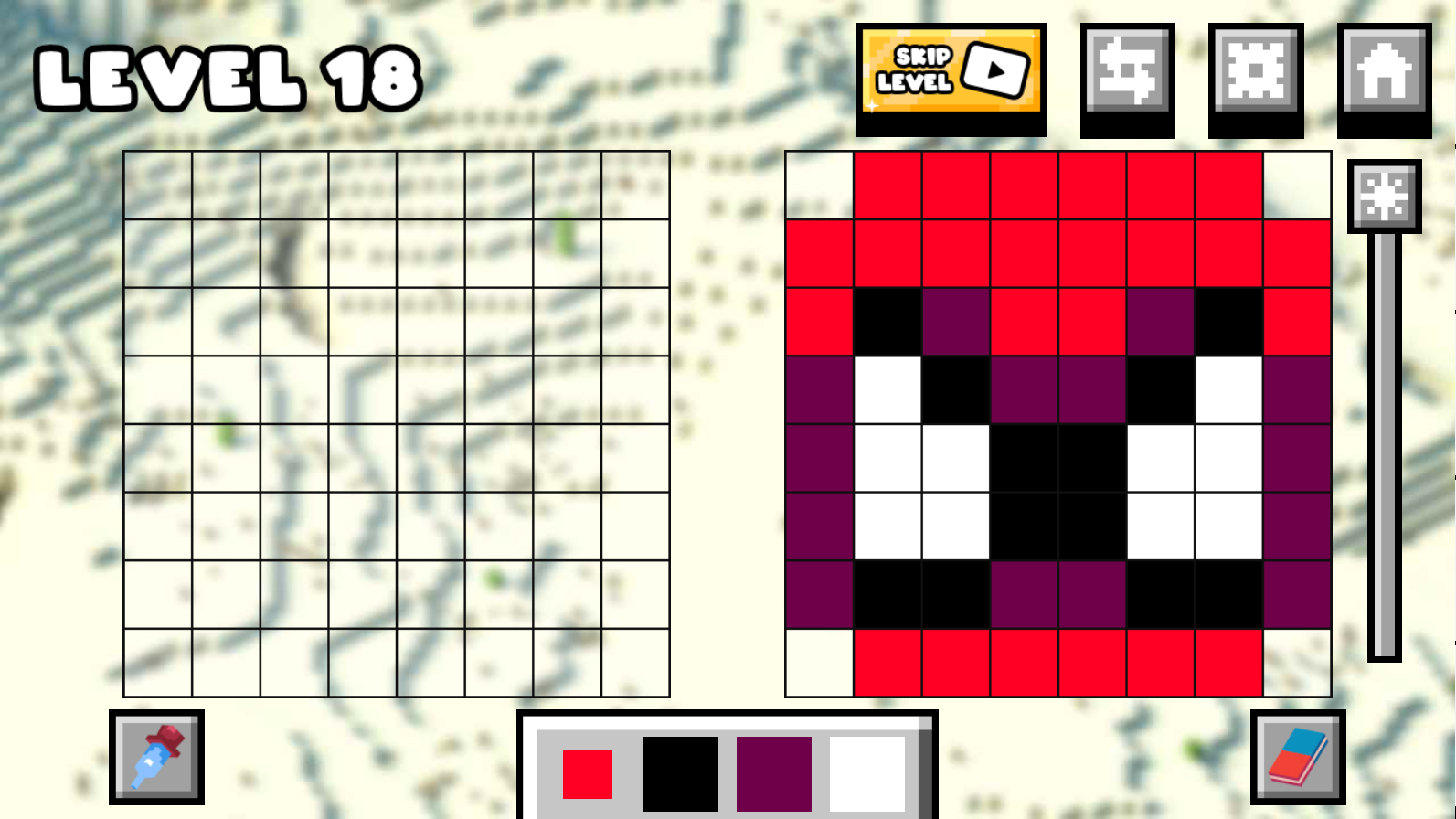
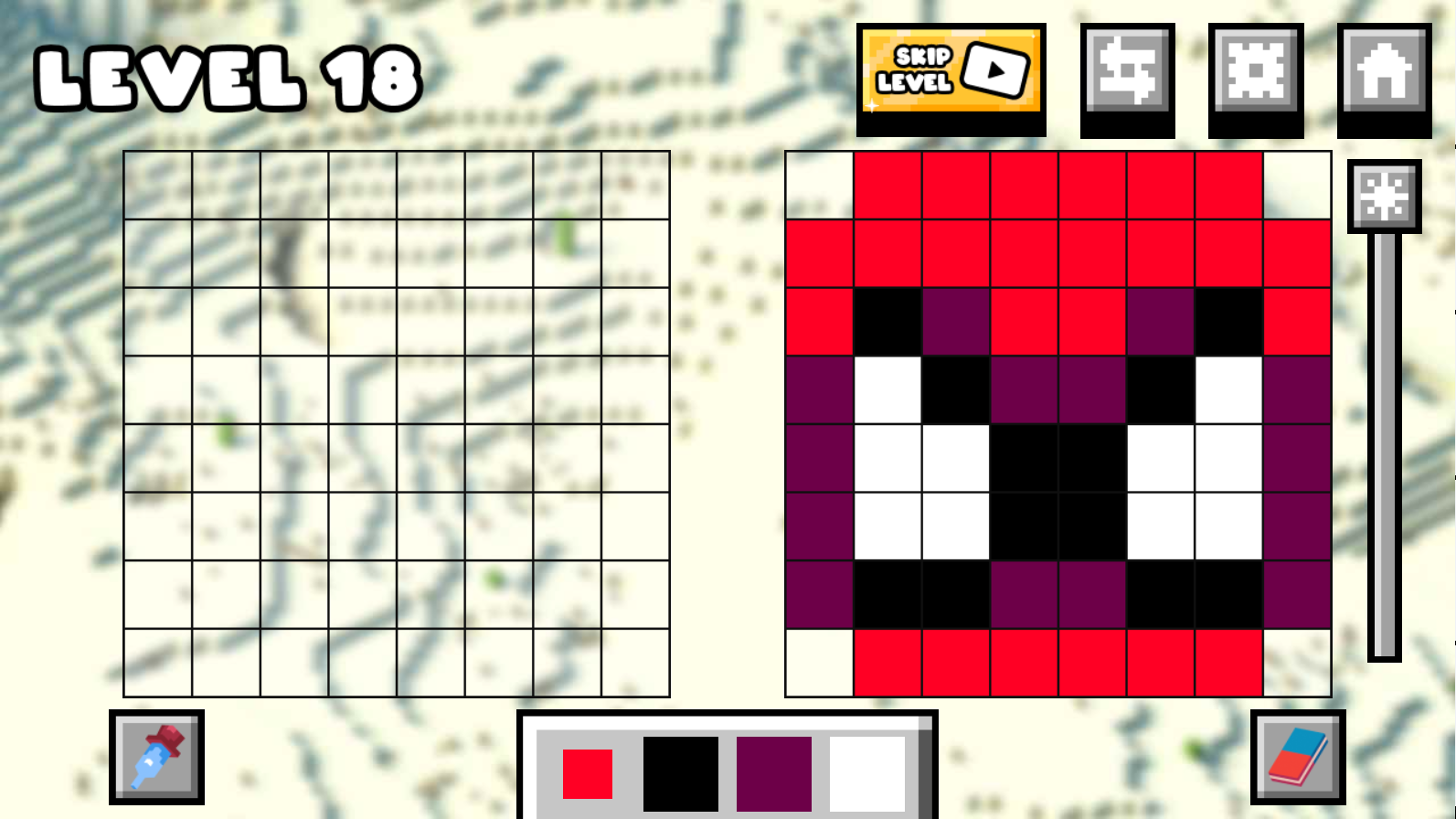
4️⃣ If you make a mistake, don't worry. You can always erase pixels with the 🧽 eraser, which is in the lower right corner
5️⃣ Also, using the eyedropper 💉 in the lower left corner, you can select colors on the sample
6️⃣ And with the regulator, you can control the brightness ☀️ of the background. This greatly helps to better distinguish colors
7️⃣ You can also skip a level at any time by watching an ad 📺, just press the corresponding button
Features
- Custom Canvas: Unleash your creativity in the free-draw mode where you can design original pixel art from scratch.
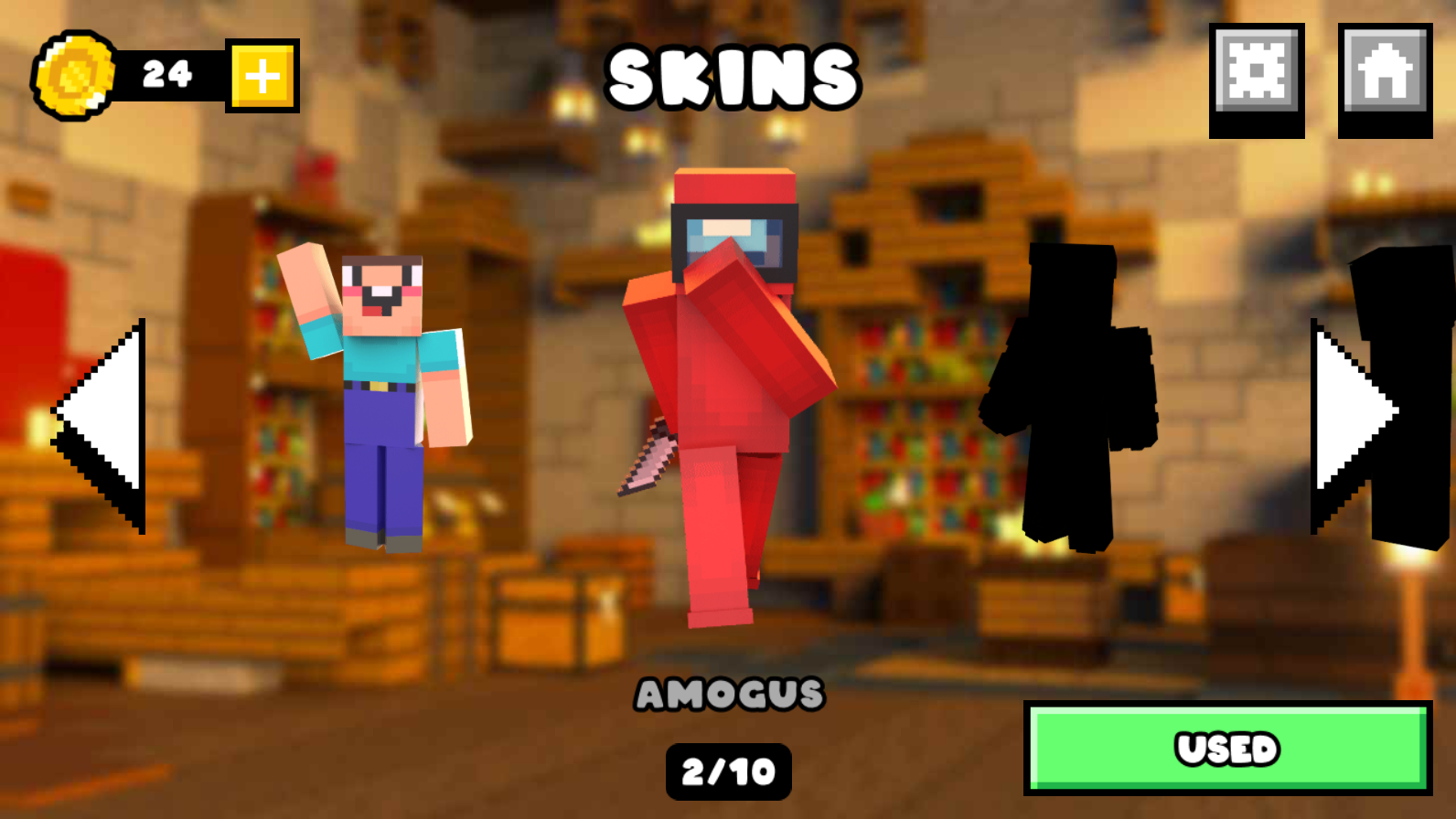
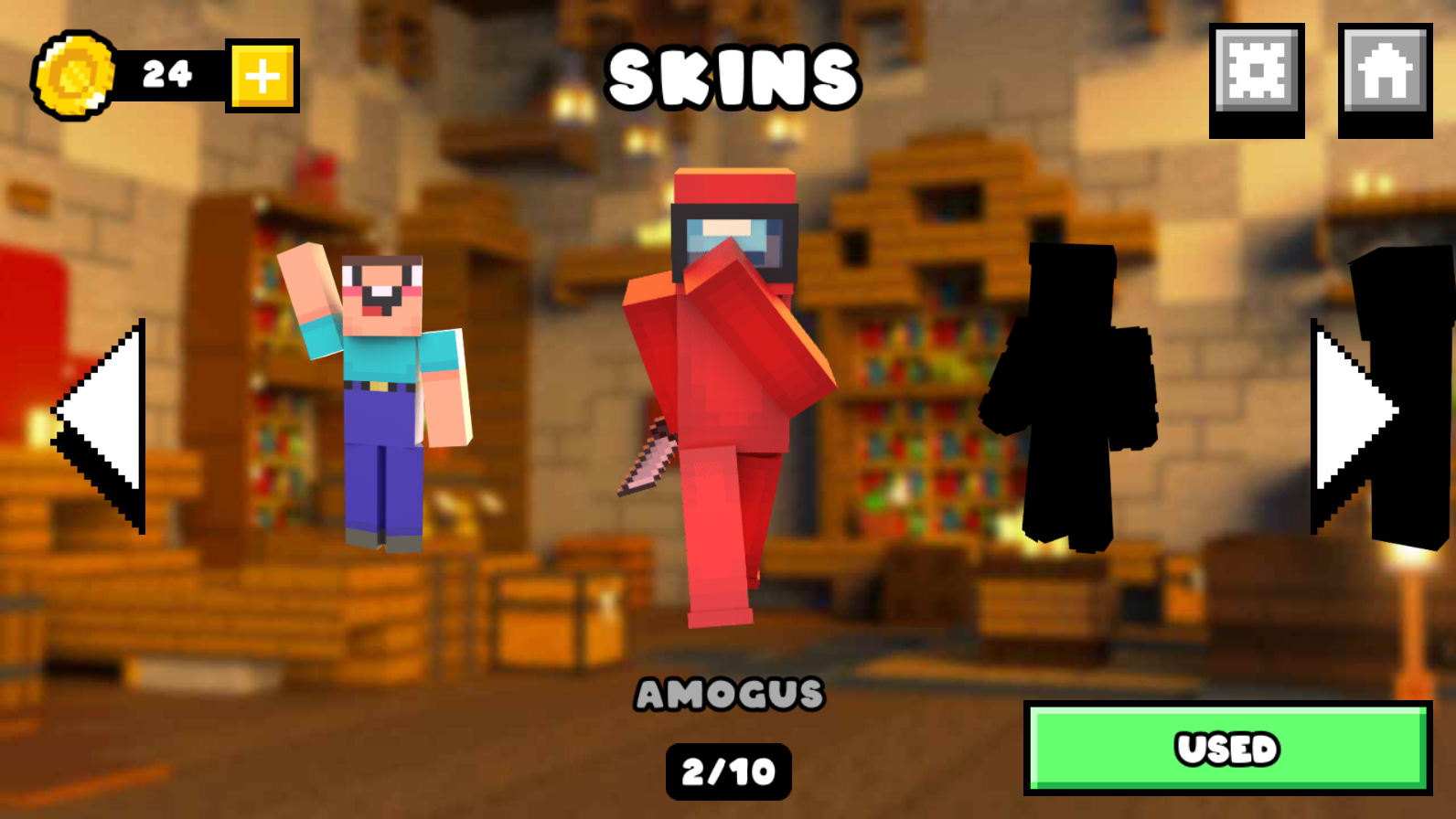
- Skin Store: Spend the coins earned from completed levels to customize your character appearance with various fun outfits.
- Precision Tools: Utilize the eyedropper for perfect color matching and an adjustable brightness slider to see hard-to-reach grid areas.
- Skip Mechanic: Use the level skip feature if you get stuck on a particularly difficult pattern to keep your progress moving.
- Progression System: Earn rewards for every successful drawing that help you advance through increasingly complex artistic challenges.
Who is it for
Casual players who love pixel art and color-matching games will find this title engaging. Fans of the minecraft aesthetic seeking a relaxing creative outlet will enjoy the straightforward mechanics. The simple interface makes it a great choice for kids and adults looking to train their brain through visual puzzles.
Controls
Select color
Click or tap on a color from the palette at the bottom of the screen.
Draw pixel
Click or tap and drag on the grid to place the selected color.
Erase mistake
Tap the eraser icon in the bottom right corner then tap the pixel you want to remove.
Sample color
Use the eyedropper tool in the bottom left corner to pick a color directly from the reference image.
FAQ
Is Draw Nubik: Expansion! free to play in my browser?
›
Yes, you can play Draw Nubik: Expansion! entirely for free on FreeJoy.games without needing to register or download any files.
Can I draw my own pictures in Draw Nubik: Expansion!?
›
Absolutely, Draw Nubik: Expansion! includes a creative mode that allows you to draw your own custom designs outside of the standard levels.
How do I earn new skins in Draw Nubik: Expansion!?
›
You earn coins by accurately completing pixel art drawings, which you can then spend in the game shop to unlock cool new skins.