About game
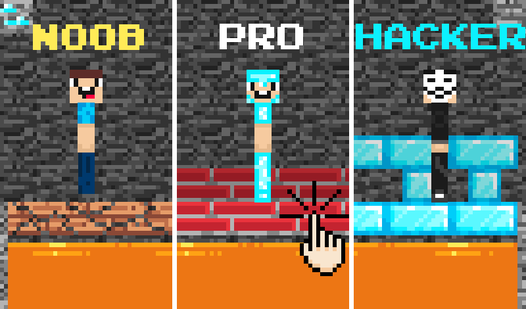
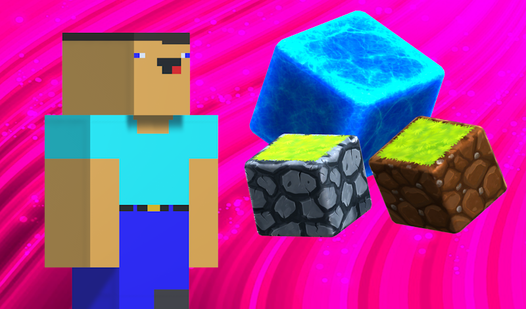
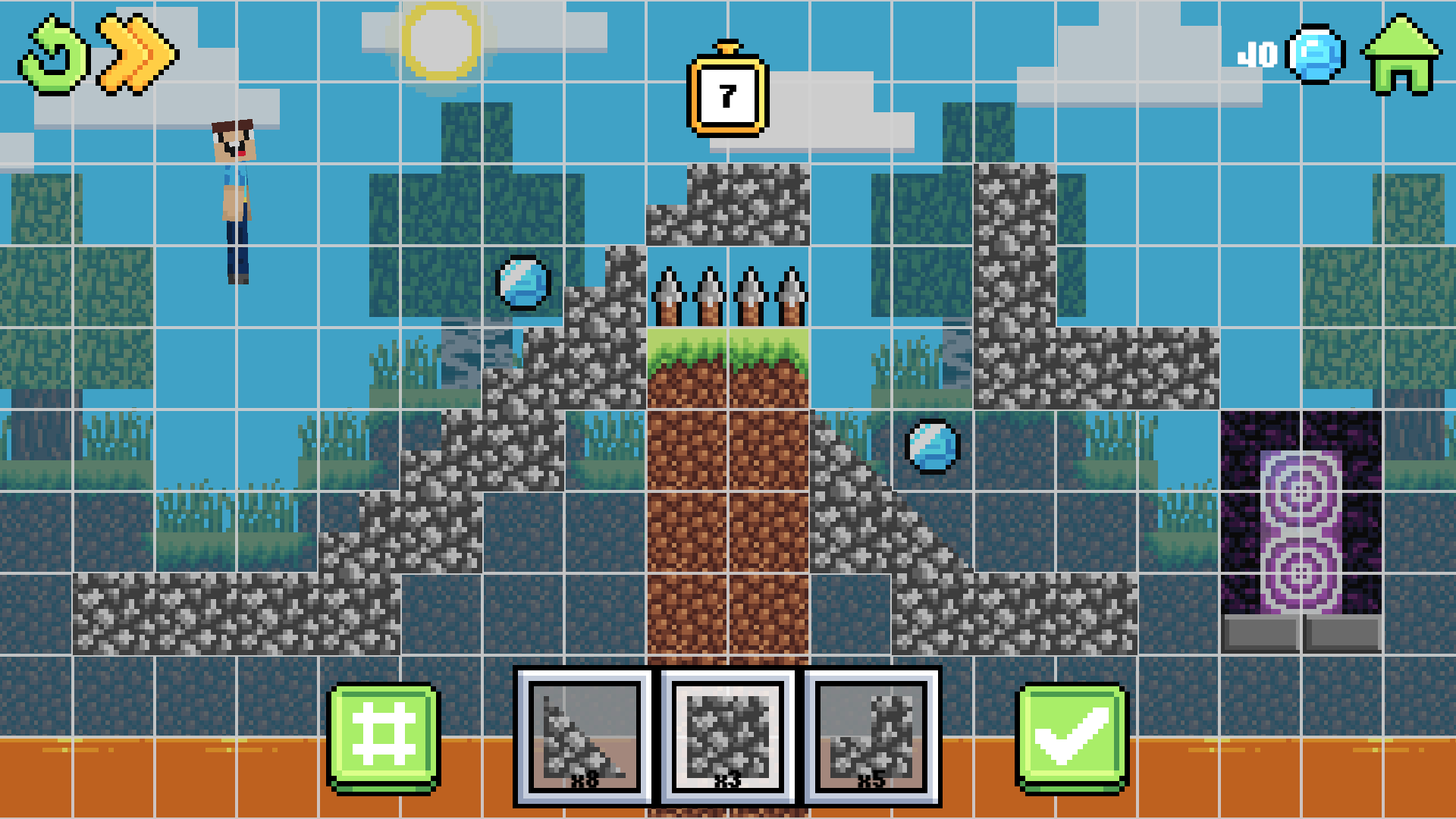
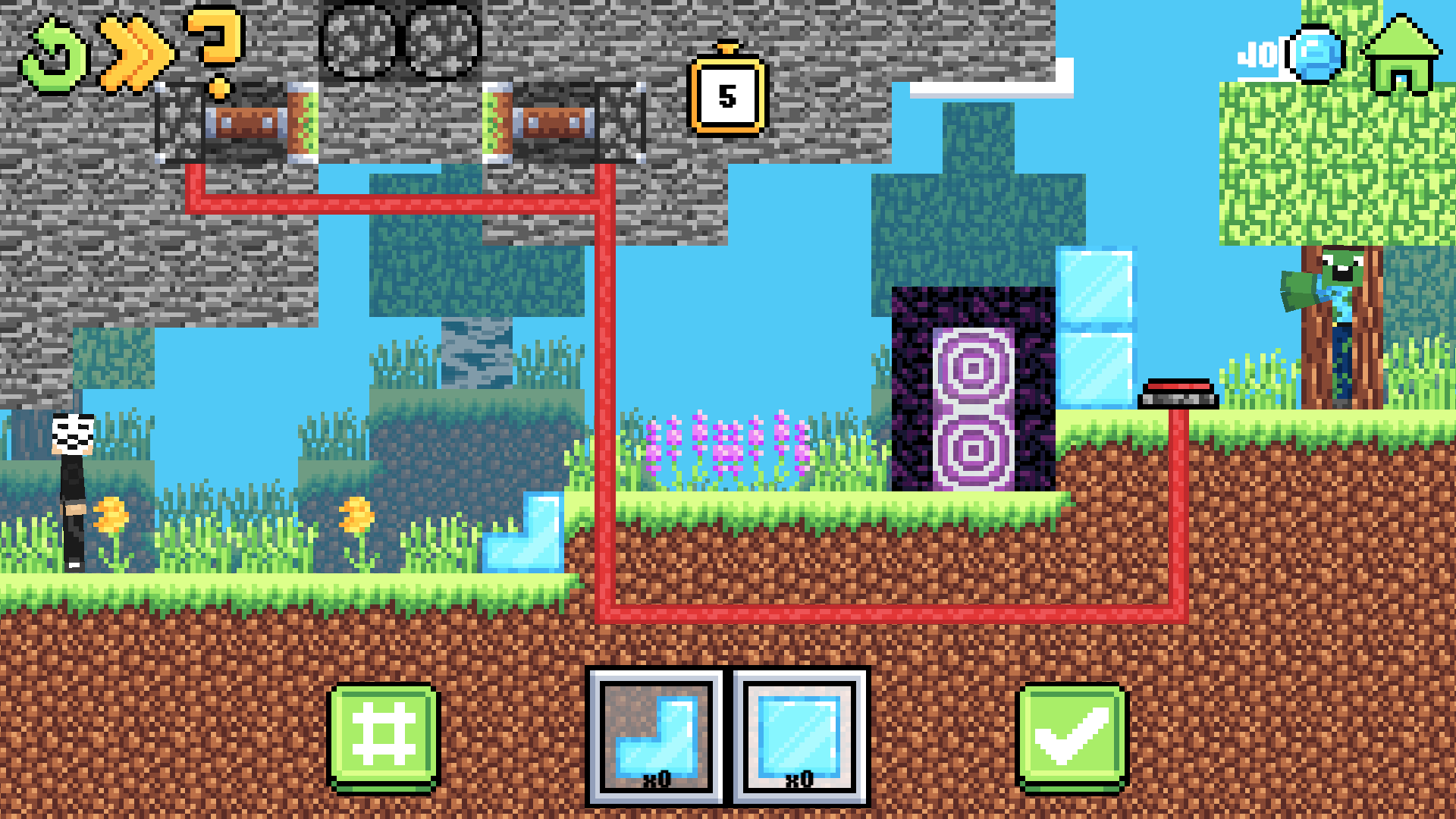
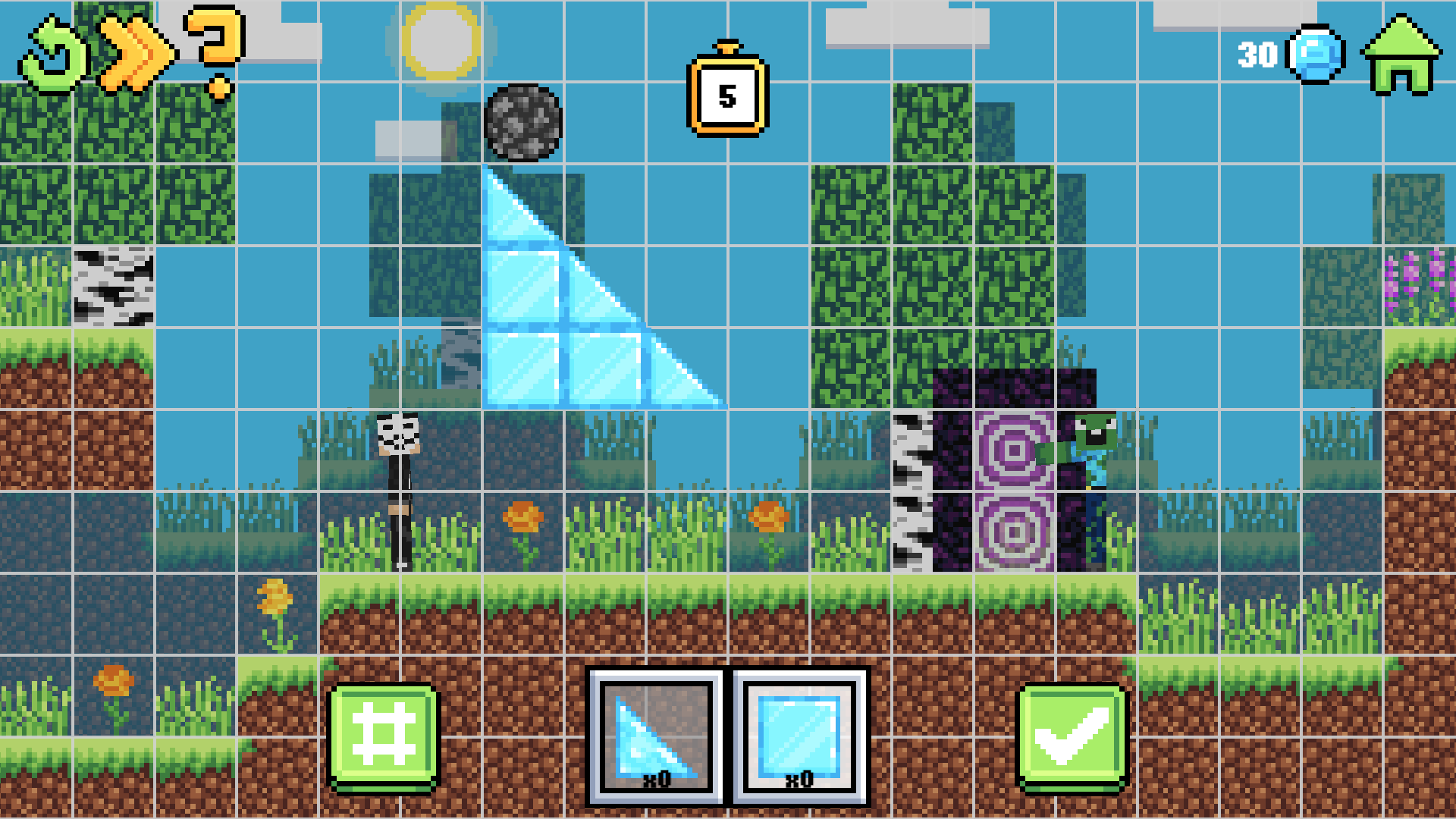
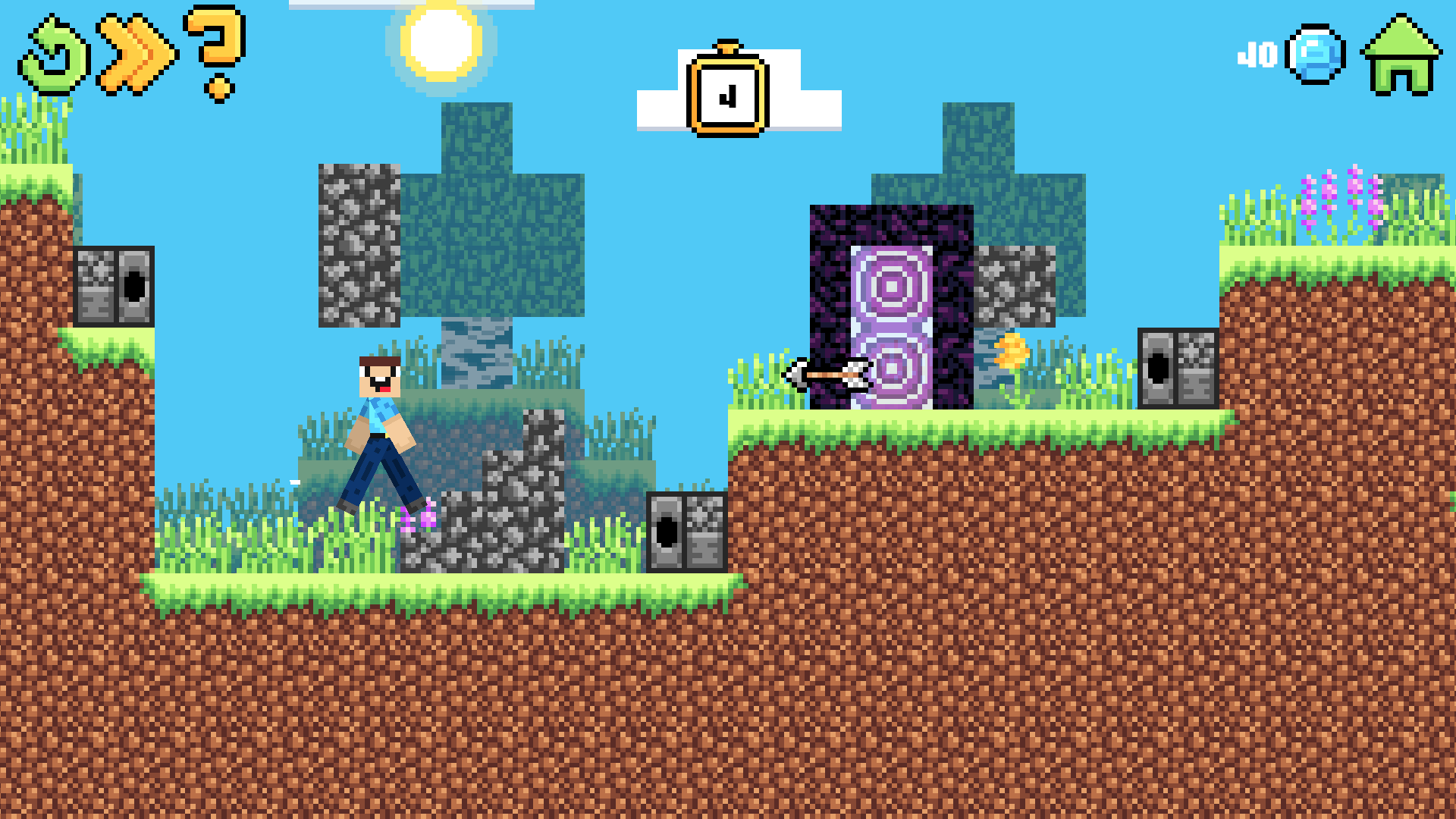
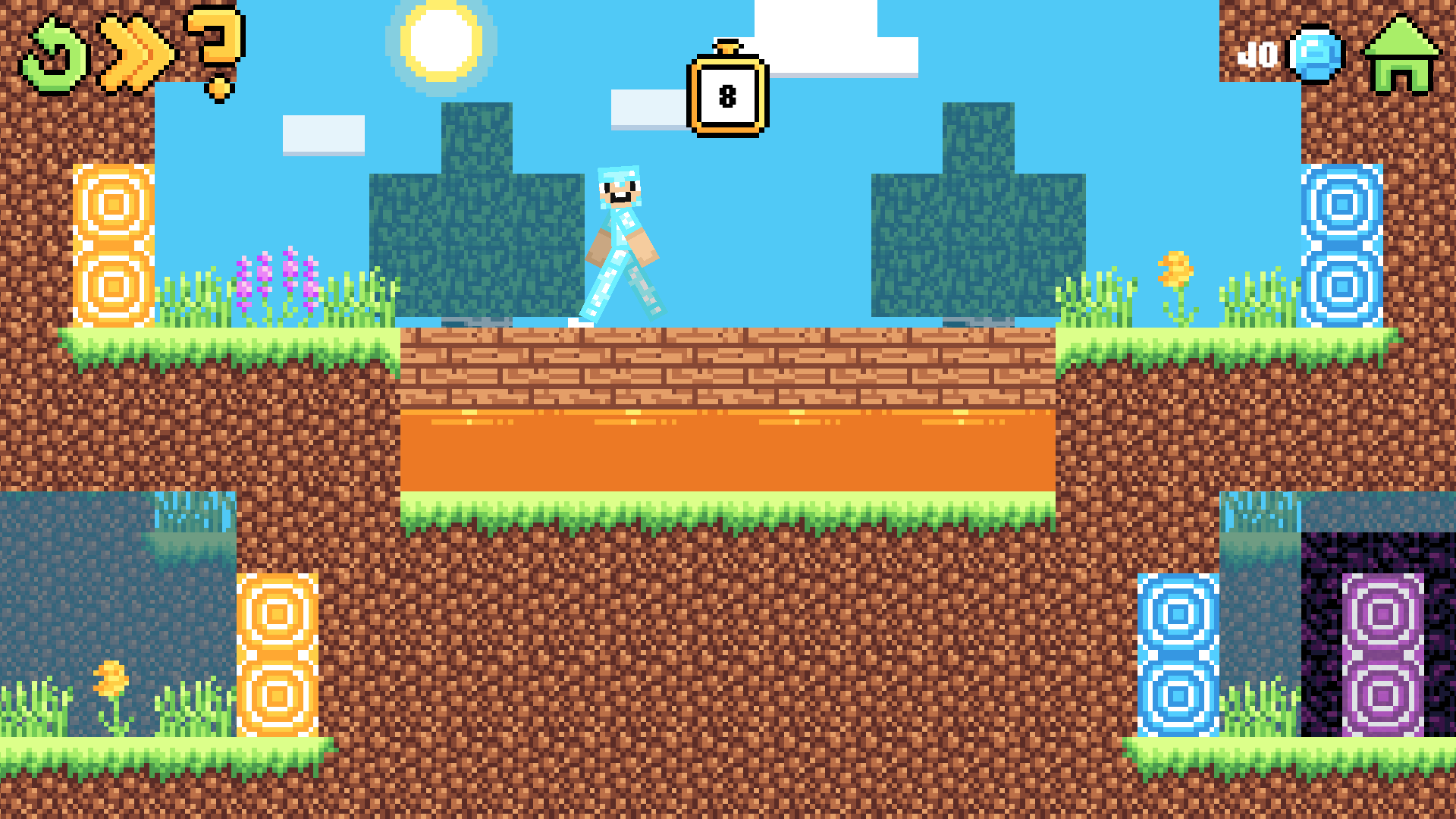
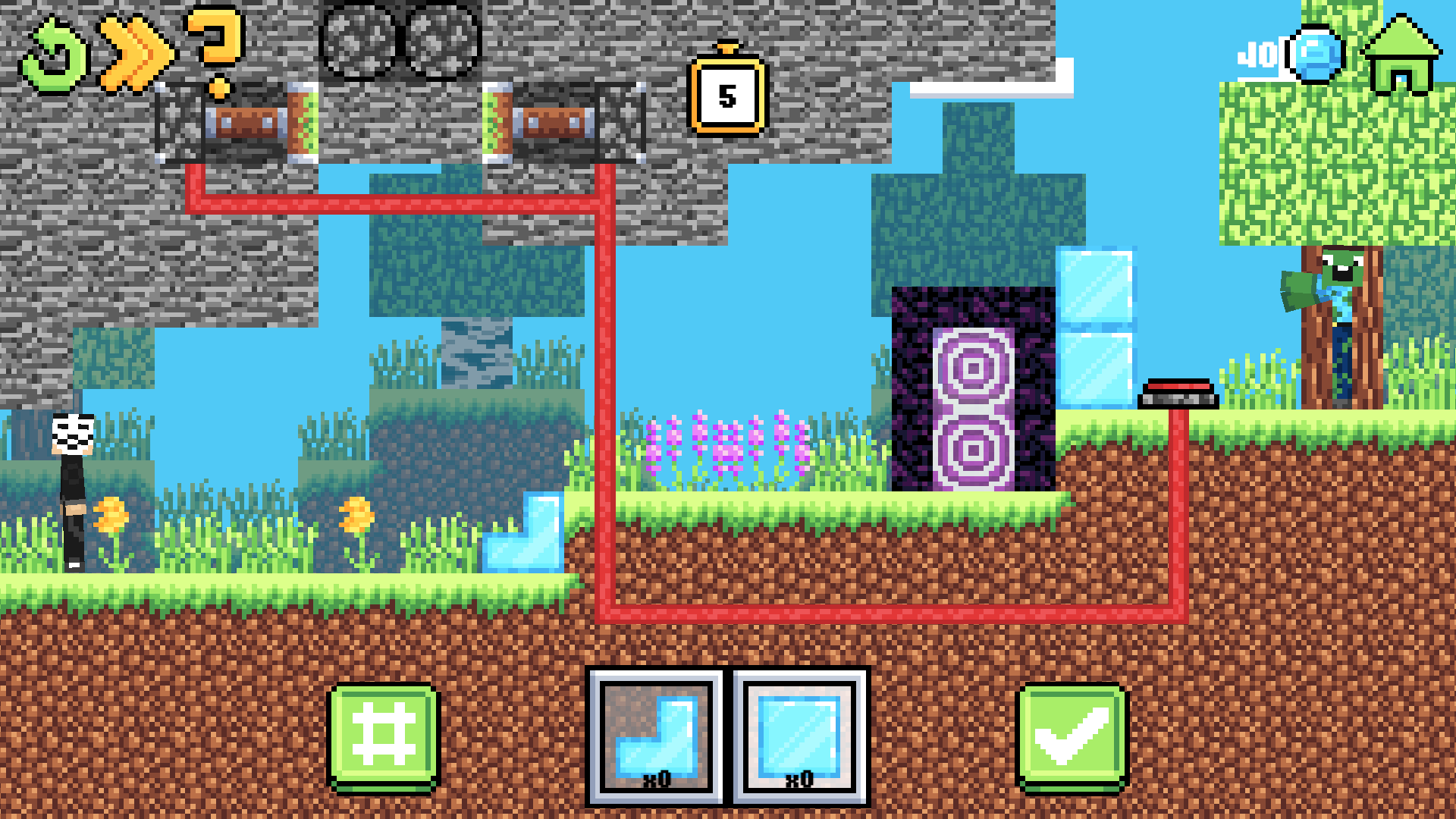
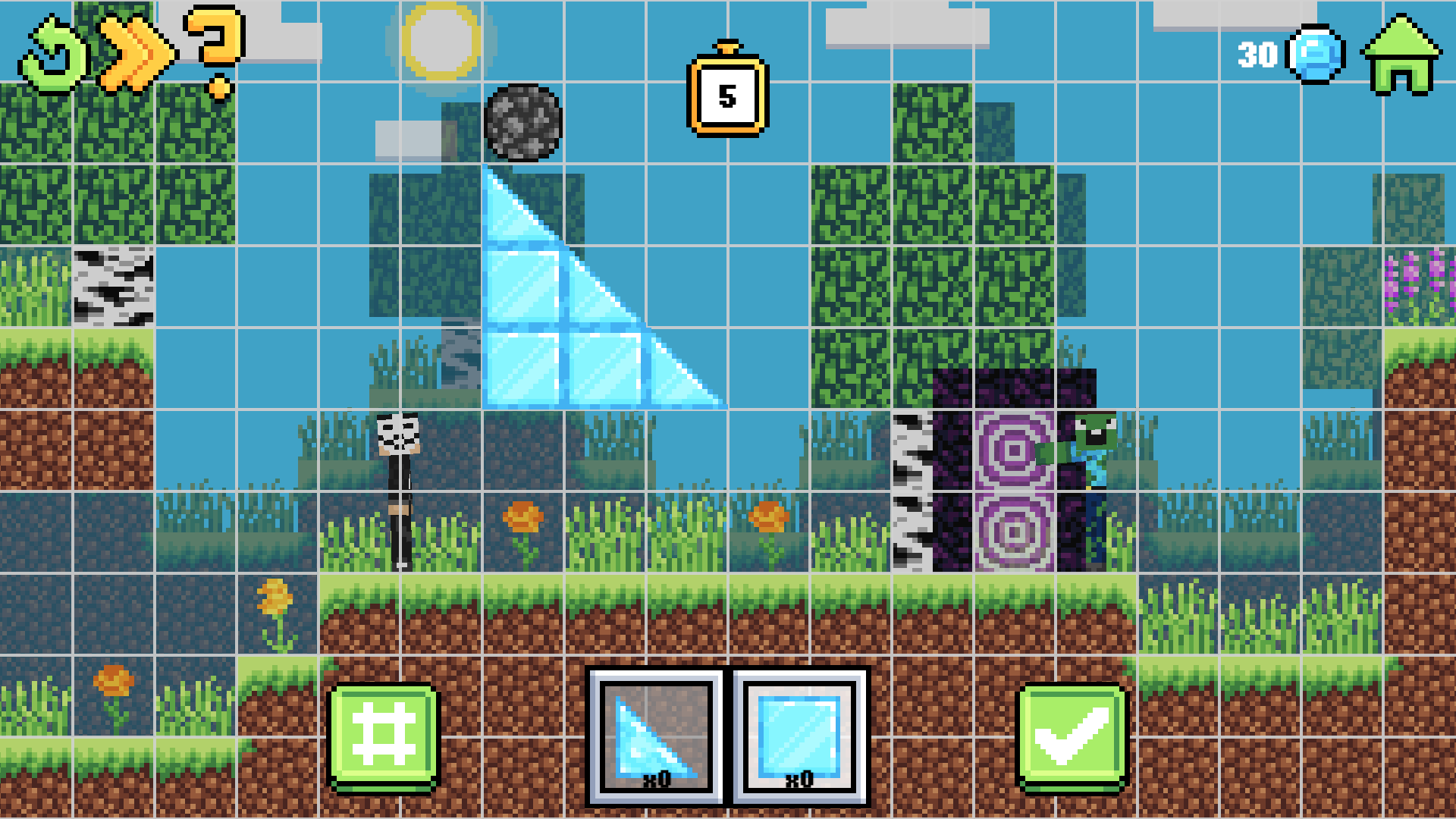
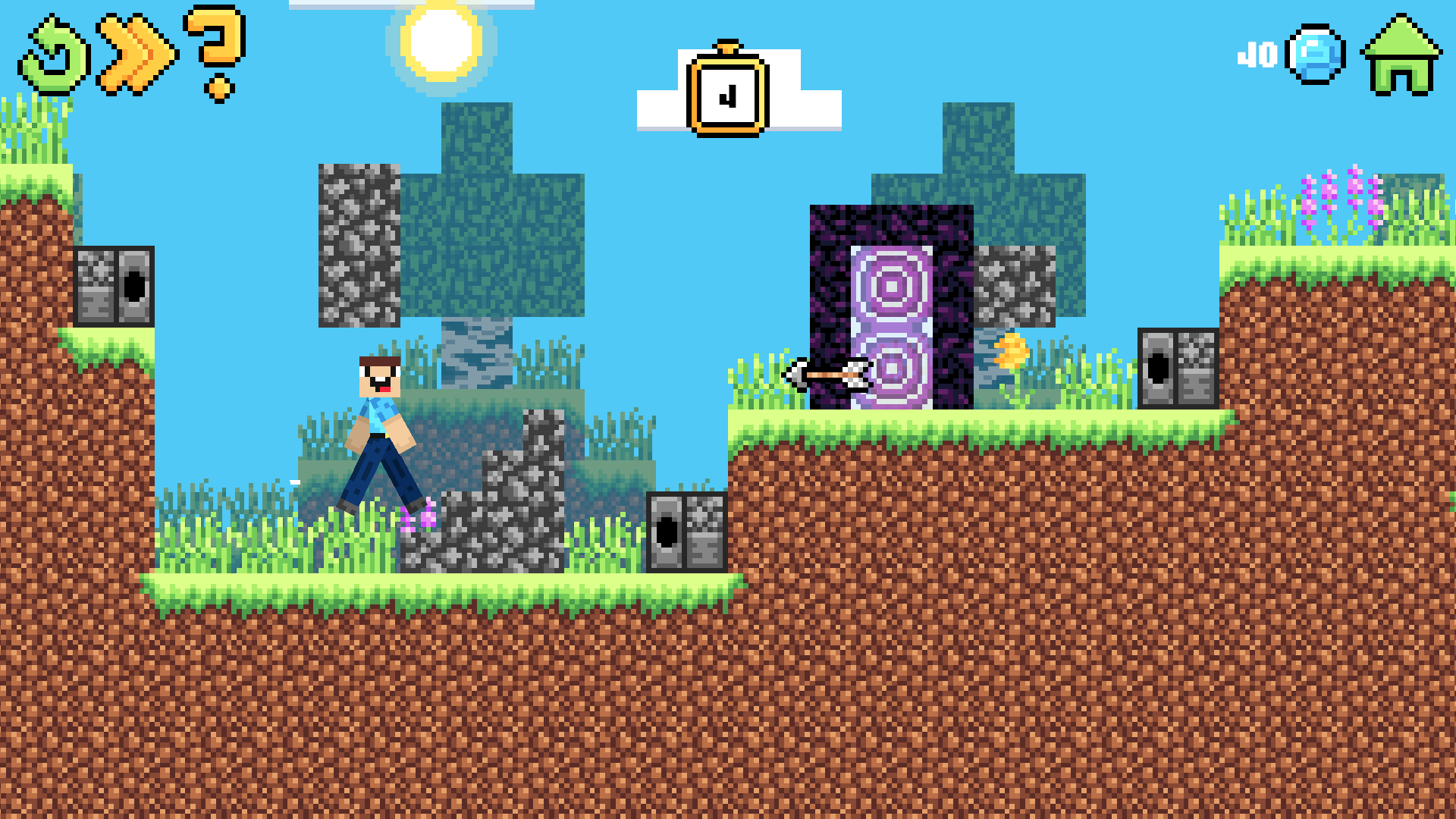
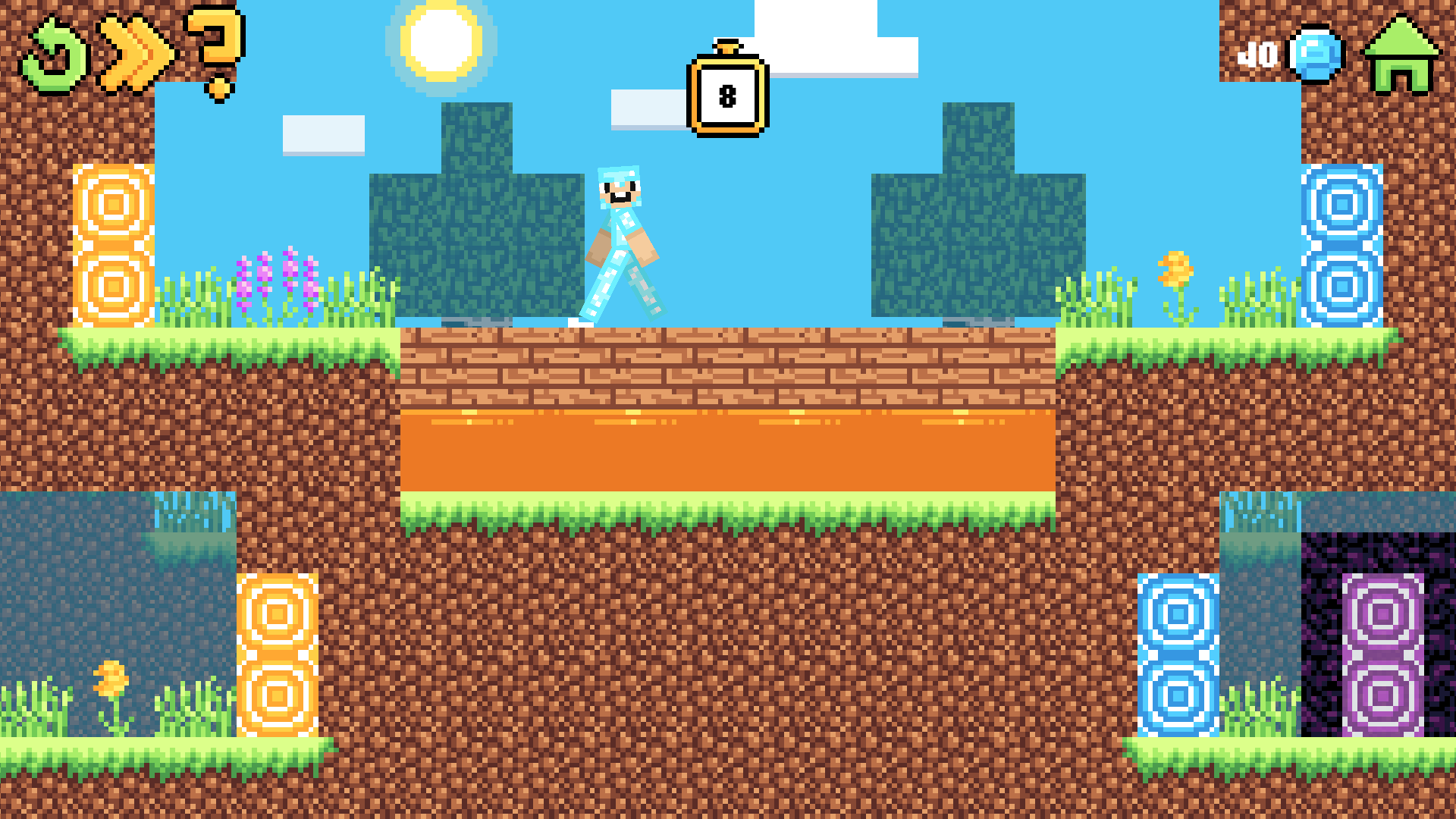
Stuck in a boring meeting or just waiting for the bus and need a quick mental escape? Noob Builder: Build to Save is the ultimate timekiller designed to turn your spare moments into a creative challenge. You take on the role of a master architect tasked with constructing safe bridges and platforms to guide a clumsy character toward the exit portal. Each stage requires you to place blocks strategically to avoid lava pits, spikes, and collapsing floors. You will need to experiment with different block placements to navigate tricky terrain while keeping your construction stable. Beyond simple building, the game features a shop where you can unlock custom skins and unique blocks to personalize your experience. With 60 distinct levels, the difficulty ramps up enough to keep your logic skills sharp without becoming frustrating. It is a fantastic way to train your brain while enjoying bright, colorful graphics that pop on any screen size. You can play Noob Builder: Build to Save for free right here in your browser with no downloads or registration required.
How to play
Managing construction is easy and fun!
On a computer, use the left mouse button to add or remove blocks. And on a phone, just tap the screen.
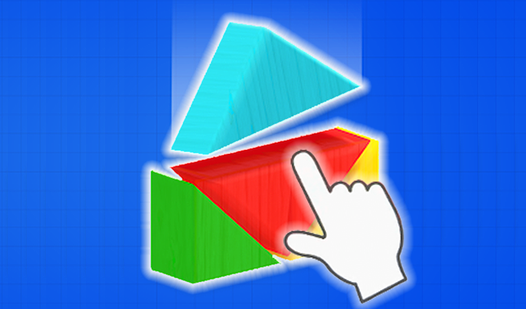
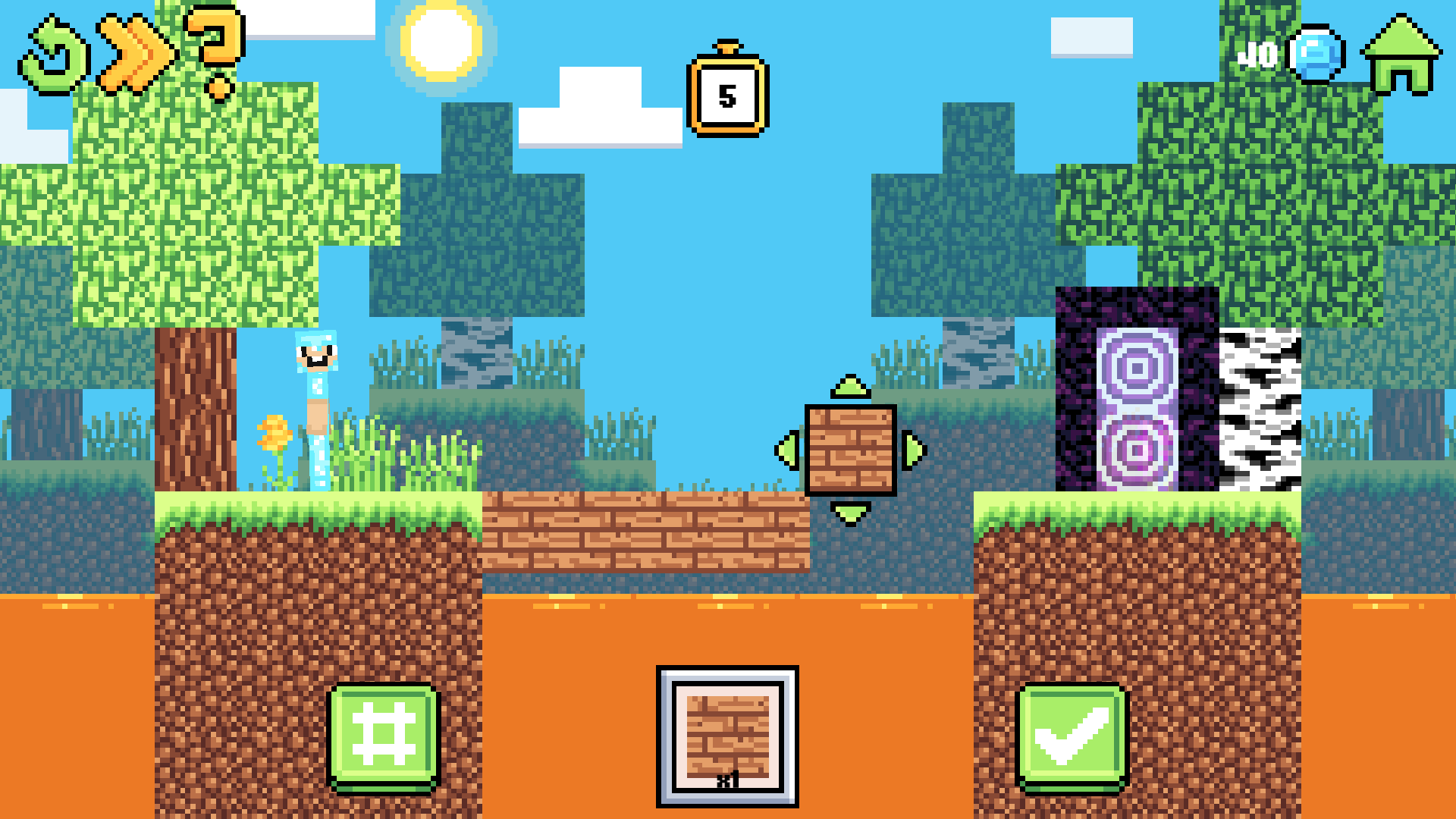
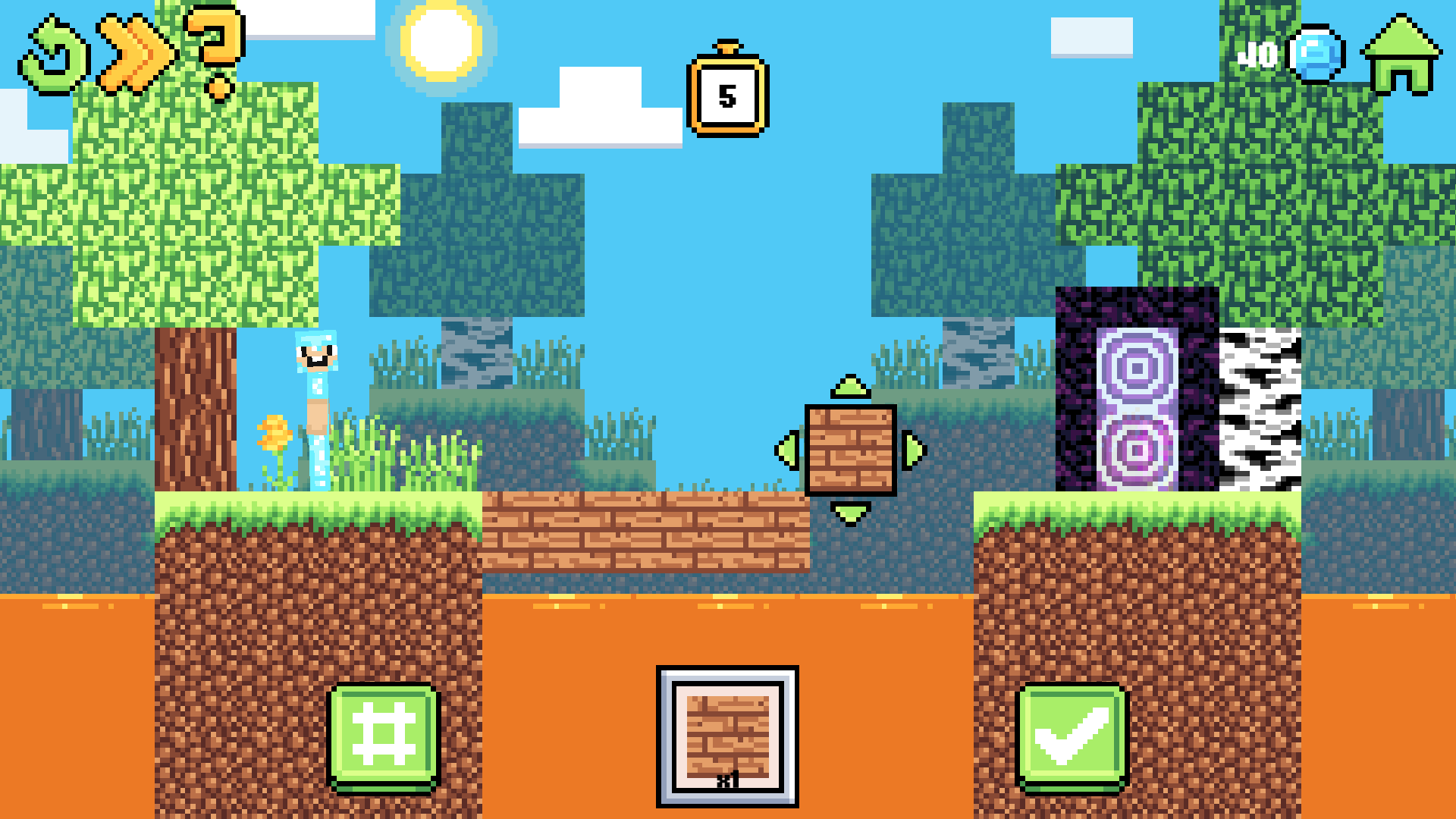
If a block is placed poorly, you don't have to delete it - just hold the cursor or finger on the block until arrows appear, allowing you to move it to the right place.
Build with precision and help Noob pass all the tests!
Features
- Dynamic Block Manipulation: Easily reposition any misplaced blocks by holding and dragging them until the adjustment arrows appear.
- Customization Shop: Use earned diamonds to purchase unique skins and cosmetic block styles to change your building aesthetic.
- Progressive Difficulty: The 60 levels start with basic tutorials and evolve into complex engineering puzzles that test your spatial reasoning.
- Brain Training: Each stage functions as a logic challenge that helps improve your problem-solving speed and creative thinking.
- Mobile Optimization: The interface is designed for smooth touch interactions on phones and tablets for gaming on the go.
Who is it for
Puzzle lovers and fans of creative building games will find this title highly engaging. It serves as a great brain teaser for students looking for a quick mental break, as well as casual players who enjoy logic-based challenges that reward careful planning and strategic block placement.
Controls
Build structure
Left click or tap on empty space to place a block
Remove block
Left click or tap on an existing block to delete it
Reposition block
Hold click or press and hold on a block until arrows appear to drag it
FAQ
Can I play Noob Builder: Build to Save on my mobile device?
›
Yes, Noob Builder: Build to Save is fully optimized for touchscreens, allowing you to build and move blocks with simple taps and swipes.
Is Noob Builder: Build to Save free to play?
›
Absolutely, you can enjoy Noob Builder: Build to Save directly in your web browser without needing to download anything or create an account.
How do I move a block if I placed it incorrectly in Noob Builder: Build to Save?
›
Simply press and hold on the block until navigation arrows appear, then drag it to your desired location.