About game
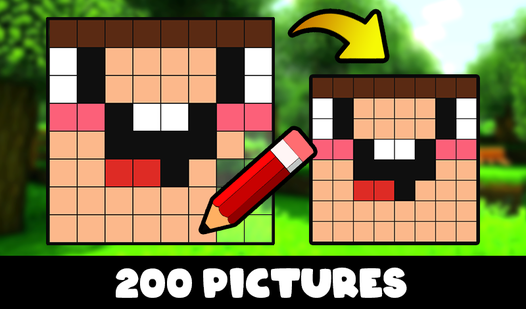
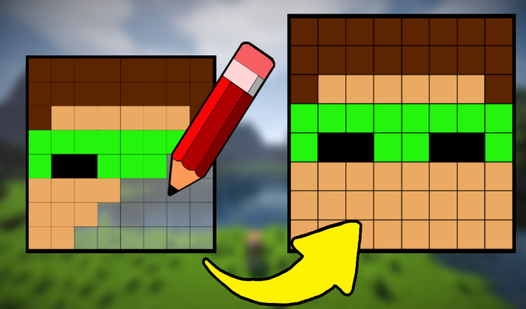
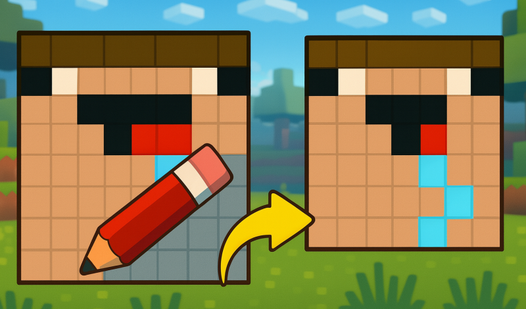
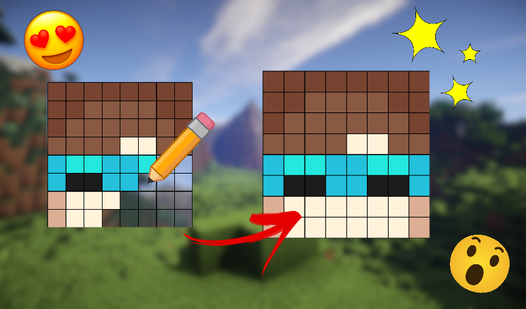
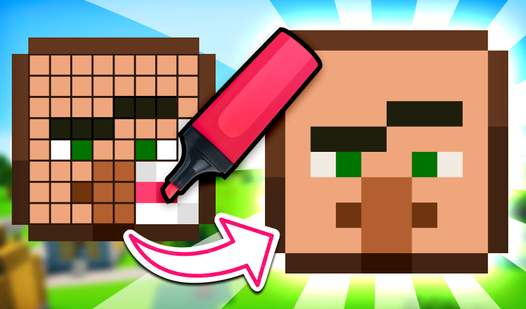
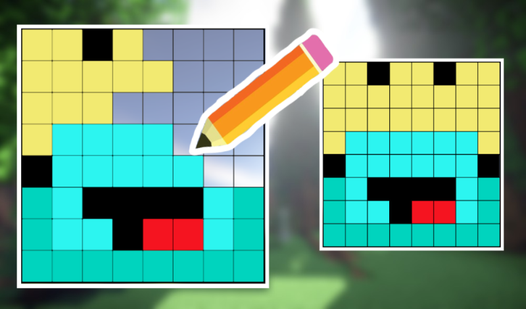
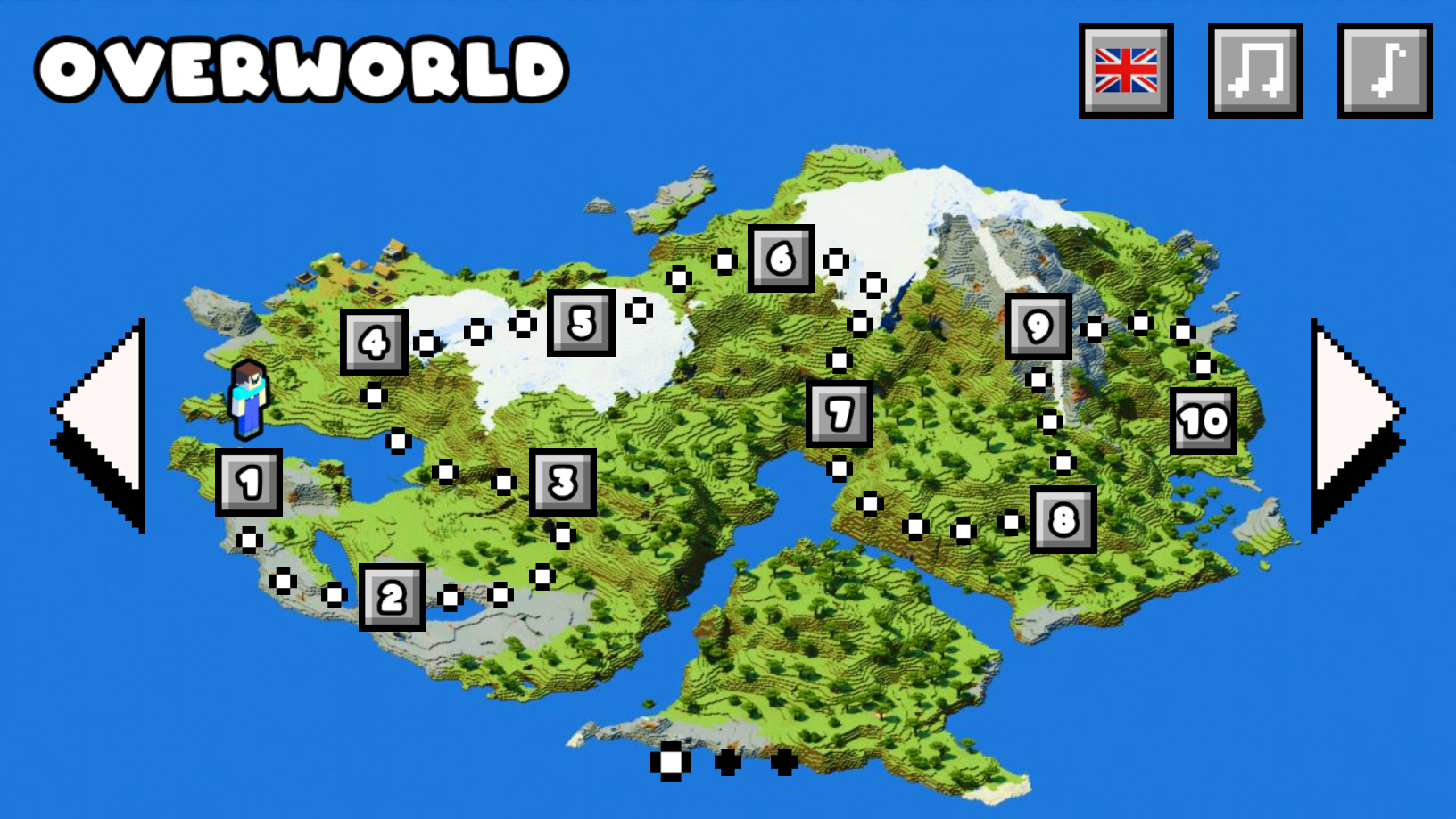
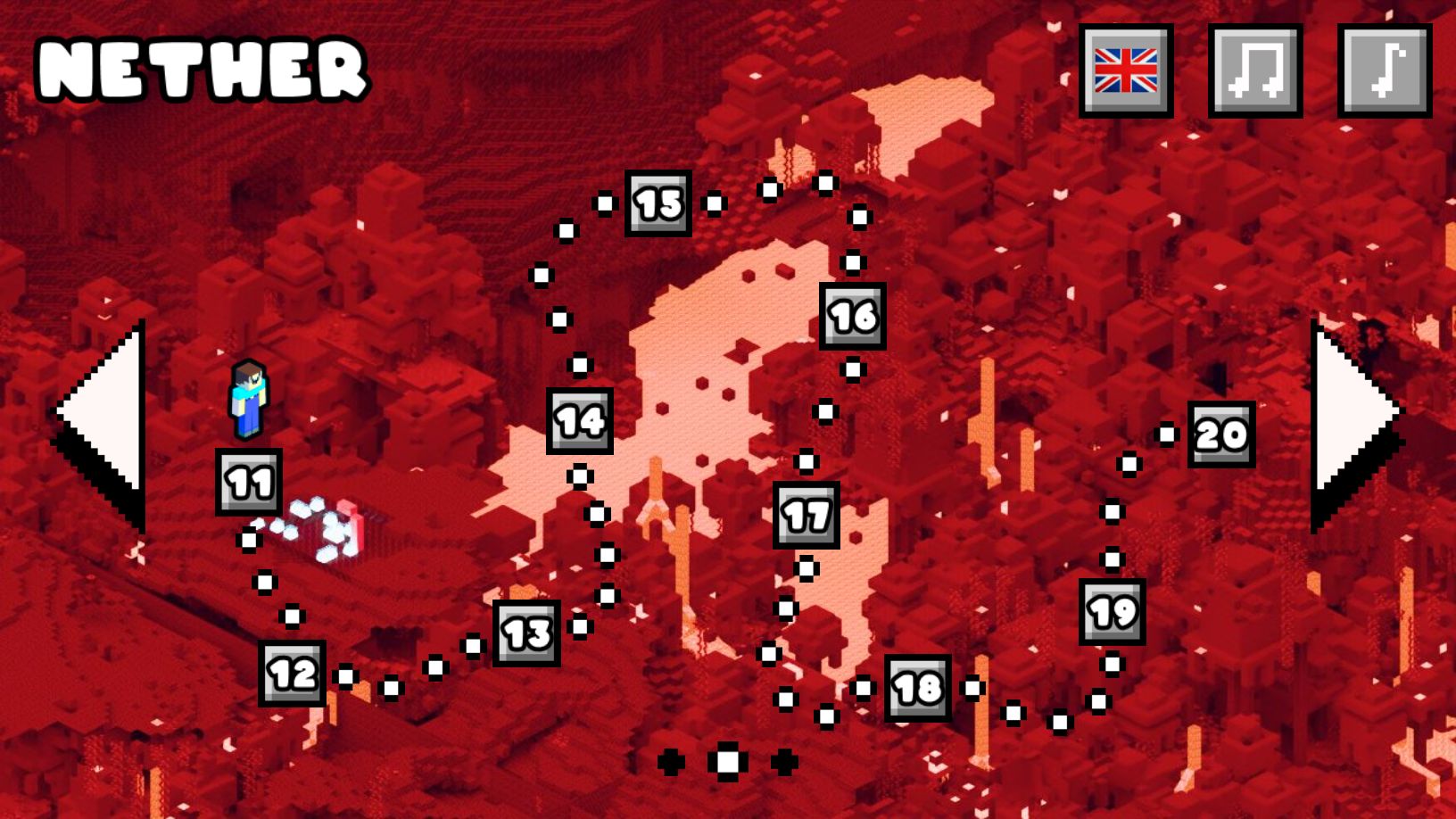
Sketch your way to victory by tracing complex pixel art designs to help your blocky friend overcome every challenge. Draw Noob! offers a creative take on puzzle mechanics where precision and color matching pave the path to true love. Players must carefully replicate stencil patterns displayed on the screen to successfully clear each stage. Select your colors from the bottom palette and toggle between the pencil and eraser tools to perfect your artistic creation. Each level advances a charming narrative that keeps you engaged as you progress through the unique story arc. With 30 distinct levels to master, this pixel art challenge tests your focus and attention to detail. Whether you are a fan of Minecraft inspired worlds or just love a good logic puzzle, this game provides endless entertainment. You can play Draw Noob! directly in your web browser for free with no download required.
How to play
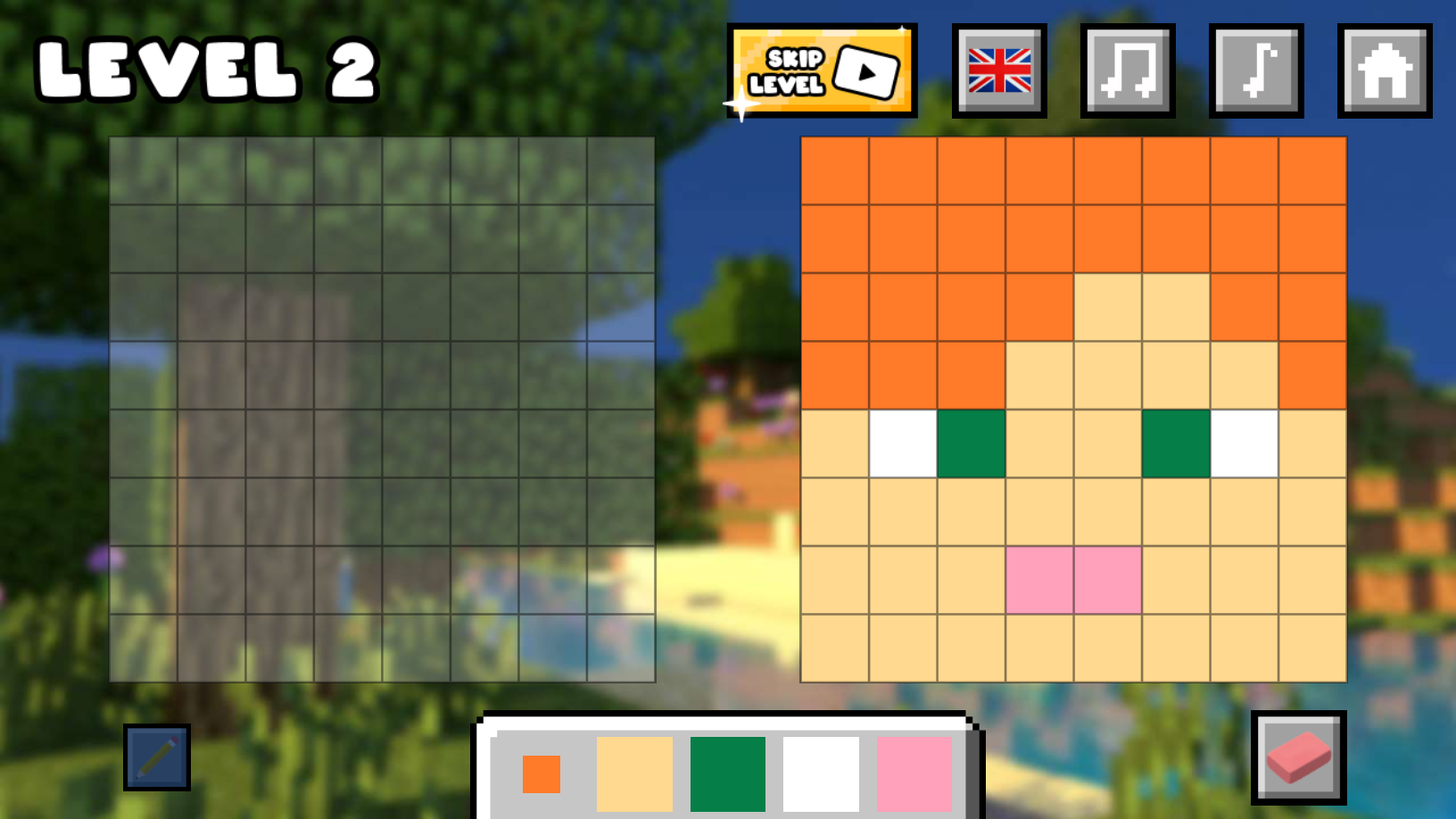
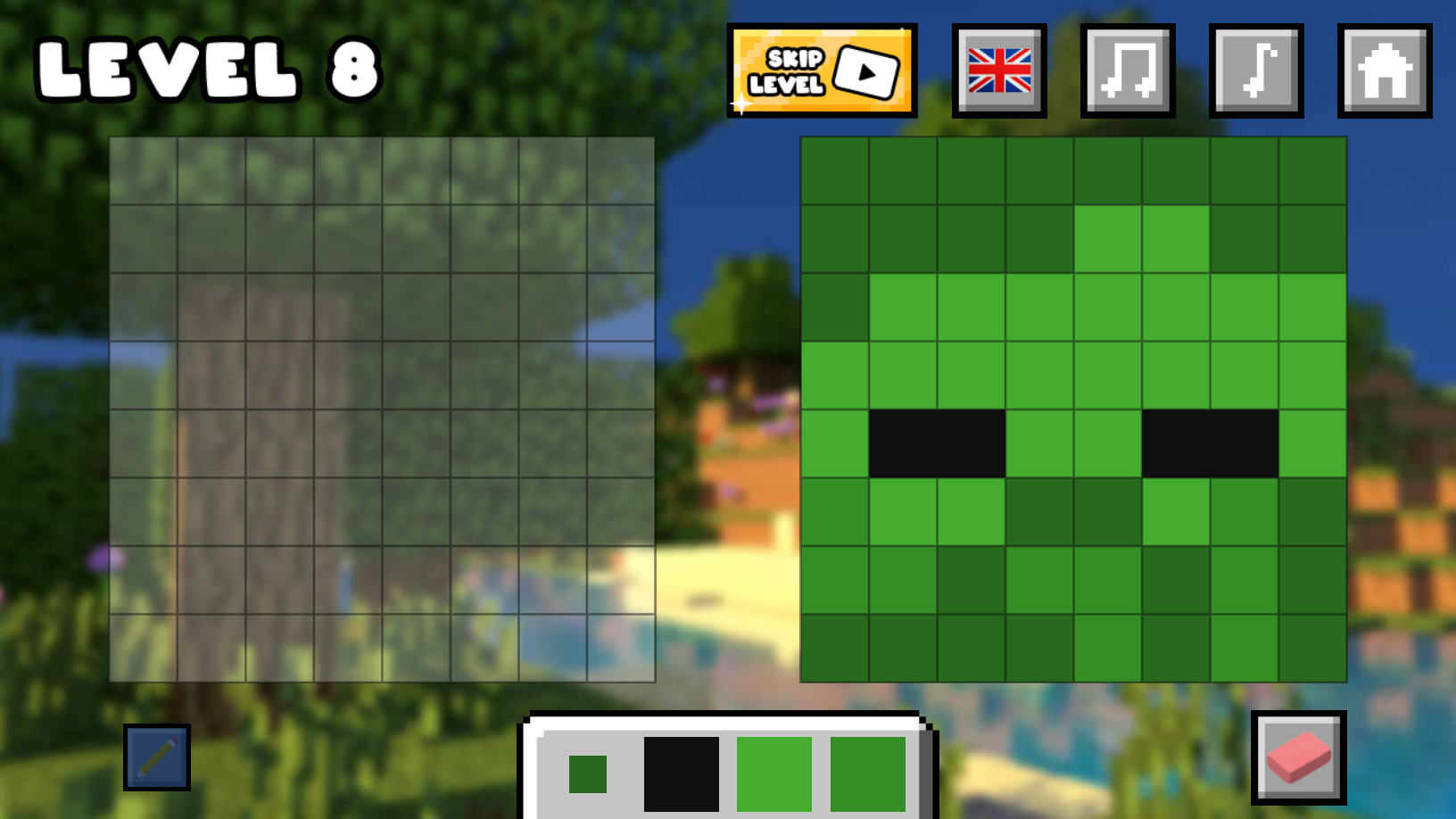
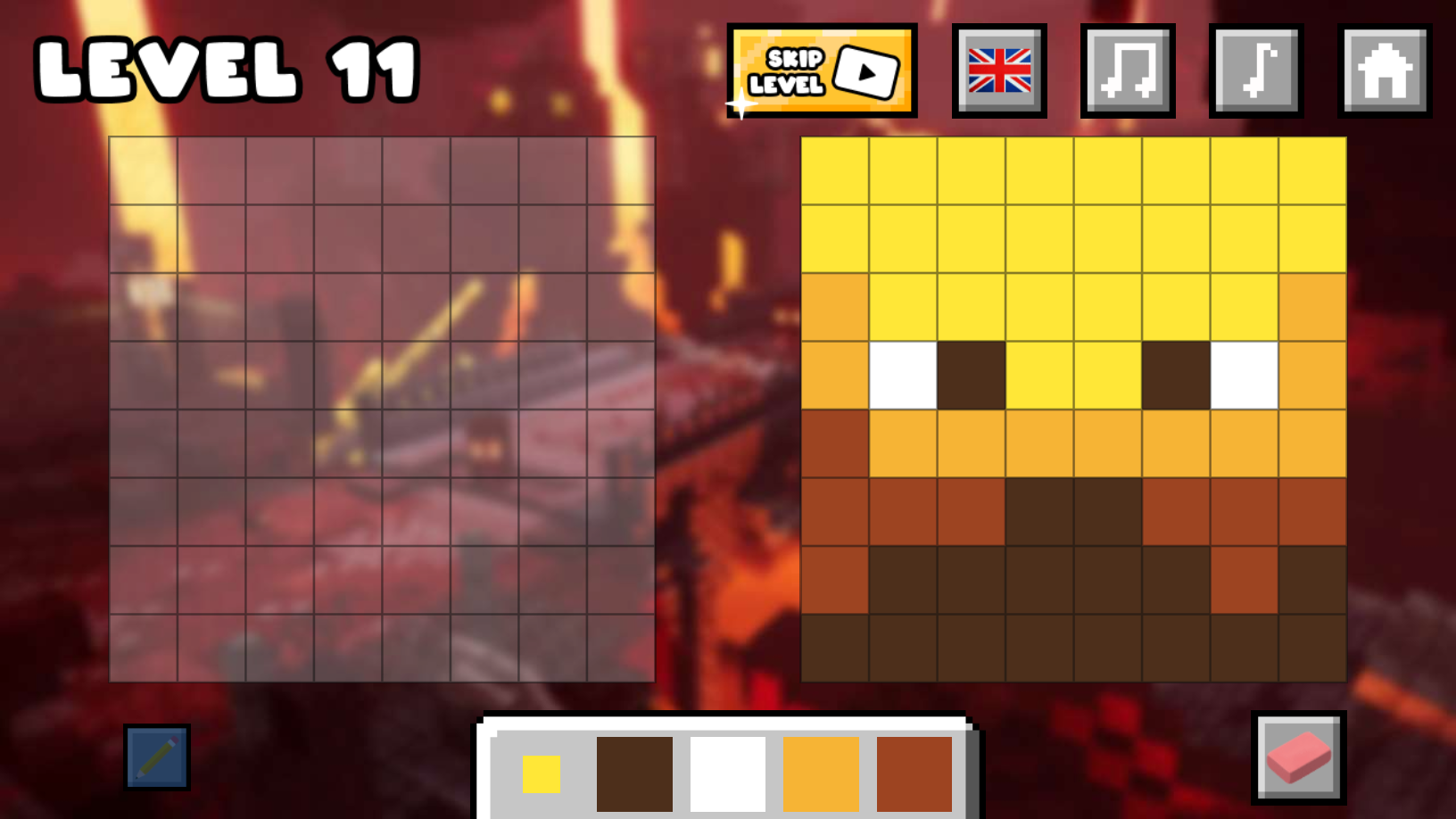
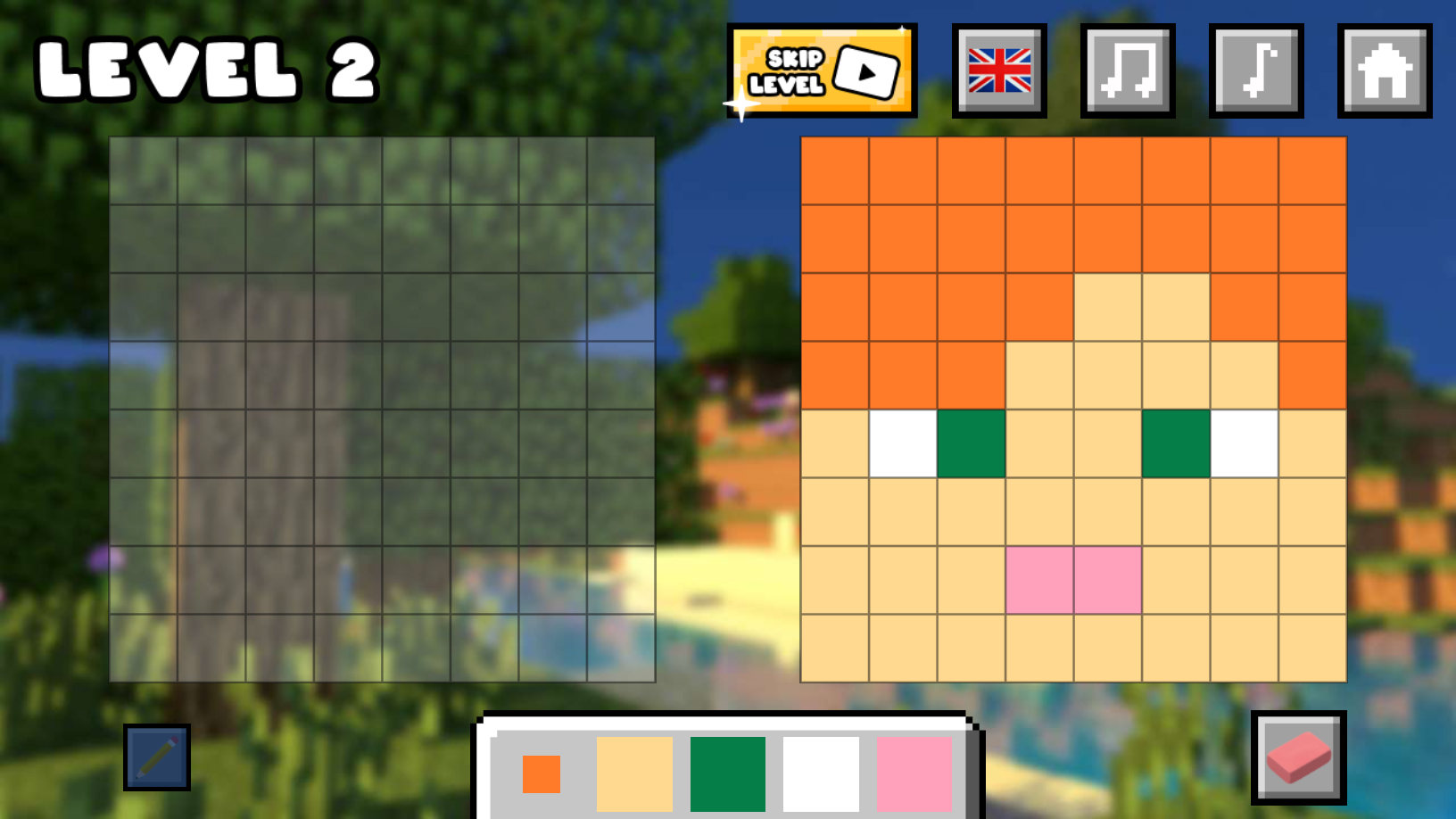
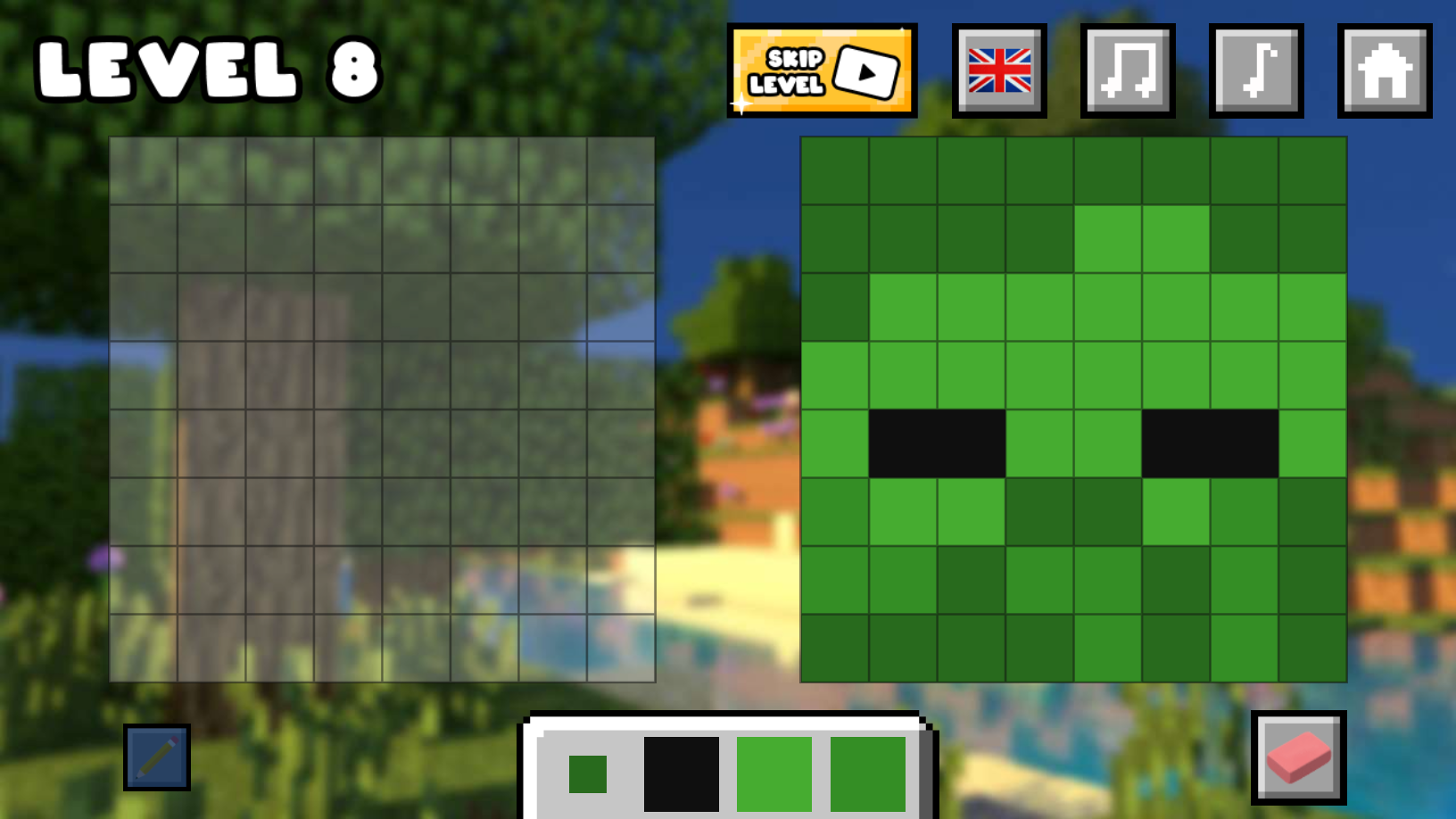
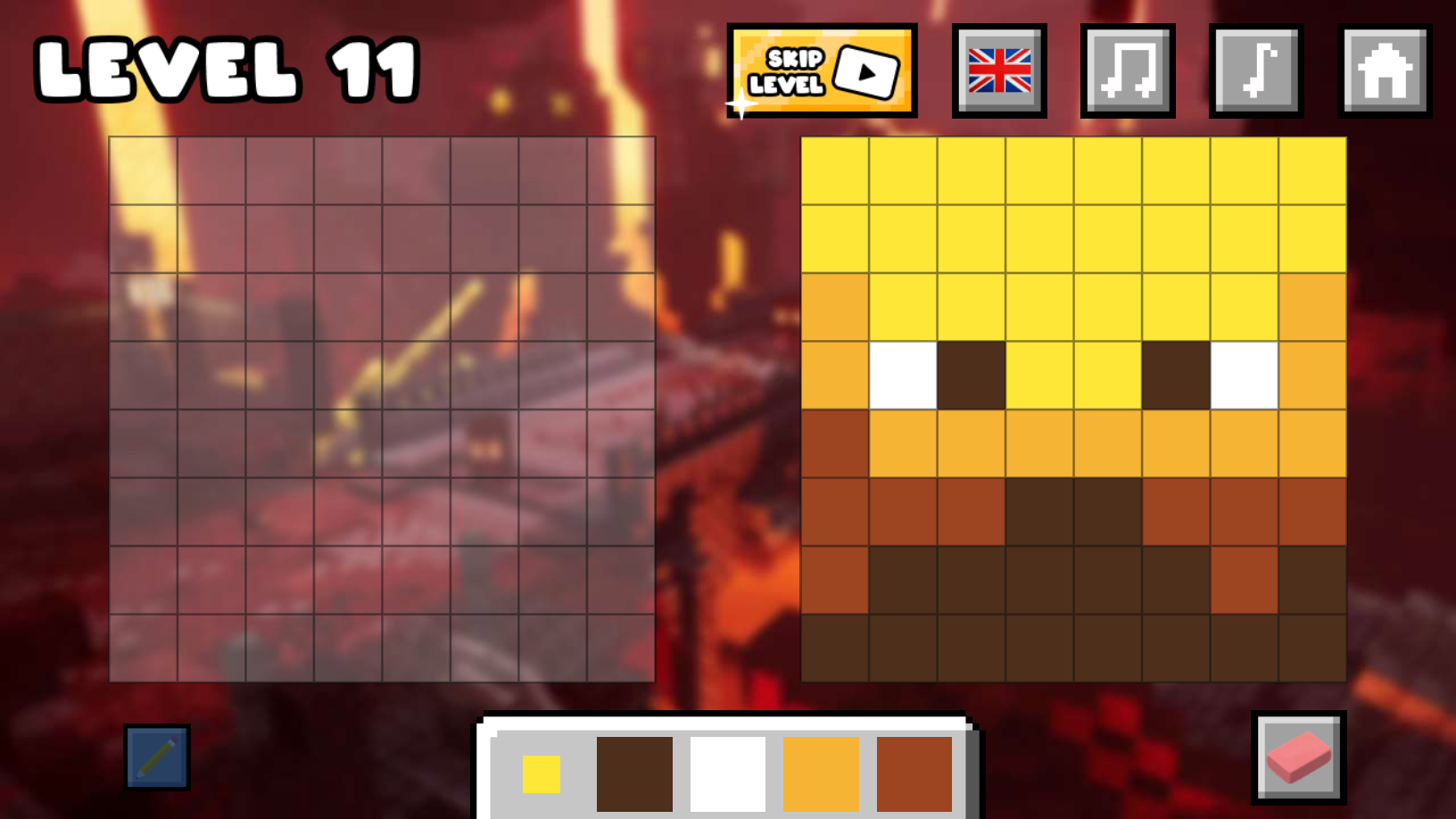
🥇 To help Noob, you have to complete 30 levels and draw all the pictures. To do this, you need to repeat each pixel art drawing exactly as on the stencil on the right.
🎨 At the bottom, you will find a palette where you can select the desired color by simply clicking on it.
✏️ On the left is the "Pencil" button. Click on it to activate it. When this button is active, you can draw.
🗞️ On the right is the "Eraser" button. When it is active, you can erase everything you have drawn. Don't forget to switch back to the "Pencil" to continue drawing!
Features
- Stencil Matching: Test your precision by perfectly aligning your strokes with the provided pixel art guide.
- Tool Switching: Manage your workflow by toggling between the active pencil for creation and the eraser for quick corrections.
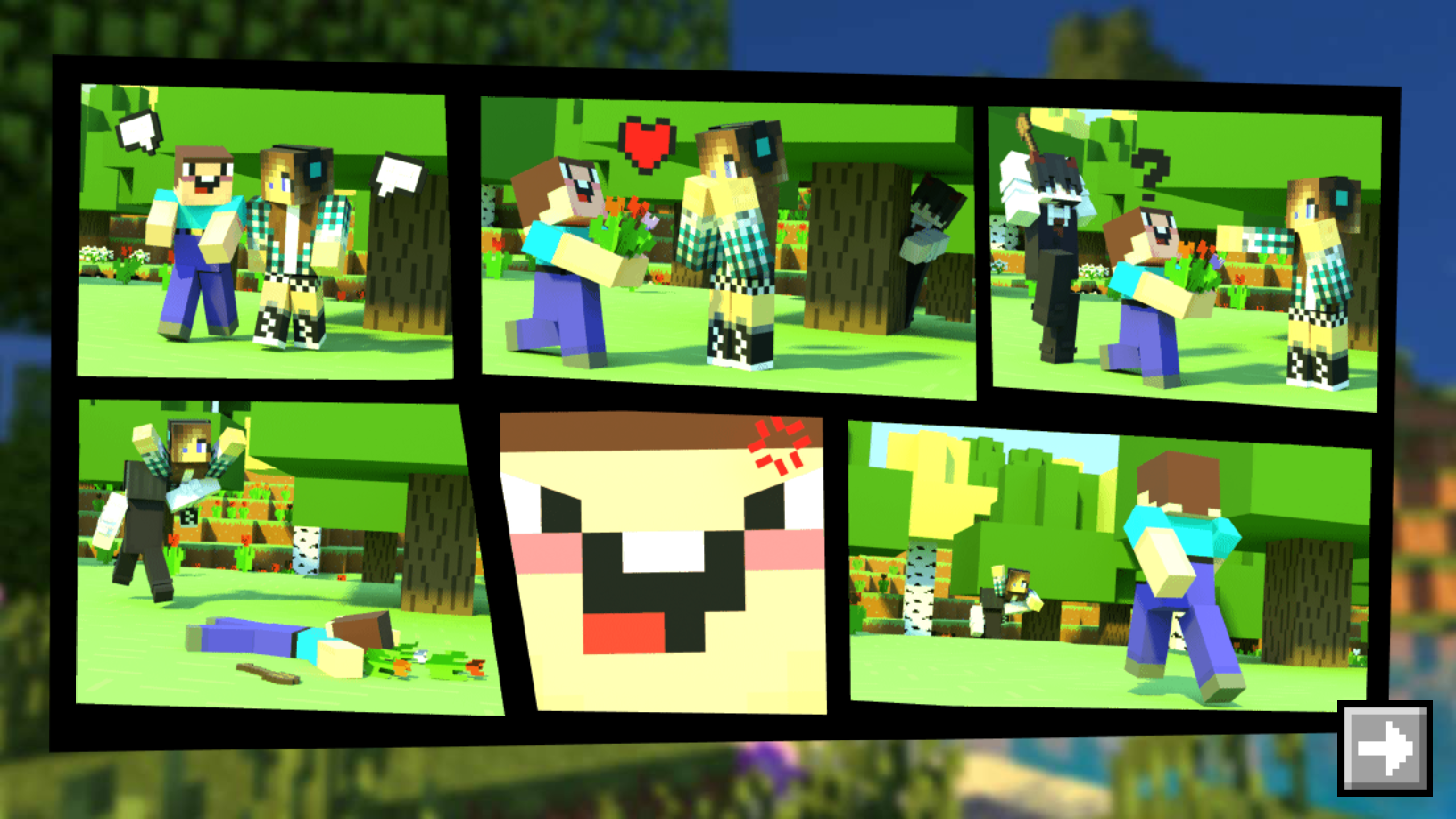
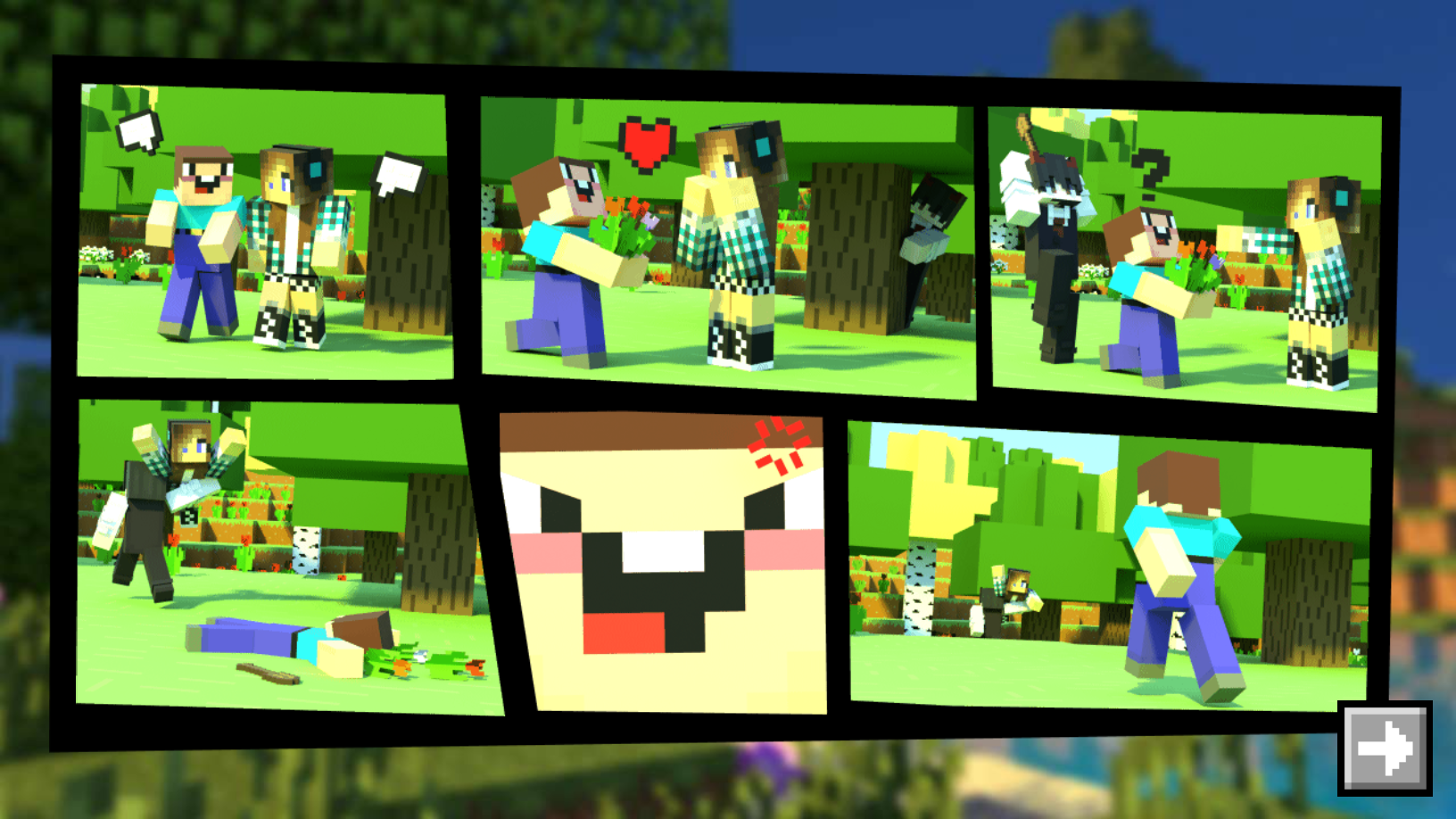
- Narrative Progression: Follow a heartfelt journey featuring new characters and evolving visual stories as you complete levels.
- Color Palette System: Choose from a variety of vibrant colors at the bottom of the screen to bring your sketches to life.
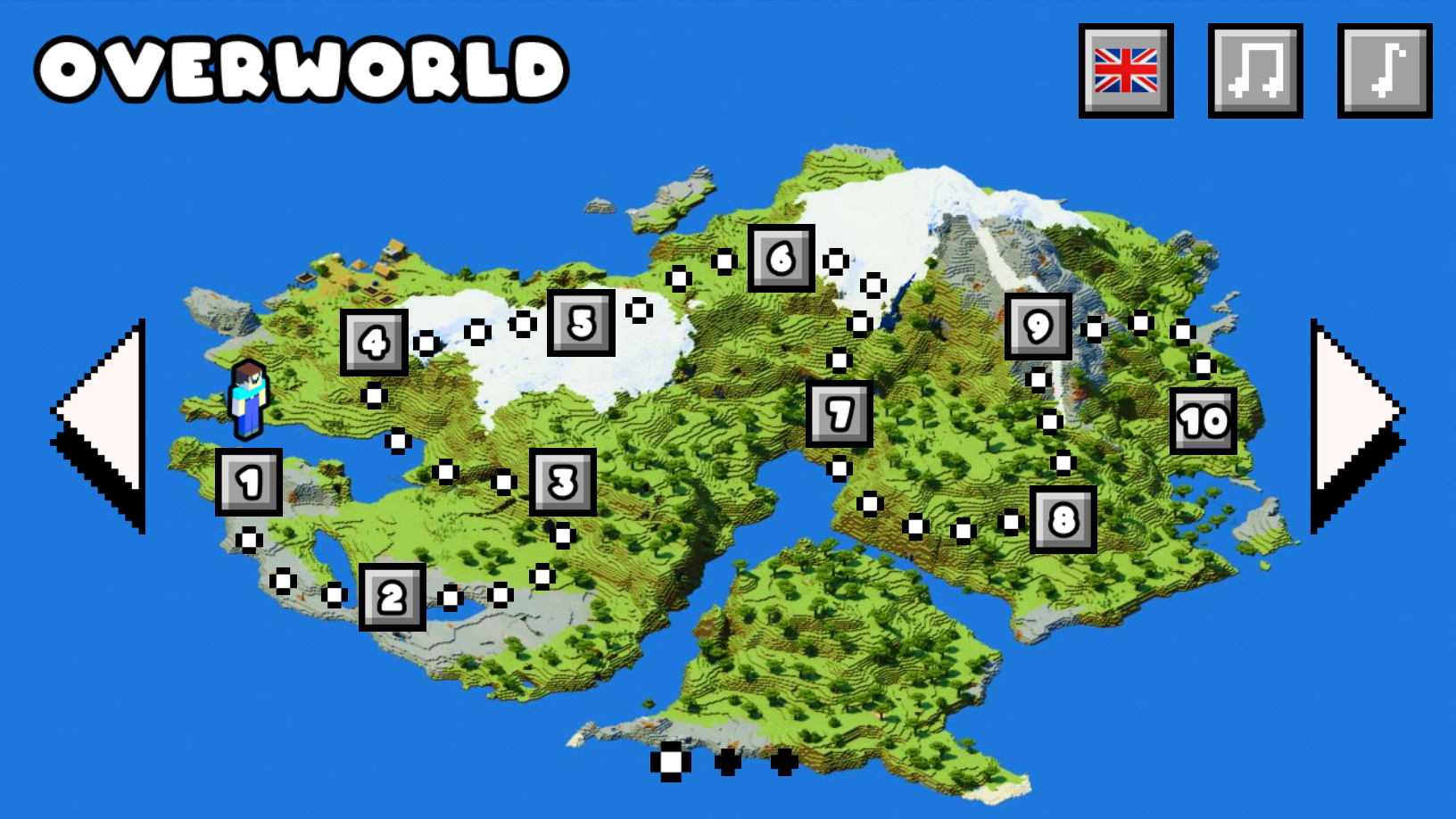
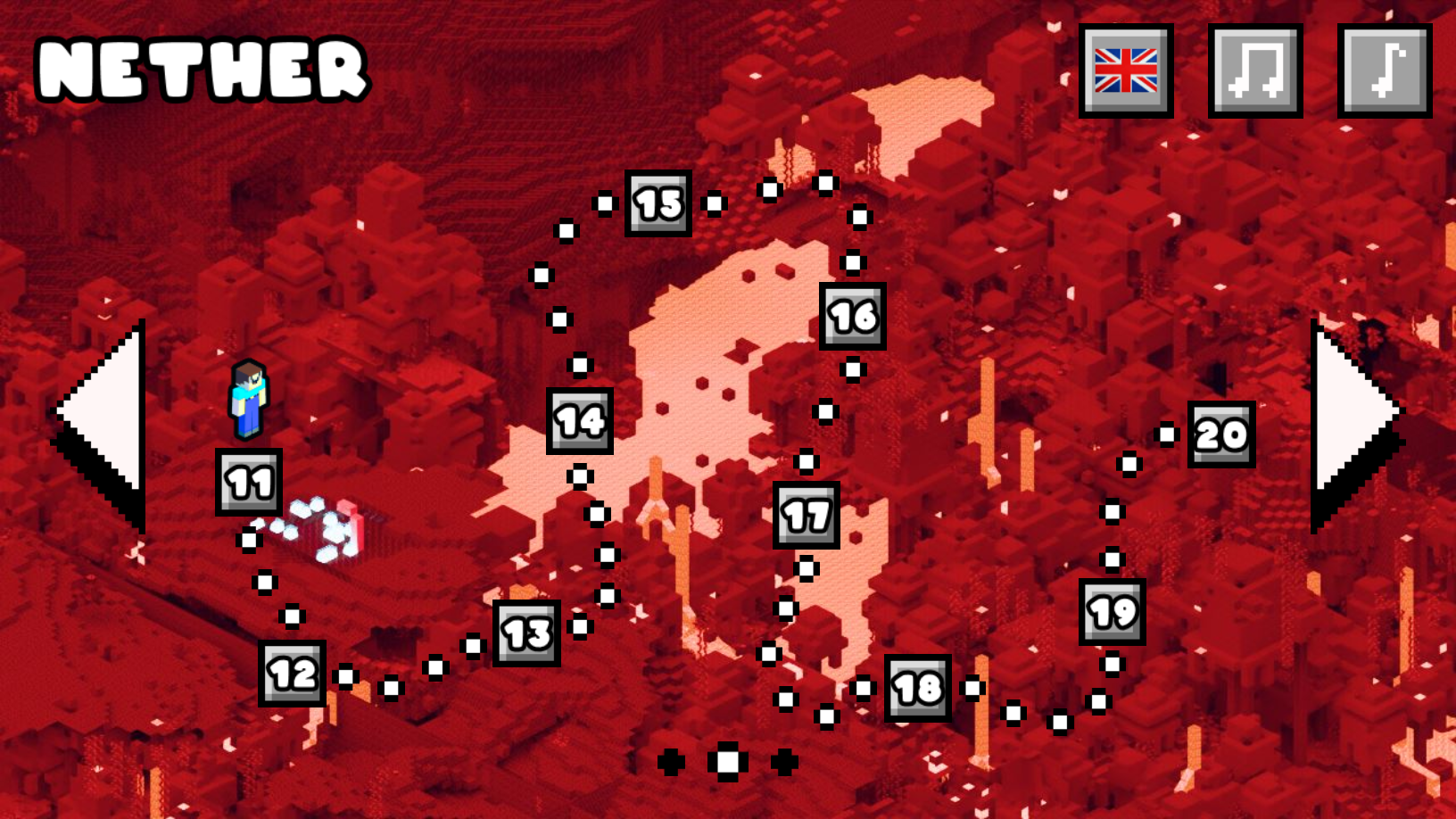
- Level Diversity: Conquer 30 unique stages that gradually increase in complexity to keep your brain sharp.
Who is it for
Casual gamers and puzzle enthusiasts who enjoy creative drawing challenges will love this experience. Fans of pixel art aesthetics and blocky world adventures will find the gameplay mechanics satisfying, while younger players and teens will appreciate the simple interface and the engaging story of a beloved character.
Controls
Draw lines
Click and drag with the mouse or tap and swipe on your mobile screen.
Select tool
Click or tap on the Pencil or Eraser icons to switch modes.
Pick color
Select a color from the bottom palette by clicking or tapping on the desired swatch.
FAQ
How many levels are available in Draw Noob!?
›
Draw Noob! features 30 unique levels that test your drawing and puzzle-solving skills.
Can I play Draw Noob! on my smartphone?
›
Yes, Draw Noob! is fully compatible with mobile browsers so you can draw on the go without any downloads.
Is there a way to fix mistakes in Draw Noob!?
›
You can easily use the Eraser tool located on the right side of the screen to remove any errors and restart your drawing.