About game
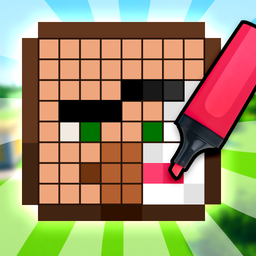
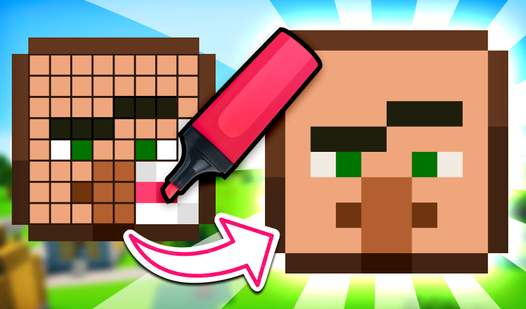
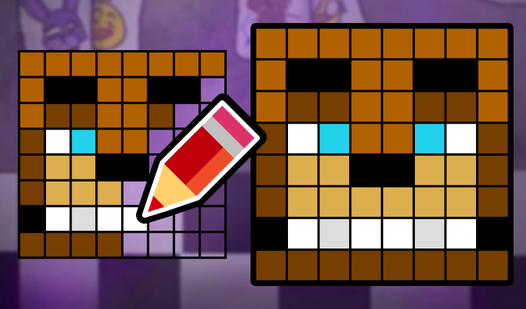
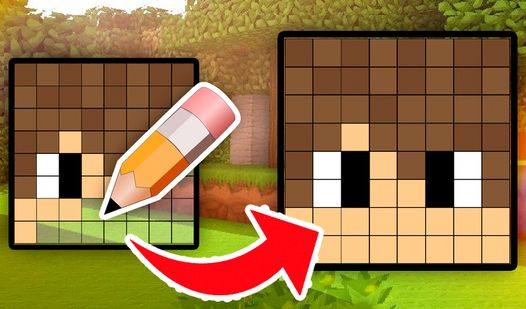
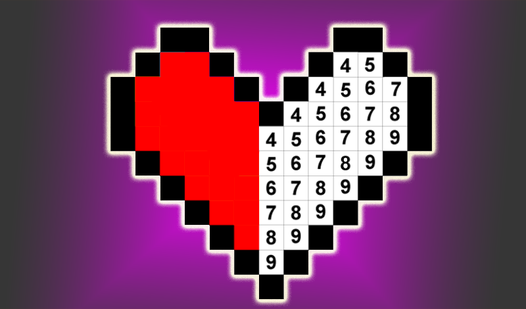
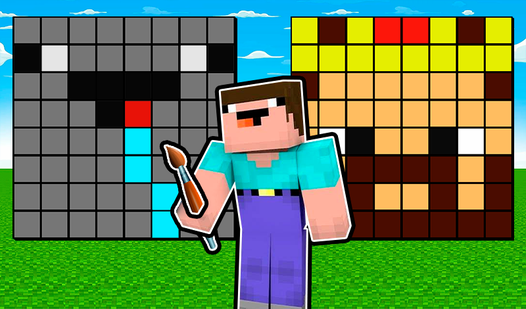
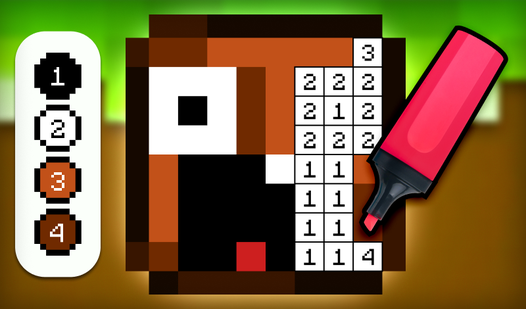
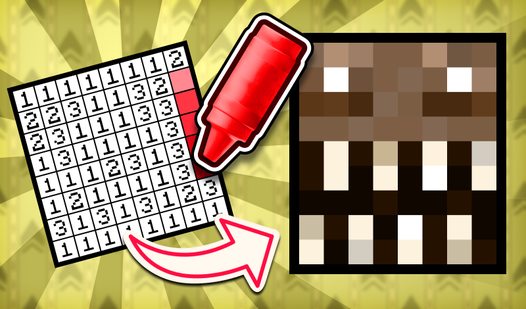
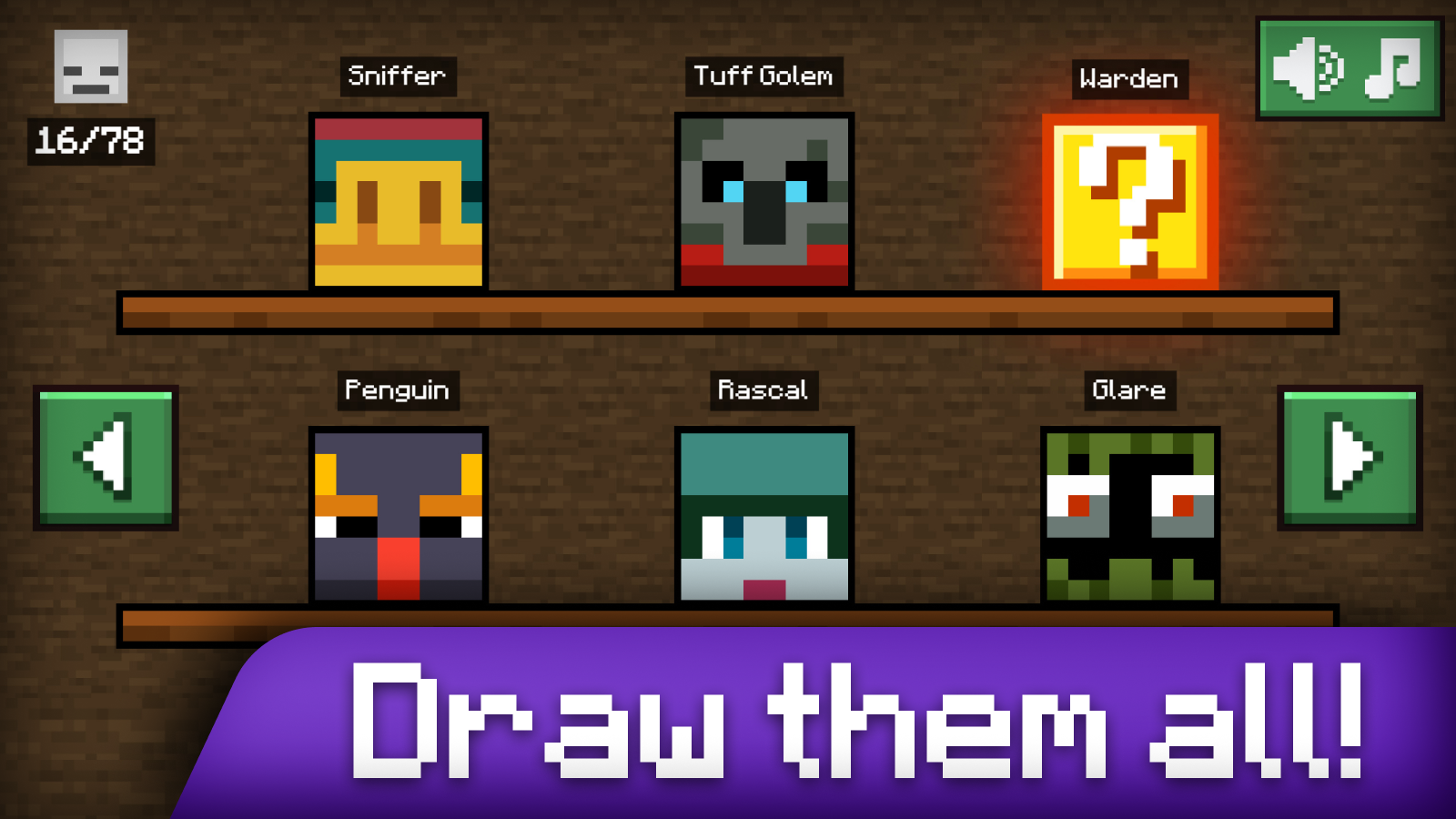
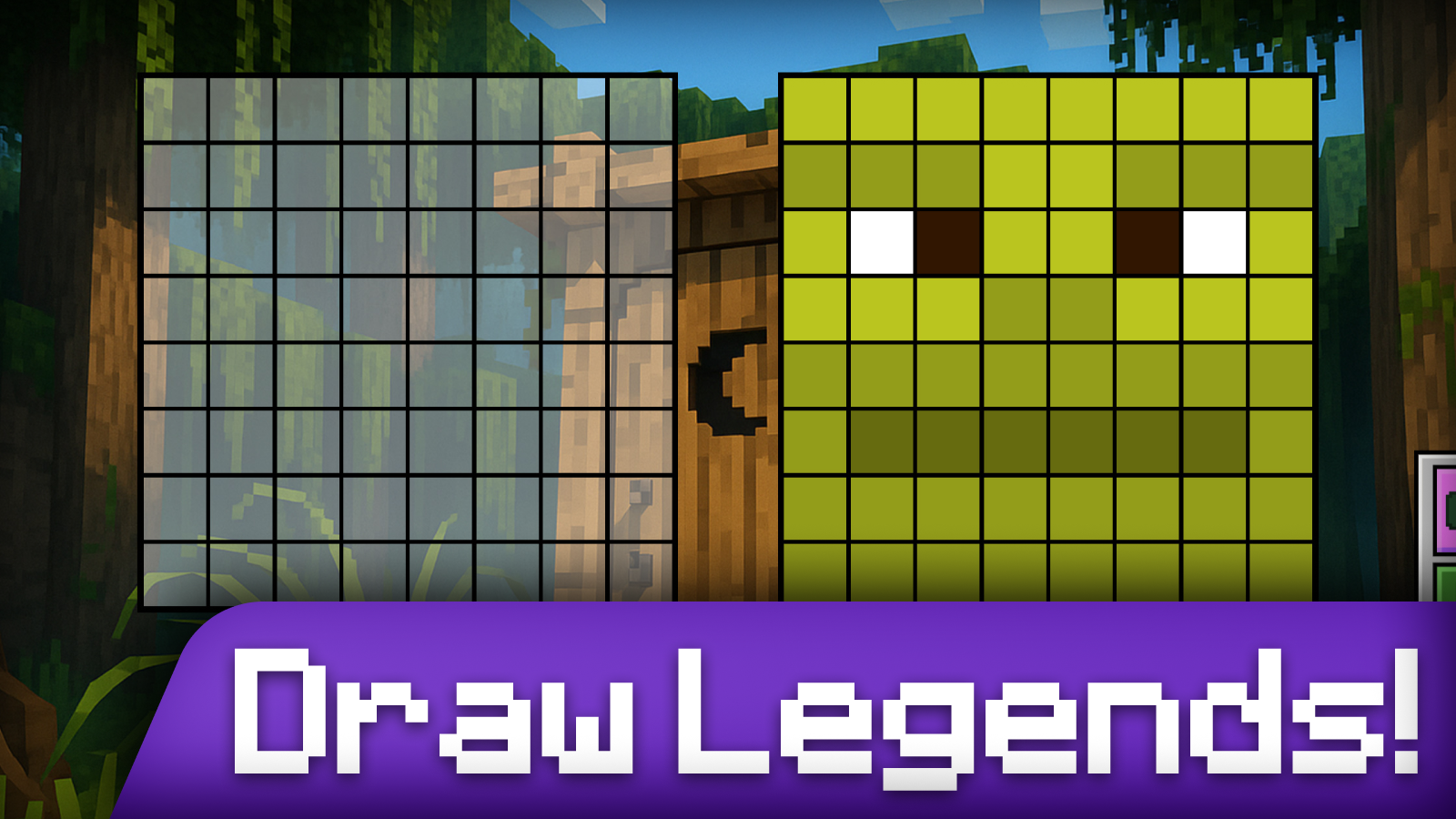
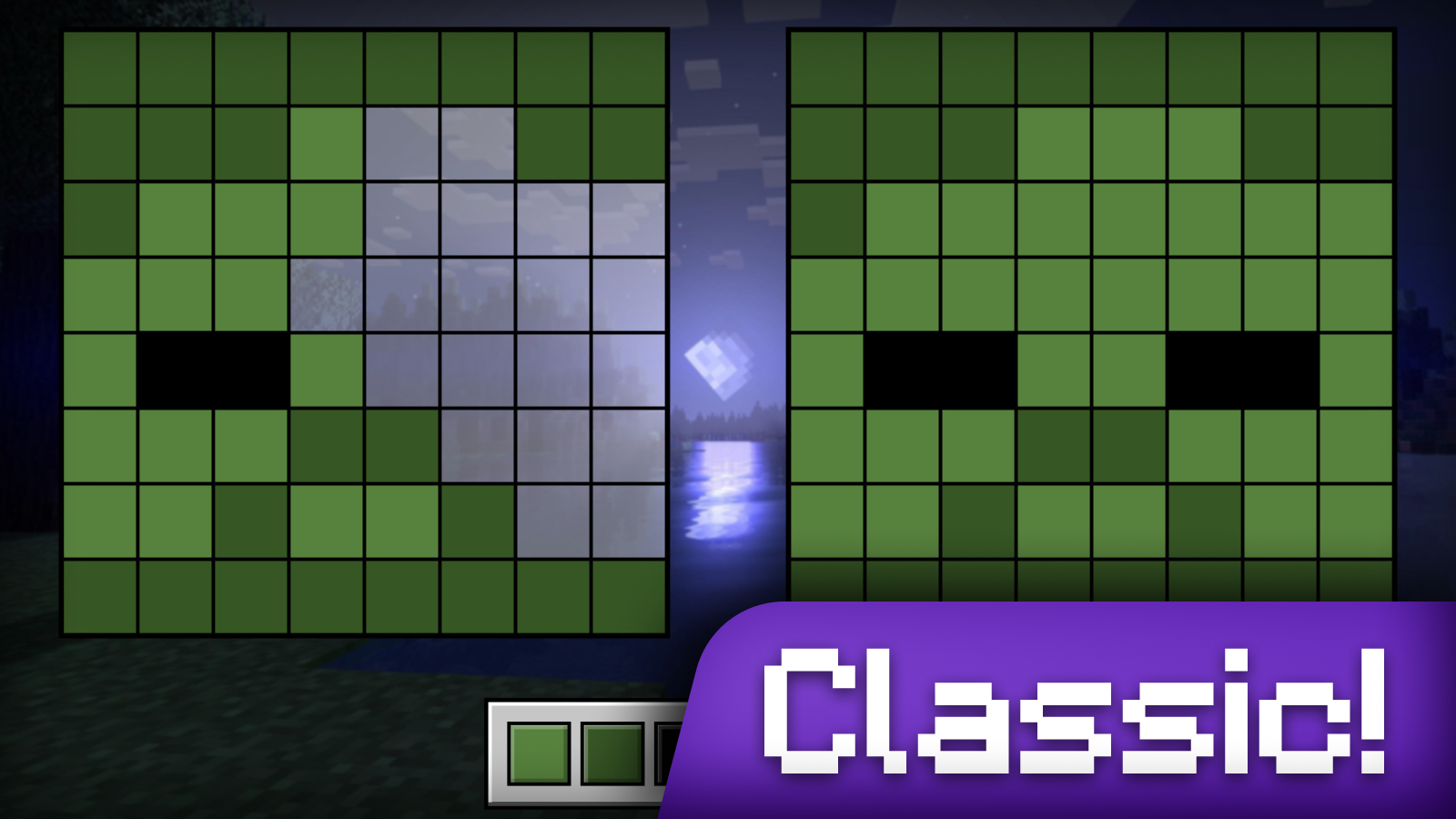
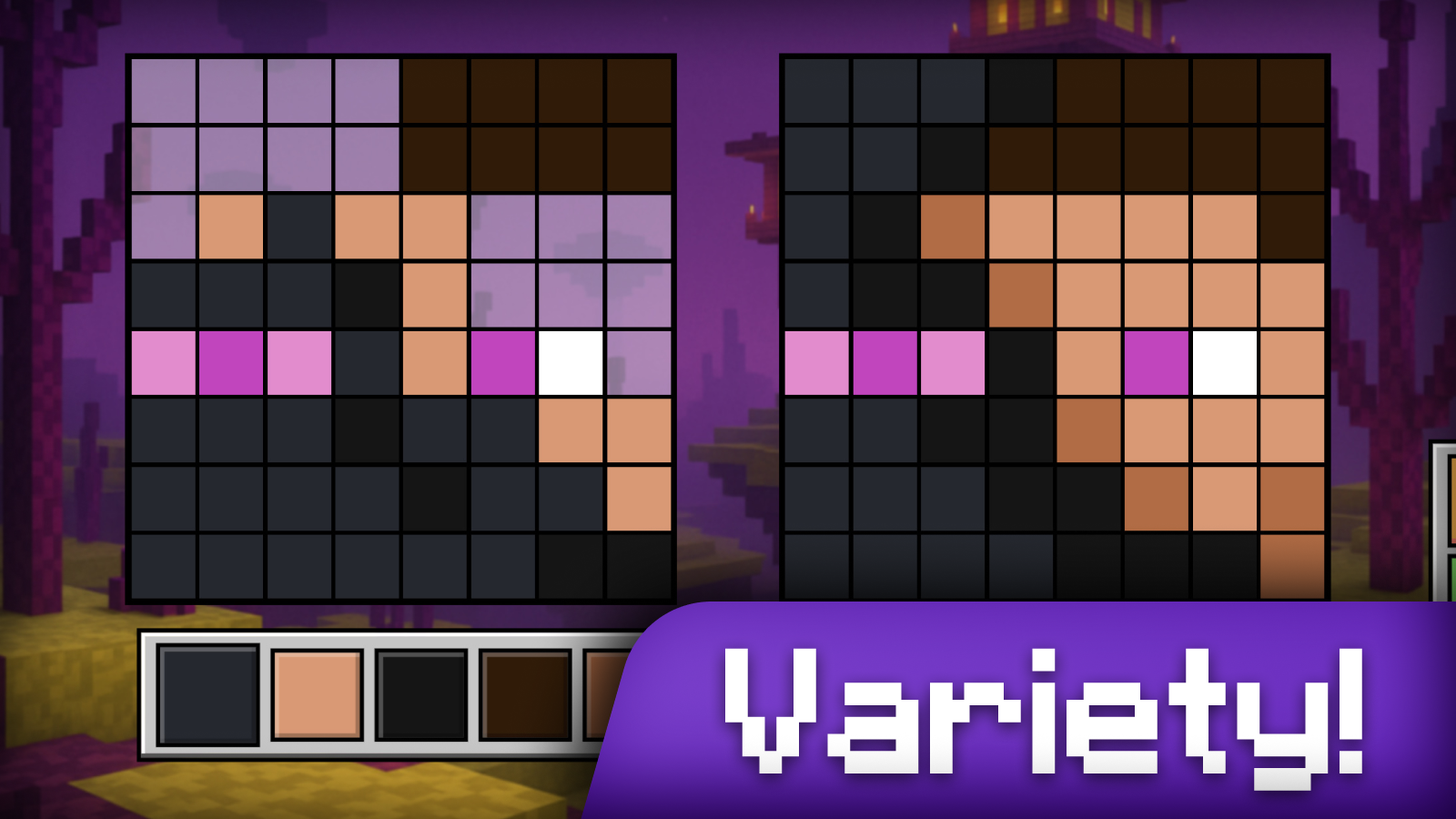
Fans of pixel art and blocky worlds will find their new obsession here as they master the art of recreating iconic character designs. Draw Mine Mobs! challenges you to become a skilled creator by coloring pixelated heads of famous creatures from your favorite craft universe. You work by selecting precise colors from a palette to fill in grids, strictly following the provided samples on your screen. The gameplay loop focuses on accuracy, where you mirror the reference image pixel by pixel to complete each skin. If you make a mistake, a handy eraser tool and color dropper help you keep your work perfect while you progress through 114 unique levels. What sets this experience apart is the dedicated workshop mode that lets you design custom characters to display on your personal trophy shelf. As you advance, you unlock increasingly rare mobs like dragons and legendary figures to expand your collection. Whether you are a casual player or a dedicated fan of minecraft style games, you can play this creative title for free in your browser with no download required.
How to play
How to play “Draw Mine Mobs!”? It's simple:
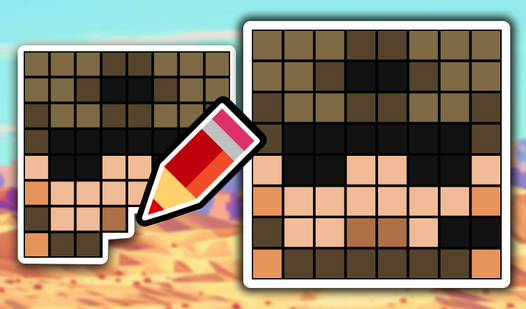
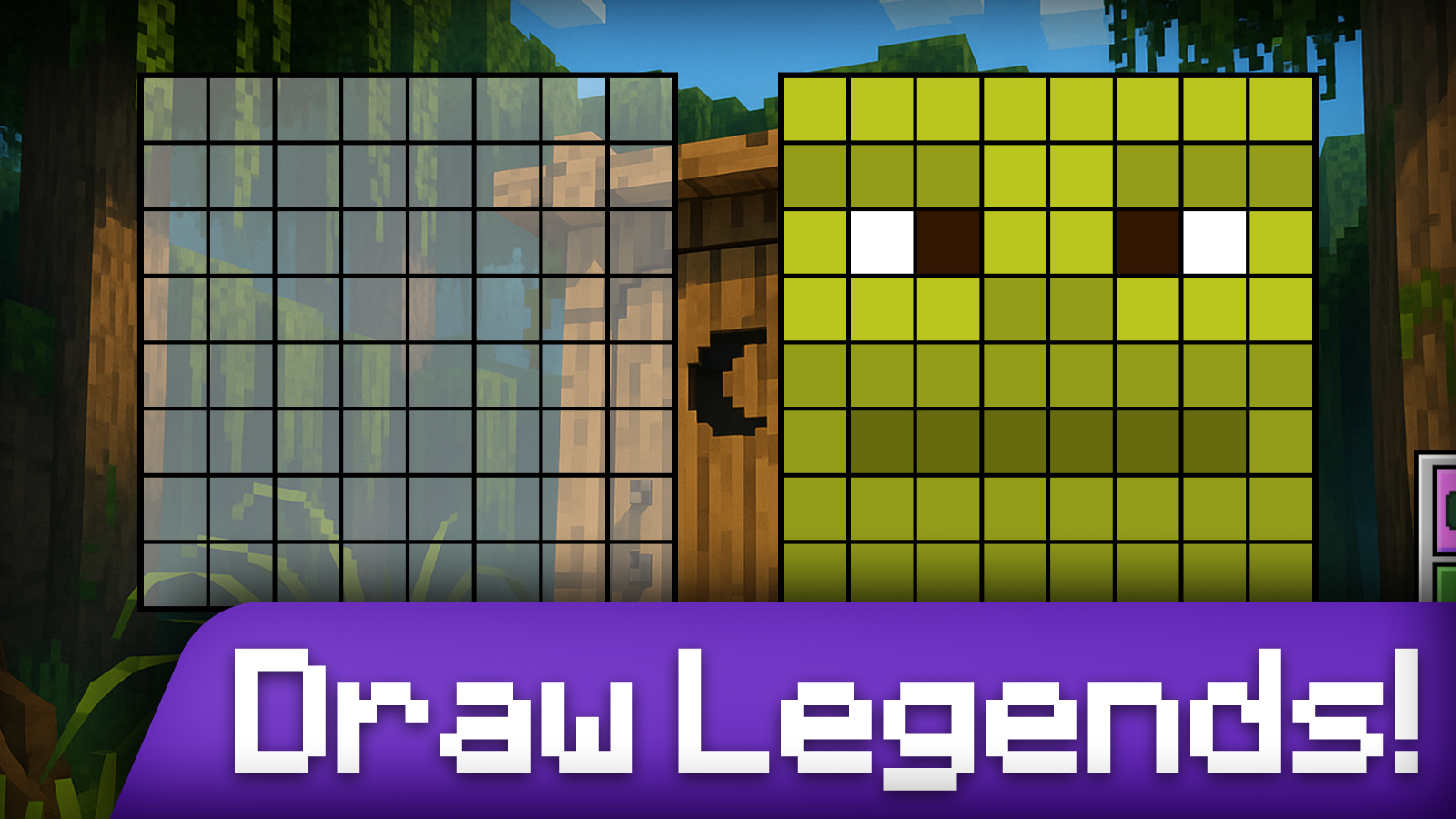
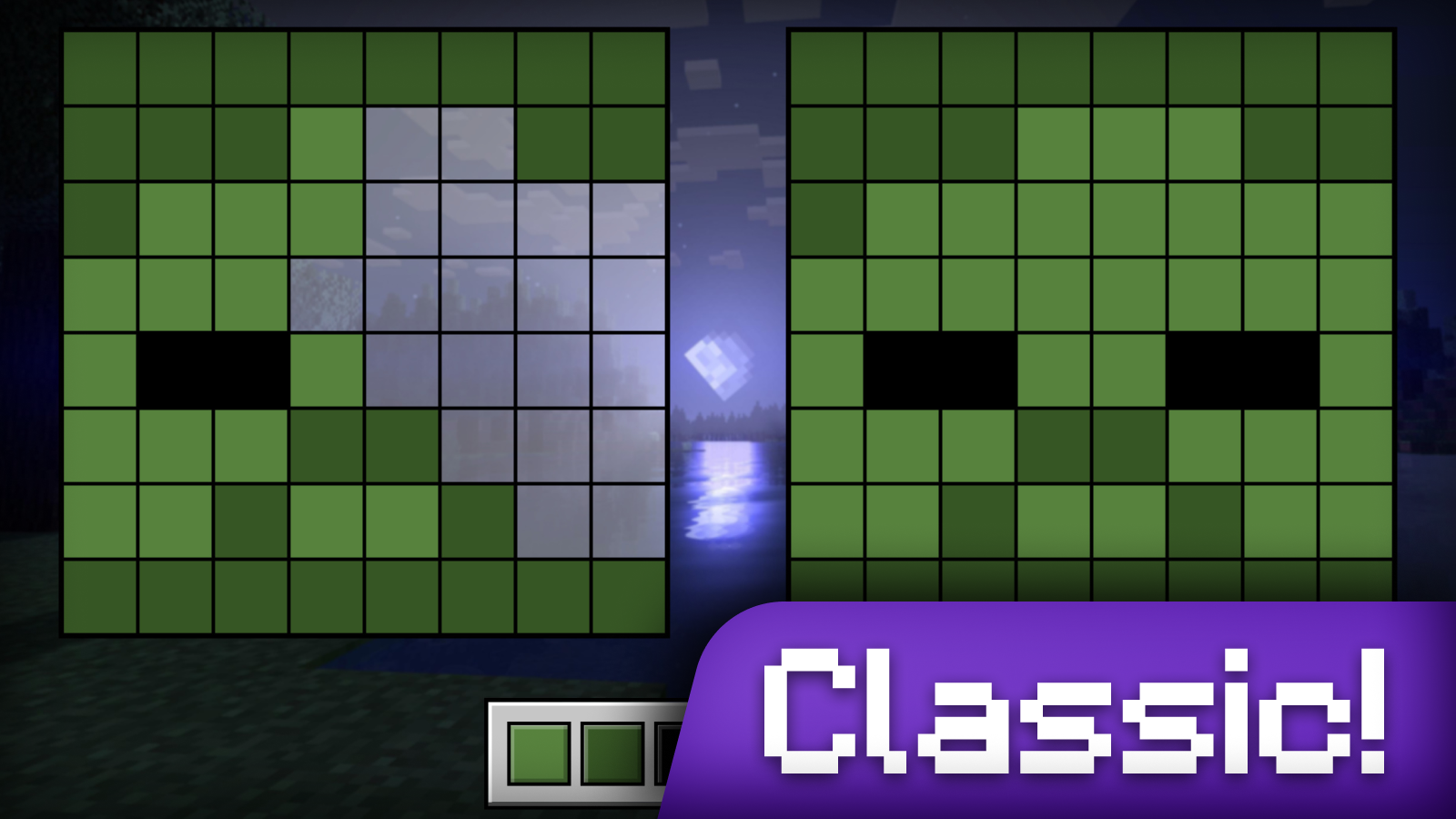
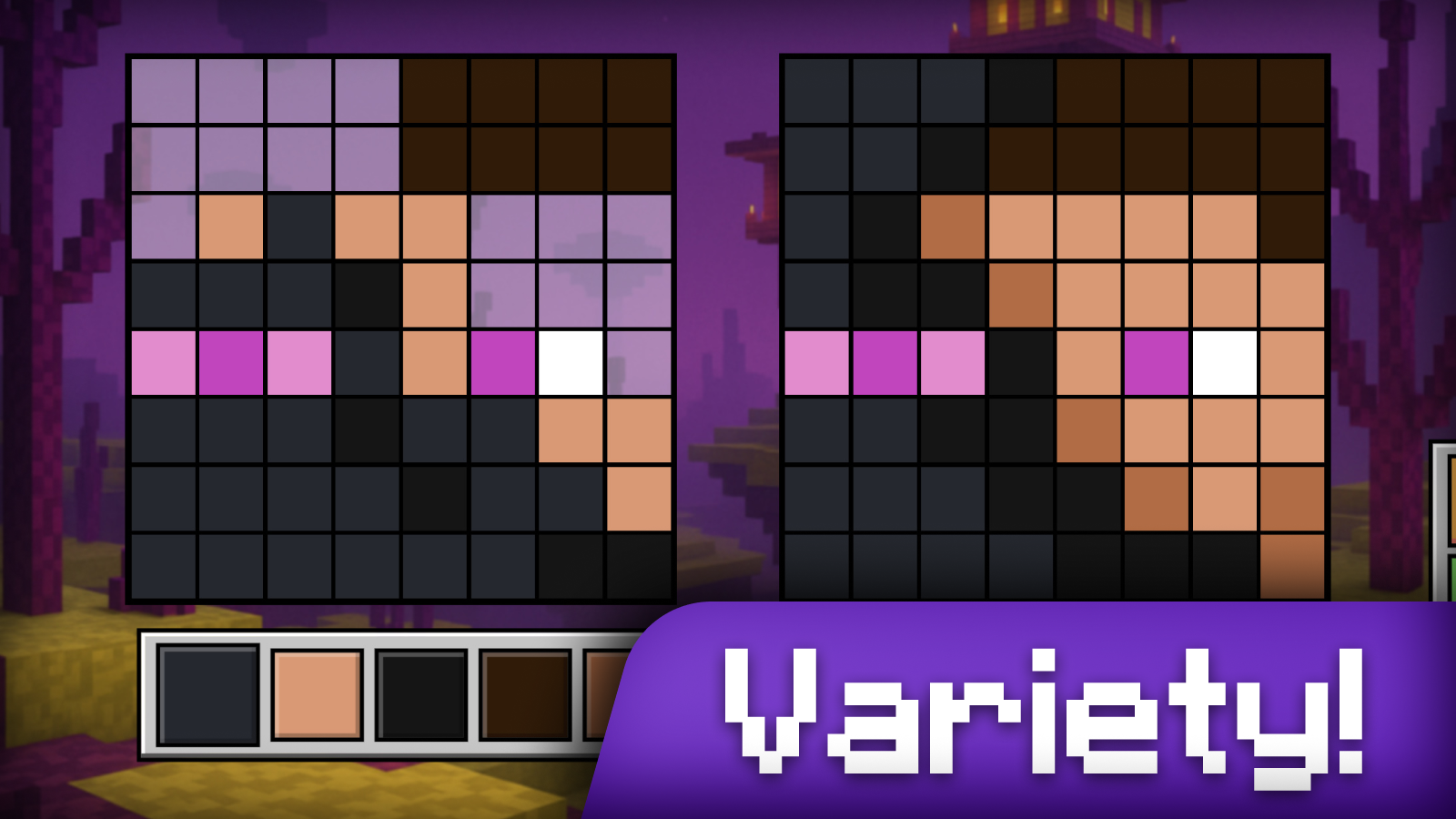
1️⃣ Look at the head swatch 👉 on the right - it shows how the character should be painted👤.
2️⃣ Choose the desired color from the palette. 🎨
3️⃣ Click on the pixels to paint them in the desired color. Try to replicate the original exactly! 🖌️
4️⃣ Wrong❌? That's okay - grab a 🧽 eraser or just paint with the right color from the palette on top.
5️⃣ The game has a dropper🧪 - with its help you can choose any color directly from the sample and paint with it right away.
Stuck on a level? No problem!
You can skip it just by watching a short commercial.
To do this, click on the button with the TV icon. 📺
When you're done - If everything is colored correctly, you'll hear a victory sound🎉 and move on to the next head!
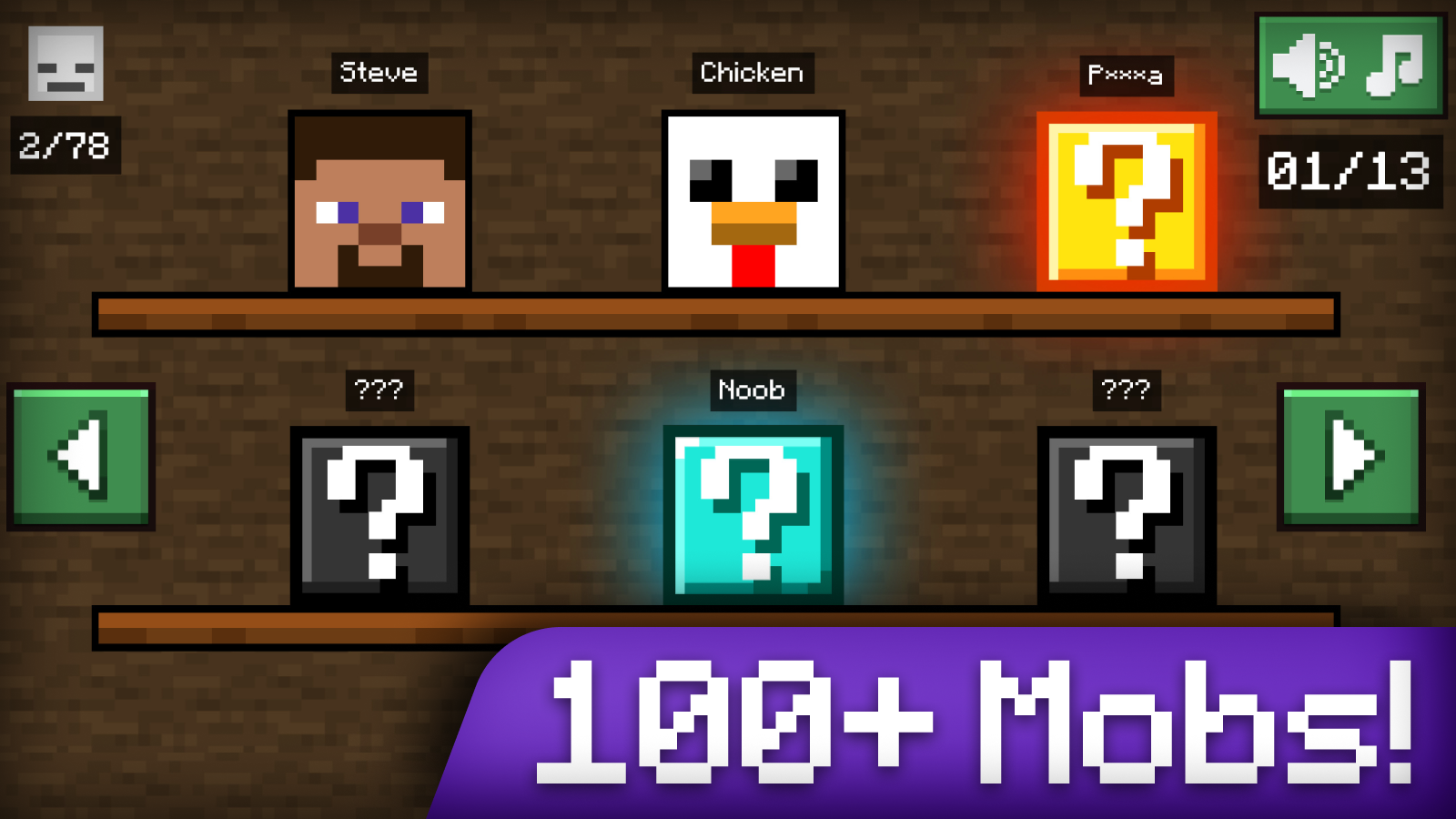
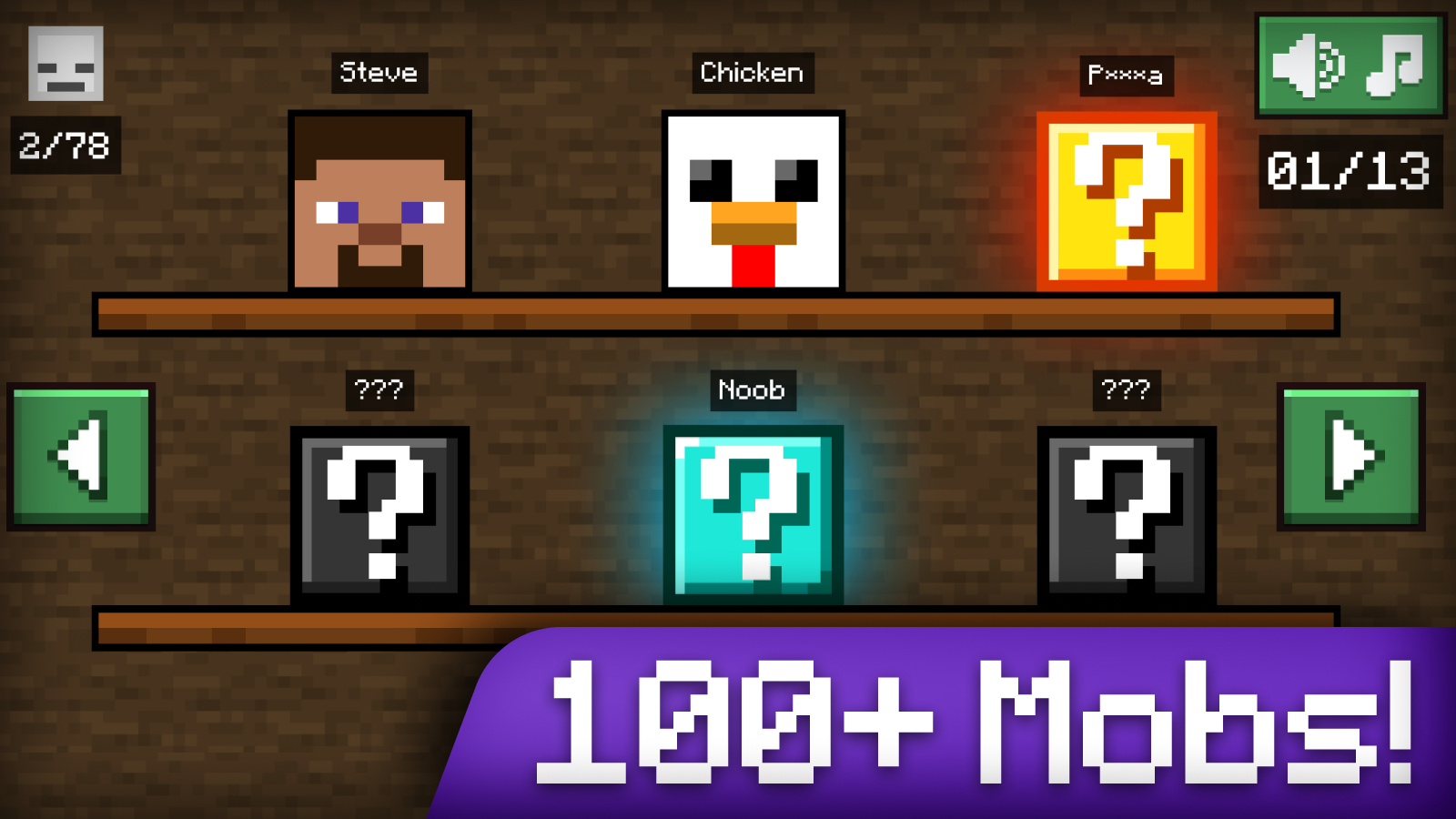
Collect the whole collection of heads from minecraft! - At first there will be simple skins (steve, zombie), and then cooler (infected steve, dragon edge, herobrin).
To unlock new shelves in the workshop pass the levels!
Features
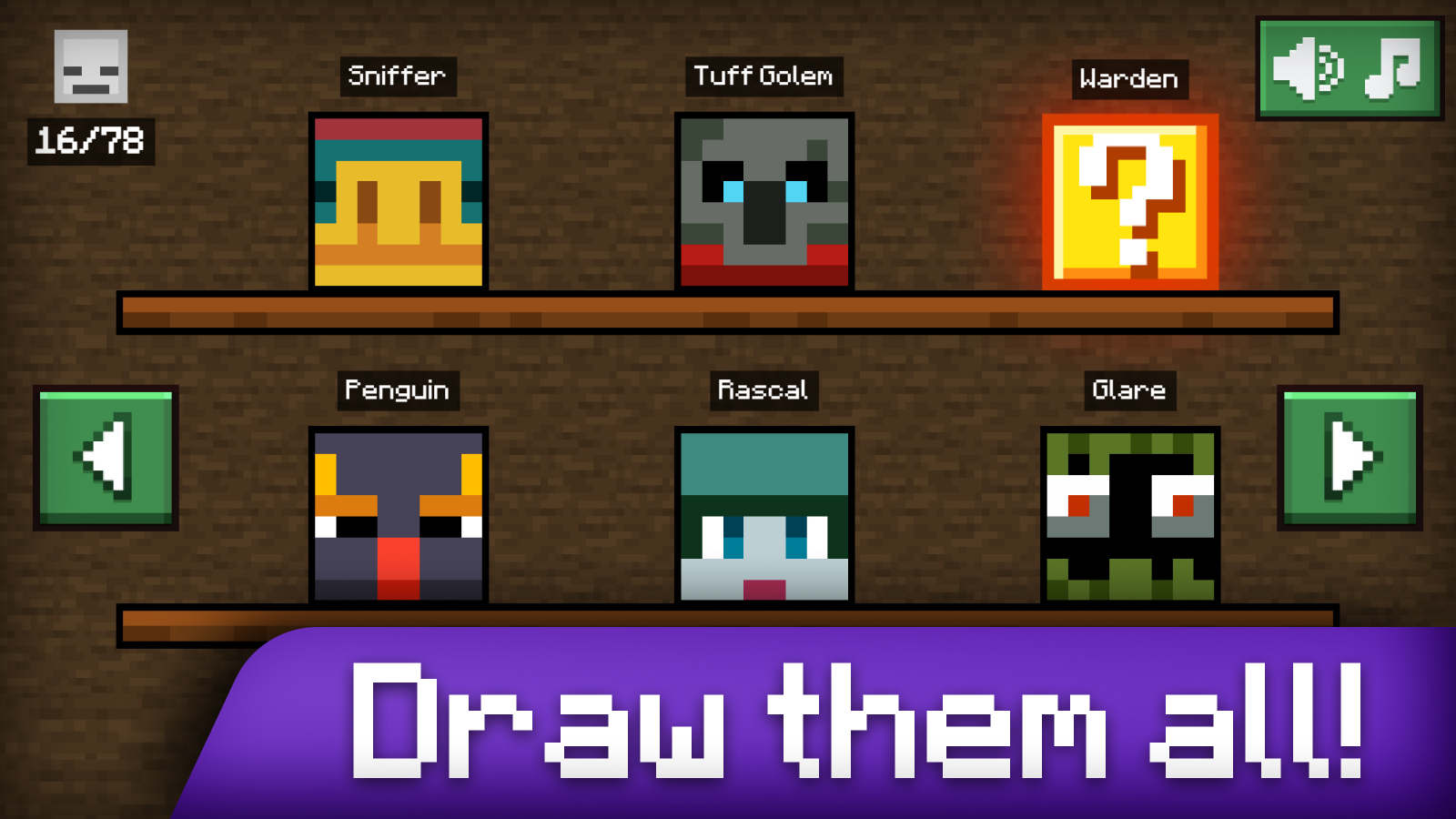
- Extensive Gallery: Collect 114 distinct mob heads ranging from standard villagers to rare legendary creatures.
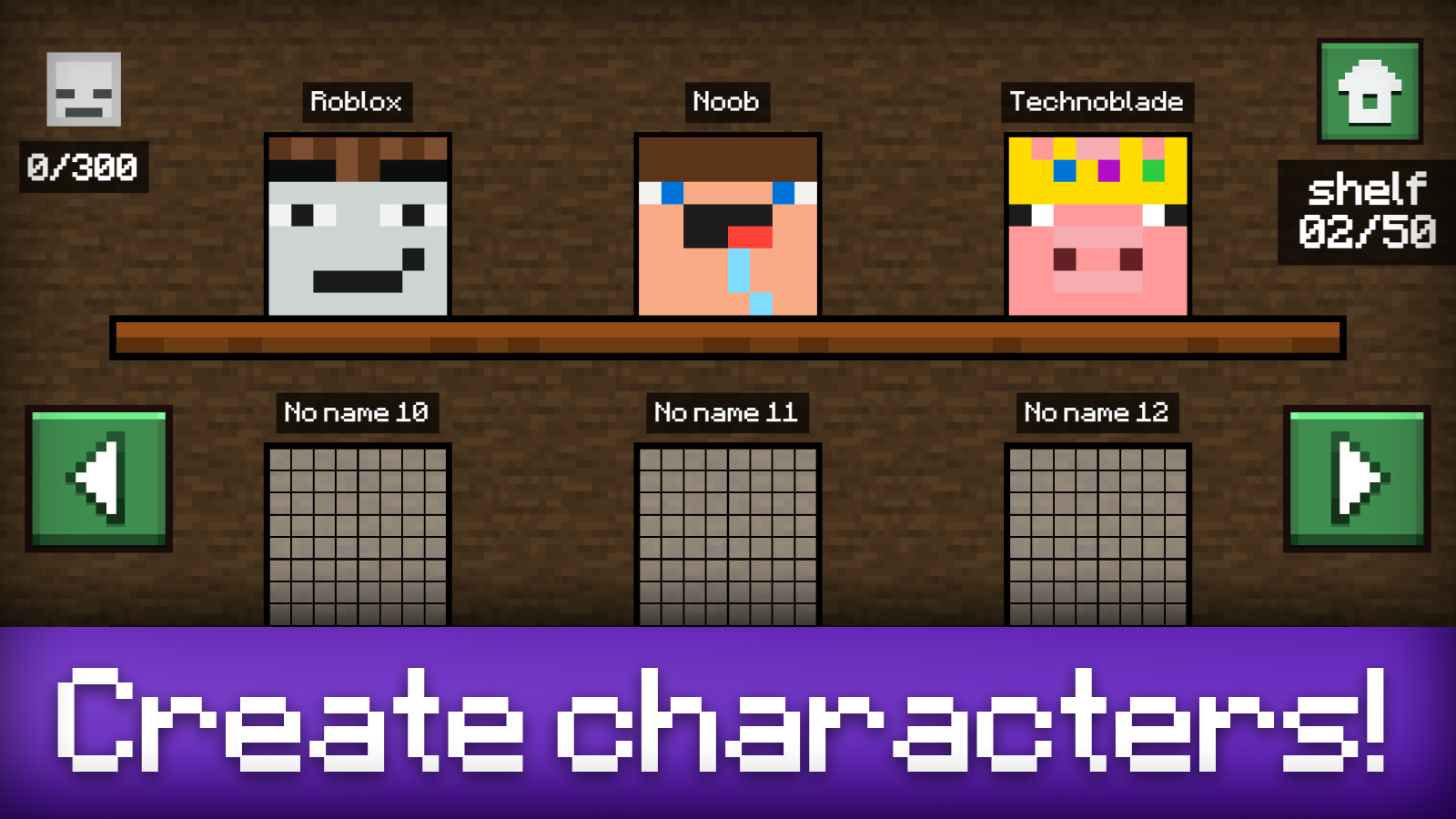
- Creative Workshop: Utilize a free-draw mode to design your own custom skins and showcase them on your shelf.
- Precision Tools: Use the smart color dropper to instantly sample shades from the reference image for perfect accuracy.
- Progressive Difficulty: Start by coloring simple skins like Steve before graduating to complex designs like The End Dragon.
- Ad-supported Assistance: Stuck on a tricky pixel pattern? Watch a short video to skip the level and keep the fun flowing.
Who is it for
Creative minds who love coloring pixel art and fans of blocky sandbox games will enjoy this relaxing experience. It is a fantastic choice for mobile and desktop users looking for a casual, artistic way to engage with their favorite game characters through simple, satisfying touch-based mechanics.
Controls
Select color
Tap or click on the desired color in the palette.
Paint pixel
Tap or click on a grid square to apply the selected color.
Correct errors
Use the eraser tool or simply paint over the wrong color with the right one.
Sample color
Click the dropper tool then tap a part of the reference image to copy its color.
FAQ
Can I play Draw Mine Mobs! on my phone?
›
Yes, Draw Mine Mobs! is fully optimized for mobile browsers so you can draw on the go.
Is there a way to save my designs in Draw Mine Mobs!?
›
All completed heads and custom designs you create in Draw Mine Mobs! are automatically saved to your virtual trophy shelf.
How do I unlock more levels in Draw Mine Mobs!?
›
You unlock new levels by successfully completing the current ones or using the skip feature if you get stuck.