About game
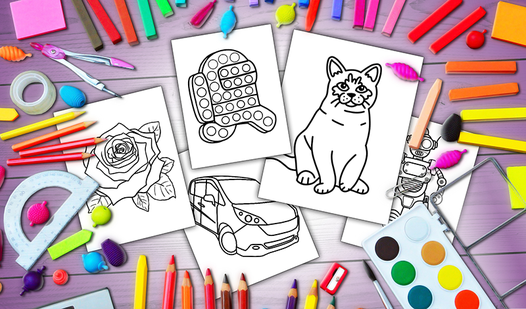
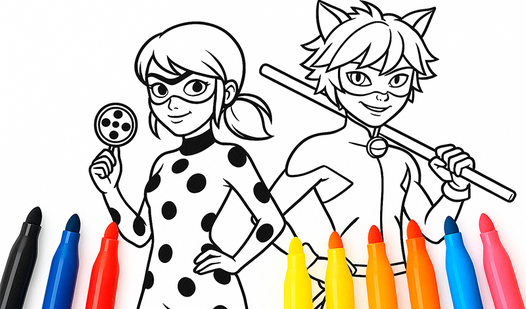
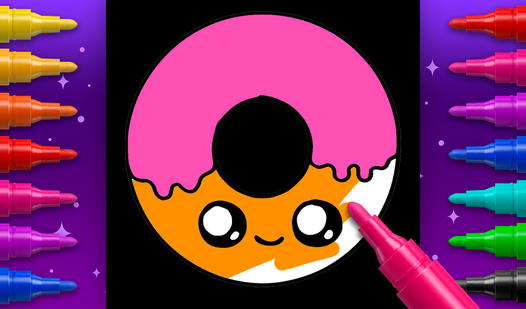
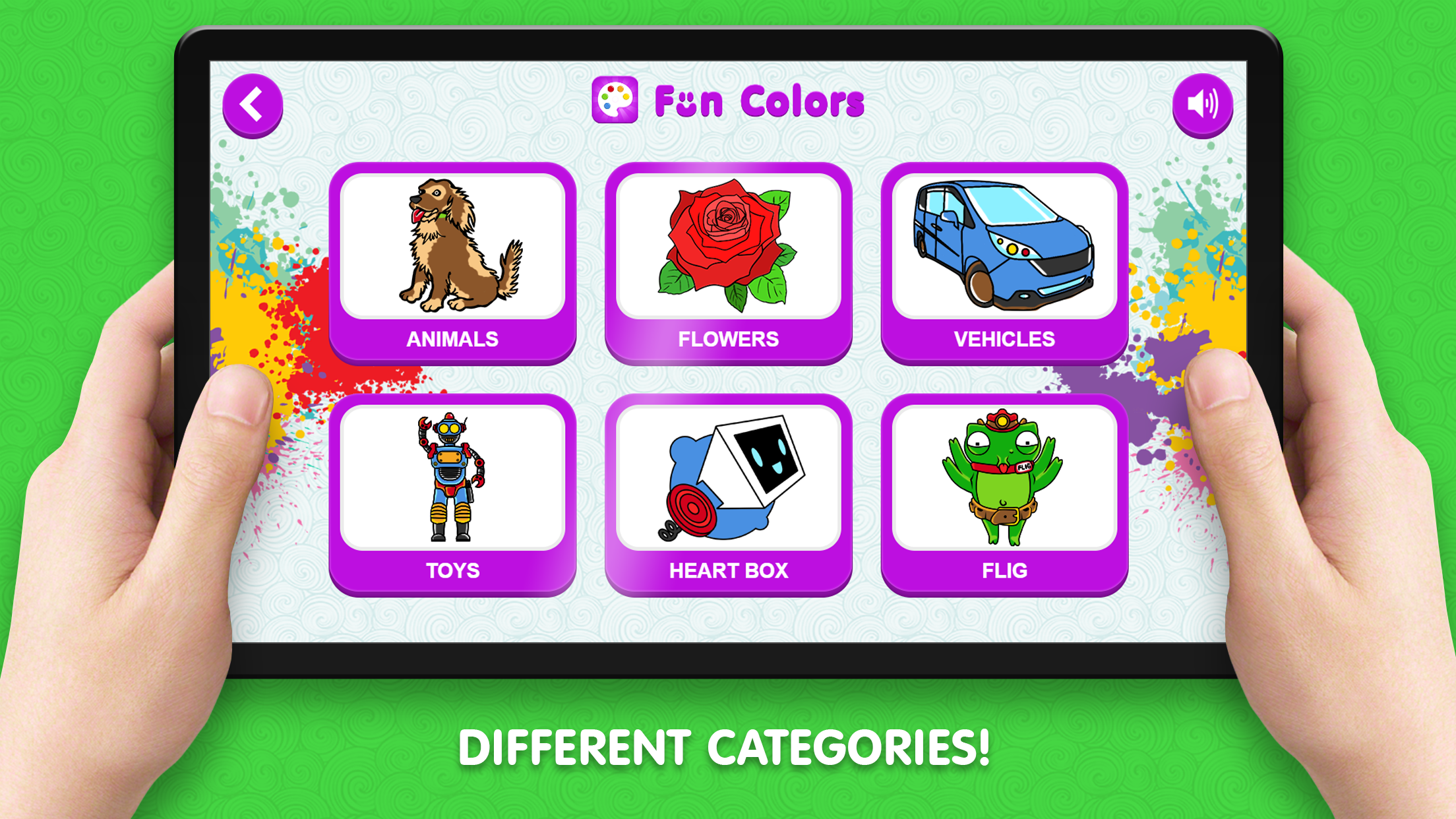
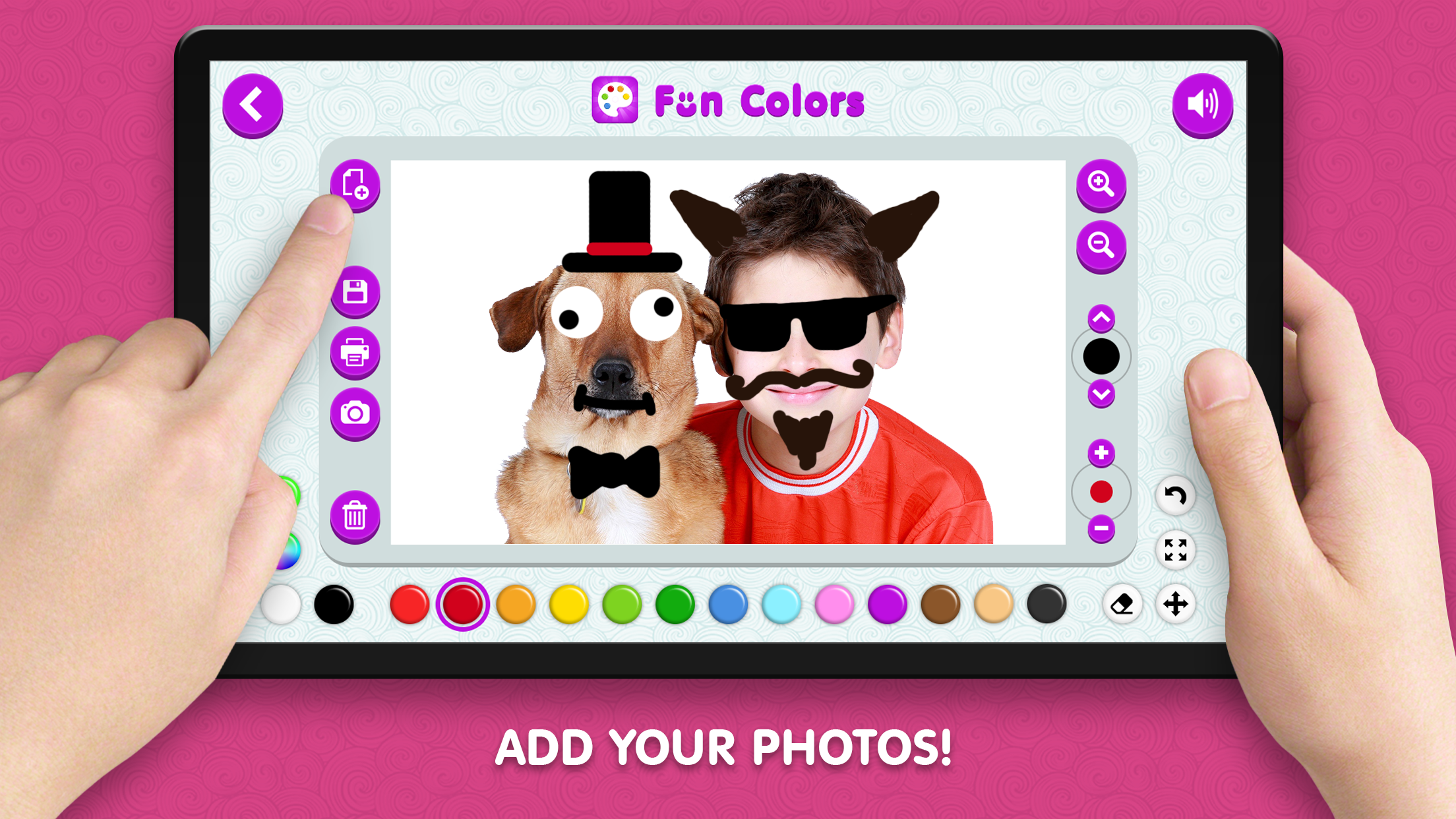
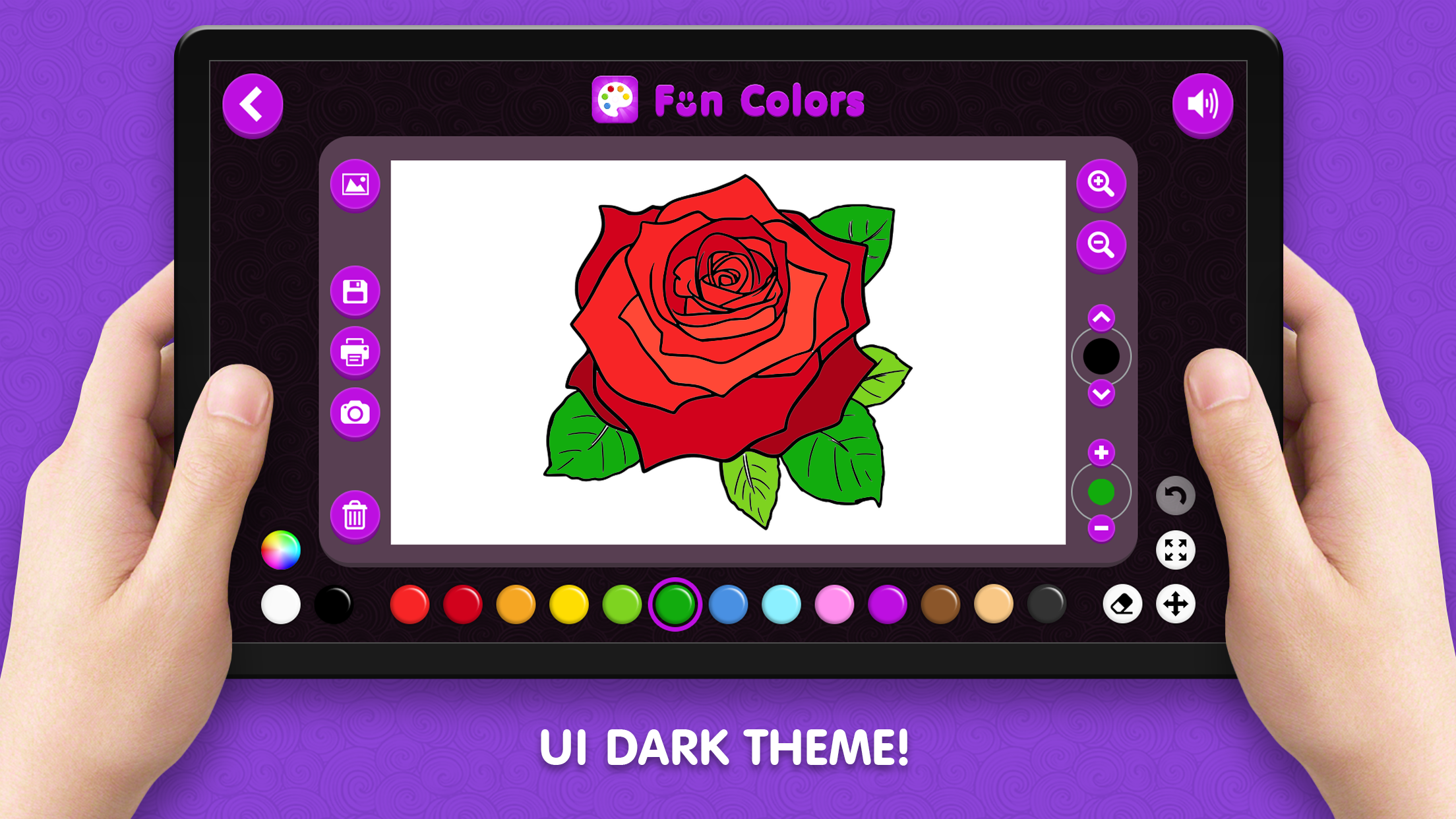
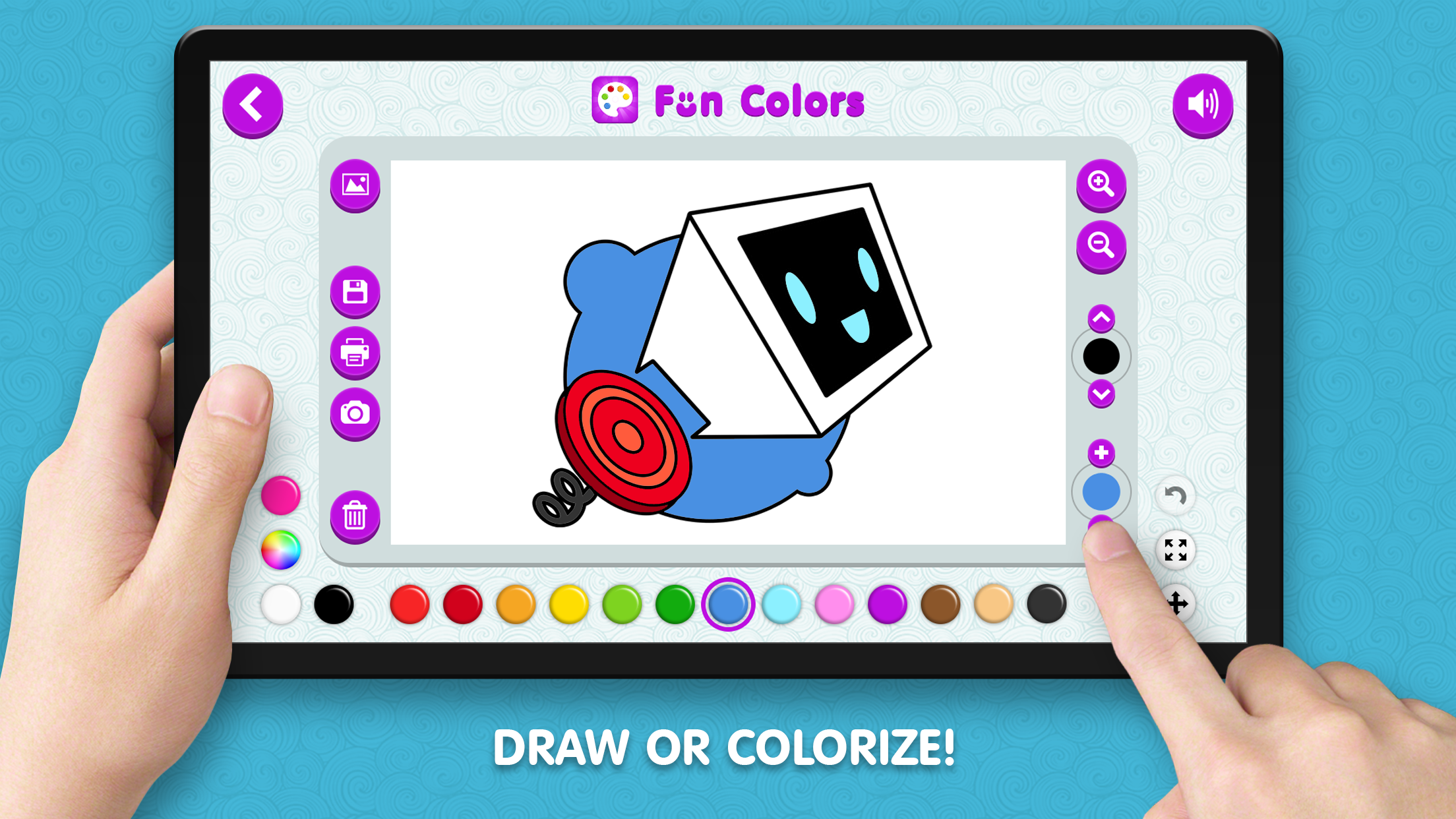
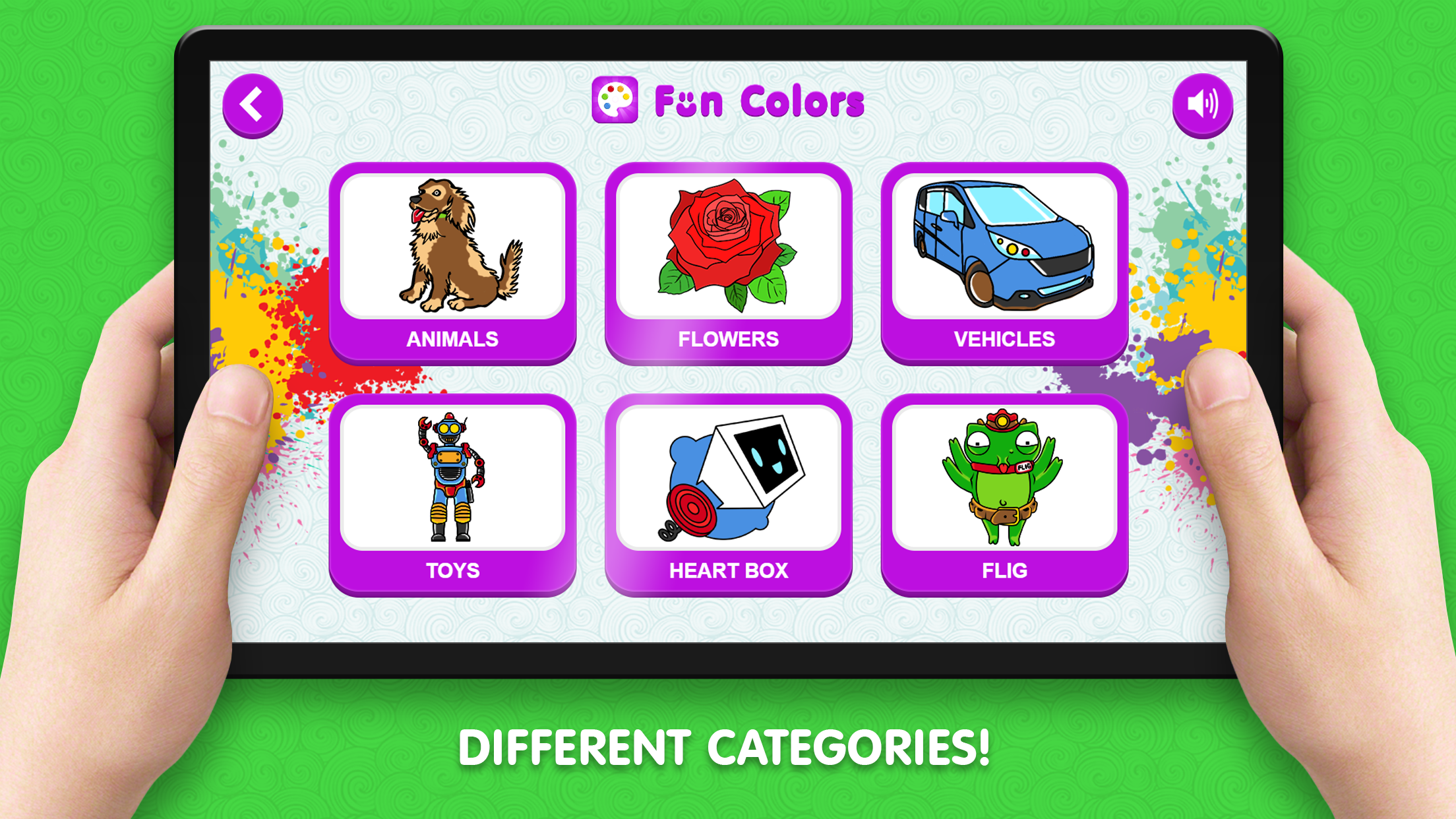
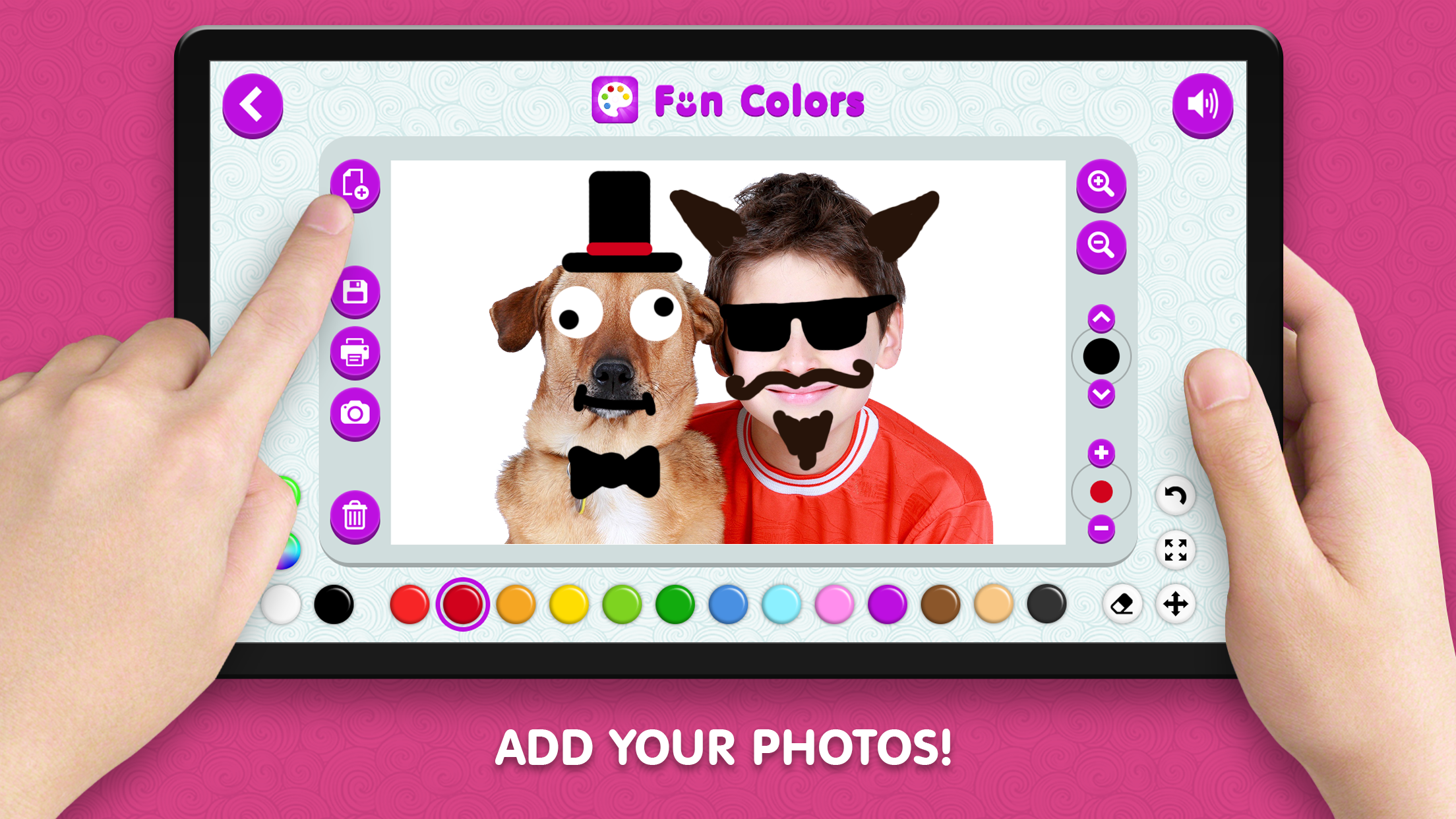
Creative kids and budding artists will find a digital sanctuary in Coloring Book for Kids, where imagination knows no bounds. This charming platform turns your screen into a canvas, letting you bring vibrant scenes to life with just a few clicks or taps. You can select from a massive library of themed coloring pages or switch to freehand mode to sketch your own unique designs from scratch. The interface offers total control over your artistic process, featuring adjustable brush sizes and a massive color palette to ensure every detail is perfect. Beyond the standard templates, you can even upload personal photos to transform them into custom coloring sheets for a truly personalized experience. The inclusion of a night mode keeps your eyes relaxed during long creative sessions, while the ability to save or print your work preserves those special masterpieces forever. Whether you are filling in intricate patterns or sketching freely, this online experience offers endless entertainment. Experience the joy of digital art right in your browser without any downloads required.
How to play
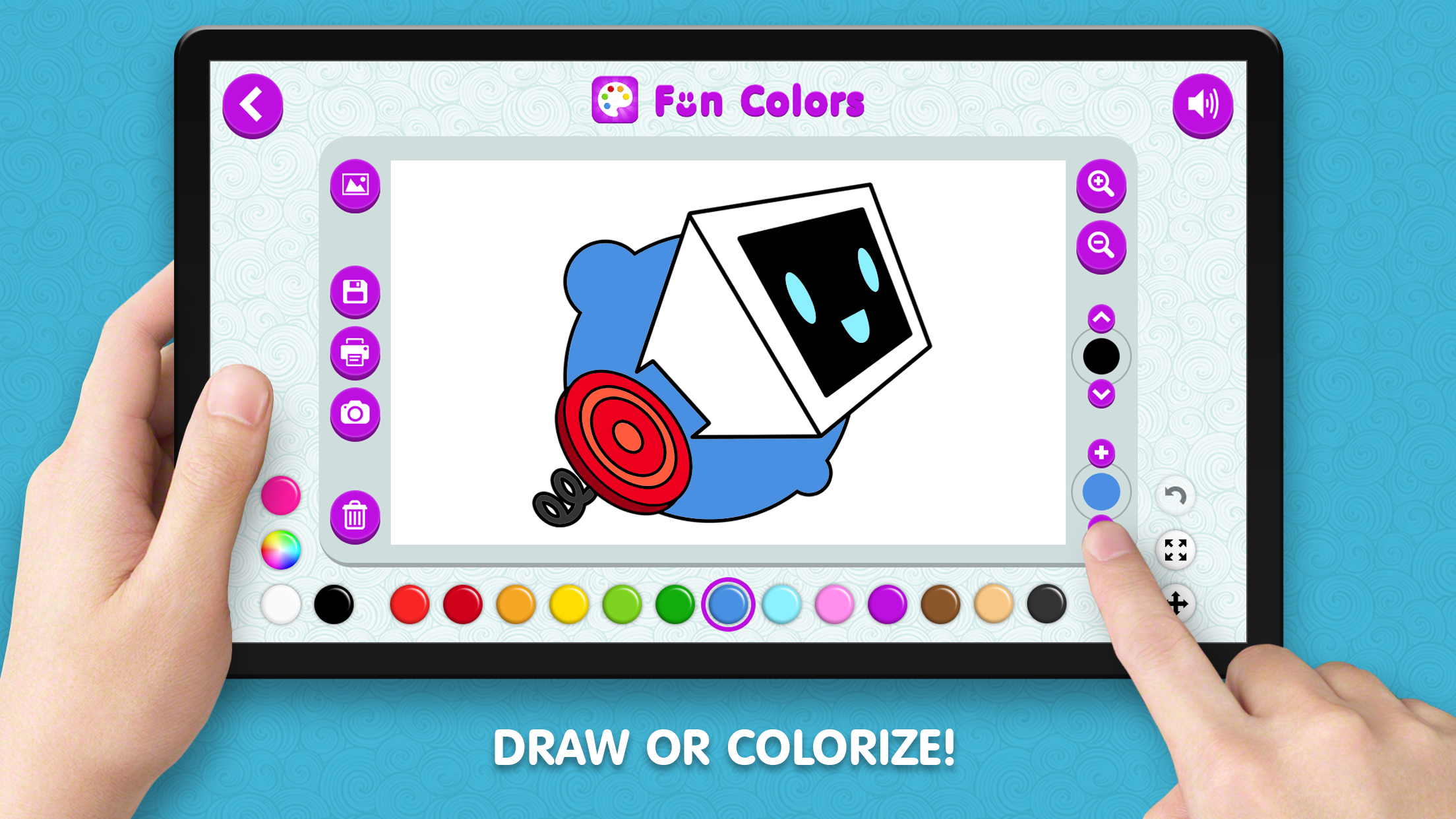
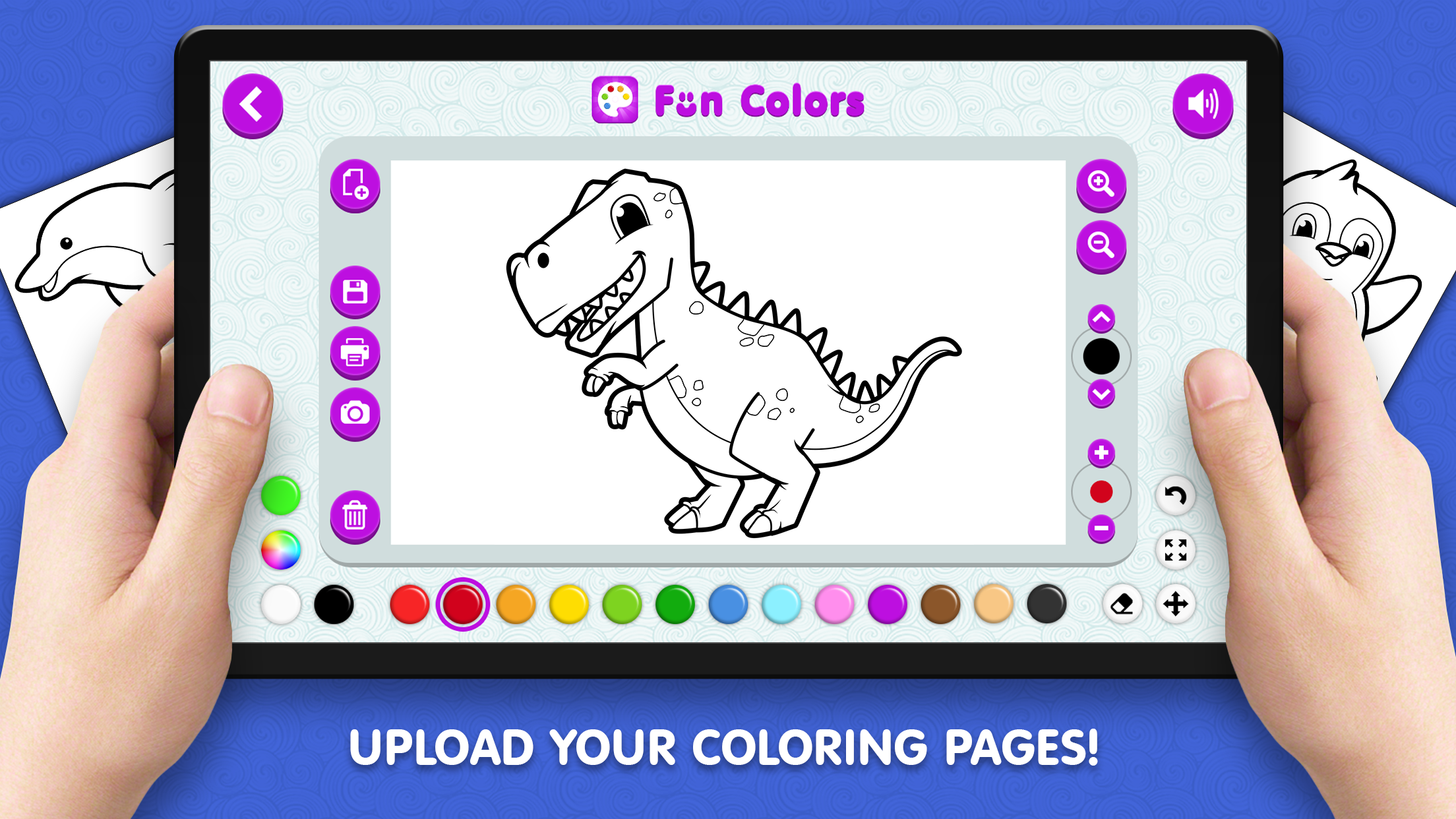
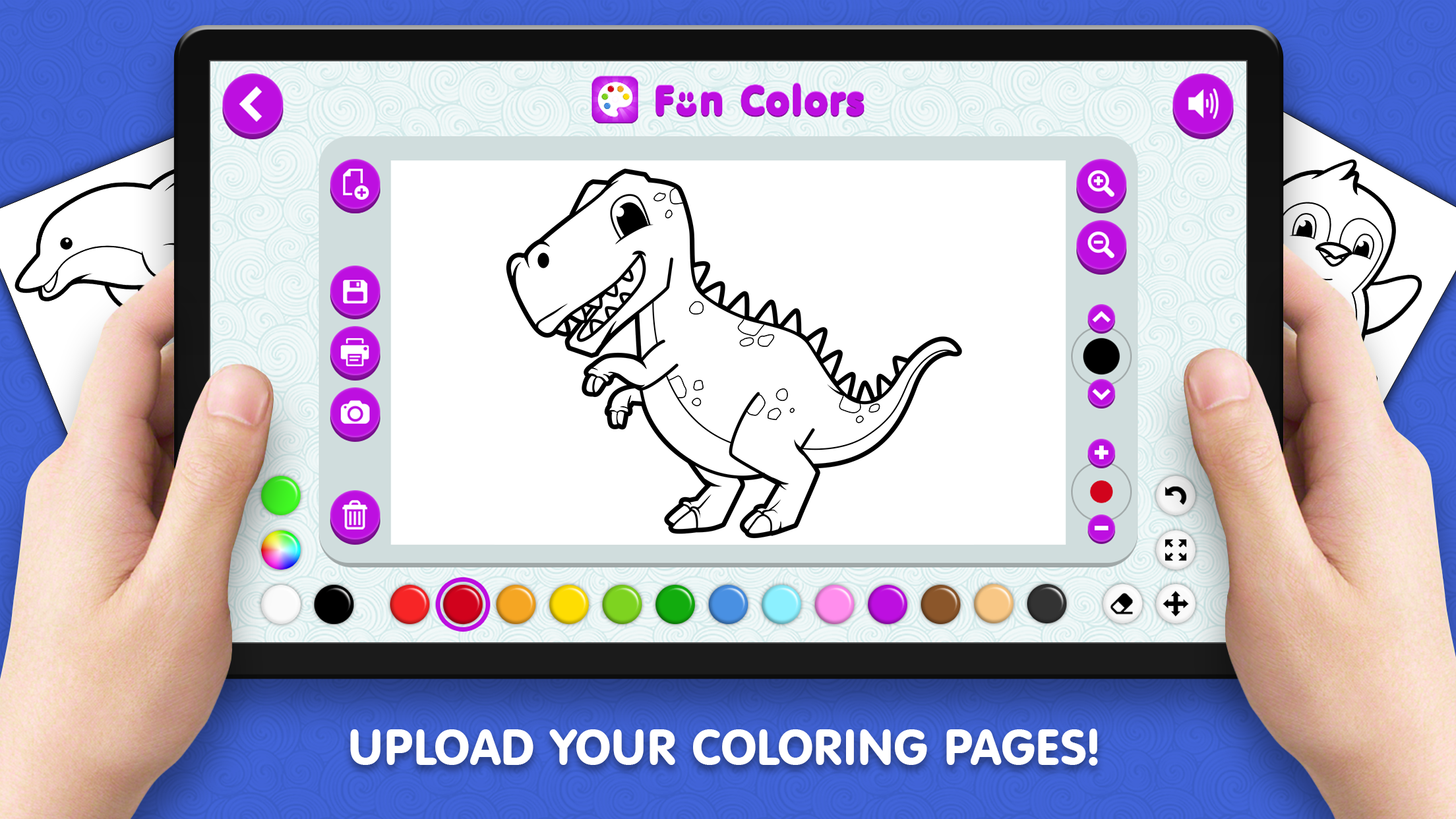
Use your mouse or gestures to move or scale the canvas. Use the buttons on the interface - choose a preset color or use a palette, adjust the size and type of brush, upload your own photos or coloring pages from your device, save drawings to your device or send drawings to print!
Features
- Custom Canvas: Upload your own photos or coloring pages from your device to create one-of-a-kind projects.
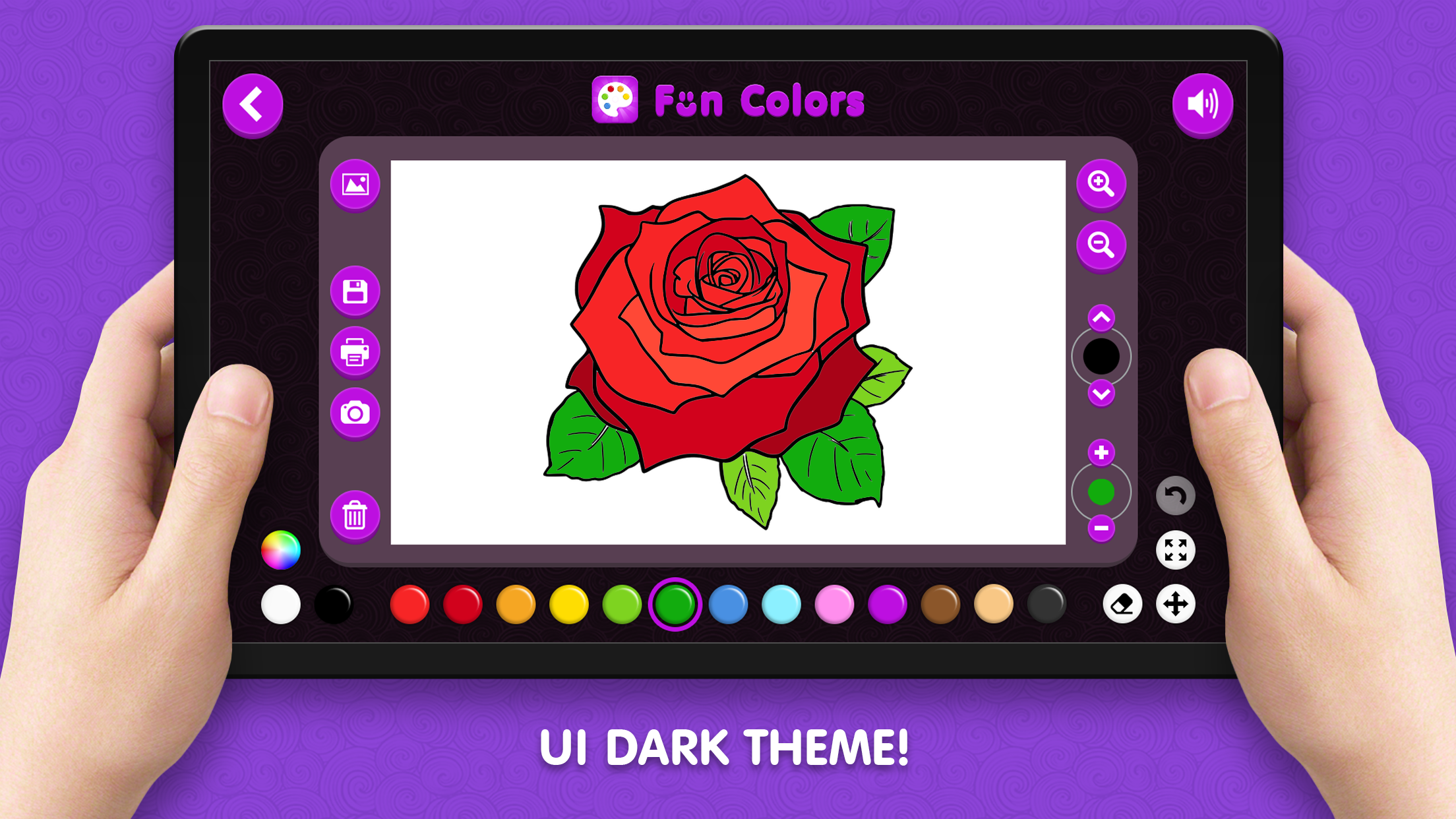
- Night Mode: Switch the interface to a darker theme to reduce eye strain during extended play sessions.
- Precision Tools: Use the zoom in and out functions to navigate complex patterns and refine your strokes with ease.
- Printable Art: Send your finished creations directly to your printer to showcase your work in the real world.
- Undo Function: Easily revert any accidental strokes with the quick undo button to keep your artwork looking pristine.
Who is it for
Young artists and creative children will love this digital coloring book. It is also a fantastic tool for parents looking for a quiet, productive activity for their kids. Fans of digital art apps will appreciate the intuitive controls and the unique ability to import personal photos for coloring.
Controls
Coloring and sketching
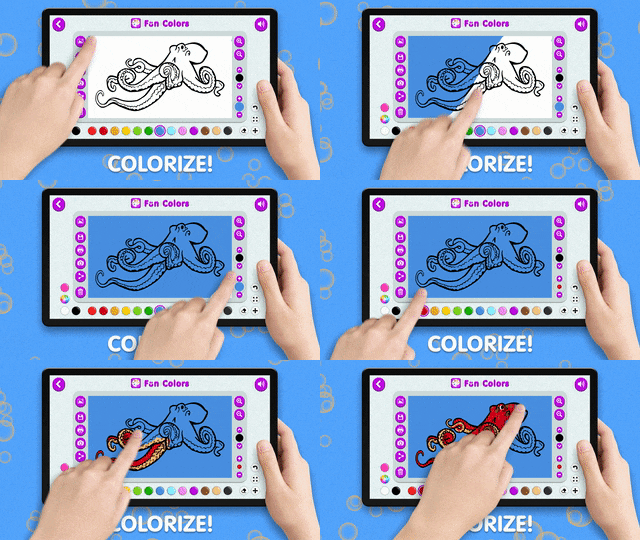
Tap or click to apply color to the canvas.
Navigate canvas
Use two-finger pinch or mouse scroll to zoom in and out of your drawing.
Move canvas
Drag with one finger or hold the mouse button to pan across the coloring area.
Tool selection
Tap or click on the interface icons to select brushes, colors, and file options.
FAQ
Can I play Coloring Book for Kids on my mobile device?
›
Yes, Coloring Book for Kids is fully optimized for touchscreens, allowing you to draw and color smoothly on phones and tablets.
Is it possible to save my progress in Coloring Book for Kids?
›
Absolutely, Coloring Book for Kids features a save system that keeps your drawings stored locally so you can continue your work later.
Does Coloring Book for Kids allow me to print my drawings?
›
Yes, you can print your finished masterpieces directly from the game interface when playing on a desktop computer.