About game
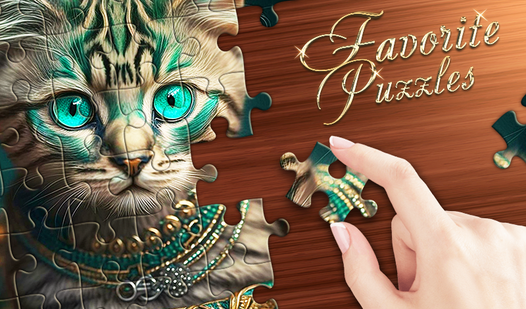
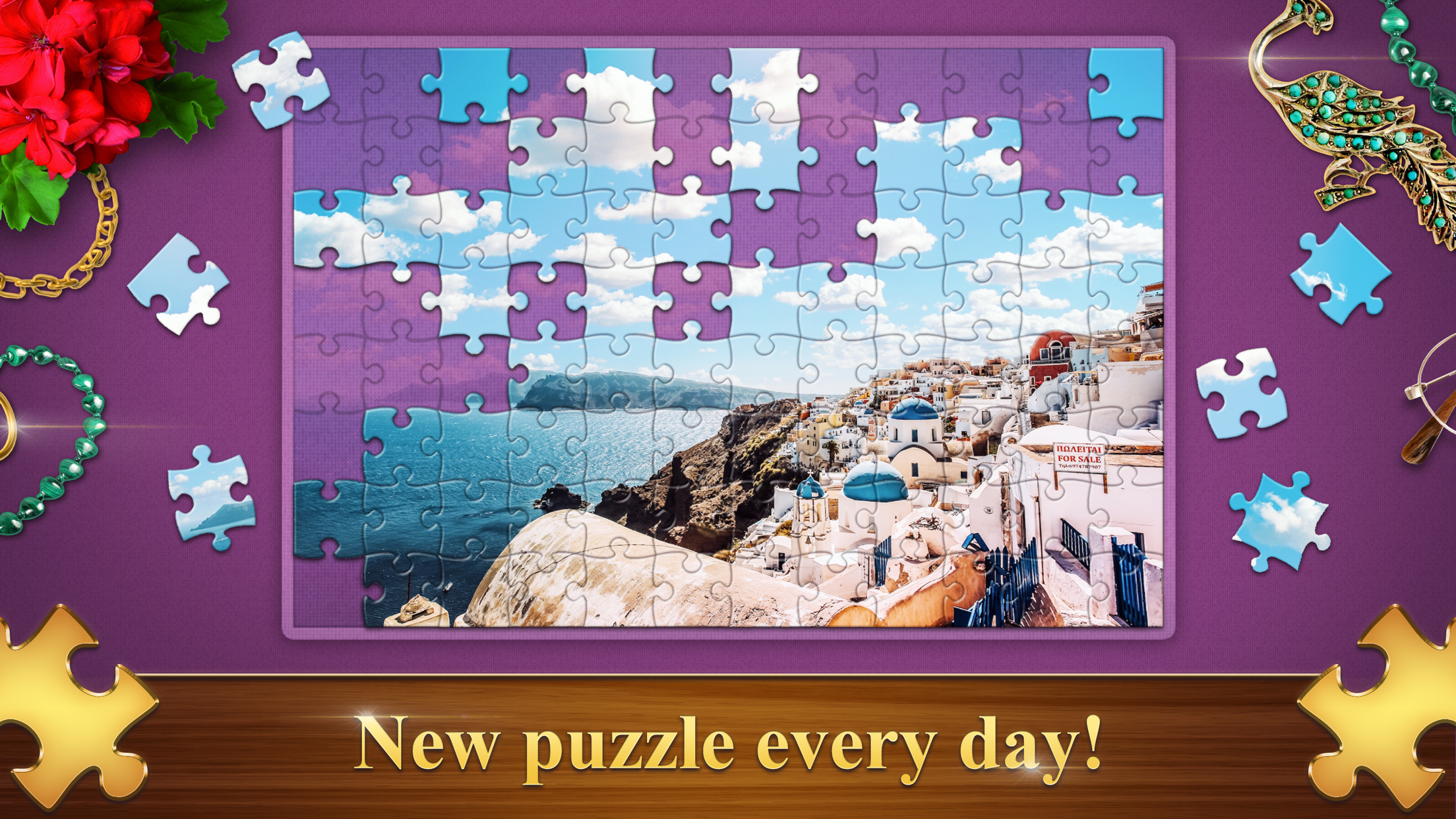
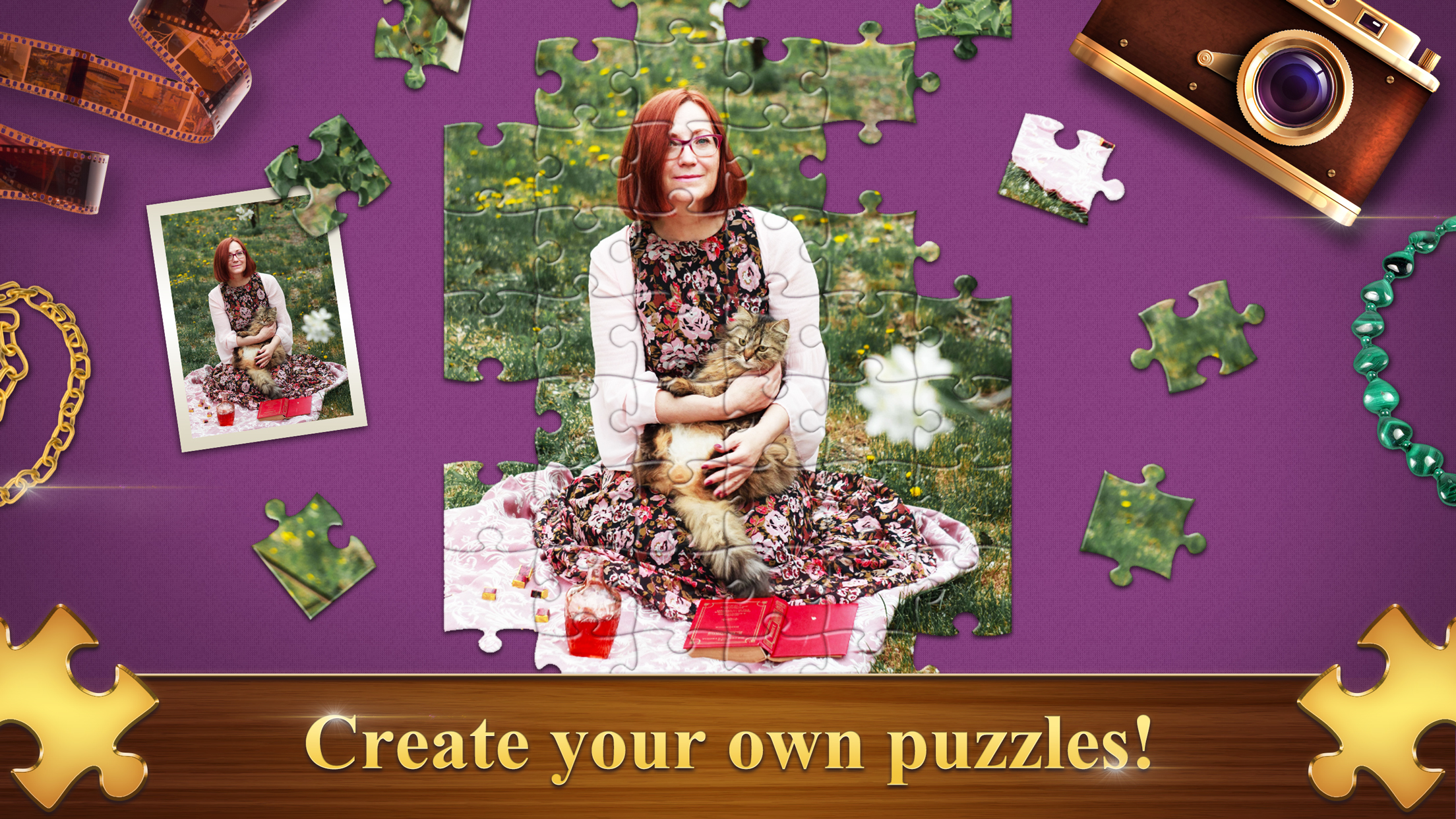
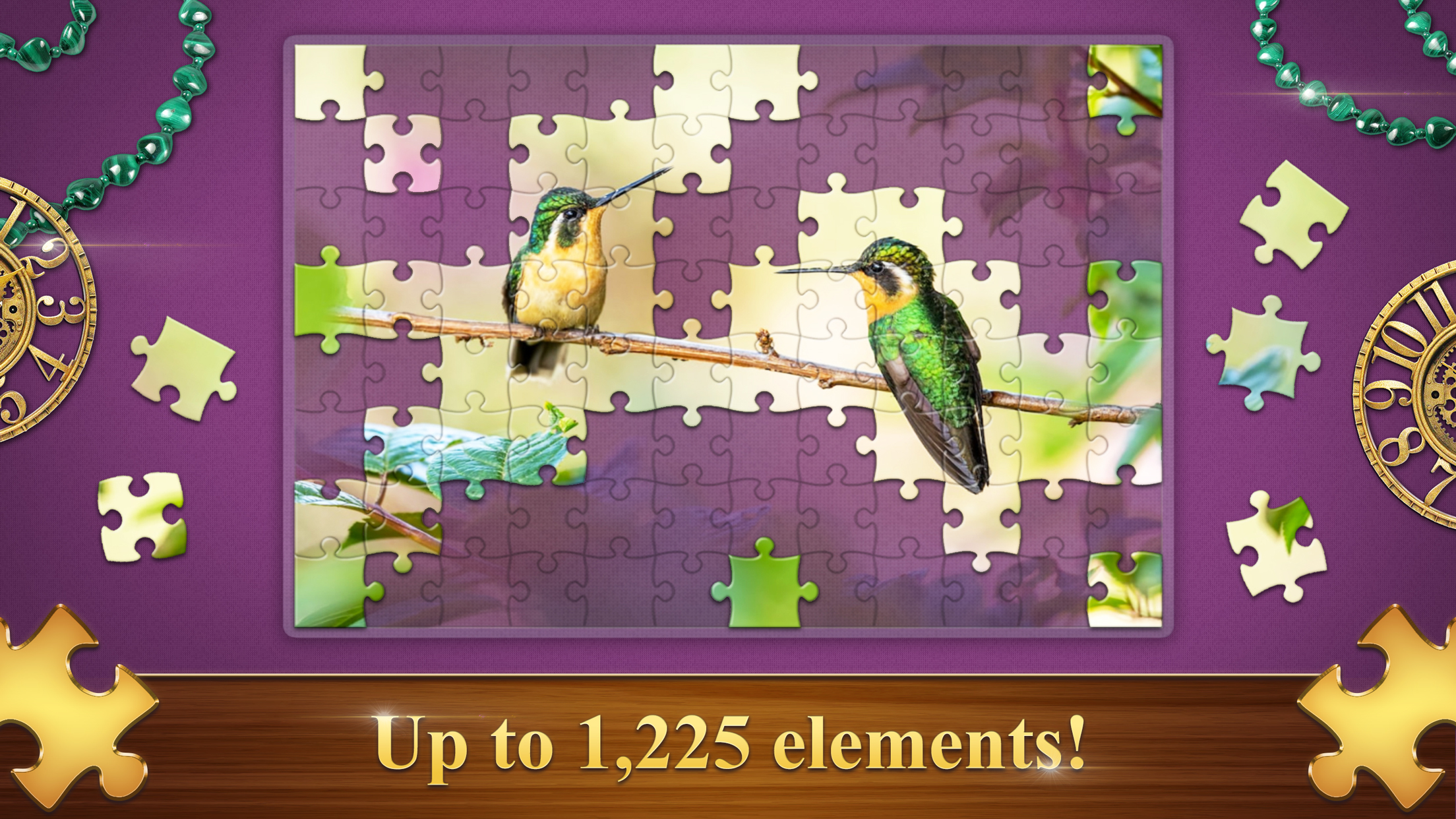
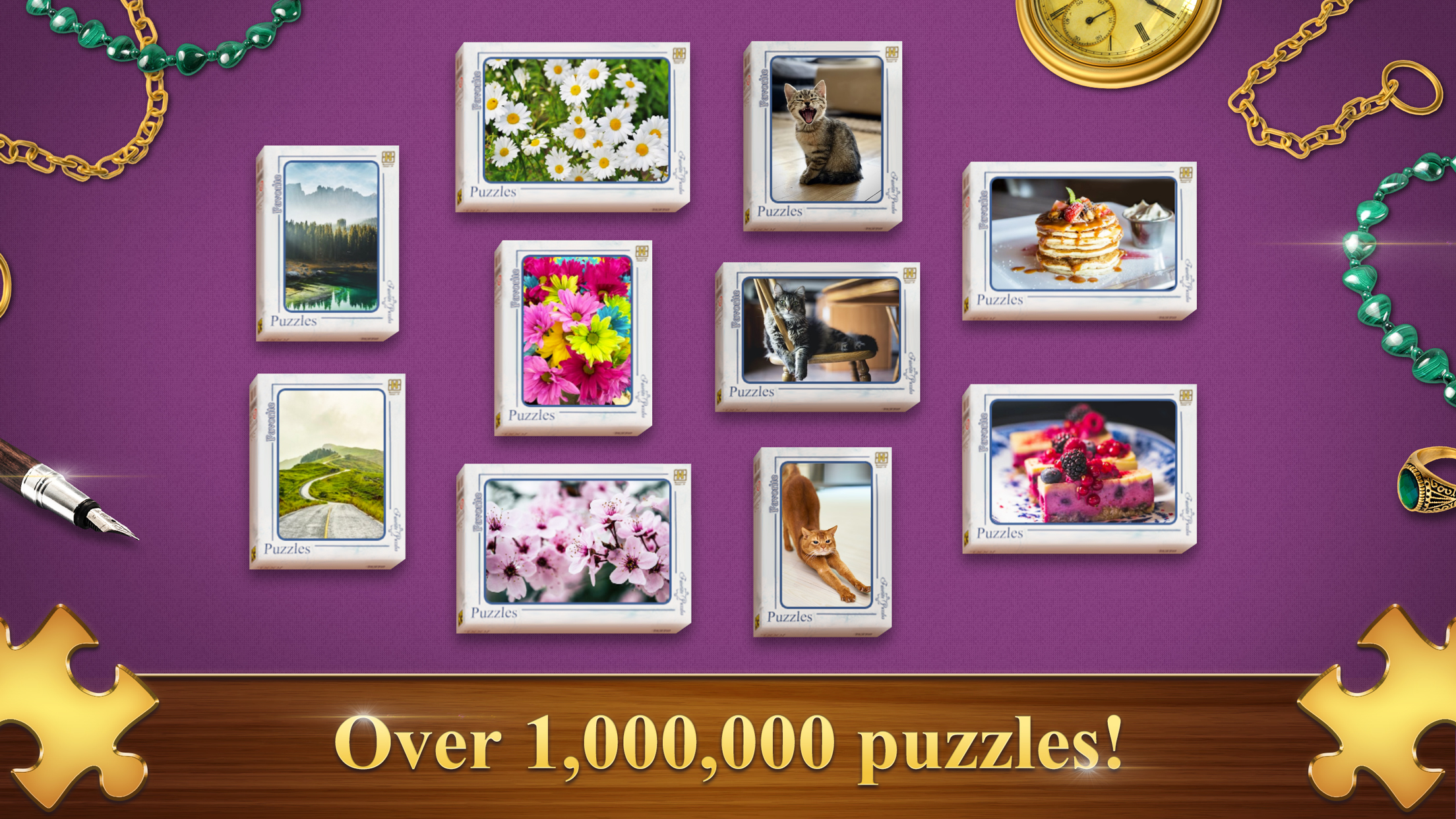
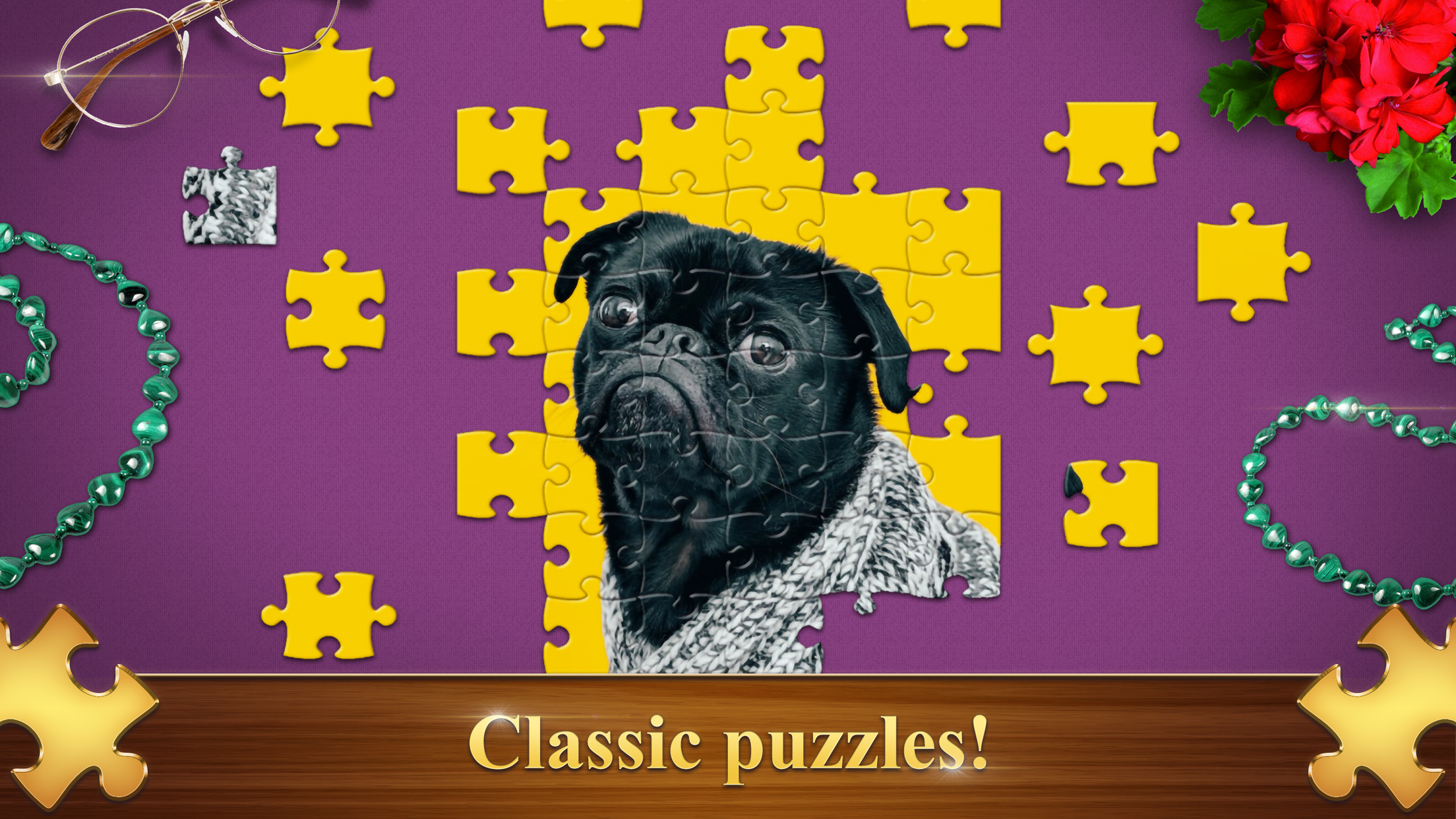
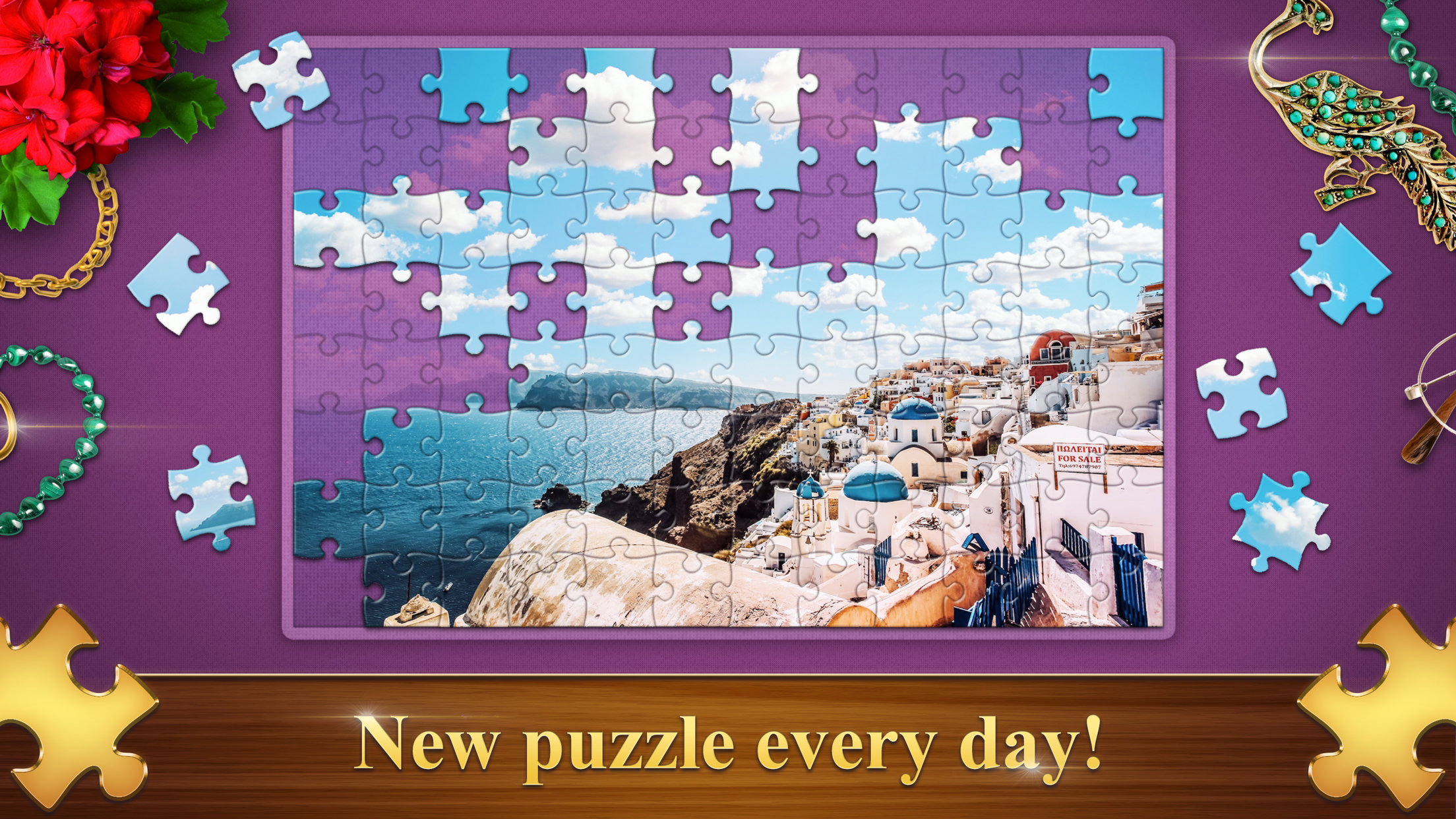
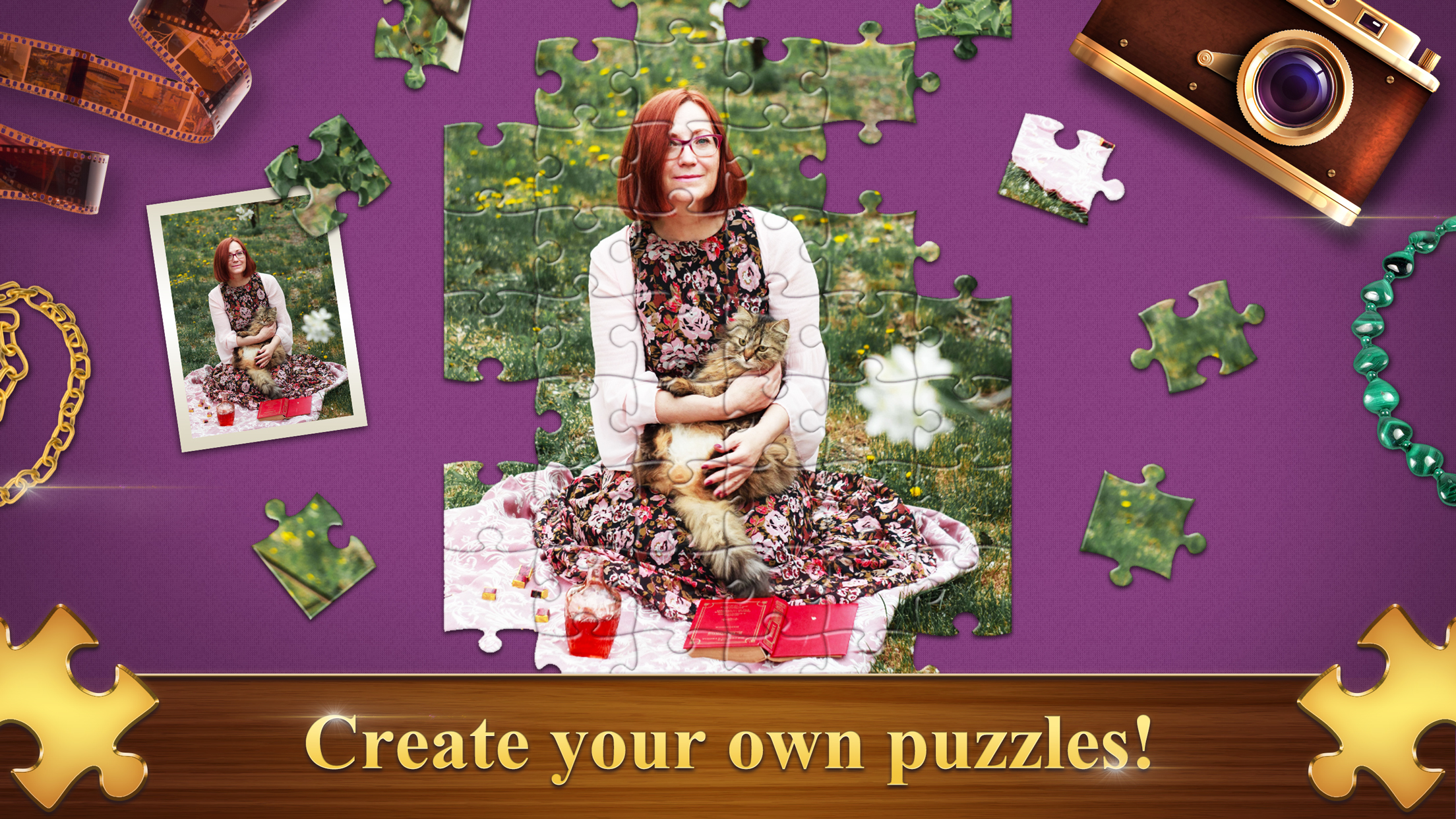
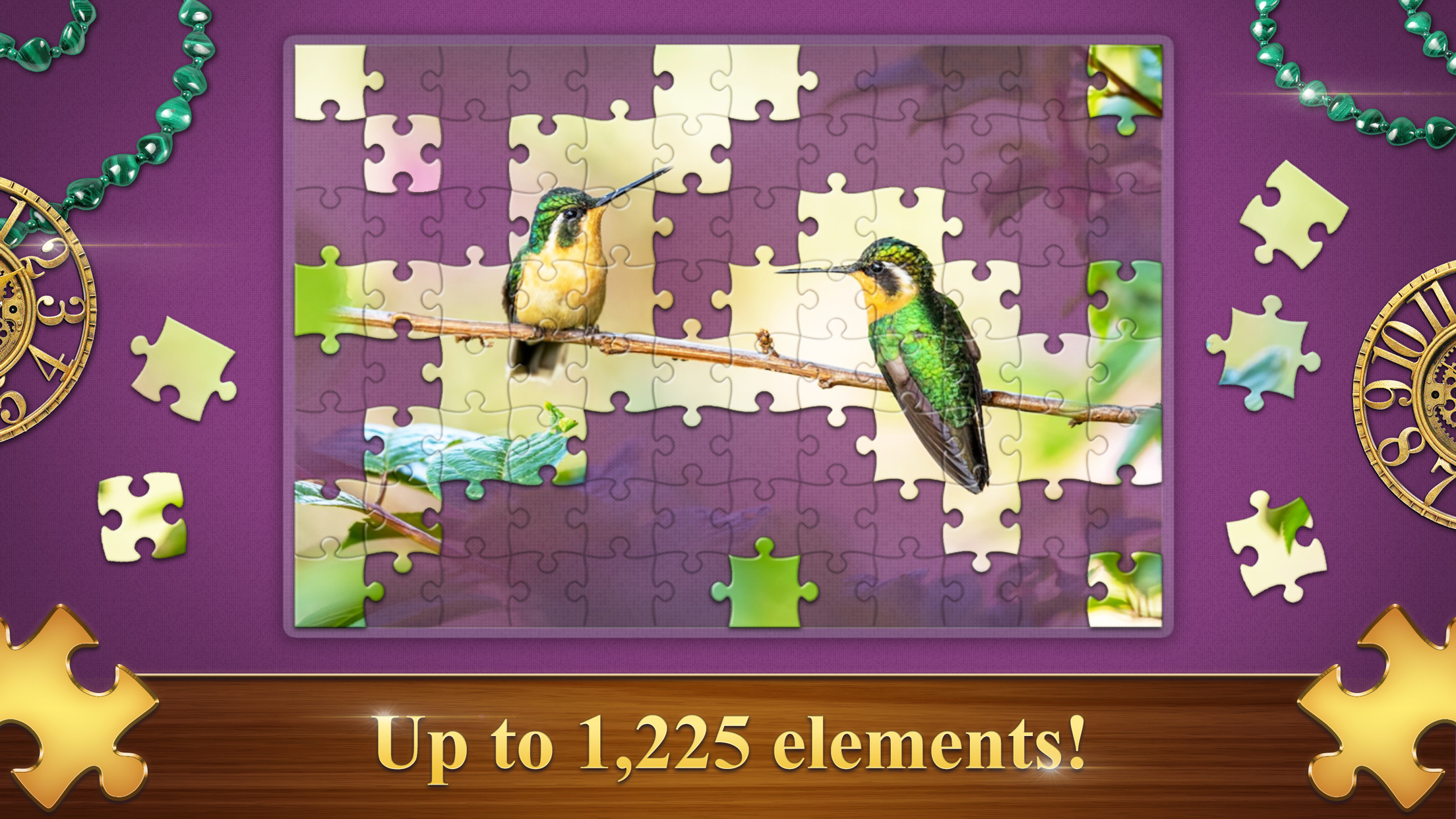
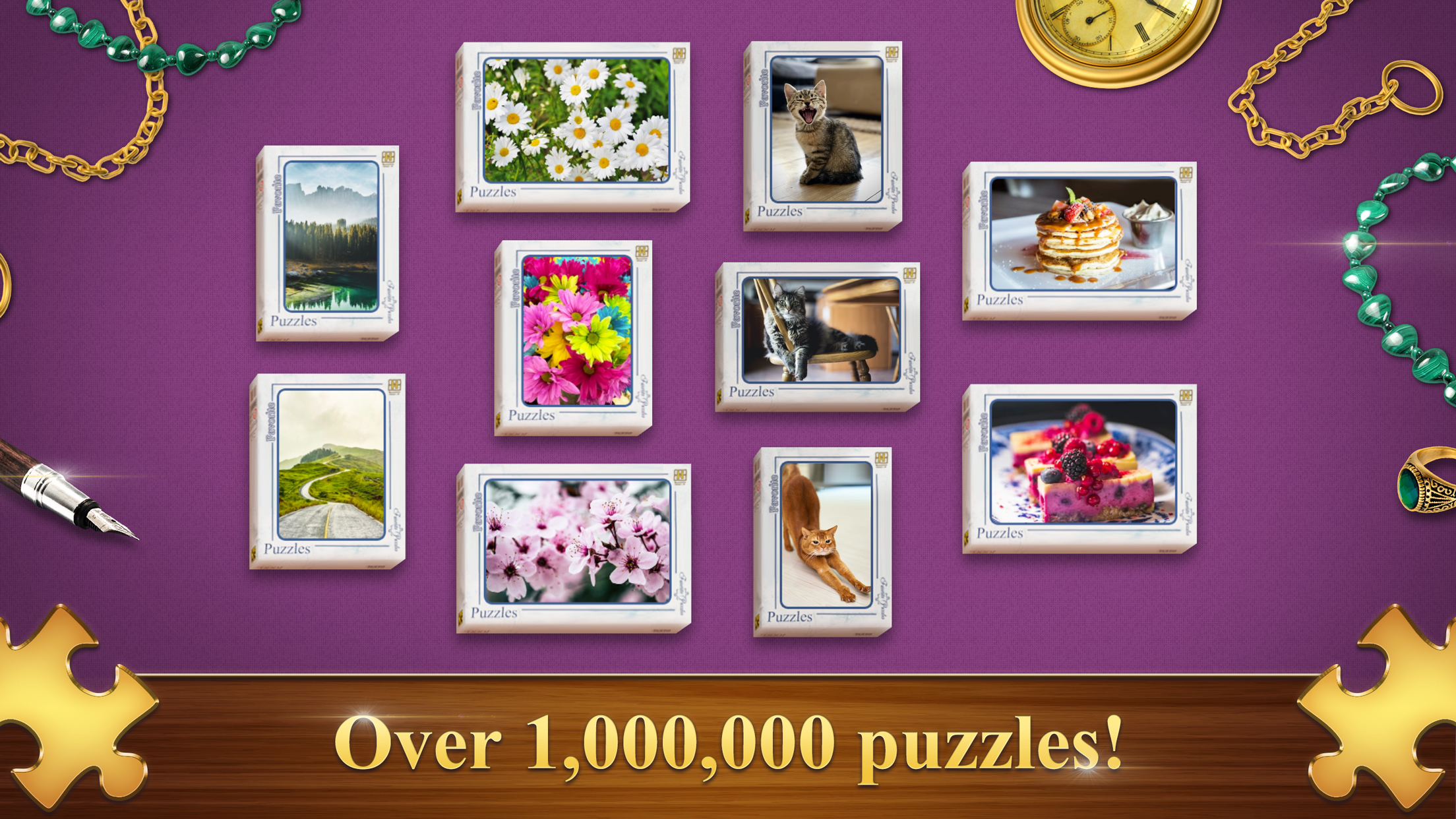
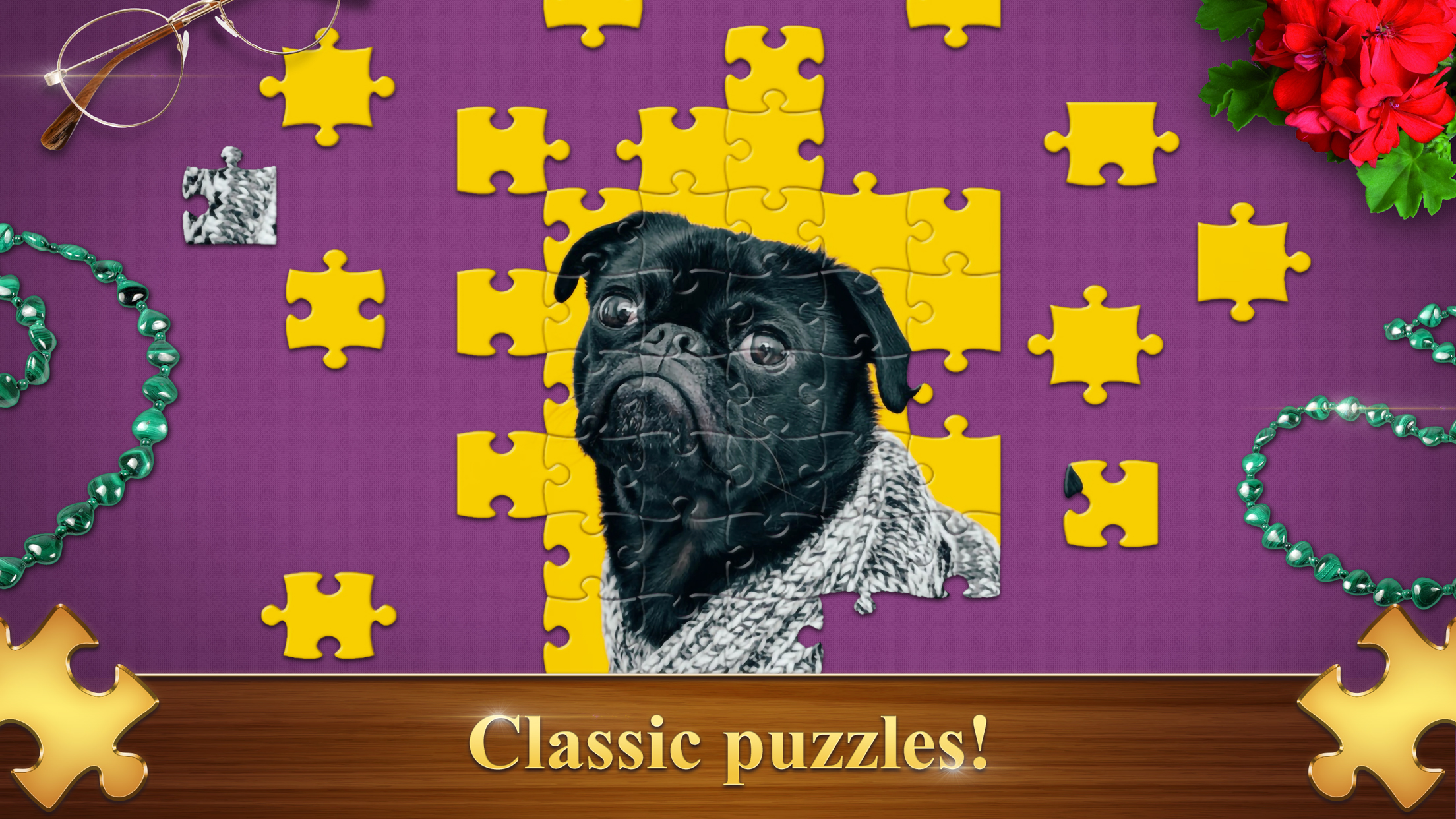
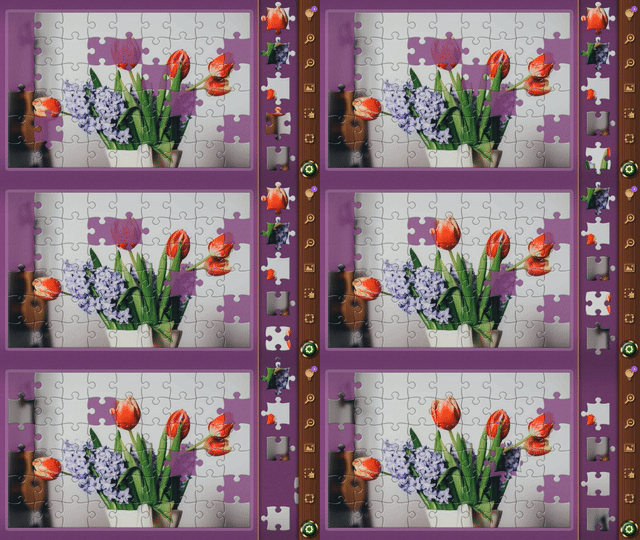
Jigsaw puzzles have long been the ultimate brain training tool for sharpening focus and relieving daily stress. Favorite Puzzles brings this classic pastime into the digital age with a massive gallery of stunning imagery that keeps your mind engaged for hours. You can easily adjust the challenge level by splitting images into anywhere from 6 to 1200 pieces to suit your preferred pace. Toggle on the realistic mode if you crave a true test of spatial awareness where pieces are scattered across the workspace. Helpful features like grid displays and built-in hints ensure you never get stuck while building your masterpiece. If you want a personal touch, simply upload your own photos to turn cherished memories into custom jigsaw challenges. Competing in weekly tournaments allows you to climb the leaderboard and earn special rewards as you prove your skills. Experience the joy of these relaxing puzzle games for free directly in your browser without any downloads required.
How to play
On PC:
🧩 Use the cursor and left mouse button to grab and move the puzzle element
🧩 Use the mouse wheel to zoom in or out and to scroll through the elements feed
On mobile devices:
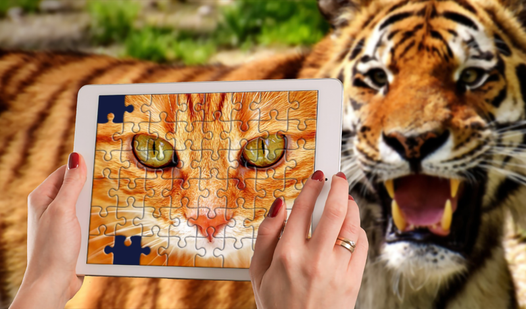
🧩 Use your fingers to move elements and scale the screen
Features
- Piece Rotation: Toggle rotation settings to increase the complexity of your jigsaw assembly process.
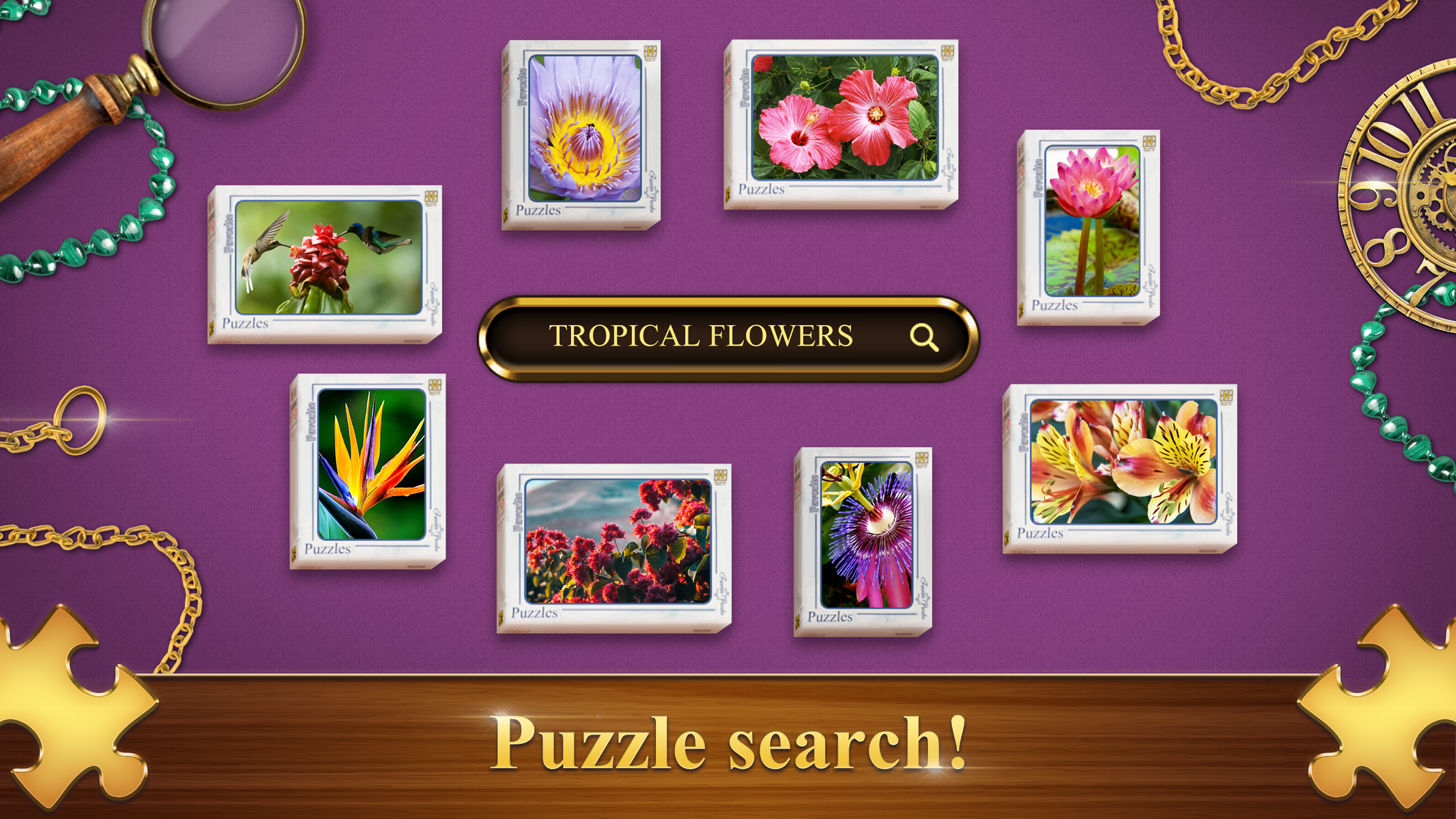
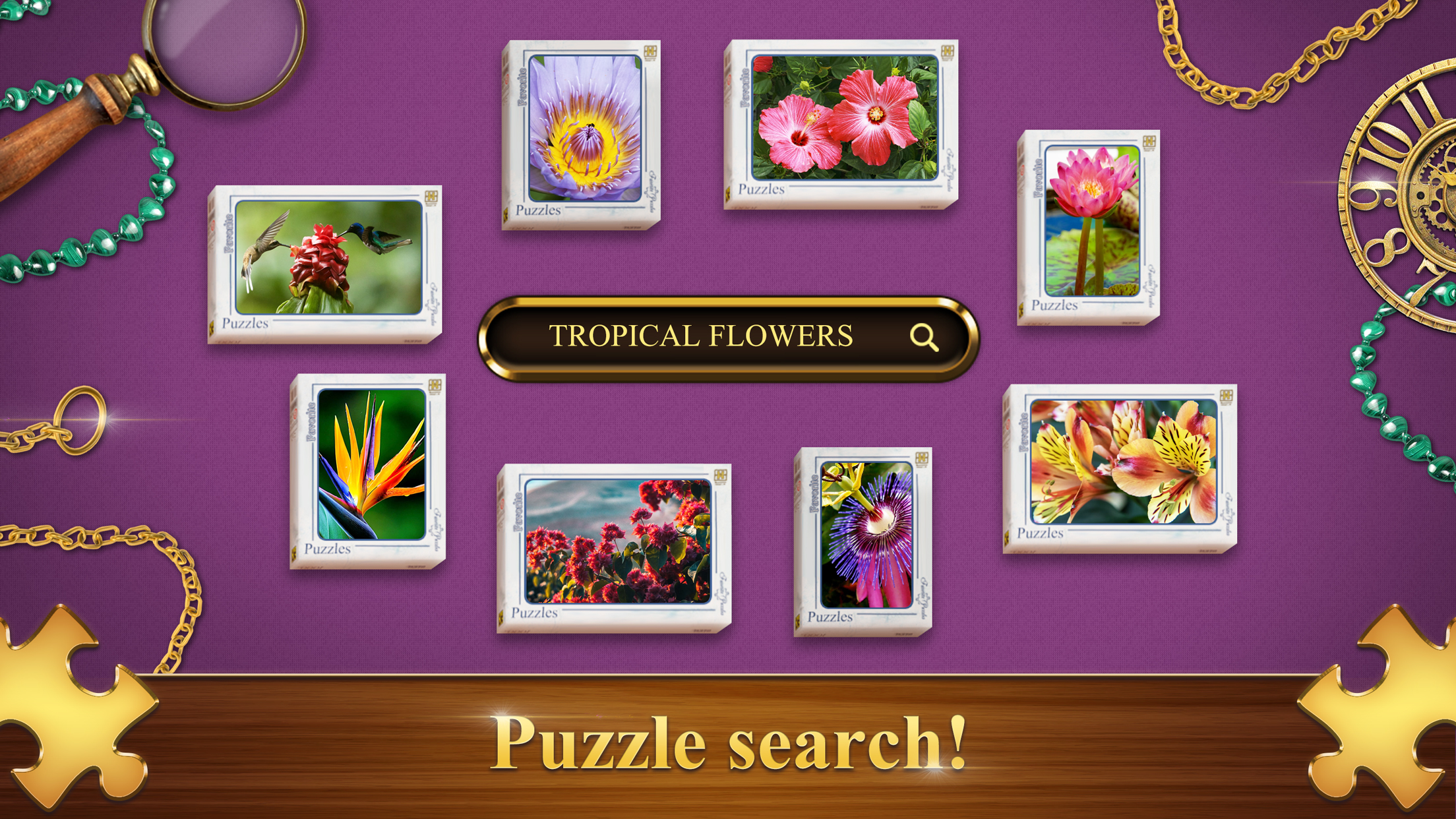
- VIP Image Search: Access an expansive database of premium categories to find the perfect picture for your next session.
- Custom Interface: Modify your workspace environment by adjusting background colors and menu layouts for maximum comfort.
- Malachite Currency System: Earn unique in-game currency through achievements and gameplay milestones to unlock exclusive content.
- Persistent Progress: Track your collection of completed images and stats through a comprehensive player profile.
Who is it for
Casual puzzle enthusiasts and brain training fans seeking a relaxing digital escape. Adults looking for a mindful cognitive workout and children wanting to develop visual matching skills will find the adjustable difficulty levels perfectly suited to their needs for a personalized and soothing gaming experience during their free time.
Controls
Select piece
Use the left mouse button on PC or a single tap on mobile devices.
Move piece
Drag the piece across the screen using your cursor or by sliding your finger on mobile.
Zoom and scroll
Use the mouse wheel on PC or pinch to zoom and drag to pan on mobile screens.
FAQ
Can I create a custom jigsaw in Favorite Puzzles?
›
Yes, you can upload your own photos or images directly into Favorite Puzzles to turn them into unique jigsaw challenges.
Is it possible to play Favorite Puzzles on a mobile device?
›
Absolutely, Favorite Puzzles is fully optimized for mobile browsers so you can collect pieces on the go.
Are there different difficulty settings in Favorite Puzzles?
›
You can customize the difficulty by choosing between 6 and 1200 pieces, allowing you to tailor the experience to your skill level.