About game
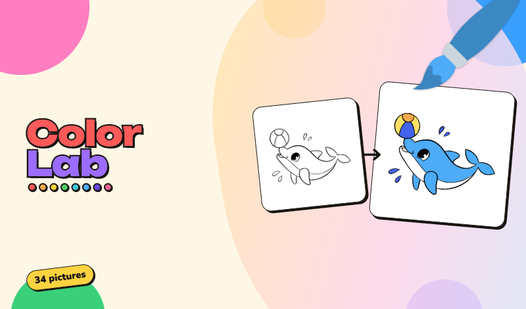
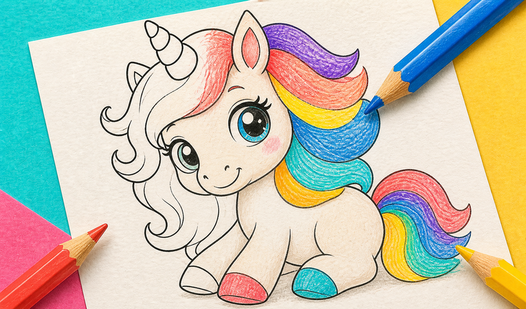
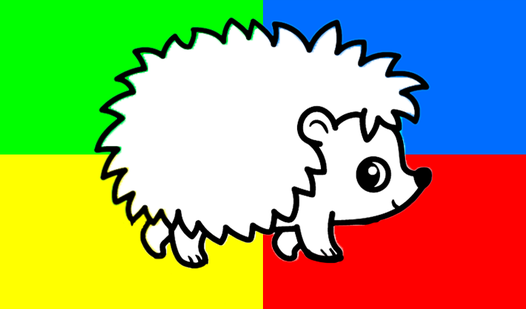
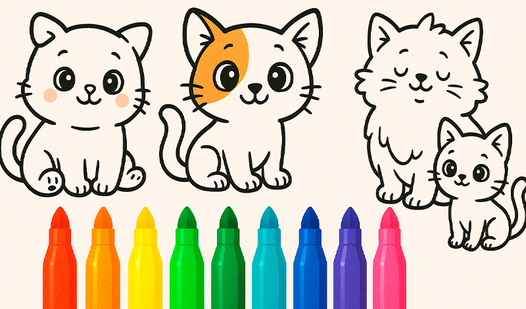
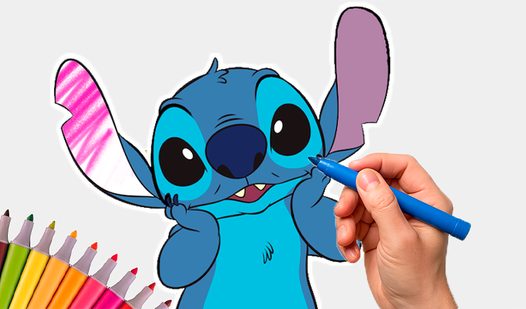
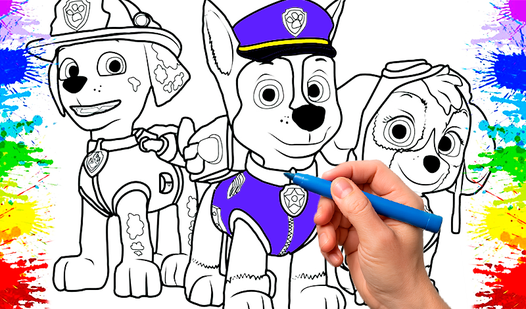
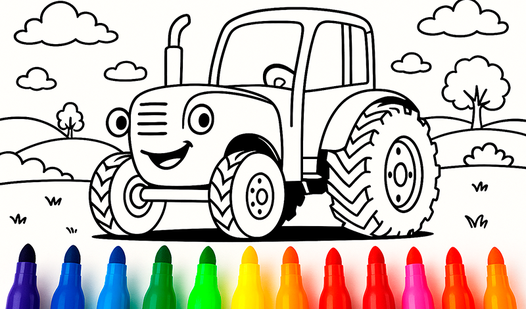
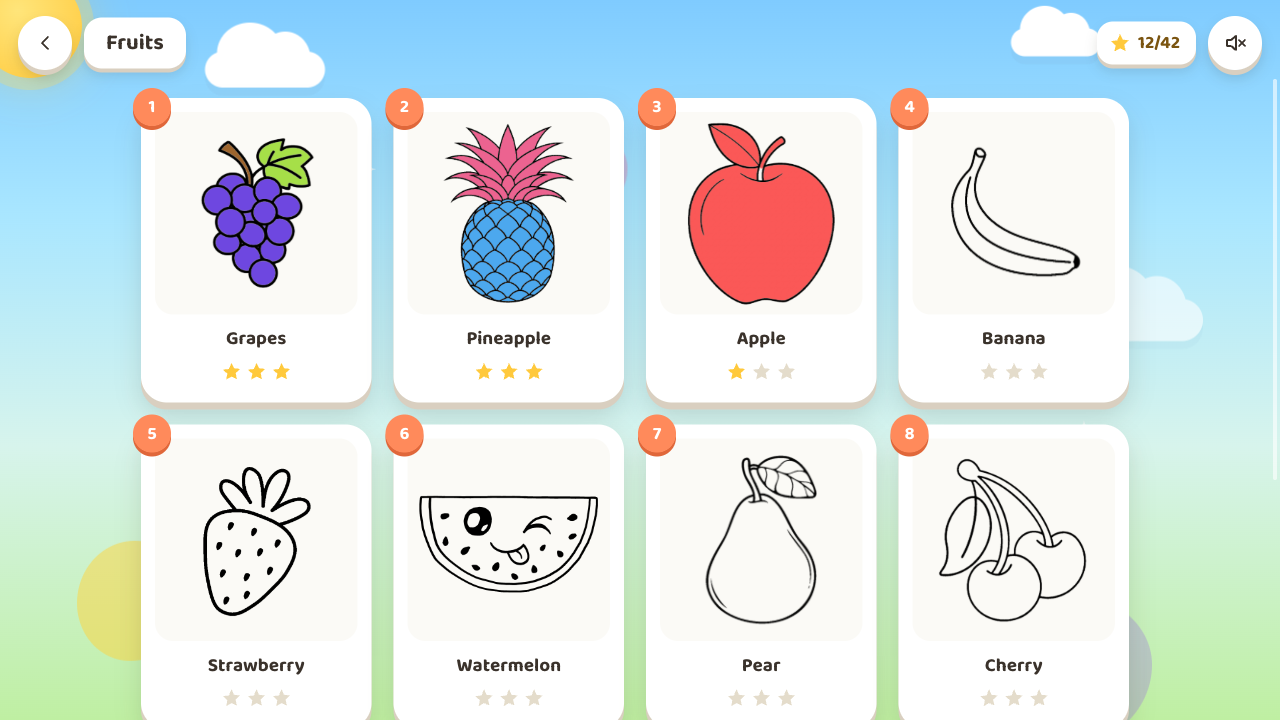
Fill blank canvases with vibrant shades in Color Lab, a digital coloring book that turns your screen into a creative playground. You select an adorable illustration like a fluffy cat or fresh fruits and watch as your brush brings the scene to life. Precision is never an issue since the paint automatically stays within the lines for a polished look. Making mistakes feels impossible when you have an undo button and an eraser ready for quick fixes. Earning stars depends on your ability to match the suggested color hints provided for each image. Your finished masterpieces live inside a personal gallery so you can admire your artistic progress anytime. Frequent updates bring fresh drawings to the collection to keep your creative spark alive. Play Color Lab directly in your browser without any downloads or annoying timers.
How to play
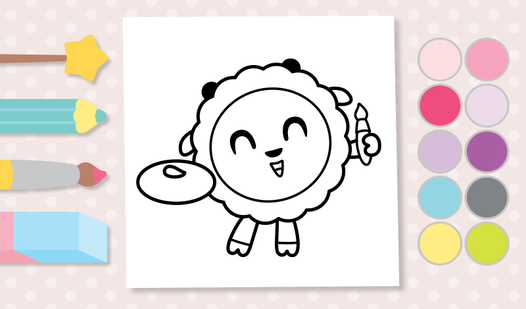
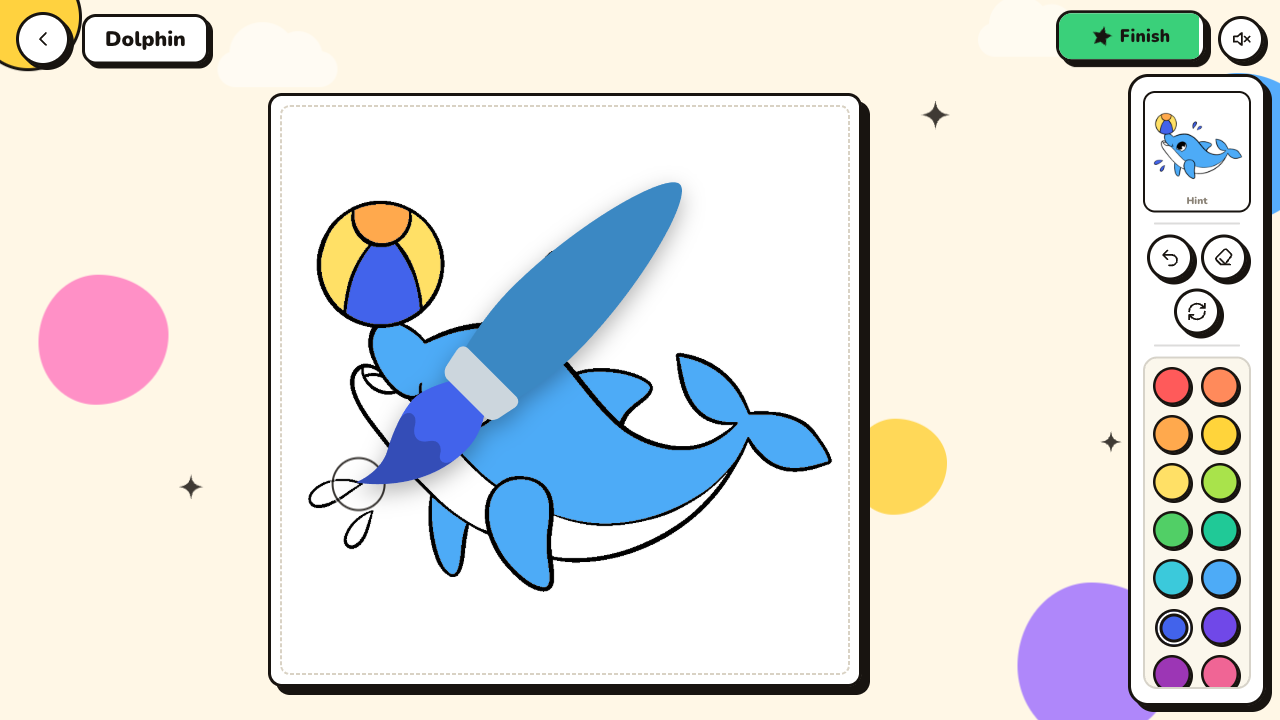
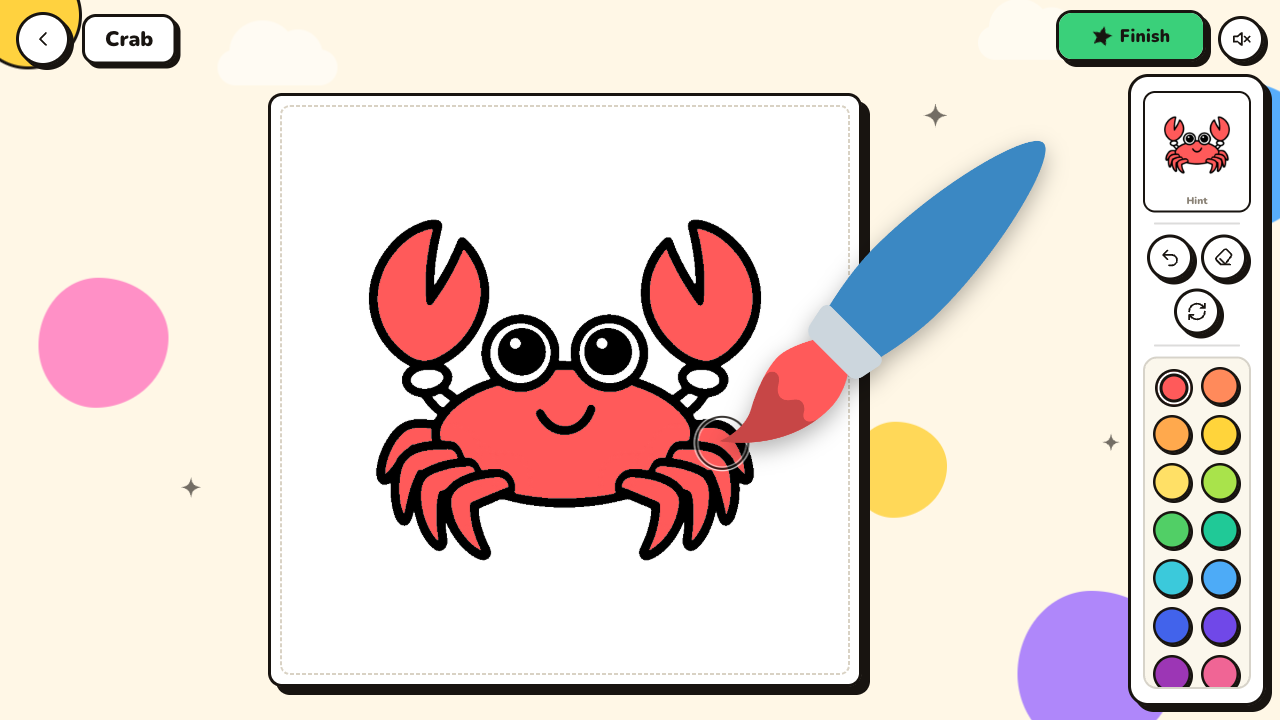
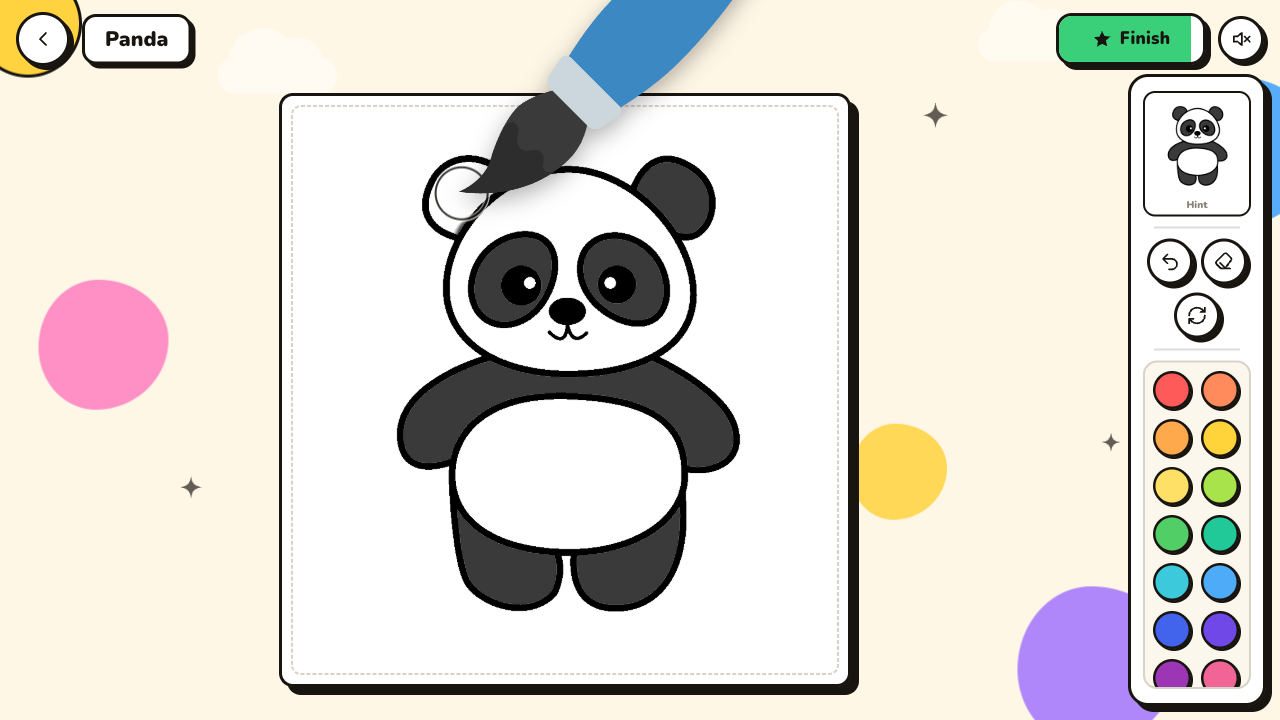
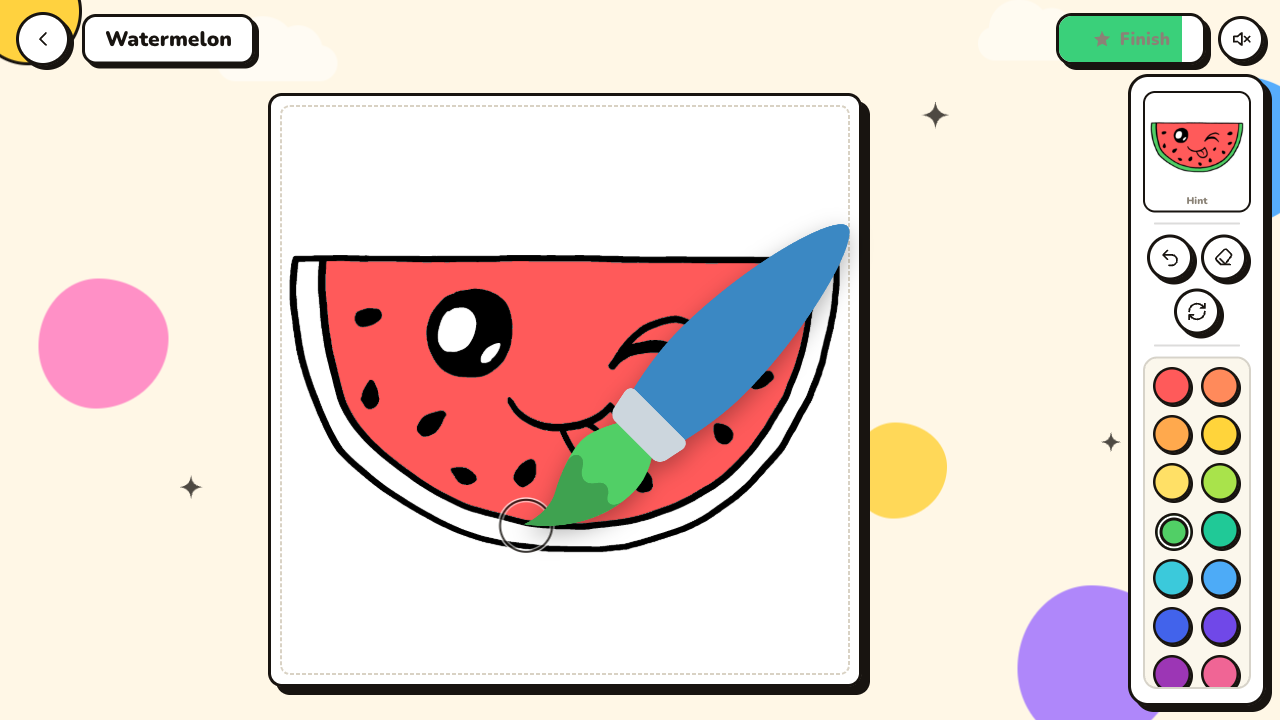
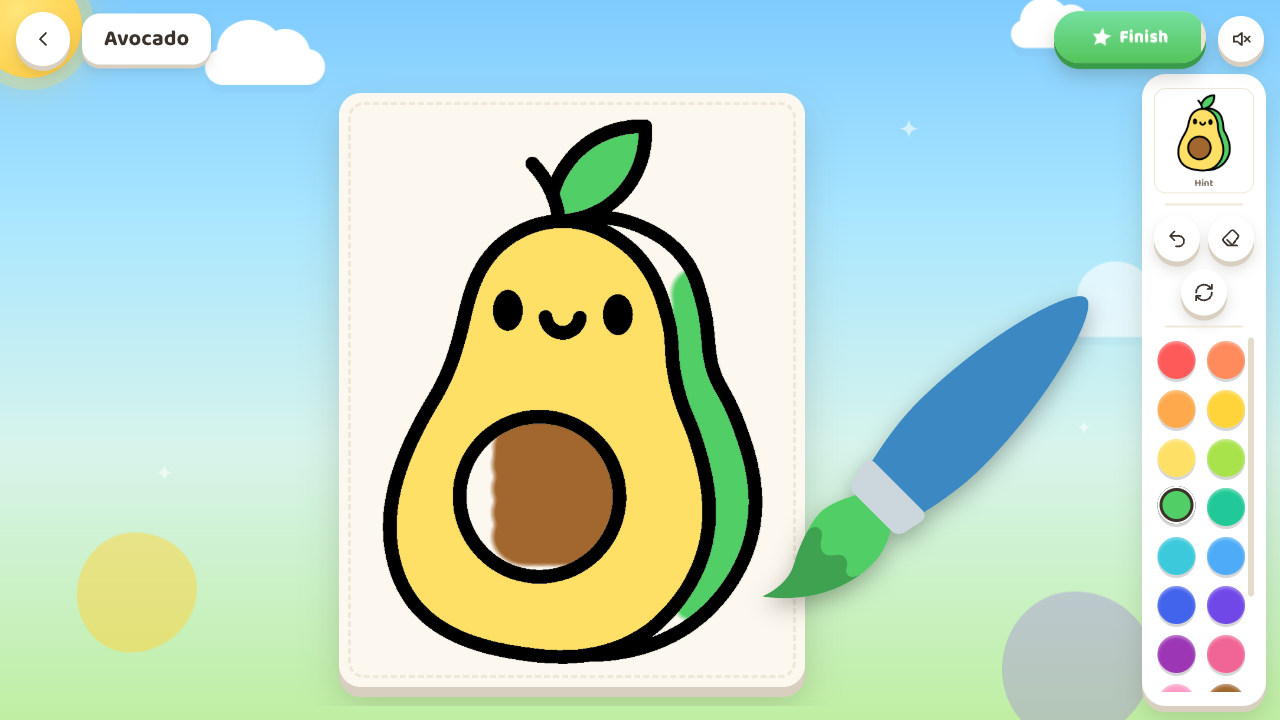
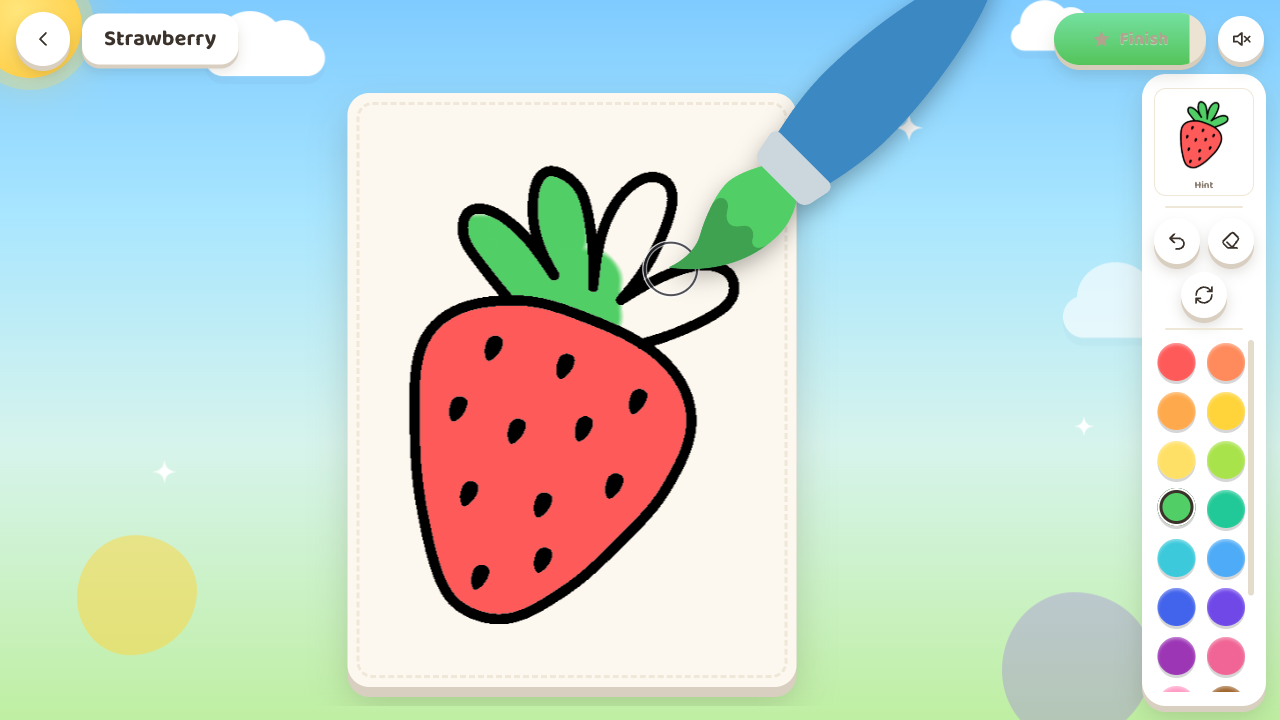
Tap Play and choose a picture from the gallery. Pick a color from the palette on the right, then press and drag your finger (or mouse) across the area you want to fill — the paint stays inside the lines automatically. Color every part of the picture. Made a mistake? Use the eraser or the undo button, or start over any time. Peek at the little hint image to see the suggested colors. When the picture is almost done, the Finish button lights up — tap it to celebrate and earn your stars!
Features
- Smart boundaries: The painting mechanic restricts color flow to specific shapes so you never mess up the lines.
- Star system: You earn performance rewards by matching your color choices to the original reference image.
- Personal gallery: Every completed page saves automatically to your own collection for later viewing.
- Relaxing pace: Zero time limits or failure conditions keep the experience stress-free for all ages.
Who is it for
Parents seeking creative activities for toddlers will love the intuitive interface. Kids who enjoy drawing will find hours of entertainment filling in cute animals and snacks. Anyone needing a quick digital antistress session during a break will appreciate the calm atmosphere of these simple coloring tasks.
Controls
Select color
Tap or click on your desired shade from the palette located on the right side.
Paint area
Press and drag your finger on mobile or hold the mouse button on desktop to fill the shapes.
Finish art
Tap the glowing button once the image is fully colored to save your work.
FAQ
Is Color Lab safe for my child to play?
›
Color Lab is designed as a calm, family-friendly game with no negative content or timers.
How do I save my progress in Color Lab?
›
The game automatically saves your completed artwork into your personal gallery as soon as you finish a drawing.
Can I play Color Lab on a tablet?
›
Yes, Color Lab works perfectly on mobile devices and tablets using simple touch controls.