About game
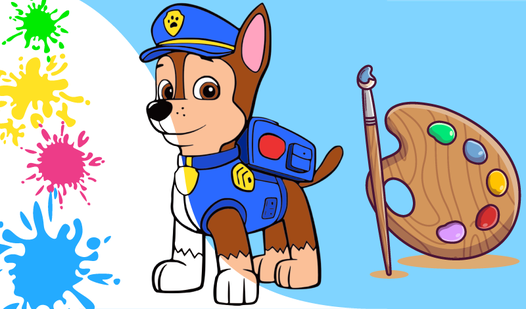
Learning the alphabet becomes a vibrant visual journey when you combine creativity with educational play. Alphabet Adventure: Coloring Game for Kids turns basic letter recognition into a relaxing artistic experience that keeps young minds engaged for hours. Players select between coloring pre-drawn illustrations or following a numbered guide to reveal hidden designs. You can experiment with a wide color palette to customize every character with bright hues. The interface is designed for simplicity, allowing children to undo mistakes or reset their canvas with a single click. Beyond just basic coloring, this activity acts as a great way for little ones to refine their motor skills while mastering the alphabet. The addition of interactive tools ensures that every session feels fresh and rewarding for toddlers and preschoolers alike. Capturing your progress with the built-in camera feature adds a layer of accomplishment to every finished page. Experience this educational coloring game for free directly in your browser without any downloads required.
How to play
In the main menu, select the game mode from the available ones.
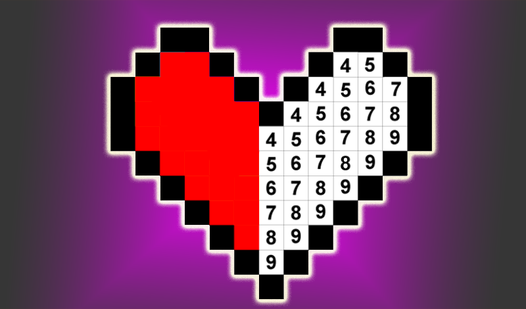
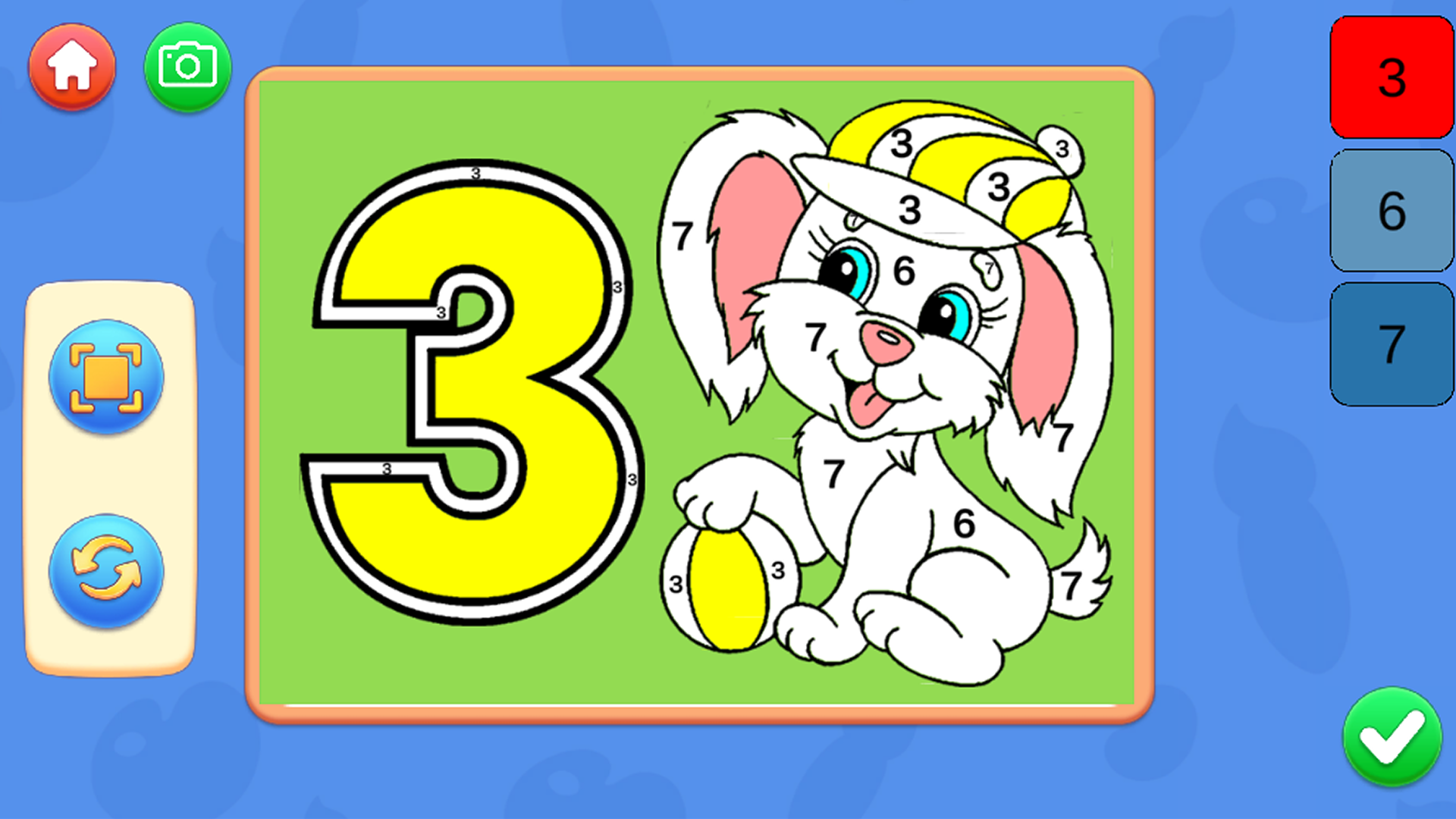
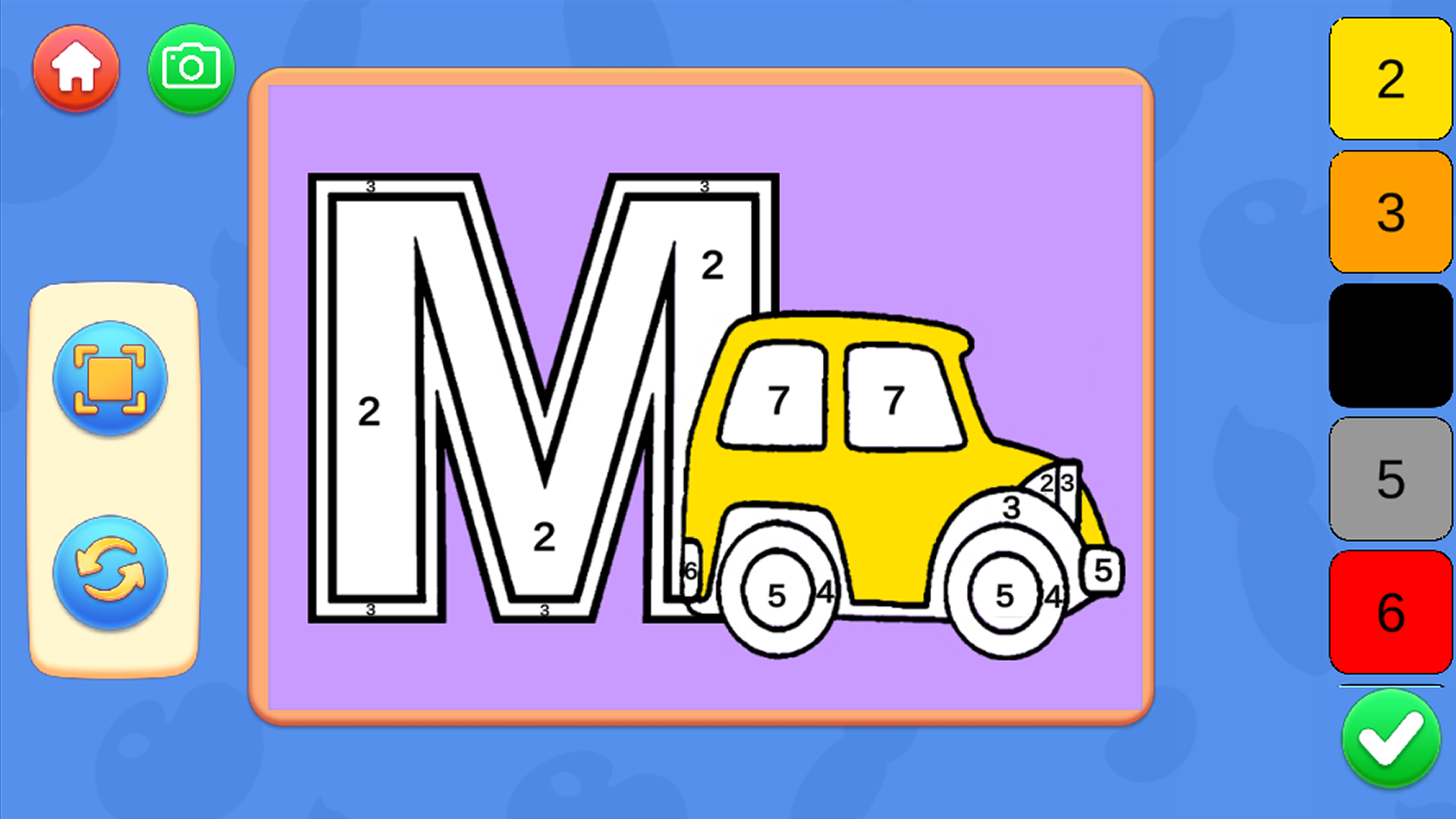
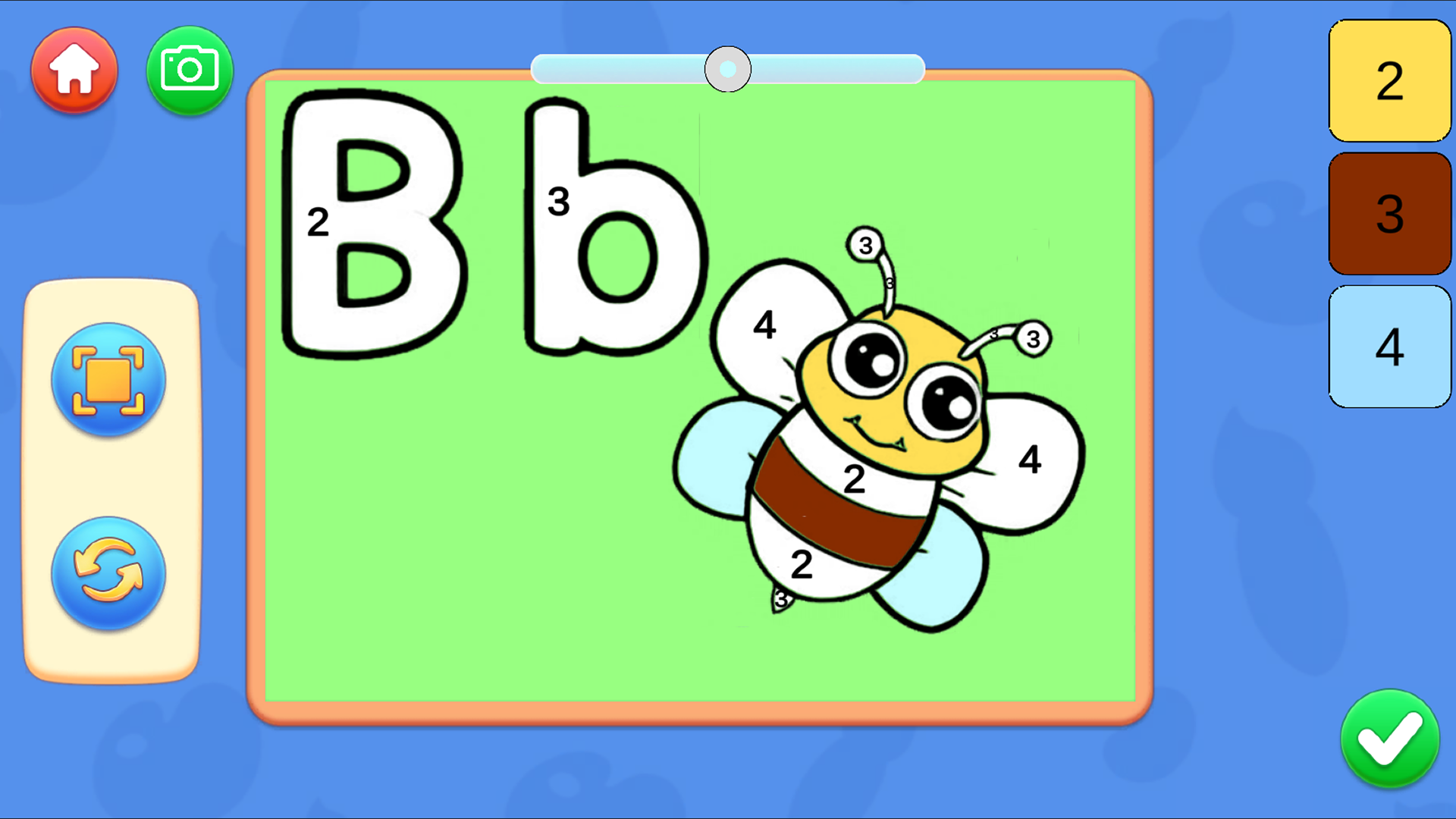
There are 2 modes to choose from. The first of which is a coloring of ready-made pictures, and another mode for drawing by numbers.
In coloring mode:
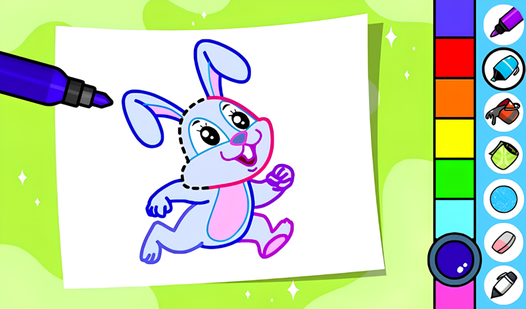
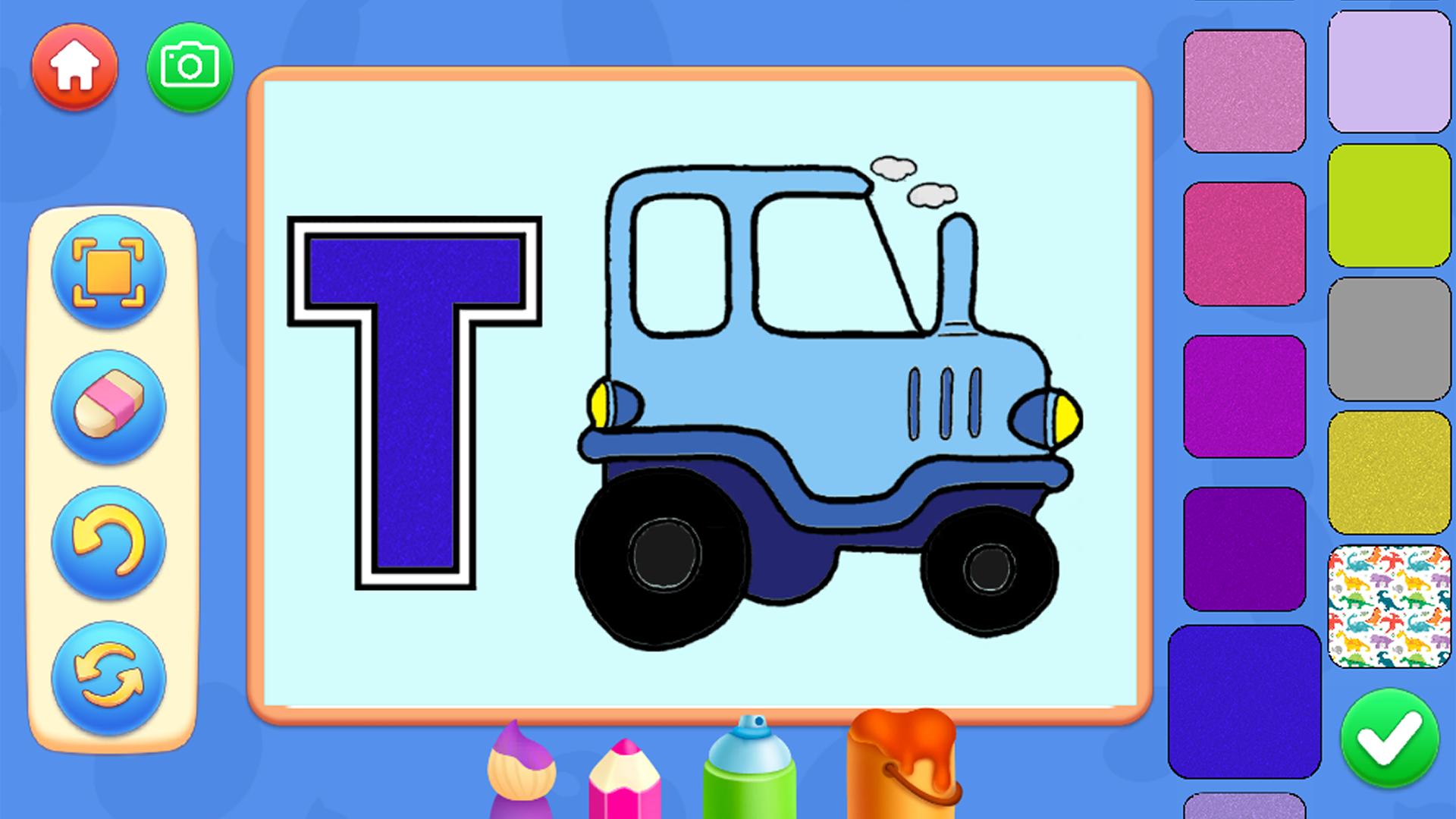
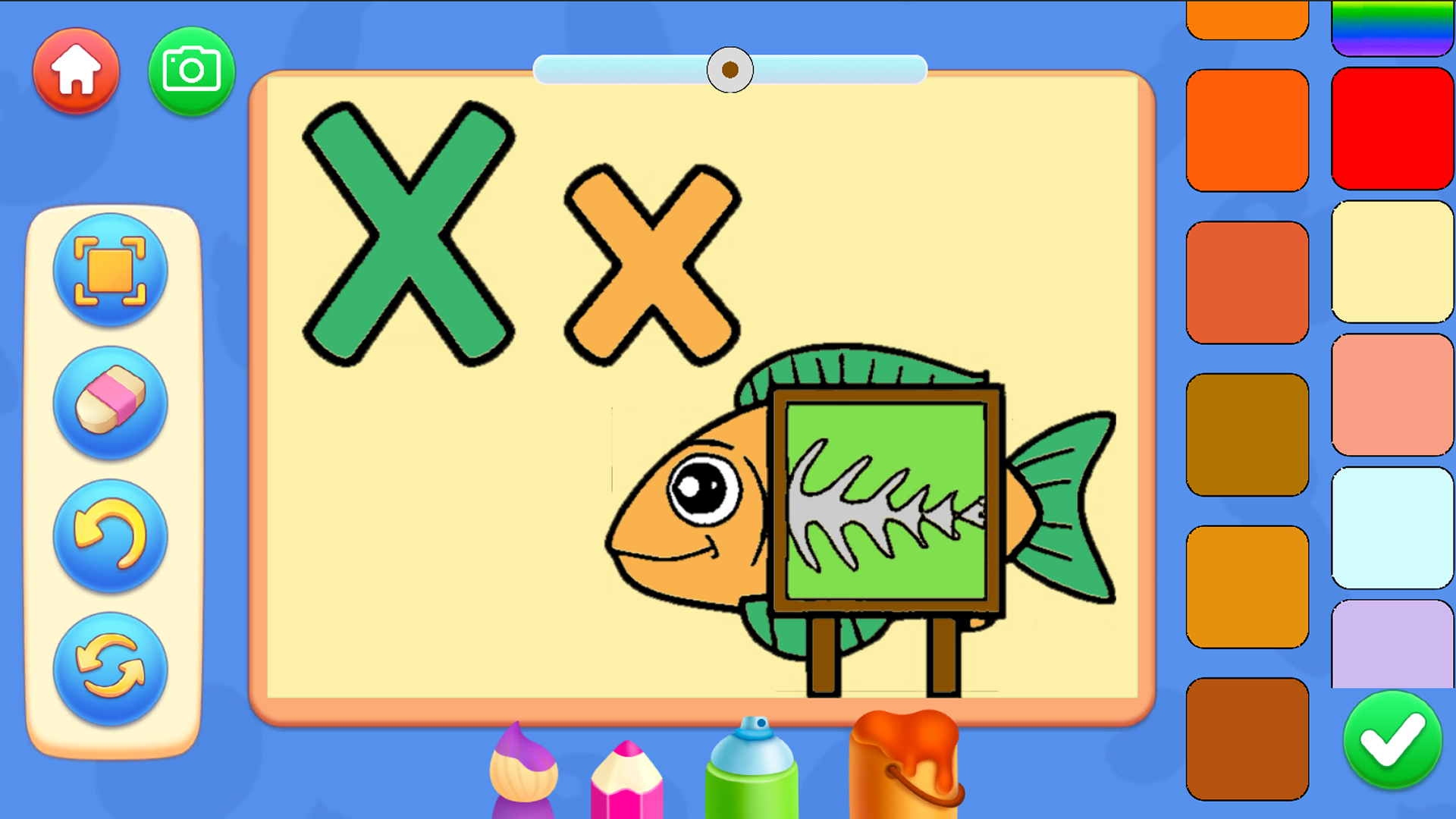
There are tools at the bottom of the screen that can be changed.
There are palettes to the right of the screen that can be changed and other colors can be set.
There are buttons to the left of the screen to undo the last action, start over and focus on the image.
By pressing the camera button, you can save the resulting image.
For mobile devices:
The drawing process takes place when you swipe with one finger over the coloring area.
To zoom in, make a gesture to zoom in.
To move around the image, press the hand button.
For PC:
To draw, hold down the left mouse button and move the mouse
To move, hold down the left mouse button and move the mouse
Use the mouse wheel to zoom in/out
Features
- Dual game modes: Switch between free-form coloring and structured painting by numbers to suit different skill levels.
- Customizable toolset: Access a variety of brushes and palettes at the bottom and right of the screen for complete creative control.
- Progress management: Utilize the undo and reset buttons to experiment freely without worrying about making permanent mistakes.
- Save and share: Use the integrated camera button to snap a photo of your completed alphabet masterpiece.
- Focus mode: Toggle the view to zoom in on complex letter shapes, making it easier for smaller hands to color within the lines.
Who is it for
Preschoolers and toddlers learning their ABCs will find this experience delightful. Parents looking for safe, educational content to boost motor skills and color recognition will appreciate the intuitive design. It is a fantastic tool for teachers or caregivers needing a quick, engaging activity for young children to enjoy.
Controls
Coloring
On desktop hold the left mouse button to paint; on mobile swipe with one finger across the area.
Zooming
Use the mouse wheel on PC or a pinch gesture on your mobile device screen.
Navigation
Select the hand button to pan across the drawing area or drag with a finger on touchscreens.
FAQ
Is Alphabet Adventure: Coloring Game for Kids safe for toddlers?
›
Yes, Alphabet Adventure: Coloring Game for Kids features a very simple and intuitive interface specifically designed for young children to navigate safely.
Do I need to install anything to play Alphabet Adventure: Coloring Game for Kids?
›
No, you can play Alphabet Adventure: Coloring Game for Kids directly in any modern web browser without any downloads or registration.
Can I save my artwork in Alphabet Adventure: Coloring Game for Kids?
›
Absolutely, Alphabet Adventure: Coloring Game for Kids includes a camera button that allows you to save your colorful creations to your device.