About game
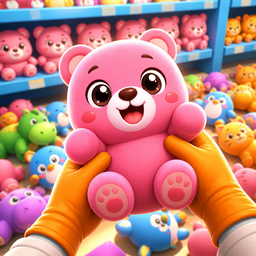
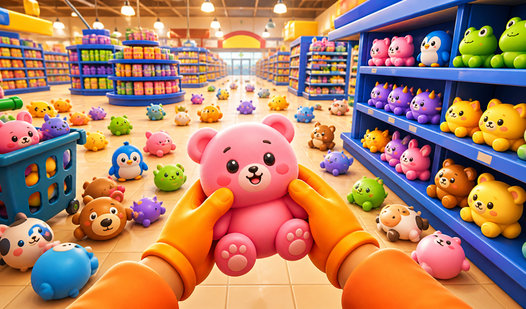
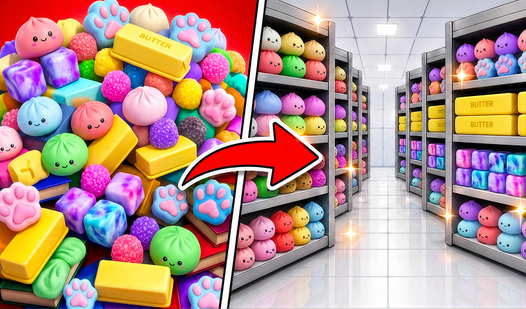
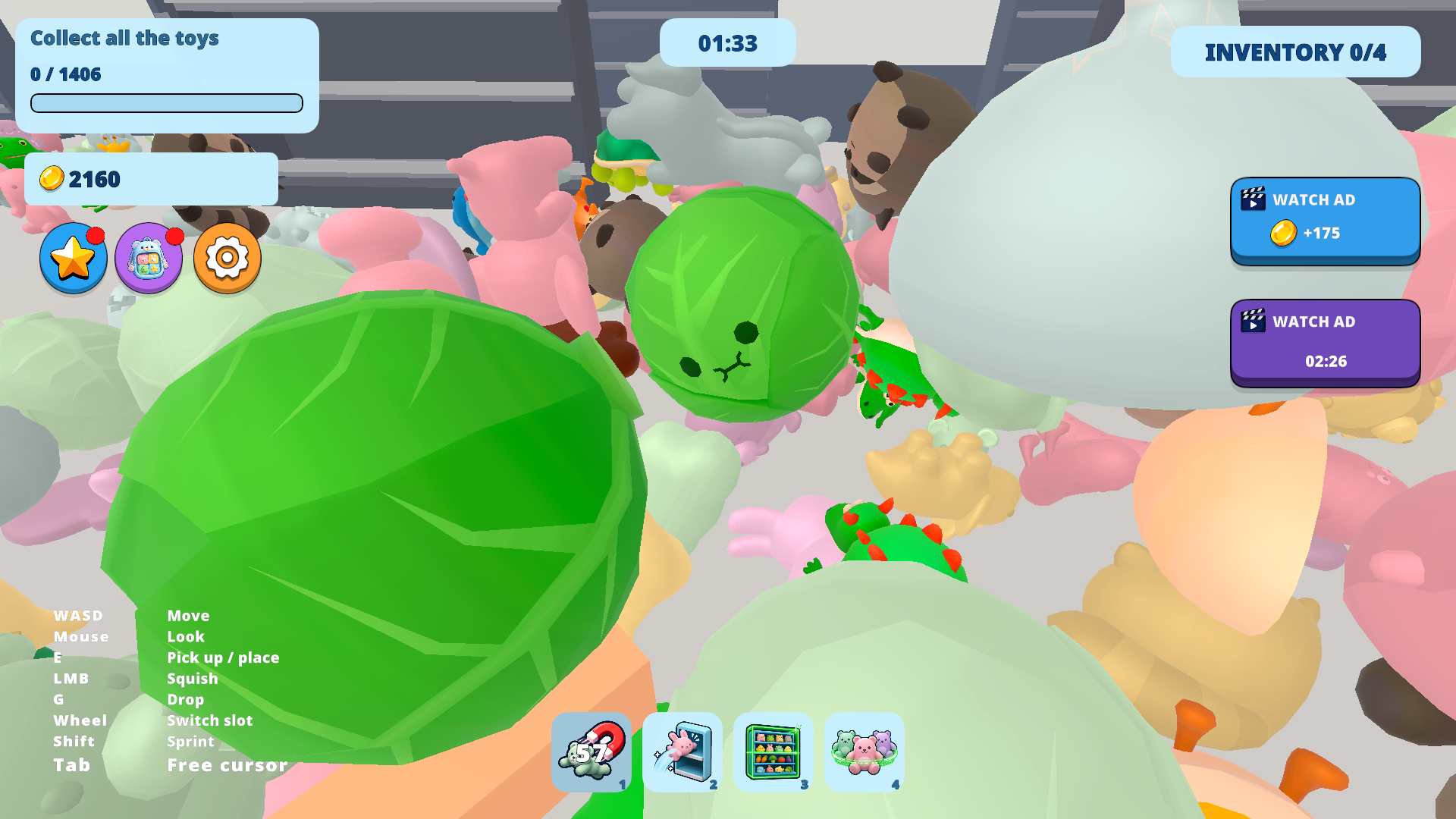
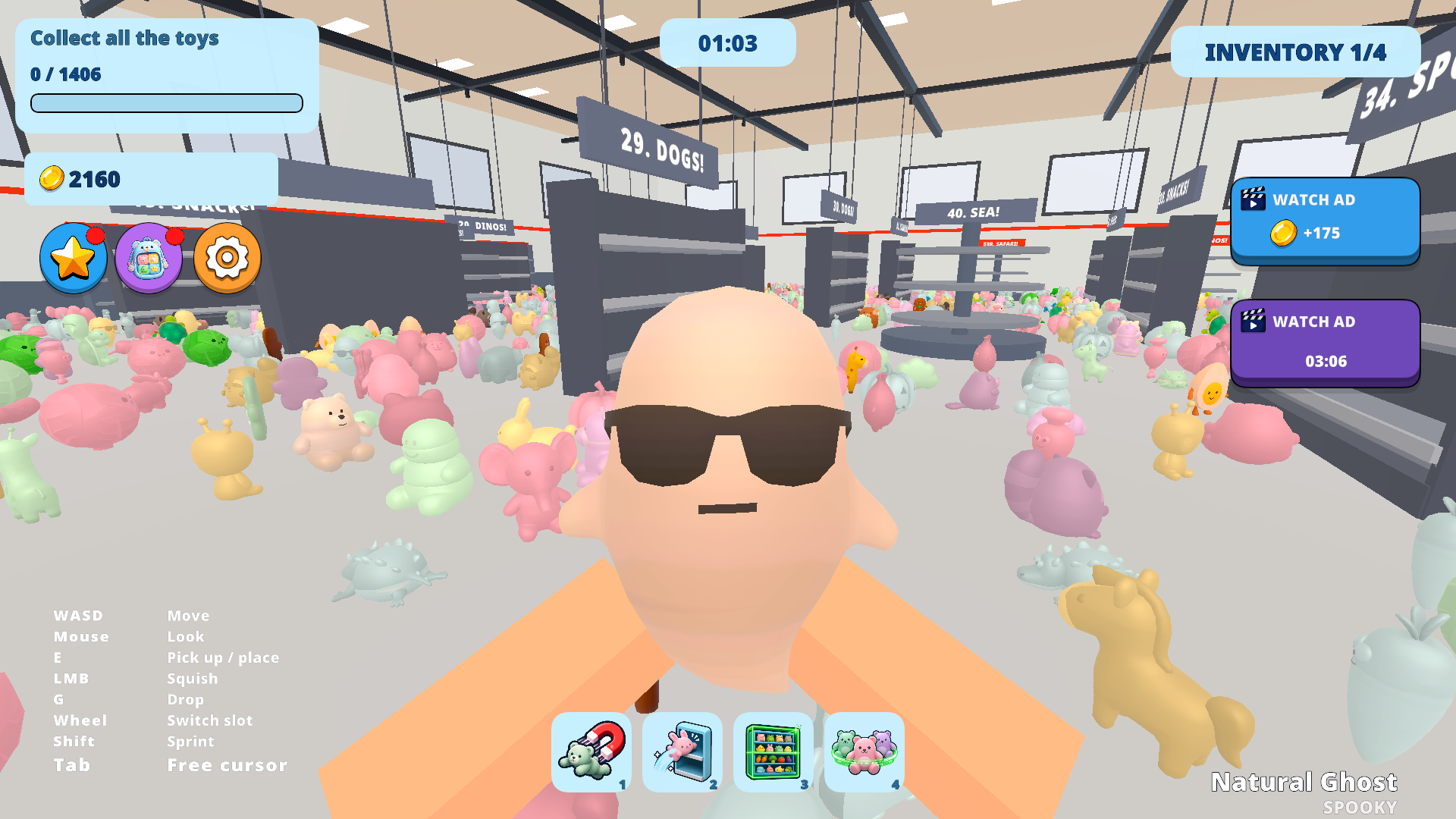
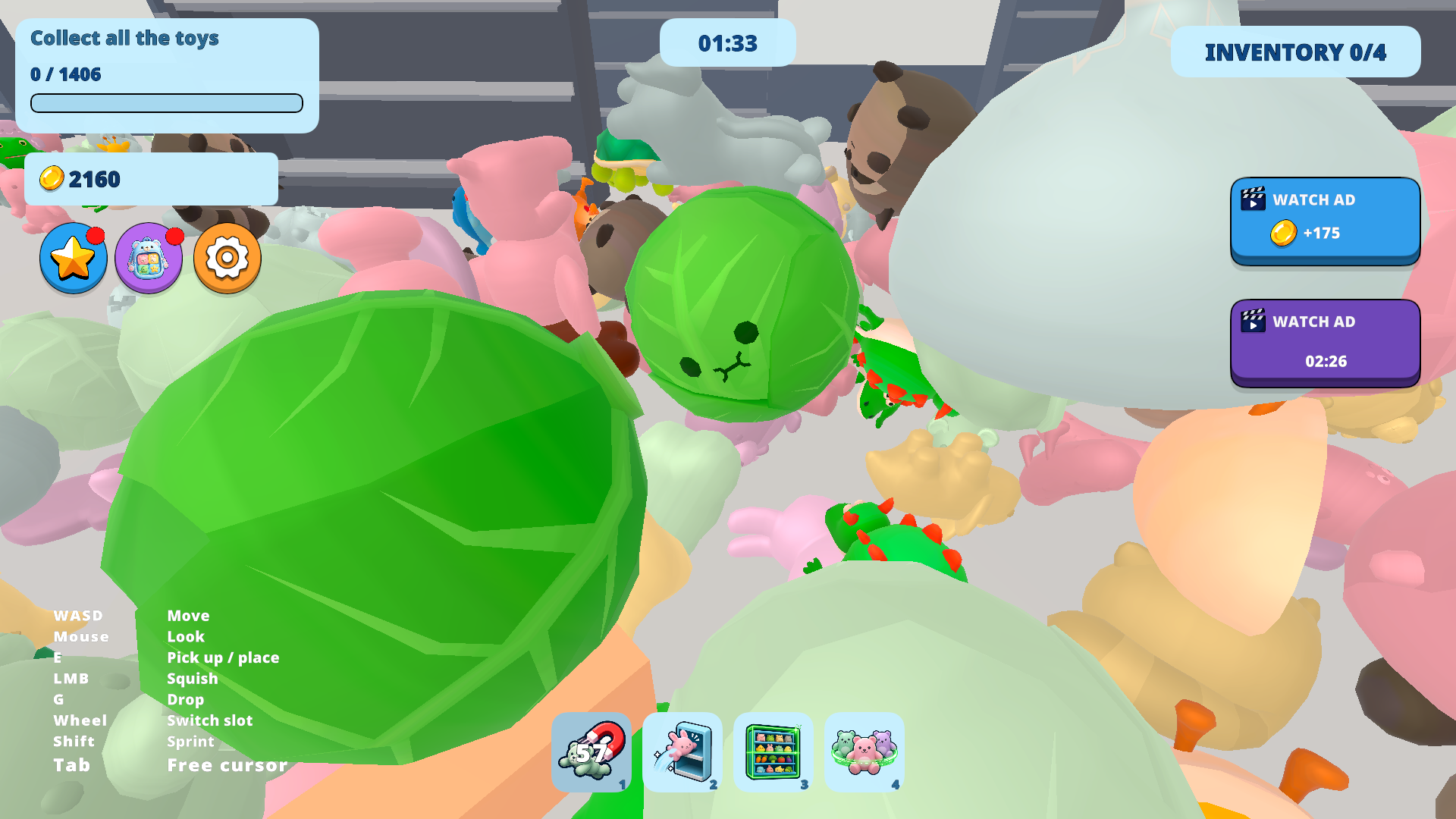
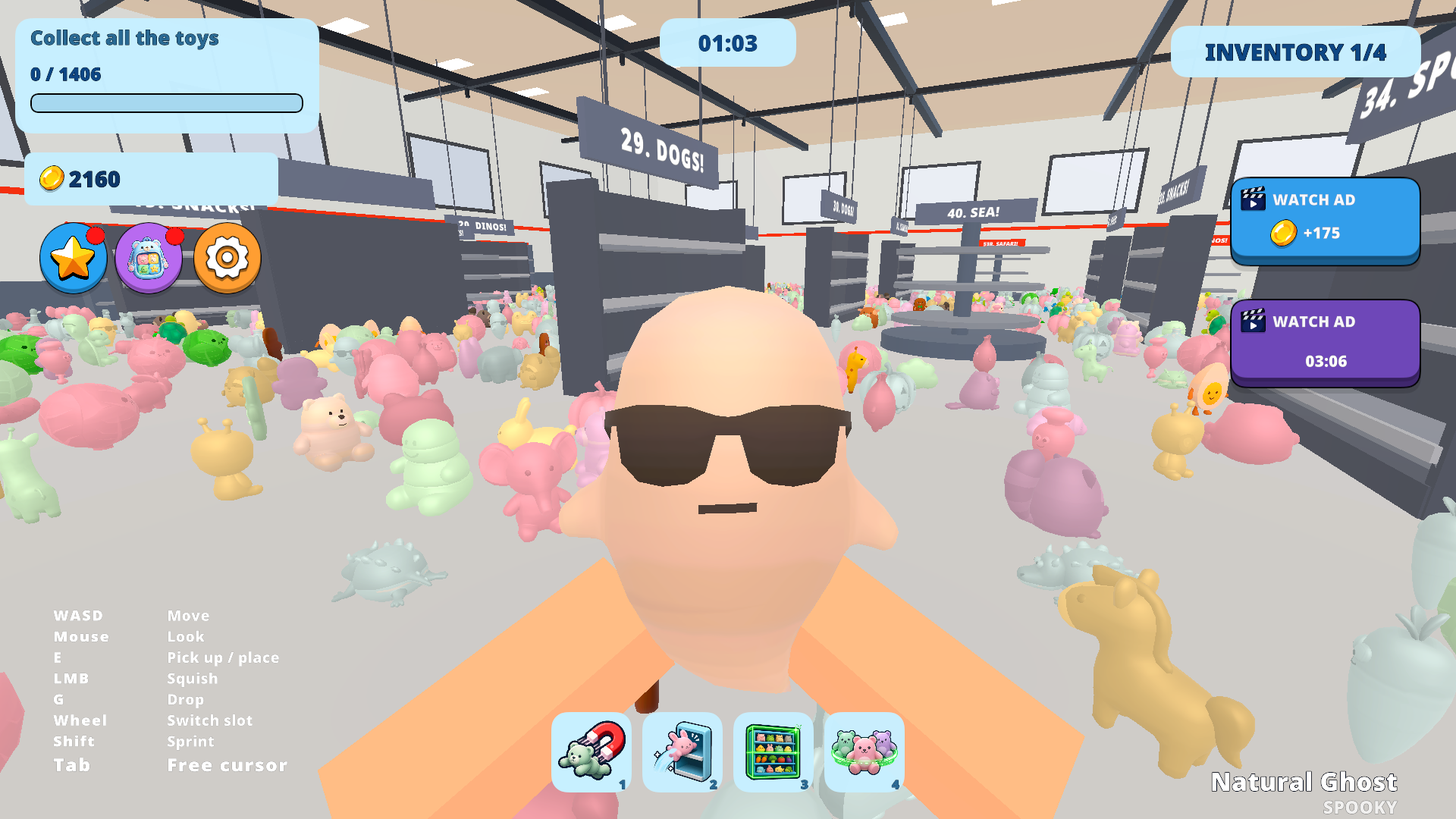
Sorting fans who crave satisfying organization will find their new obsession in Clean All Squishies. You walk through a messy shop floor to gather scattered toys and bring order to the chaos. Picking up each squishy requires a quick press of a button before you carry it to the correct shelf. Matching bears with bears or dinos with dinos challenges your speed as you race against a ticking clock. Successful runs earn you coins that help you buy useful tools like a magnet or a scanner to speed up your cleanup. Every second counts when you try to beat your personal record on the leaderboard. Upgrading your gear allows you to carry more items or sprint across the aisles faster. You can play this browser game right now at FreeJoy.games without any downloads or registration.
How to play
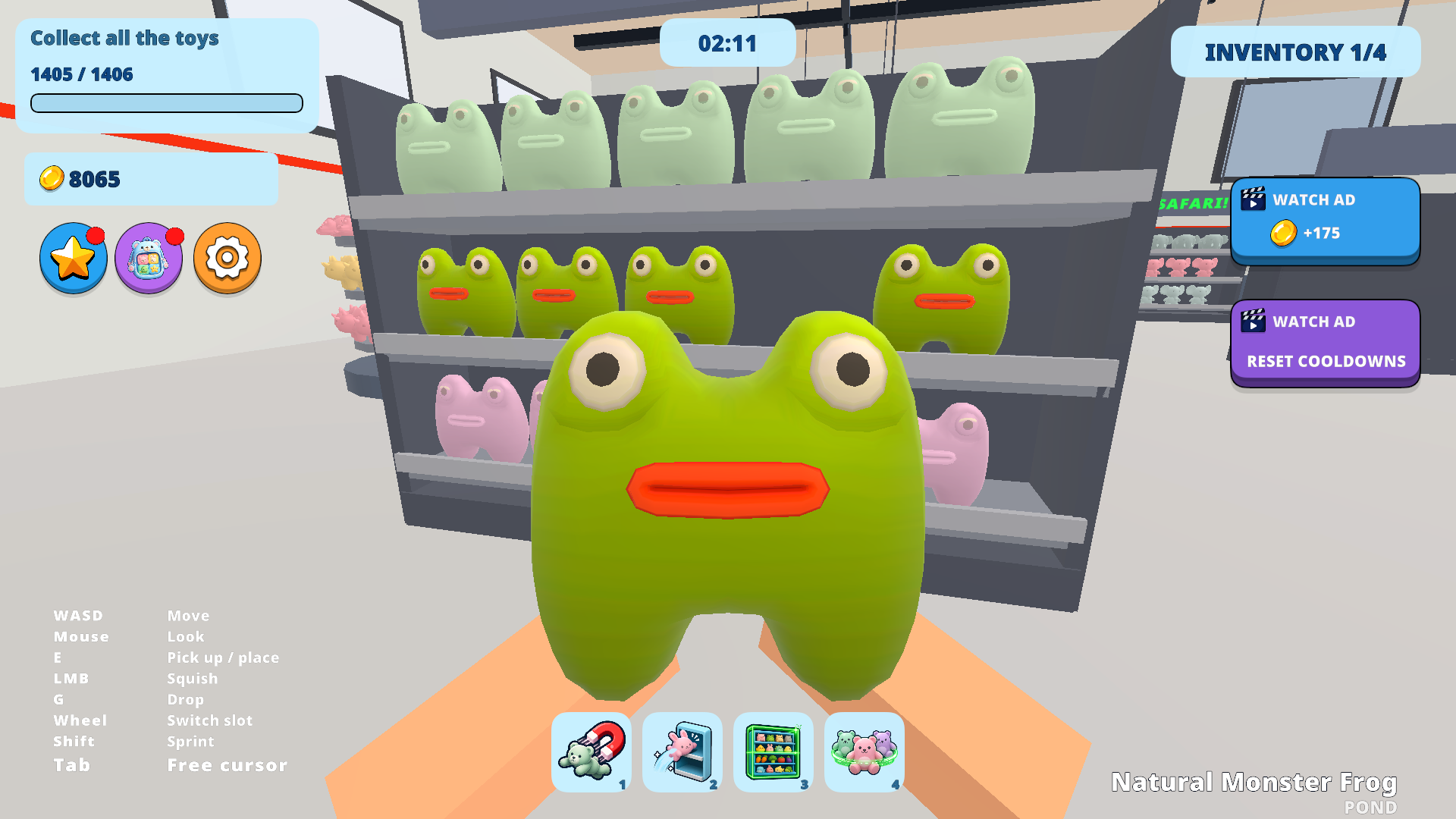
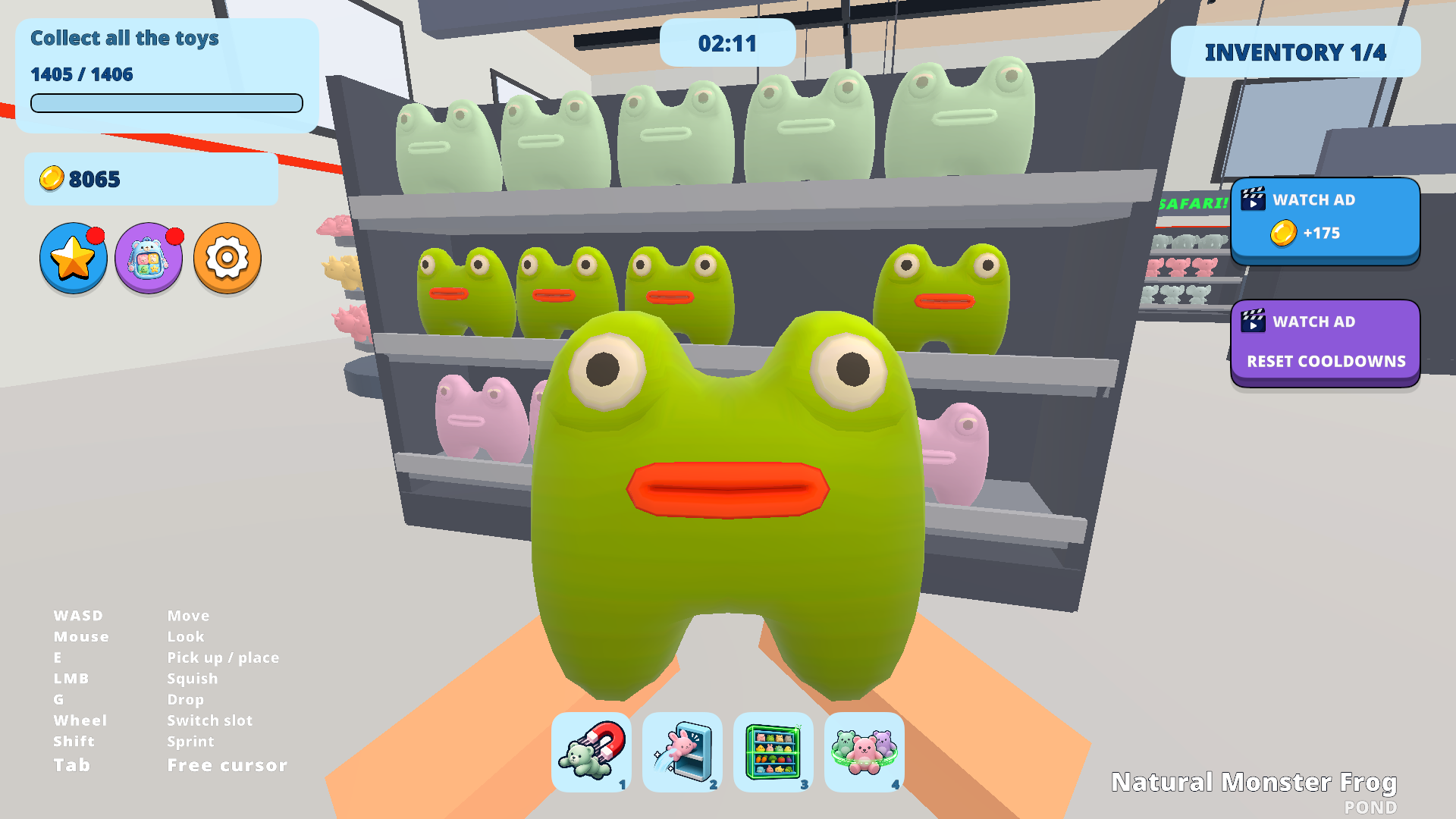
🎯 Walk up to a toy on the floor and press E to put it in your bag. Carry it to the shelf for its category and press E again to place it. Buy the scanner and the right shelf lights up for you.
🖥️ Keyboard and mouse:
E — Pick up / place
G — Drop
Mouse wheel — Switch slot
Shift — Sprint (unlocked with coins)
LMB — Squish
Tab — Free the cursor: store, upgrades and settings
📱 Phone and tablet: the stick moves you and a swipe turns the camera, while pick up and place, drop, switch slot, sprint, jump and crouch are all on-screen buttons.
Features
- Toy Categories: Sort 16 different types of items ranging from dinosaurs to bears across a massive store layout.
- Upgrade System: Purchase a magnet to drag floor items closer or a scanner that highlights the correct shelf for your current object.
- Speedrun Mechanics: Compete against your own best times to shave seconds off your performance during every session.
- Inventory Management: Expand your bag capacity to carry multiple squishies at once and minimize your trips to the shelves.
- Sprint Ability: Unlock the shift key to dash across the hypermarket and complete your sorting tasks ahead of schedule.
Who is it for
Casual players who enjoy relaxing organization tasks will love the repetitive yet rewarding loop of sorting toys. If you appreciate ASMR vibes and tidy environments, this challenge provides a steady rhythm. Fans of speedrun games will also enjoy the pressure of the clock while mastering the store layout.
Controls
Pick up or place
Press E on keyboard or tap the action button on your touchscreen.
Movement
Use WASD keys or the virtual joystick on mobile devices to walk around.
Camera control
Move your mouse or swipe across the screen to look around the shop.
Sprint
Hold Shift on your computer or tap the sprint icon on your phone.
FAQ
Can I play Clean All Squishies on my phone?
›
Yes, Clean All Squishies runs perfectly in your mobile browser with intuitive touch controls for movement and interaction.
How do I upgrade my tools in Clean All Squishies?
›
You earn coins by sorting toys correctly and can spend them in the shop menu to unlock faster movement or better scanners.
Is there a way to finish Clean All Squishies faster?
›
Buying the magnet and the larger bag upgrades will significantly reduce the time needed to clear the shop floor.