About game
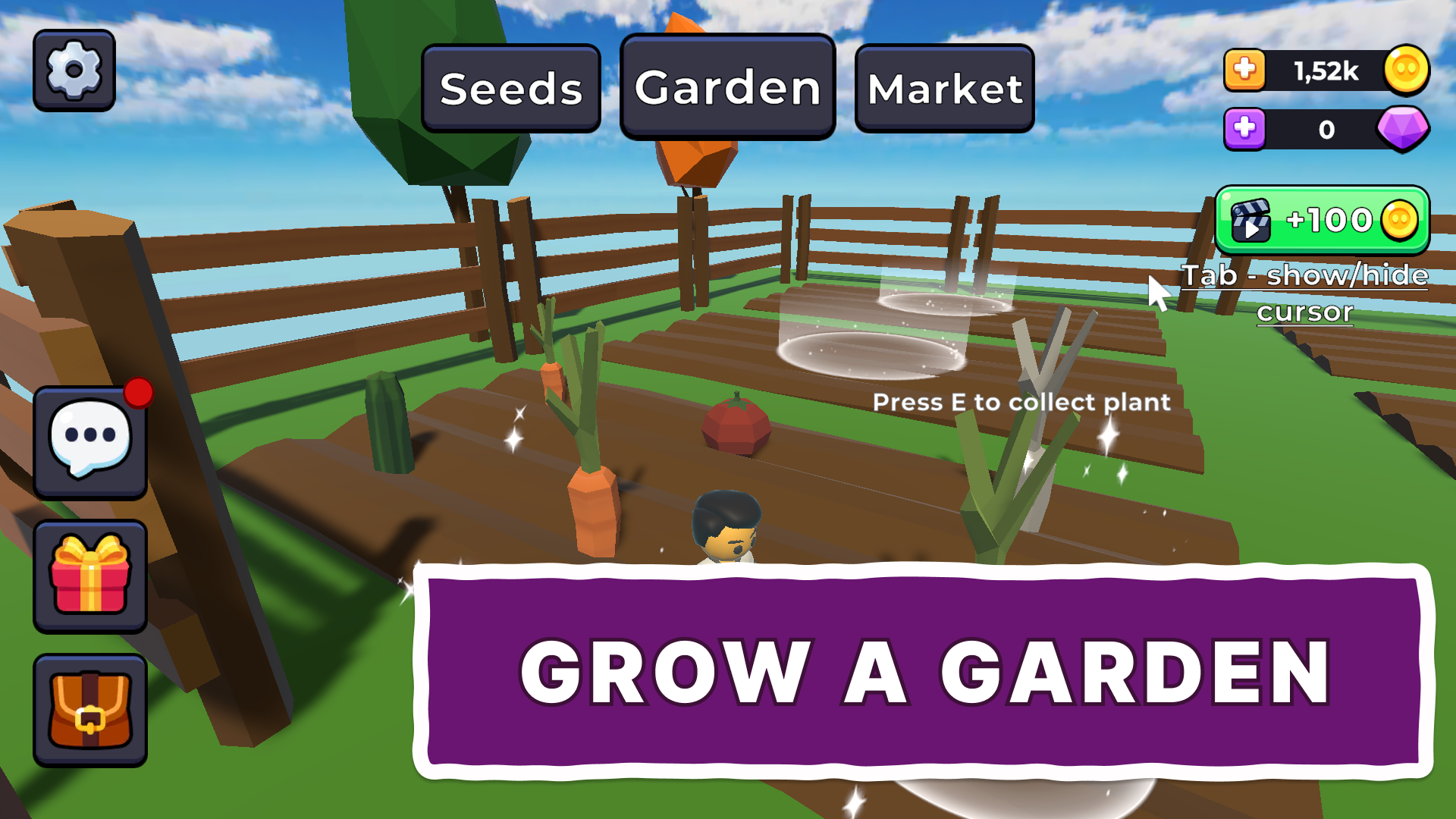
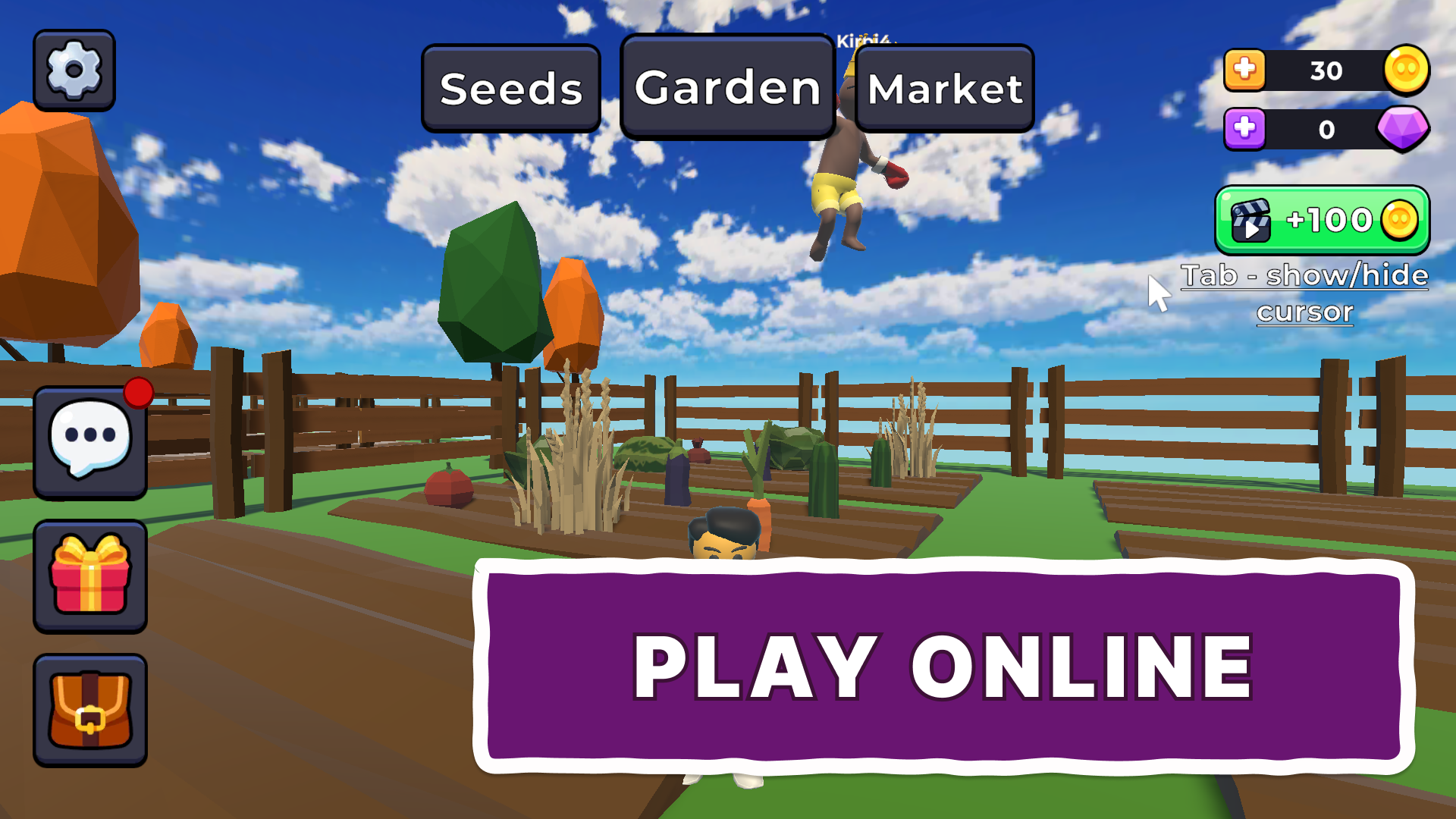
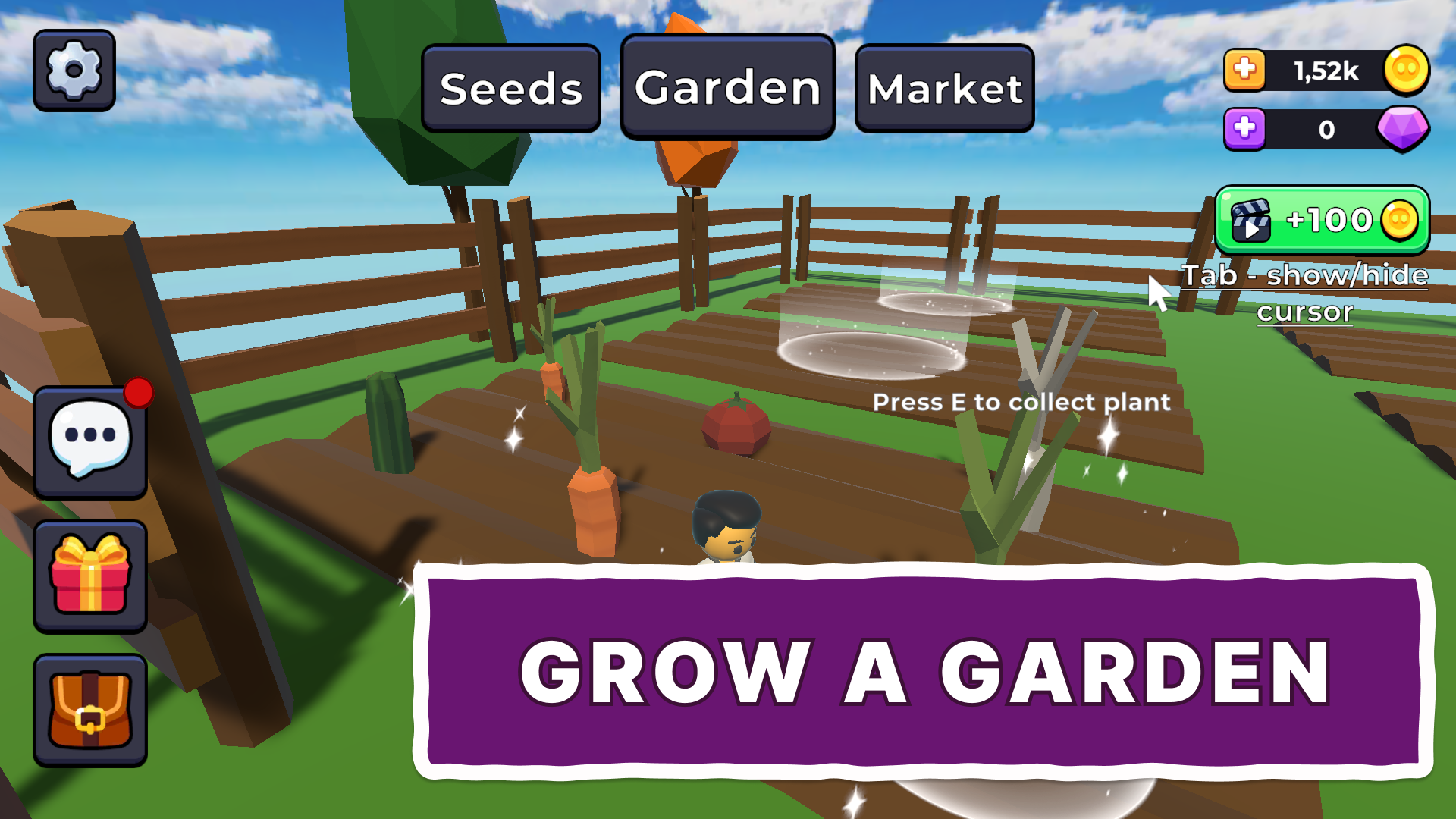
Staring at a blank screen during your lunch break usually leads to mindless scrolling, but Grow a Garden: Farm changes the vibe instantly. You finally have a way to escape the monotony by building a personal green oasis right in your browser. Planting seeds feels satisfying as you watch your patch turn into a lush paradise while you manage your resources. Mechanics revolve around purchasing soil patches and strategically placing items to maximize your yield. Your progress continues even when you step away, ensuring your crops keep maturing while you handle real-world tasks. Climbing the global leaderboard demands consistent effort and clever planning to outshine other green thumbs. You can customize your avatar with fun skins or grab a pet to accompany you through the patches. Everything runs smoothly without needing any installations or complex setups. Head over to FreeJoy.games to start your own Grow a Garden: Farm adventure instantly for free.
How to play
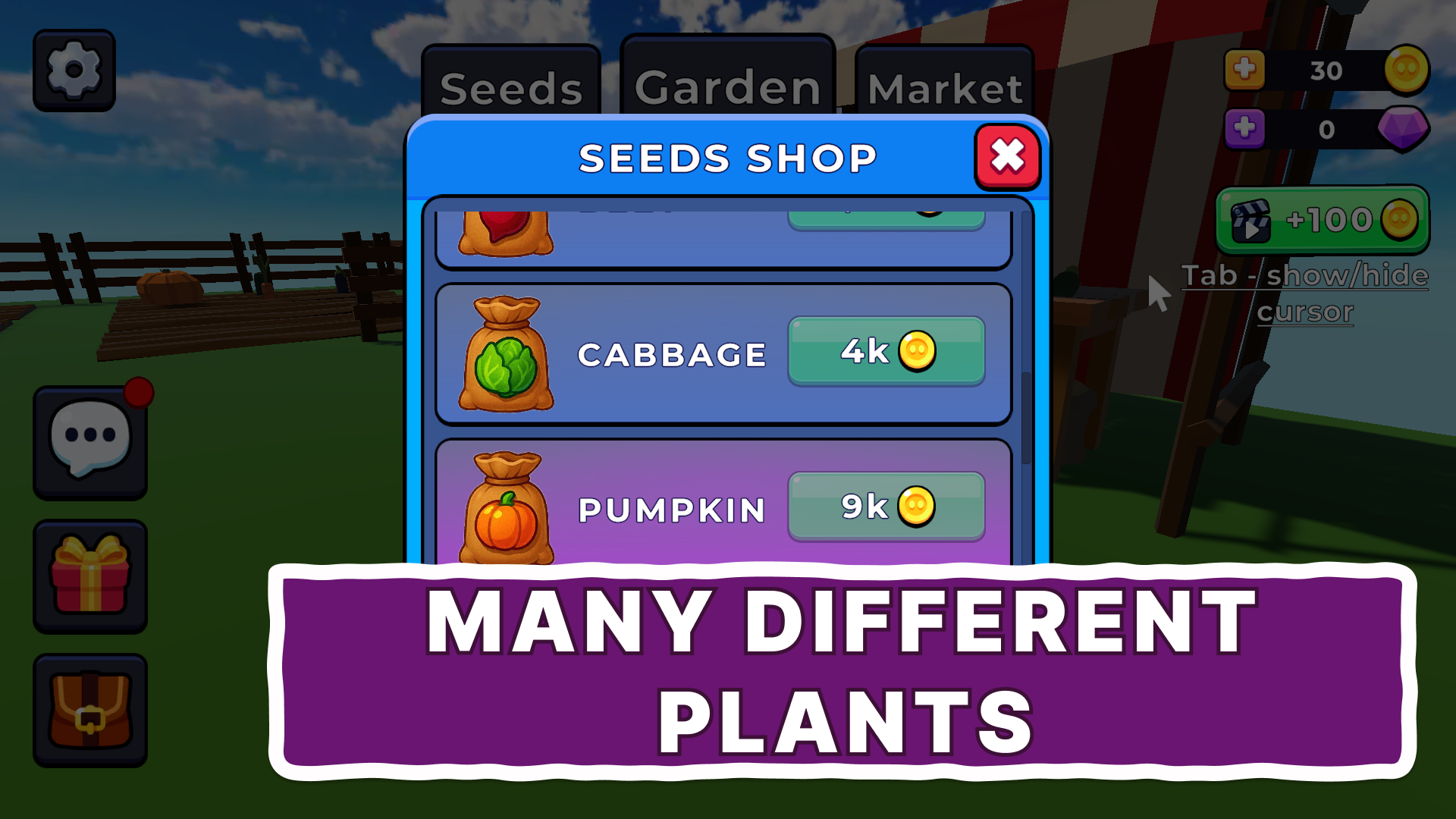
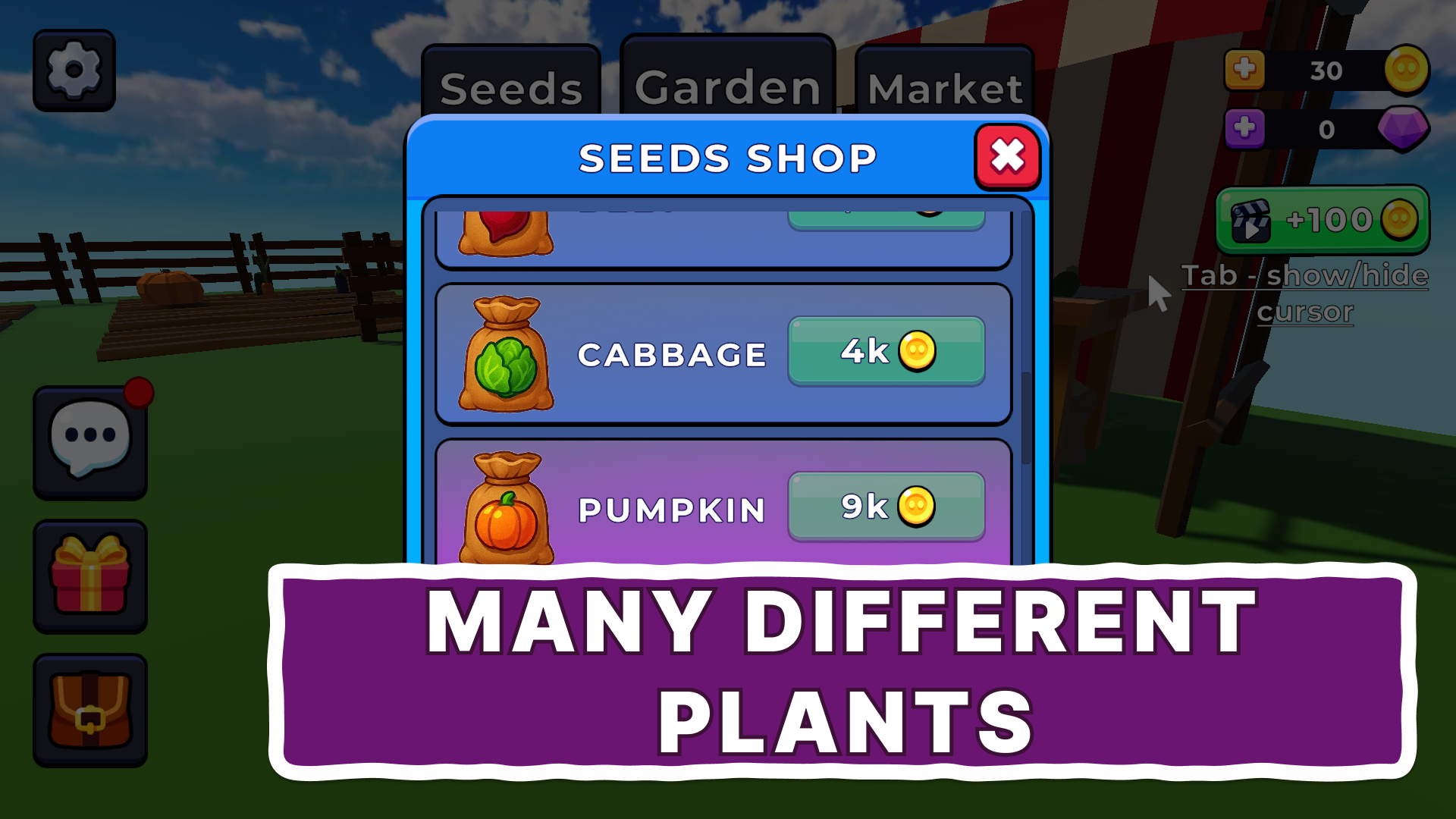
Your goal is to buy seeds, grow plants, and improve your garden.
Computer controls:
W,A,S,D - character movement
Spacebar - jump
Mouse movement - camera movement
Tab - show/hide cursor
E - place/collect plant, buy flower bed
Q - destroy plant
Controls on the phone:
Left joystick - move the character
Right button - jump
Swipe on the screen - camera movement
Features
- Offline Progression: Your plants continue their life cycle even when the browser window is closed so you always return to a harvest.
- Dynamic Economy: Spend currency earned from sales to unlock larger plots or faster growth speeds for your agricultural empire.
- Global Competition: Check the live rankings to see how your farm stats compare against other top growers across the internet.
- Character Customization: Spend earned rewards on distinct skins to make your avatar look unique while moving through the garden.
- Daily Task System: Complete simple objectives each day to earn rare boosts that accelerate your planting process significantly.
Who is it for
Casual players who enjoy relaxing simulation experiences will find this browser title addictive. Fans of blocky 3d aesthetics and those who appreciate idle farming mechanics will enjoy the progression loop. Everyone seeking a lighthearted way to kill time during a break should give this a try today.
Controls
Movement
Use WASD keys on desktop or the left virtual joystick on mobile devices.
Interaction
Press E on your keyboard or tap the interact button on mobile to plant, harvest, or purchase items.
Camera Control
Move your mouse across the screen or swipe your finger on mobile to change your perspective.
Jump
Tap the spacebar on your computer or the designated jump button on the mobile screen.
FAQ
Is Grow a Garden: Farm safe to play on my browser?
›
Yes, Grow a Garden: Farm runs directly in your web browser without requiring any downloads or personal data entry.
Can I play Grow a Garden: Farm with friends?
›
While Grow a Garden: Farm is a single-player simulation, you can compare your progress against everyone else on the global leaderboards.
Does Grow a Garden: Farm require a high-end computer?
›
Not at all, Grow a Garden: Farm is optimized to run smoothly on most modern browsers without needing powerful hardware.