About game
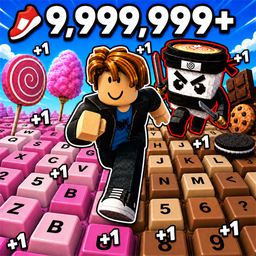
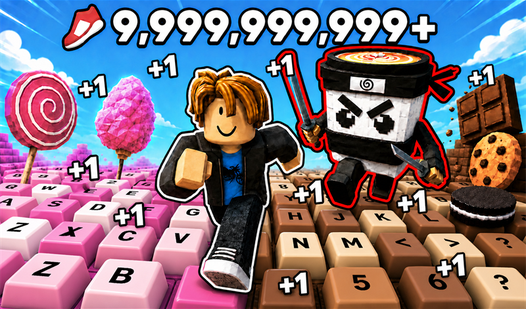
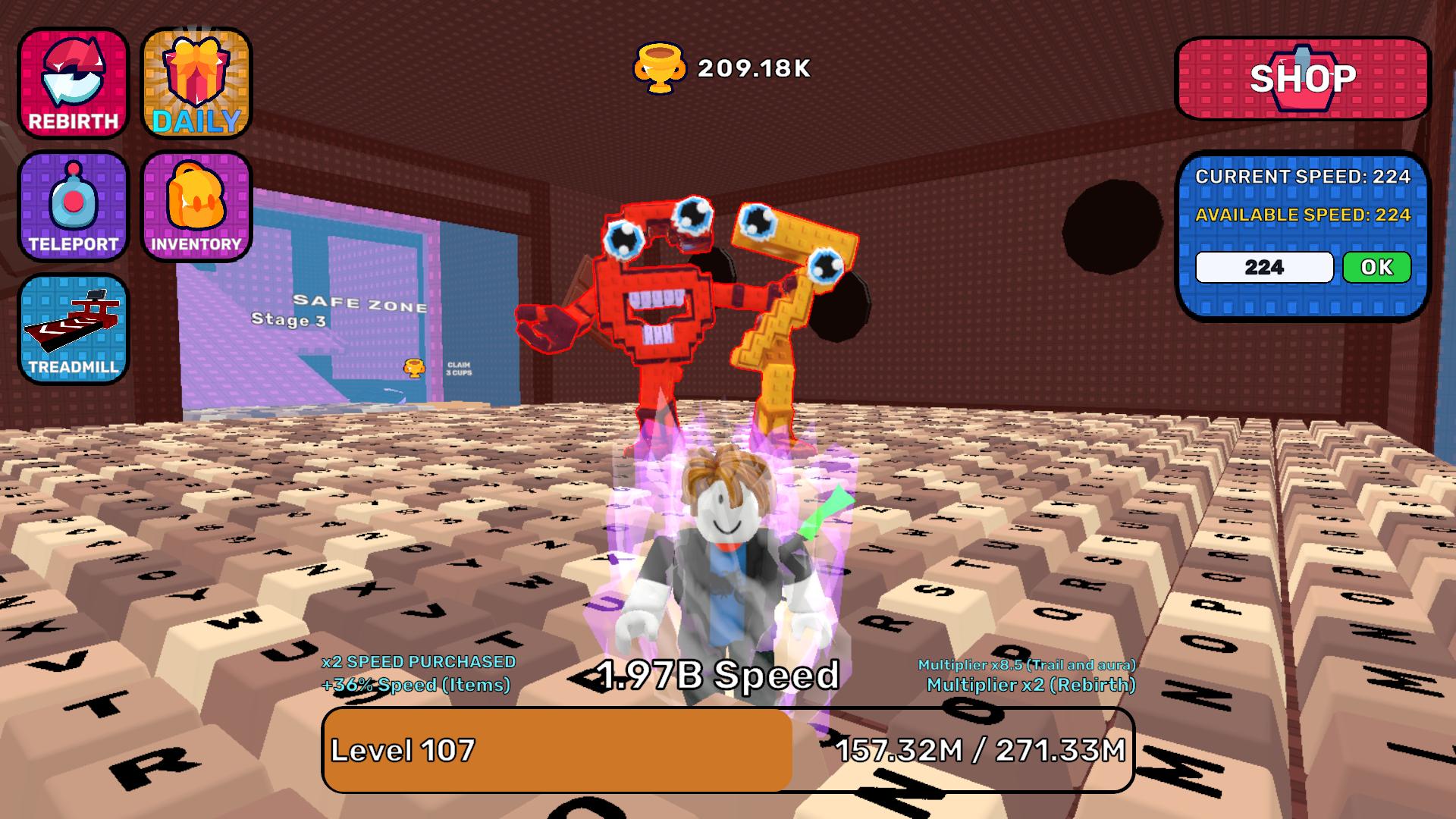
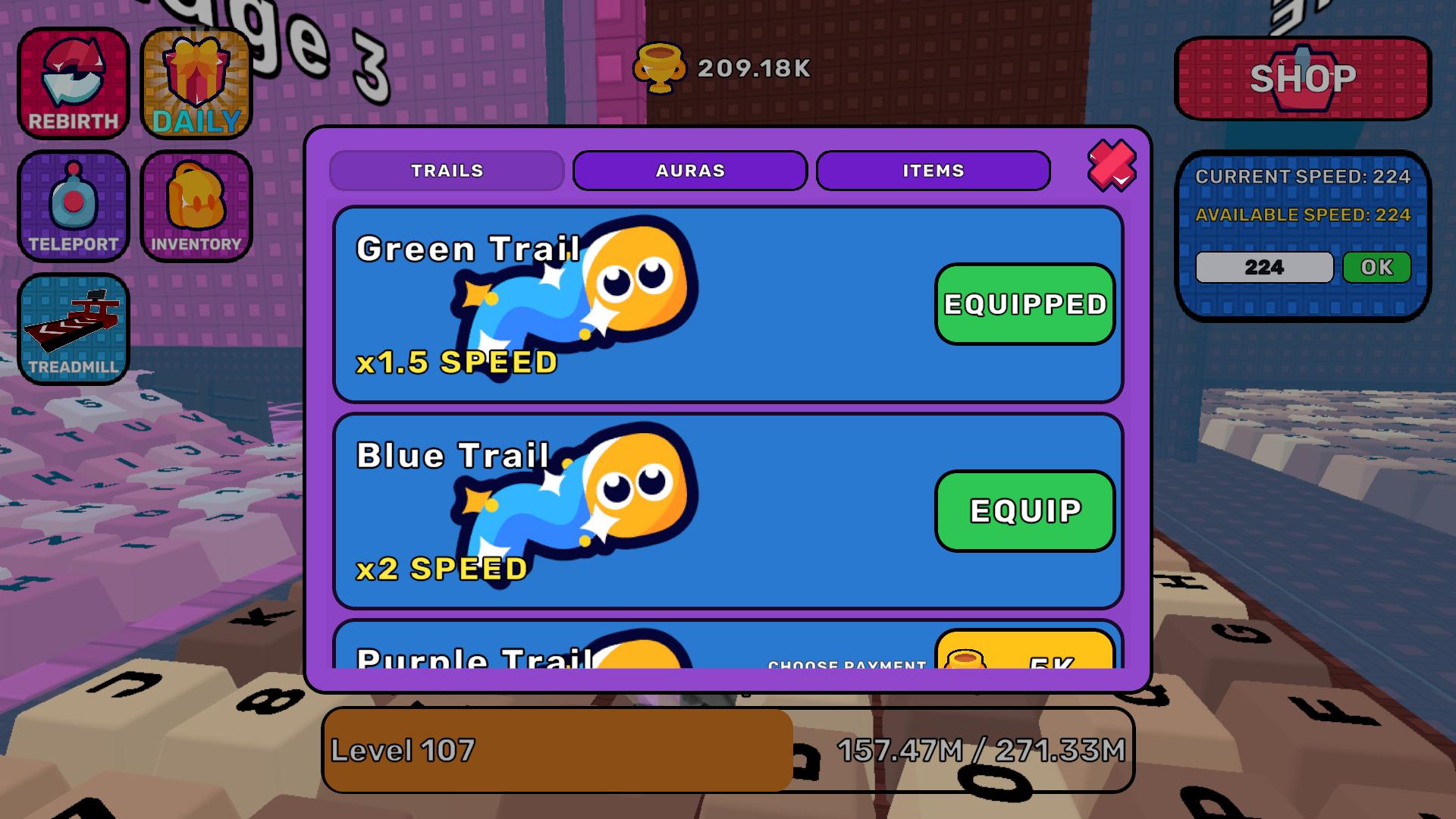
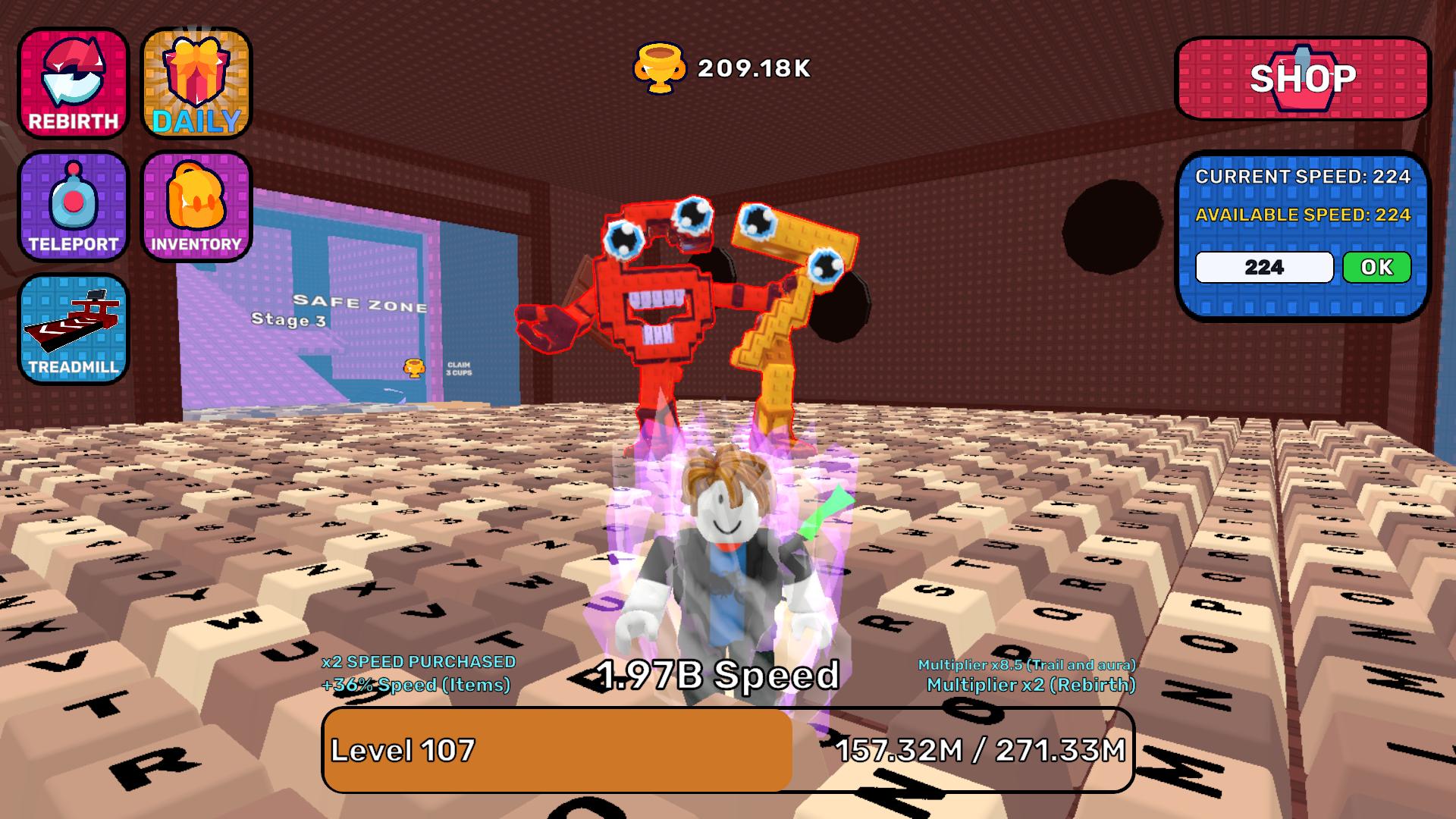
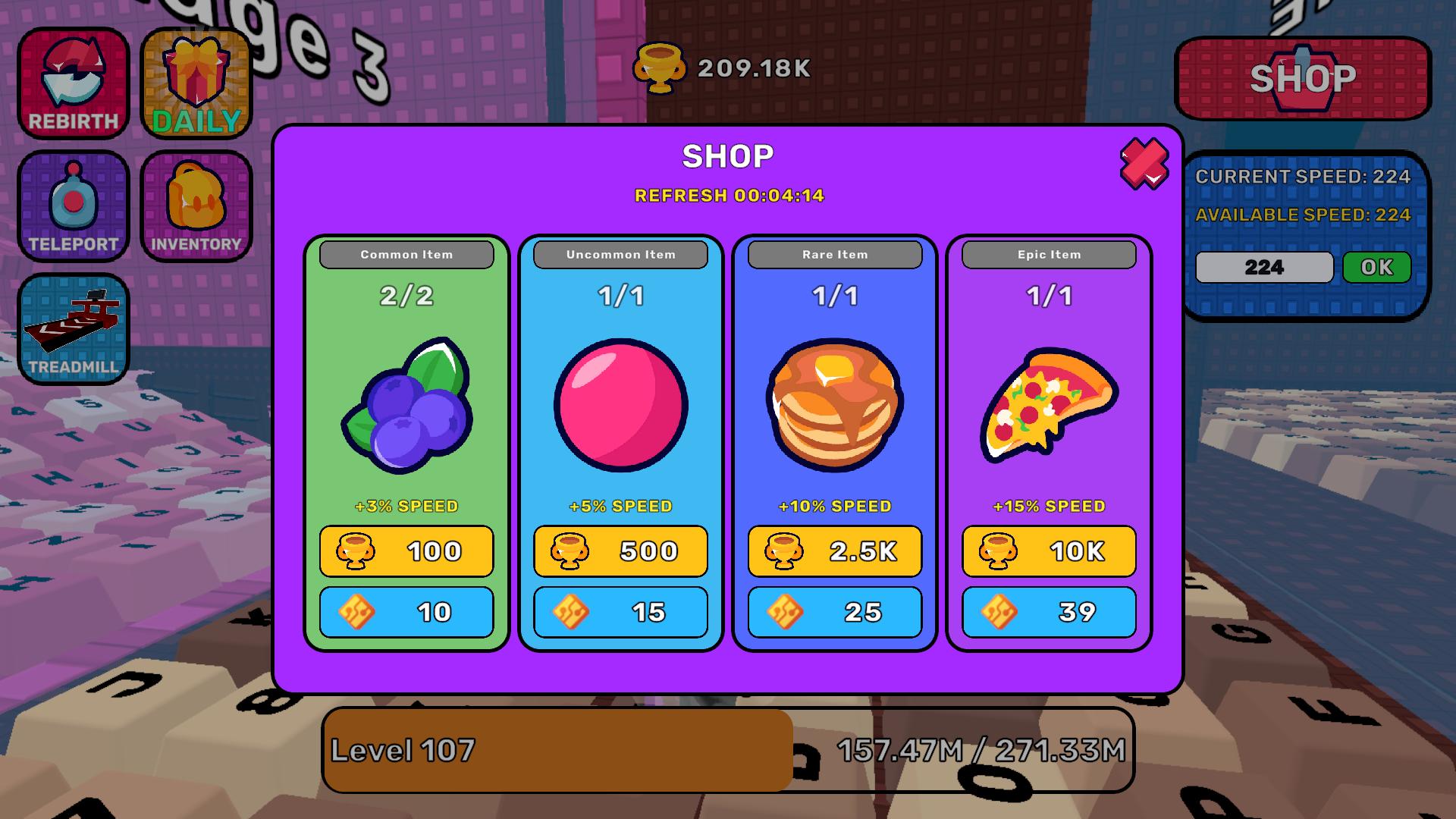
Speed junkies craving an adrenaline rush will find their match in +1 Speed Running On Keyboard. You control a character sprinting across a massive keyboard while dodging hazards that threaten to crush you. Keeping your momentum high remains vital because a relentless tsunami chases you through every level. Timing your jumps across moving keys keeps the tension high during this intense race for survival. You collect points along the way to upgrade your stats and outrun the obstacles ahead. Cosmetic items like custom trails and glowing auras allow you to personalize your runner after successful runs. This speed simulator delivers fast-paced action that tests your reflexes without requiring a heavy install. You can jump into the browser and start your quest to reach maximum velocity immediately.
How to play
PC Controls:
WASD - Move
Right-click - Rotate camera
Spacebar - Jump
SHIFT - Grab cursor / Return cursor
ESC - Return cursor
Mobile Controls:
Left joystick - Move
Right button - Jump
Right side of the screen - Rotate camera
Features
- Tsunami Escape: Sprint away from a rising wave that destroys everything in its wake as you progress.
- Key Platforming: Navigate tricky keyboard layouts where keys move or tilt under your weight.
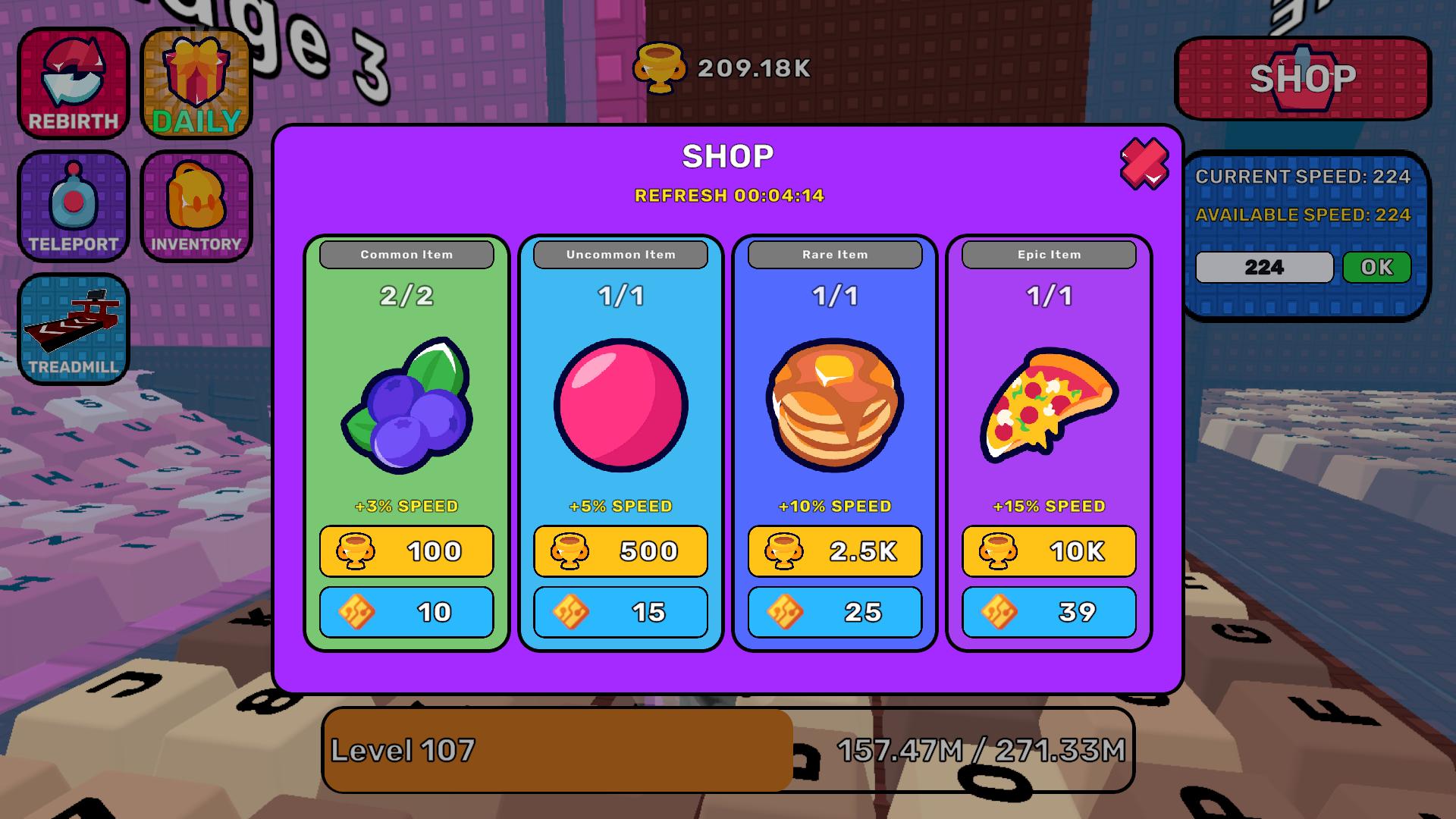
- Speed Upgrades: Spend currency earned during runs to increase your base movement velocity permanently.
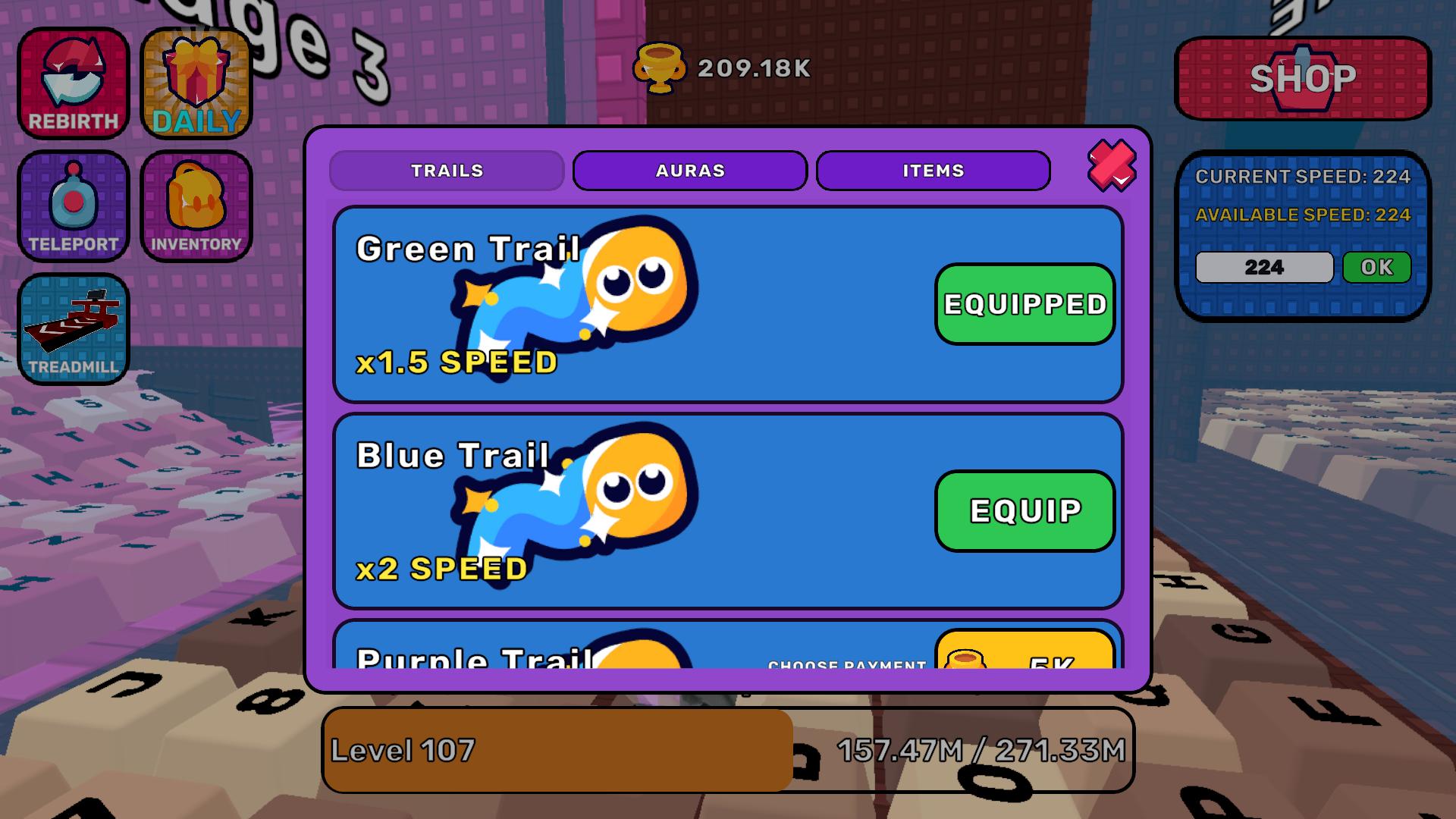
- Aura Customization: Equip visual effects that follow your character to show off your progression status.
- Physics Obstacles: Avoid falling slabs that drop randomly to block your path toward the finish line.
Who is it for
Speed simulator fans who enjoy fast-paced obby challenges will enjoy this experience. Casual gamers seeking a quick session to test their reflexes during breaks will love the simple mechanics. Anyone chasing high scores or wanting to unlock flashy character trails will find plenty of reasons to keep running.
Controls
Movement
Use WASD on PC or the left joystick on mobile screens.
Jumping
Press Spacebar on your keyboard or tap the right button on your mobile device.
Camera Control
Right-click and drag on PC or swipe the right side of the screen on mobile.
Cursor Lock
Use the SHIFT key to toggle your cursor visibility during desktop play sessions.
FAQ
How do I get faster in +1 Speed Running On Keyboard?
›
You increase your velocity by collecting points during levels and purchasing permanent speed upgrades in the shop.
Can I play +1 Speed Running On Keyboard on my phone?
›
Yes, the game is fully optimized for mobile browsers using touch-based controls for movement and jumping.
Is +1 Speed Running On Keyboard free to play?
›
Absolutely, you can play the entire game in your web browser without any registration or downloads required.