About game
Tactical strategy fans who enjoy chaotic fun will find themselves addicted to Zombieland from the very first undead recruit. You start by assembling your own personalized zombies piece by piece, turning a solitary creature into a feared leader of a massive horde. The core mechanic involves dragging units from the bottom icon to the play area to build a strategic formation that maximizes your combat effectiveness. Positioning is everything, as placing your minions correctly gives you the upper hand against any opposition that stands in your way. You can manipulate the flow of battle by adjusting the simulation speed, allowing for rapid expansion or precise tactical planning during the heat of the conflict. This unique approach to the epidemic genre lets you scale your army from a small group into a force capable of total world domination. The progression system keeps you hooked as you constantly upgrade your squad and watch your influence spread across the map. Play Zombieland free in your browser right now with no download required to start your path to global conquest.
How to play
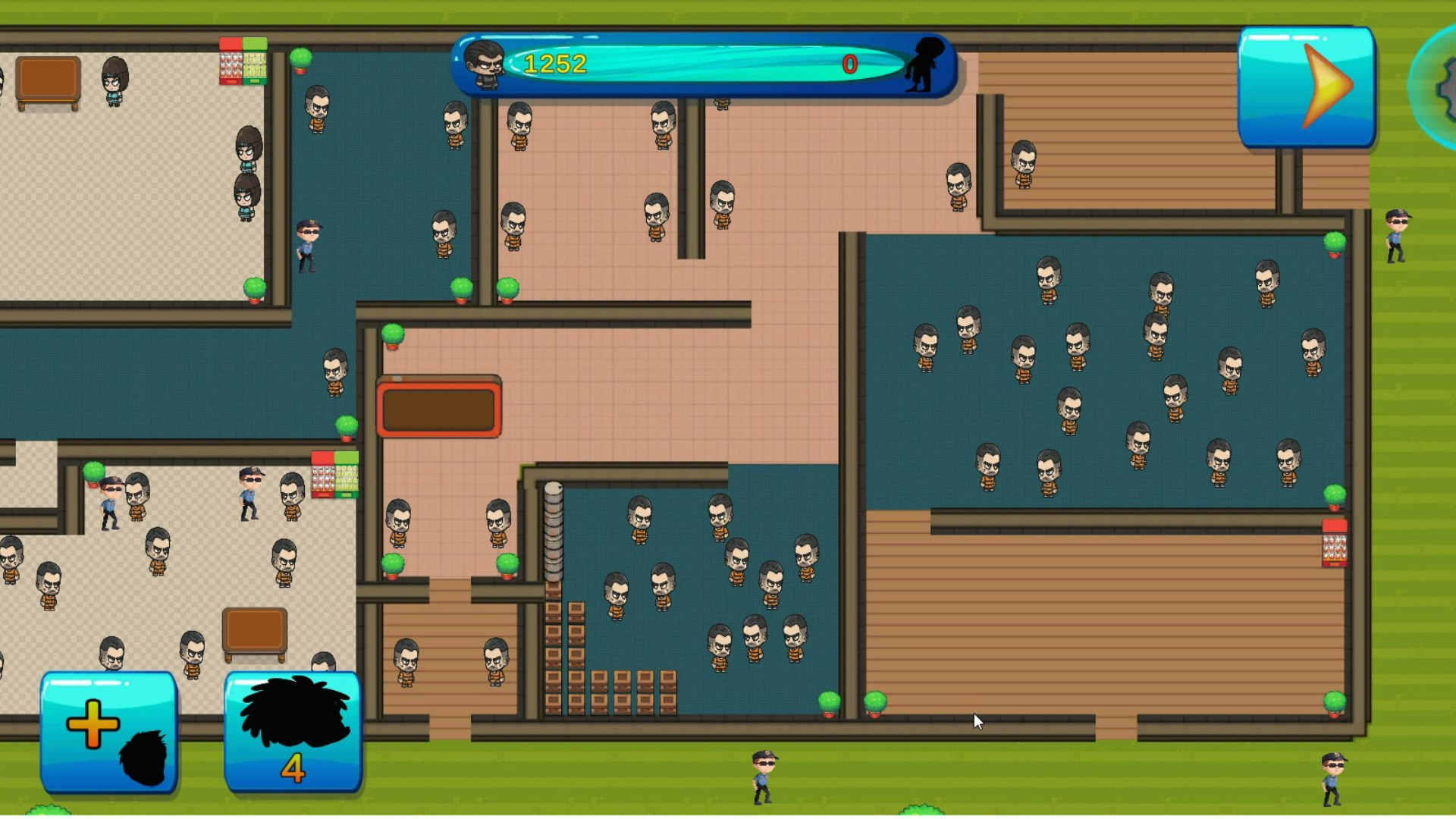
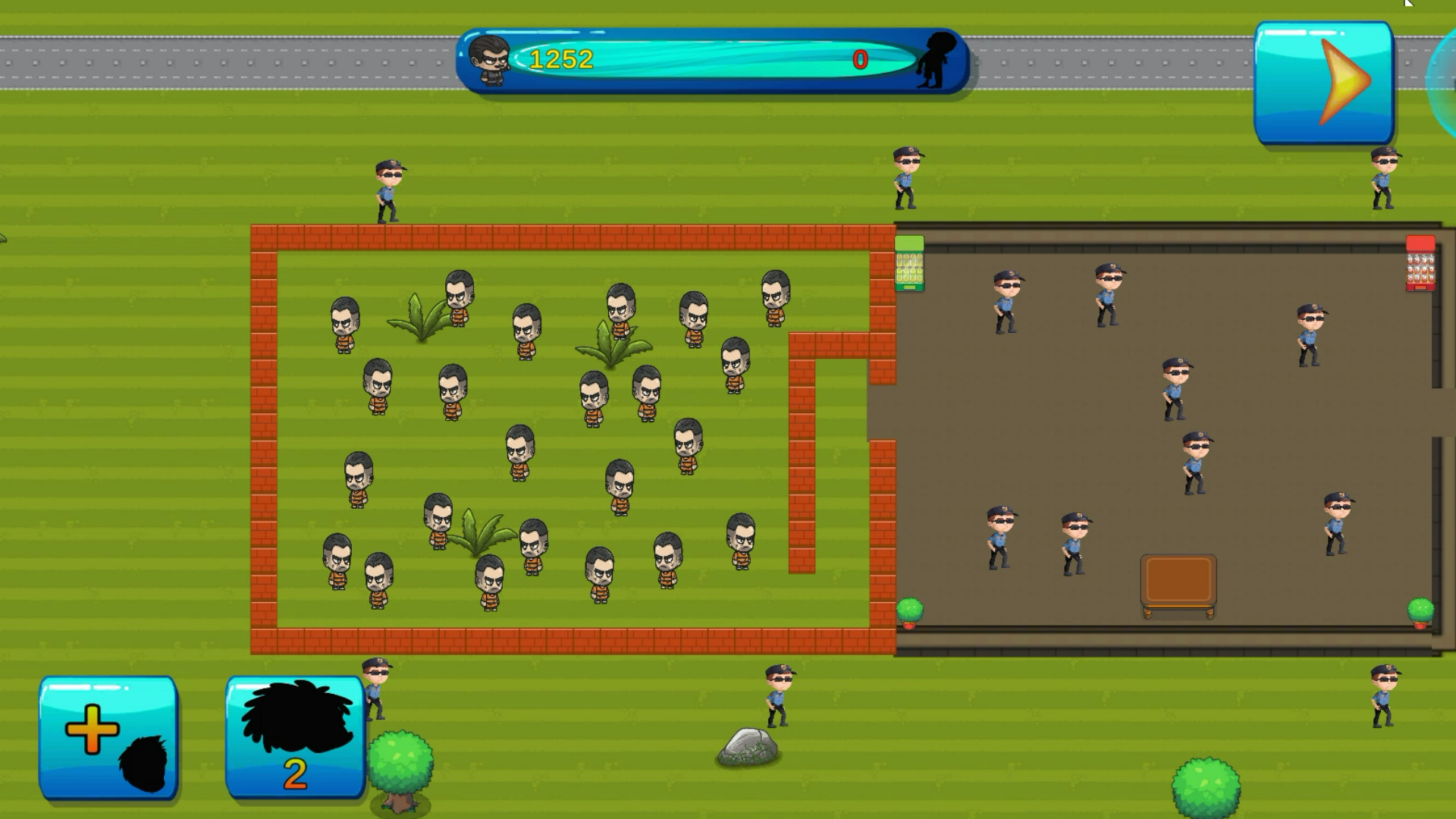
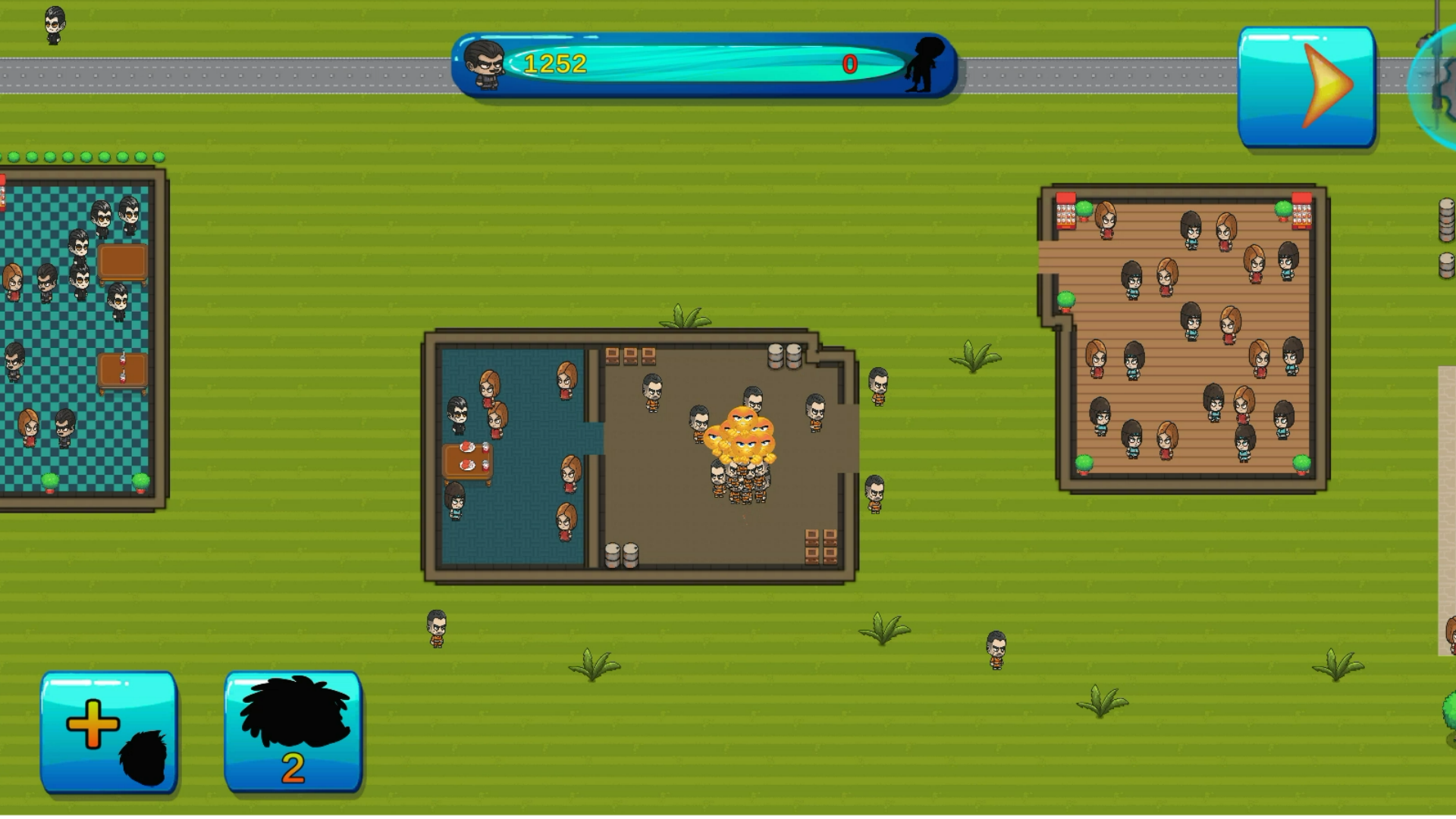
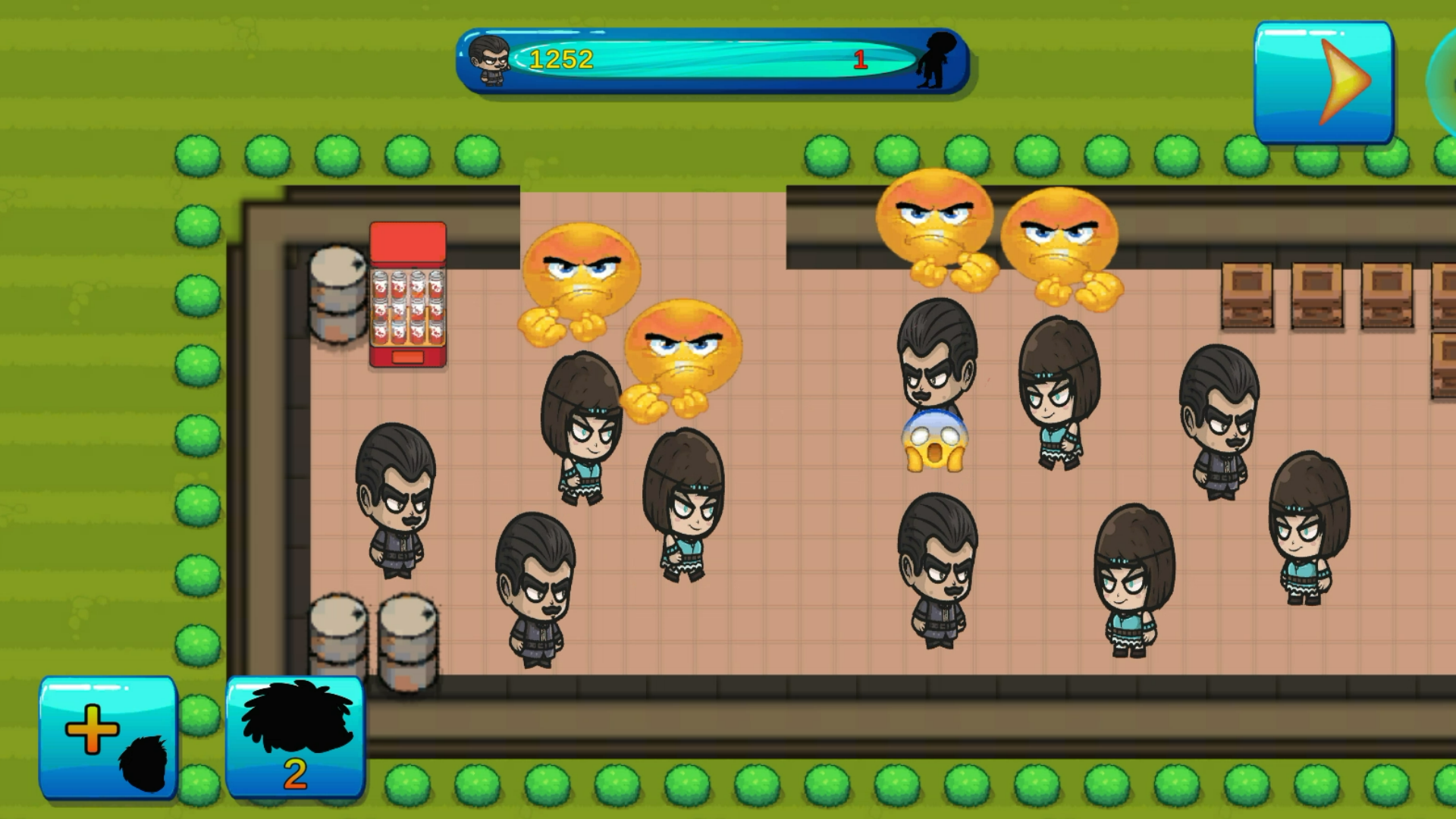
By dragging zombies from the corresponding icon (bottom-left), create your army. Put zombies next to them so that they have an advantage.
Accelerate or decrease the speed of the game on the corresponding icon, on the top right.
Features
- Custom Assemblage: Build unique zombies from scratch by selecting different body parts to enhance their base stats.
- Strategic Positioning: Deploy units in specific patterns to gain combat bonuses and flank enemy defenses efficiently.
- Time Manipulation: Toggle between different simulation speeds to either rush your expansion or carefully observe enemy movements.
- Horde Growth: Scale your influence by successfully managing resources to grow a tiny squad into a massive, unstoppable army.
Who is it for
Strategy enthusiasts and casual gamers who enjoy building armies will love the tactical depth here. It is perfect for those who want to experience a lighthearted take on the world domination trope without needing complex controls. Players who appreciate incremental progress and satisfying growth cycles will feel right at home.
Controls
Deploy zombies
Drag and drop zombie icons from the bottom-left menu onto the main map.
Adjust speed
Tap or click the speed control icon located in the top-right corner.
Manage army
Swipe or drag to rearrange your units to optimize their placement for the next wave.
FAQ
How do I build an army in Zombieland?
›
You build your army by dragging individual zombie units from the bottom-left menu onto the field to expand your forces.
Can I play Zombieland on mobile devices?
›
Yes, Zombieland is fully optimized for mobile browsers, allowing you to drag and drop units using your touchscreen.
Is there a way to speed up the gameplay in Zombieland?
›
You can easily accelerate or decrease the speed of the game by using the control icon located in the top-right corner of the screen.