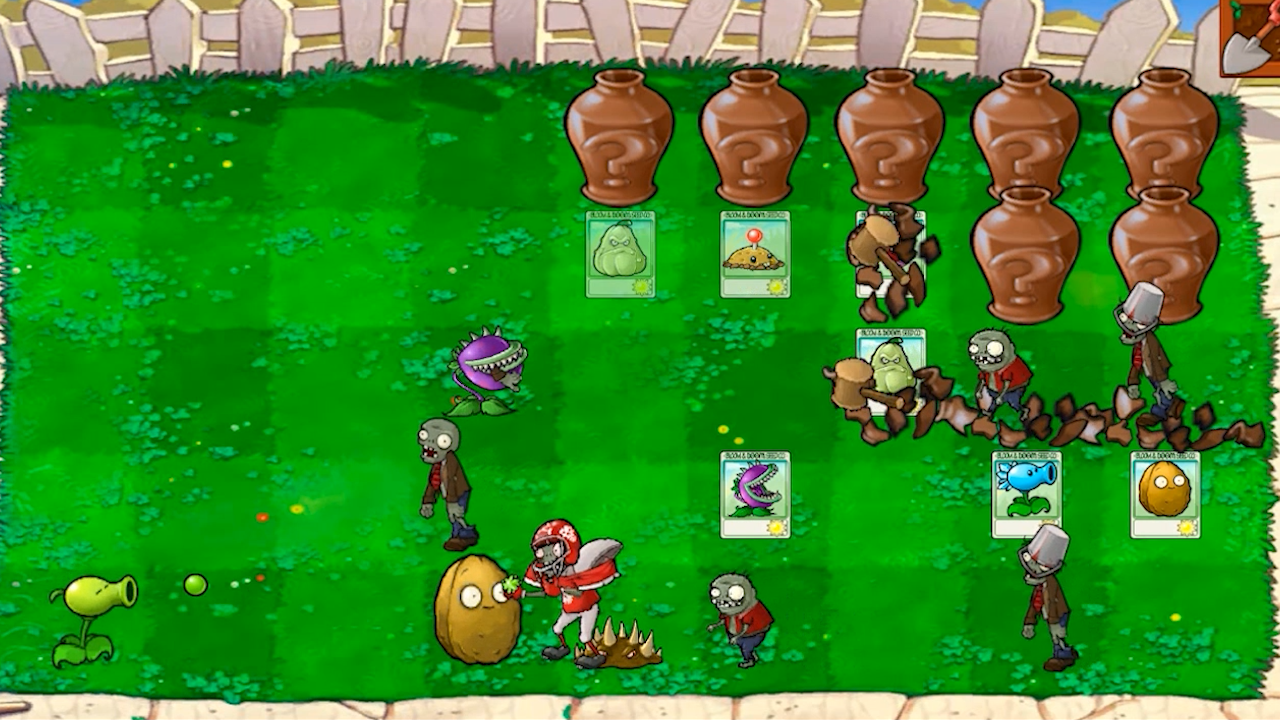
About game
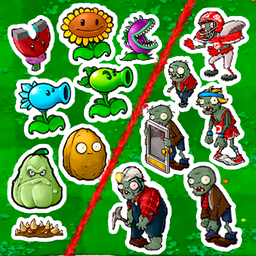
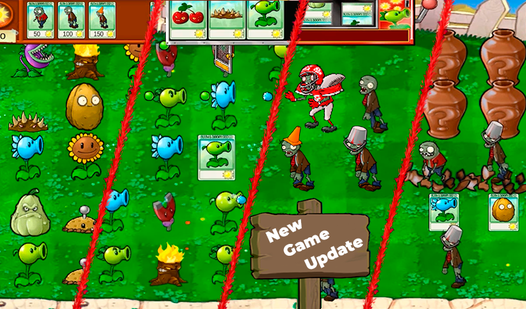
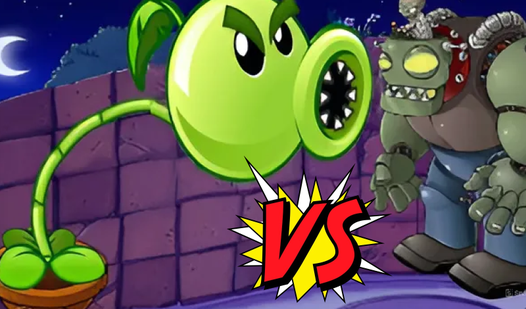
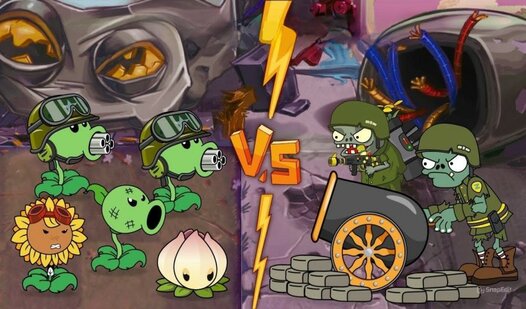
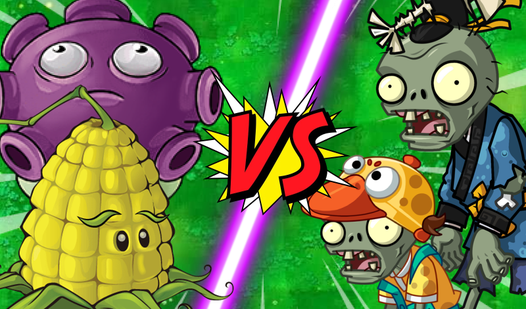
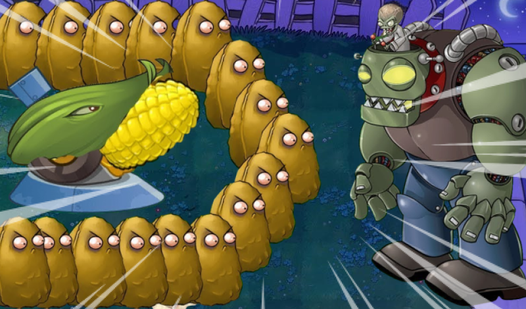
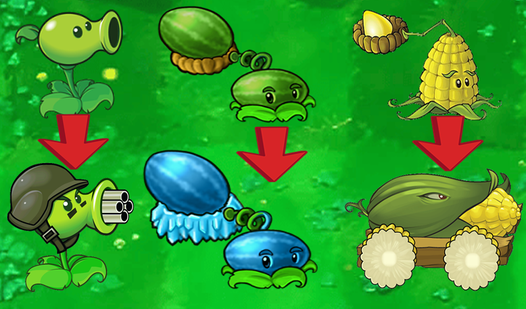
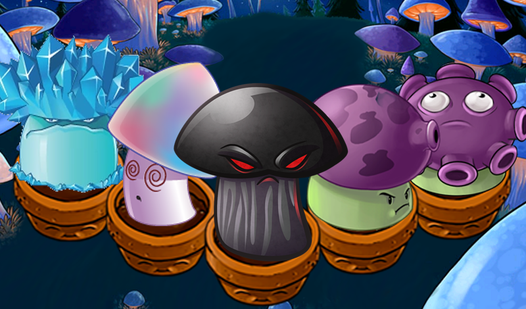
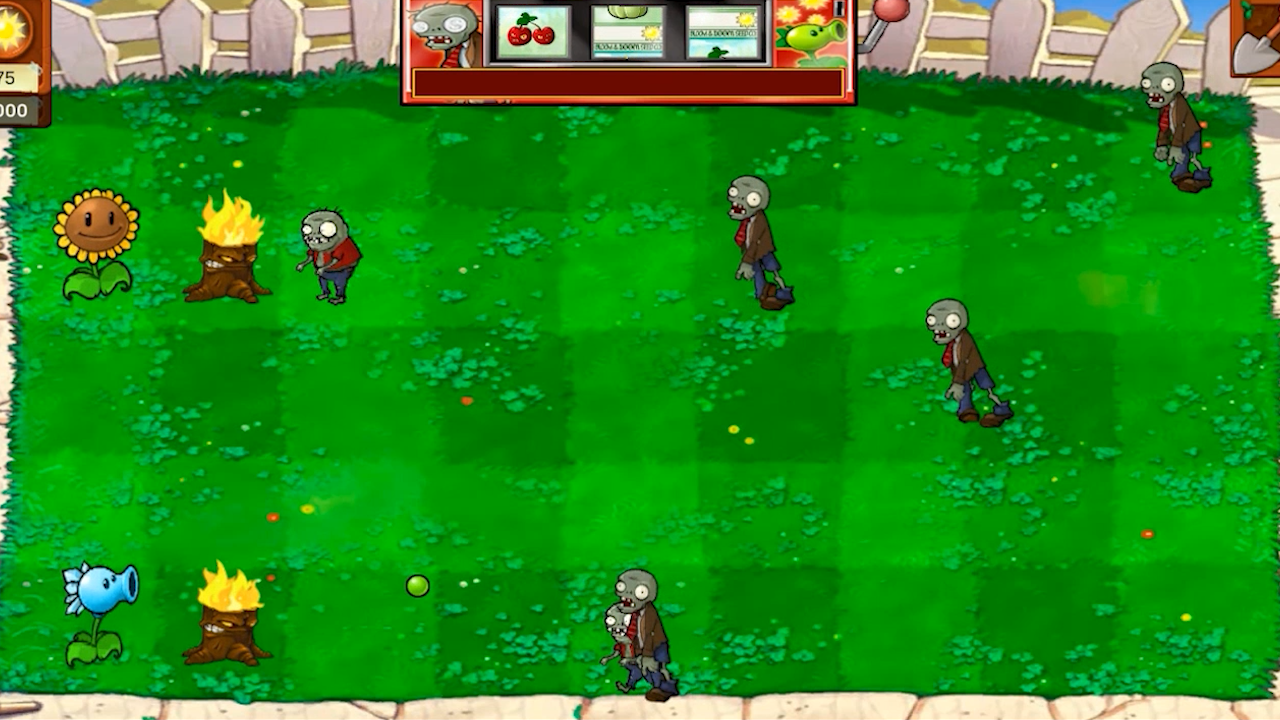
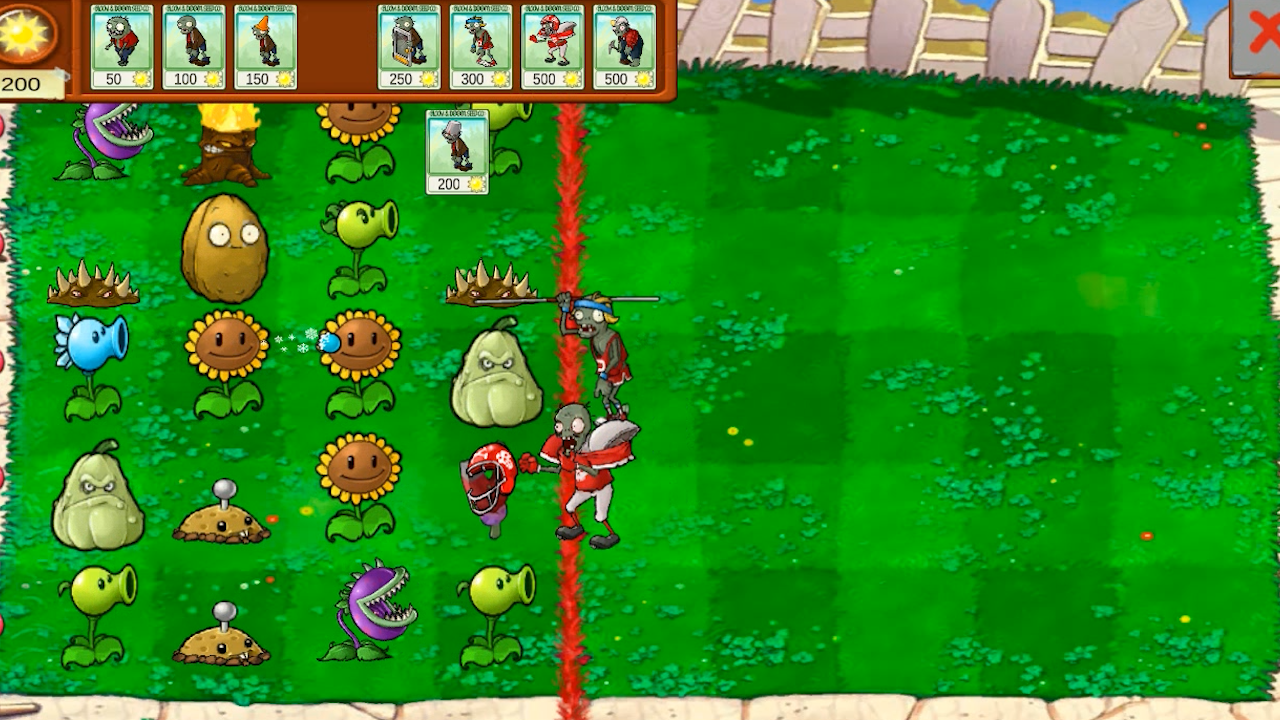
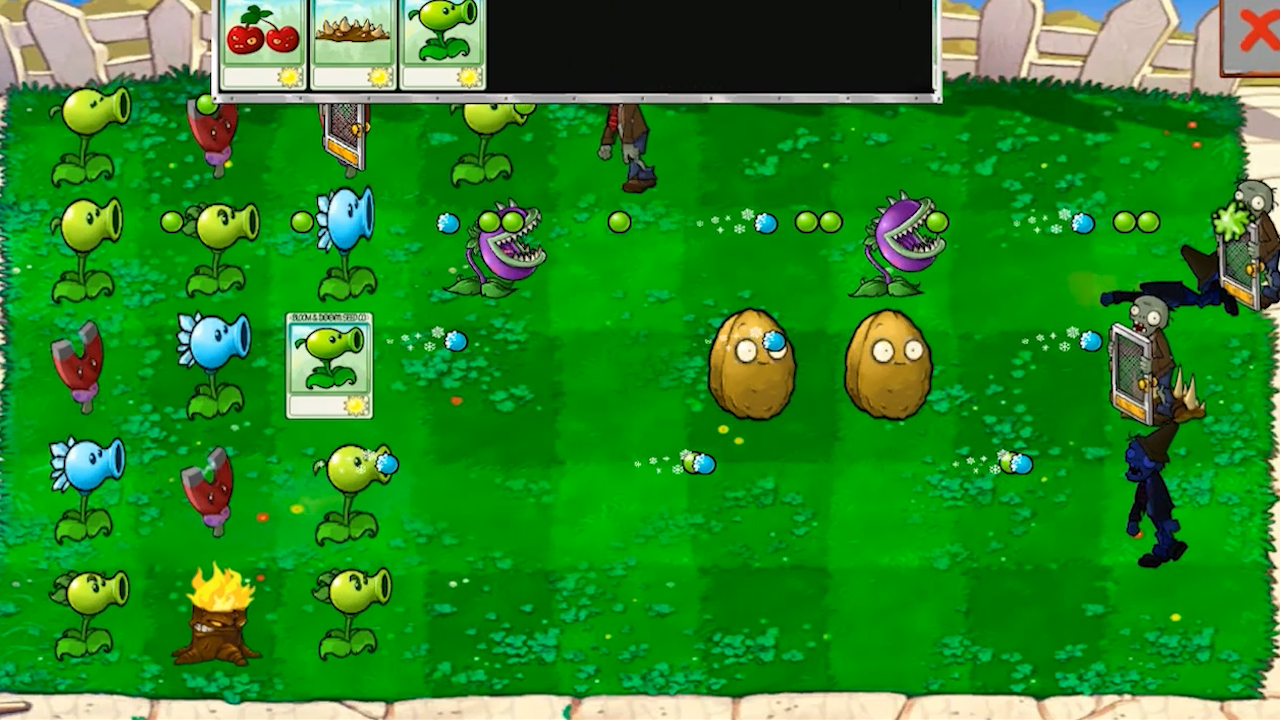
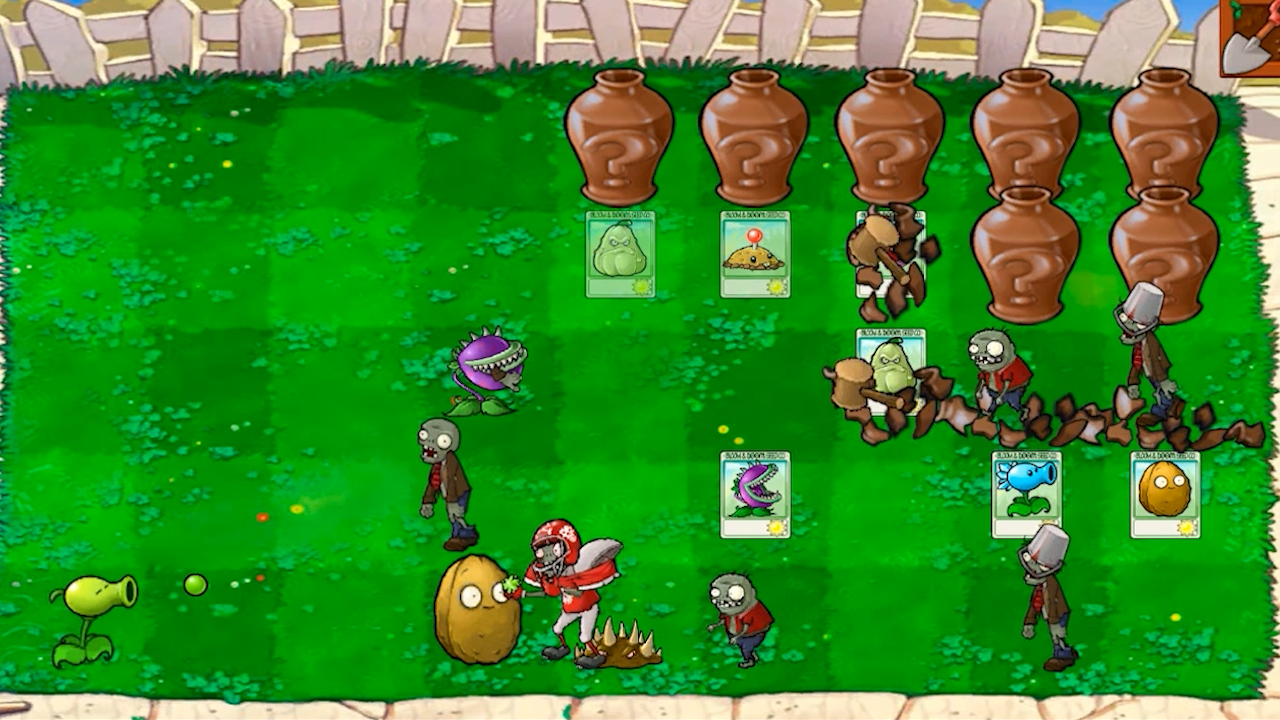
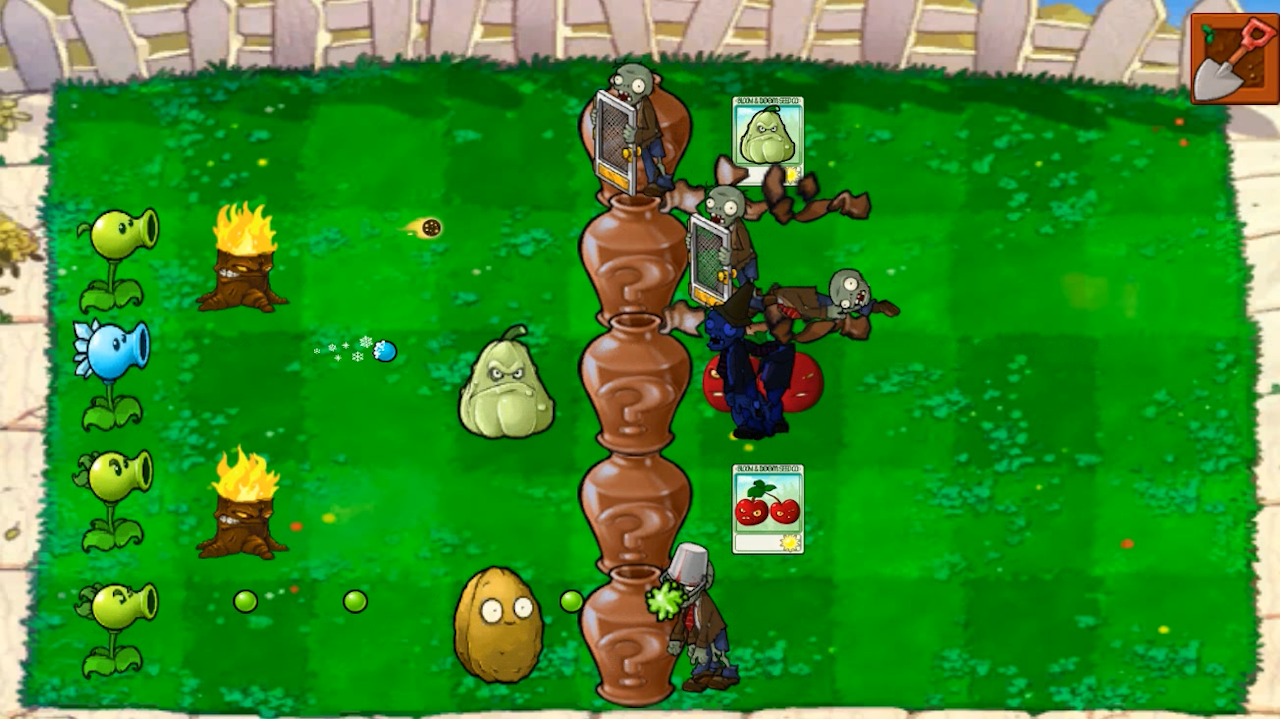
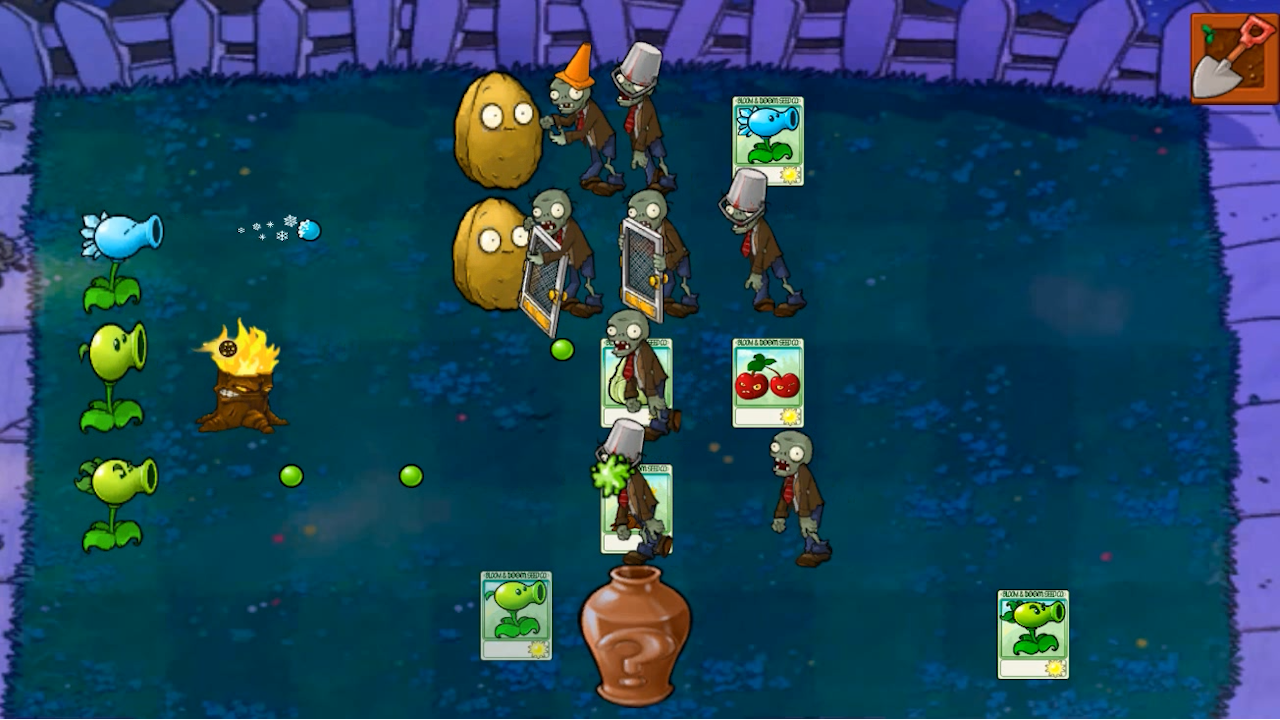
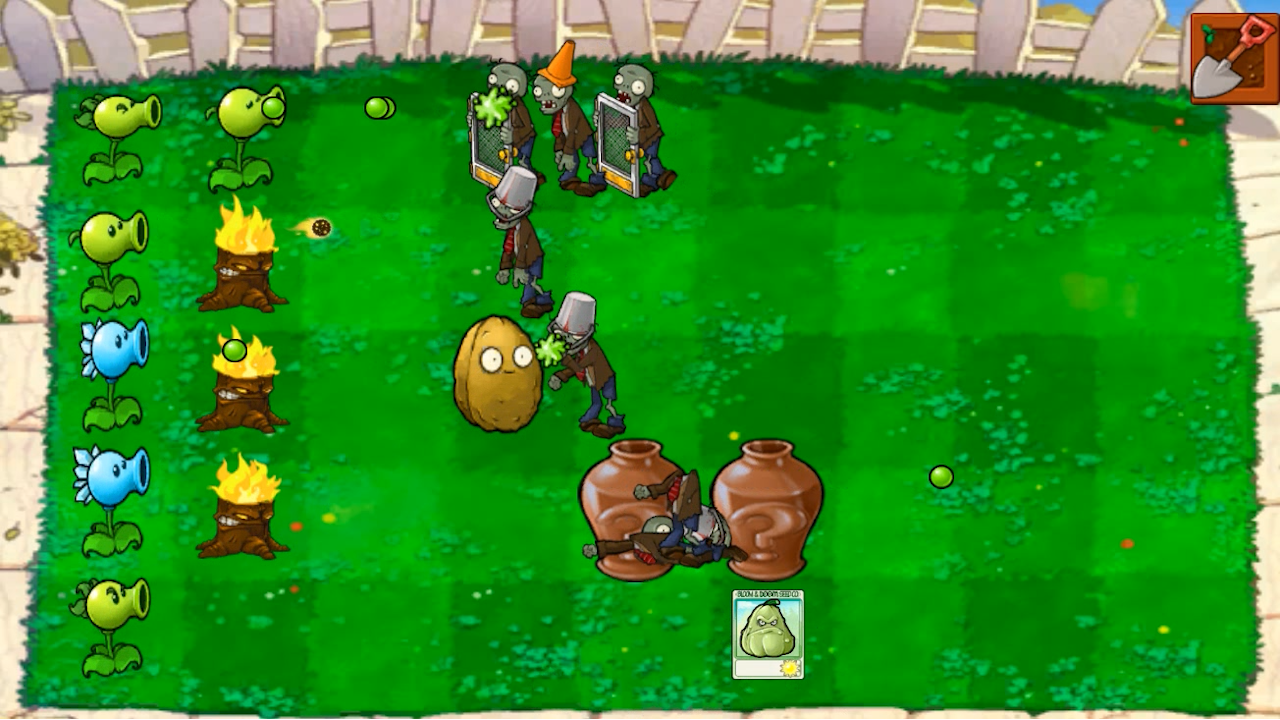
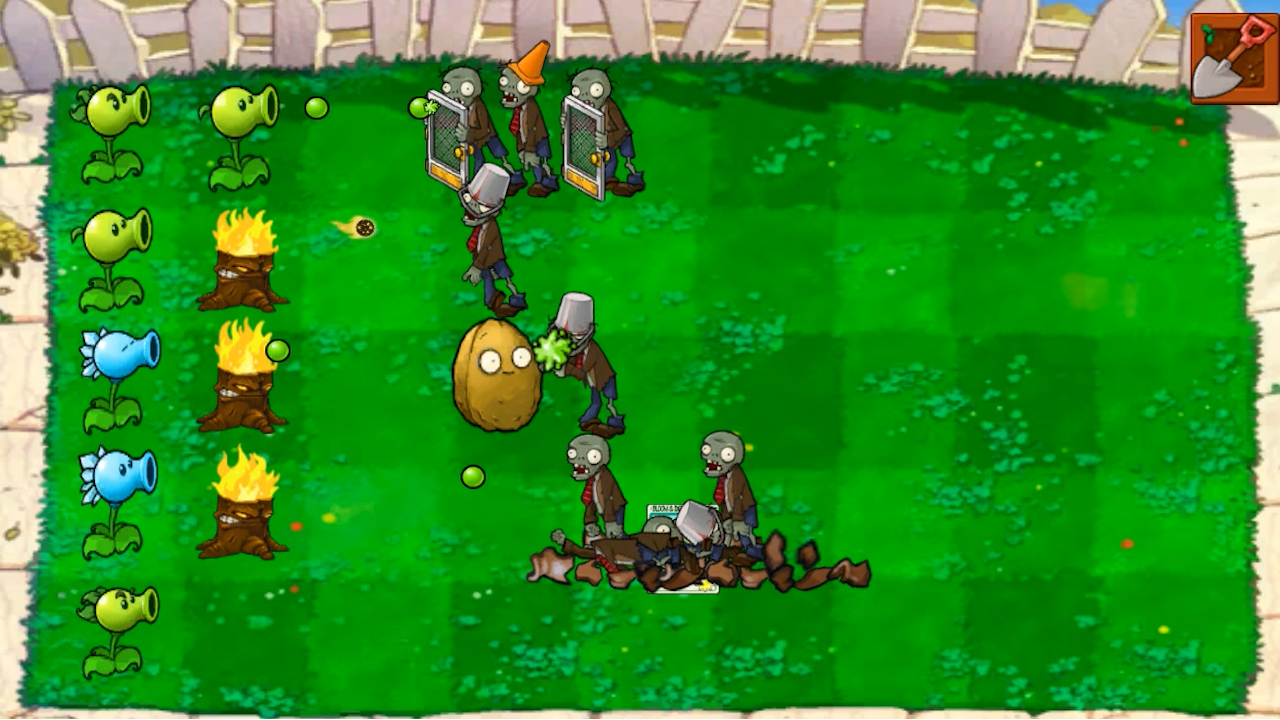
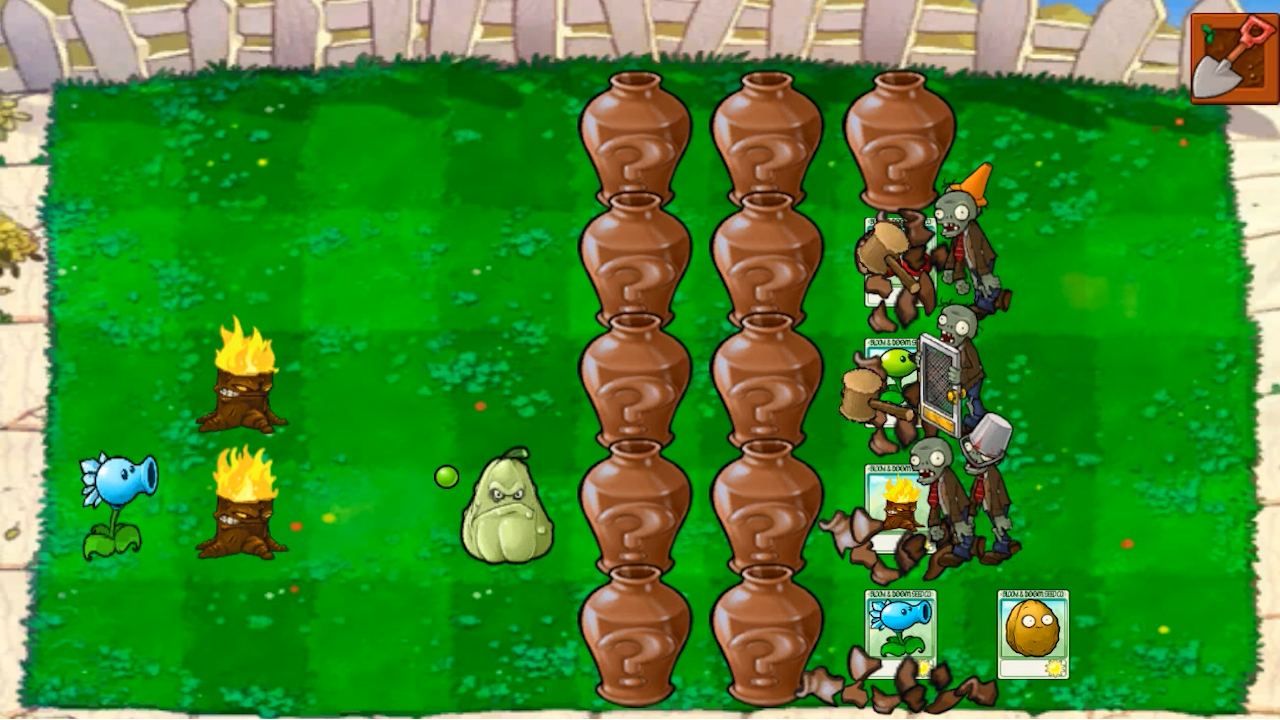
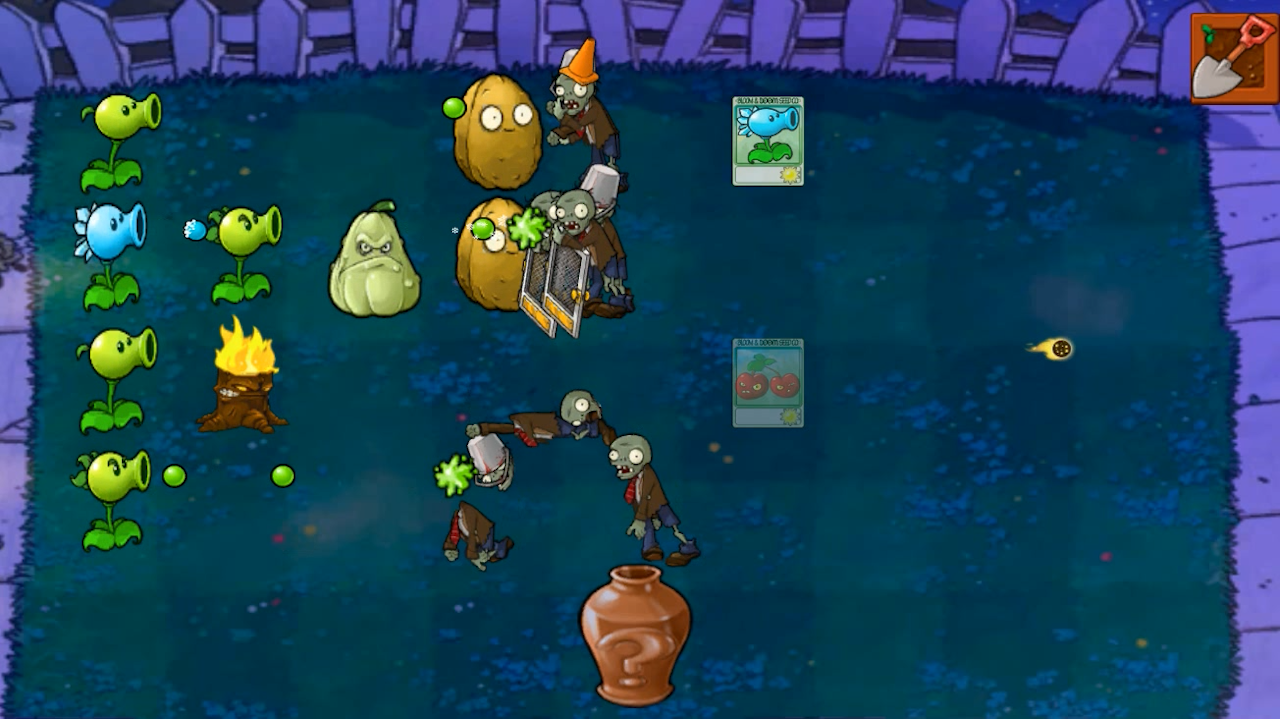
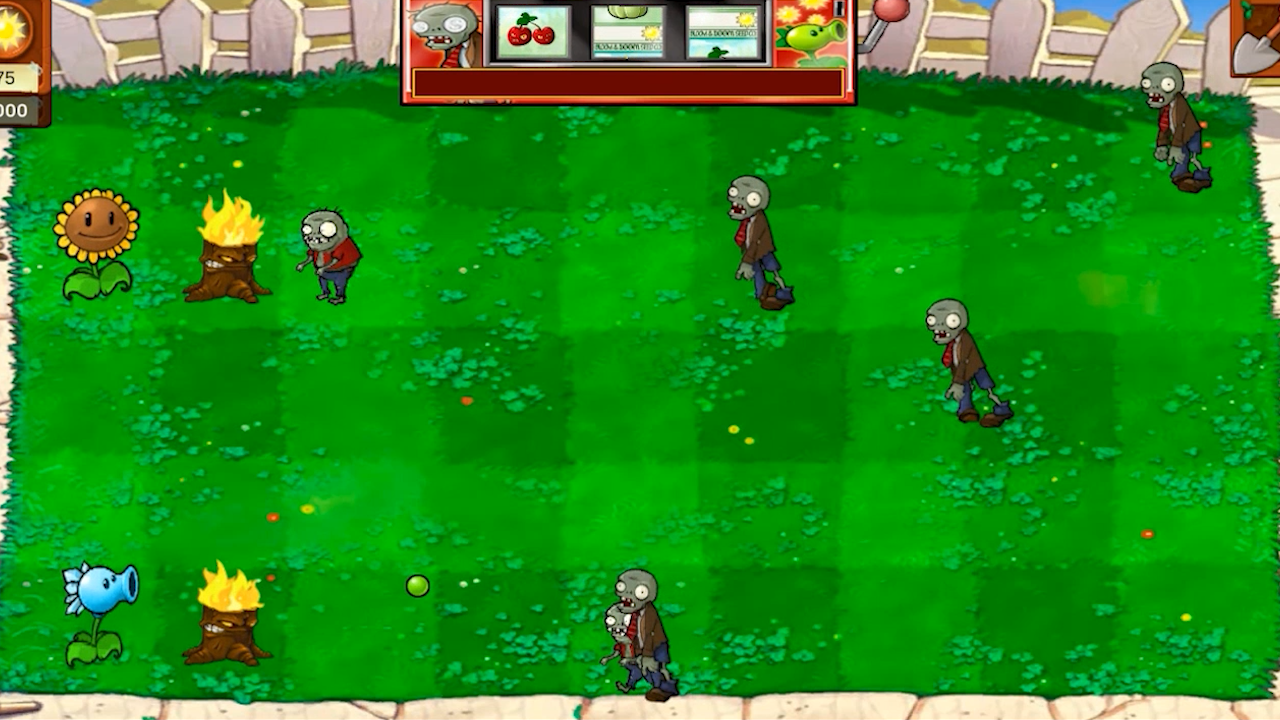
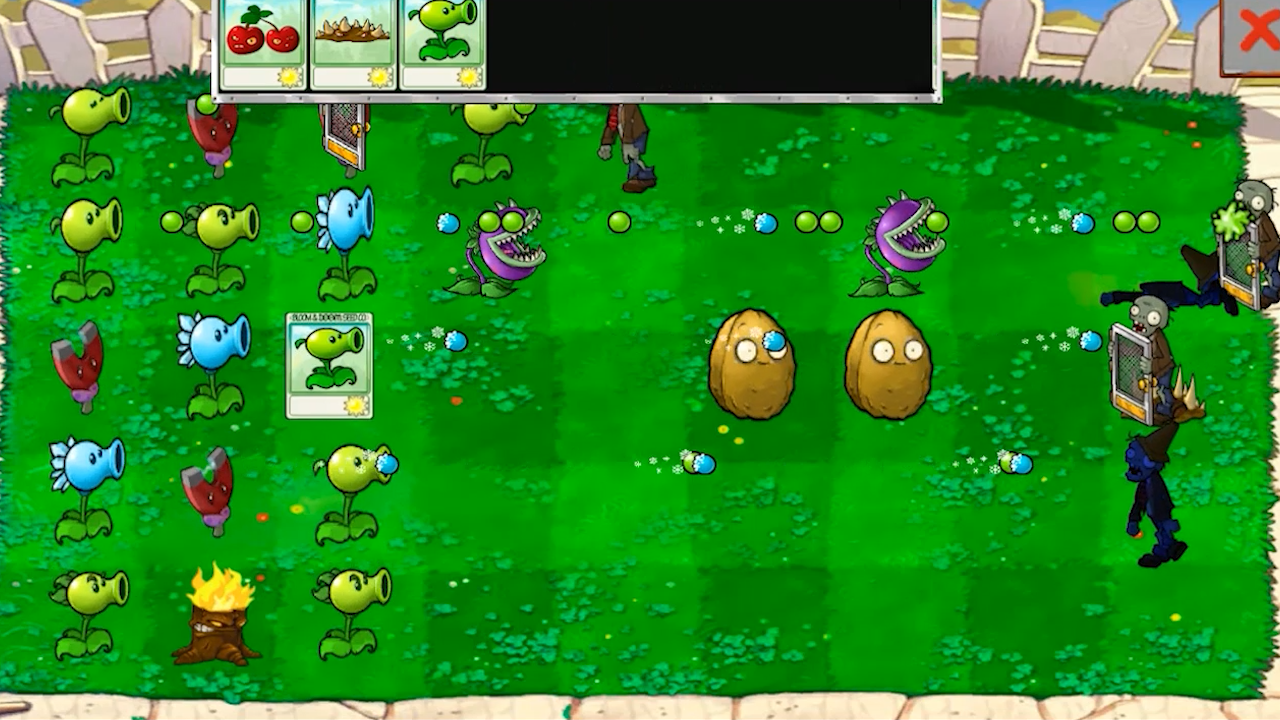
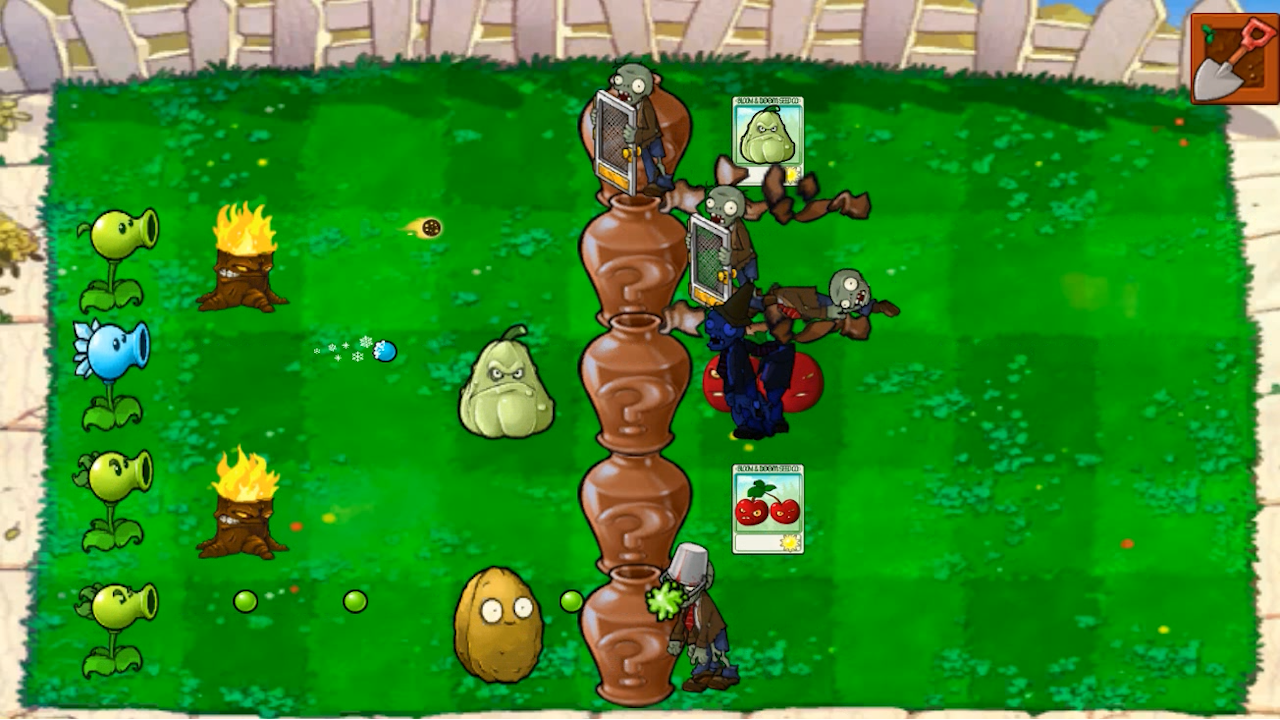
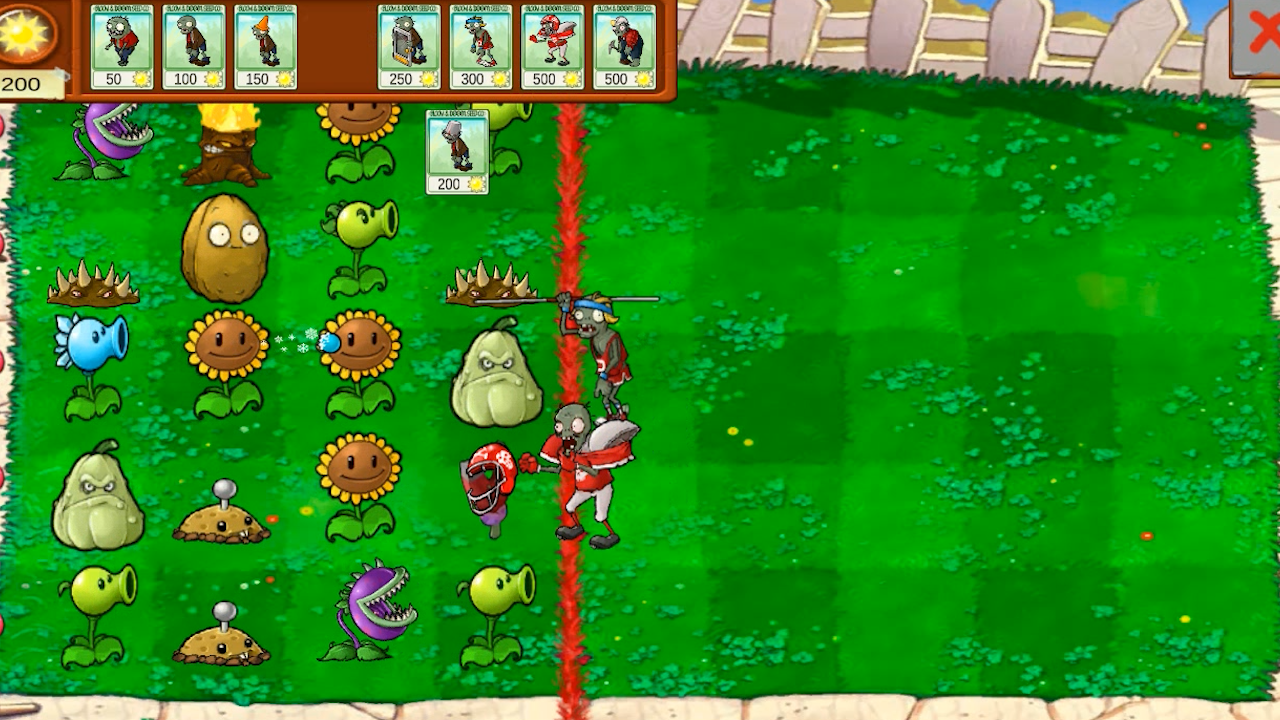
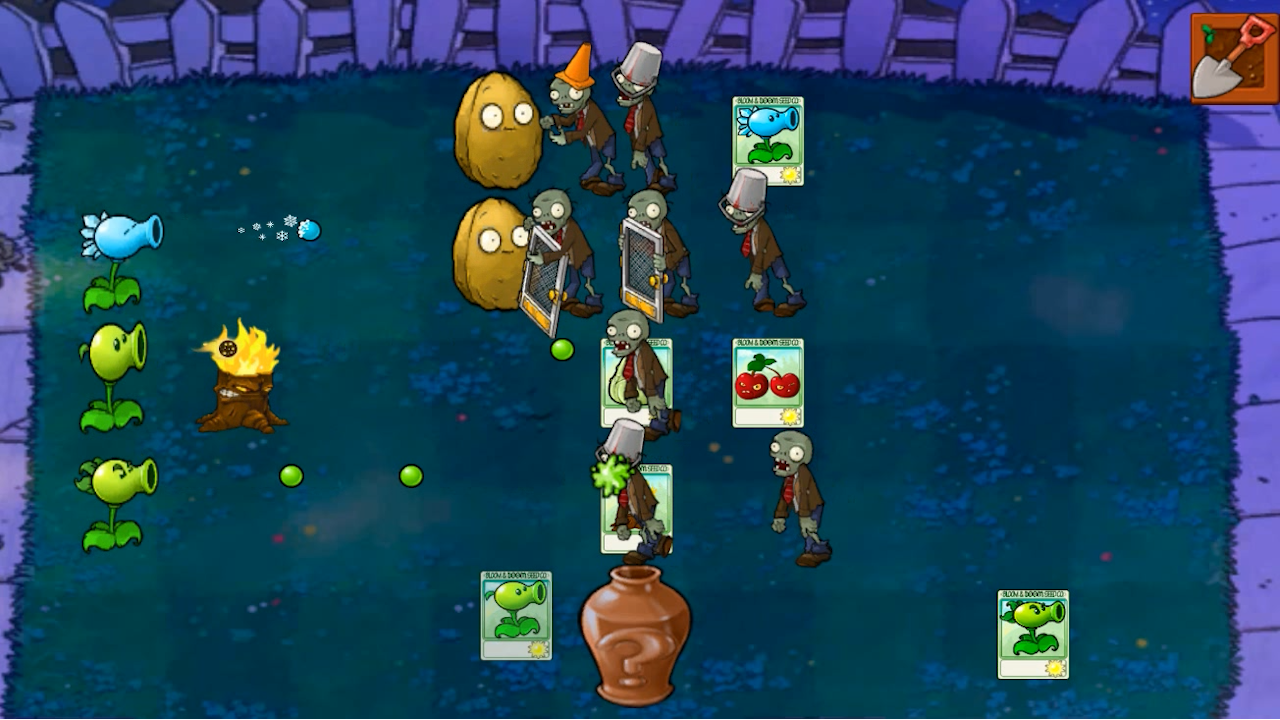
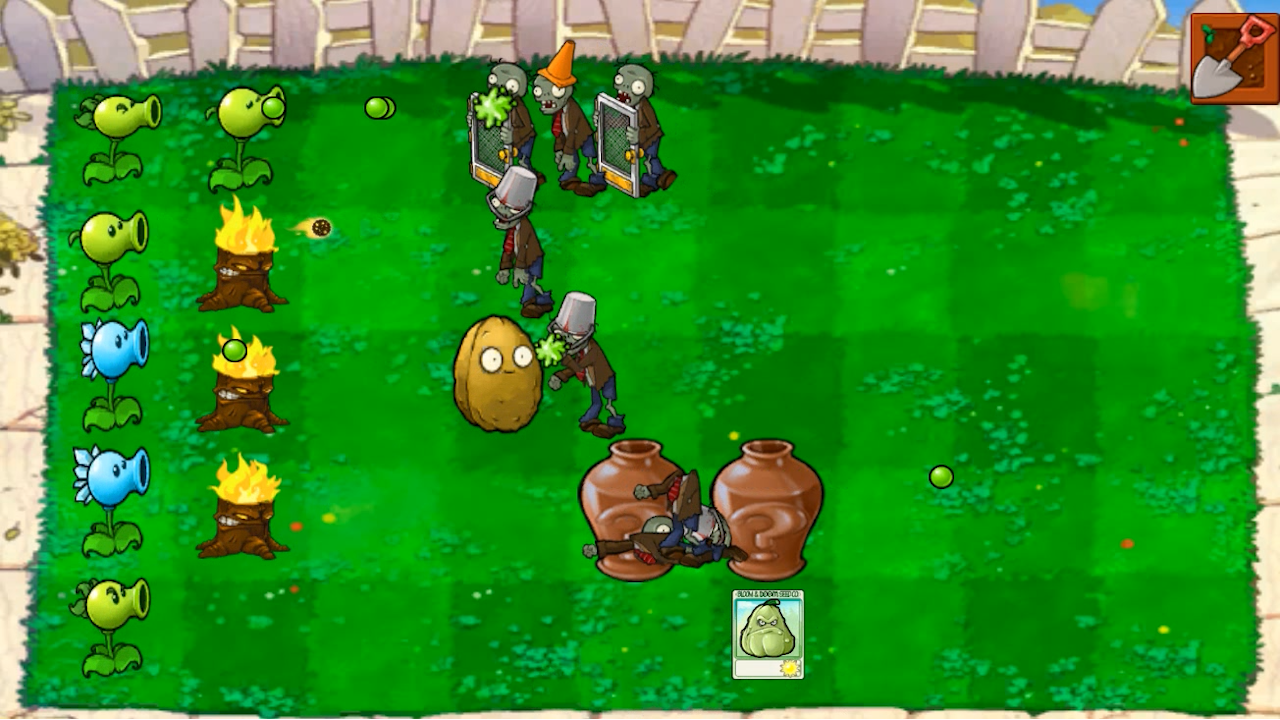
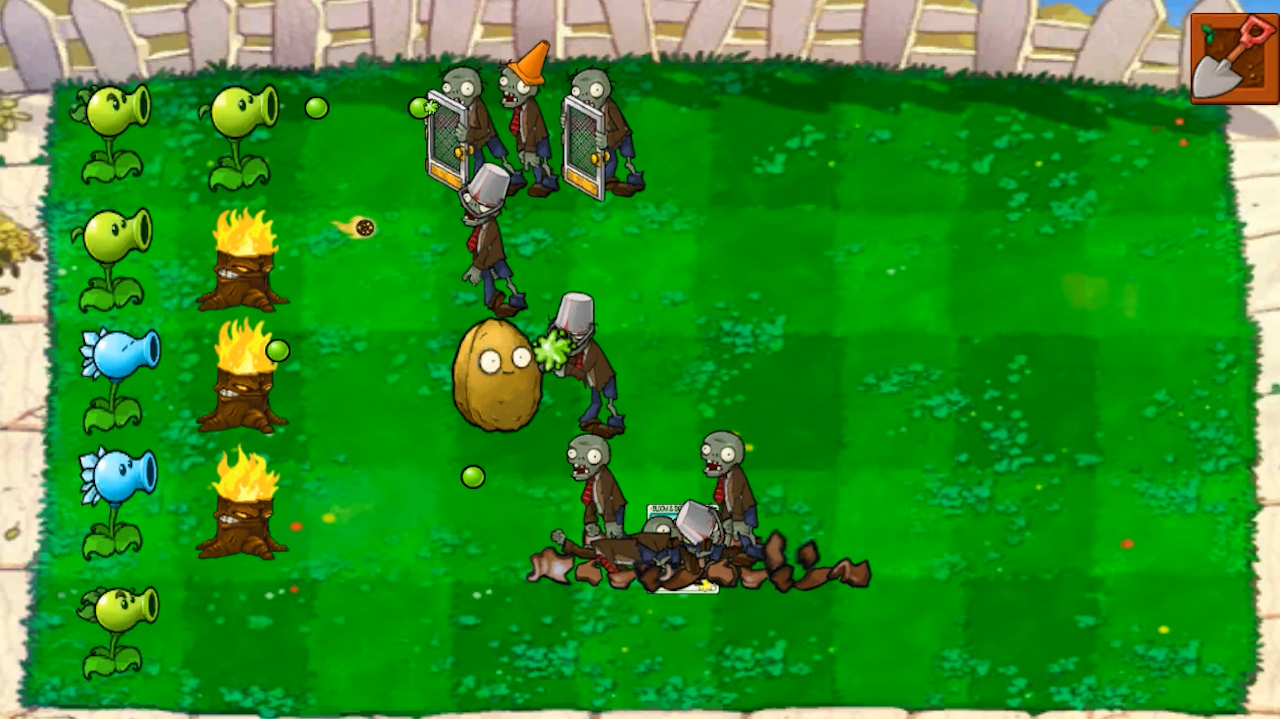
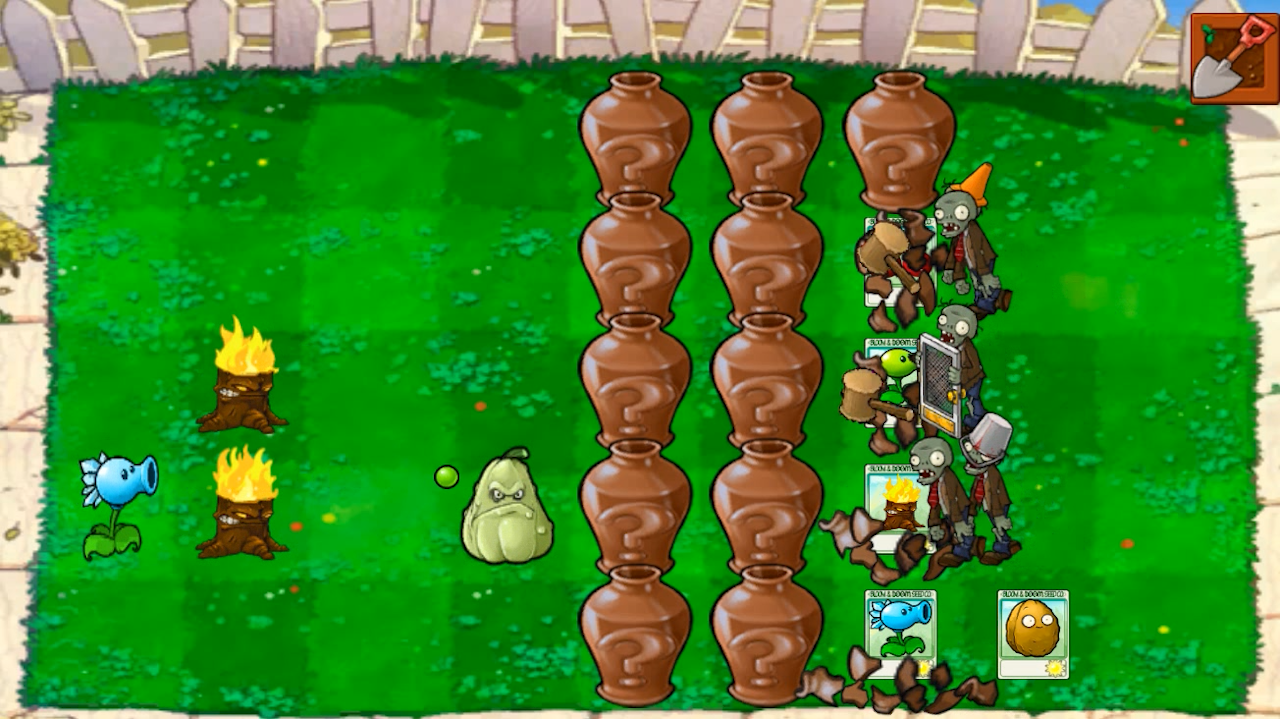
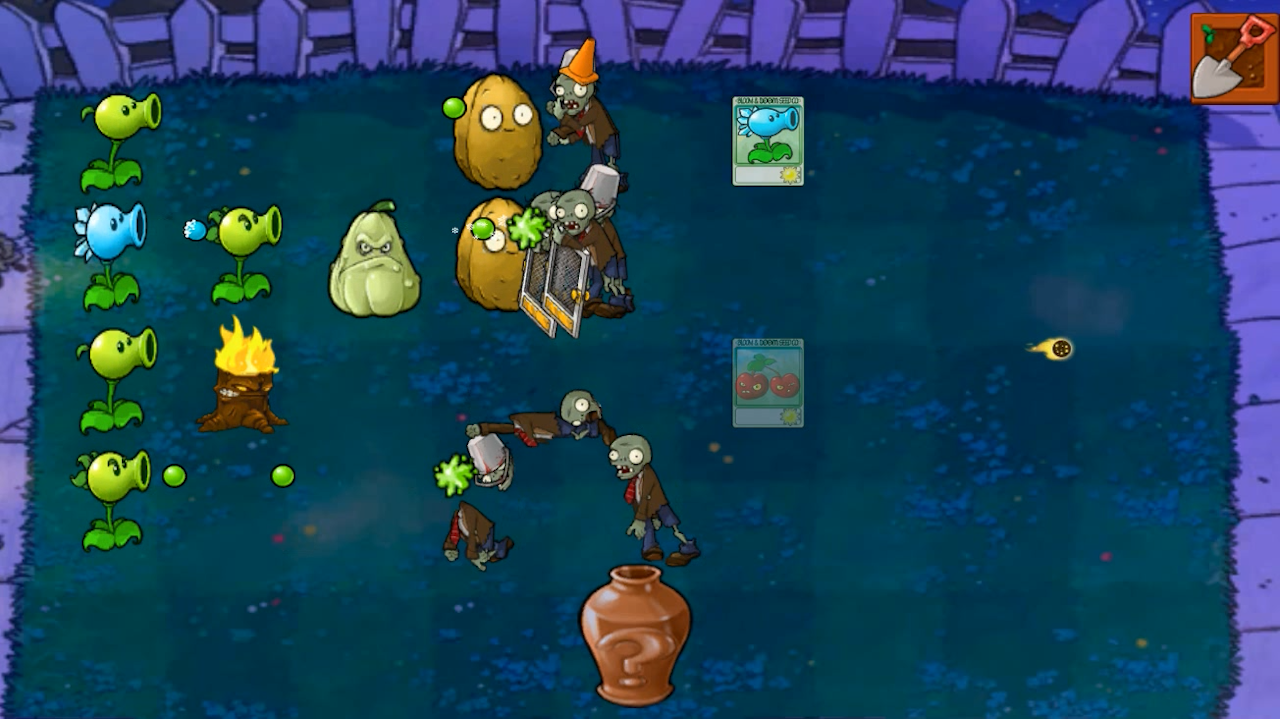
Tower defense games have a unique way of testing your tactical reflexes while keeping you glued to the screen for hours. Plants vs Zombies: All modes brings this classic challenge to your browser with a massive variety of scenarios that demand constant strategic adjustments. You must carefully place your leafy defenders across the lawn to block incoming waves of the undead before they reach your front door. Each level introduces new types of plants with distinct abilities, requiring you to manage your sun resources efficiently to survive the onslaught. Whether you are dealing with basic walkers or armored threats, the game keeps the pressure high with increasing difficulty. You can test your skills across various game modes, each offering a distinct way to challenge your defensive setup and earn a high score. Progression feels incredibly rewarding as you unlock more tools to counter the ever-evolving zombie horde. Playing Plants vs Zombies: All modes is completely free in your browser with no download or registration required to start the fun.
How to play
The control is carried out by means of a computer mouse:
LMB - action;
RMB - cancellation of the action;
If you play with your phone, use your fingers.
Features
- Sun Collection: Gather sunlight falling from the sky to afford powerful plant upgrades during the heat of battle.
- Diverse Zombie Roster: Encounter unique enemies that require specific plant counters, ranging from fast sprinters to durable bucket-heads.
- Strategic Grid Layout: Master the placement of your defenders across multiple lanes to optimize your damage output and field coverage.
- Endless Replayability: Challenge yourself with various game modes that test how long you can hold the line against infinite waves.
- Resource Management: Balance your defensive spending between low-cost basic plants and heavy-hitting flora to maintain a stable perimeter.
Who is it for
Strategy enthusiasts and casual gamers who enjoy fast-paced tower defense challenges will find this title engaging. Fans of the classic arcade style looking for a quick pick-up-and-play experience will love the simple controls, while completionists will enjoy the challenge of mastering every available game mode.
Controls
Select and place
Click with the left mouse button or tap the screen to deploy plants.
Cancel action
Right-click or swipe away to deselect a chosen plant.
Mobile interaction
Use your fingers to tap the screen for menu navigation and plant placement.
FAQ
Is Plants vs Zombies: All modes free to play?
›
Yes, you can enjoy Plants vs Zombies: All modes entirely for free directly in your web browser.
Do I need to install anything to play Plants vs Zombies: All modes?
›
No, the game runs directly in your browser without any downloads, registrations, or installations required.
Can I play Plants vs Zombies: All modes on my phone?
›
Absolutely, the game is fully optimized for mobile devices and can be controlled using simple touch gestures.