Сubeblock
Сubeblock
Сubeblock
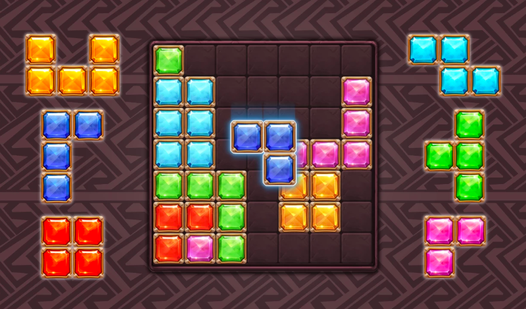
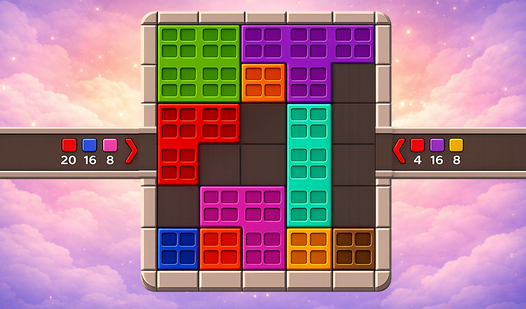
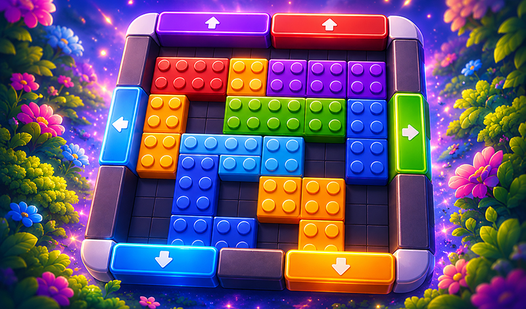
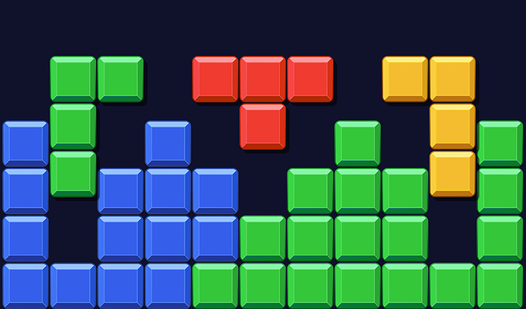
Logic puzzles with simple mechanics often hide the deepest brain teasers. Cubeblock challenges you to organize chaos by sliding colored blocks toward their matching zones across progressively complex grids. You slide tiles along open paths until every square sits in its designated home. Pushing blocks into position requires careful planning because one misplaced move can easily trap your pieces. Each level demands a bit of strategy as you figure out how to maneuver around static obstacles. Complex layouts keep your mind sharp while you master the art of color sorting during your daily commute. Playing Cubeblock feels satisfying once you execute the perfect sequence of moves to clear the board. You can launch this browser game instantly on any device without downloads or account setups.

Loading...

Сubeblock
Сubeblock
⭐ New

About game

Logic puzzles with simple mechanics often hide the deepest brain teasers. Cubeblock challenges you to organize chaos by sliding colored blocks toward their matching zones across progressively complex grids. You slide tiles along open paths until every square sits in its designated home. Pushing blocks into position requires careful planning because one misplaced move can easily trap your pieces. Each level demands a bit of strategy as you figure out how to maneuver around static obstacles. Complex layouts keep your mind sharp while you master the art of color sorting during your daily commute. Playing Cubeblock feels satisfying once you execute the perfect sequence of moves to clear the board. You can launch this browser game instantly on any device without downloads or account setups.

How to play

The goal of each level is to send every block to its matching color area.

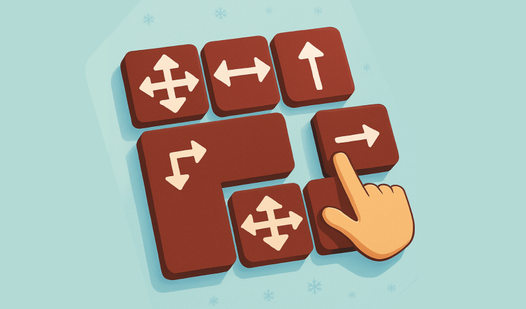
• Slide a block with your finger or mouse in an open direction until it reaches the right spot.
• Blocks can push each other—plan the order of your moves.
• Clear a path to each color zone first, then move the remaining blocks.
• If you're stuck, restart the level or try a different route.

Later levels add more shades and trickier layouts. Look at the whole board: one wrong slide can block the path to a color.

Designed for portrait play on mobile—comfortable one-handed controls.

Features

  • Smart Pushing: You can maneuver multiple blocks by using one to push another, which is essential for solving tight spaces.
  • Dynamic Pathing: Levels contain empty gaps that you must navigate while keeping track of which color belongs where.
  • Cloud Continuity: Your progress syncs across devices, letting you resume your session on a phone or laptop at any time.
  • Strategic Difficulty: Later stages introduce extra color shades that increase the number of potential dead ends on the board.

Who is it for

Puzzle enthusiasts who enjoy logical sorting tasks and casual gamers looking for a relaxing brain teaser. Those who appreciate clean geometry and straightforward mechanics will find this experience rewarding. It works well for anyone needing a quick mental workout or a long session to unwind during the day.

Controls

Slide block Click and drag with your mouse or swipe in the desired direction on your touchscreen.
Restart level Tap the reset icon located in the top corner of the game screen.
Navigate menus Use simple point and click or single tap inputs to select levels.

FAQ

How do I win a round in Cubeblock?

You must slide each block until it rests inside the color zone that matches its own shade.

Does Cubeblock require a download to play?

No, you can play Cubeblock directly in your web browser without installing any extra software or plugins.

Is Cubeblock difficult for beginners?

The game starts with gentle levels to teach you the mechanics before moving on to more complex, brain-teasing puzzles.

Video

Сubeblock — trailer

Screenshots

Сubeblock — screenshot 1Сubeblock — screenshot 2

Popular games