About game
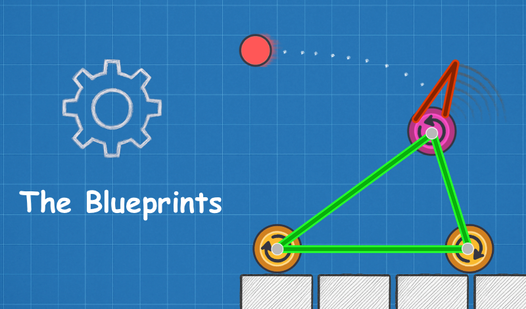
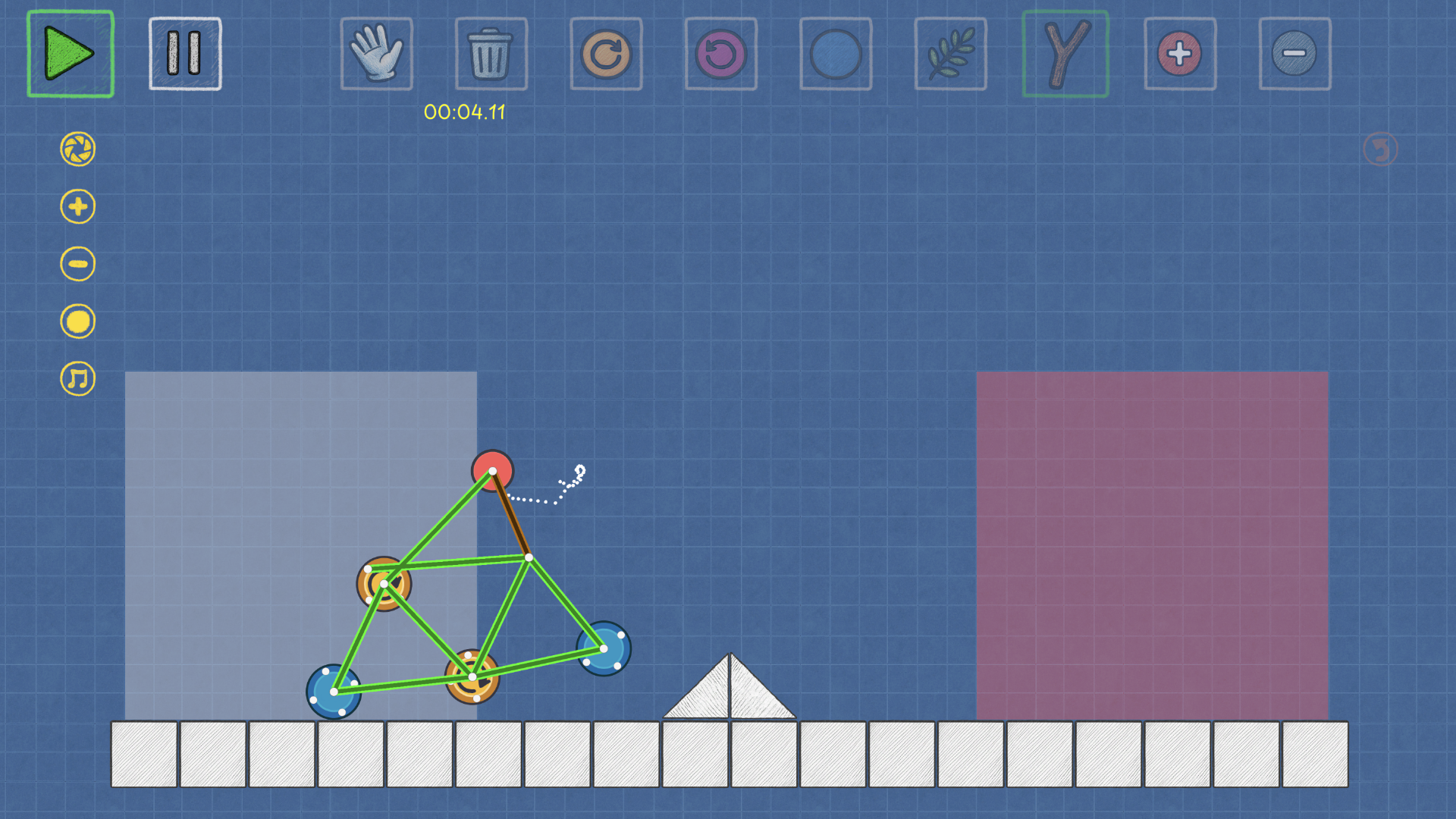
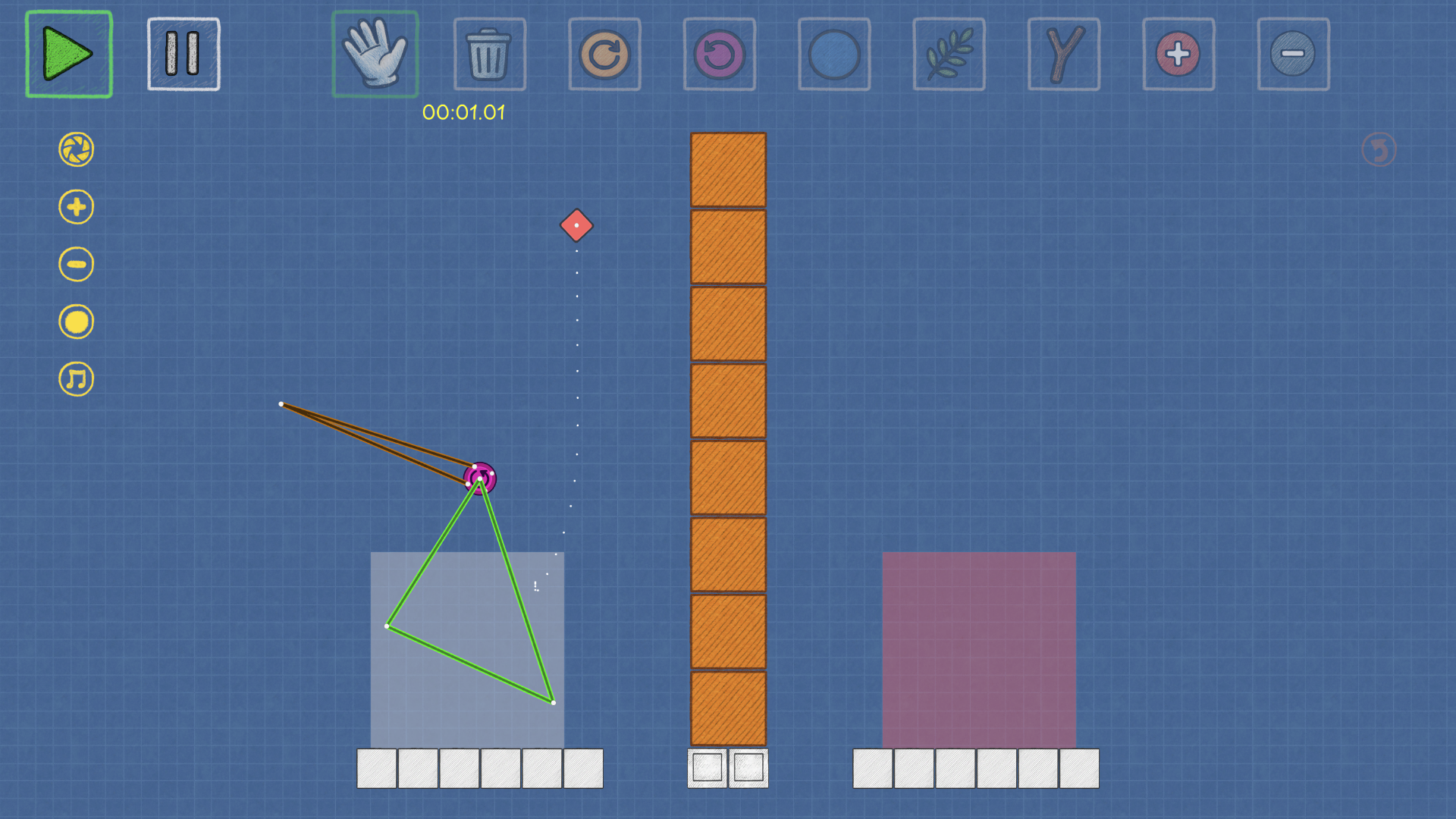
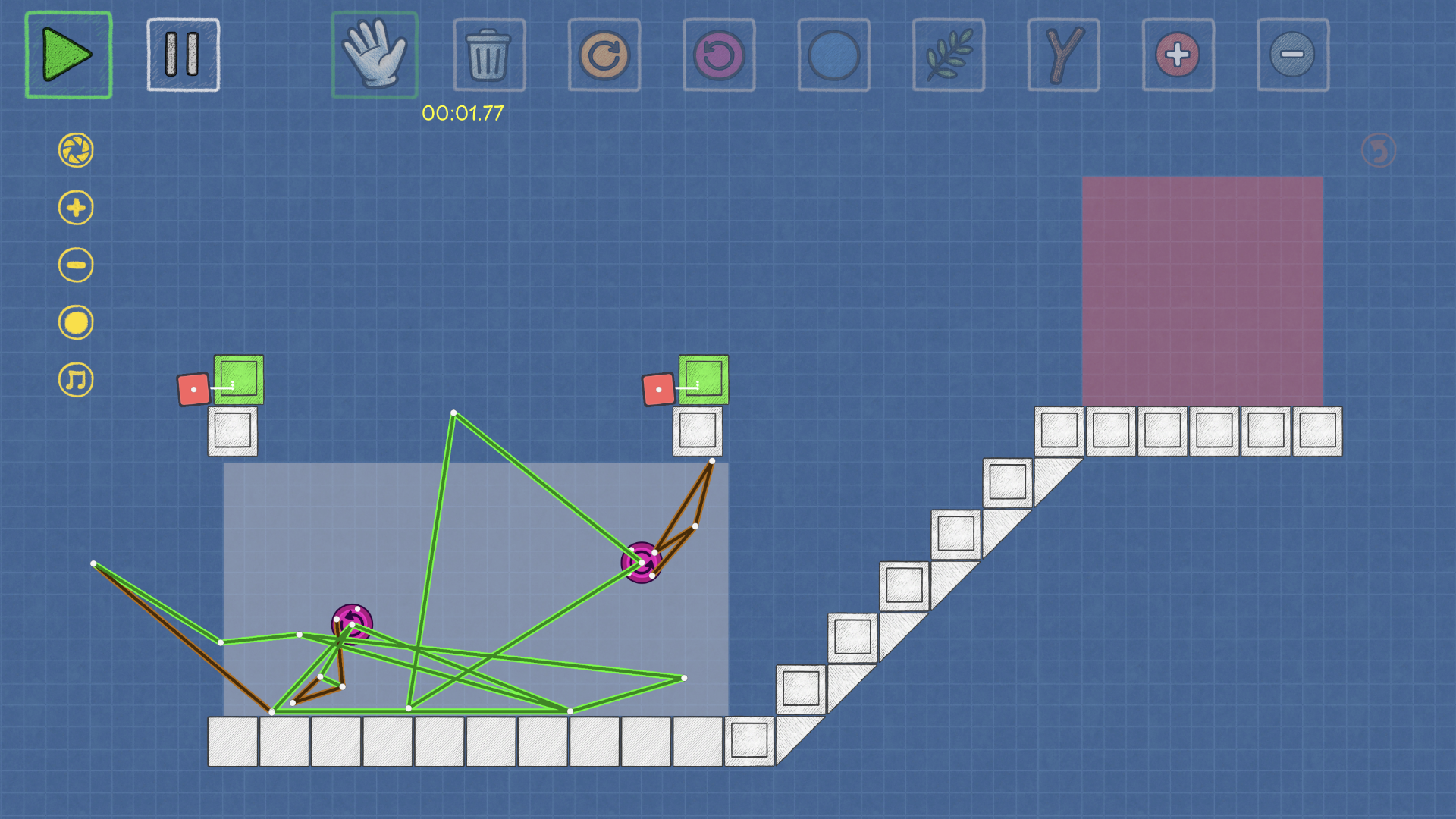
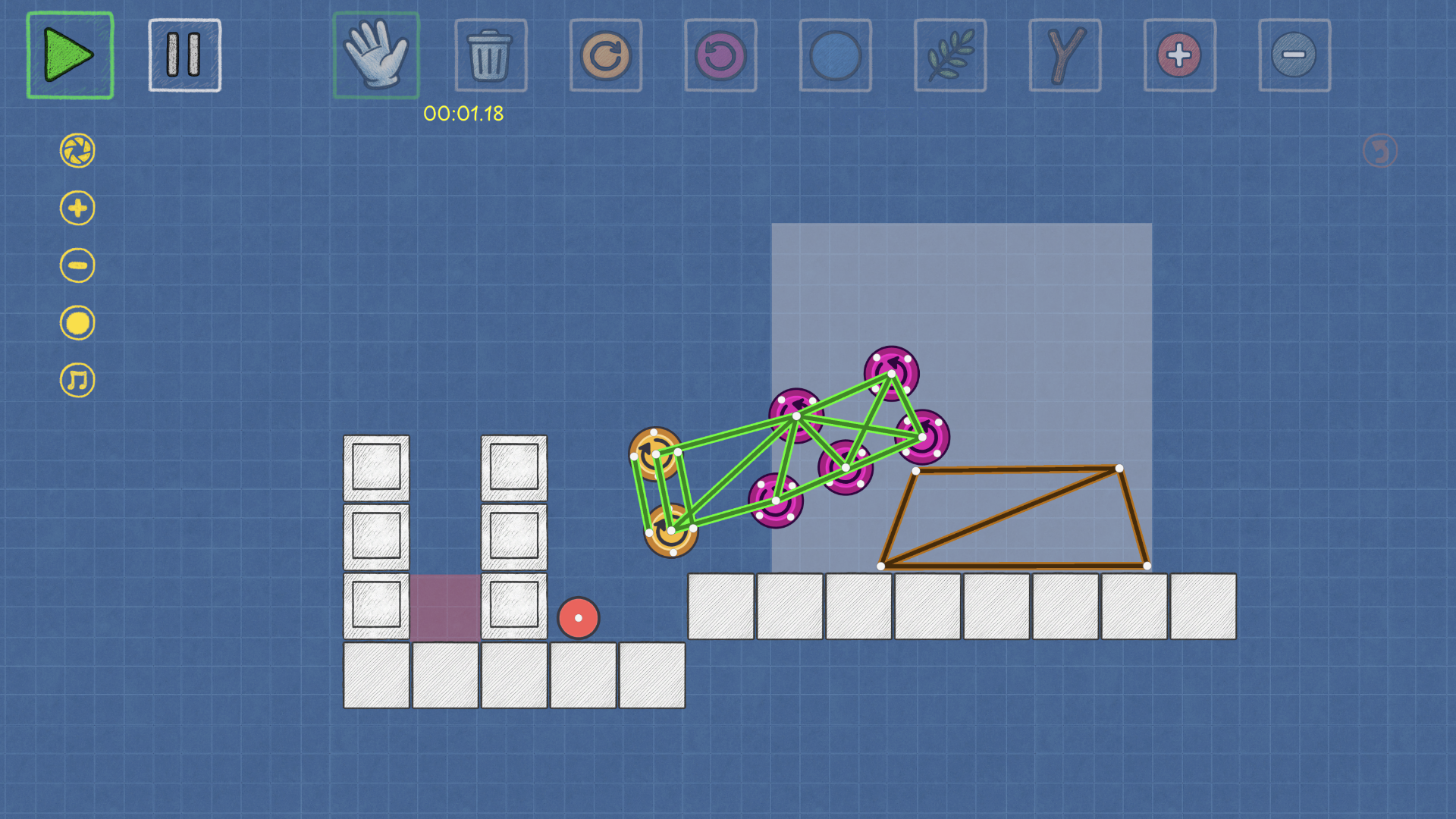
Fans of complex engineering will find a new favorite home in The Blueprints, a physics-based puzzle that challenges your architectural instincts. Every level acts as a playground where you connect branches, wheels, and magnets to conquer obstacles through sheer ingenuity. You start by dragging components onto the grid and linking nodes to form stable, functional frames that can withstand simulated forces. The core loop revolves around an iterative process of assembling, testing, and refining your unique creations until they achieve the level objective perfectly. Unlike a standard logic game, this title embraces a sandbox philosophy where there is never just one correct way to succeed. Whether you prefer methodical planning or chaotic experimentation, the realistic engine rewards every clever maneuver with progression and trophies. The Blueprints stands out by transforming abstract geometry into a tangible, satisfying puzzle experience that tests your brain in real-time. You can jump into this physics simulator right now directly in your browser with no download required to start building your first machine.
How to play
The interface is intuitive: first, complete a short tutorial that will show you how to place parts, connect nodes, and run simulations.
Then, the goal is simple: assemble a working mechanism and complete the level objective.
Select a part (branch, wheel, magnet) and drag it onto the field.
Connect the nodes to create rigid connections and triangular frames.
If necessary, rotate the parts and adjust the parameters (for example, the direction of rotation of the wheels).
Press "Play"— the simulation starts and shows the behavior of the structure according to the laws of physics.
Press "Stop" to pause the simulation, edit the diagram, and test it again.
Repeat the cycle of “assemble → launch → improve” until the mechanism consistently passes the level.
Want to experiment without restrictions? Open the Sandbox and create any prototypes you like.
Features
- Modular connectivity: Use a diverse set of nodes to bridge parts together into complex machines that react to gravity and momentum.
- Dynamic simulation: Toggle the play button to witness how your custom structures hold up under real-world physics constraints.
- Creative freedom: Access a dedicated sandbox environment to brainstorm prototypes without the pressure of campaign objectives.
- Trophy collection: Earn prestigious awards by refining your designs and completing levels with high efficiency.
- Adjustable parameters: Rotate parts and modify wheel rotation settings to fine-tune the performance of your mechanical inventions.
Who is it for
Puzzle lovers and engineering enthusiasts who enjoy testing their limits will adore this experience. It attracts players who appreciate physics-based mechanics and open-ended design challenges. If you enjoy brain training exercises that reward creativity and logical experimentation, this title offers the perfect outlet for your mechanical curiosity.
Controls
Select and place
Click and drag parts from the menu onto the workspace or tap and drag on touchscreens.
Connect nodes
Click or tap two nodes in succession to create a structural link.
Launch simulation
Press the Play button to activate physics or tap the button on your mobile device.
Modify components
Click or tap a part to rotate it or open the settings menu to adjust mechanical speed.
FAQ
Is The Blueprints really free to play?
›
Yes, The Blueprints is completely free to play directly in your web browser with no registration or downloads required.
Can I save my progress in The Blueprints?
›
The Blueprints tracks your completed levels and earned trophies automatically within your browser session so you can return to your progress anytime.
Does The Blueprints work on mobile devices?
›
Absolutely, The Blueprints is fully optimized for mobile browsers, allowing you to drag, drop, and build your mechanisms using simple touch controls.