About game
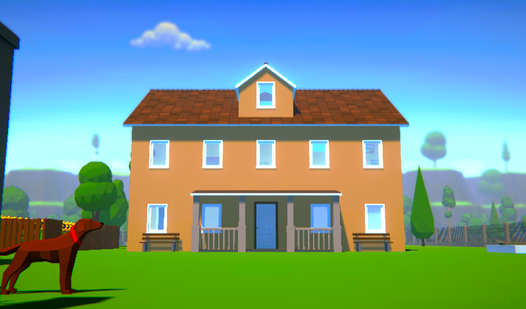
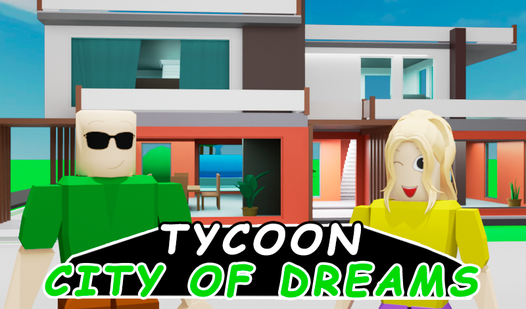
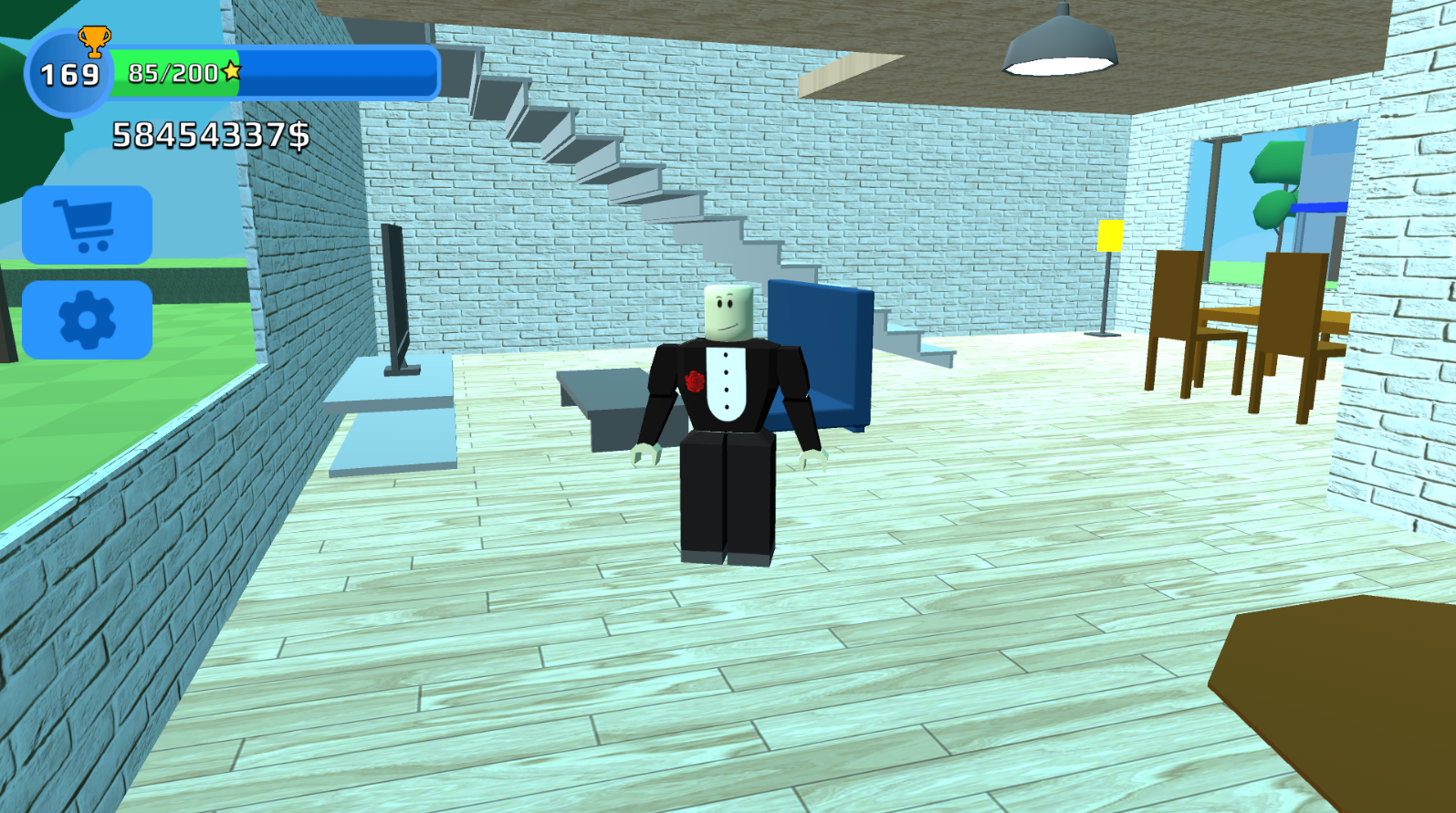
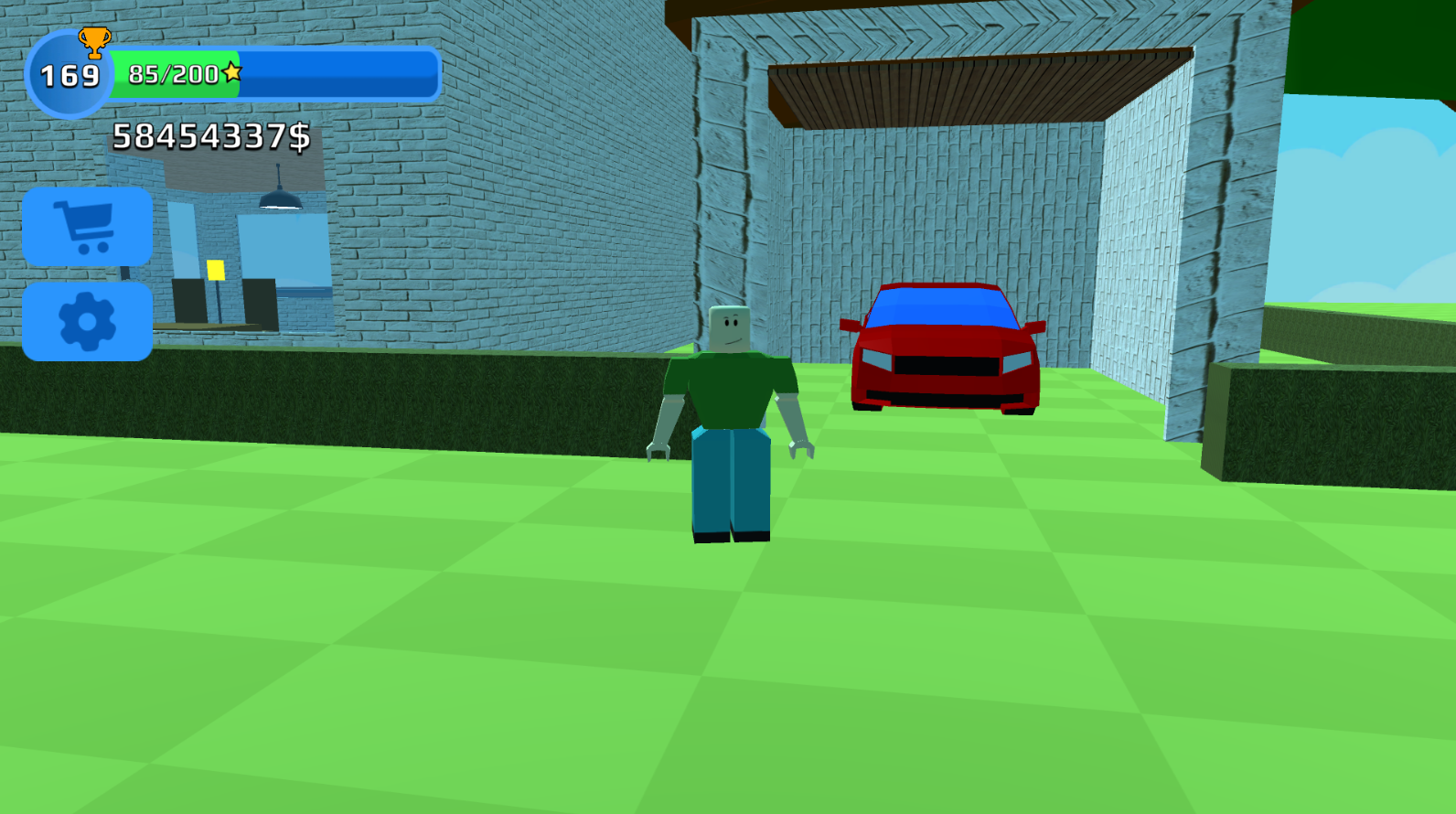
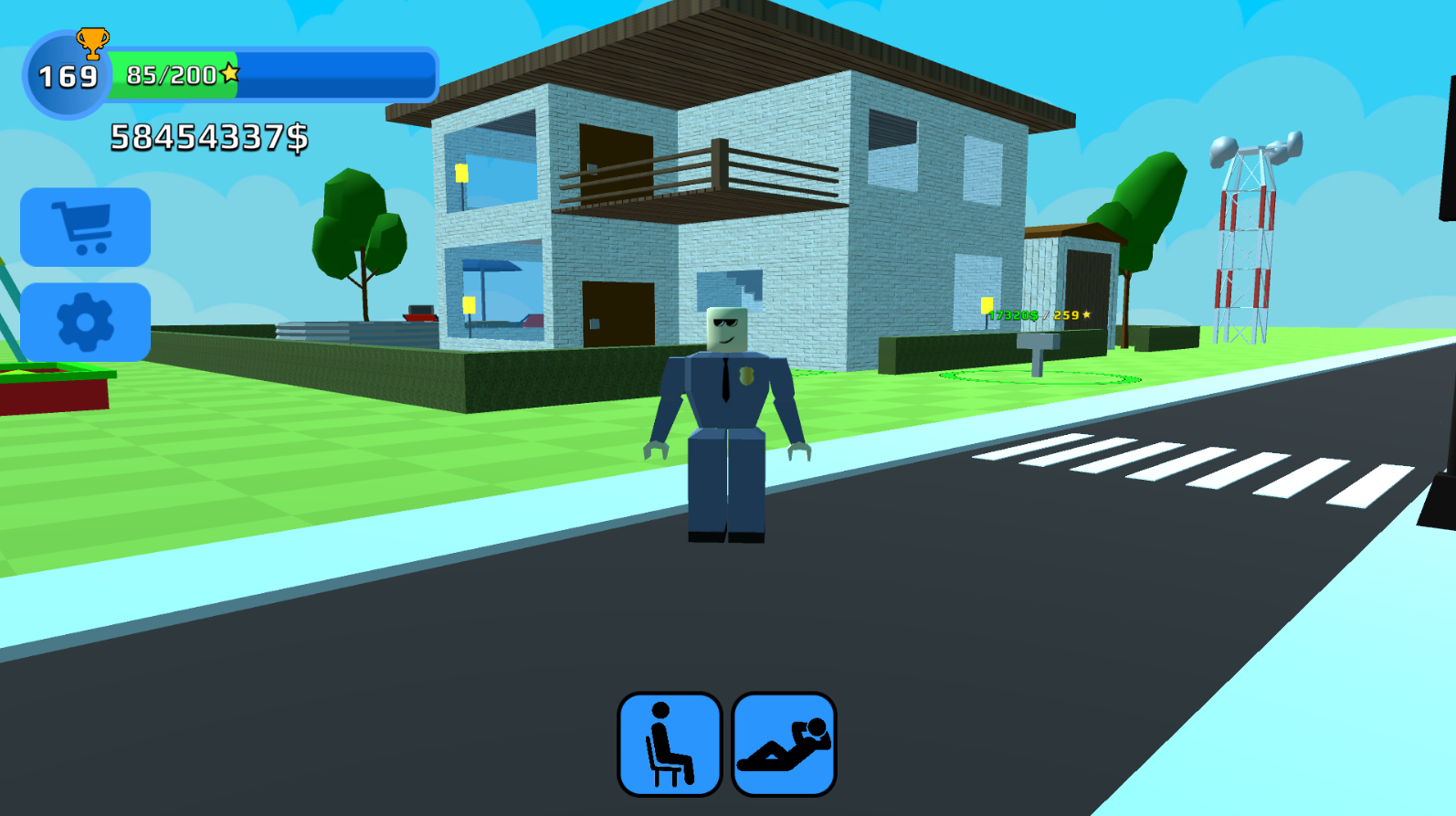
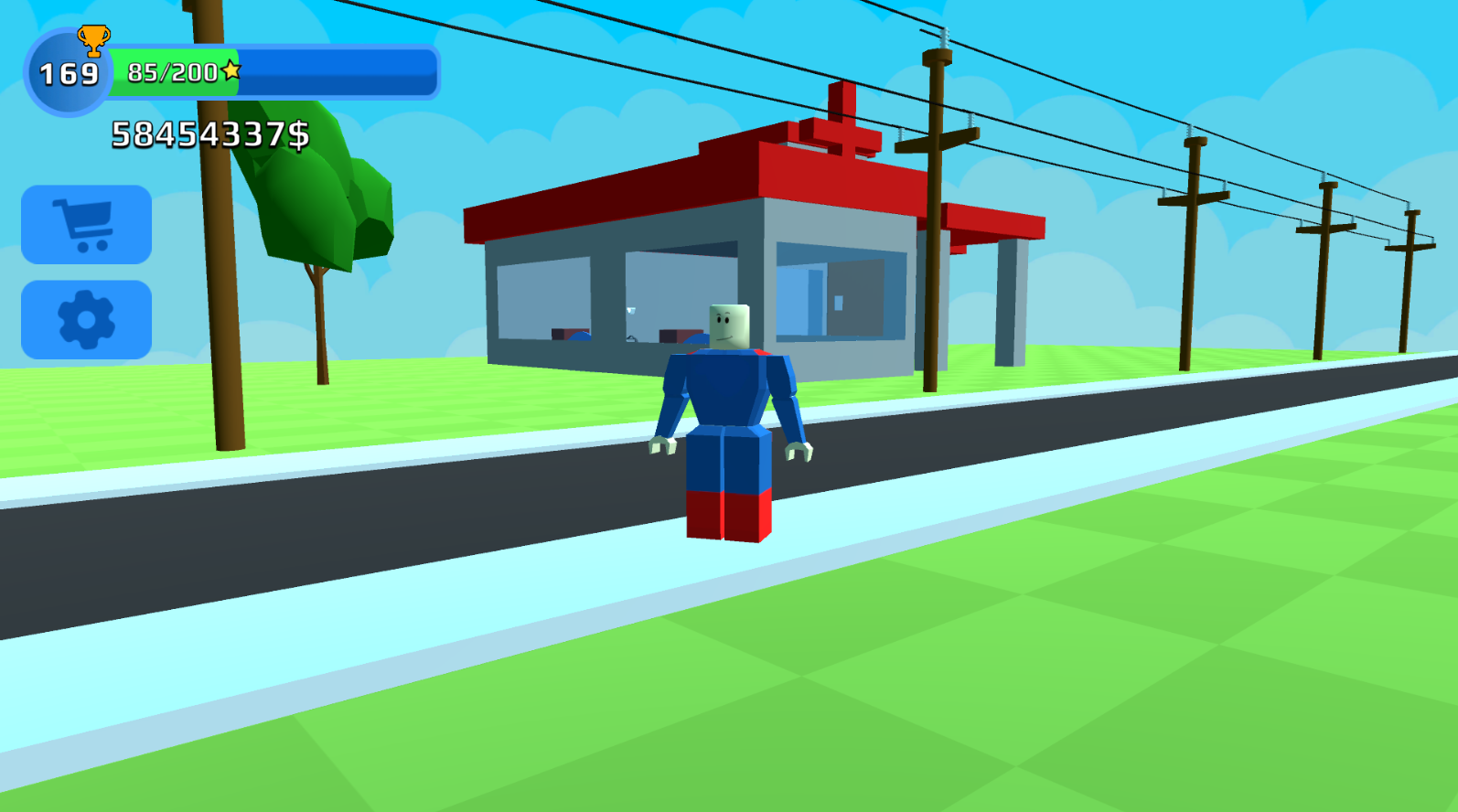
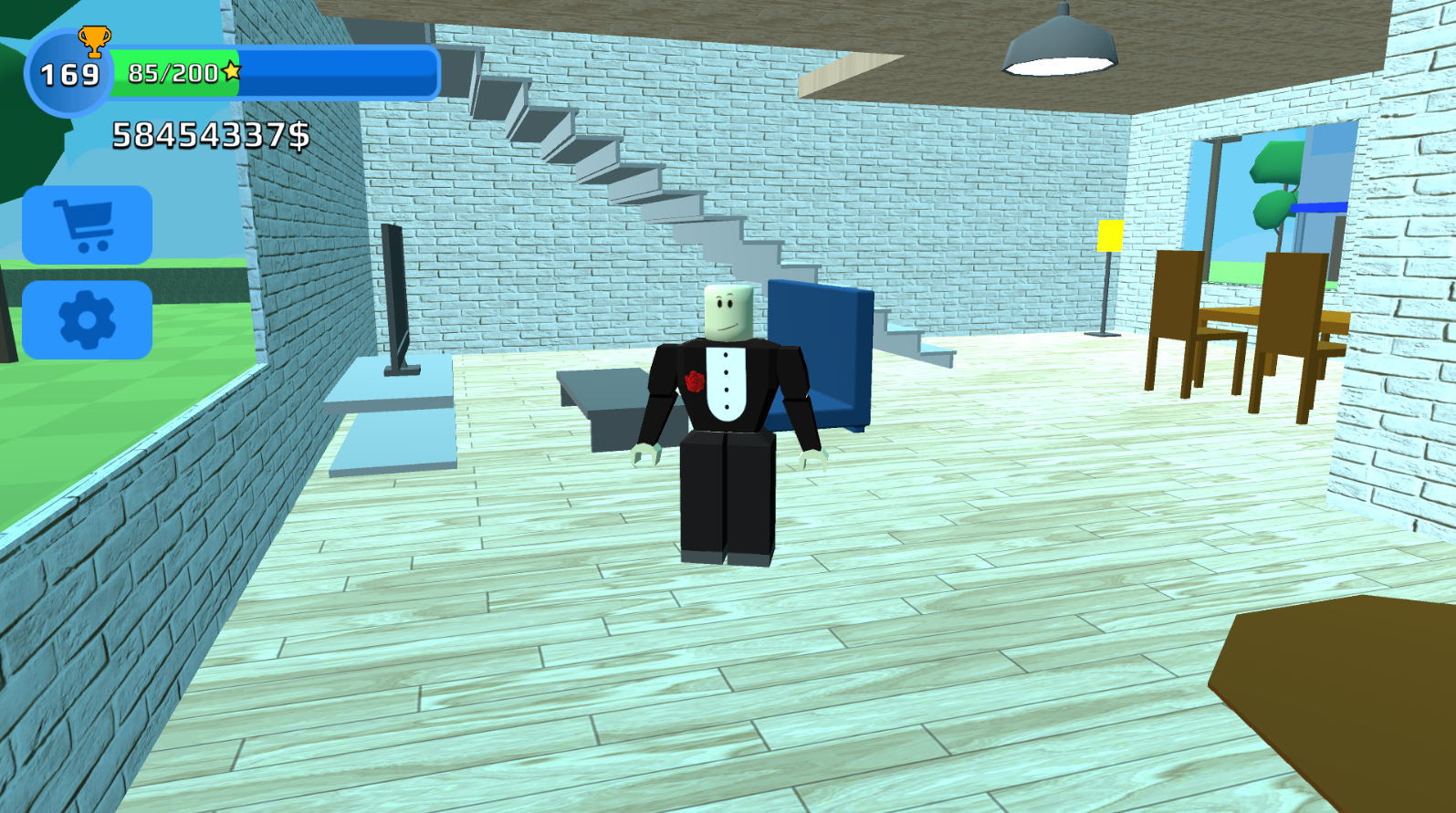
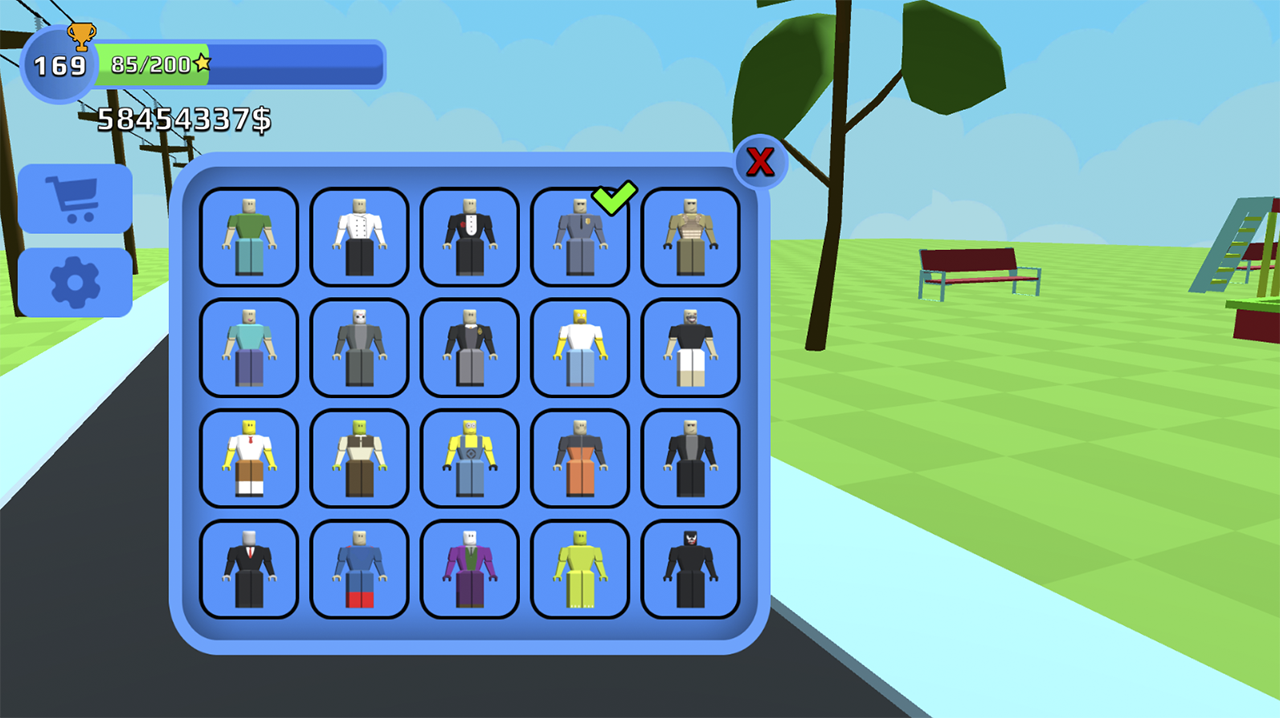
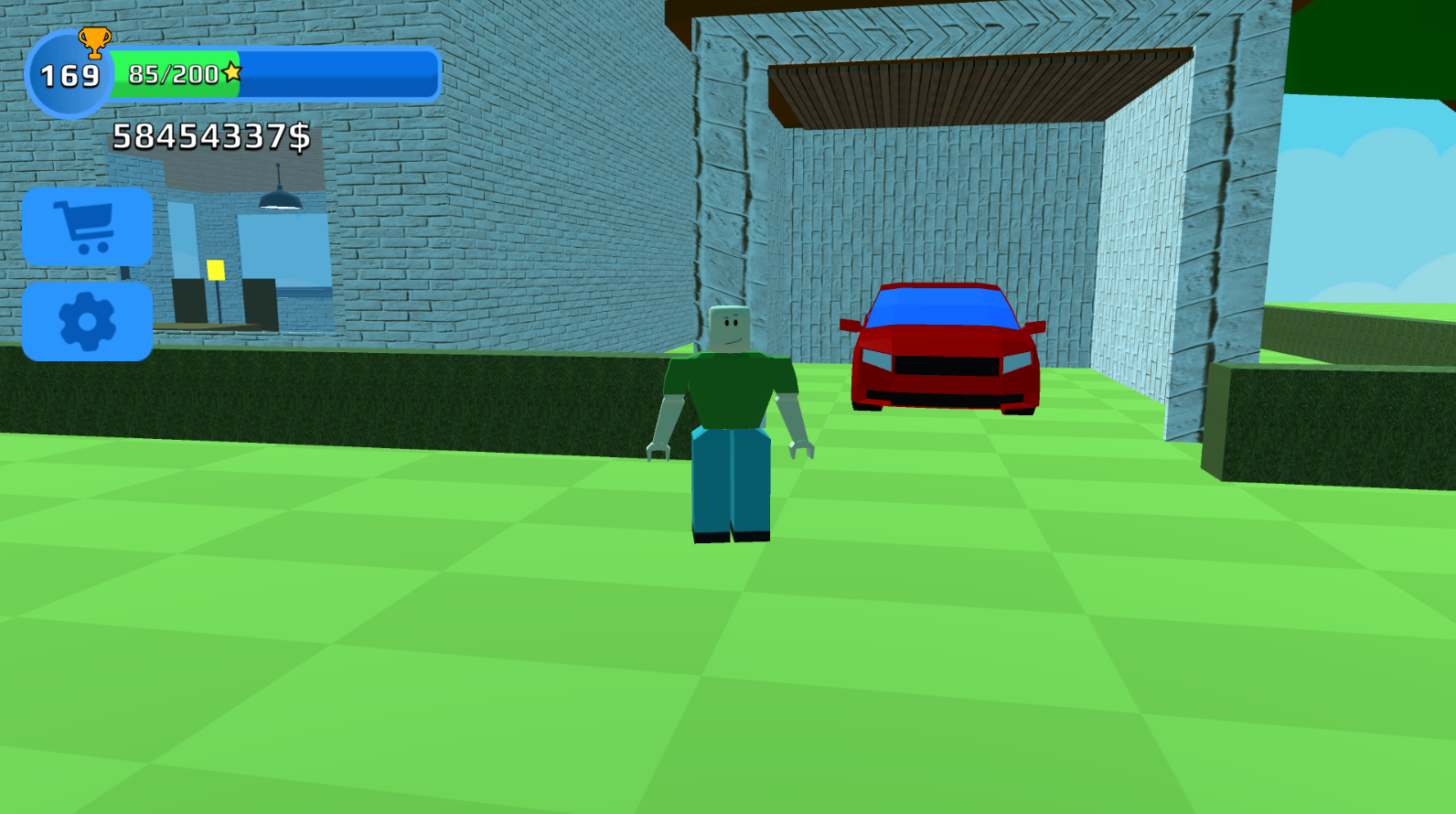
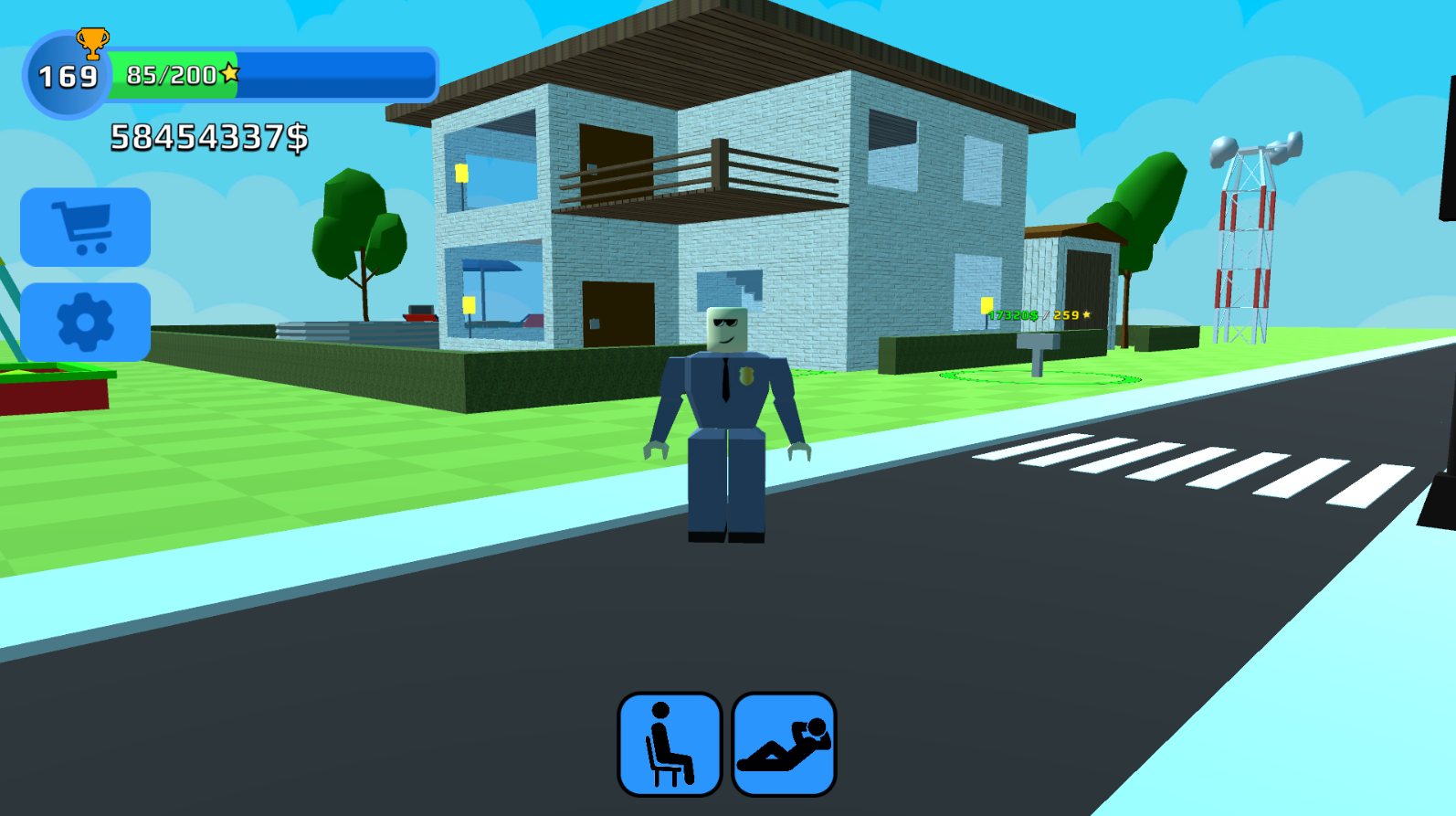
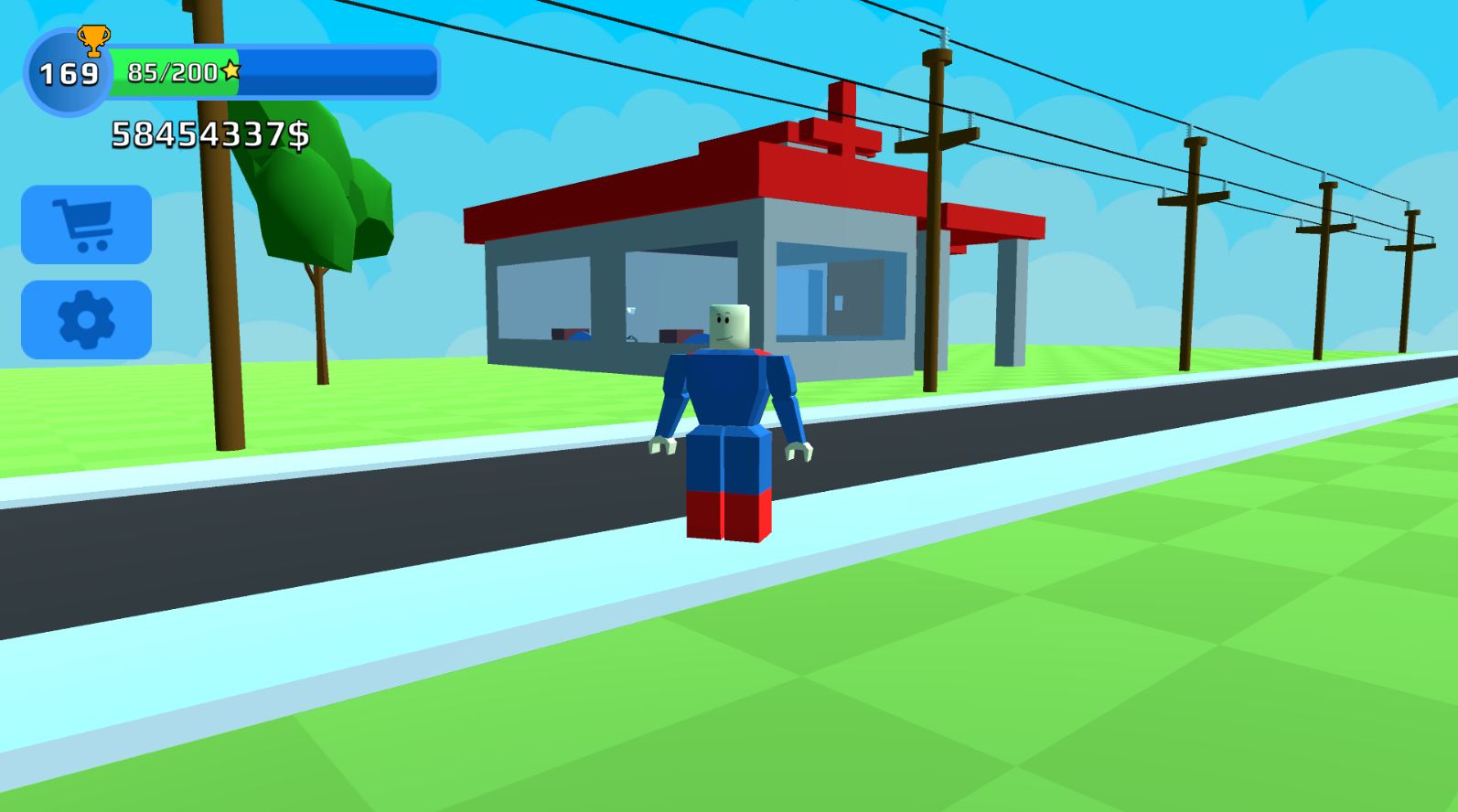
Building a sprawling estate from scratch is the ultimate creative challenge that tests your architectural vision and business instincts. Tycoon: Dream House turns this dream into a reality where you manage every detail of your luxury mansion. You start with a modest footprint and must strategically earn money to unlock high-end rooms and elegant decorations. The core loop involves collecting funds, upgrading your infrastructure, and watching your property value skyrocket in real time. As you expand, you gain access to premium furniture and landscaping options that transform a simple plot into a true masterpiece. This Roblox tycoon experience offers endless progression for those who enjoy seeing their hard work pay off in 3D. Whether you are adding a swimming pool or upgrading the interior layout, every decision brings you closer to owning the biggest house on the block. You can head over to FreeJoy.games to play Tycoon: Dream House directly in your browser without any annoying downloads.
How to play
Earn money and develop your beautiful home!
Computer control:
WASD - character control
Space - jump
Mouse - camera control
Control on the phone:
Left joystick - character control
Right button - jump
Finger movement on the screen - camera control
Features
- Economic Progression: Balance your income streams to prioritize which parts of your mansion to build next.
- Furniture Customization: Select from a wide variety of luxury items to furnish each room according to your personal style.
- Landscaping Tools: Expand your property boundaries to include gardens, paths, and outdoor recreation areas.
- Interactive Environment: Explore your growing estate in a fully realized 3D space as you walk through your finished rooms.
- Scalable Development: Progress from a basic foundation to a massive complex by completing construction objectives.
Who is it for
Casual players who enjoy building simulators and property management games will find endless fun here. Fans of the Roblox tycoon genre or those who love interior design will appreciate the satisfying loop of earning, spending, and decorating to create the most impressive home on the server.
Controls
Character movement
Use WASD keys on PC or the left joystick on your mobile screen.
Camera control
Move the mouse on PC or drag your finger across the mobile screen.
Jump
Press the Space key on a computer or tap the jump button on your phone.
FAQ
Is Tycoon: Dream House free to play?
›
Yes, Tycoon: Dream House is completely free and requires no registration or downloads to start playing immediately on our site.
Can I play Tycoon: Dream House on my phone?
›
Absolutely, Tycoon: Dream House is fully optimized for mobile browsers so you can build your mansion on the go.
Does Tycoon: Dream House save my progress?
›
As a browser-based game, Tycoon: Dream House allows you to jump back into your building session whenever you return to the site.