About game
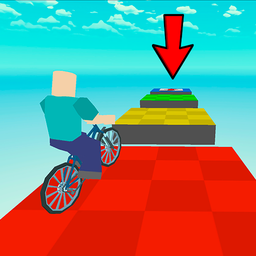
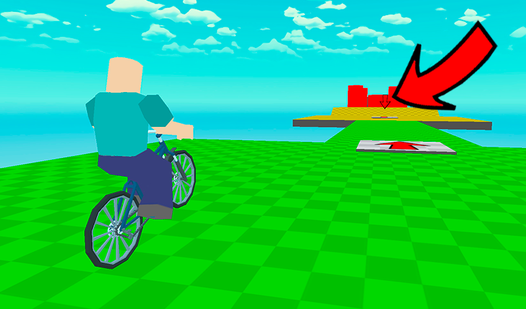
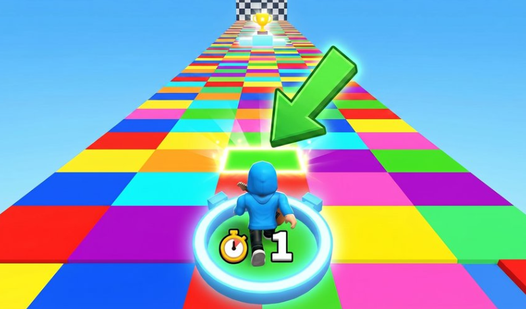
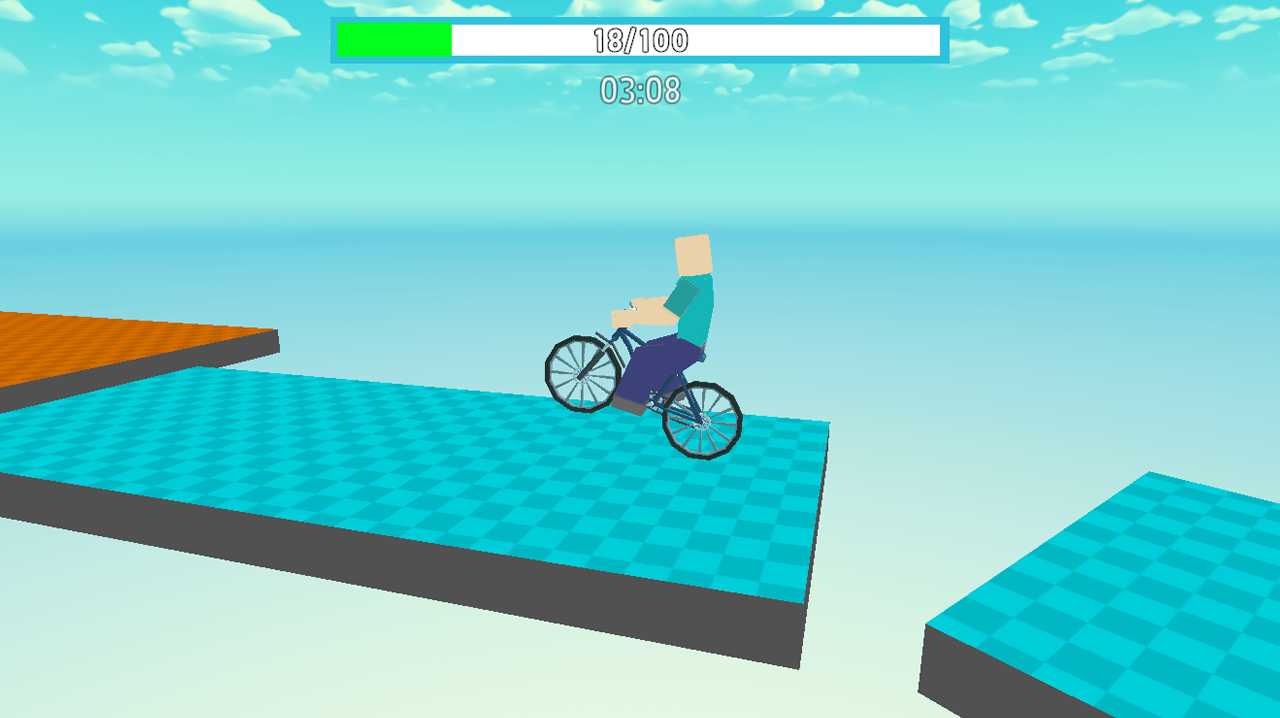
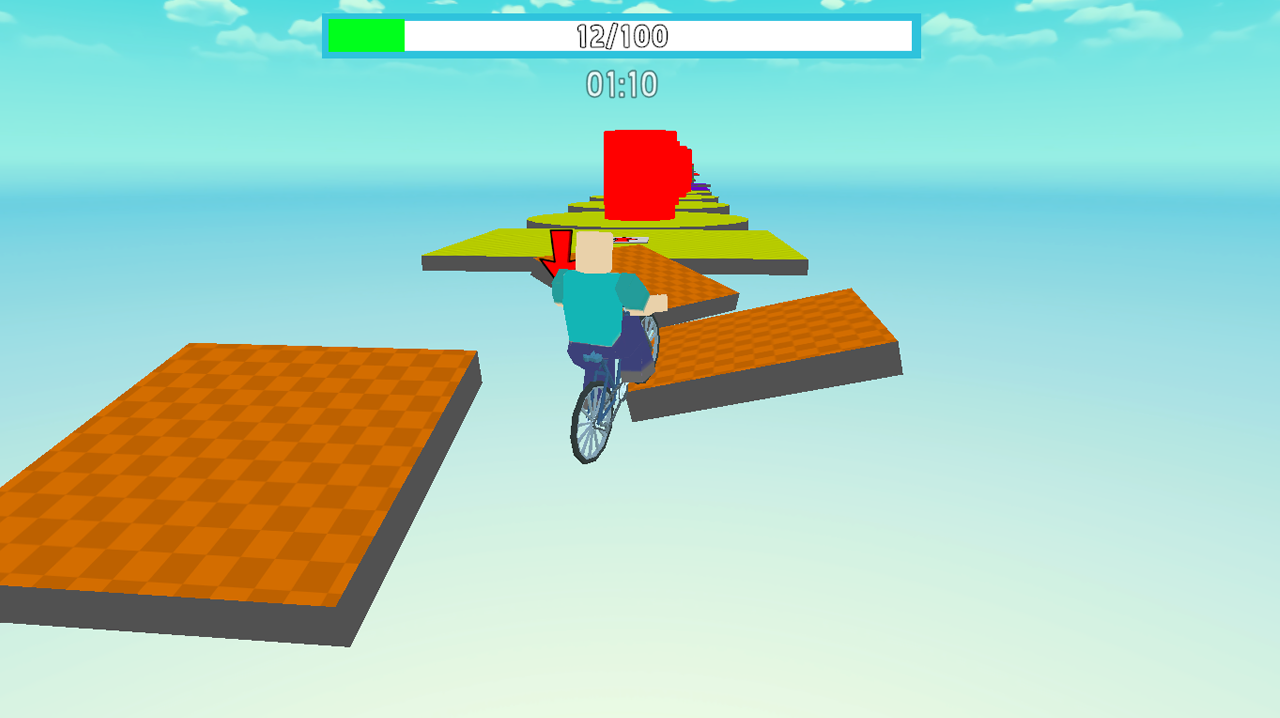
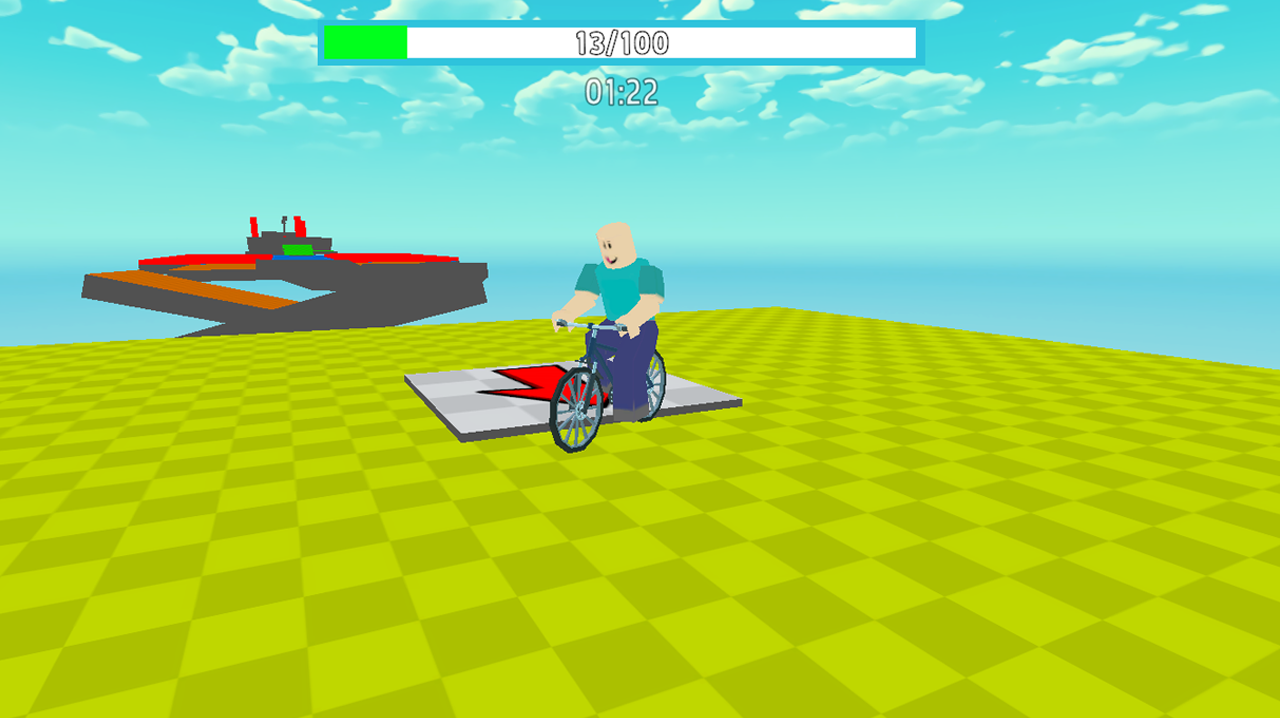
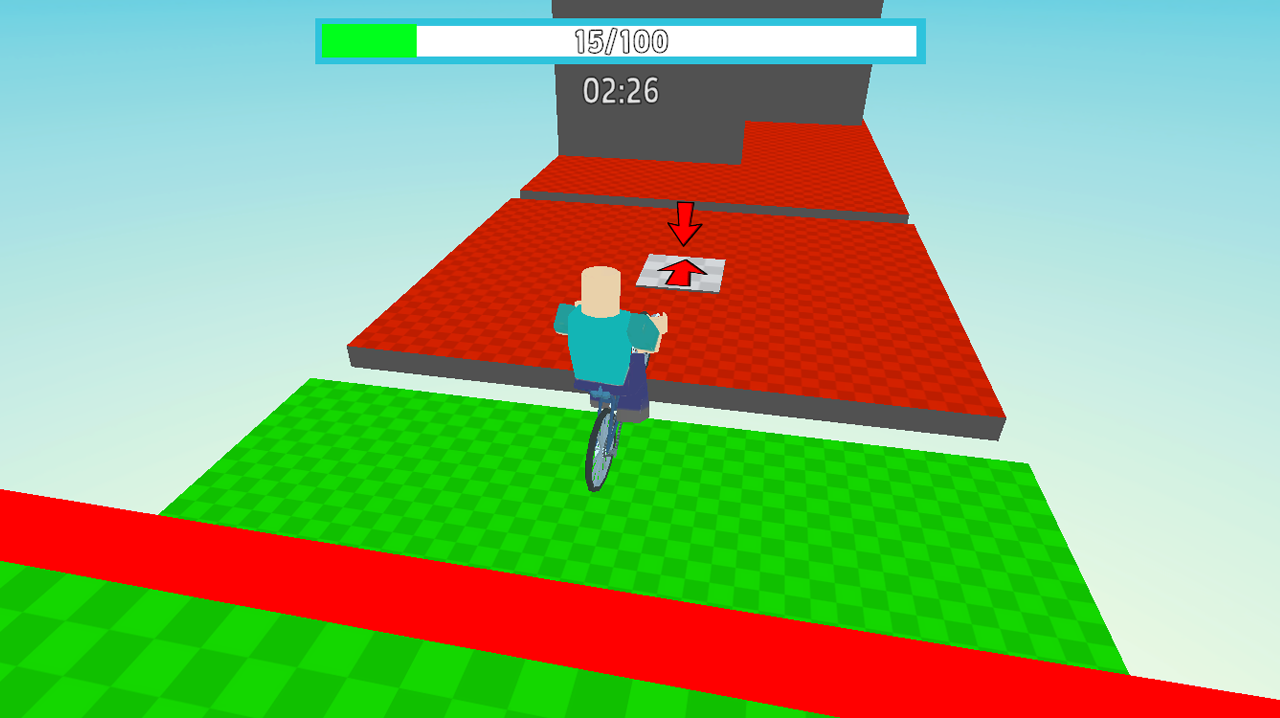
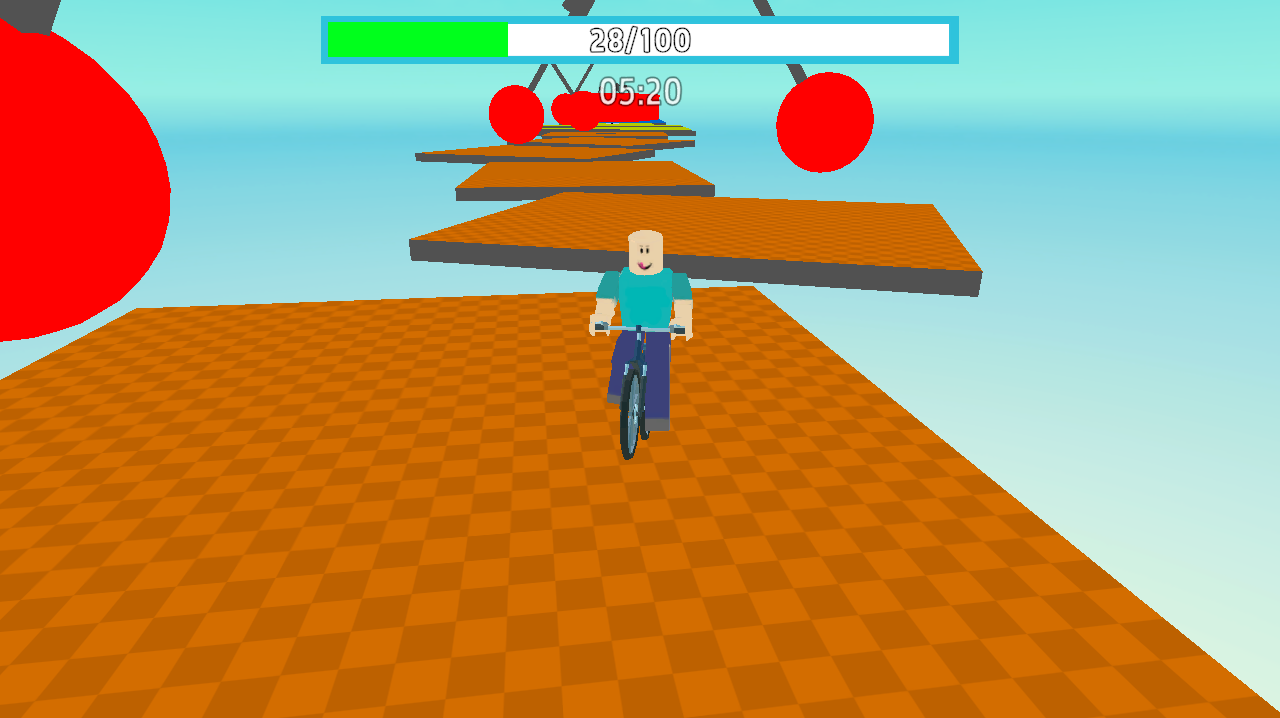
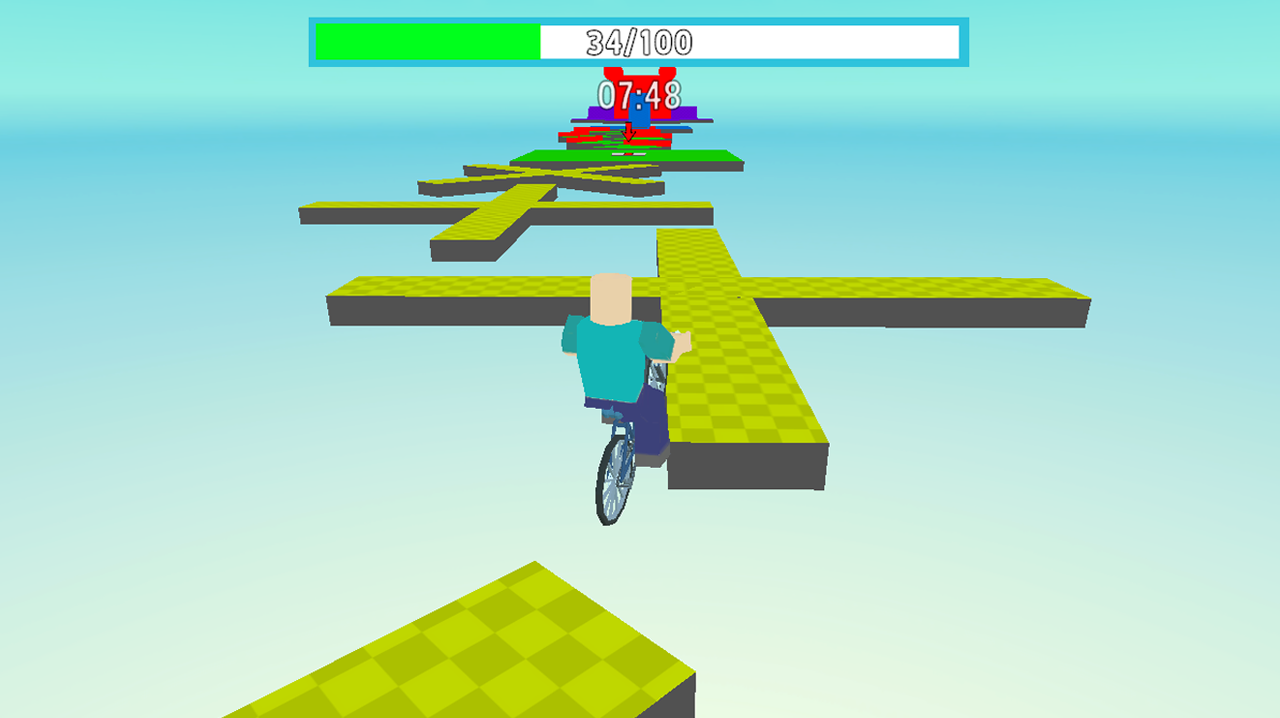
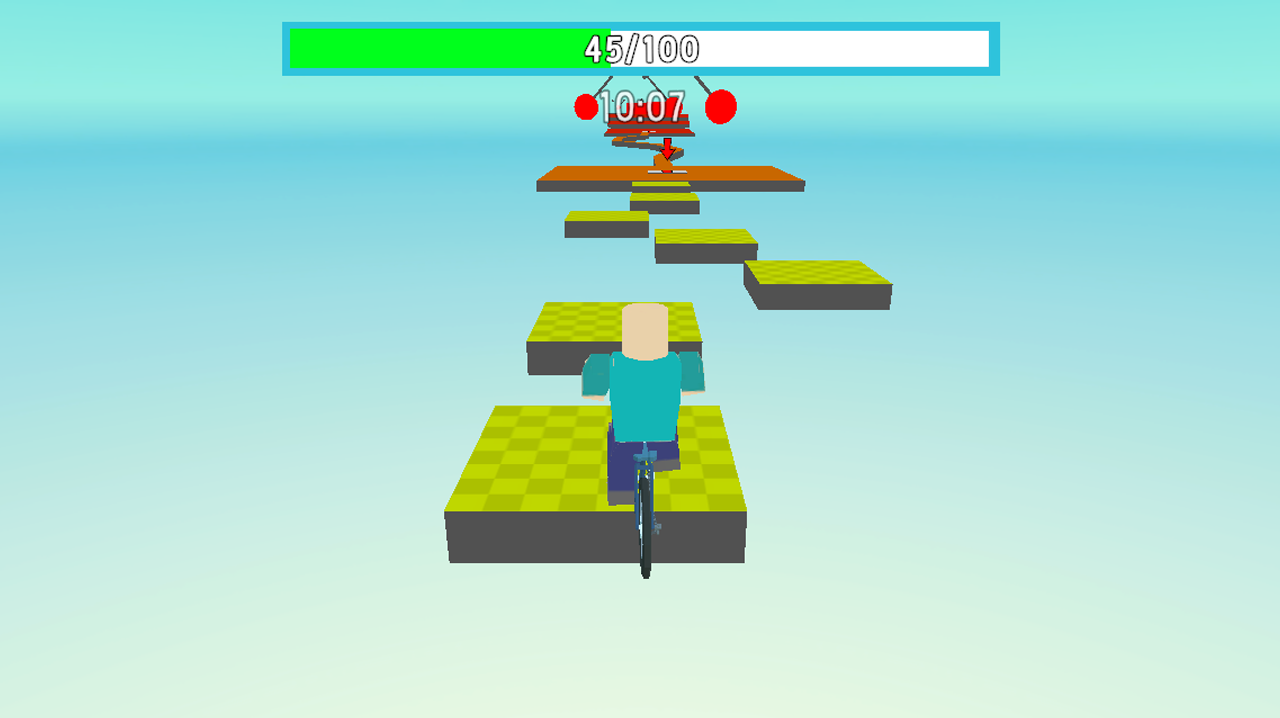
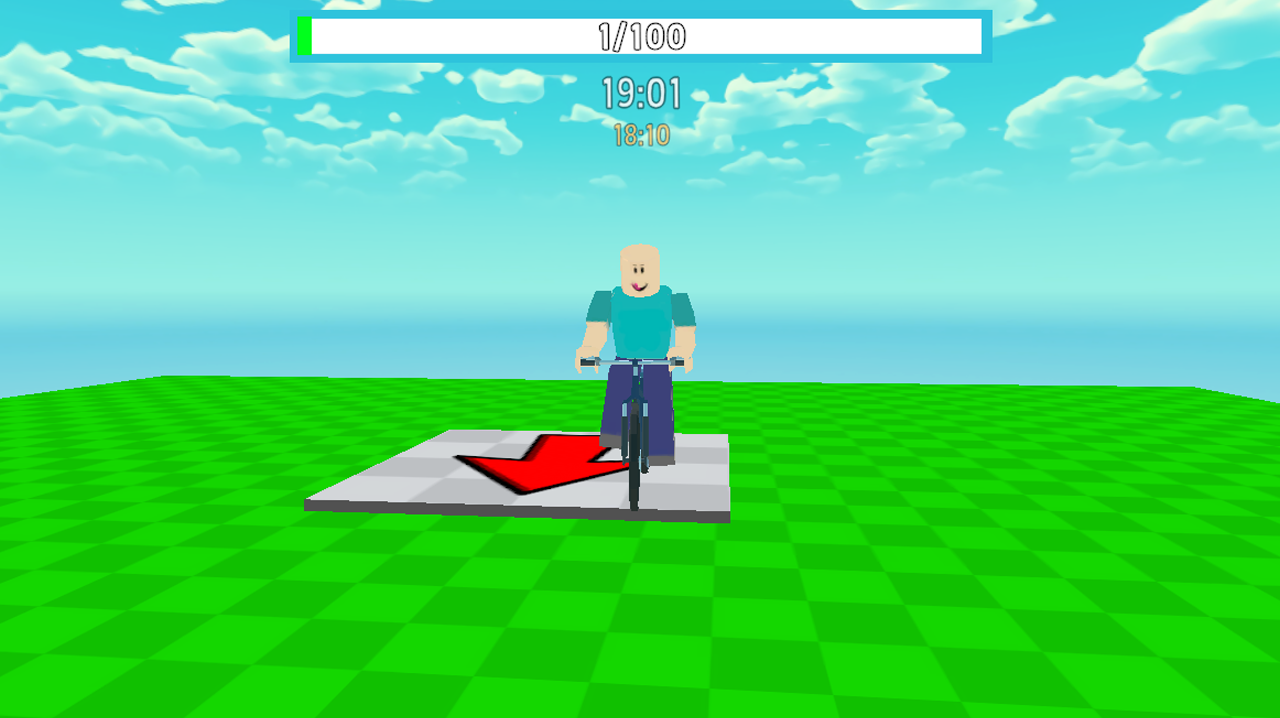
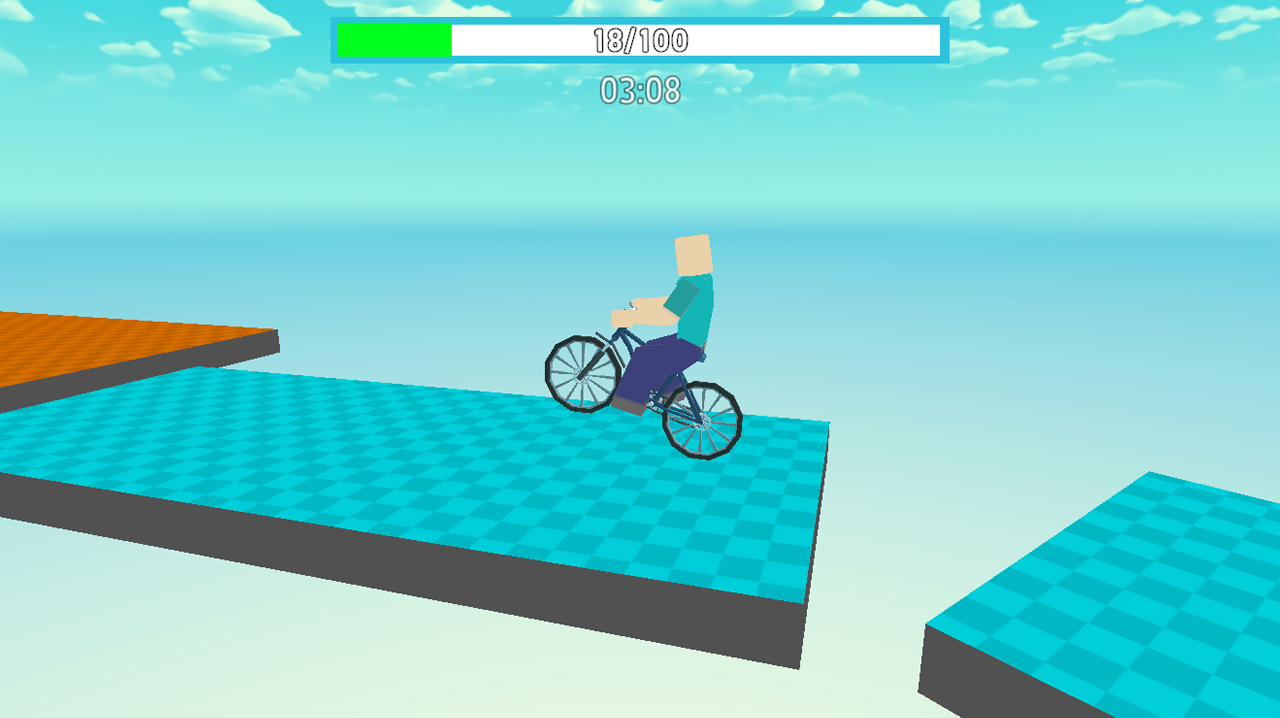
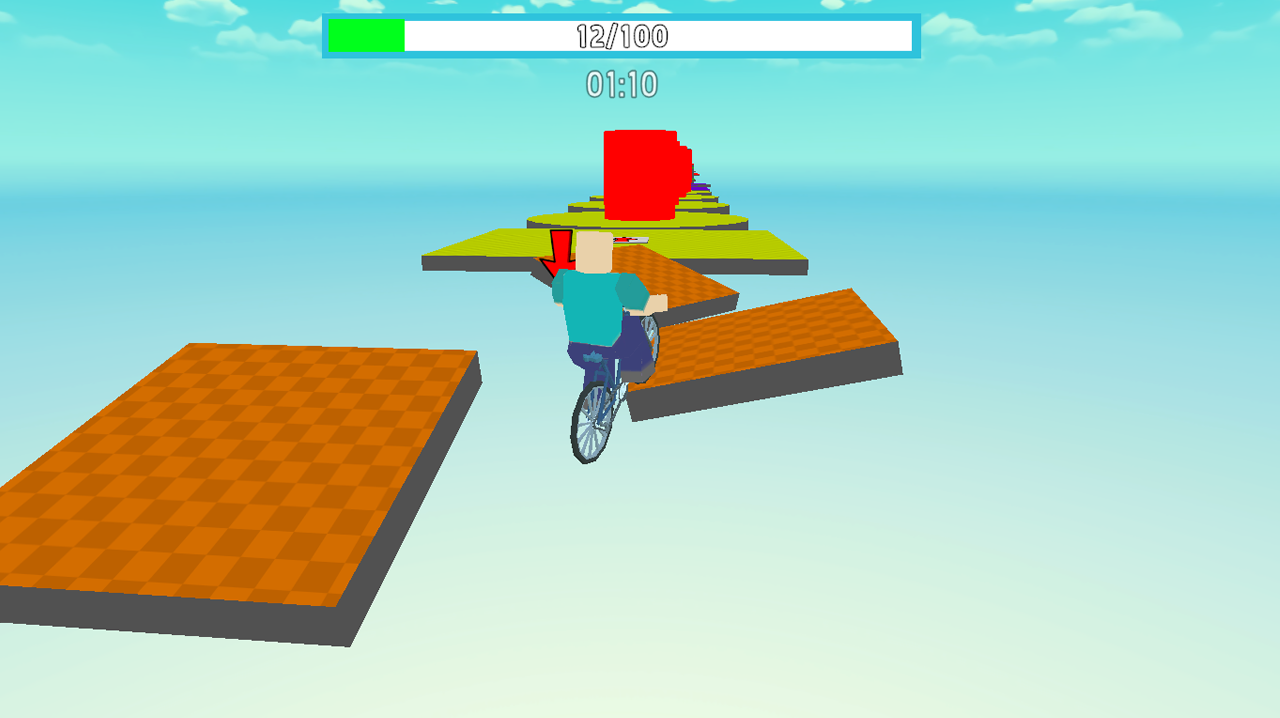
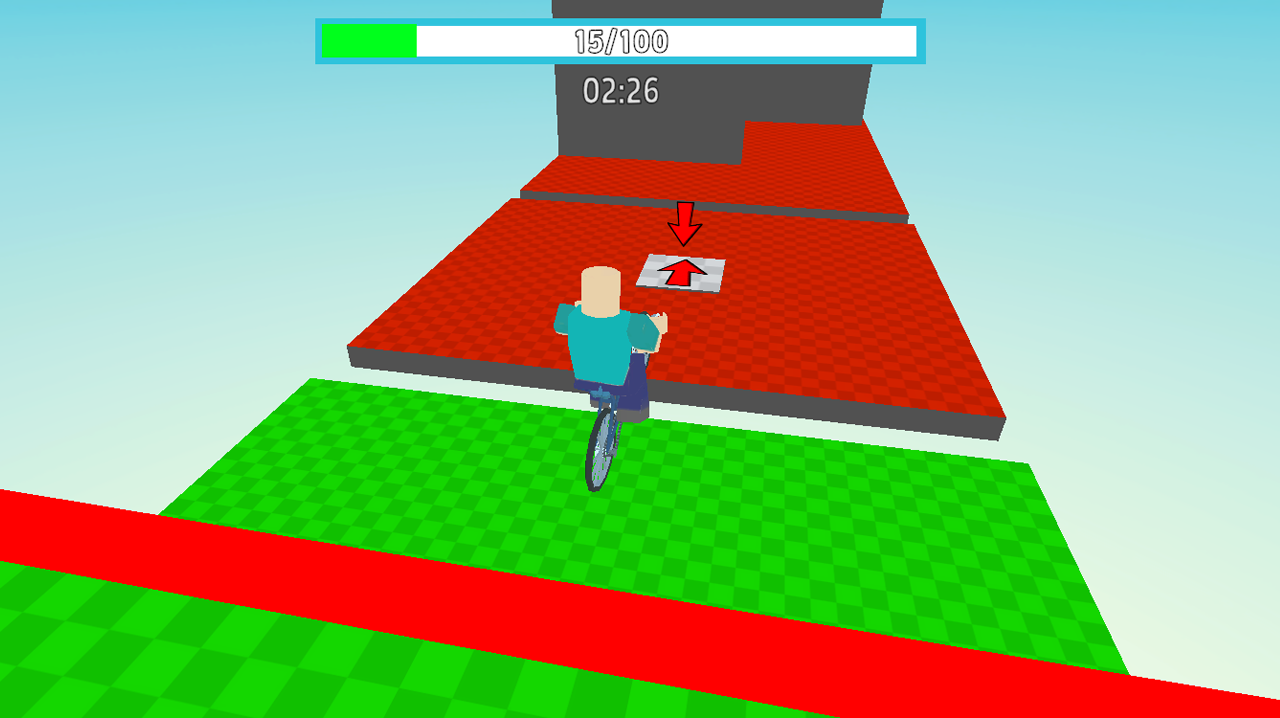
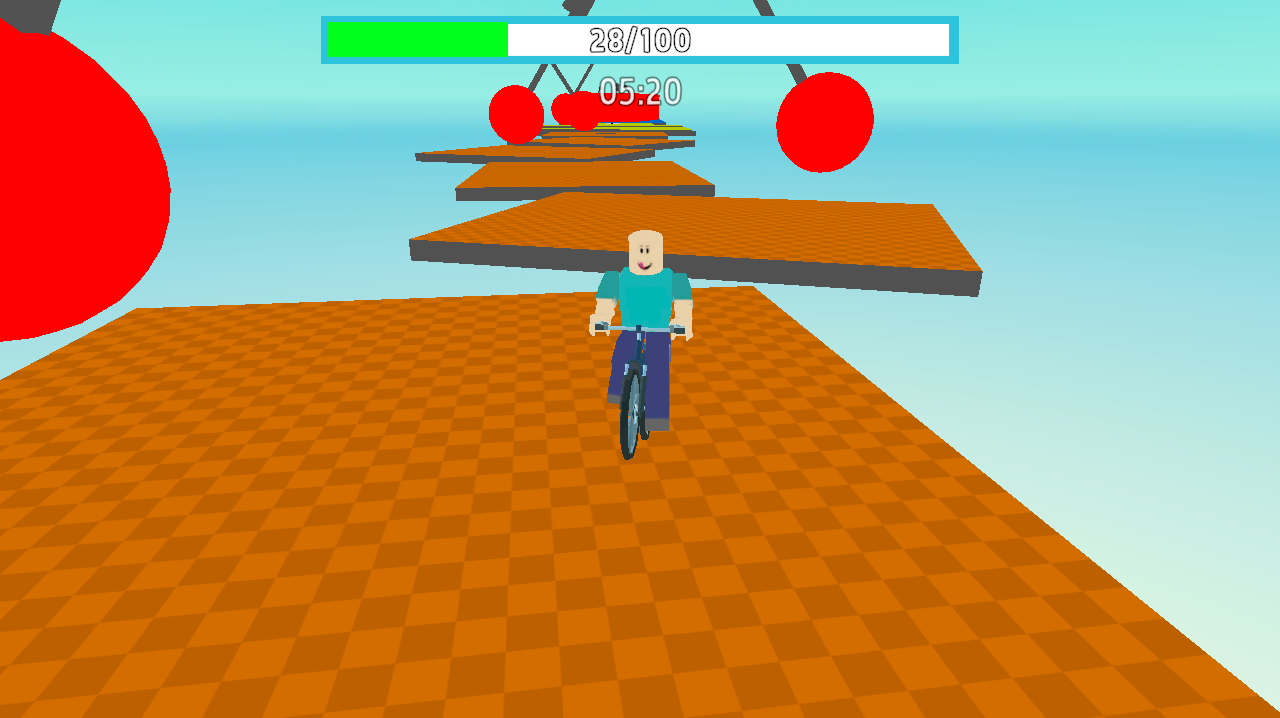
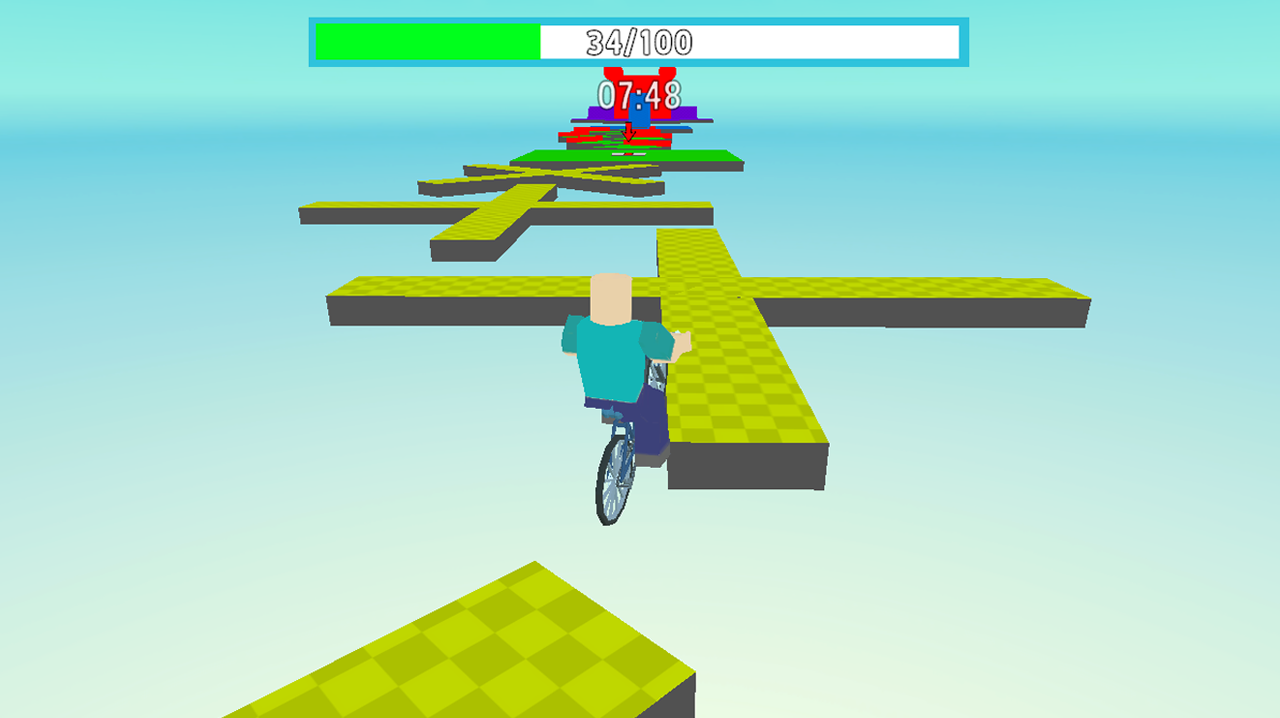
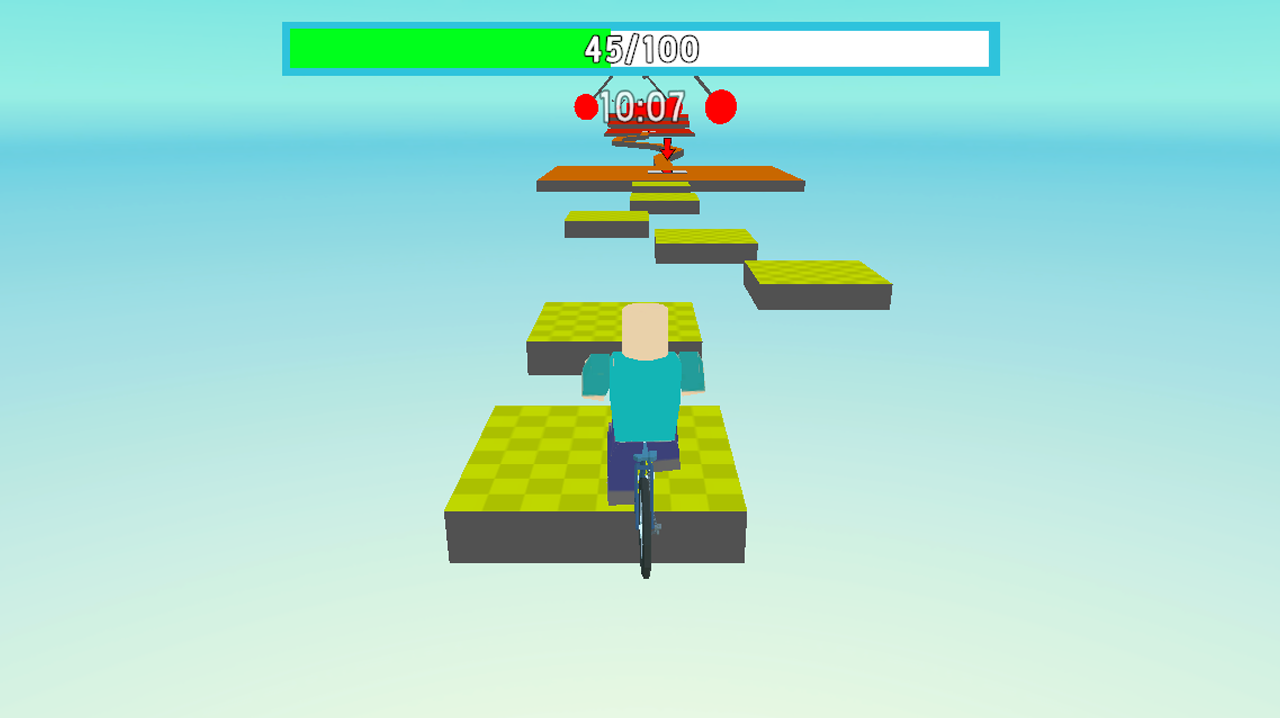
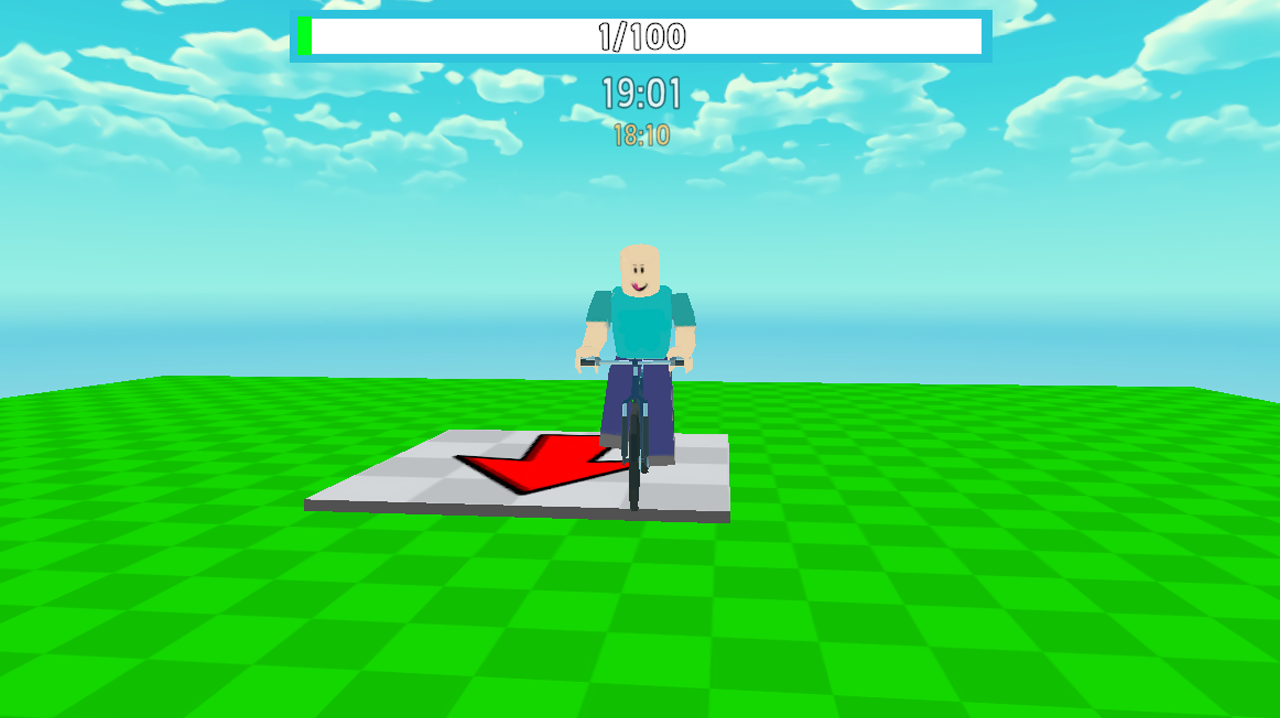
Navigating complex obstacle courses on two wheels is the ultimate test of precision and nerves for any adrenaline junkie. Obby: Bicycle takes the classic parkour challenge and puts you in the driver seat of a physics-defying ride that demands total focus. You will navigate vibrant, floating platforms while balancing your speed to clear treacherous gaps and narrow ledges. Mastering the momentum of your bicycle is essential as you leap over spinning bars and dodge shifting traps scattered across every level. Each stage introduces increasingly difficult layouts that require perfect timing to reach the next checkpoint without falling into the void. This refreshing take on the popular obby genre ensures that every jump feels earned and every successful landing rewards your persistence. Progressing through the stages reveals more chaotic environments that push your bike handling skills to the absolute limit. You can experience all these high-stakes trials for free right now in your browser without any annoying downloads.
How to play
PC:
WASD - for bicycle movement.
The mouse is used to rotate the camera.
The space bar is for jumping.
TAB - Pause
Mobile:
The left joystick (on the left side of the screen) is for moving the bike.
The right joystick is for the character to jump.
Moving your finger across the screen (on the right side of the screen) - camera control.
Features
- Checkpoint Progression: Save your progress automatically at specific intervals so you never have to restart the entire course after a tumble.
- Physics-based Handling: Experience realistic momentum that makes every jump feel weighty and requires careful speed management to land safely.
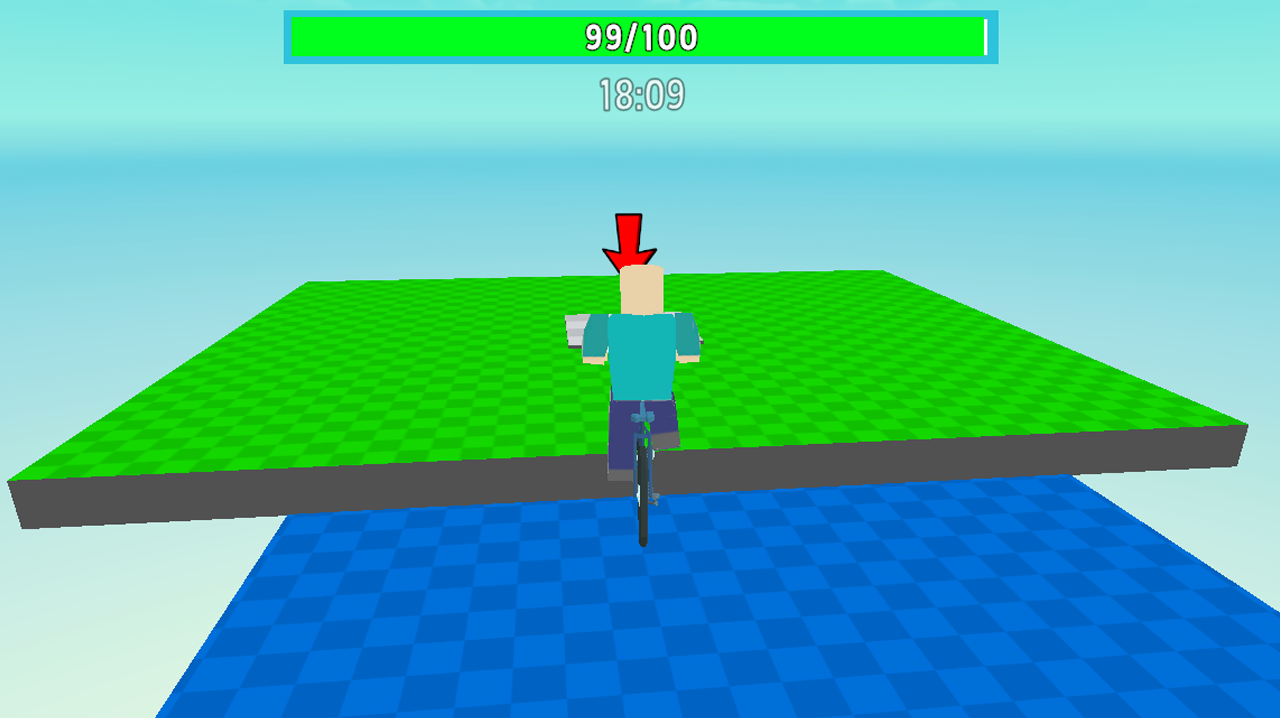
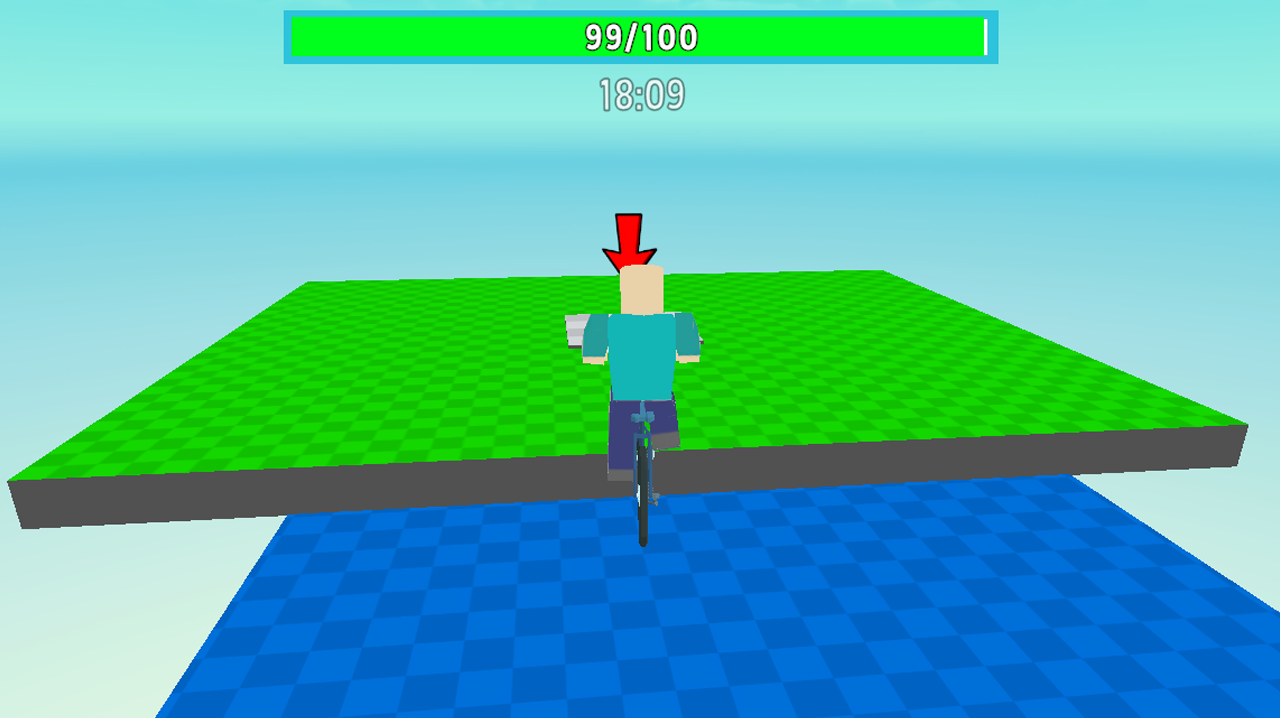
- Vibrant 3D Environments: Explore eye-catching levels filled with colorful platforms that provide a clear visual path for your high-flying stunts.
- Dynamic Camera Control: Adjust your perspective manually to scan the upcoming terrain and line up your bicycle for precise landings.
- Increasing Difficulty: Face progressively complex layouts that introduce new hazards and moving obstacles as you climb the ranks.
Who is it for
Fans of challenging obstacle courses and physics-based arcade games will find their rhythm here. Teens and children who enjoy competitive parkour mechanics or unique biking adventures will love mastering the tight controls. It is a fantastic pick for anyone seeking a quick, skill-based thrill during a short gaming break.
Controls
Movement
Use WASD on PC or the left joystick on mobile screens.
Jump
Press Space bar on your keyboard or tap the right joystick on mobile.
Camera
Move your mouse on PC or swipe across the right side of your mobile screen.
Pause
Tap the TAB key while playing on a desktop computer.
FAQ
How do I save my progress in Obby: Bicycle?
›
The game automatically saves your progress at every checkpoint you reach, so Obby: Bicycle allows you to continue from your last position if you fall.
Is Obby: Bicycle free to play on mobile devices?
›
Yes, you can play Obby: Bicycle directly in your mobile browser without needing to install an app or register an account.
Can I change the camera angle in Obby: Bicycle?
›
Absolutely, you can rotate the camera at any time by moving your mouse on PC or swiping on the right side of your mobile screen to get a better view of the obstacles.