About game
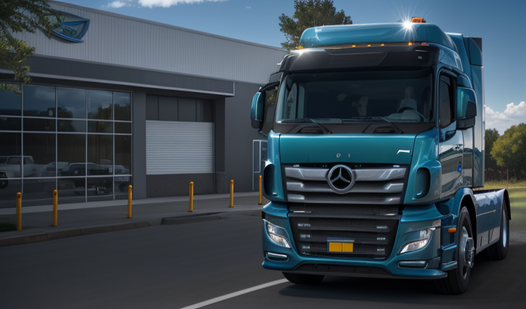
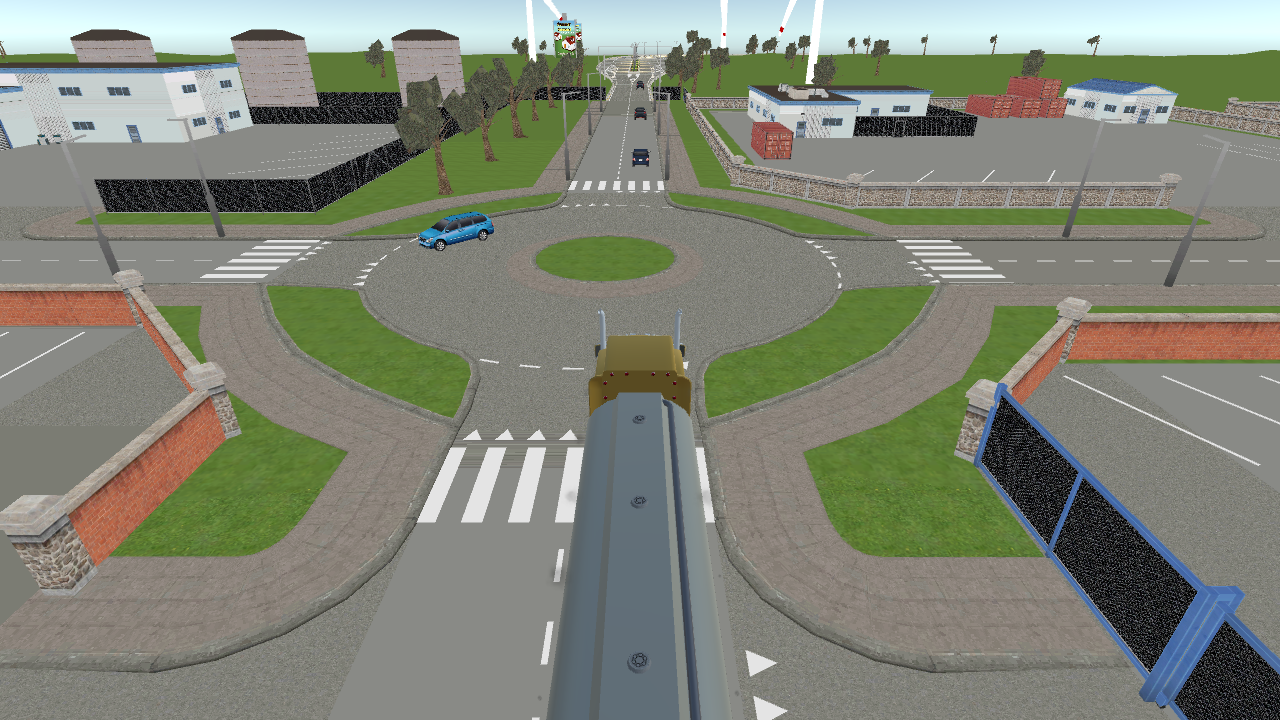
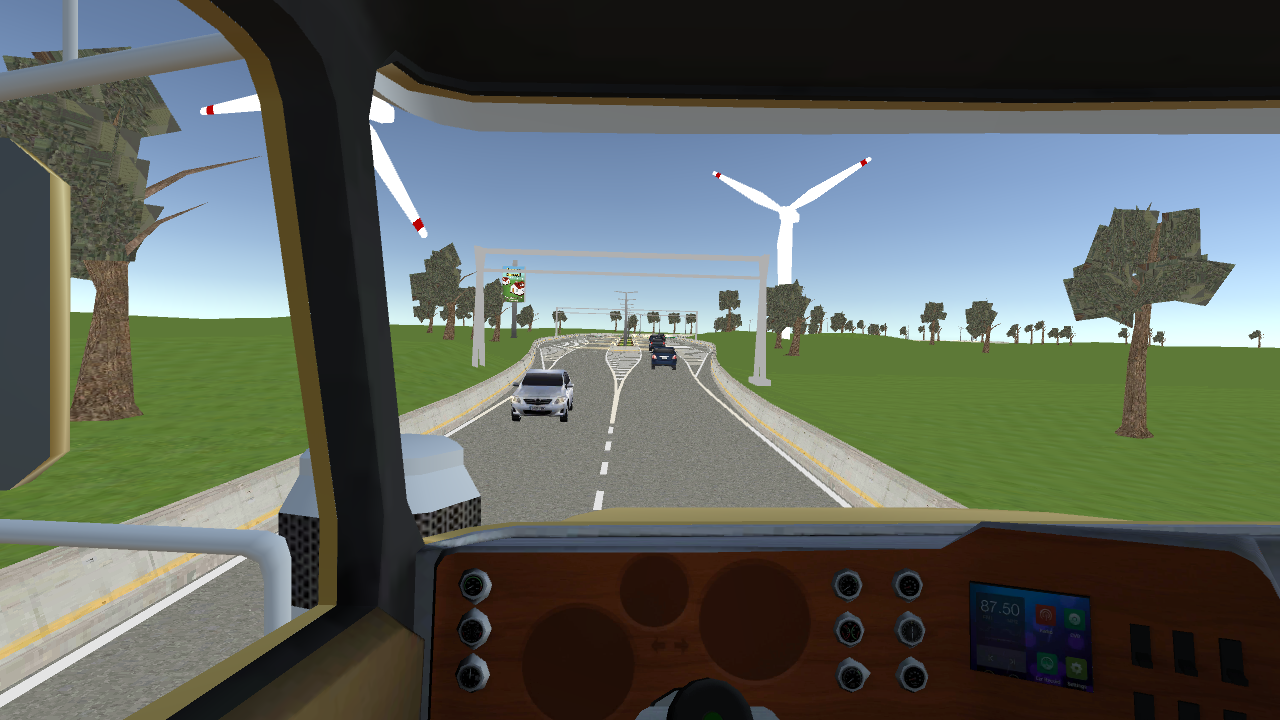
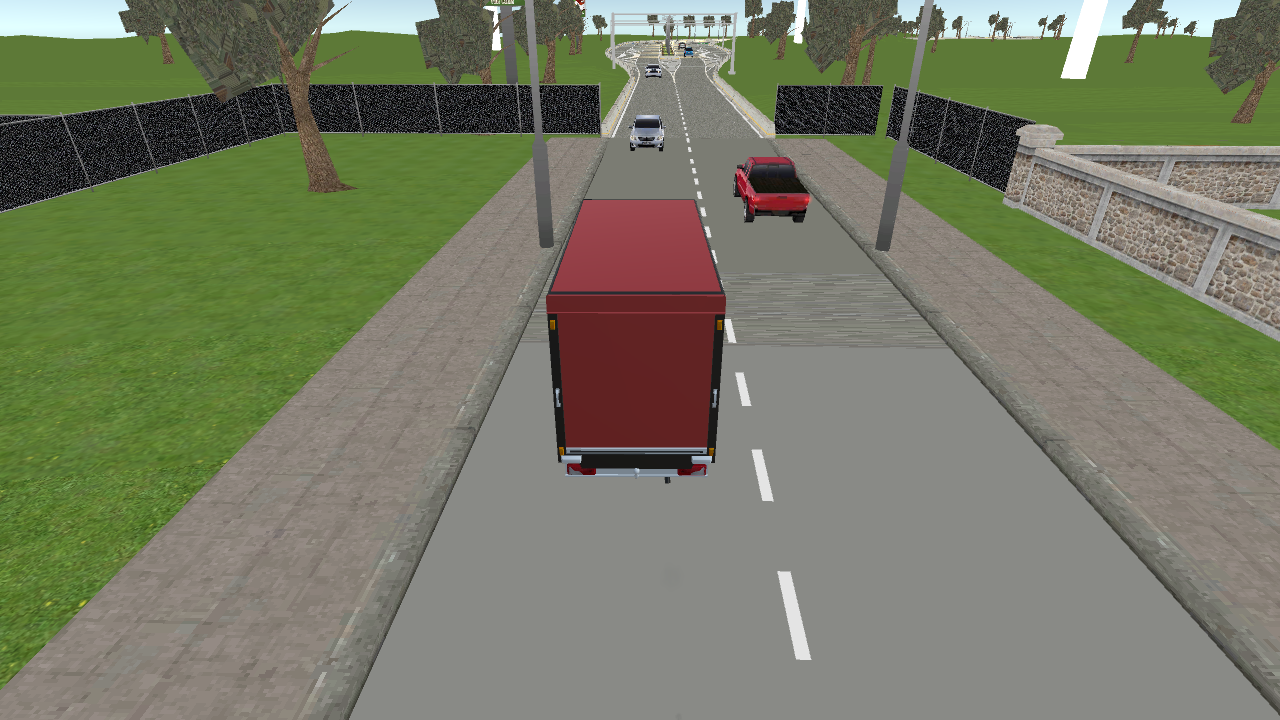
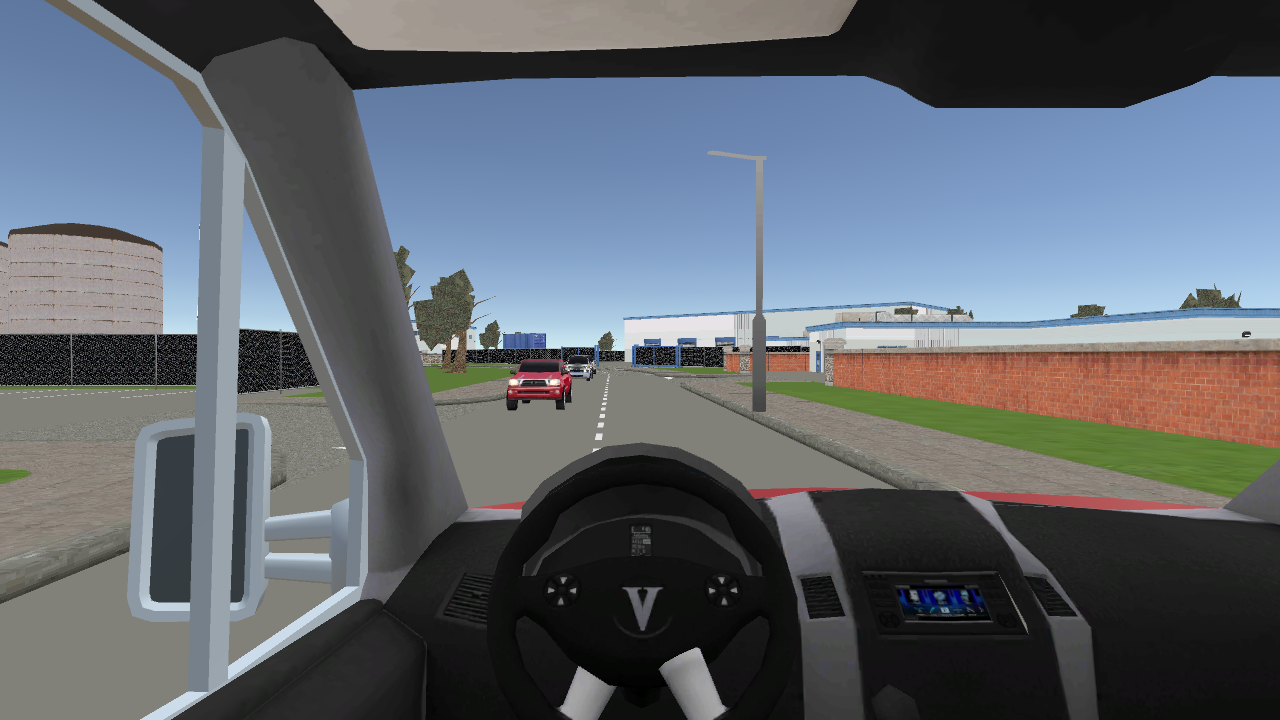
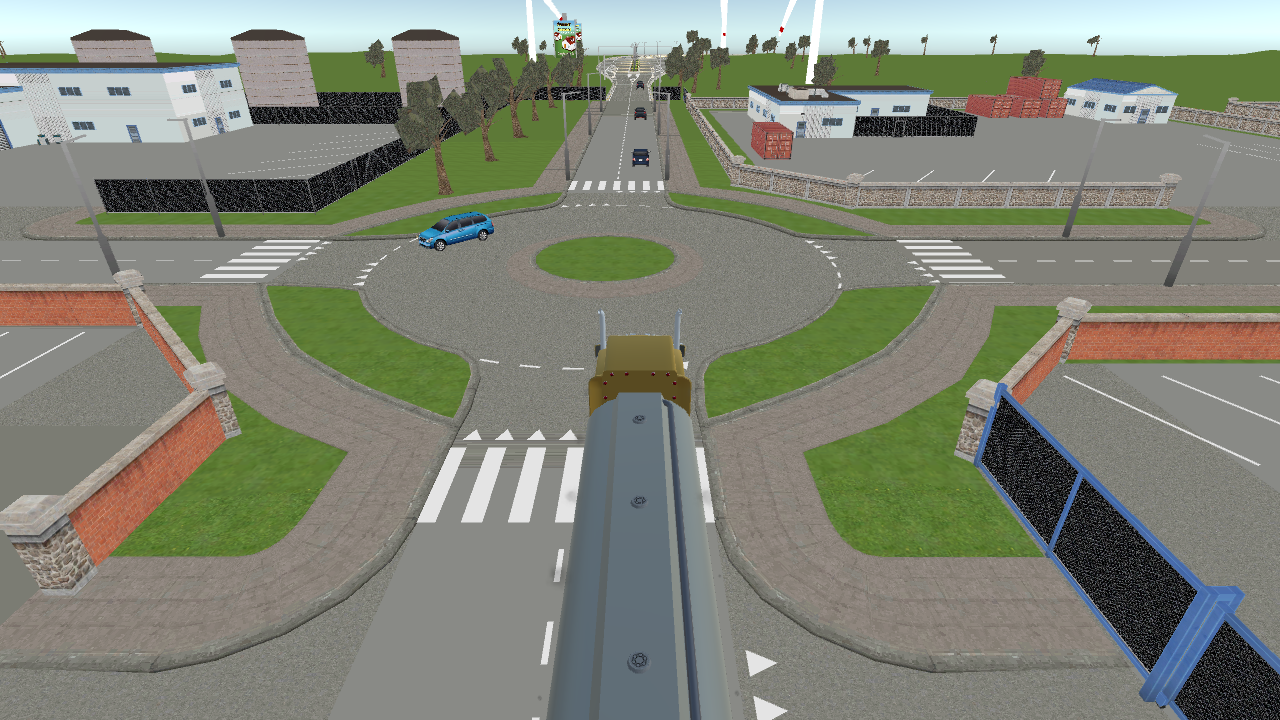
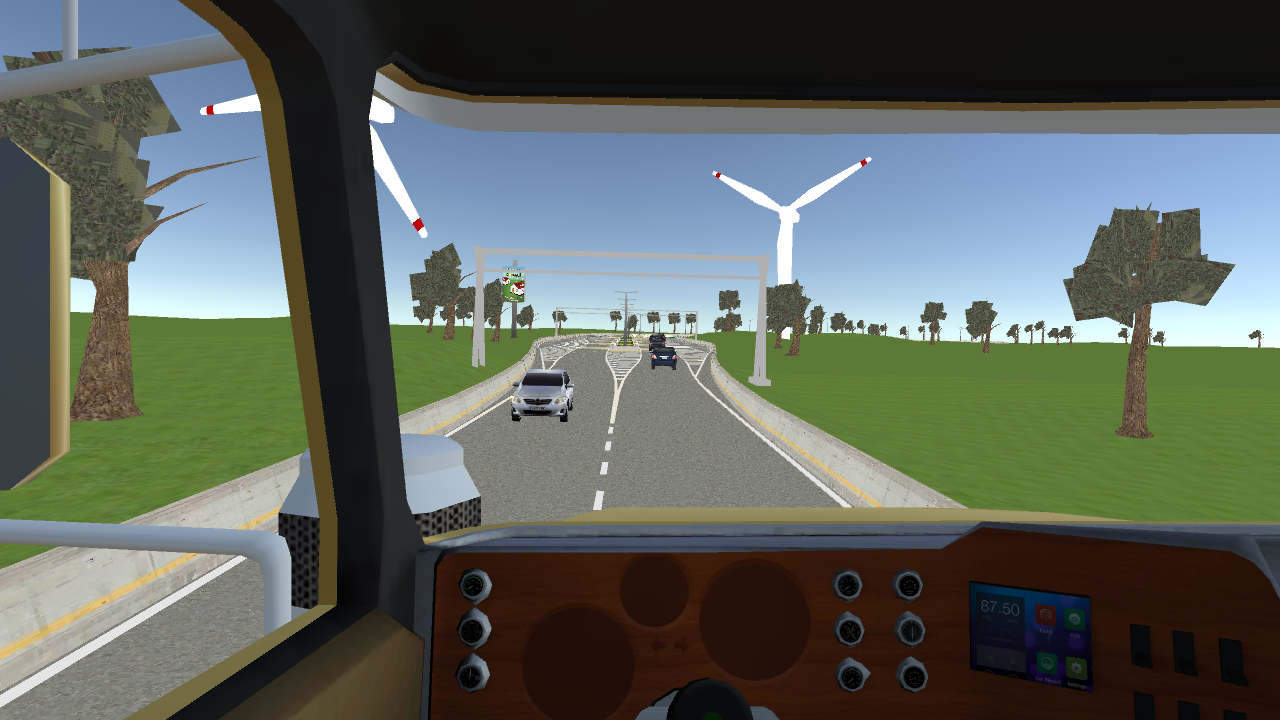
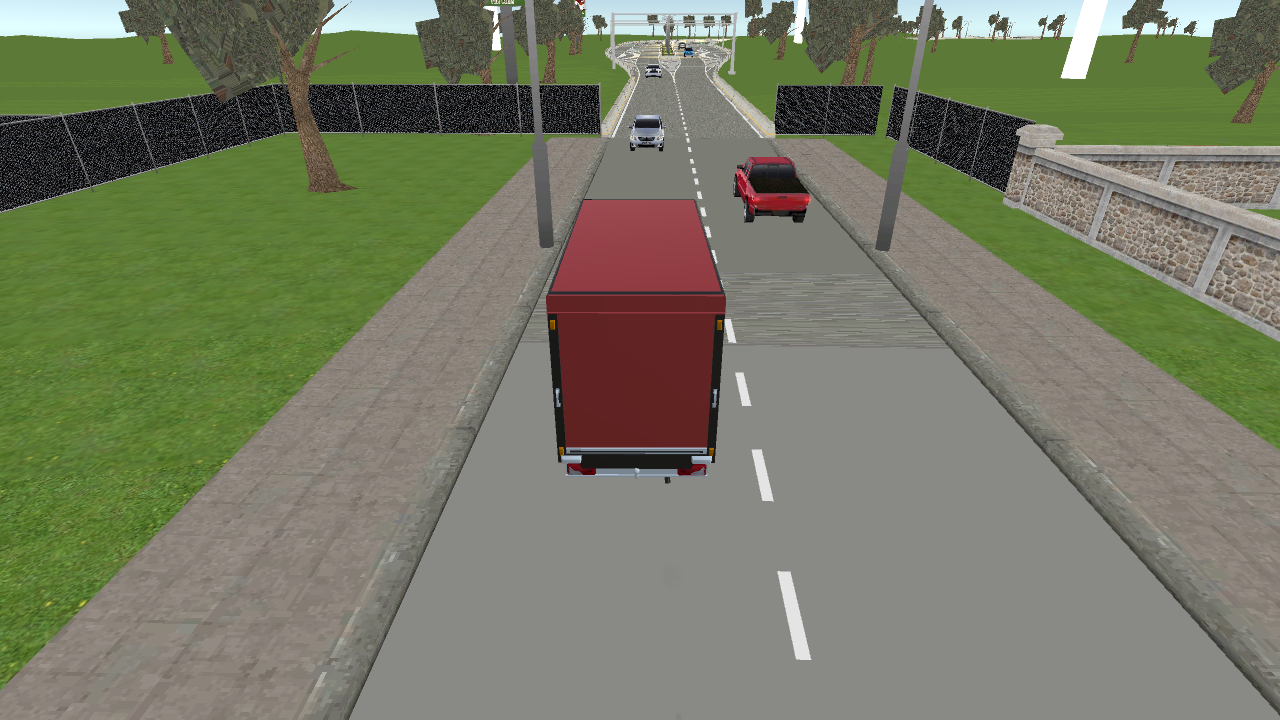
Navigate heavy cargo across sprawling urban landscapes while mastering the art of the haul in Truckers. Driver Simulator 3D. Precision is your best friend here because even a minor fender bender can ruin your delivery schedule and reputation. You will take on challenging transport orders that require you to navigate busy roads and park with absolute accuracy at designated drop points. Switching between camera angles is essential for checking your blind spots or getting a cinematic view from the driver seat during those long stretches of highway. This truck simulator tests your ability to handle massive vehicles in traffic without losing control or damaging your goods. The realistic driving physics make every turn feel authentic as you earn your stripes as a professional road master. Whether you are navigating tight city corners or cruising down an open road, the experience remains consistently engaging and rewarding. You can play Truckers. Driver Simulator 3D directly in your browser with no download required to start your career behind the wheel.
How to play
Management:
On mobile devices:
Use the buttons on the phone screen.
On PCs:
- W-A-S-D or Arrow keys to control the truck;
- F - headlights;
- Q - left turn signal;
- E - right turn signal;
- G - horn;
- Esc - pause.
Features
- Dynamic lighting system: Use functional headlights to master night driving and ensure visibility during challenging weather conditions.
- Signal mechanics: Communicate your intentions to AI traffic using left and right turn signals for a more immersive simulation experience.
- Auditory feedback: Use the horn to warn impatient drivers on the road or navigate through congested intersections safely.
- Multiple perspectives: Toggle between internal cockpit views for realism and external cameras for better spatial awareness while parking.
- Mission variety: Accept diverse transport tasks that take you across various city environments with unique road layouts.
Who is it for
Driving simulation enthusiasts and fans of heavy vehicle games will love the focus on realistic maneuvering. Casual players who enjoy relaxing road trips combined with light challenges will find it satisfying to complete deliveries without the high-stress pressure found in typical arcade style automotive games.
Controls
Steer
Use W-A-S-D or Arrow keys on PC and on-screen buttons on mobile devices.
Signal and Lights
Press Q for left signal, E for right signal, and F for headlights.
Horn
Press G to sound the horn or use the horn icon on mobile.
Camera Adjustment
Tap the camera icon on mobile or use designated keys to switch viewpoints.
FAQ
Can I play Truckers. Driver Simulator 3D on my mobile phone?
›
Yes, Truckers. Driver Simulator 3D is fully optimized for mobile browsers with intuitive on-screen touch controls.
Does Truckers. Driver Simulator 3D save my progress?
›
The game allows you to complete transport missions in a single session, making it perfect for quick gaming breaks.
Is it possible to customize my vehicle in Truckers. Driver Simulator 3D?
›
The game focuses primarily on driving physics and transport mechanics, offering a pure truck driving experience.