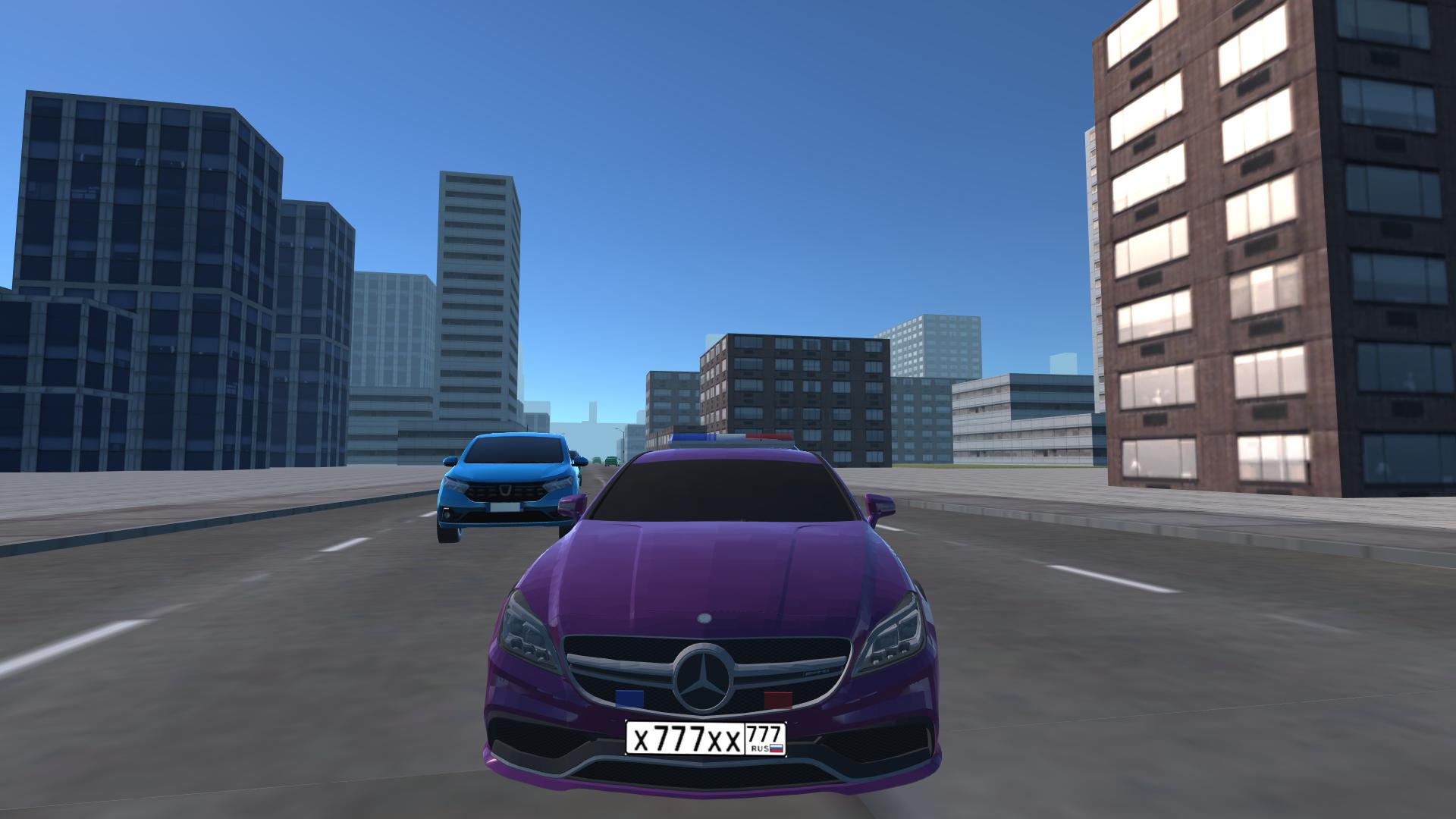
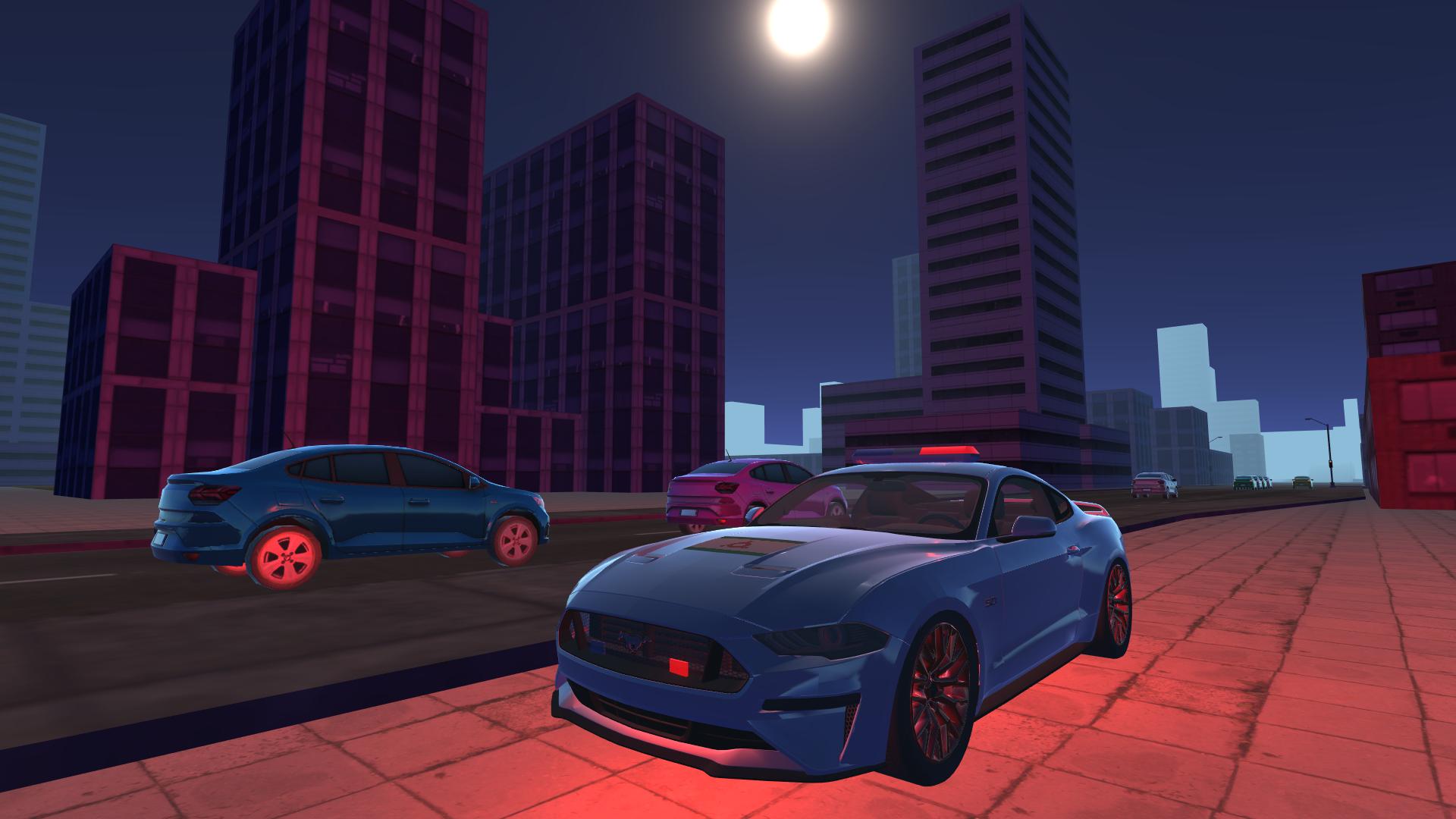
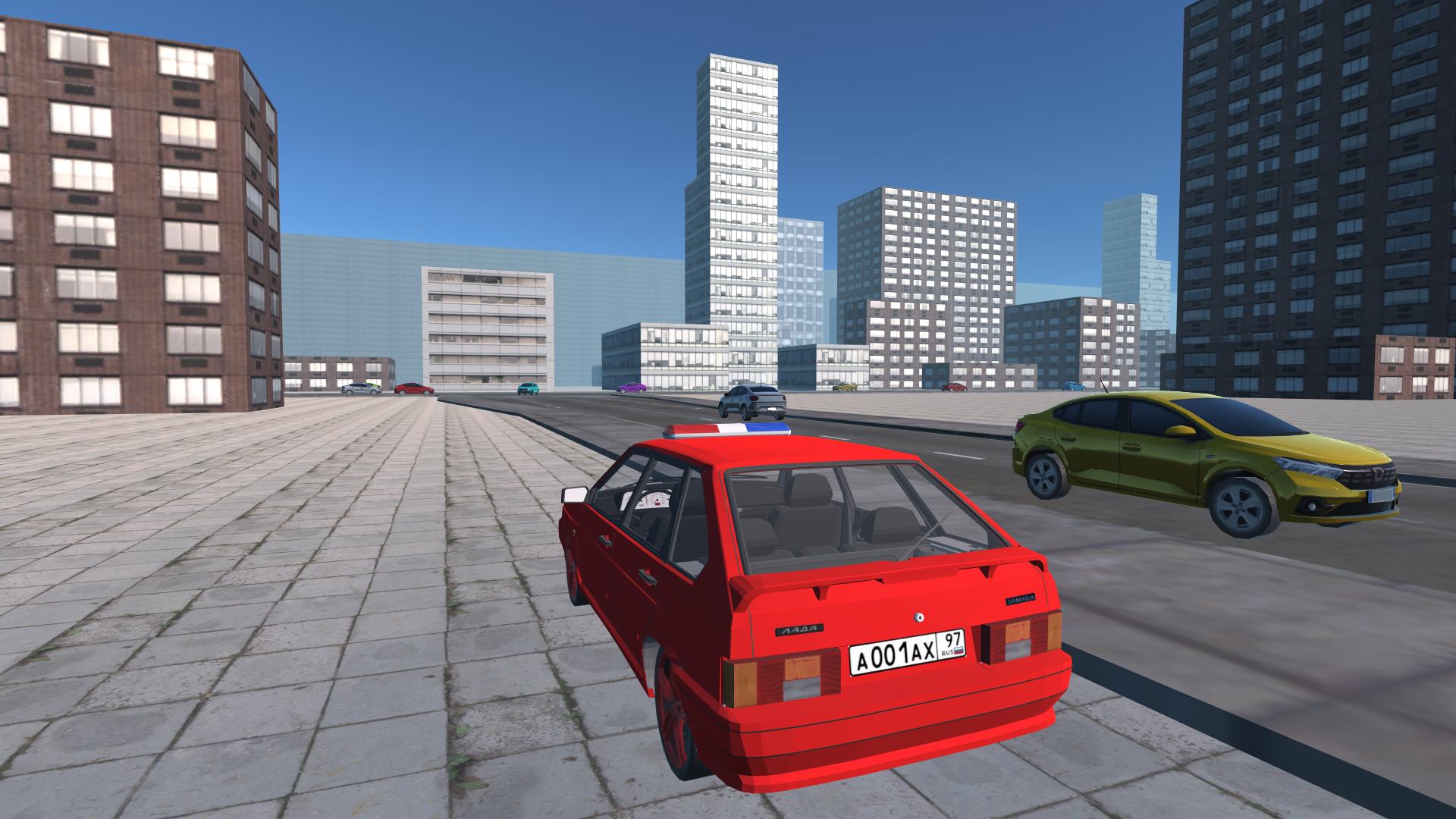
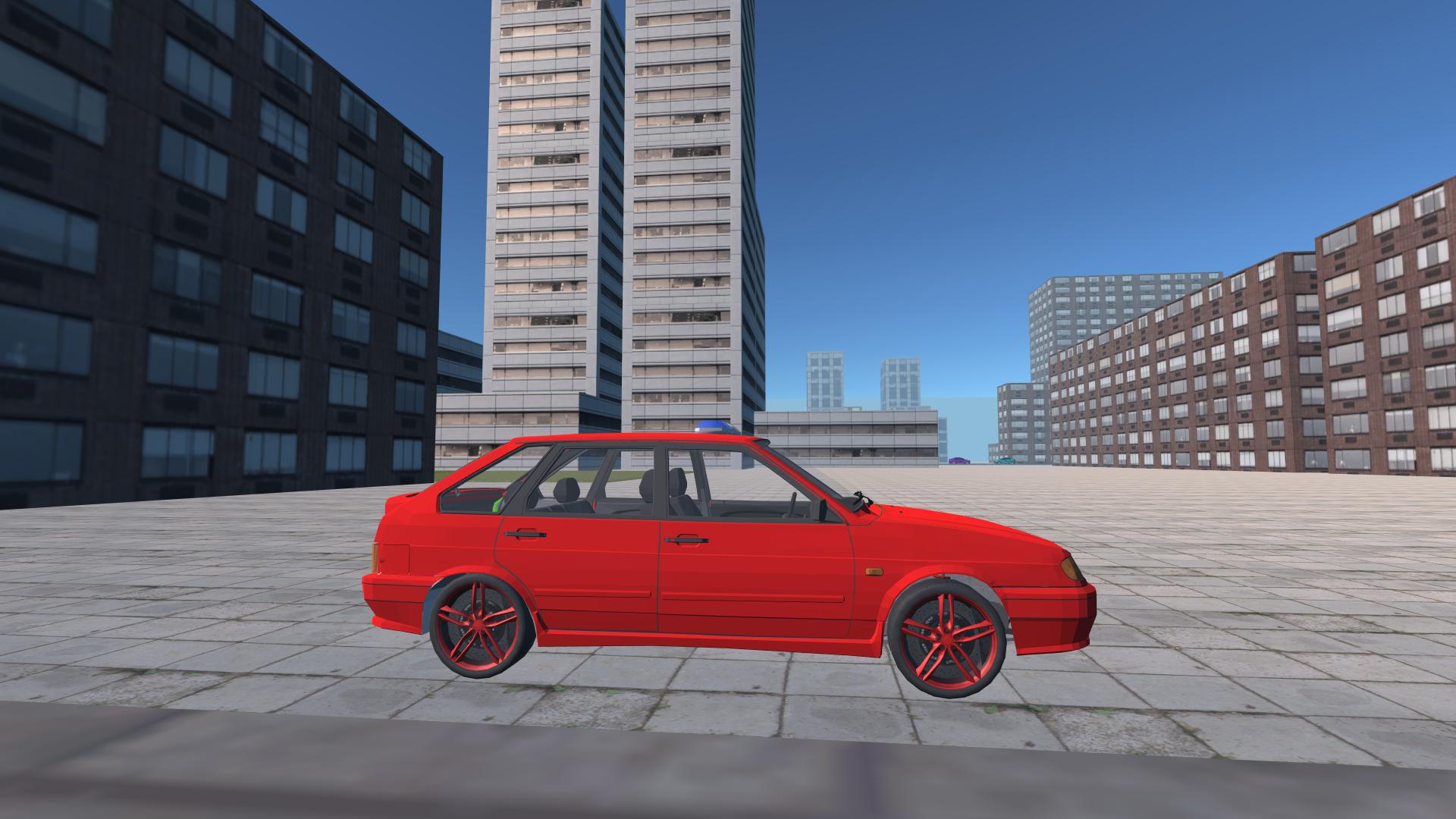
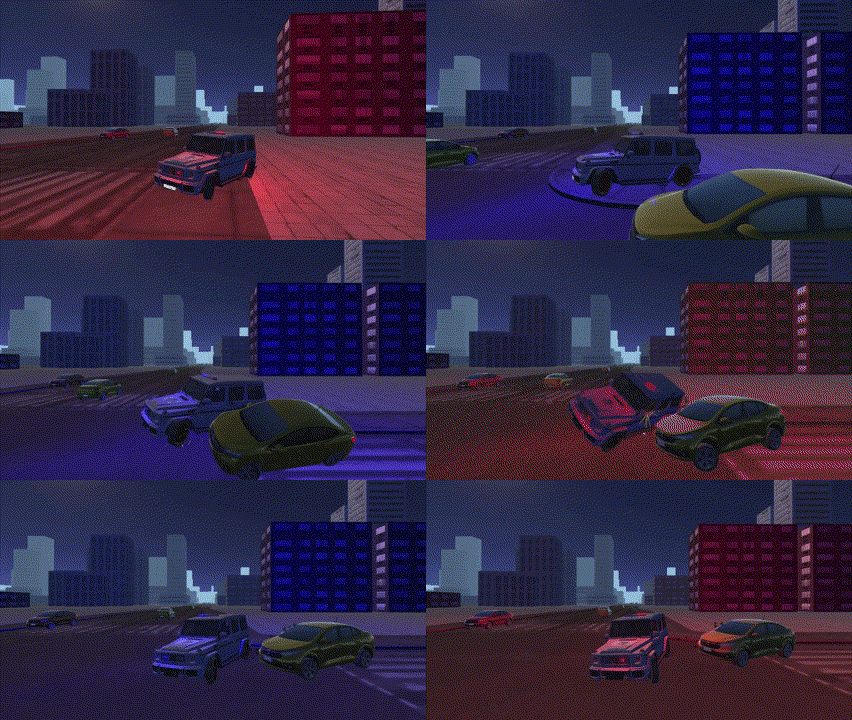
About game
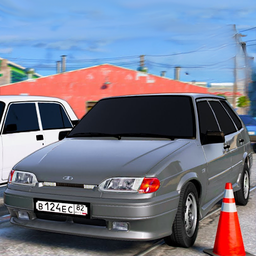
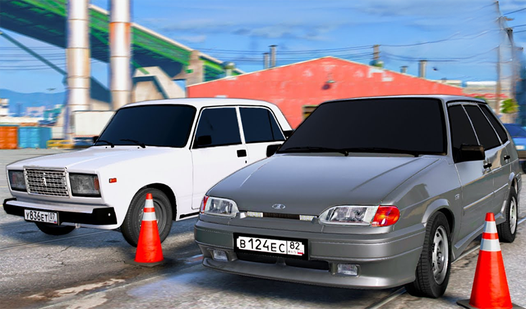
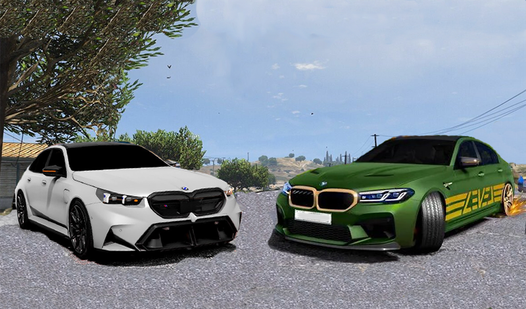
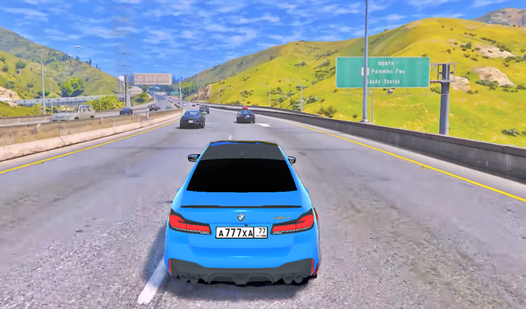
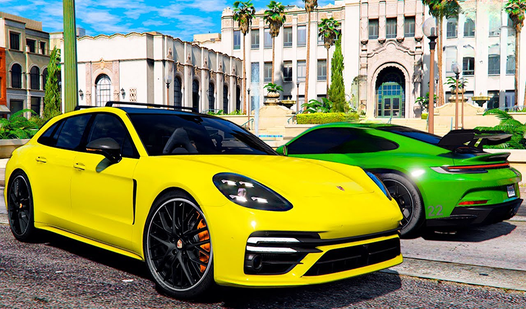
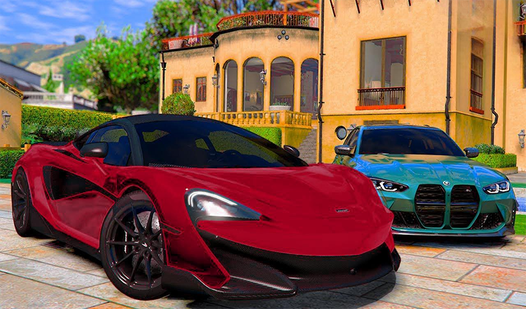
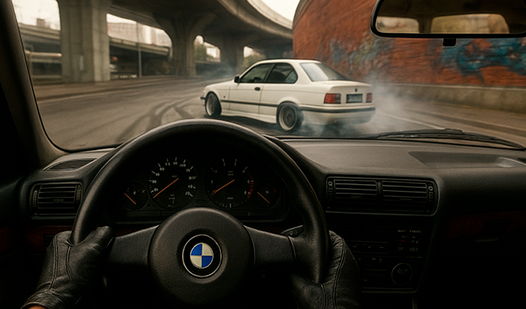
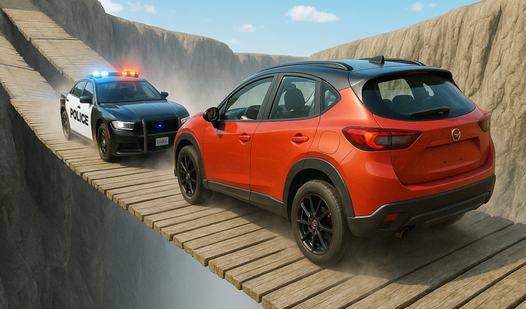
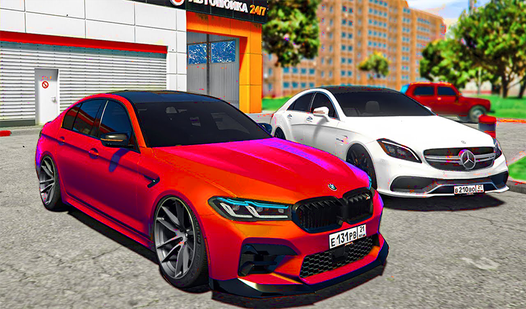
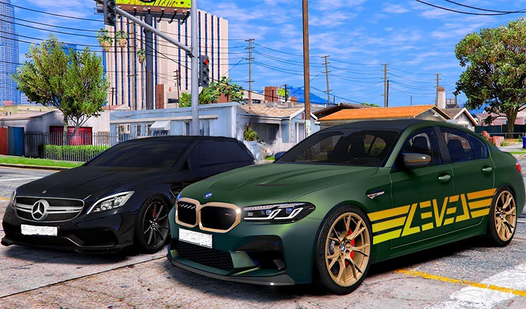
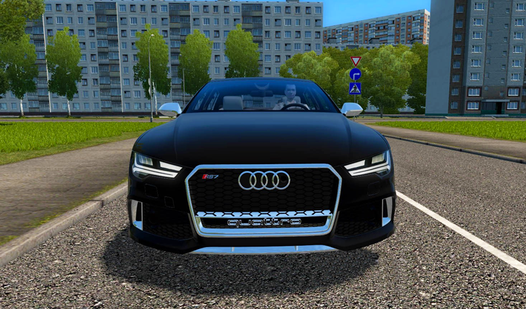
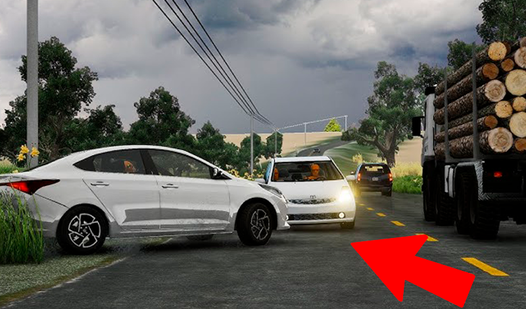
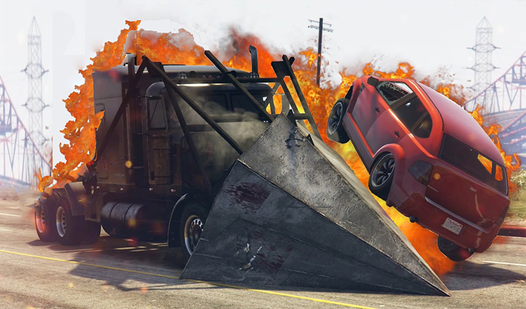
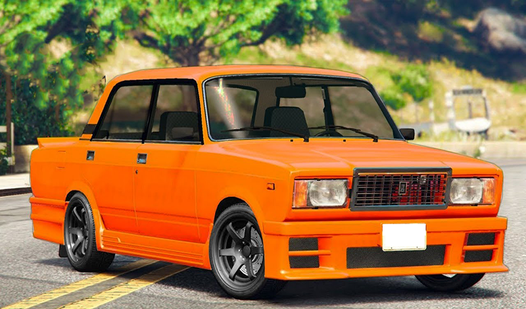
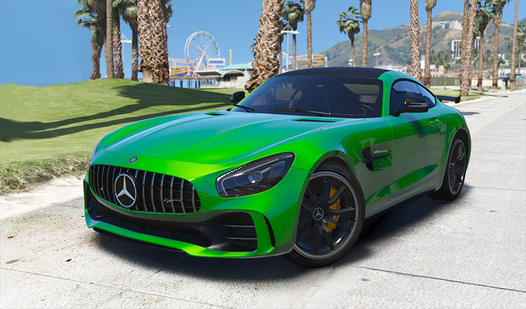
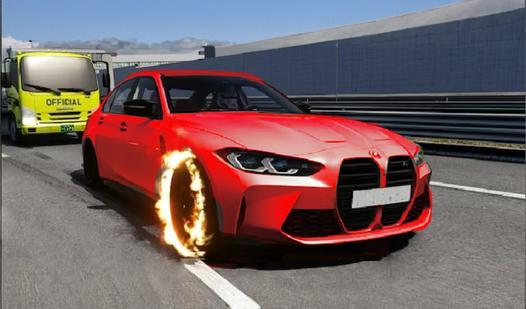
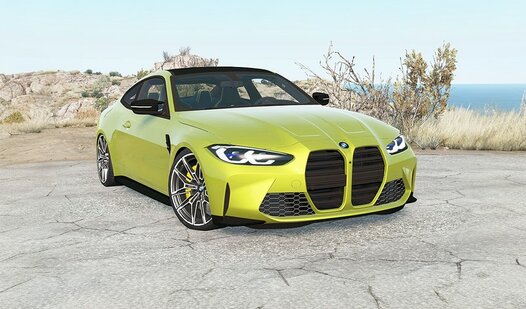
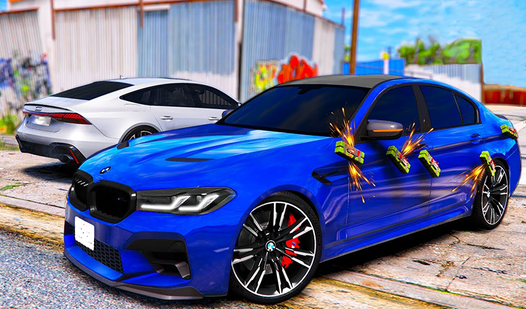
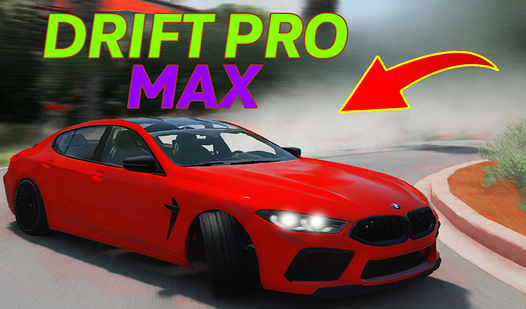
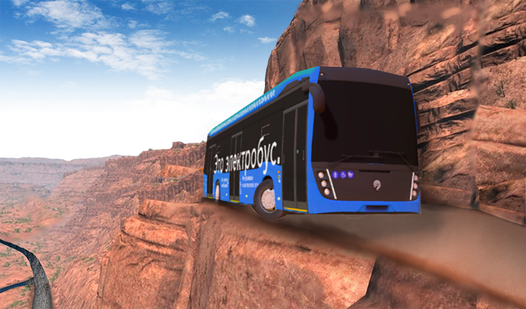
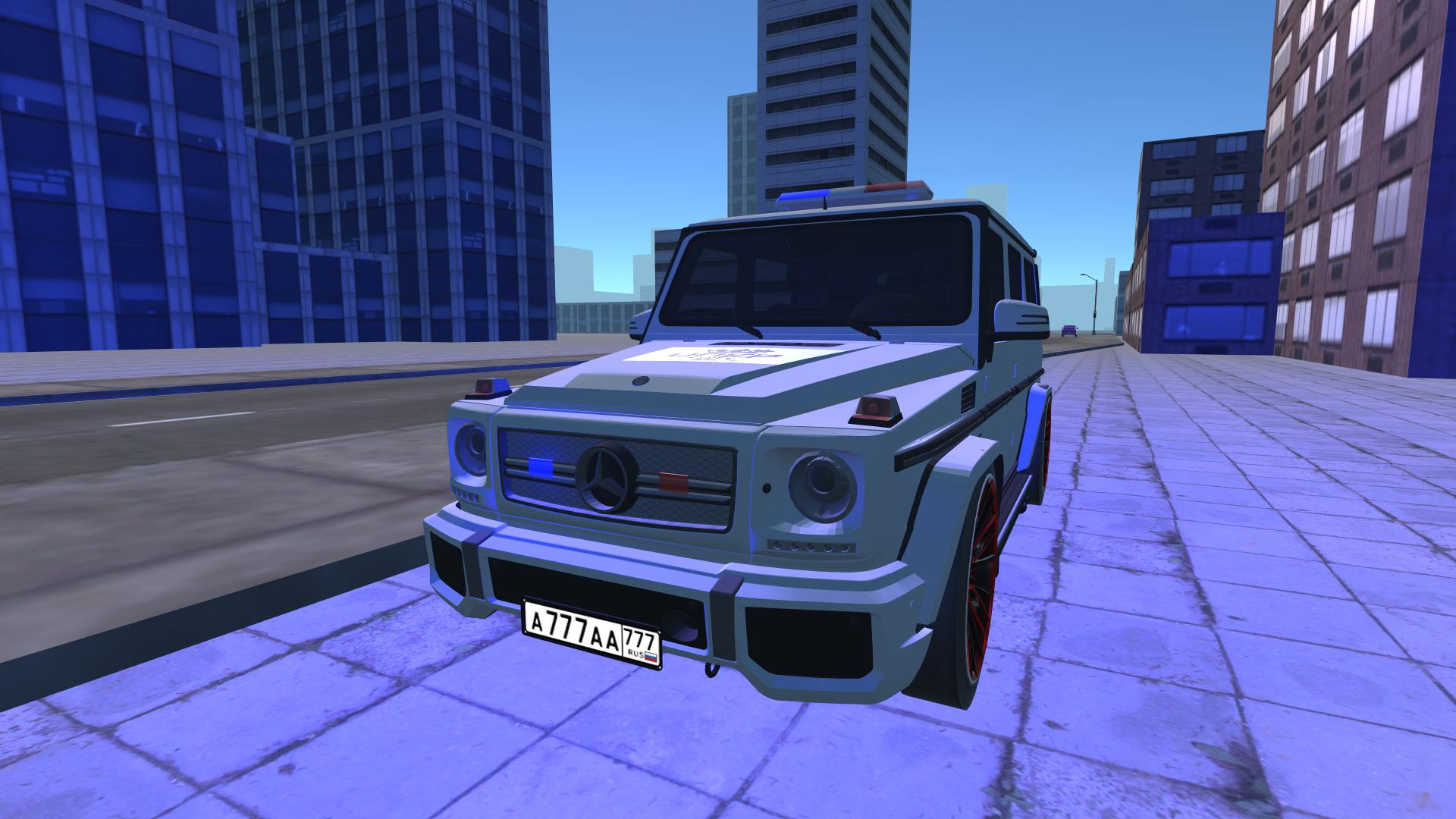
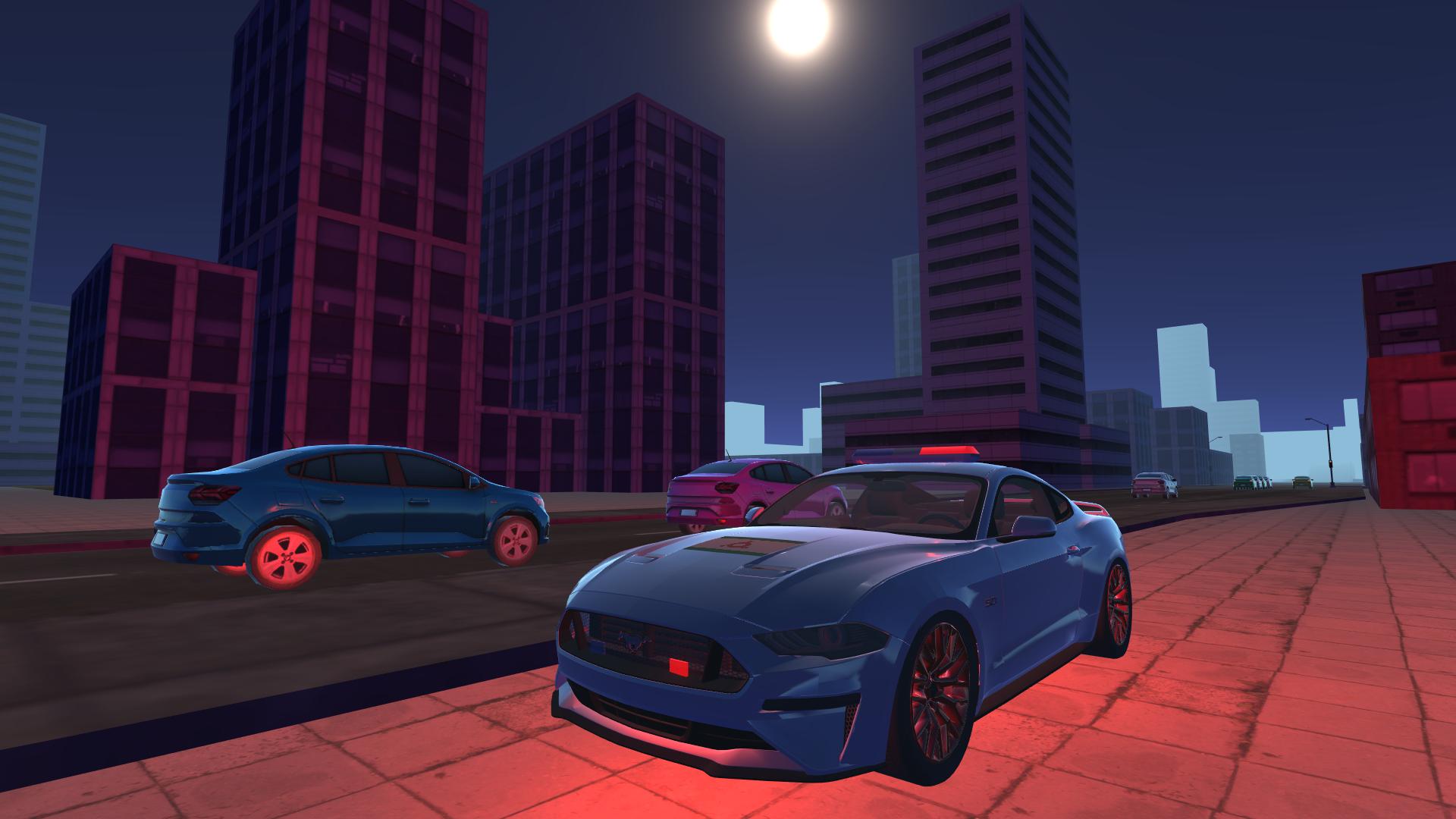
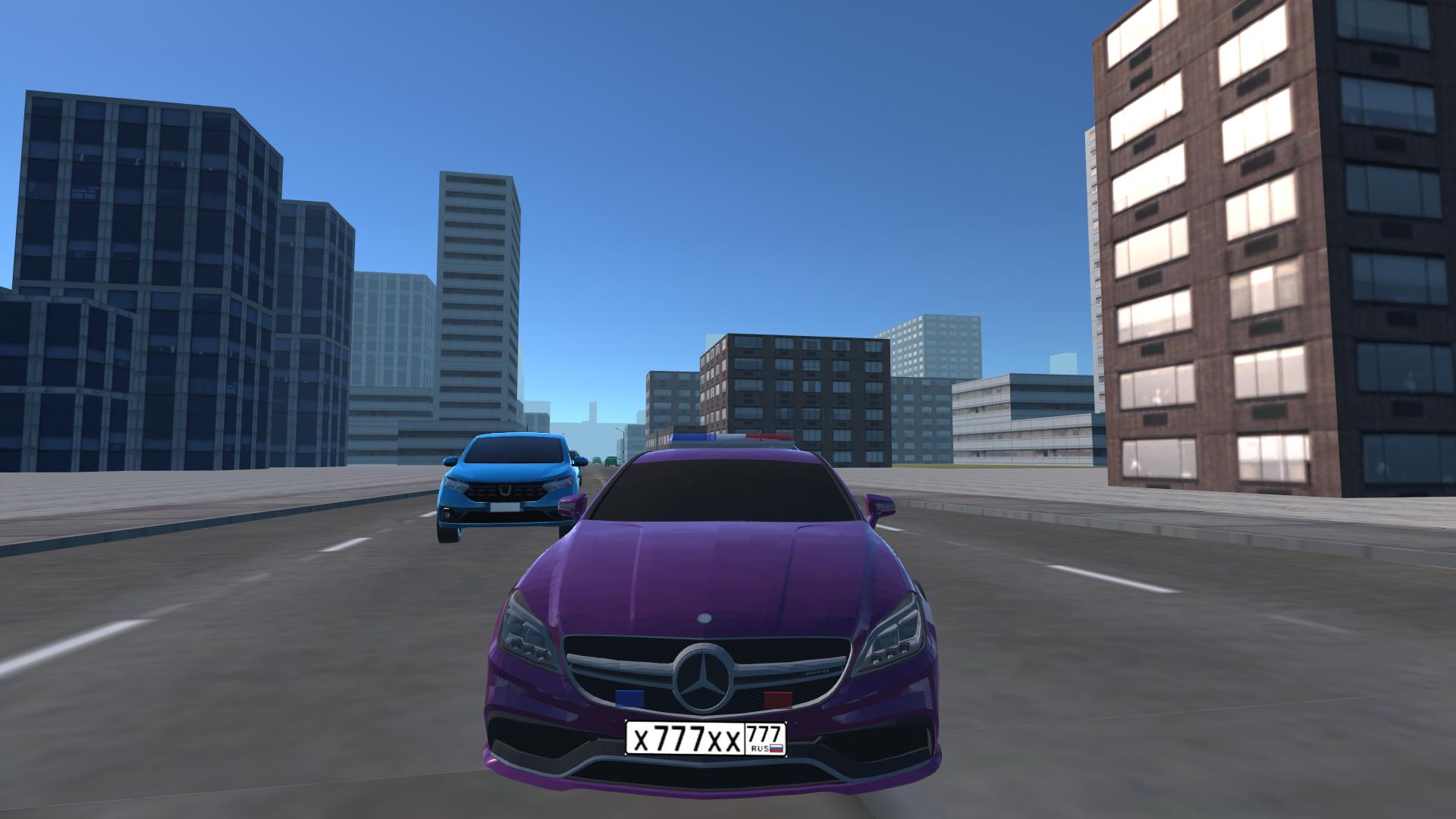
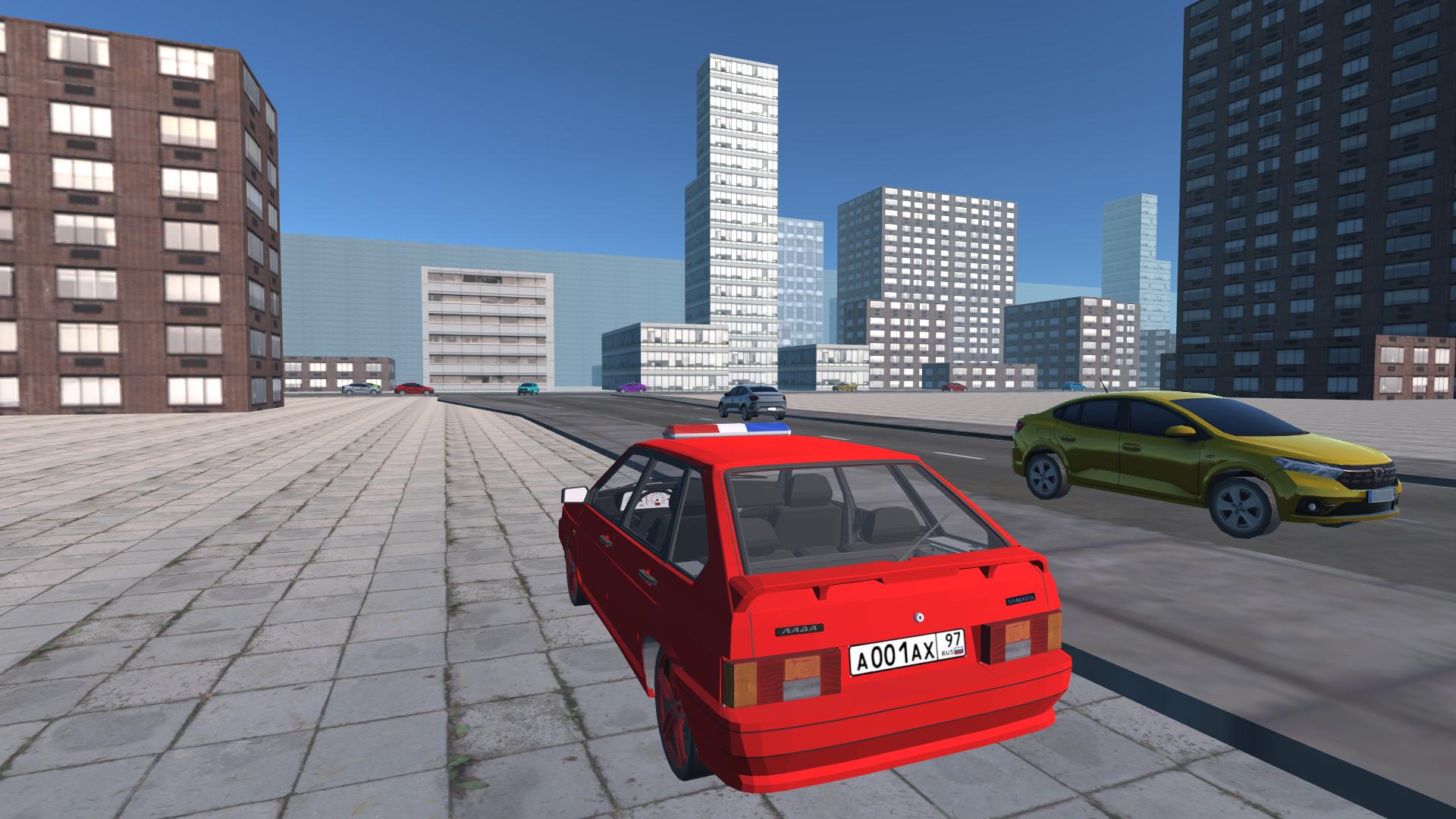
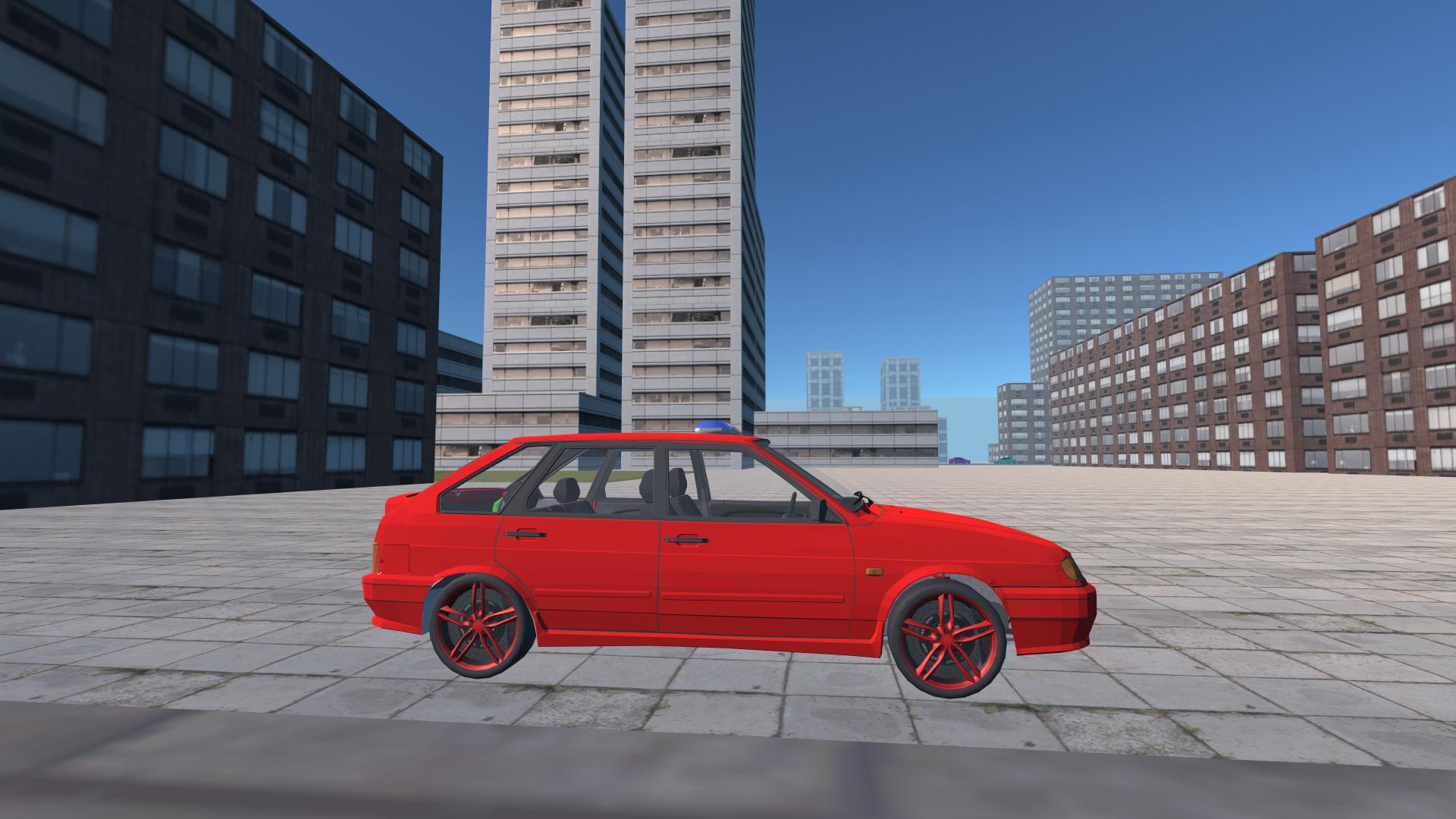
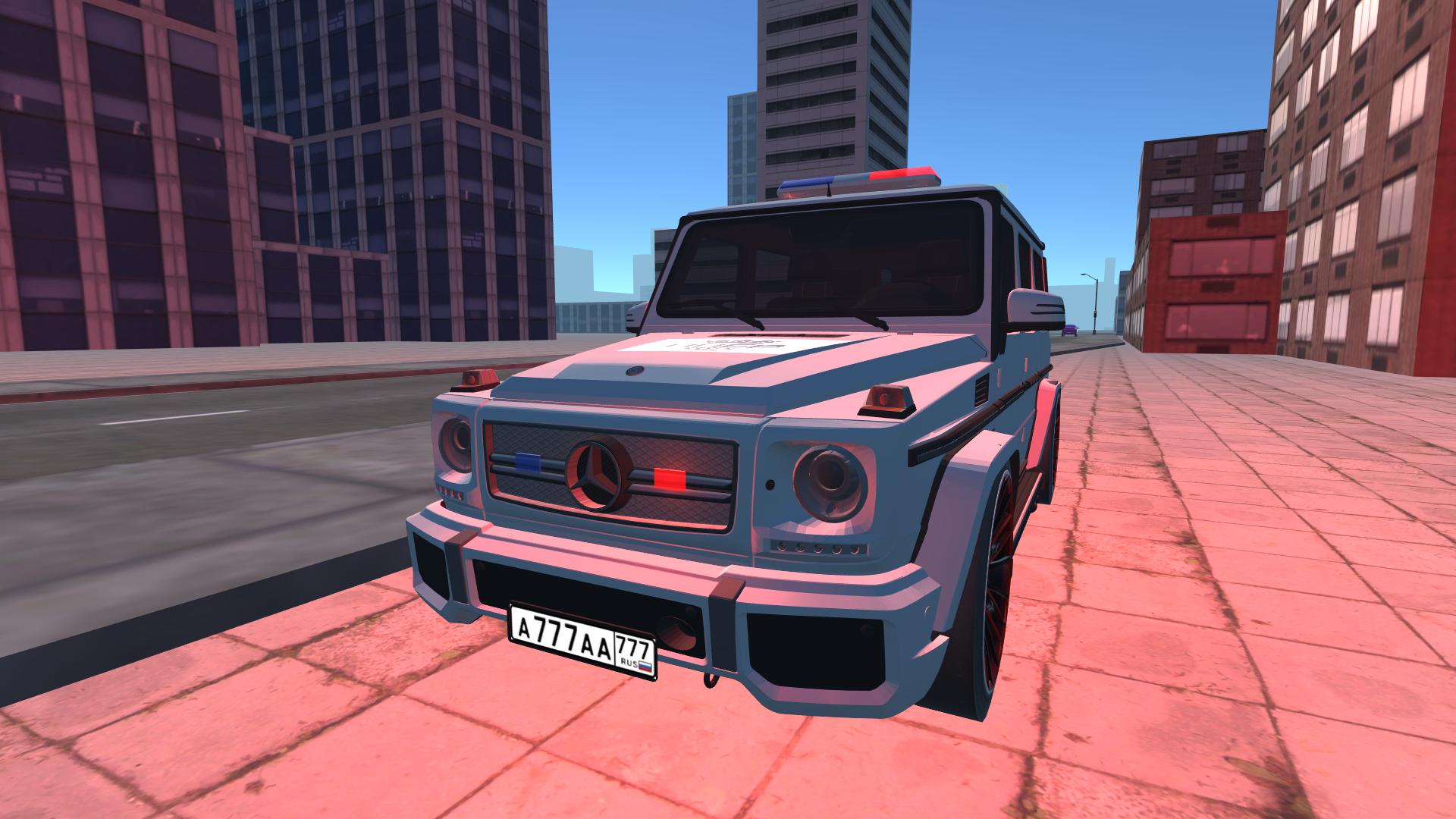
Burn rubber across sprawling urban streets as you master the art of the perfect slide in Fast City Drift. You will navigate tight corners and open boulevards, pushing your engine to the limit while sirens blaze and lights flash to clear your path. Customization sits at the heart of the experience, allowing you to tweak every detail of your vehicle to suit your personal style. Whether you are aiming for high-speed precision or purely satisfying drift simulator physics, the streets serve as your personal playground. Multiple siren patterns and horn signals add a layer of authenticity to your high-octane patrols through the metropolis. This 3d racing experience captures the intensity of street culture without requiring a massive install or high-end hardware. You can even experiment with different camera angles to capture your best moves from the most cinematic perspectives. Experience the ultimate drift race right now directly in your browser with zero downloads required.
How to play
RCM - moving the camera
Driving controls: WASD or arrow keys
"SPACE" key for handbrake
"C" key to change camera view
Key "F" for acceleration
The "E" key is to honk the signal 1
The "R" key is to honk the signal 2
The "T" key is to honk the signal 3
The "Y" key is to honk the signal 4
For mobile devices, use the in-game interface and your fingers.
Features
- Siren Customization: Toggle between four unique emergency signal sounds to clear traffic during your high-speed runs.
- Dynamic Camera System: Rotate and adjust your perspective in real-time to find the best angle for recording your coolest drifts.
- Performance Tuning: Modify your car to improve handling and speed for better control during intense cornering maneuvers.
- Interactive Environment: Utilize the handbrake mechanics to pull off sharp turns and maintain momentum through congested city blocks.
- Immediate Accessibility: Jump straight into the action with responsive controls designed for both keyboard precision and mobile touch interfaces.
Who is it for
Fans of high-speed racing and drift simulator enthusiasts who crave urban exploration will find endless fun here. Gearheads who enjoy customizing their ride with unique siren kits and performance tweaks will feel right at home. It is a top choice for players wanting quick, adrenaline-fueled browser sessions.
Controls
Steer and drive
Use WASD or arrow keys on desktop, or the on-screen joystick on mobile.
Handbrake
Press SPACE on your keyboard or the dedicated drift button on the mobile UI.
Camera control
Right-click and drag the mouse or swipe across the touchscreen to rotate your view.
Siren and horn
Press keys E, R, T, or Y on your keyboard or tap the signal icons on your mobile screen.
Boost
Press the F key or the accelerator button in the mobile interface.
FAQ
Can I play Fast City Drift on my phone?
›
Yes, Fast City Drift is fully optimized for mobile devices and supports touch controls through the in-game interface.
Does Fast City Drift require a download?
›
No, you can play Fast City Drift directly in your web browser without installing any files.
How do I customize my car in Fast City Drift?
›
You can access the tuning menu to modify your vehicle performance and siren settings to create your own exclusive ride.