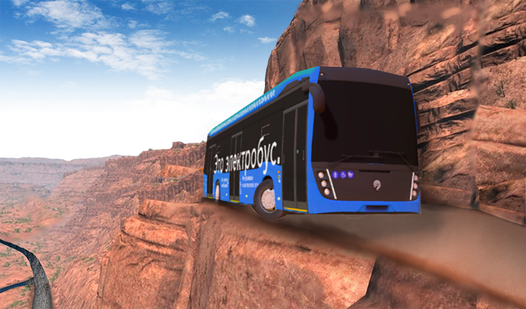
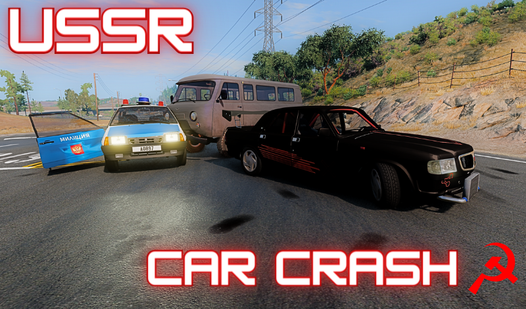
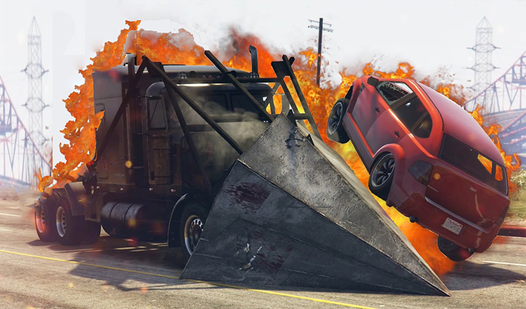
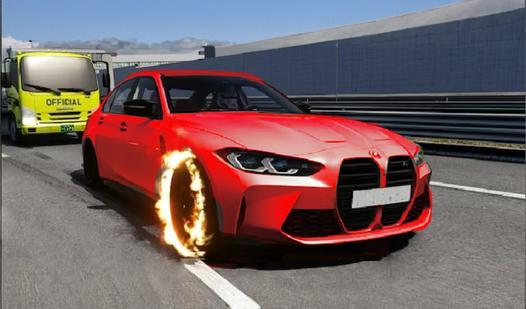
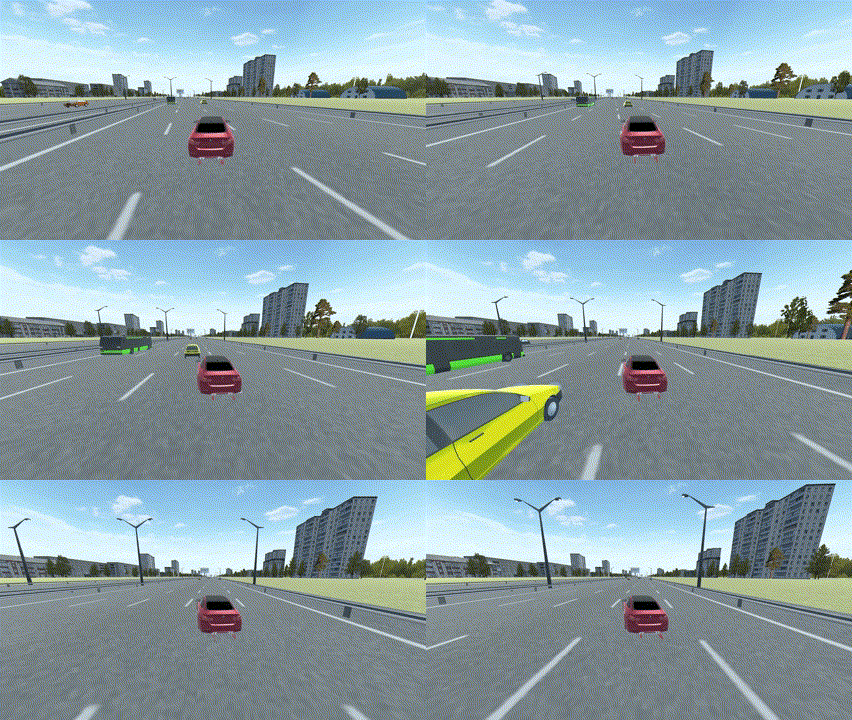
About game
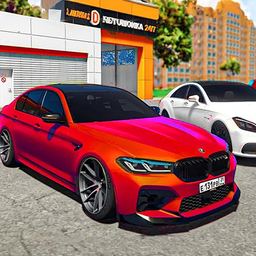
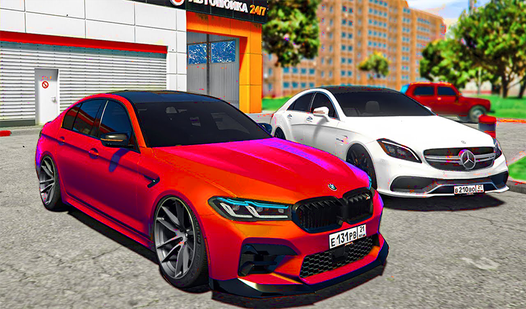
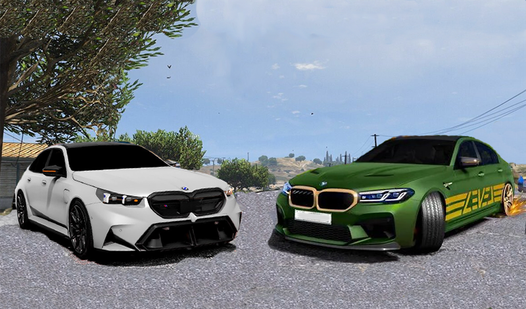
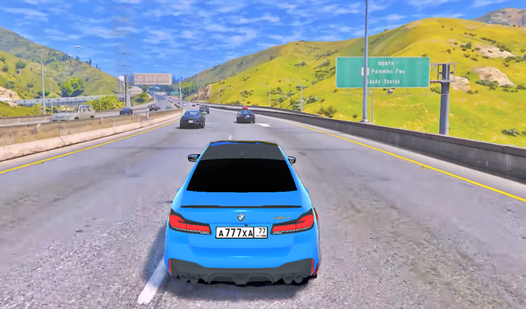
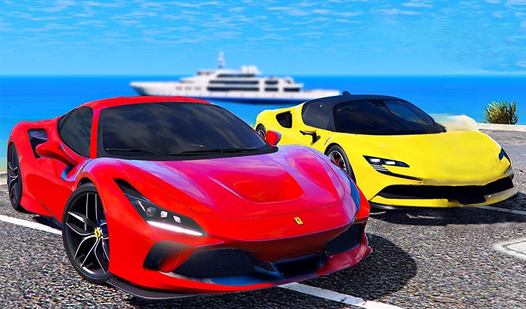
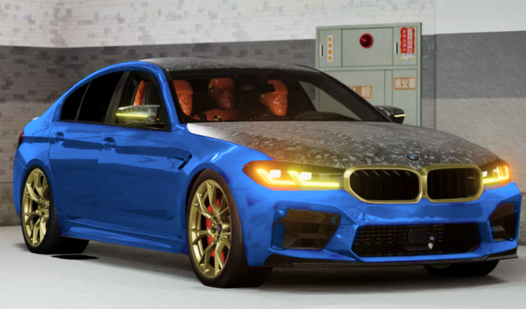
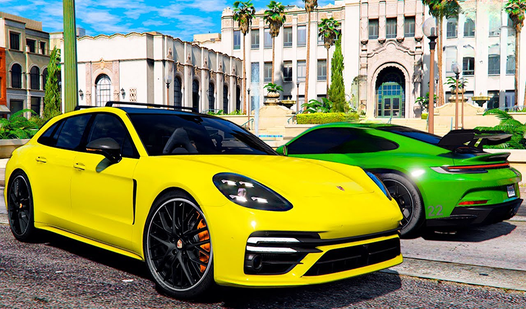
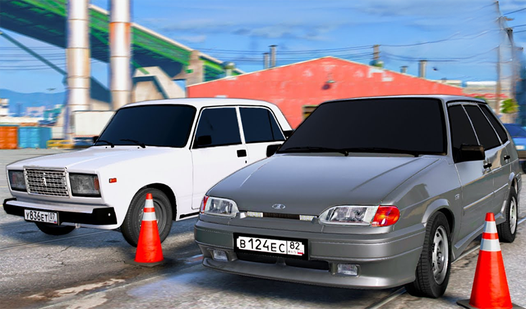
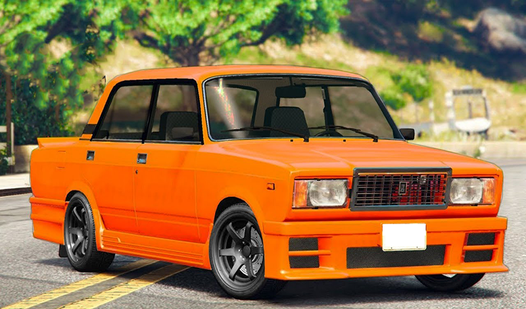
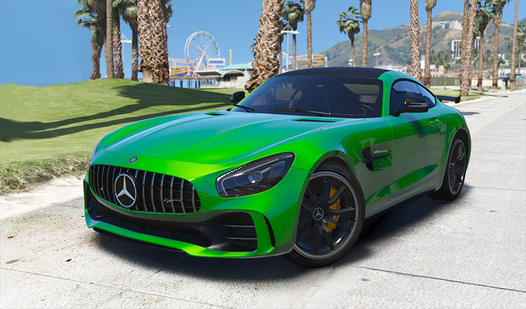
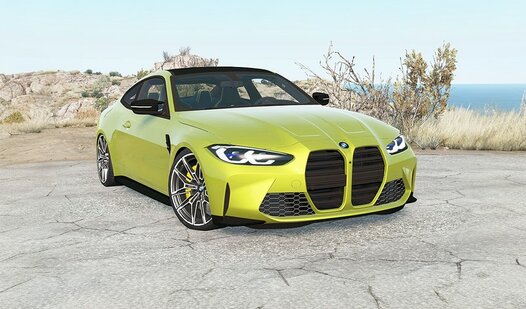
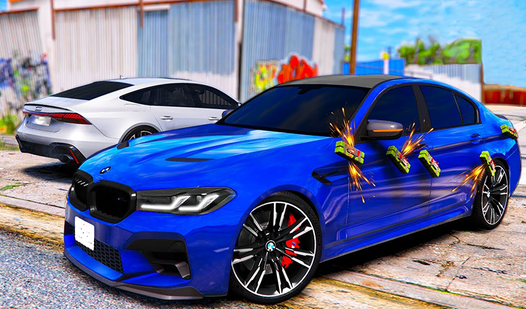
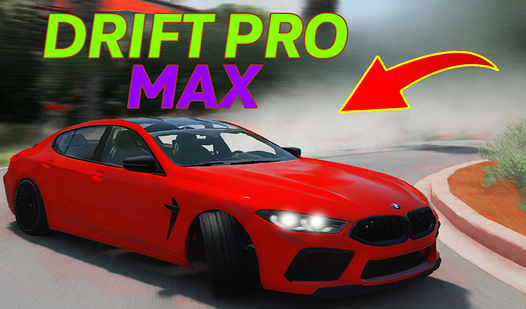
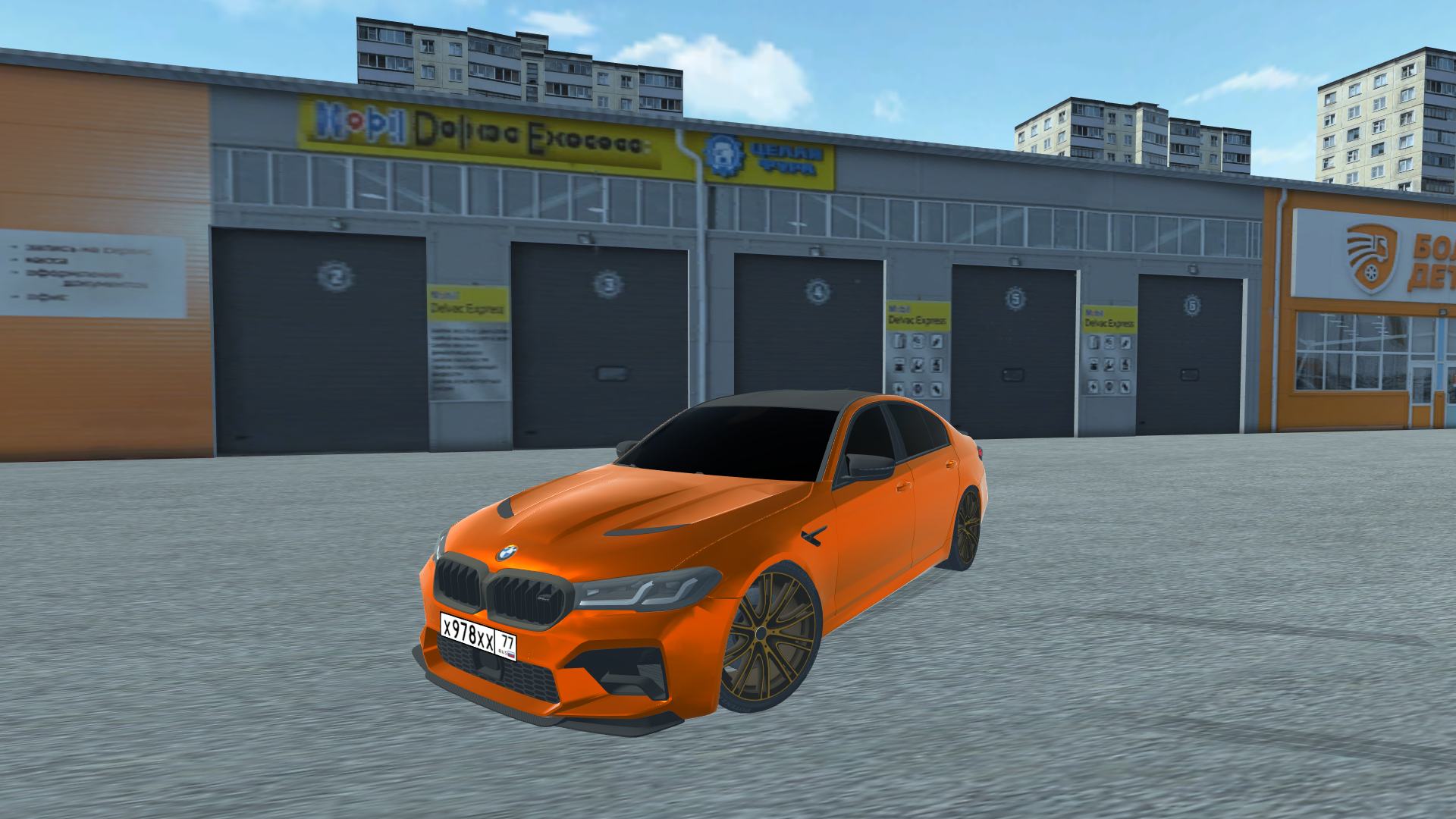
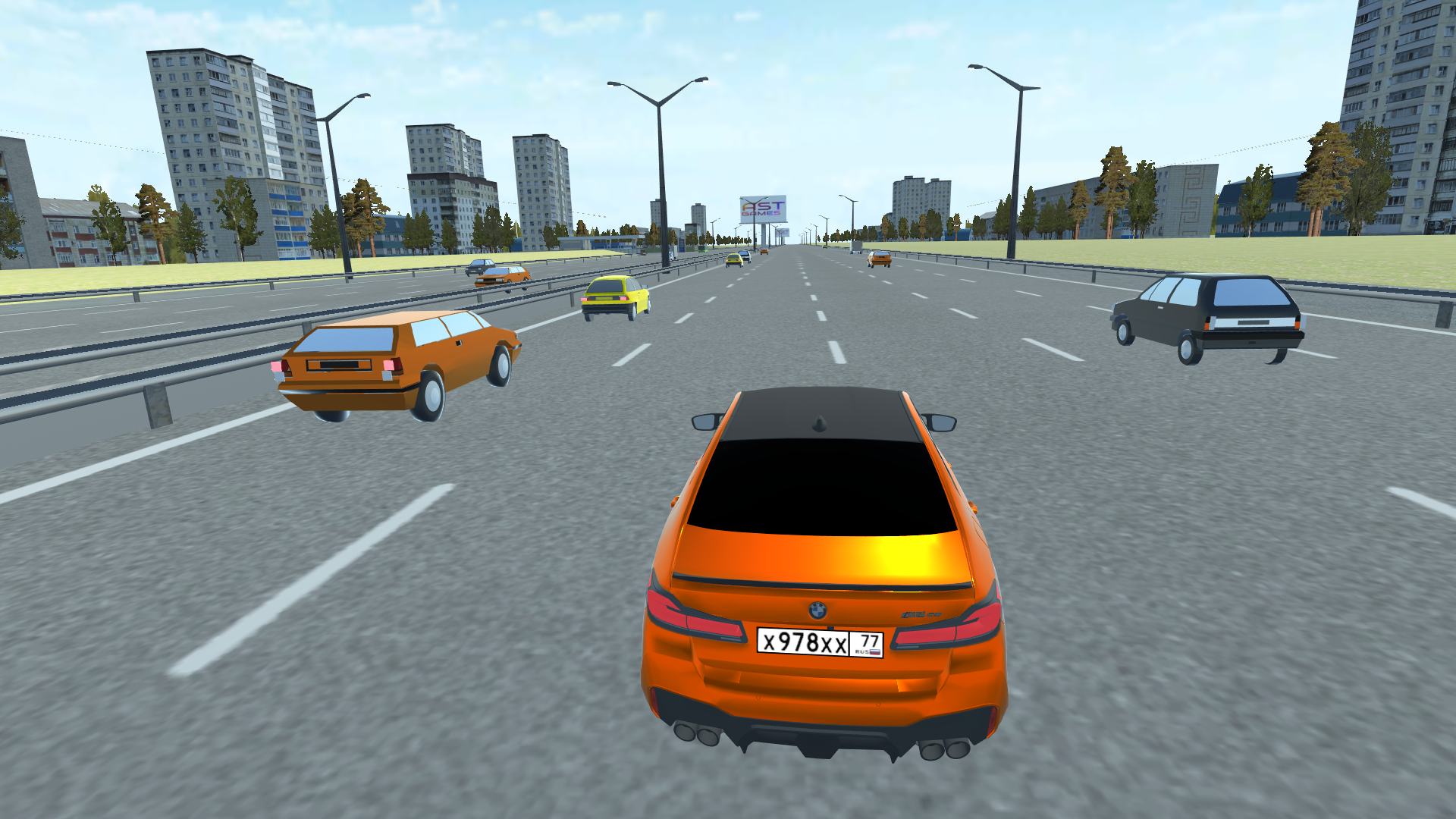
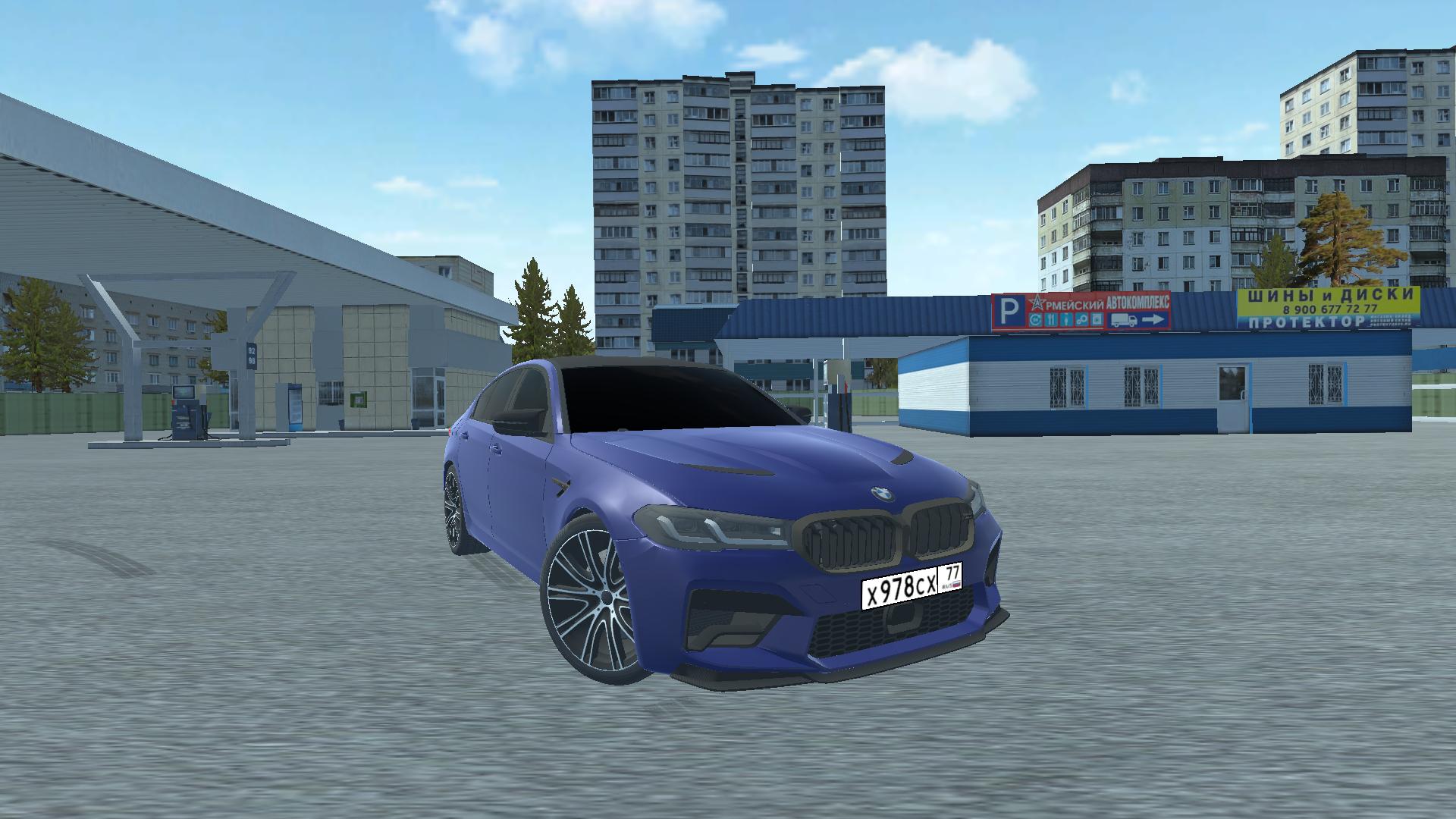
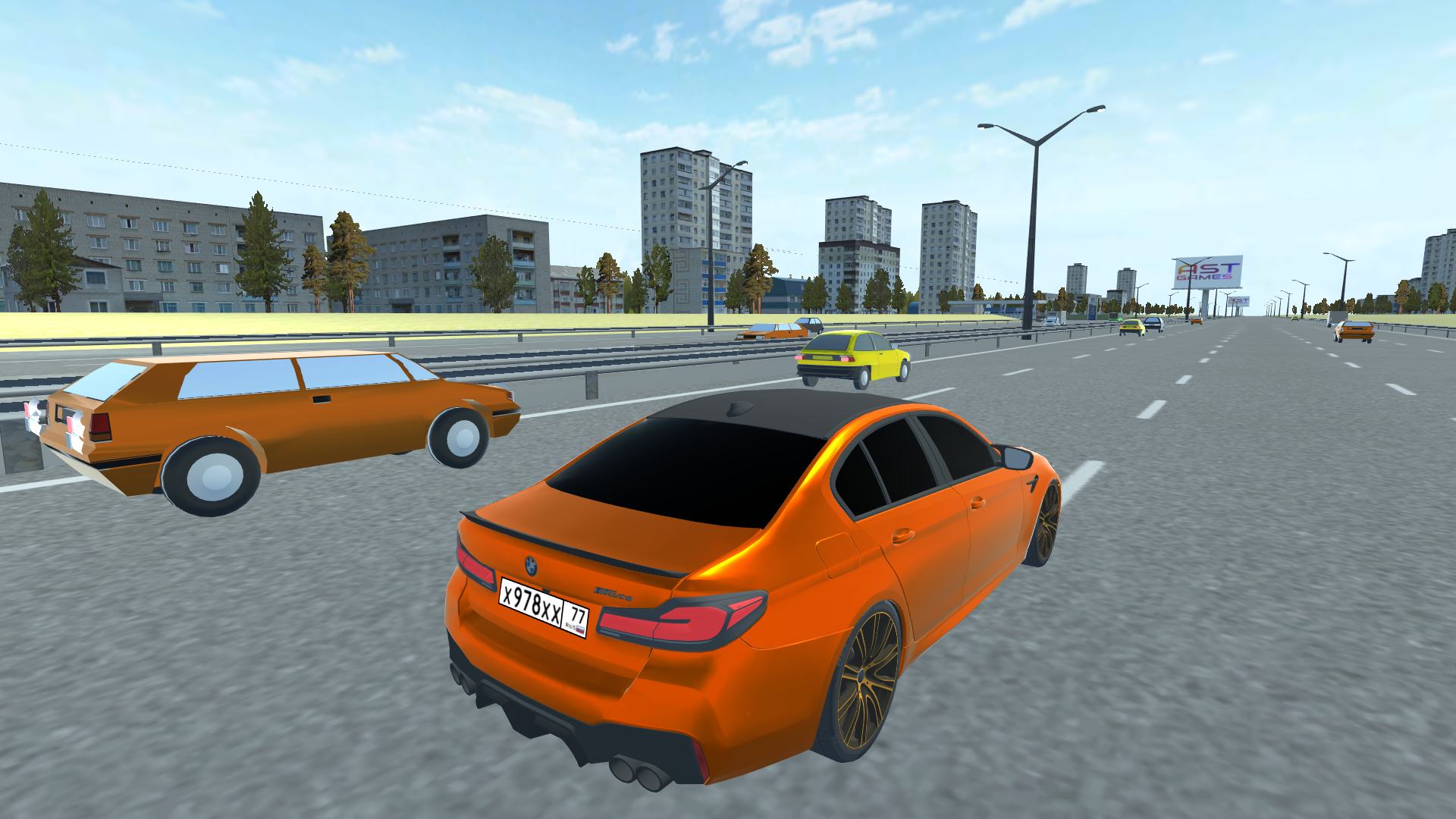
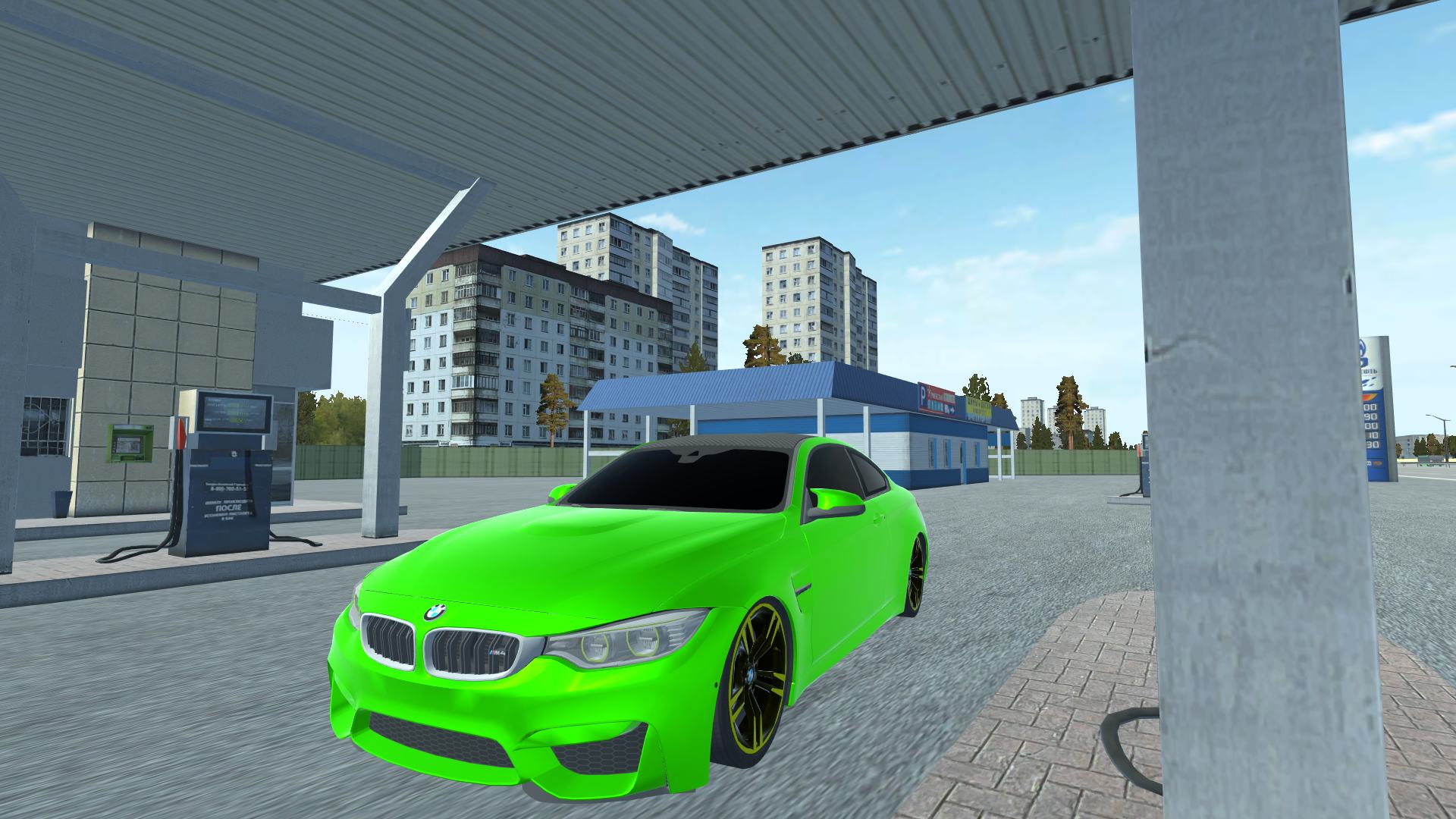
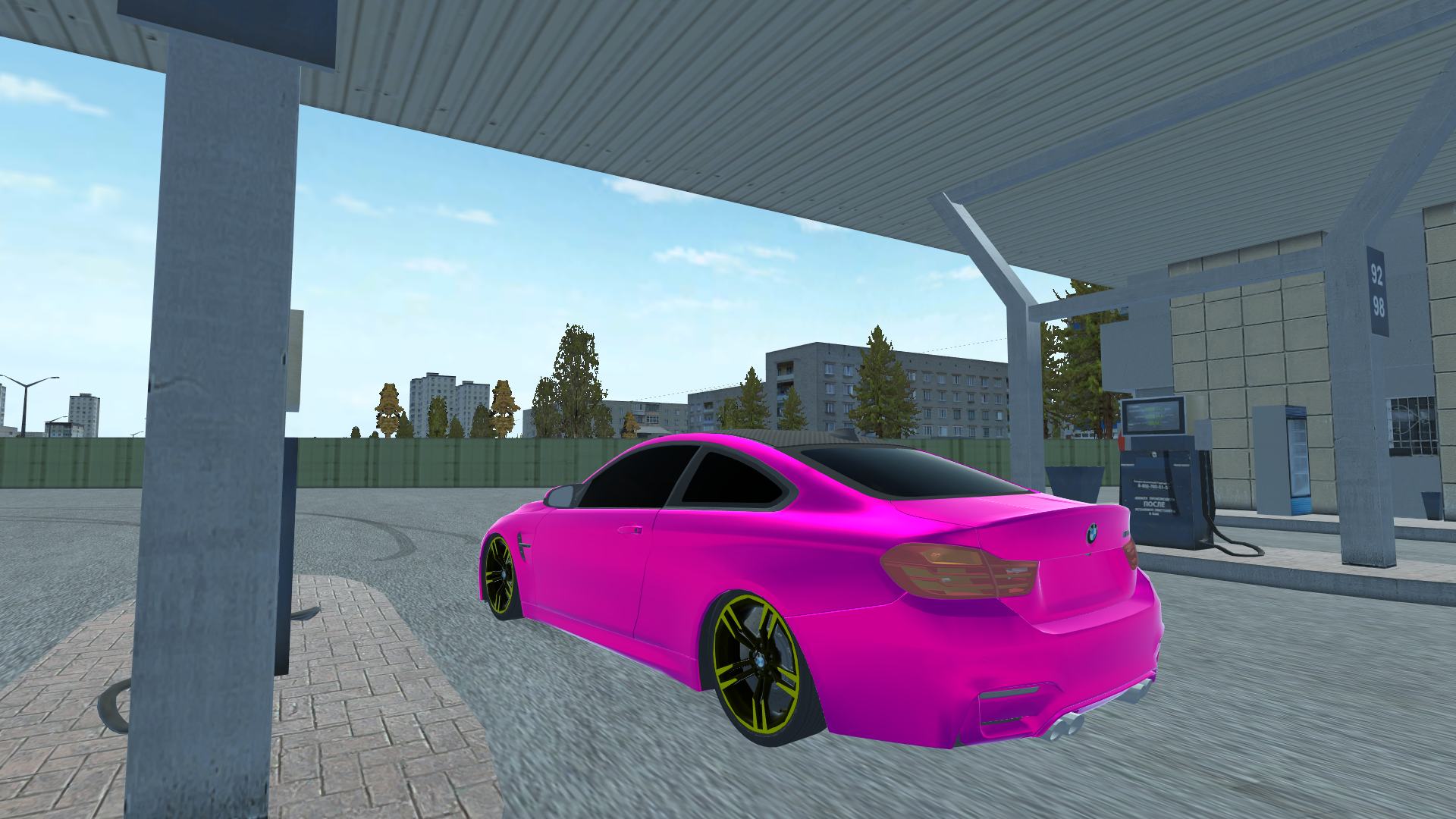
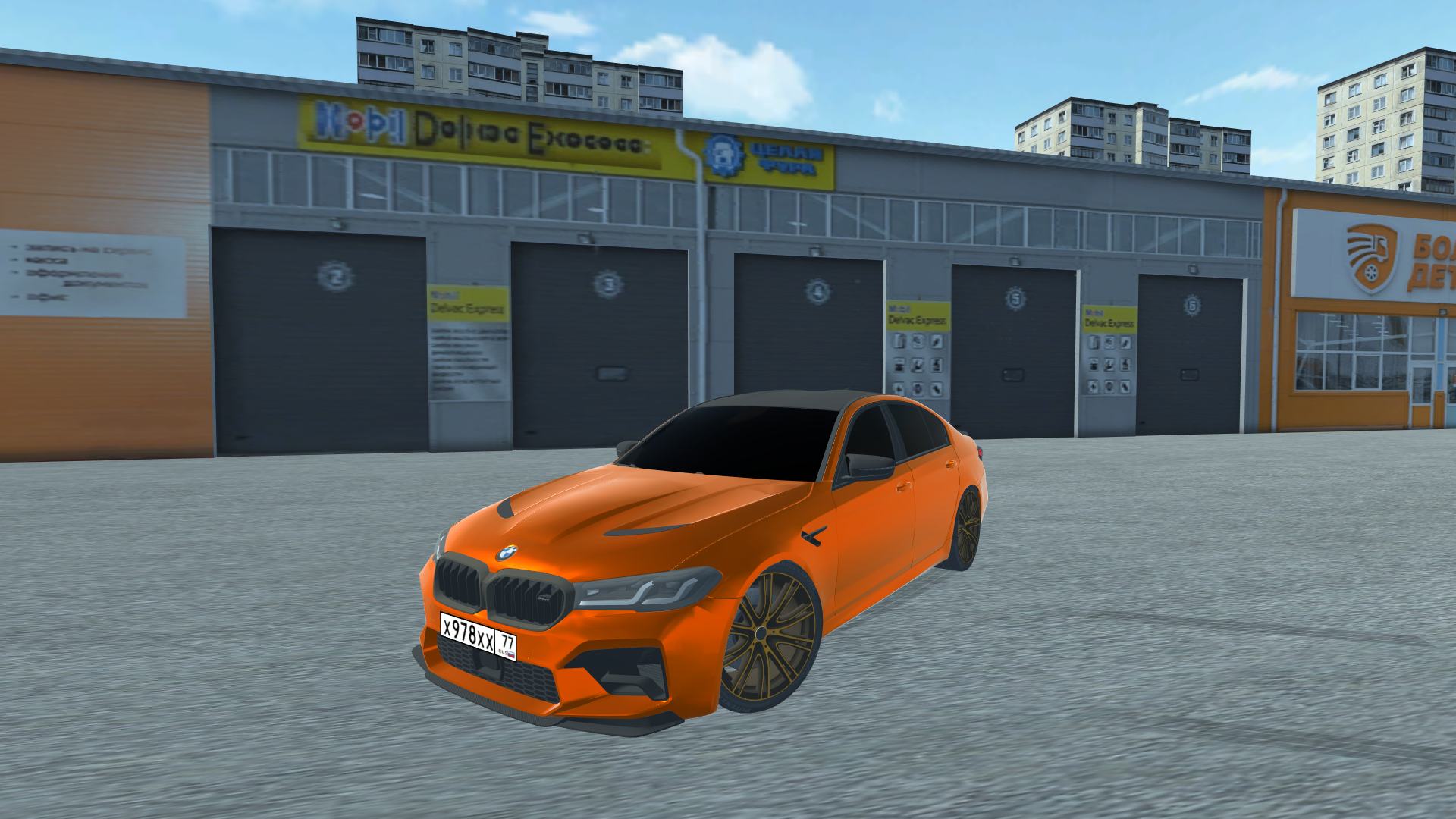
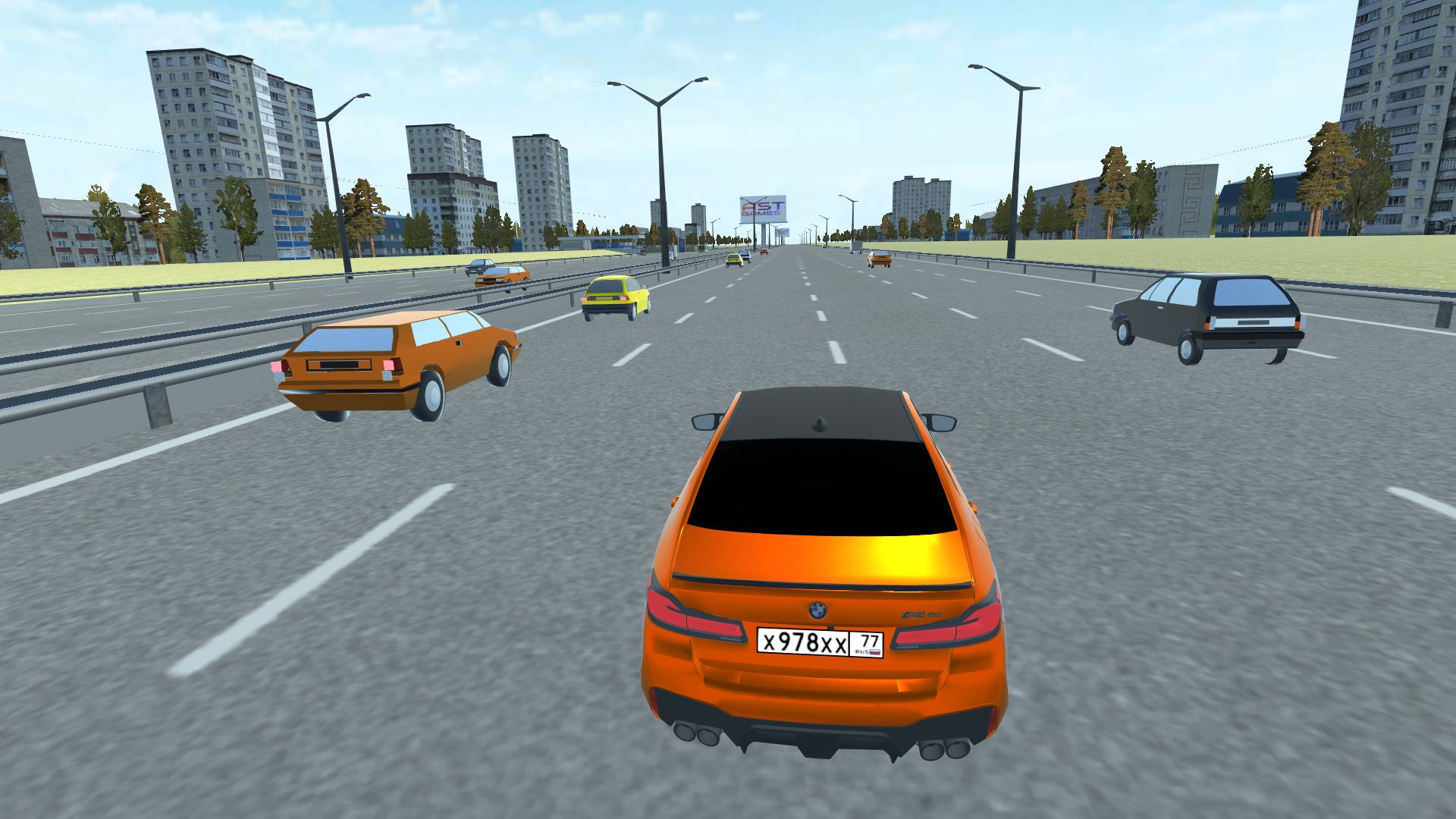
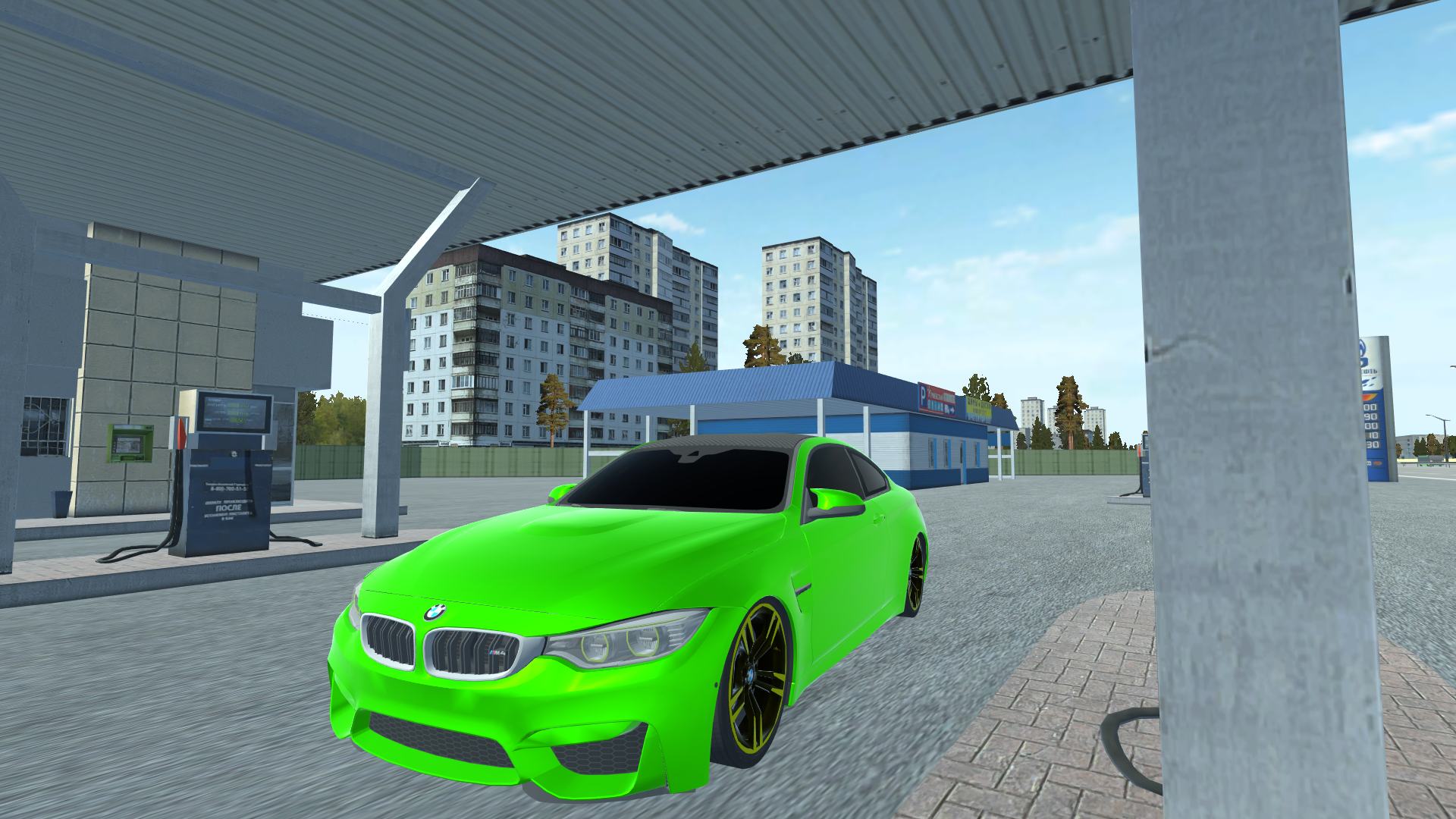
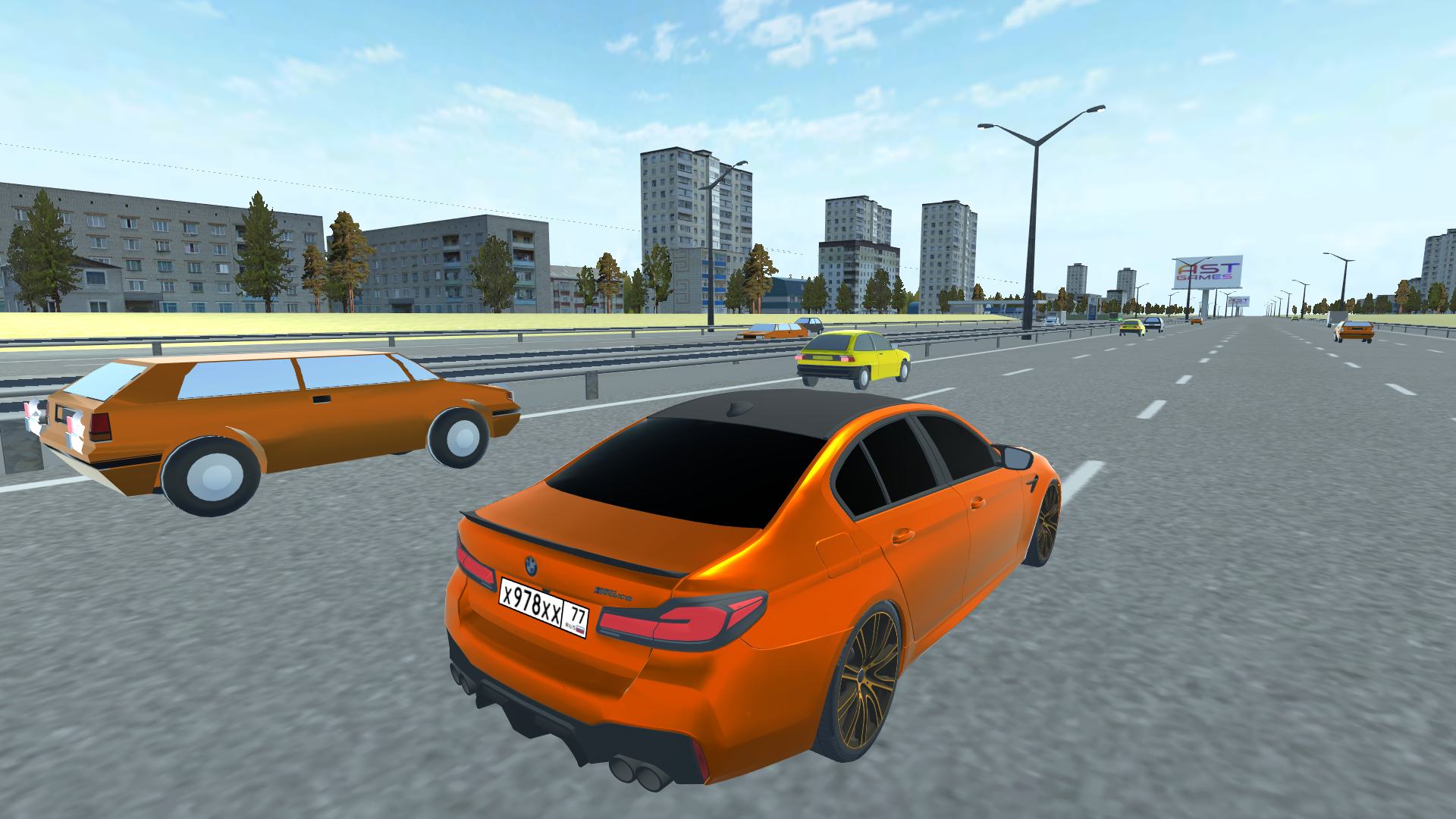
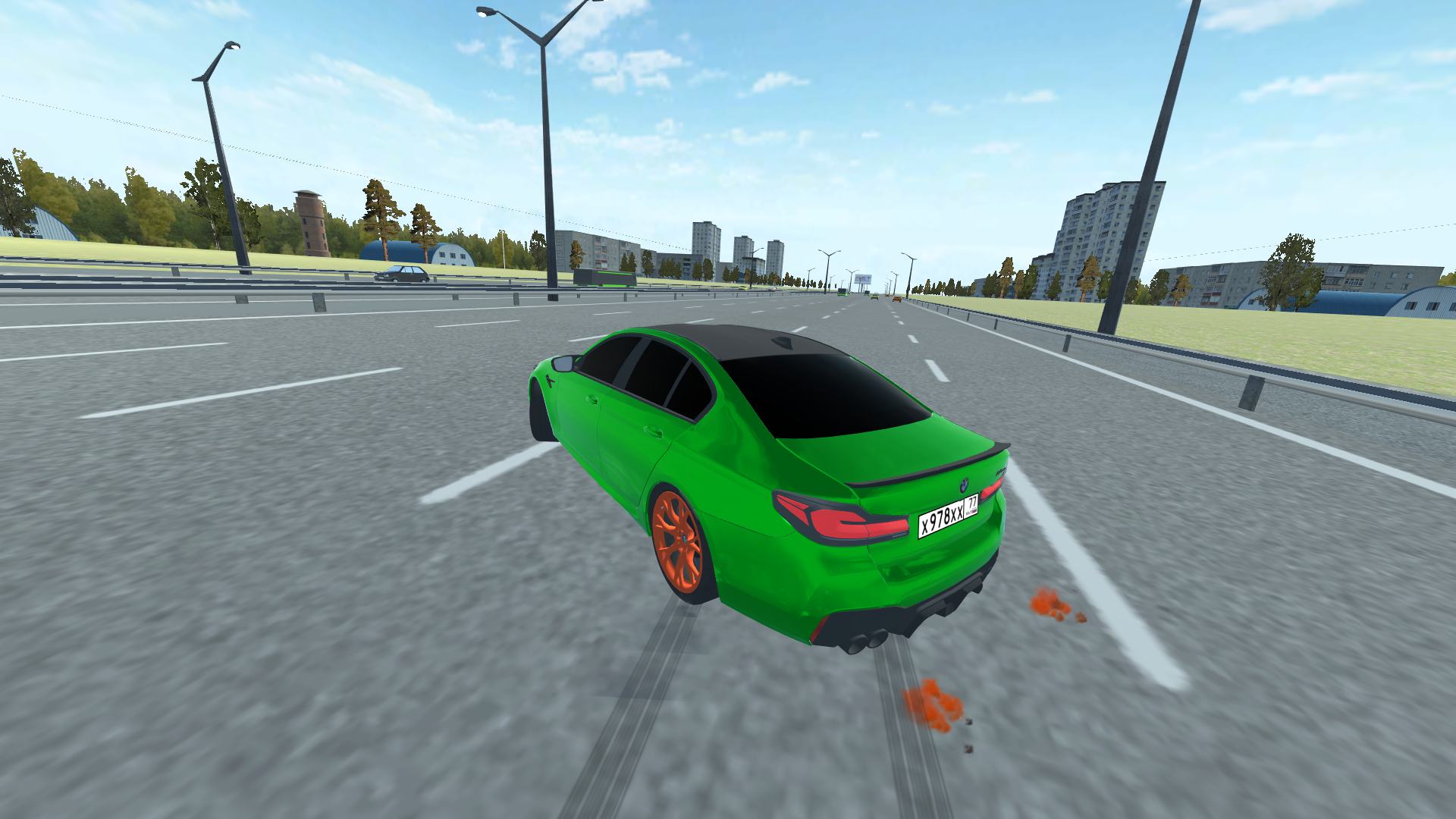
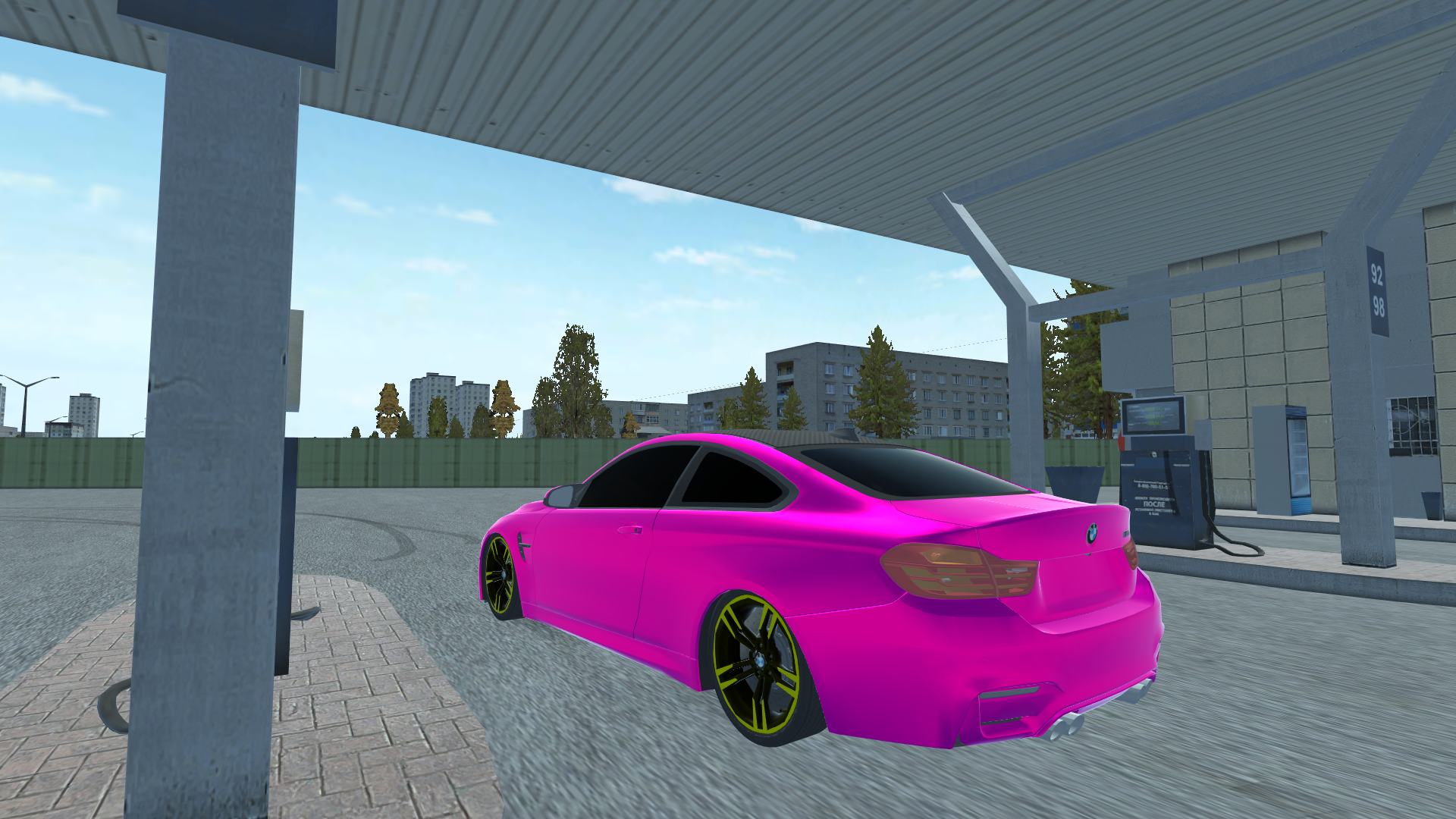
Navigate your powerful vehicle through dense highway congestion while mastering the art of the perfect drift in Traffic. You will weave between slow-moving commuters, testing your reflexes as you push your engine to the limit on busy city streets. Every turn demands precision, forcing you to balance speed and stability to avoid catastrophic collisions. Drift in Traffic offers a deep customization system, letting you modify your ride to match your personal style before hitting the asphalt. As you climb the ranks, the intensity increases, requiring expert mastery of your steering and braking systems. The game shines with its realistic physics, making every slide feel authentic and rewarding for dedicated speed demons. High-quality visuals ensure that every race looks sharp, keeping you immersed in the chaos of high-speed urban navigation. Experience this adrenaline-fueled simulator completely free in your browser with zero downloads required.
How to play
LMB - move the camera
Controls - WASD or arrow keys
Space - handbrake
C key - change camera view
F key - boost
O key - eco mode
Q key - drift mode
E key - sport mode
Features
- Performance tuning: Upgrade your engine and handling stats to gain a competitive edge during intense highway maneuvers.
- Dynamic camera control: Toggle between multiple cinematic perspectives to get the perfect view of your surroundings during high-speed drifts.
- Multiple driving modes: Switch between eco, sport, and drift modes on the fly to adapt your car's behavior to the current road conditions.
- Interactive environment: Test your skills against unpredictable AI traffic patterns that keep every run feeling fresh and challenging.
- Nitro integration: Use the boost feature strategically to clear gaps in traffic and regain momentum after tight corners.
Who is it for
Adrenaline junkies and fans of high-speed driving simulators will find this experience addictive. Competitive gamers who enjoy mastering technical mechanics and traffic-dodging challenges will appreciate the precision required. Casual racers looking for a quick, 3d, browser-based thrill ride will love the accessible yet deep car customization mechanics.
Controls
Steering and movement
Use WASD keys or arrow keys on desktop; swipe on touchscreen to change lanes.
Drift and sports modes
Press Q for drift mode, E for sport mode, or O for eco mode.
Speed and brake
Use the F key for boost and the Space bar for the handbrake.
Camera perspective
Press the C key or tap the screen icon to cycle through camera views.
Look around
Use the Left Mouse Button or tap and drag to rotate the camera view.
FAQ
Is Drift in Traffic free to play?
›
Yes, you can access and play Drift in Traffic directly in your browser without any registration or downloads.
Can I customize my car in Drift in Traffic?
›
Absolutely, the game features a comprehensive tuning system where you can modify your vehicle to improve performance and aesthetics.
How do I perform a perfect slide in Drift in Traffic?
›
To drift effectively, activate drift mode with the Q key and use the handbrake to initiate slides while navigating through heavy traffic.