About game
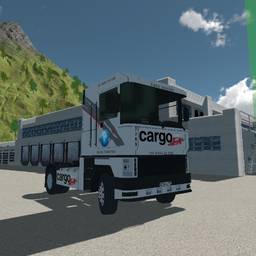
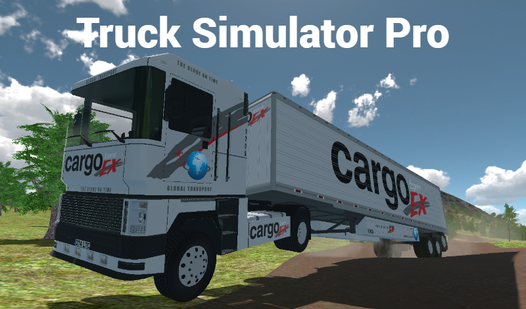
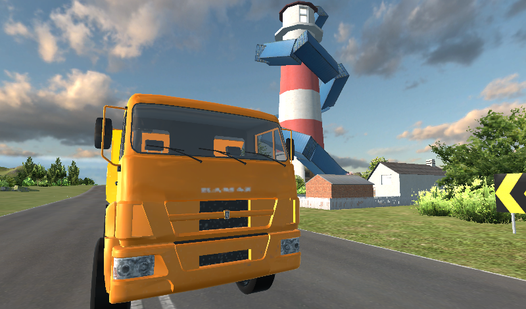
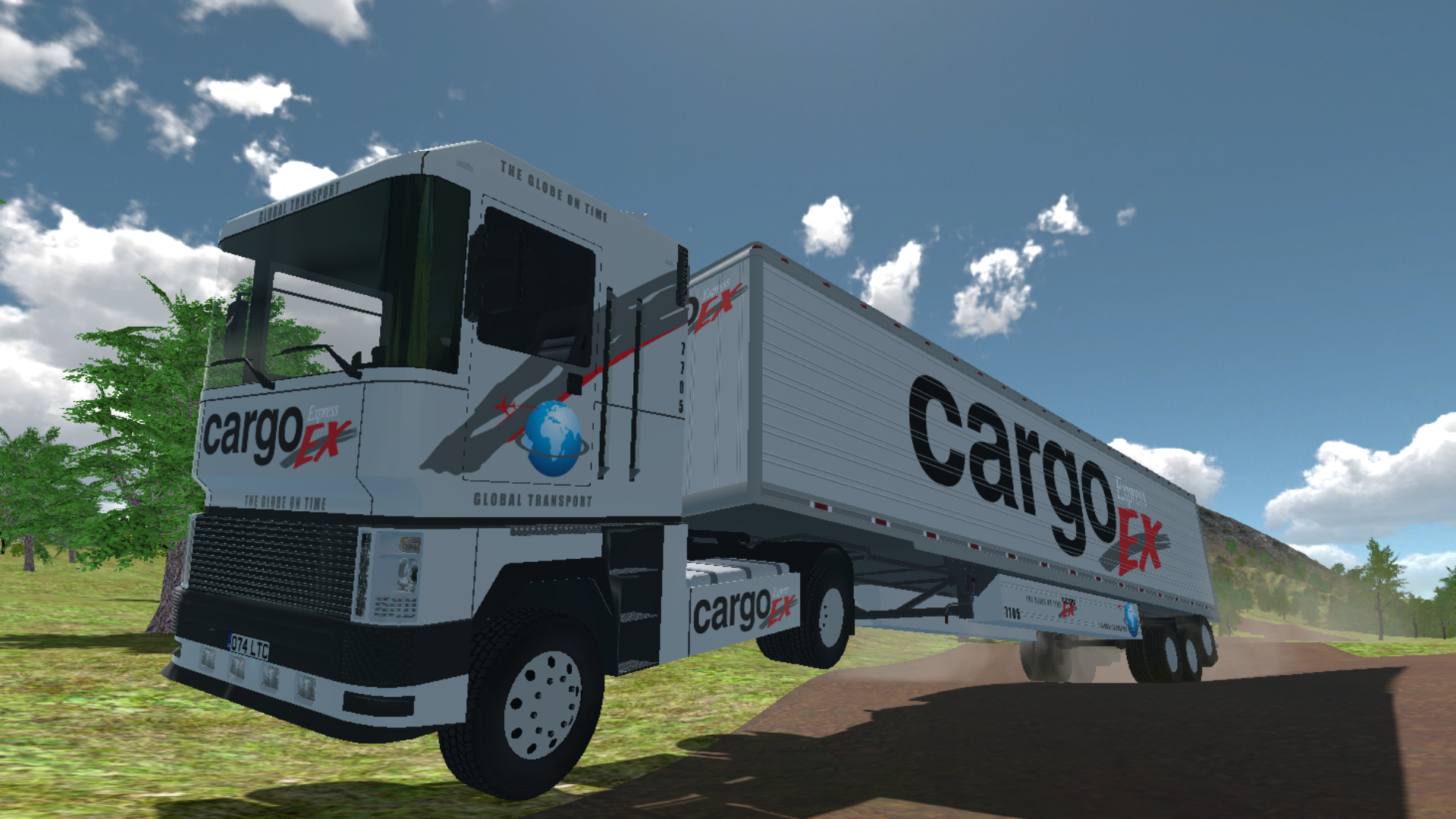
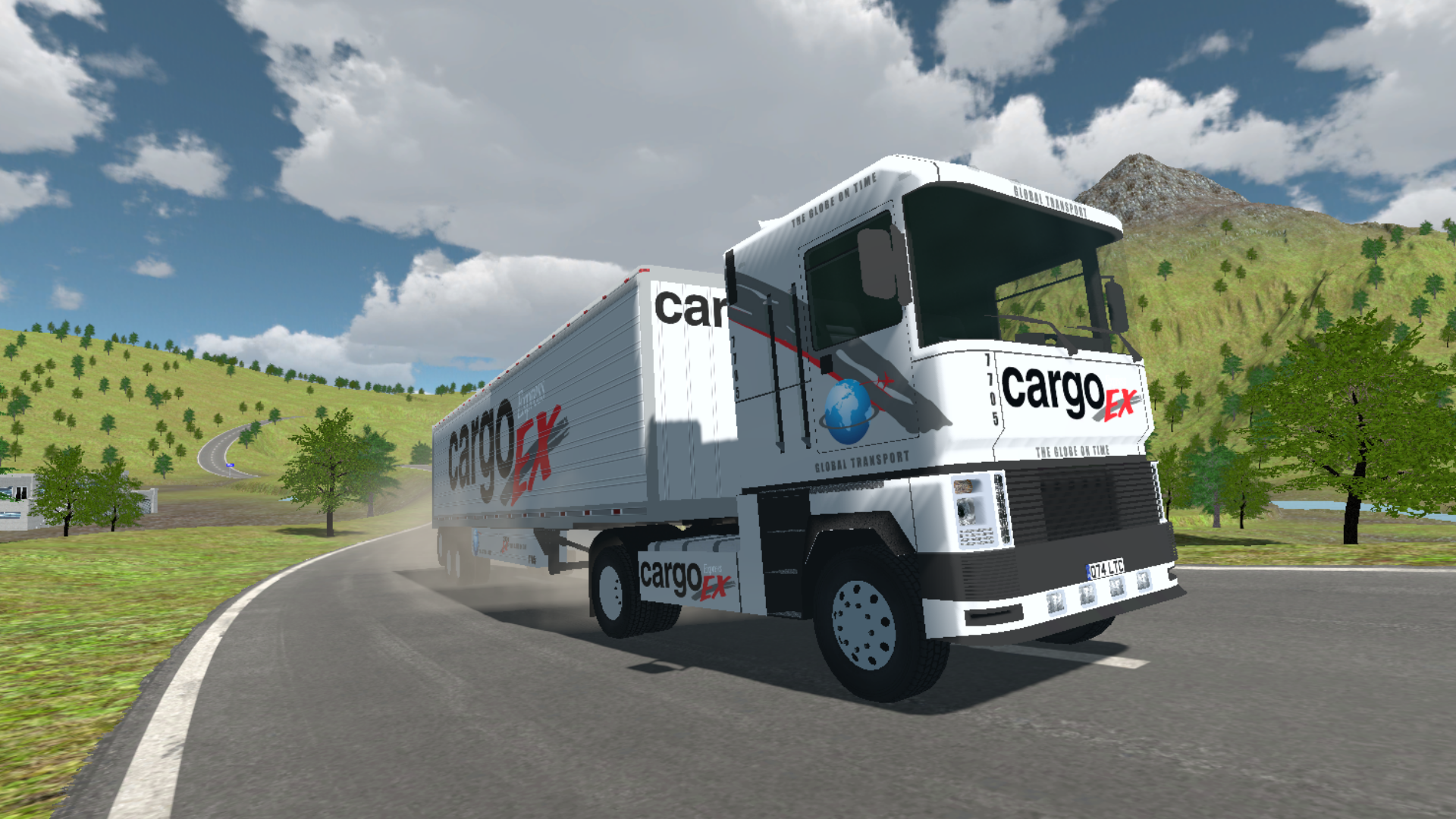
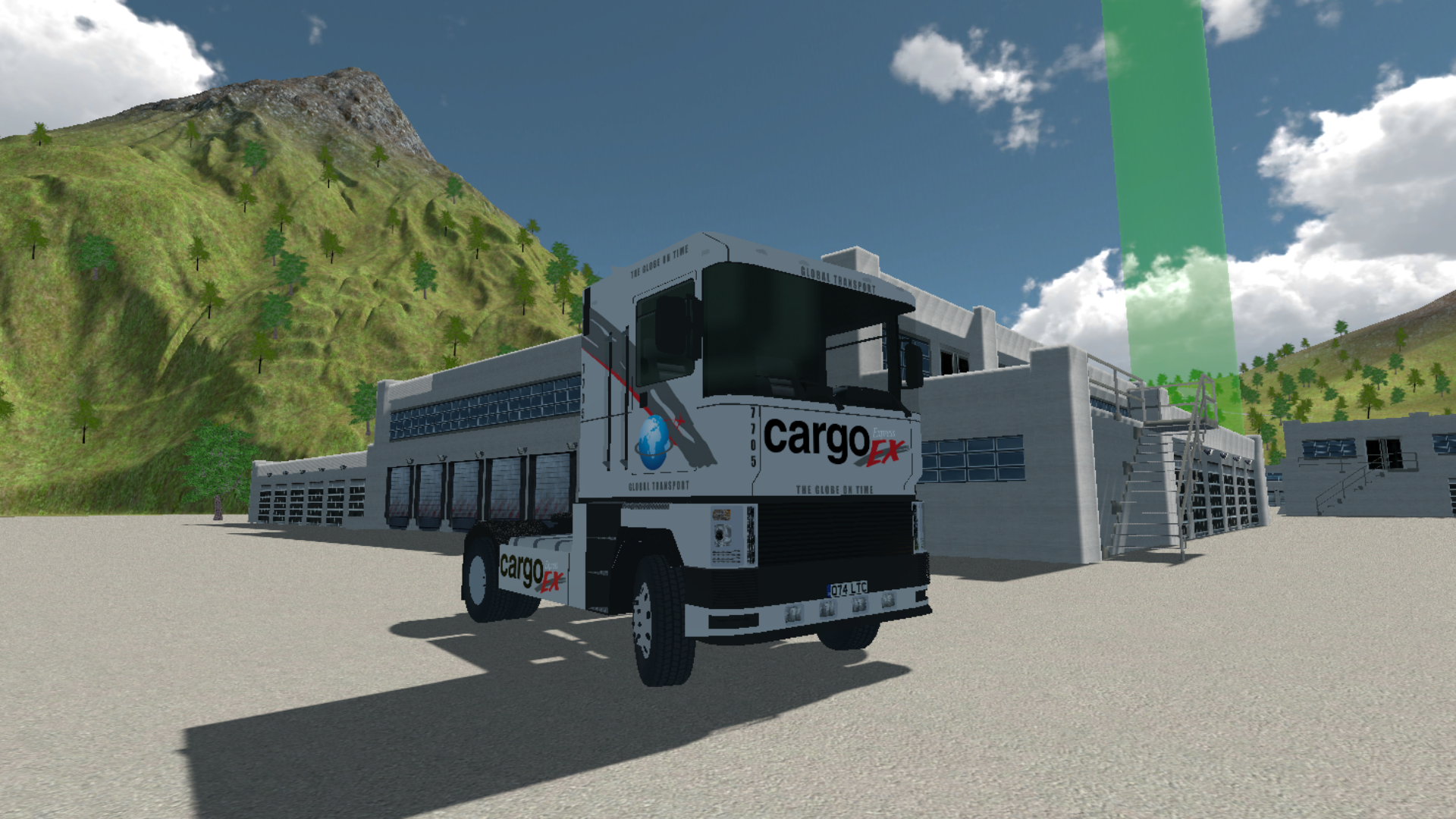
The open road calls to those who crave the rhythmic rumble of a massive engine and the challenge of hauling heavy cargo across vast distances. Truck Simulator Pro transforms your browser into a high-octane cockpit where you manage a powerful vehicle through complex terrain. You will navigate tight turns, follow precise markers, and keep your rig on track while mastering the physics of heavy-duty transport. Smooth handling is essential as you toggle turn signals, engage high beams for visibility, and manage your speed. This simulator tests your precision behind the wheel as you drift around corners or park in challenging spots. Beyond the simple commute, every route presents a fresh test of your driving skills and focus. Experience the life of a professional trucker with realistic controls that make every delivery feel like a genuine achievement. Jump behind the wheel and start your trucking career for free right in your browser with no download required.
How to play
Arrow keys and WASD - control the car.
Spacebar - handbrake.
Key "C" - to change the camera view.
Key "Z" - left turn signal
Key "X" - right turn signal
Key "L" - low beam
Key "K" - low beam
"Shift" key - acceleration
Key "J" - emergency signal
Features
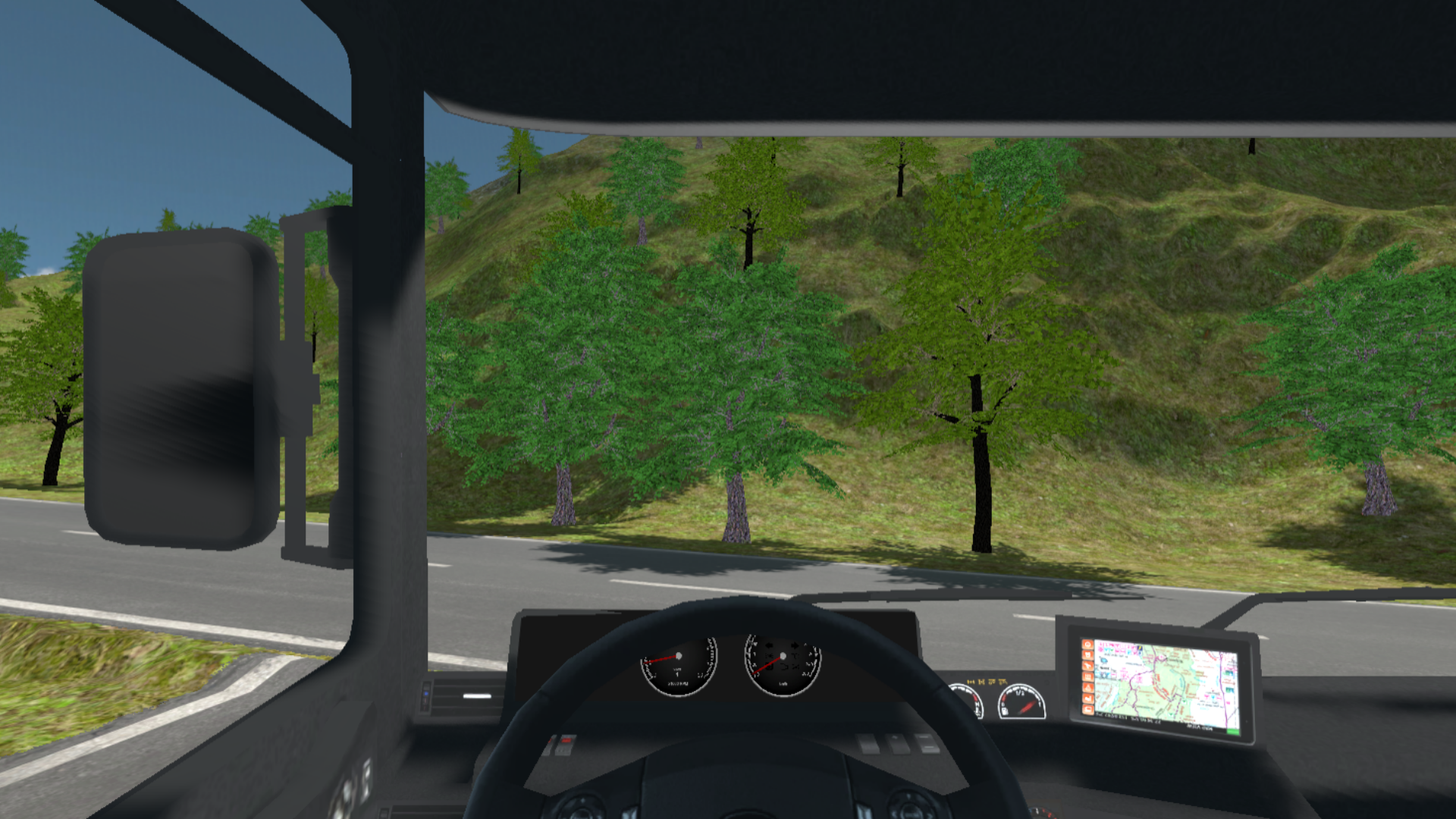
- Dynamic camera system: Switch between multiple perspectives to get the perfect view of your surroundings while maneuvering.
- Signal management: Use a full set of lights and indicators to practice realistic driving safety protocols on the road.
- Precision braking: Master the use of the handbrake to handle sharp turns and sudden stops without losing control of your cargo.
- Acceleration boost: Utilize the shift key to gain extra speed on long straightaways when you need to make up time.
- Emergency signaling: Activate hazard lights to warn other imaginary drivers when you pull over or face unexpected obstacles.
Who is it for
Driving simulation enthusiasts who enjoy realistic vehicle physics and open-world exploration. Fans of heavy machinery and trucking culture will find the mechanical controls rewarding, while casual players seeking a relaxing yet focused car driving experience will appreciate the freedom to roam and perfect their parking skills.
Controls
Steering
Use WASD or Arrow Keys to drive and turn.
Handbrake
Press Spacebar to execute sharp drifts or emergency stops.
Camera Toggle
Press C to cycle through viewing angles.
Lights and Signals
Use Z for left, X for right, J for hazards, and L or K for beams.
Mobile controls
Tap on-screen buttons to steer, accelerate, and interact with vehicle lights.
FAQ
Is Truck Simulator Pro available to play on mobile devices?
›
Yes, Truck Simulator Pro is fully optimized for mobile browsers, allowing you to drive using intuitive touch controls.
Do I need to install software to run Truck Simulator Pro?
›
No, Truck Simulator Pro runs directly in your web browser without requiring any downloads or plugin installations.
Can I customize my vehicle in Truck Simulator Pro?
›
While the focus is on mastering your driving skills, Truck Simulator Pro provides a complete set of vehicle lights and controls to simulate a real-world trucking experience.